Text-to-Video AI in 2026: A Complete News Guide to Every Tool, Every Breakthrough

A comprehensive roundup of the text-to-video AI landscape in 2026 — from OpenAI Sora to Google Veo, Runway Gen-3 to Kling, and how Felo Video takes a fundamentally different approach.
If you've been following AI news this year, you've noticed something: the text-to-video space has gone from "promising" to "crowded" in about twelve months.
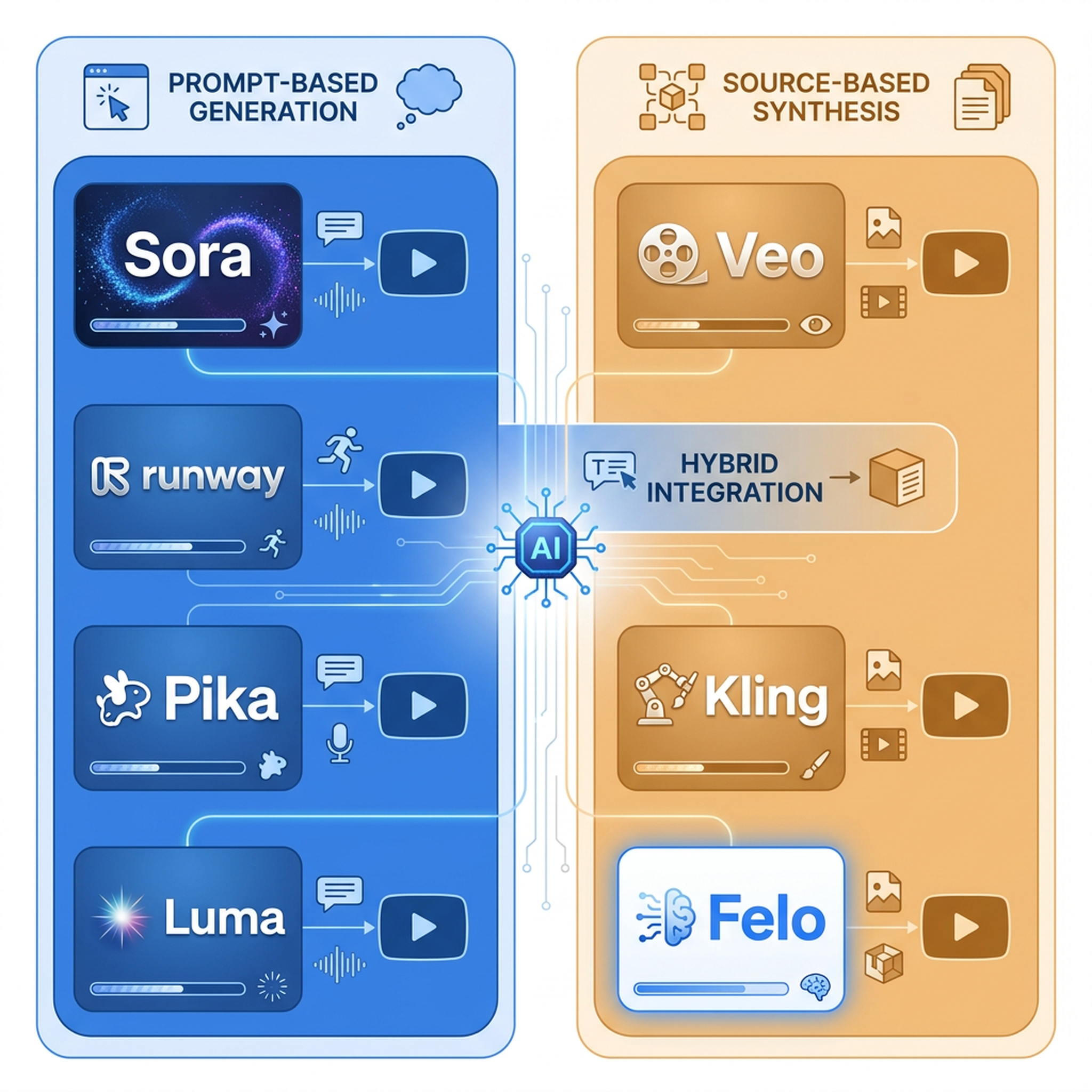
OpenAI Sora finally opened to the public. Google launched Veo 3 with cinematic quality that made half the internet pause. Runway keeps shipping Gen-3 updates. Kling, Luma Dream Machine, Pika, and a dozen others are all in the race.
The question has shifted from "can AI generate video?" to "which tool should you actually use?"
And there's a third question nobody's asking yet: are we using the right kind of text-to-video tool for the job?

The Text-to-Video AI Landscape in 2026
Here's where things stand right now.
OpenAI Sora
Sora was the tool that started the current wave. After months of closed beta, OpenAI opened it to the public with tiered pricing. The quality is undeniable — photorealistic scenes, consistent characters, physics that mostly make sense. But Sora is built for one thing: generating cinematic footage from text descriptions. You type "a golden retriever running through a field at sunset" and you get exactly that.
What you don't get is a video of your product, your report, or your blog post. Sora doesn't understand your content. It generates scenes from prompts, period.
Google Veo 3
Google's Veo 3 raised the bar. Announced with integrated audio generation — the video doesn't just look real, it sounds real. The cinematic quality is arguably the best in the market. Like Sora, Veo is prompt-based: describe a scene, get a video. The integration with Google's ecosystem means potential workflows with YouTube and Google Workspace, but the core mechanic is the same — prompt in, cinematic video out.
Runway Gen-3 Alpha
Runway has been the workhorse of the AI video space since before the current wave hit. Gen-3 Alpha offers strong motion quality, good prompt adherence, and a growing toolkit that includes image-to-video and video-to-video editing. Runway is the tool most creative professionals reach for first, and it shows in the polish. But again — it's a generative tool. You describe what you want to see, and it generates it. Your real content isn't part of the equation.
Kling AI
Kling came out of China with impressive motion quality and a free tier that made it instantly popular. The output is visually strong, especially for character animation and complex motion. Like the others, it's prompt-based — describe, generate, iterate.
Luma Dream Machine
Luma's Dream Machine carved out a niche with fast generation times and decent quality at accessible pricing. It's one of the faster tools in the market, which matters when you're iterating through dozens of prompts. Same prompt-to-video model as the rest.
Pika
Pika focuses on creative control — style transfers, motion brushes, and region-specific editing. It's the most "editor-like" of the generative tools, giving you granular control over what changes in the scene. Still fundamentally a generative tool, not a content-interpretation tool.
The Problem Nobody's Talking About
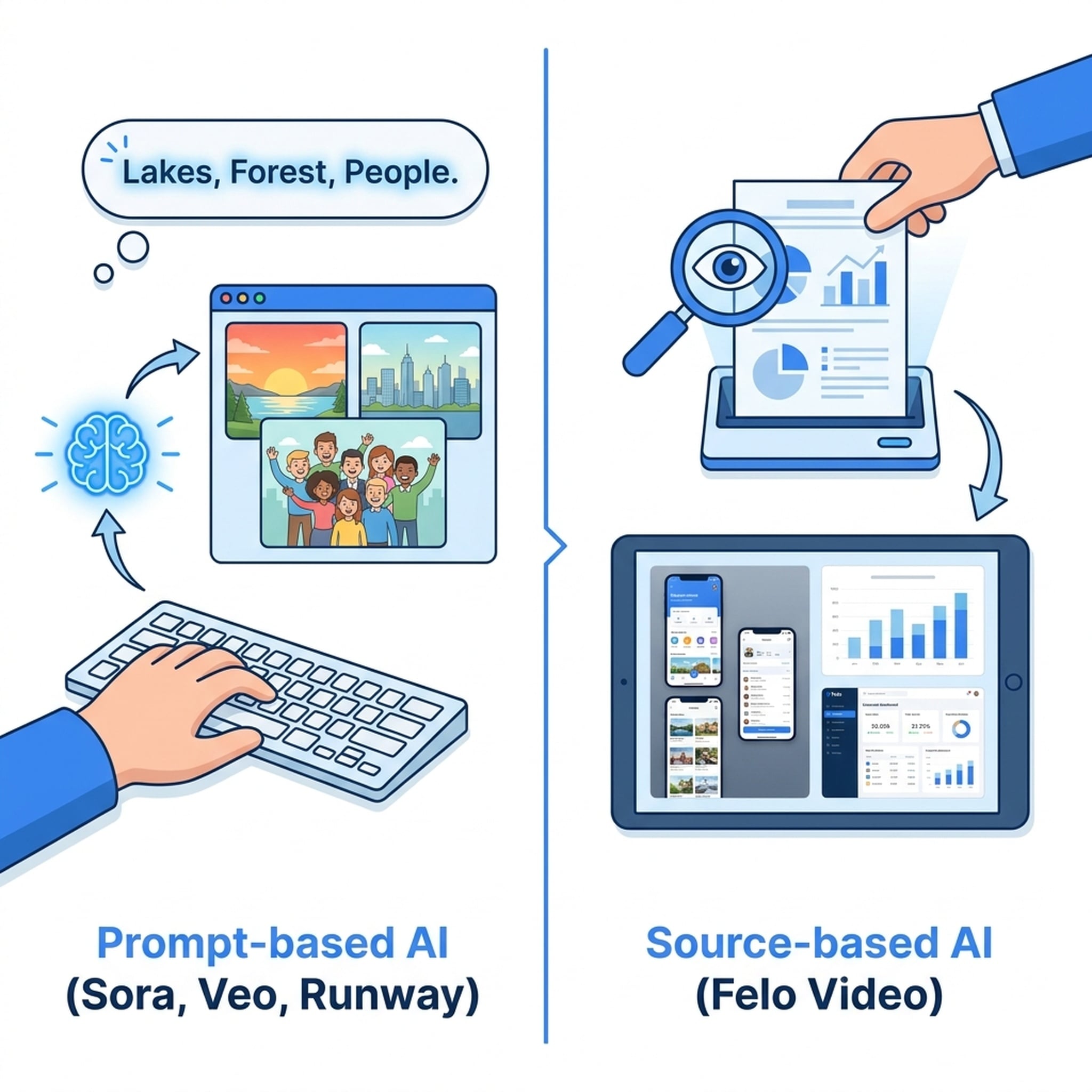
Every major text-to-video AI tool in 2026 follows the same model:
Prompt → Generative video.
You describe what you want. The AI imagines it. The result is visually impressive, but it's fabricated.
This works great for creative scenes, mood pieces, and cinematic shots. It doesn't work for the actual work most people need video for:
- Turning your published article into a shareable video
- Converting your product page into a promo
- Making your monthly report into a briefing
- Transforming your training deck into a course video
- Adapting your technical docs into an explainer
For these use cases, the bottleneck isn't generating visuals. The bottleneck is understanding the source content — the article, the report, the product page, the slides — and turning that into a video that preserves your real information, your real charts, your real screenshots.
This is where the text-to-video conversation needs to go next.
A Different Approach: Starting from Source, Not Prompts
Felo Video takes a fundamentally different approach to text-to-video. Instead of asking you to write a prompt that describes the video you want, it reads your actual content and generates the video from that.
The difference is structural:
| Traditional Text-to-Video AI | Source-Based Video AI | |
|---|---|---|
| Input | Text prompt describing a scene | Real content: articles, reports, slides, webpages |
| Process | AI generates fictional visuals | AI understands and extracts from your material |
| Visuals | AI-generated, often stock-like | Your real screenshots, charts, diagrams, product UI |
| Use case | Creative scenes, mood footage | Business content, education, marketing, documentation |
| Output | Cinematic but generic | Specific to your content and brand |
This isn't about replacing Sora or Veo. They're solving a different problem. But if your real need is turning existing content into video — not generating fictional scenes from descriptions — the prompt-based model was never the right tool for the job.
Why Source-Based Video Matters Now
Three trends are converging:
1. Content overload. Teams are producing more written content than ever — blog posts, reports, product updates, training materials. Most of it never gets a video version because the production cost is too high. Source-based video AI closes that gap.
2. Video-first distribution. Social platforms prioritize video. LinkedIn, Twitter, TikTok, YouTube — video content gets more reach, more engagement, more sharing. Written content that could go further as video is sitting on pages instead.
3. Multi-language demand. Global teams need content in multiple languages. Translating a video means re-doing the whole production — or, with source-based video, generating the same video structure with different narration and subtitles automatically.
The Text-to-Video Comparison That Actually Helps
When evaluating text-to-video AI tools in 2026, the right question isn't "which one generates the best visuals?" It's "what am I trying to make?"
If you need cinematic scenes — product concepts, mood reels, creative shots — go with Sora, Veo 3, or Runway Gen-3. They're the best at what they do.
If you need to turn existing content into video — articles, reports, presentations, product pages — you need a source-based tool like Felo Video. The generative tools can't do this because they don't read your content. They generate from descriptions.
What Felo Video Does Differently
Felo Video doesn't ask for a prompt. It asks for your content:
- Paste a URL — your blog post, product page, or article
- Upload a file — PDF reports, PPT presentations, Keynote decks
- Drop in text — launch notes, transcripts, social posts
Felo Video reads the material, understands the context, extracts the key points, and generates a video that uses your real assets — your screenshots, your charts, your product UI, your diagrams. The narration, subtitles, motion, and music are all generated. The content comes from you.
The first draft appears in 10 to 20 minutes. Then you review, adjust, and export.
The Bottom Line
The text-to-video AI space in 2026 is impressive. The generative tools are getting better every month. But there's a whole category of video creation that prompt-based AI was never designed to solve: turning your existing, valuable, information-rich content into video format.
That's the gap Felo Video fills. Not by competing with Sora on cinematic quality, but by solving a problem that Sora, Veo, Runway, and Kling don't address at all.
Your content already exists. It just needs a path to video.
This post is also available in 简体中文, 日本語, 한국어, 繁體中文, हिन्दी, Français, العربية, Русский, اردو, Bahasa Indonesia, Deutsch, Tiếng Việt, Türkçe, Italiano, ไทย, Español, বাংলা and Português.