Wan 3.0 Prime: From Two Frames to a Styled Clip

Use Wan 3.0 Prime in Felo to create styled clips from text or frame pairs. Explore prompt examples, optional audio, supported settings and revision steps.
Felo tools: Wan 3.0 Prime.
A still illustration can define a visual world, but movement exposes whether that world holds together. A paper fox needs to keep its folded shape when it turns. An ink landscape needs to move without becoming a different painting.
Wan 3.0 Prime in Felo gives you a way to explore those shots from text or opening and closing frames. This guide explains the available controls, how to prepare a coherent pair of images and how to judge the motion between them.
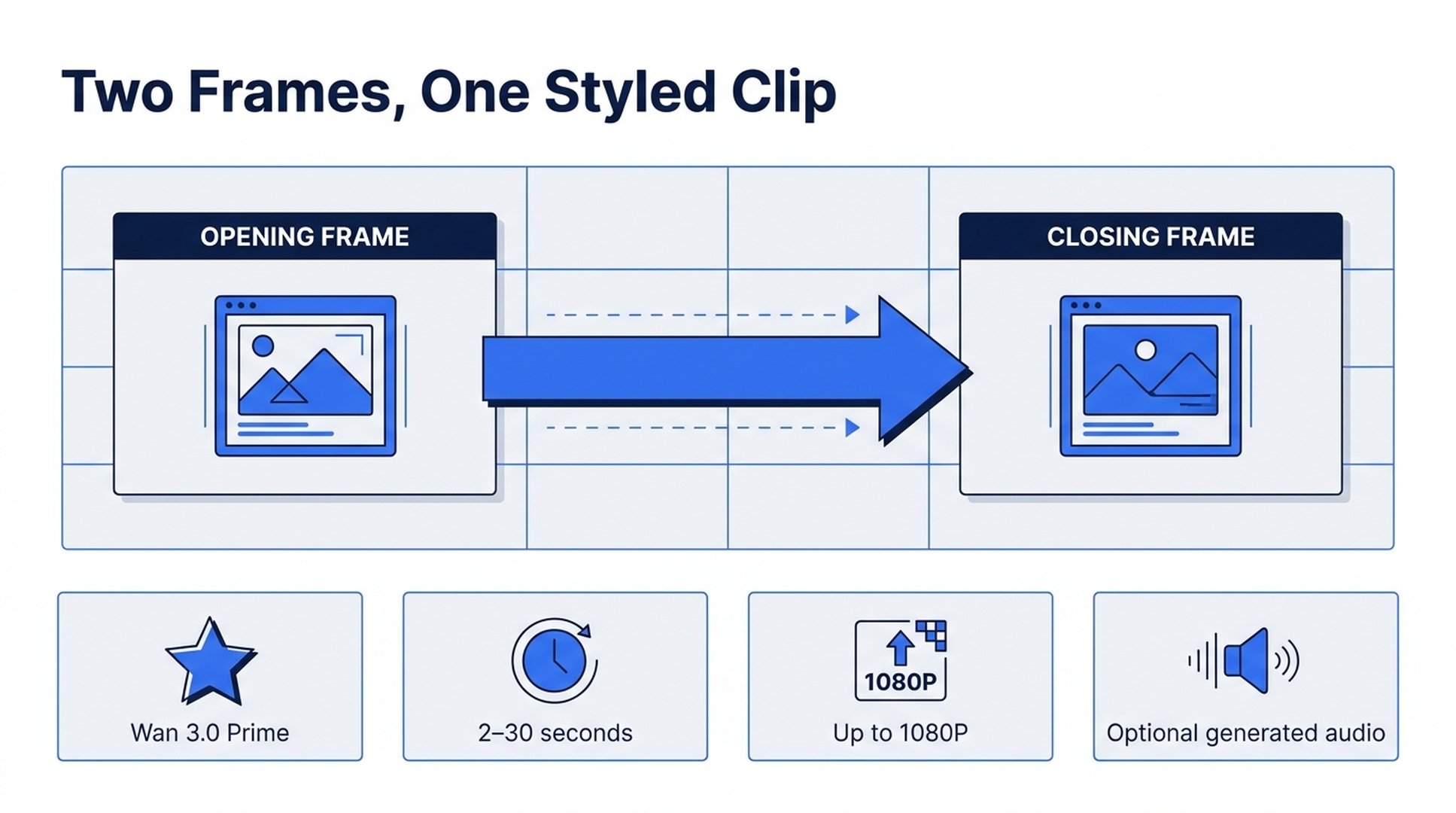
Illustrative guide; not a screenshot or a generated-video result.
What Wan 3.0 Prime supports
The current Felo integration supports 2–30-second clips at 480P, 720P or 1080P. You can choose 16:9, 4:3, 1:1, 3:4 or 9:16, and generated audio is optional.
Wan takes text, a first frame, a last frame or a first-and-last-frame pair. It does not accept additional reference images or reference videos beyond the frame inputs documented on its page. It also does not offer 21:9 in Felo.
The model page describes support for prompts up to 20,000 characters. That gives room for detailed direction, but a longer instruction is not automatically a clearer one. For a short shot, start with the subject, one action, the camera and the ending. Felo's Wan 3.0 Prime page contains the integration specifications and official examples.
Choose a style you can describe in physical terms
“Beautiful animation” leaves almost everything open. “Cut paper with visible folded edges, flat colors and a fixed camera” describes characteristics you can inspect afterward.
For a style-driven clip, define three things before generating:
- Material: ink on textured paper, matte clay, folded card or painted wood.
- Movement: drifting, turning, sliding, bending or a small repeated action.
- Consistency: which textures, shapes and colors must remain visible throughout.
Do not combine incompatible material instructions by accident. Wet ink, glossy metal and soft clay can coexist in a deliberate scene, but they should not all describe the same object unless a transformation is the subject of the shot.
Use the official gallery to understand what Felo presents as examples. Its Ink Mountains and Paper Forest Fox clips are references for browsing, not evidence that every new ink or paper prompt will produce the same quality.
Plan a first and last frame pair
Imagine a paper fox standing at the left side of a small clearing. In the closing image, the same fox stands near the center, facing a paper tree. The frames communicate position and orientation; the prompt explains the walk connecting them.
Keep the camera, environment and subject design compatible. If the first fox has a narrow muzzle and the second a round one, the model has to reconcile a design conflict while animating the movement. Fixing the source images is often a better first step than asking the prompt to repair them.
A useful planning table is small:
| Element | Opening frame | Closing frame |
|---|---|---|
| Fox | Left of center, facing right | Center, facing the tree |
| Camera | Fixed medium-wide view | Same view |
| Background | Three paper trees | Same three trees |
| Light | Soft light from the left | Same direction and color |
| Intended change | Starting position | Completed short walk |
The closing image guides the destination. It does not guarantee a pixel-identical final frame or a particular path unless the generated result actually meets those conditions.
Three Wan 3.0 Prime prompts to try
These are suggested examples written for this guide, not newly generated demonstrations. Select the matching ratio and duration in settings rather than relying on the text alone.
Ink landscape: make one environmental element move
Suggested settings: 16:9, 6 seconds, 1080P.
A monochrome ink-wash mountain landscape on off-white paper. Dark mountain outlines stay fixed while one narrow bank of pale mist drifts slowly across the valley from right to left. The paper texture remains visible. Static camera, no zoom, no new objects and no lettering. Finish with the valley still partly covered in mist.
The movement is limited to the mist. If the mountains distort, simplify the instruction further and make the unchanged outlines explicit. If you enable generated audio, request a restrained environmental sound separately from the visual description.
Paper fox: connect two prepared images
Suggested settings: 4:3, 6 seconds, 1080P, with compatible first and last frames.
Connect the supplied opening and closing images as one continuous paper-animation shot. The small orange paper fox takes several short steps toward the tree, keeping its folded ears, pointed muzzle and flat paper texture. The three trees and camera stay fixed. Movement is gentle and slightly stepped, as in handmade stop-motion. End with the fox facing the tree. No scene changes or added characters.
Review the legs during the walk, not just the fox's final pose. An attractive ending can conceal an unusable transition.
Food detail: a brief, readable event
Suggested settings: 1:1, 4 seconds, 1080P, optional generated audio.
Close view of chili oil in a small ceramic bowl. A few tiny bubbles rise and break near the center while the red oil catches a warm side light. The bowl stays still on a dark wooden surface. Locked camera, realistic texture, no hands or utensils. End on the settled surface. If audio is enabled, use a quiet brief sizzle without music or speech.
A four-second event can be enough for an insert. Extending it to 30 seconds would not make the physical detail more convincing; it would simply ask the model to maintain it longer.
Generate in Felo and inspect the result
- Open Wan 3.0 Prime's model page, where the model is preselected.
- Decide whether text alone expresses the shot or whether you need frame inputs.
- Write the material, action, camera and ending. State the important elements that should not change.
- Choose ratio, resolution, duration and the available sound option. Check the credit estimate.
- Generate a take and review it at normal speed, then inspect the most demanding moment closely.
- Keep the result or request a focused change in the same thread.
Agent Mode can help develop an unfinished brief. Direct generation is useful when you already have the shot description and inputs ready. Neither removes the need to evaluate the output.
Fix the style before adding more motion
| What goes wrong | A useful next change |
|---|---|
| Paper becomes soft fabric | Restate folded edges and rigid, flat surfaces; remove conflicting material words |
| The background changes | Keep the camera fixed and explicitly preserve the background arrangement |
| The action is rushed | Reduce the number of movements or allow more time |
| The ending drifts | Check whether the frame pair is compatible and simplify the connecting action |
| Audio distracts | Disable it or request only the sound essential to the event |
Treat these as possible revisions, not a guaranteed repair recipe. If a mechanical action must be accurate, use real footage or a controlled animation method instead of relying on a plausible-looking generation.
Wan 3.0 Prime FAQ
Can I make a two-second loop?
Wan supports clips starting at two seconds in Felo. Seamless looping is a separate quality requirement. You need matching motion at the join, and should inspect or finish the loop in an editor rather than assume a short clip loops perfectly.
Can I upload a reference video?
The current Felo Wan integration documents text and frame inputs, not additional reference-video inputs. Choose a model with that capability if motion-reference material is essential.
Can I use 21:9?
Not with this integration. Select a supported ratio or another Felo model that offers 21:9.
Is 1080P available for this model?
Yes. Felo lists 480P, 720P and 1080P for Wan 3.0 Prime. Check the selected settings before submitting, including the estimate for that run.
Start with a material you can name and one movement you can judge. Once that works, you have a basis for a more elaborate sequence.
Create with Wan 3.0 Prime in Felo →
This post is also available in 简体中文, 日本語, 한국어, 繁體中文, हिन्दी, Français, العربية, Русский, اردو, Bahasa Indonesia, Deutsch, Tiếng Việt, Türkçe, Italiano, ไทย, Español, বাংলা and Português.