
How to Convert Word to PowerPoint with AI in 2026 (Free Online Tool)

Turn Word documents into editable PowerPoint presentations in minutes with Felo AI Slides. Upload DOC, DOCX, PDF, or paste text — get professional slides instantly.
You already have the document. The report is done. The proposal is written. But the meeting is in two hours, and you still need to turn all of that Word content into slides.
Sound familiar?
Most people still handle this the old way: copy a heading, paste it into PowerPoint, realize it's too long, trim it, add another slide, notice the layout broke, fix the font size, move to the next section. It's tedious. It's slow. And it wastes the time you should be spending on the actual presentation.
There's a faster way now.
Why Converting Word to PowerPoint Is Still So Painful
If you've ever tried to move content from a Word document into a slide deck, you know exactly where things go wrong:
Headings and long text break the layout. Paste a paragraph as-is and you get a wall of text nobody wants to read.
Document order isn't presentation order. A report reads well top to bottom, but a meeting deck needs a different structure — shorter, punchier, organized around the audience's questions, not the document's logic.
Starting from a blank PowerPoint takes forever. You still need titles, sections, summaries, and presentation-friendly wording before you can even think about design.
These are the exact problems behind the massive search volume for queries like "word to ppt," "convert word to powerpoint," and "word to ppt AI." Millions of people are looking for a way out of this copy-paste loop every single month.
The Best Free Word to PowerPoint AI Converter in 2026
Felo AI Slides offers a Word to PowerPoint AI converter that works directly in your browser — no software to install, no formatting to worry about. Upload your Word file (or paste the text, or drop a PDF, or share a URL), and Felo AI reads the content, organizes the key points, and turns it into an editable presentation.
Here's how it works.
How to Convert Word to PPT in 3 Steps
Step 1: Upload Your Document
Start with whatever you already have. Felo AI Slides accepts:
- DOC / DOCX files
- Pasted text — just copy and paste from your document
- PDF files
- URLs — paste a web link and Felo extracts the content
- Spreadsheet content
You can also specify the audience, desired slide count, and output language before generating.
Step 2: Review the Proposed Structure
Before any slides are generated, Felo shows you an outline. It summarizes long sections, groups related information, and drafts slide titles. This is the step most people skip with other tools — and it's the step that makes the difference between a decent deck and a great one.
If the structure doesn't match your meeting goal, adjust it now. You control the direction before the generation starts.
Step 3: Generate and Edit
Once you approve the outline, Felo generates the full presentation. Each slide is editable — you can adjust headings, change section order, tweak wording, and modify the design after the deck is built. Export to PPTX or share via link depending on your account options.
Who This Is For
Business Reports and Meeting Decks
You have a Word report, meeting notes, or a project plan. Your manager or client needs slides, not a 20-page document. Upload it, review the outline, and get a concise deck ready for the room.
Classes and Training Materials
Lesson plans, handouts, manuals, research notes — all of these translate well into slide format. Felo structures them into sections with clear takeaways so your audience can follow along.
Proposals and Sales Materials
Your Word proposal is already written. Turn it into a sales deck, onboarding presentation, or follow-up material without rewriting everything from scratch.
What Makes Felo's Word to PPT Converter Different
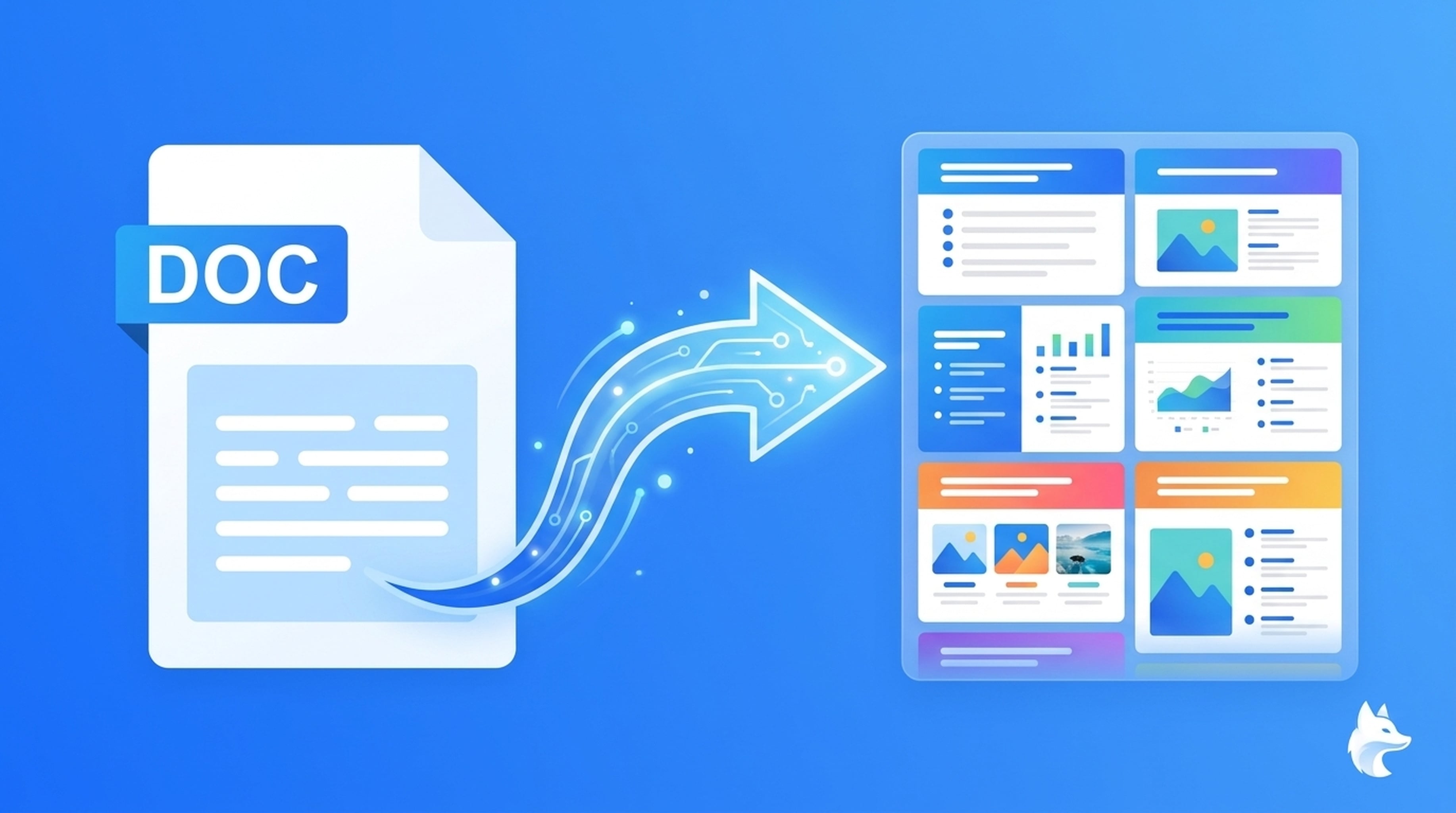
Most "Word to PPT" tools do a literal conversion — they take your document and paste it onto slides. The result looks like a document shrunk down to slide size.
Felo doesn't do that. It reads and understands your content, then restructures it for presentation. The difference matters:
| Feature | Traditional Converters | Felo AI Slides |
|---|---|---|
| Input formats | DOC/DOCX only | DOC, DOCX, PDF, text, URLs |
| Content understanding | None — literal paste | AI reads and restructures |
| Outline review | No | Yes — review before generating |
| Output | Static slides | Fully editable PPTX |
| Slide count control | No | Yes — specify your target |
| Language support | English only | Multi-language |
Use Cases: From Document to Deck in Minutes
Scenario 1: The Last-Minute Board Update
Your quarterly report is in Word. The board meeting starts in 90 minutes. Instead of spending those 90 minutes copy-pasting content into slides, upload the report to Felo, review the auto-generated outline, adjust a few section titles, and generate. You just bought yourself an hour to rehearse.
Scenario 2: The Training Deck
You've got a 30-page training manual in Word. You need it as a slide deck for next week's onboarding session. Felo breaks it into logical sections, creates slide titles from the key concepts, and gives you an editable PPTX you can fine-tune. What used to take half a day now takes 15 minutes.
Scenario 3: The Sales Follow-Up
You wrote a detailed proposal in Word for a client. Now they want a presentation version for their team meeting. Upload the proposal, specify the slide count, generate, and share the link. Done.
Tips for the Best Word to PPT Conversion
Keep your source document clean. Felo works best when headings and sections are clearly structured. Use heading styles in Word — they translate directly into slide titles.
Specify your audience. Tell Felo who the slides are for. A deck for executives looks different from one for your team.
Set a realistic slide count. Don't try to cram a 50-page report into 10 slides. Let Felo suggest a structure first, then adjust the count based on the outline.
Review before generating. This step is not optional if you want good results. The outline review is where you catch structural issues before they become slide problems.
Word to PPT FAQs
Can I convert Word to PowerPoint for free?
Yes. Felo AI Slides is free to start. Upload your Word document, review the outline, and generate editable slides — no credit card required.
What file formats does Felo accept?
DOC, DOCX, pasted text, PDF, and URLs. You can also use spreadsheet content as source material.
Are the generated slides editable?
Yes. Every slide is fully editable after generation. You can change headings, rearrange sections, modify text, and adjust the design.
Can I specify the number of slides?
Yes. You can set a target slide count before generation, and Felo will structure the content accordingly.
Does it work with languages other than English?
Yes. Felo supports multi-language input and output. You can ask for slides in English, Japanese, Chinese, and many other languages.
Stop Copying and Pasting. Start Presenting.
The document you already have is the hardest part. Turning it into slides shouldn't be the bottleneck.
With Felo's Word to PowerPoint AI converter, you go from "I still need to build the deck" to "the deck is ready" in minutes — not hours.
Try Felo AI Slides for free → felo.ai/slides/word-to-ppt-ai
This post is also available in 简体中文, 日本語, 한국어, 繁體中文, हिन्दी, Français, العربية, Русский, اردو, Bahasa Indonesia, Deutsch, Tiếng Việt, Türkçe, Italiano, ไทย, Español, বাংলা and Português.