Your Next Course Video Starts From a PowerPoint Slide

Transform your PPT, Keynote, or Felo Slides presentation into a narrated course demo video with subtitles and motion. Teachers and trainers, this one's for you.
You have a deck. Maybe it's a training course, a workshop, a lecture series. The slides are ready — the content, the diagrams, the summary tables, everything.
But your students are scrolling past your deck file. They want a video they can play on their phone during commute, embed in their notes, or share with a colleague.
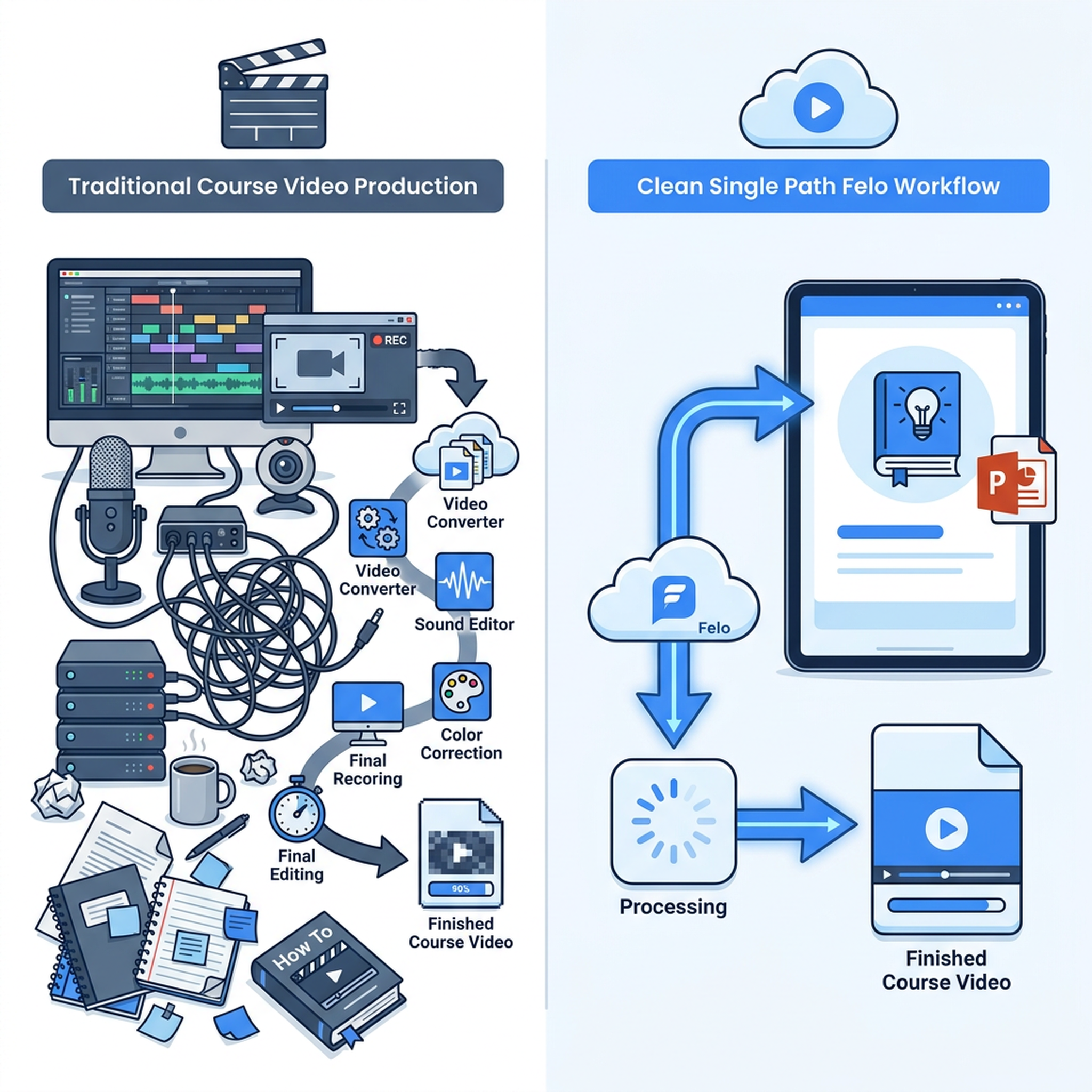
Recording a screen-and-voice walkthrough used to mean: open recording software, play through each slide while talking, pause when you stumble, re-record, edit out the mistakes, add captions, export. An hour of work for a 5-minute video.
There's a cleaner way now.

How Felo Video Reads Your Presentation
Upload your PPT, Keynote, or Felo Slides file — or paste the Felo Slides share URL. Felo Video doesn't just take screenshots of each slide. It reads the content, understands the structure, and rebuilds the visual flow into a proper video:
- Your slides become scenes — not static screenshots, but animated sequences with text, charts, and images flowing naturally
- Narration is generated from your content — the same ideas you wrote on the slides, spoken naturally
- Subtitles appear on screen — timed to the narration, readable on any device
- Background music sets the tone — calm for lectures, upbeat for product training, professional for corporate courses
The first draft appears in 10 to 20 minutes. Then you review: swap a title, adjust the pacing, change the music. Editing, not creating from scratch.
What Makes This Different from "Record My Screen"
When you record your screen playing through slides, you get exactly what it sounds like: a recording of someone reading slides. It's not engaging. Students click away.
Felo Video reconstructs your presentation into a cinematic experience. Your content stays the same — the data, the diagrams, the key points — but the delivery changes. Text animates in. Charts grow and highlight. Transitions between slides feel intentional, not accidental.
One Course, Many Formats
After generation:
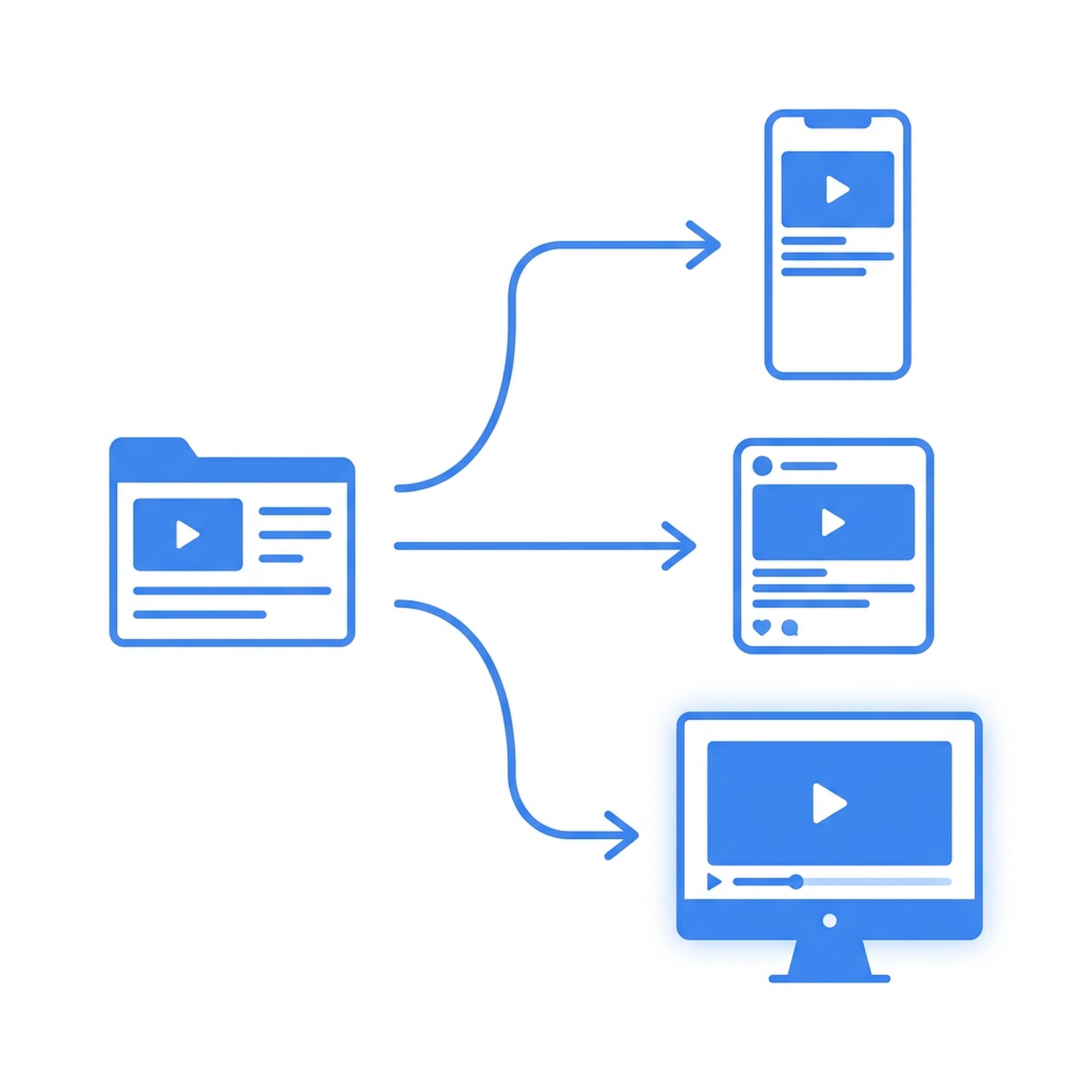
- Vertical — for TikTok, Reels, mobile learning
- Square — for LinkedIn Learning, social feeds
- Wide — for YouTube, your LMS, your website
- Multi-language — same course, narration and subtitles in different languages
Your one deck becomes a full course video library.
Who This Is For
- Teachers and professors who want to turn lecture slides into engaging course videos
- Corporate trainers who need standardized onboarding videos from their training decks
- Workshop leaders who want to capture their presentation as shareable video content
- Online course creators who produce content from slides and want a faster production pipeline
- Technical trainers who need to explain complex concepts through animated slide content
The Honest Part
If your slides are just bullet points, the video will feel like bullet points with motion. The best results come from well-structured presentations with clear flow, real data, and thoughtful design.
But even a rough deck becomes a watchable video in 20 minutes. And that's still faster than any other path.
Try It
Upload your next training deck to Felo Video. Watch it become a course.
This post is also available in 简体中文, 日本語, 한국어, 繁體中文, हिन्दी, Français, العربية, Русский, اردو, Bahasa Indonesia, Deutsch, Tiếng Việt, Türkçe, Italiano, ไทย, Español, বাংলা and Português.