YouTube Subtitles API for AI Agents: Extract Video Content Programmatically

How AI agents can use the YouTube Subtitles API to pull video transcripts, understand video content, and integrate video data into workflows.
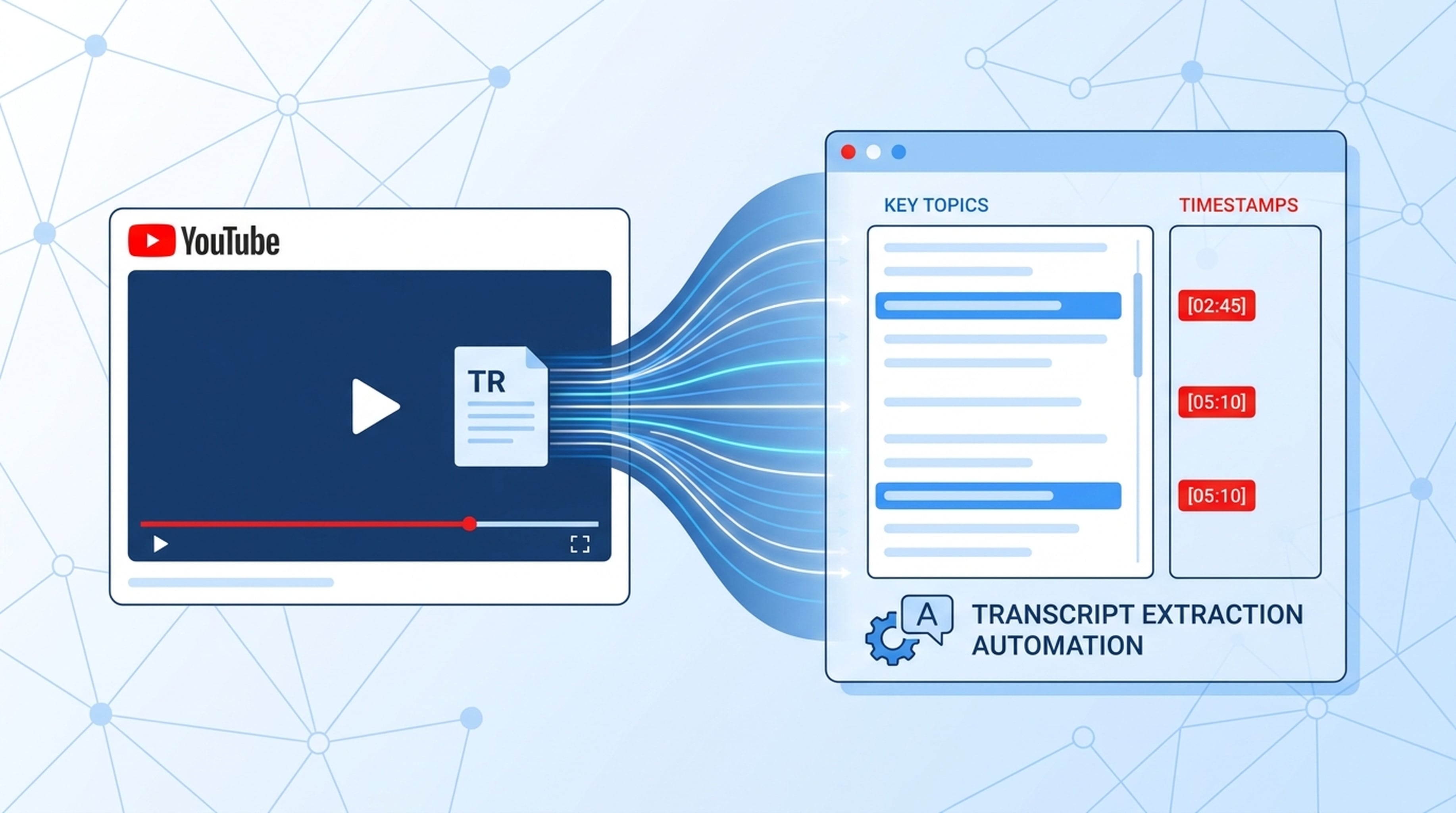
Video is where expertise lives. Tutorials, product demos, conference talks, expert interviews — all locked in video format. The YouTube Subtitles API gives AI agents access to this content.
What the YouTube Subtitles API Does
The YouTube Subtitles API pulls transcripts from YouTube videos:
GET /v2/youtube/subtitling
Provide a YouTube URL, get back the video transcript. Agents can then analyze, summarize, extract key points, or include quotes in reports and presentations.
Why Video Transcripts Matter for AI Agents
Knowledge Extraction
Experts share valuable insights in videos — conference presentations, product demos, technical tutorials. Without transcripts, this content is invisible to agents.
Research Completeness
Written content is only part of the picture. Video content often contains:
- Live demonstrations and walkthroughs
- Expert opinions and analysis
- Product announcements and updates
- Industry conference presentations
Content Repurposing
Transcripts are raw material for:
- Blog posts and articles
- Presentation slides
- Summary reports
- Training materials
- Quote collections
Agent Workflows With YouTube Subtitles
Expert Interview Analysis
- Agent identifies relevant expert videos
- Pulls transcripts via
GET /v2/youtube/subtitling - Analyzes content for key insights and data points
- Saves findings to LiveDocs with source attribution
- Includes expert quotes in reports and presentations
Product Demo Extraction
- Agent searches for product demo videos
- Pulls transcripts to understand features and capabilities
- Extracts feature lists and use cases
- Generates a competitive analysis deck
Conference Content Digest
- Agent finds conference talk videos on a topic
- Pulls all transcripts
- Synthesizes key themes and insights across talks
- Produces a conference summary report
Tutorial Content Mining
- Agent pulls transcripts from tutorial videos
- Extracts step-by-step instructions
- Converts to structured documentation
- Generates training materials
Combining YouTube Data With Other Tools
YouTube + Web Search + Presentation
Agent searches for a topic, finds relevant YouTube videos, pulls transcripts, cross-references with written sources, and generates a presentation combining all evidence.
YouTube + LiveDocs + Report
Agent pulls transcripts from multiple videos on a topic, saves them to LiveDocs, and produces a research report with direct quotes from video content.
YouTube + Image API + Landing Page
Agent analyzes product demo videos, generates matching visuals, and creates a landing page that reflects the product's visual identity.
YouTube Subtitles API FAQ
What video platforms does the API support?
Currently YouTube. Pull subtitles/transcripts from any public YouTube video by providing the video URL.
Can the API handle multiple languages?
Yes. YouTube videos with subtitles in multiple languages can have those transcripts extracted.
How accurate are the transcripts?
The API pulls the subtitles as uploaded or auto-generated by YouTube. Accuracy depends on the source — manually created subtitles are more accurate than auto-generated ones.
Can I use this for real-time video?
The API works with published YouTube videos that have subtitles available. It doesn't support live streaming transcription.
Getting Started
- Create your free API key
- Explore the YouTube Subtitles API
- Connect your agent and pull your first video transcript
Unlock the expertise hidden in video. Let your agent watch, read, and learn.