Pull 20 YouTube Videos Into a Searchable Knowledge Base

Step-by-step tutorial: connect your agent to Felo OpenAPI, extract YouTube transcripts, analyze key topics, and build a searchable team knowledge base in LiveDocs.
Your team has bookmarked 30 technical videos. Conference talks, tutorials, product demos. Nobody has time to watch them all.
When someone asks "How does production RAG handle timeouts?" the answer is in a video, 23 minutes in. But nobody knows which video.
Here's what your agent can do about it:
The Knowledge Base the Agent Built
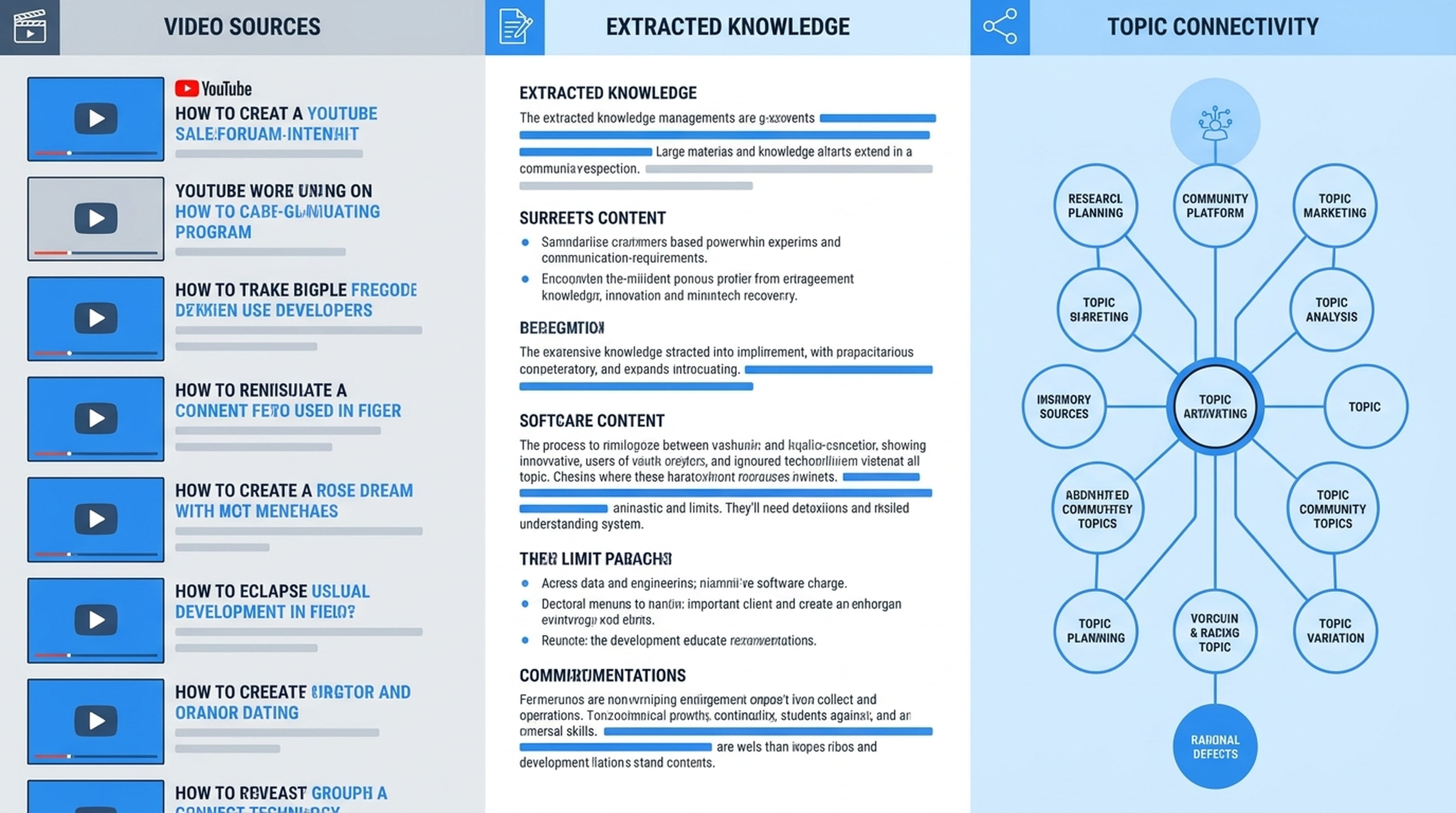
The agent extracted transcripts from 10 videos, analyzed each one, and produced this:
Video 1: "Building Production RAG Systems" — LangConf 2026 (45 min)
Main topic: RAG system architecture for production environments
Key technical points:
- Retry strategies for LLM API timeouts (exponential backoff with jitter)
- Chunk size optimization: 512 tokens for code, 1024 for prose
- Vector database comparison: Pinecone vs Weaviate vs pgvector
Actionable insights:
- Set timeout to 30s for initial query, 60s for follow-up
- Use semantic chunking instead of fixed-size for better retrieval accuracy
- pgvector is sufficient for teams under 1M documents
Notable quote: "The best RAG system is the one your team can actually maintain."
Timestamps:
- [08:30] Timeout handling strategies
- [15:45] Chunk size experiments and results
- [23:10] Vector DB benchmark methodology
- [34:00] Monitoring and alerting setup
[Videos 3-10 follow the same format]
The Knowledge Map
The agent generated a mindmap showing how topics connect across videos:
AI Production Systems
├── RAG Architecture
│   ├── Timeout Handling (Videos 1, 7)
│   ├── Chunking Strategies (Videos 1, 4)
│   └── Vector DB Selection (Videos 1, 3)
├── Evaluation
│   ├── RAGAS Framework (Videos 2, 8)
│   ├── Custom Metrics (Videos 2, 6)
│   └── Human Review (Video 2)
├── Monitoring
│   ├── Latency Tracking (Videos 1, 5)
│   ├── Quality Metrics (Videos 2, 8)
│   └── Alerting (Videos 1, 9)
└── Cost Optimization
    ├── Model Selection (Videos 3, 7)
    ├── Caching Strategies (Video 5)
    └── Batch Processing (Video 10)
Now when someone asks "How do we handle RAG timeouts?" you search the knowledge base and get: "See Video 1 at 08:30 and Video 7 at 14:20 for two different approaches."
How to Set This Up
Connect your agent to Felo OpenAPI:
Connect to Felo OpenAPI:
- Models: Claude Opus 4.8, Claude Sonnet 4.6, Claude Haiku 4.5, GPT-5.6 Sol, GPT-5.6 Terra, Grok 4.5
- Search: POST /v2/chat (AI Search), POST /v2/web/extract (Web Fetch)
- Video: GET /v2/youtube/subtitling (YouTube Subtitles)
- Output: POST /v2/ppts (PPT), POST /v2/mindmap, POST /v2/landing_page, Image Generation
- Memory: LiveDocs (semantic retrieval, file upload, URL resources, tasks, records)
Base URL: https://openapi.felo.ai
API Key: [YOUR_API_KEY] — get one free at openapi.felo.ai

When I give you YouTube URLs:
1. Extract transcripts via YouTube Subtitles API (GET /v2/youtube/subtitling)
2. Analyze key topics, technical points, and takeaways
3. Save structured summaries to LiveDocs with video metadata and timestamps
4. Generate a knowledge map via Mindmap API (POST /v2/mindmap)
Get your free API key at openapi.felo.ai. Replace [YOUR_API_KEY] and you're connected.
The Prompt
Extract transcripts from these YouTube videos and build a knowledge base:

https://youtube.com/watch?v=abc123 — "Building Production RAG Systems"
https://youtube.com/watch?v=def456 — "LLM Evaluation Benchmarks"
https://youtube.com/watch?v=ghi789 — "Vector Database Comparison"
[... more URLs ...]

For each video:
1. Extract the transcript
2. Analyze key topics, technical points, and actionable insights
3. Save a structured summary to LiveDocs with tags and timestamps

Then:
4. Generate a knowledge map mindmap showing topic connections
5. Create a summary presentation with the top insights
What the Agent Does
It extracts. Called GET /v2/youtube/subtitling for each URL. Got full transcripts with timestamps.
It analyzes. For each transcript, identified the main topic, extracted technical points, found actionable insights, pulled notable quotes, and noted timestamps for key sections.
It organizes. Saved each video as a structured entry in LiveDocs with consistent formatting — title, source, duration, topic, key points, insights, quotes, timestamps, and tags.
It maps. Called POST /v2/mindmap with all the analyzed topics. Got a visual mindmap showing how concepts from different videos connect.
It summarizes. Generated a presentation with the top insights across all videos — the best stuff, distilled into shareable slides.
Reuse for Any Video Collection
Extract transcripts from these YouTube videos and build a knowledge base:

[Video URL] — [Title/description]
[Video URL] — [Title/description]
[... more ...]

For each video:
1. Extract transcript
2. Analyze key topics, technical points, actionable insights
3. Save structured summary to LiveDocs

Then:
4. Generate knowledge map mindmap
5. Create summary presentation with top insights
Conference talks, product tutorials, team training videos, customer webinars — works for anything.