
More agents are on the way.
The agent ecosystem keeps moving. Felo Connect will keep expanding with it.
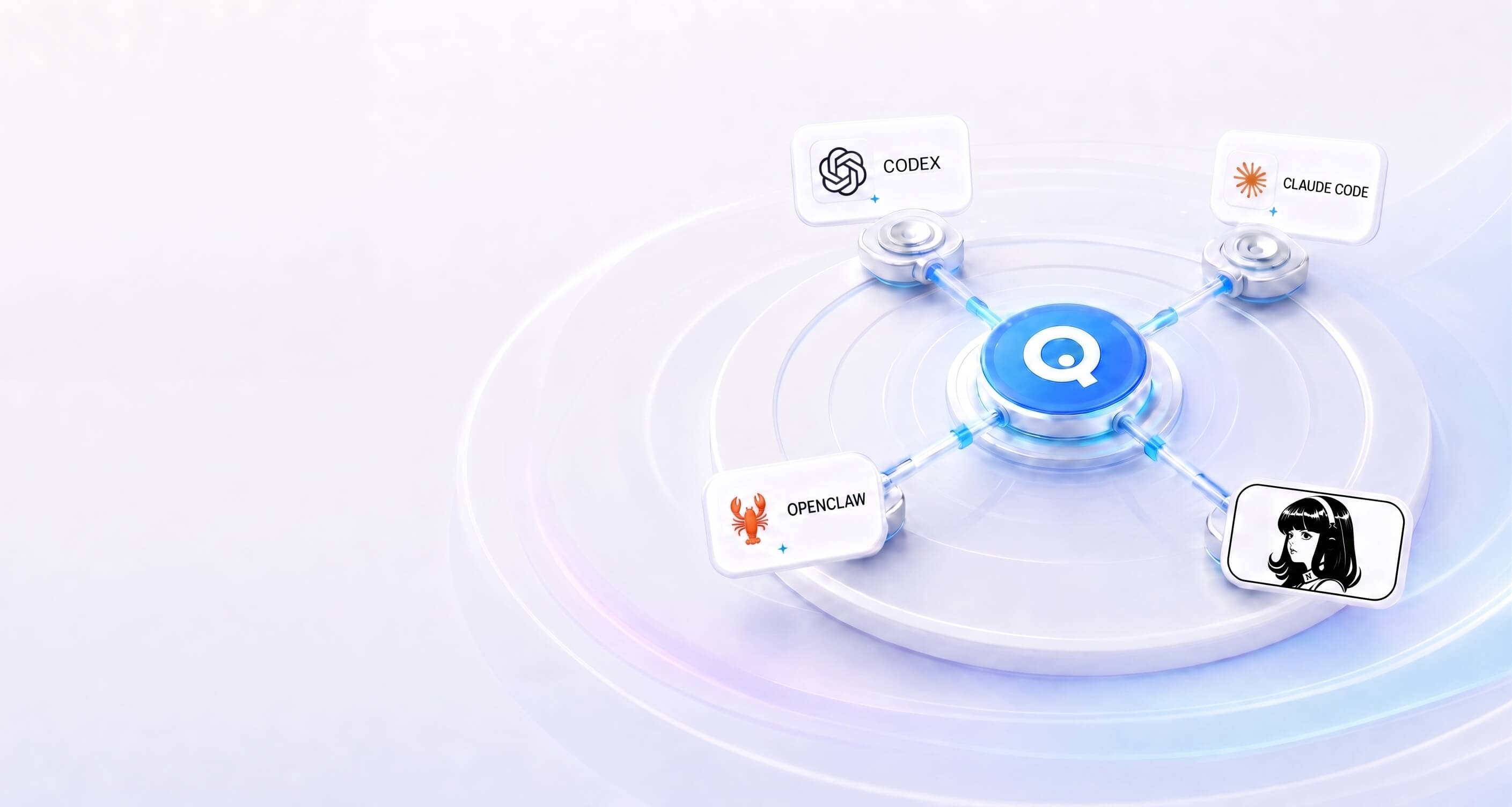
Connect OpenClaw, Claude Code, Codex, or Hermes Agent to Felo's search, research, presentation, X intelligence, and page tools.
Start with the tool you already know. Each connection brings Felo's capabilities directly into the way you work.
Connect Codex to Felo and move from finding information to finishing the deliverable in one continuous workflow.
Give Claude Code the tools to research the live web, create presentations, monitor X, and generate shareable pages.
Use Felo inside OpenClaw to find current information, investigate questions more deeply, and turn the results into useful deliverables.
Extend Hermes Agent with Felo's real-time information and content tools, so it can take on broader and more complete tasks.
The agent ecosystem keeps moving. Felo Connect will keep expanding with it.
ONE CONNECTION. MORE CAPABILITY.
Your agent already understands the task. Felo gives it the tools to find current information, investigate it deeply, and turn the result into something you can use.
Bring fresh sources into tasks where the answer depends on current information.
Bring sources together, investigate open questions, and turn the findings into a structured brief or report.
Start with a topic, document, URL, or research brief. Create a presentation you can review online and download as a PowerPoint file.
Track launches, campaign reactions, competitor activity, customer praise, complaints, and the discussions worth acting on.
Turn a product requirement, rough idea, or content brief into a clear page without starting from an empty canvas.
Different agents are built for different ways of working. Felo brings the same set of useful capabilities to each one, so you can choose the environment that fits the task.
HOW IT WORKS
Select OpenClaw, Claude Code, Codex, or Hermes Agent to see the setup prepared for that environment.
Sign in to Felo and follow the setup guide for your agent. Felo prepares the connection details you need.
Return to your agent and start with the task. Search, research, monitor, create, and keep the work moving.
Every connection starts with the Felo account and agent you select. Follow the setup prepared for that environment, use Felo when you need it, and stay in control of your connection.
What to know before choosing an agent and adding Felo to your workflow.
Felo Connect brings Felo's search, research, presentation, X intelligence, and page-generation capabilities into the AI agents you already use.
The first supported agents are OpenClaw, Claude Code, Codex, and Hermes Agent. Support for more agents is coming.
Available capabilities include live search, deep research, presentation creation, X monitoring, and page generation. Exact workflows may vary by agent.
No. Each agent has its own setup flow. Choose your agent on this page to see the instructions prepared for it.
No. Felo is designed to add capabilities to the agent you already use, so you can keep working in a familiar environment.
Connection options depend on the agent and your Felo setup. Follow the guide for each agent you want to use.
Yes. Felo Connect will continue to add support for more AI agents as the ecosystem grows.
Choose the agent you already use, add the Felo capabilities you need, and move from asking to finishing.
Choose your agent