Biến văn bản thành slide PowerPoint bằng AI
Dán văn bản, ghi chú, kịch bản hoặc dàn ý. Felo AI sắp xếp nội dung thành mạch trình bày và tạo bản nháp slide có thể chỉnh sửa.
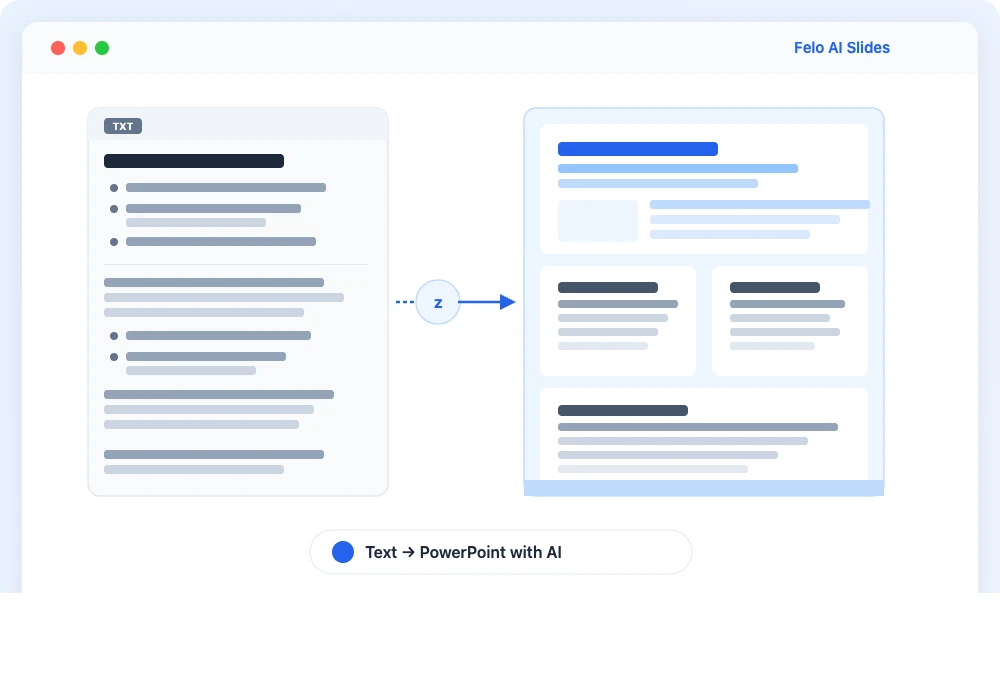
Pasting văn bản into PowerPoint often breaks the layout
Headings, long text, tables, and notes tend to become hard-to-read slides when pasted as they are.
Text order is not presentation order
A report may read well as a text, but meetings and classes need a shorter structure for presenting.
Starting from a blank PowerPoint takes time
You still need titles, sections, summaries, and presentation-friendly wording before you can work on design.
Quy trình
Chuyển văn bản sang PowerPoint bằng AI - 3 steps
Felo keeps the source text intact while shaping it into slides you can review, edit, and export.
Paste the văn bản text
Thêm ghi chú, dàn ý, bản nháp blog, tóm tắt cuộc họp hoặc kịch bản. Bao gồm đối tượng, ngôn ngữ và số lượng slide nếu bạn biết.
Review the proposed structure
Felo summarizes long sections, groups related information, and drafts slide titles. You can adjust the direction before generation.
Generate editable slides
Generate the presentation, revise each slide, and use slide texts or share links depending on the options available in your account.
Chuyển văn bản sang PowerPoint bằng AI features
Thiết kế cho nhu cầu chuyển văn bản thành bản trình chiếu AI: ít sao chép thủ công hơn, nhiều cấu trúc hơn trước khi thiết kế.
Text input support
Use văn bản texts, pasted notes, PDFs, spreadsheet content, and web links as presentation material.
Check the outline first
Review the flow before generating slides, so it fits the audience and the meeting goal.
Slides you can revise afterward
Adjust headings, section order, wording, and design after the deck is generated.
Works with Japanese instructions
Ask in Japanese for business reports, school materials, and proposals, including slide count and tone.
Chuyển văn bản sang PowerPoint bằng AI use cases
Use it when the text already exists, but the audience needs slides instead.
Business reports and meeting decks
Turn văn bản reports, meeting notes, and plans into concise slides for managers or customers.
Classes and training materials
Turn lesson plans, handouts, manuals, and research notes into slides with sections and takeaways.
Proposals and sales materials
Reuse a văn bản proposal as a sales deck, onboarding material, or follow-up presentation.
Chuyển văn bản sang PowerPoint bằng AI FAQ
Yes. Felo AI Slides can use ghi chú, dàn ý, text, PDFs, and links as source material to generate editable presentations.
Biến văn bản thành bài thuyết trình
Bắt đầu từ văn bản có sẵn và tạo bản trình chiếu rõ ràng cho người nghe.
Tạo PowerPoint từ văn bản