Manual preprocessing is required.
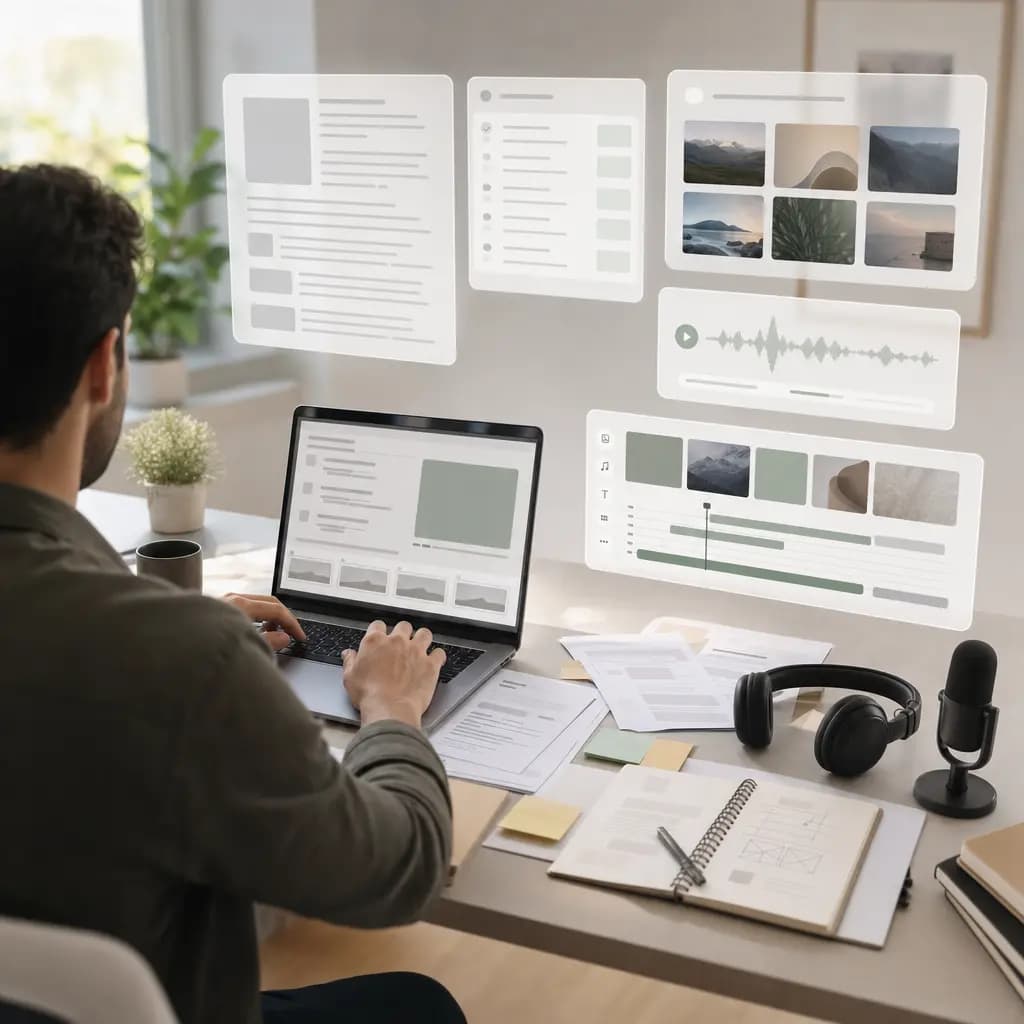
Most tools wait for you to read the source, write the script, organize assets, then describe the video in a prompt. The time-consuming judgement still happens before generation.
Article to video · PDF to video · PPT to video · Webpage to video
Turn articles, reports, decks, webpages, and product sites into complete videos with narration, subtitles, motion, music, and export-ready structure.
Add a URL, or upload files.
Articles are good for depth. Videos are good for discovery. The slow part is rewriting source text into video language.
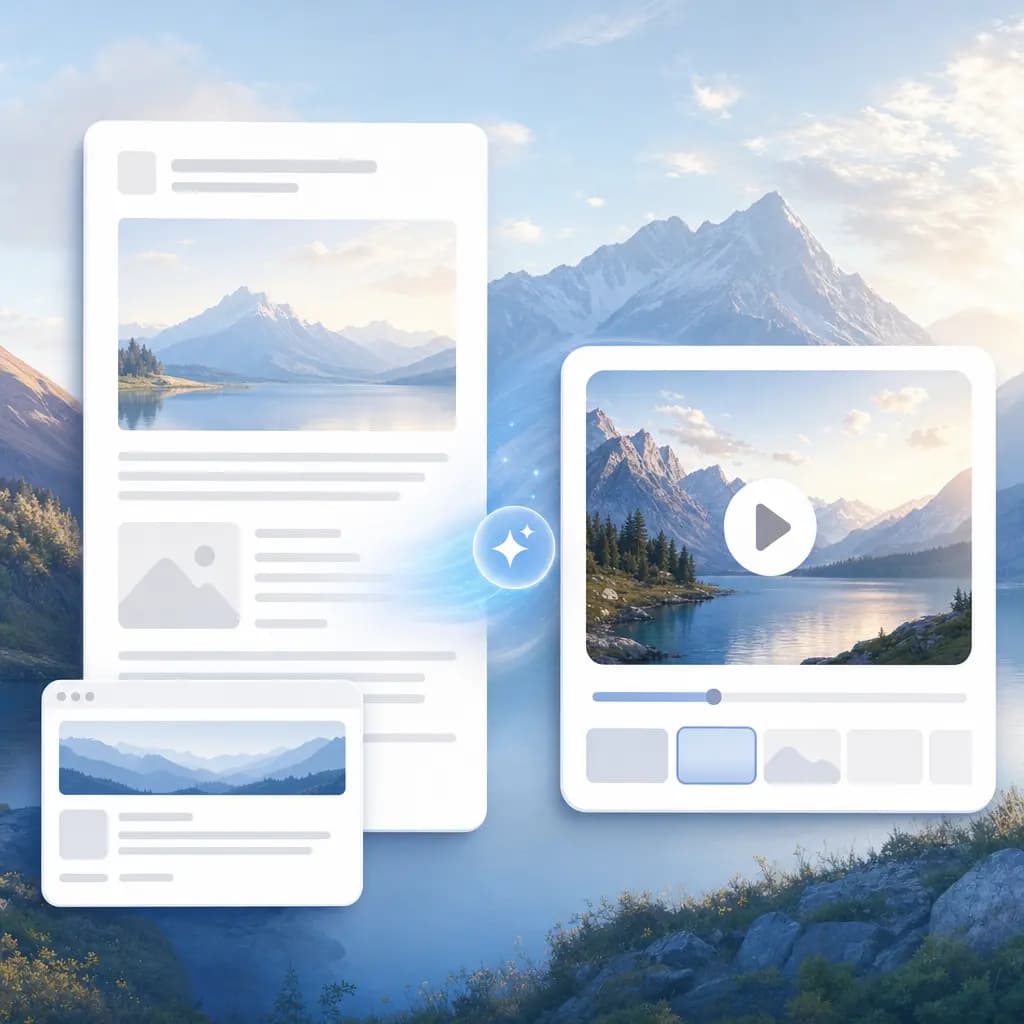
No need to rewrite material into a script first or keep guessing prompts. Articles, reports, decks, websites, and launch notes can be used directly as source. The system understands the content and context before creating a video made for distribution.
Most tools wait for you to read the source, write the script, organize assets, then describe the video in a prompt. The time-consuming judgement still happens before generation.
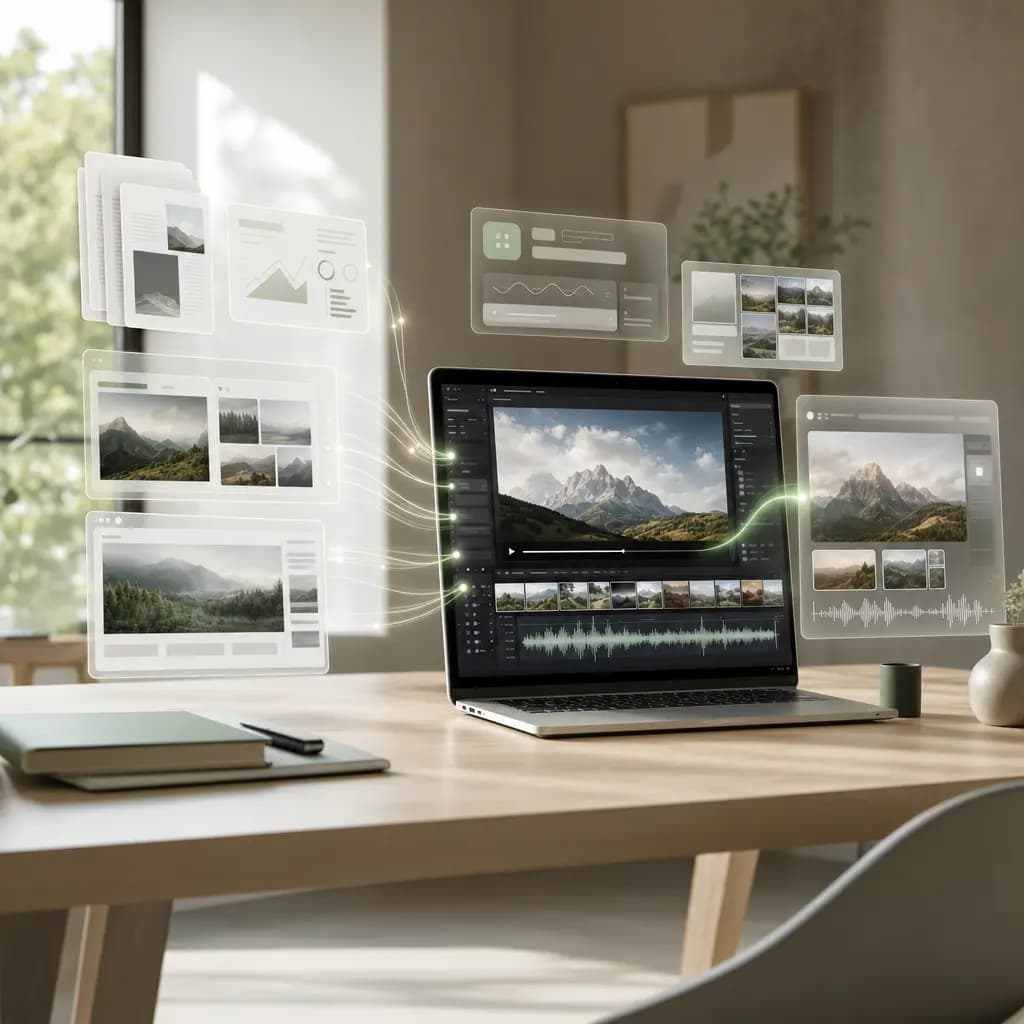
We start from the source. The system understands the content and scenario, extracts the key points, keeps source assets, and generates a reviewable first cut.
From websites, landing pages, and product pages
From launch notes, event posts, and product updates
From PPT, Keynote, and Felo Slides
From research reports, statistics, and trend analysis
From technical docs, charts, and data tables
From articles, blogs, and press releases
From award lists, annual rankings, and product recommendations
From feature updates, product screenshots, and changelogs
From posts, speeches, and interview transcripts
Generate titles, narration, subtitles, and on-screen copy for different target languages. The same video can continue into landscape, square feed, and vertical mobile formats.
Generate titles, voiceover, captions, and on-screen copy for different target languages.
Create mobile vertical and website or YouTube wide versions from the same video.
Adapt titles, CTAs, caption pacing, and visual density for each publishing context.
The value is already in the source. One automated line covers script, assets, voice, captions, motion, music, and export.
Reading, storyboarding, composition, UI design, motion, and export used to require several roles. Now the first full cut can be generated automatically.
Get a complete video in 10 to 20 minutes, then review the cut before polishing.
Use original logos, screenshots, charts, product UI, and media assets for stable, credible output.
Same video goal. Different tools cover very different work.




They care less about generating a video, and more about removing a whole production coordination chain.
“We drop in a PDF, get a watchable version, then adjust the headline and CTA. That step used to require booking an editor.”
“Website screenshots, logos, and product UI make it into the video, so it does not feel like a template. Sales can explain the product more naturally.”
“The same source can become LinkedIn, X, Xiaohongshu, and Bilibili versions. We finally stopped rebuilding the asset for every channel.”
“Decks are no longer page-by-page screen recordings. The system reorganizes the emphasis, and the final result feels more like a launch segment.”
“Charts in reports are explained instead of pasted in as screenshots. Internal teams understand the point much faster.”
“Launch notes become video assets the same day. The rhythm fits small teams. What we saved was not tool cost, but coordination cost.”
“The same source can become LinkedIn, X, Xiaohongshu, and Bilibili versions. We finally stopped rebuilding the asset for every channel.”
“Decks are no longer page-by-page screen recordings. The system reorganizes the emphasis, and the final result feels more like a launch segment.”
“Charts in reports are explained instead of pasted in as screenshots. Internal teams understand the point much faster.”
“Launch notes become video assets the same day. The rhythm fits small teams. What we saved was not tool cost, but coordination cost.”
“We drop in a PDF, get a watchable version, then adjust the headline and CTA. That step used to require booking an editor.”
“Website screenshots, logos, and product UI make it into the video, so it does not feel like a template. Sales can explain the product more naturally.”
“Product updates no longer wait for an editing slot. We add the changelog and screenshots, then get a first cut the same day.”
“Keeping real screenshots matters. The video looks like our product, not a product imagined by AI.”
“An English website can become a Chinese intro video, so sales does not need to write a Chinese script from scratch.”
“It does not guess a video from a prompt. It reads the source first. That difference is obvious with complex material.”
“One research report can become three angles: trends, data, and executive briefing. Before, we only published a long article.”
“An English website can become a Chinese intro video, so sales does not need to write a Chinese script from scratch.”
“It does not guess a video from a prompt. It reads the source first. That difference is obvious with complex material.”
“One research report can become three angles: trends, data, and executive briefing. Before, we only published a long article.”
“Product updates no longer wait for an editing slot. We add the changelog and screenshots, then get a first cut the same day.”
“Keeping real screenshots matters. The video looks like our product, not a product imagined by AI.”
Let us address the key concerns: what source it accepts, how long it takes, why it is trustworthy, and whether editing skills are required.
Article URLs, blogs, PDF reports, white papers, PPT, Keynote, Felo Slides, product websites, launch notes, interviews, speeches, posts, screenshots, and asset folders can all be used as source.
Usually 10 to 20 minutes for a complete video. The real value is not a magic few minutes, but avoiding the 6+ hours of reading, scripting, asset search, voiceover, editing, and revisions.
It does not casually replace real material. It prioritizes logos, screenshots, product UI, charts, tables, images, SVG, video, GIF, or Lottie from the source, so the final video feels like your own asset.
Yes. The first cut quickly turns source into a complete video. Teams can keep adjusting titles, rhythm, copy, music, aspect ratio, and CTA instead of starting from a blank project.