Hermes Agent skill · Video to text

Felo YouTube Subtitling Hermes Agent Skill

Felo YouTube Subtitling is a Hermes Agent skill for YouTube video summary workflows, transcript extraction, timestamps, and reusable text from YouTube videos. Use this Hermes Agent skill when Hermes needs searchable text, notes, summaries, or repurposing inputs instead of another video link.

Hermes Agent Video to summary-ready text
felo youtube-subtitling -v "dQw4w9WgXcQ" --language en --with-time
Connecting the skill to live workflow context...
Processing the request and preparing usable output...
Result ready for the next step in your workflow.

Made for teams that want a Hermes Agent skill for YouTube video summaries, transcript extraction, and subtitle workflows.

Hermes Agent skill
YouTube transcript and summary workflows
1 command
official install flow
Agent-native
same workflow, no tool switching
Reusable
prompts and outputs built for teams

Why teams need more than a one-off YouTube video summarizer

Great talks, demos, and product updates are easy to share, but teams still need a reliable way to summarize, quote, search, compare, and repurpose what was said.

Summaries need evidence

A quick summary is not enough when the team also needs the exact wording and the moment it appeared in the video.

Subtitle extraction is fragmented

Teams jump between browser tools, video players, and notes just to get clean text they can actually work with.

Reuse stalls after the first summary

Without transcript-ready text, it is slow to turn a video into notes, research, multilingual review, blog drafts, or training docs.

How the Felo YouTube Subtitling skill supports YouTube video summarizer workflows

felo-youtube-subtitling pulls the subtitle layer first so the same video can feed summary, storage, translation, competitor analysis, documentation, or slide creation workflows.

  • Use it as the input step for YouTube video summary workflows instead of treating the summary as a dead-end output.
  • Extract subtitle text and timestamps before summarizing so every recap can link back to the original evidence.
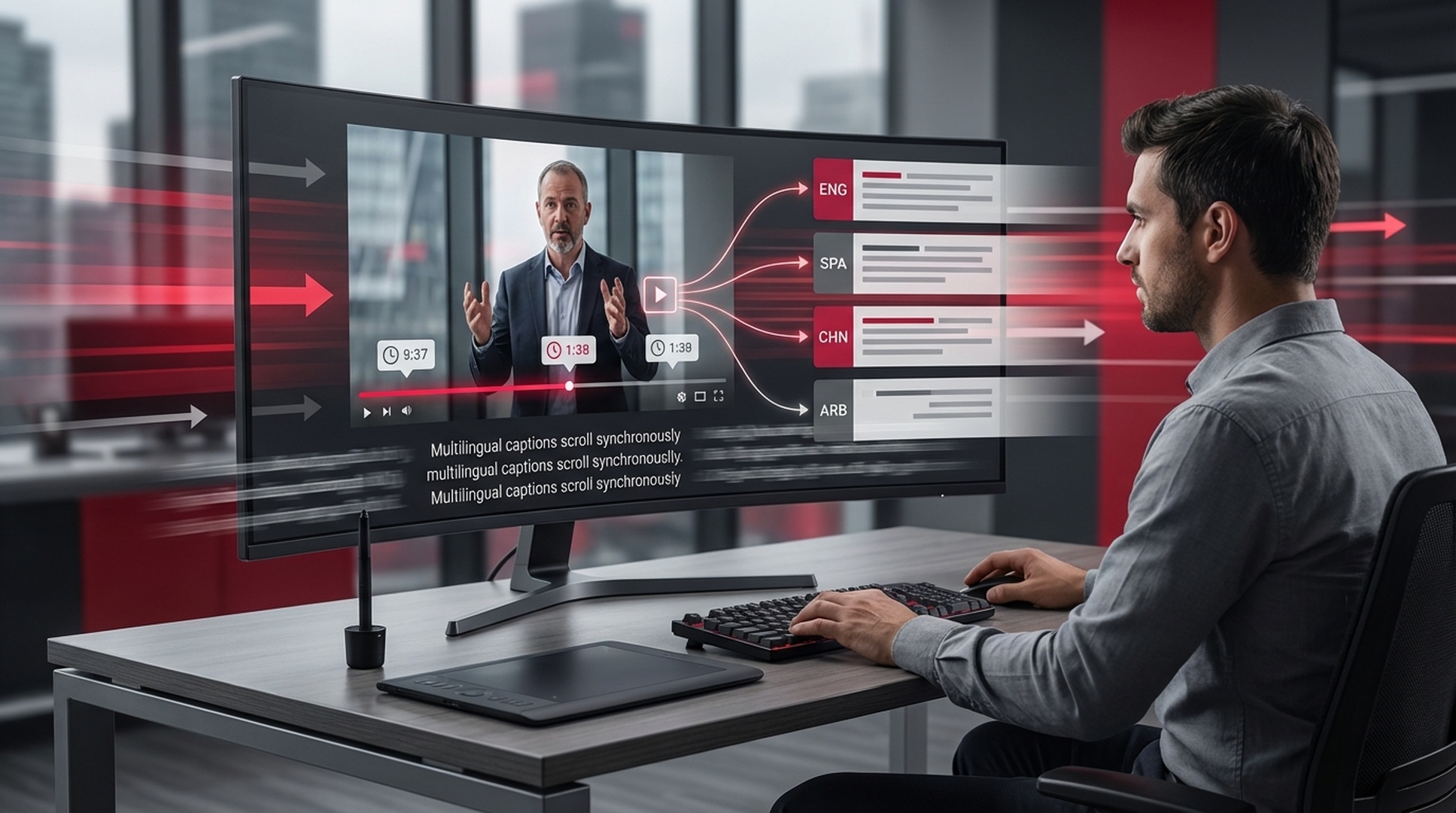
  • Request supported subtitle languages and reuse the same workflow across multilingual content pipelines.
  • Turn one transcript into notes, docs, competitor snapshots, blog drafts, training material, or slide-ready source text.
1
InstallAdd the skill to the environment where the team already works
2
AskUse natural language or the matching CLI command
3
ProcessLet the skill perform the specialized task cleanly
4
ReusePass the result into the next workflow step

Install the Felo YouTube Subtitling Hermes Agent skill

This Hermes Agent skill guide shows how to install Felo YouTube Subtitling in Hermes Agent and use it for transcript-first, summary-first, and research workflows.

How to install the Felo YouTube Subtitling Hermes Agent skill

Hermes Agent

Use Hermes Agent to turn YouTube videos into transcripts, timestamps, notes, research inputs, and reusable text for downstream documentation or reporting.

# Installs all skills that contain a SKILL.md (includes felo-twitter-writer and felo-superAgent) bash <(curl -s https://raw.githubusercontent.com/Felo-Inc/felo-skills/main/scripts/install-hermes.sh)
Read Felo API Docs

Core capabilities for summary, evidence, and transcript reuse

These capabilities are built for teams that do not just want a YouTube summary. They need evidence, timestamps, structured notes, and reusable text for the next workflow step.

Transcript-first video input

Start from a full YouTube link or short video ID, then feed the extracted text into summaries, notes, or downstream automation.

Multi-language subtitle extraction

Pull supported subtitle languages first, then reuse the same transcript across multilingual review, localization, and cross-market research.

Timestamped proof for every claim

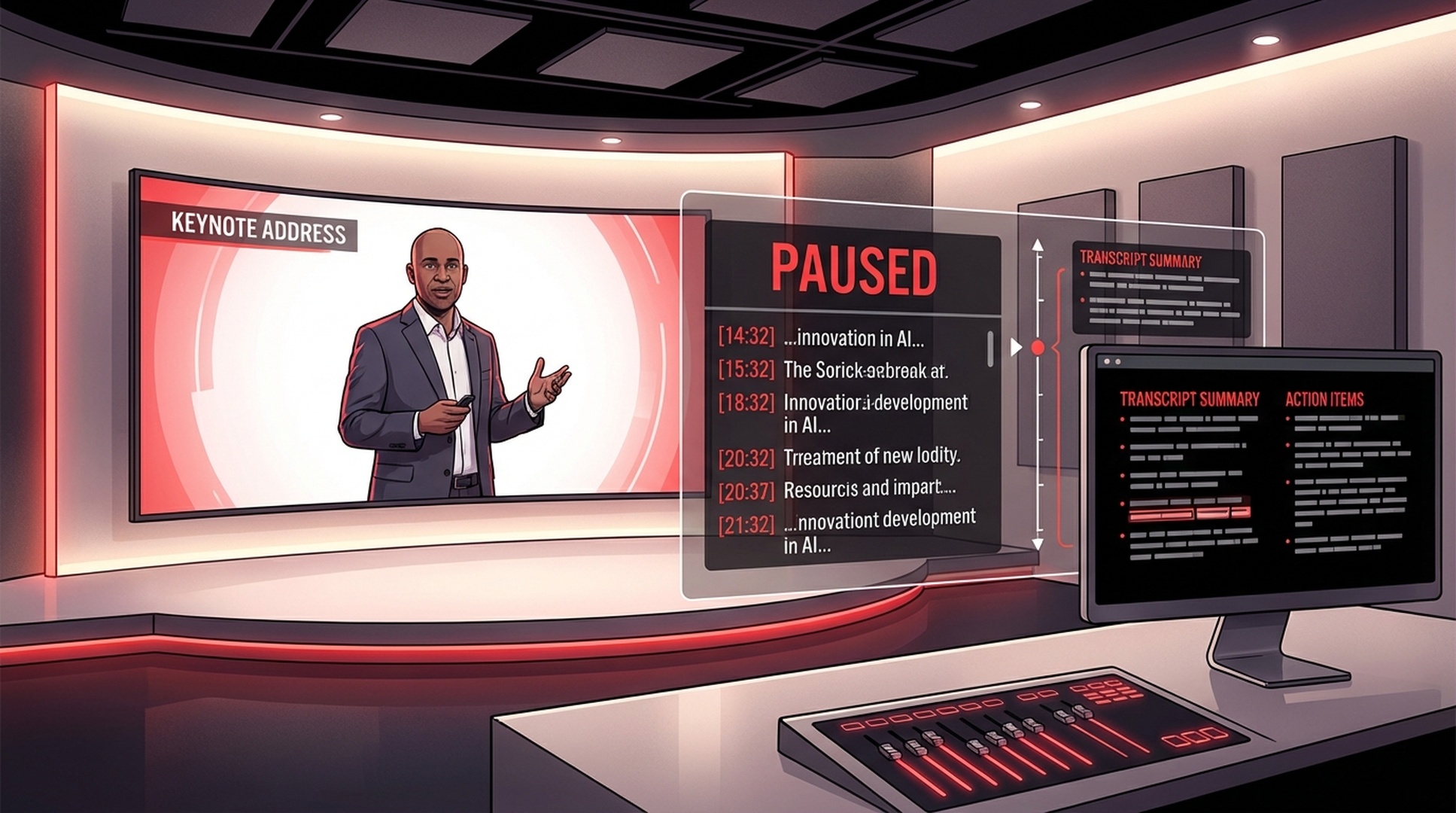
Keep timestamped segments so summaries, competitor notes, and internal docs can always point back to the original moment.

Markdown-ready source text

Turn one transcript into markdown notes, research briefs, competitor snapshots, blog drafts, training docs, or slide-ready source text.

When to use the Felo YouTube Subtitling skill beyond a basic video summary

Best for fast video recaps, tutorial indexing, competitor research, multilingual review, and any workflow where the transcript needs to keep working after the summary is done.

Summary-ready keynote recap with felo-youtube-subtitling

Fast video recap

Context: Extract the transcript first, then summarize a keynote or product launch without rewatching the full recording.
Pull the subtitles and timestamps from this keynote so I can generate a concise summary with supporting quotes.
Competitor research snapshot powered by felo-youtube-subtitling

Competitor research snapshot

Context: Turn demos and launches into structured notes your team can compare against messaging, features, and positioning.
Extract the captions from this competitor demo and keep timestamps so I can compare feature claims and positioning.
Webinar transcript turned into a markdown brief with felo-youtube-subtitling

Webinar to reusable assets

Context: Convert one webinar into notes, blog inputs, internal docs, translations, and slide source material.
Get the transcript for this webinar and format it so I can create notes, a blog draft, and follow-up training material.

Start using the Felo YouTube Subtitling Hermes Agent skill in 3 steps

Install once in Hermes Agent, connect your API key, and move from video links to reusable transcript and summary workflows quickly.

1

Run the official Hermes installer

Paste the official Felo Hermes installer into a Hermes Agent chat to install the full Felo skill set, including Felo YouTube Subtitling.

2

Add your Felo API key

Configure the Felo API key in Hermes Agent so transcript extraction works alongside search, slides, and the rest of the Felo workflow stack.

3

Turn the first video into reusable text

Ask Hermes Agent to run Felo YouTube Subtitling on a video URL and return subtitles, timestamps, or transcript text that can feed summaries, notes, and downstream content.

Why teams keep the Felo YouTube Subtitling skill in the stack

Teams keep it because video becomes far more useful once it turns into searchable subtitles, timestamps, summaries, and reusable working text.

★★★★★
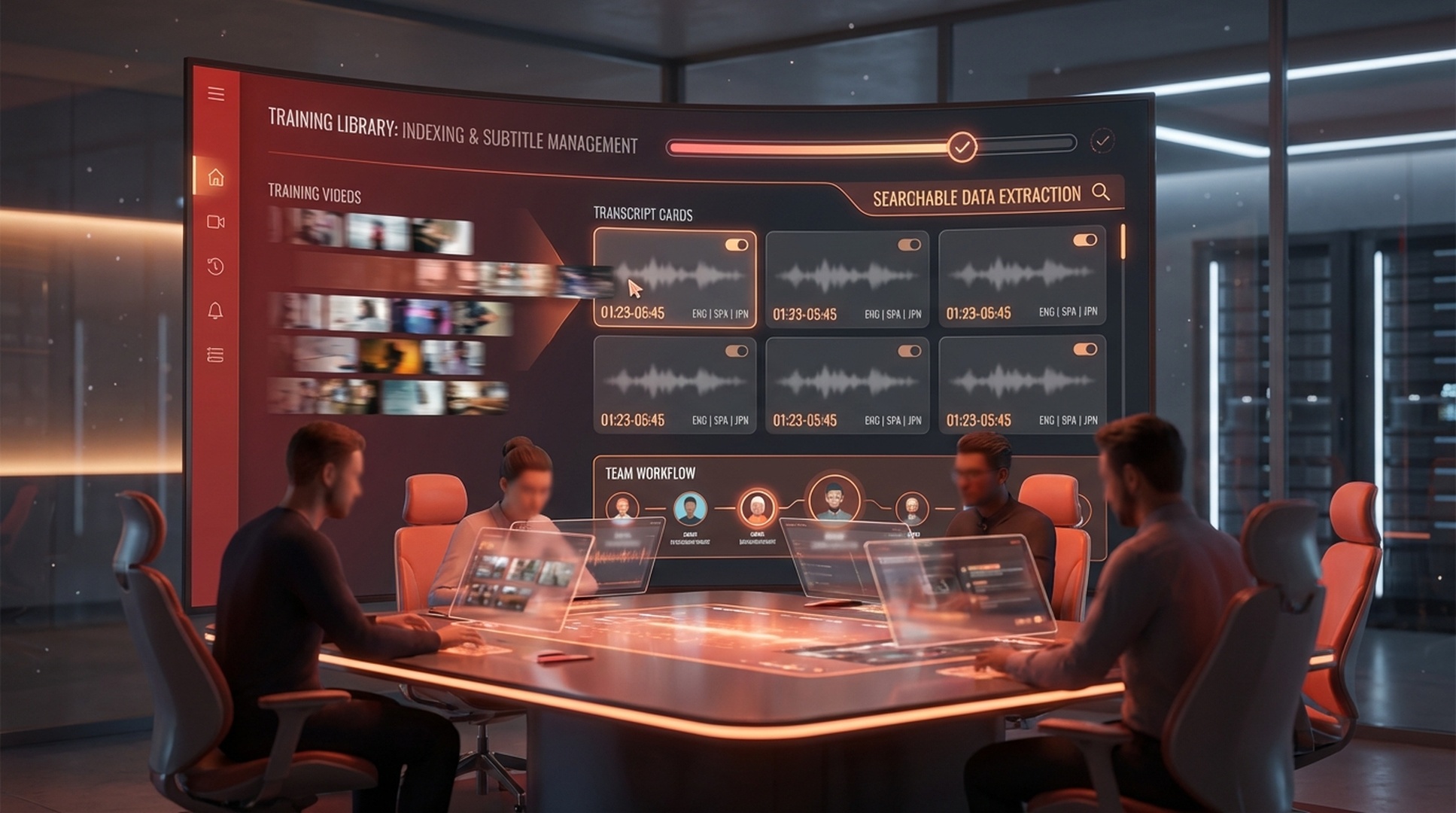
Training videos finally became searchable assets instead of links that no one wants to scrub through twice.
Haruka Tanaka
Haruka Tanaka
★★★★★
We use it to pull exact quotes and timestamps from conference talks before writing recap memos or newsletters.
Jin Lee
Jin Lee
★★★★★
It is one of the fastest ways for our content team to turn webinars and demos into notes, clips, and follow-up assets.
Rachel Morgan
Rachel Morgan

Felo YouTube Subtitling skill outcomes that matter

1 source
for many outputs
Timed
segments for proof
2 inputs
URL or ID
Reusable
text for summary to docs

Felo YouTube Subtitling Hermes Agent skill FAQ

What is the Felo YouTube Subtitling Hermes Agent skill?
It is a Hermes Agent skill for extracting YouTube subtitles, timestamps, and transcript text so Hermes can summarize, analyze, and reuse the content.
Can the Felo YouTube Subtitling Hermes Agent skill help with YouTube video summary workflows?
Yes. This Hermes Agent skill turns video audio into transcript text and timestamps, which gives Hermes the source material it needs for summaries, notes, competitor research, and content repurposing.
Does the Felo YouTube Subtitling Hermes Agent skill include timestamps and subtitles?
Yes. The workflow supports subtitles, timestamps, and transcript extraction, which makes it easier to quote, summarize, navigate long videos, and build markdown-ready notes.
How do I install the Felo YouTube Subtitling Hermes Agent skill?
Start a Hermes Agent chat, run the official Felo Hermes installer once, add your API key, and then call Felo YouTube Subtitling inside Hermes Agent.

Add the Felo YouTube Subtitling Hermes Agent skill

Install this Hermes Agent skill when transcripts, timestamps, and summary-ready text matter more than yet another saved video link.

One Hermes Agent skill turns YouTube videos into searchable text your team can summarize, cite, and reuse.