AI Meeting Notes,Done Before You Leave the Room.
Felo Voice Note is the AI note taker that turns your meetings, interviews, and ideas into structured, usable output — automatically. Real-time transcription, instant summaries, action items, and you can ask AI questions about your recording while it happens. Start in 3 seconds. Walk out with notes ready to share.
Record voice note
Great for brainstorming, meetings & classes, or when your hands are busy.
The AI Note Taker That Does More Than Transcribe
Sound Familiar?
Meeting Anxiety
Frantically typing notes while missing key discussions. 2 hours post-meeting to organize recordings. Action items still incomplete. You need a "ready-to-use checklist," not a "meeting recording."
The Creative Black Hole
Inspiration strikes but typing is too slow — train of thought derailed. 99 voice memos piled up, never opened again. Your ideas need a partner that listens, organizes, and turns chaos into plans.
The Information Fog
Recorded a 1-hour interview, need to find "the deadline he mentioned" — scrubbing the progress bar back and forth. Recordings become black boxes: saved but unusable. You need searchable audio.
What if your voice could become a searchable, queryable, collaborative workspace?
3 Ways Felo Voice Note Transforms How You Work
Not just voice-to-text — voice-to-thinking-space. Structured output, not raw transcripts.
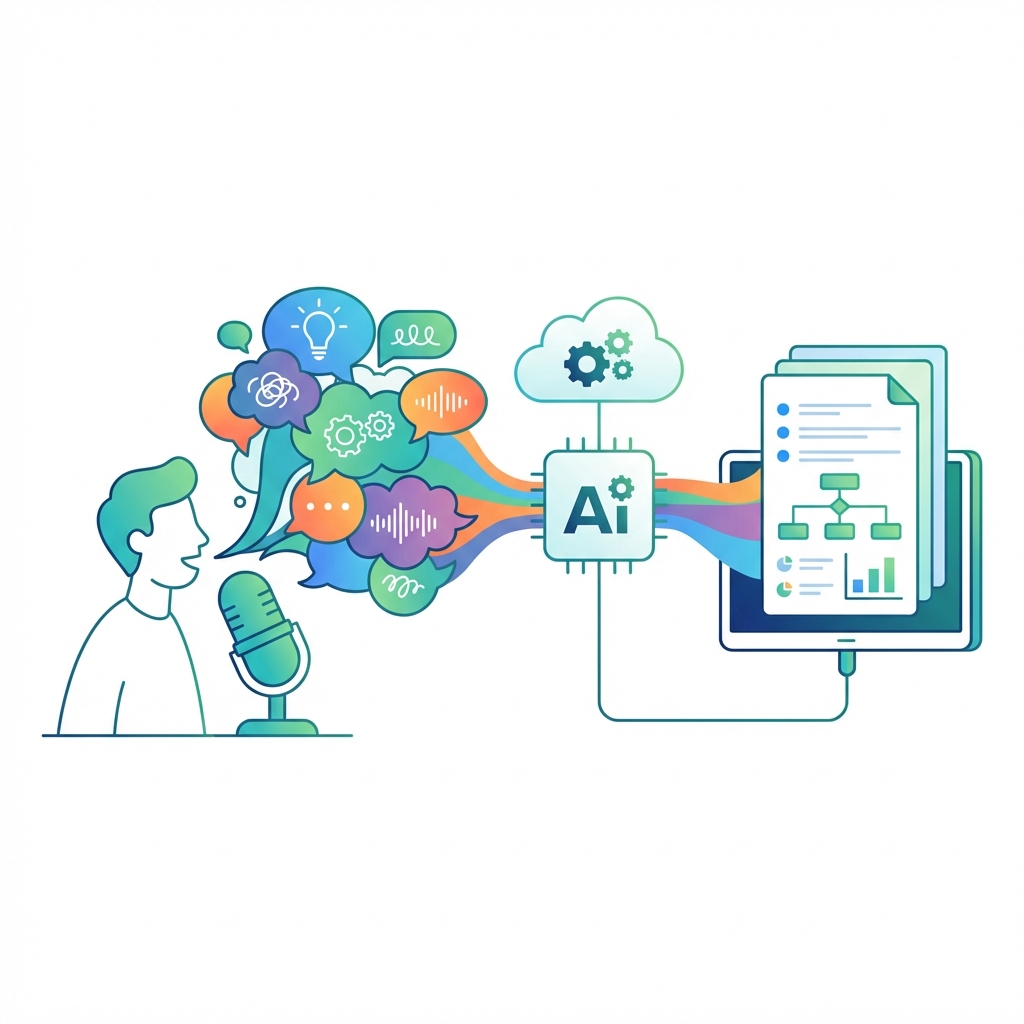
Brainstorming Partner — Chaos In, Structure Out
Talk freely into the mic — messy, contradictory, stream-of-consciousness. When you're done, one click generates a structured plan, infographic, or formatted document. Unlike basic transcription tools, Felo understands your intent and organizes your thoughts into deliverables your team can actually use.
I just dump ideas, and AI turns them into something my boss can read.
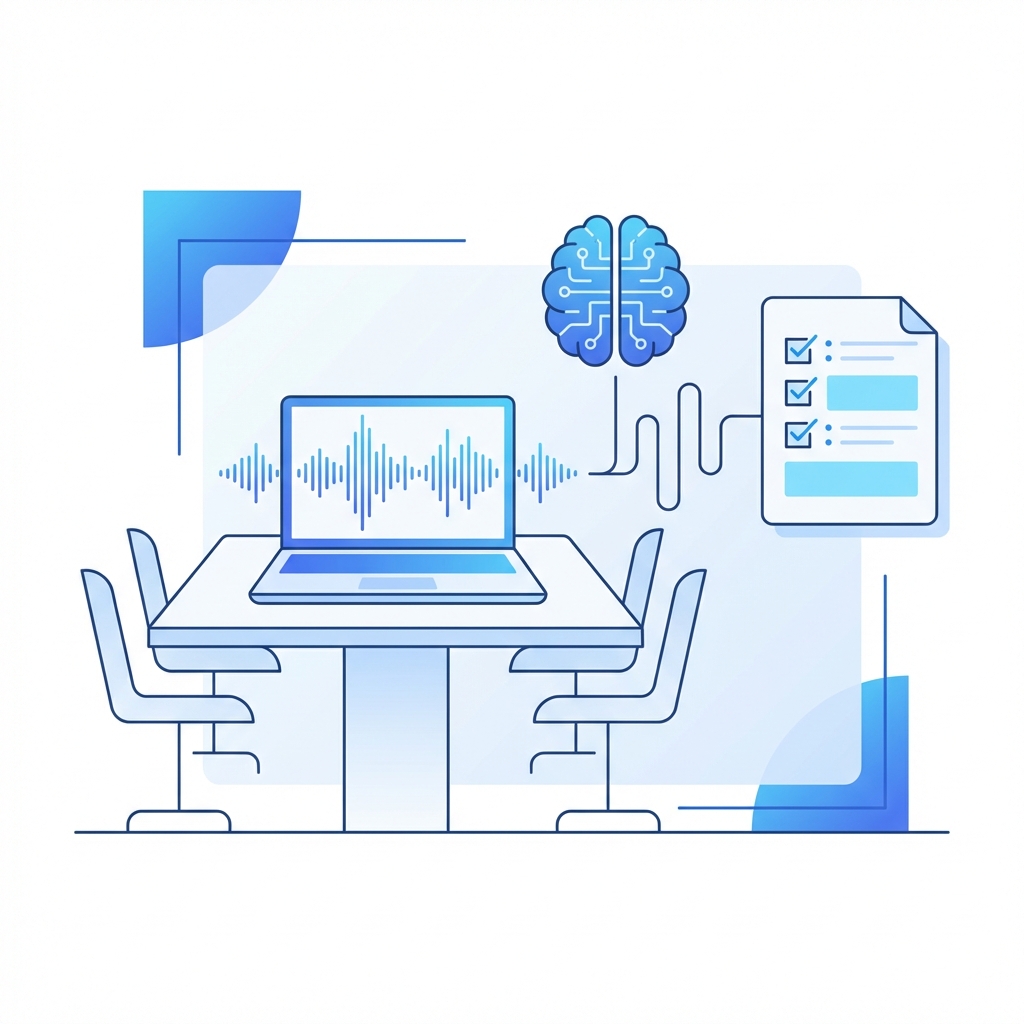
Zero-Stress AI Meeting Notes — Never Miss a Decision Again
Set your laptop on the table, hit record, and focus on the conversation. The moment the meeting ends, AI has already generated a summary, key decisions, and action items. No more frantic note-taking, no more 2-hour post-meeting cleanup. Works in noisy conference rooms and handles multiple speakers — something Otter.ai struggles with.
Meeting ends, notes are done. My team thinks I have a personal assistant.
Ask AI During Recording — Your Audio Becomes a Conversation
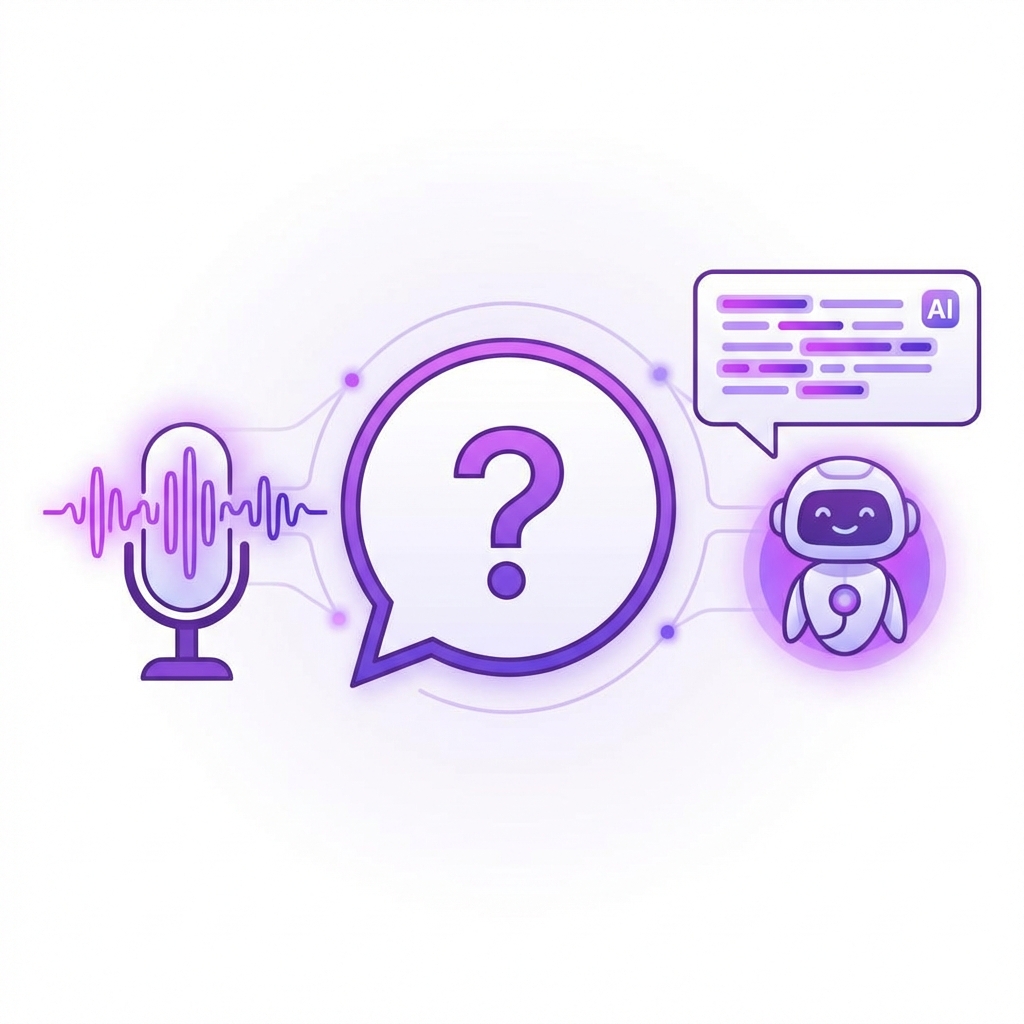
Mid-recording, ask questions about the audio content — "Did he mention a deadline?" "What was that number?" AI instantly finds the answer from your recording. Your audio is no longer a black box — it's a queryable AI assistant. No other voice note tool offers this.
My recordings turned into a chatbot I can ask anything. Mind-blowing.

Real-Time AI Transcription
Words appear as you speak — high accuracy even in noisy environments, with accents, and across multiple speakers. Not just English — 30+ languages.

30+ Languages & Mixed-Language
English, Chinese, Japanese, Korean, Spanish, French, German, and more. Seamlessly handles conversations that switch between languages — perfect for global teams.
Canvas Integration
Voice cards live alongside documents, images, and web content on the Felo LiveDoc canvas. All your materials in one collaborative workspace.

One-Click Infographics
Turn voice recordings into visual infographics, structured plans, or formatted documents. From messy thoughts to shareable deliverables in one click.
3 Steps: From Voice to Structured Output
Tap + to Add a Voice Note
On the LiveDoc canvas, tap the add button and select "Voice Note." A voice card appears instantly in your workspace.
Start Recording
Tap the mic icon and AI transcribes in real time. Your voice card sits alongside documents, images, and web content on the canvas.
AI Processes Instantly
Done recording? One click generates summaries, infographics, or ask questions about the content. Structured output, ready to use.
AI Note Taker vs. Otter.ai vs. Traditional Transcription
Built for Every Voice-First Workflow
Whatever your role, Felo Voice Note turns speaking into the fastest productivity tool you have — structured output, not raw audio files.

Team Leads & PMs
Record meetings, get instant summaries and action items. Send meeting notes before the team even leaves the room. No more "can someone send the meeting notes?" emails.

Creative Professionals
Free-form brainstorm, let AI organize into structured proposals. Your best ideas happen when you're talking, not typing — now they don't get lost.
Journalists & Researchers
Record interviews, ask AI to find specific quotes or data points mid-recording. No more scrubbing through hours of audio to find one sentence.

Students
Record lectures, get structured notes with key concepts highlighted. Focus on understanding, not frantic typing. Study smarter, not harder.

Consultants
Record client calls, auto-generate structured deliverables. One hour of conversation becomes a complete report in minutes — not days.

Multilingual Teams
Mixed-language meetings? No problem. AI handles multilingual transcription and organizes content regardless of language switching.
What Users Say About Felo Voice Note
“Meeting ends, notes are done. My team thinks I have a personal assistant. It's just Felo Voice Note running on my laptop during the meeting.”

“I dump messy, contradictory ideas into the mic — tangents and all. 5 minutes later AI gives me a structured proposal I can send to my boss. This is how brainstorming should work.”

“During a 2-hour interview I asked Felo "Did he mention the budget?" and got the exact quote with timestamp instantly. My recordings aren't black boxes anymore — they're searchable assistants.”

Frequently Asked Questions
Turn Your Voice Into Your Fastest Productivity Tool
Stop typing. Start talking.
AI handles the rest — transcription, summaries, action items, and Q&A.
End-to-end encrypted · Free to start · No credit card required