
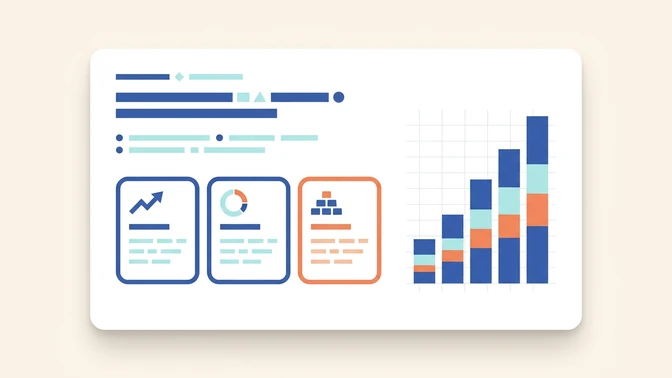
Business proposal
A practical deck for client conversations, recommendations, budgets, and next steps.
AI presentation generator
Turn a topic, source file, or URL into a draft presentation. Felo helps shape the story, slide order, evidence, and editable content before you present.
Generate a complete presentation and export it as an editable PPTX file.
Presentation routes
Pick the deck job first, then let Felo build the first draft around the audience, story, and slide structure instead of starting from a blank canvas.
A practical deck for client conversations, recommendations, budgets, and next steps.

A classroom deck with learning goals, examples, activities, recap slides, and discussion prompts.

A founder deck with problem, market, solution, traction, model, roadmap, and ask.
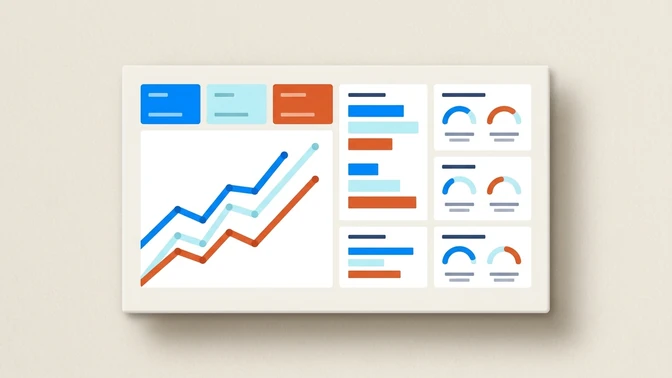
A leadership-ready summary built from metrics, findings, risks, and recommendations.

An onboarding or enablement deck that explains a process clearly, step by step.

A launch story with audience, positioning, key features, proof points, and campaign timeline.
Sample output
The first result should feel like a PowerPoint you can review, not a pile of loose bullets. Felo organizes the argument into slides your team can edit.

Start with the goal, audience, and sections the deck will cover.
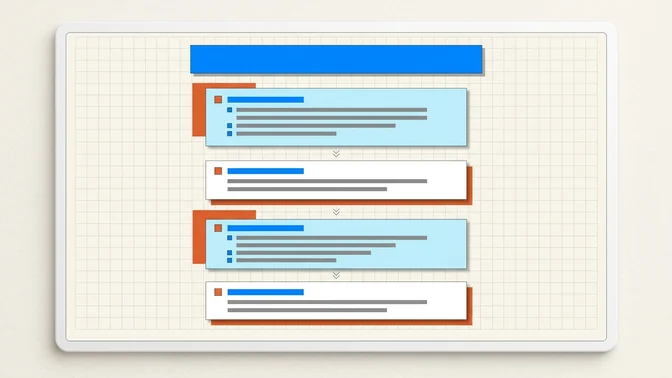
Group the story into problem, evidence, recommendation, and next step.
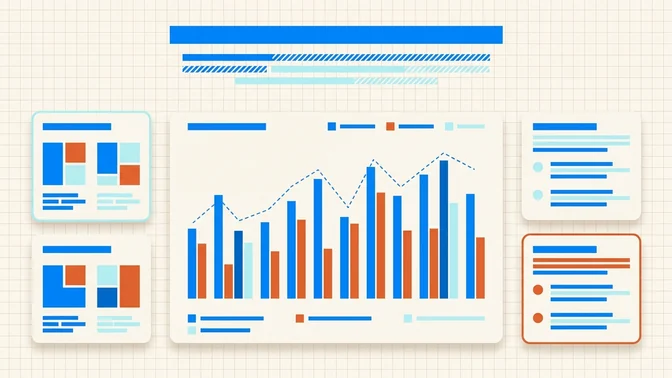
Turn notes or source material into charts, comparisons, and concise takeaways.
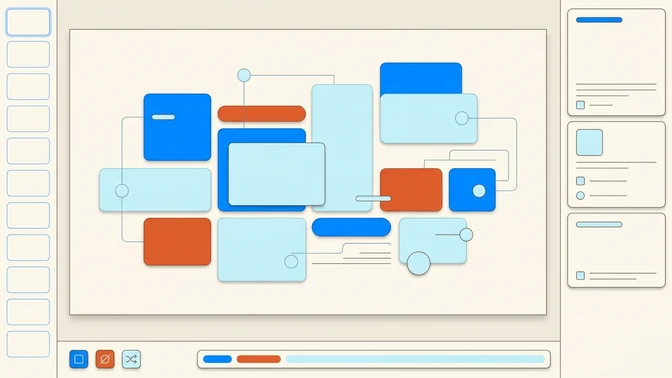
Use the result as a PowerPoint-ready draft for review, reuse, and presentation prep.
How it works
The flow stays close to how people already make slides: define the task, add context, choose the deck direction, then review the draft.
Tell Felo the topic, audience, slide count, goal, and any required angle. A sharper brief gives the deck a clearer structure.
Use notes, documents, or links when the presentation should reflect real source material instead of generic bullets.
Felo turns the story into title slides, section breaks, evidence slides, comparisons, visuals, and closing pages.
Review the output, adjust details, then use the deck as a PowerPoint-ready draft for your next meeting or class.
A useful PowerPoint needs more than a pretty cover slide. It needs a reason to exist, a story the audience can follow, and slides the team can edit.
Why Felo
Template libraries help with visual starting points. Felo also helps with the work before design: deciding what the deck should say and how the argument should unfold.
Start from a topic and Felo can help gather current context before turning the idea into a presentation outline.
The page is optimized for people who need a deck they can edit, present, share, and reuse in a PowerPoint workflow.
Use deck routes, slide settings, and brand template direction from AI Slides to keep the draft closer to the intended use.
Positioning
Use this page when the final handoff matters: a deck for a meeting, class, report, pitch, or client conversation.
| Need | Felo AI PowerPoint Generator | Generic slide maker |
|---|---|---|
| Final format | Felo AI PowerPoint GeneratorPrepared for editing, presenting, and sharing in a deck workflow. | Generic slide makerOften focused on quick visual slides or web-first sharing. |
| Source material | Felo AI PowerPoint GeneratorWorks from prompts, notes, files, and links when context matters. | Generic slide makerUsually starts from a prompt or template choice. |
| Editing | Felo AI PowerPoint GeneratorDesigned as a first draft your team can check, revise, and reuse. | Generic slide makerMay be harder to adapt to an existing deck process. |
| Best use | Felo AI PowerPoint GeneratorPitch decks, reports, lessons, proposals, training, and launch plans. | Generic slide makerFast inspiration when design matters more than handoff. |
How to
A short prompt works, but a useful PowerPoint usually needs a little more context. Use the steps below when you want a stronger first draft.
Name the audience and decision the deck should support.
Add source notes, files, links, or data points when accuracy matters.
Choose the deck route: pitch, lesson, report, training, proposal, or launch.
Review the generated deck, check claims, then refine the slides before presenting.