
AI presentation maker
AI Presentation Maker: slides you can edit and present
Tell Felo who is in the room and what has to land. It writes the outline and builds the slides from that one paragraph.
Start with a brief like this
Free to start, and it exports PPTX and PDF.
The brief
What you type is what you get
Every AI presentation maker can produce slides. What changes the result is what you tell it about the room.
- Who is in the room
- Leadership, a class, a client, a hiring panel. Naming them is what makes the slides pitched at someone instead of at no one.
- How long you have
- Write ten minutes, or five slides, into the brief. Length is something you say in the brief, not a dial you turn.
- What has to land
- The one thing they should remember if they forget the rest. It usually becomes the slide the whole presentation points at.
- What you already have
- Notes, a document, a link, a spreadsheet, a picture. Anything Felo can read is worth attaching instead of retyping.
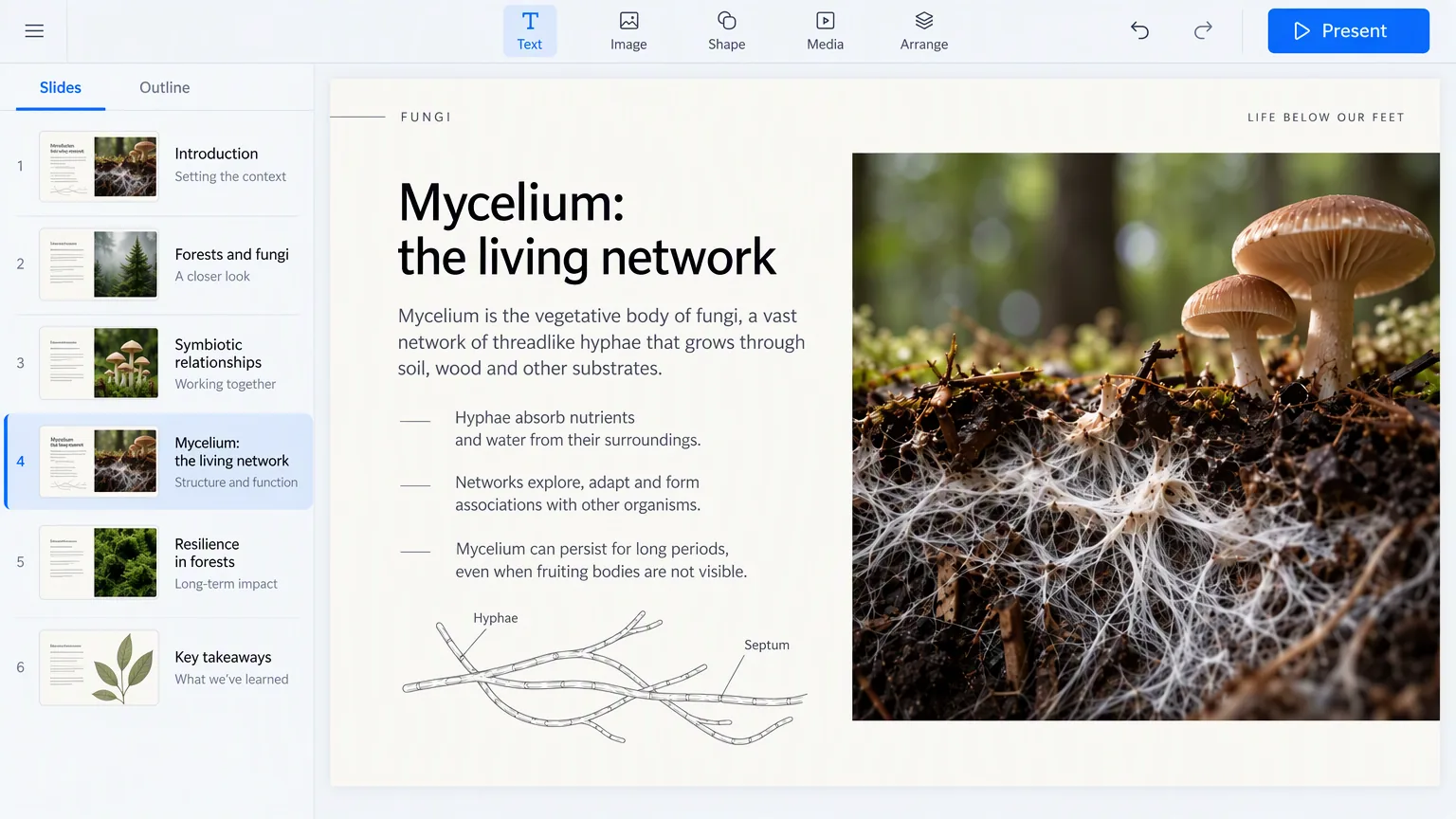
A brief is one paragraph. Writing it takes less time than formatting a title slide.
Four steps
From a paragraph to something you can present
Nothing to install. The brief goes in, and you edit what comes back.
Write the brief
Who it is for, how long you have, what has to land. One paragraph.
Pick the theme
Choose the look once. Type, colour, and spacing hold from the first slide to the last.
Felo builds the slides
Outline, order, and the words on each slide, from what you wrote.
Edit, then present or export
Rewrite any slide, then present it full screen or save it as PPTX or PDF.
What you get
Three things, not one
One file is what most tools leave you with. You get three: the outline, the slides, and the file.
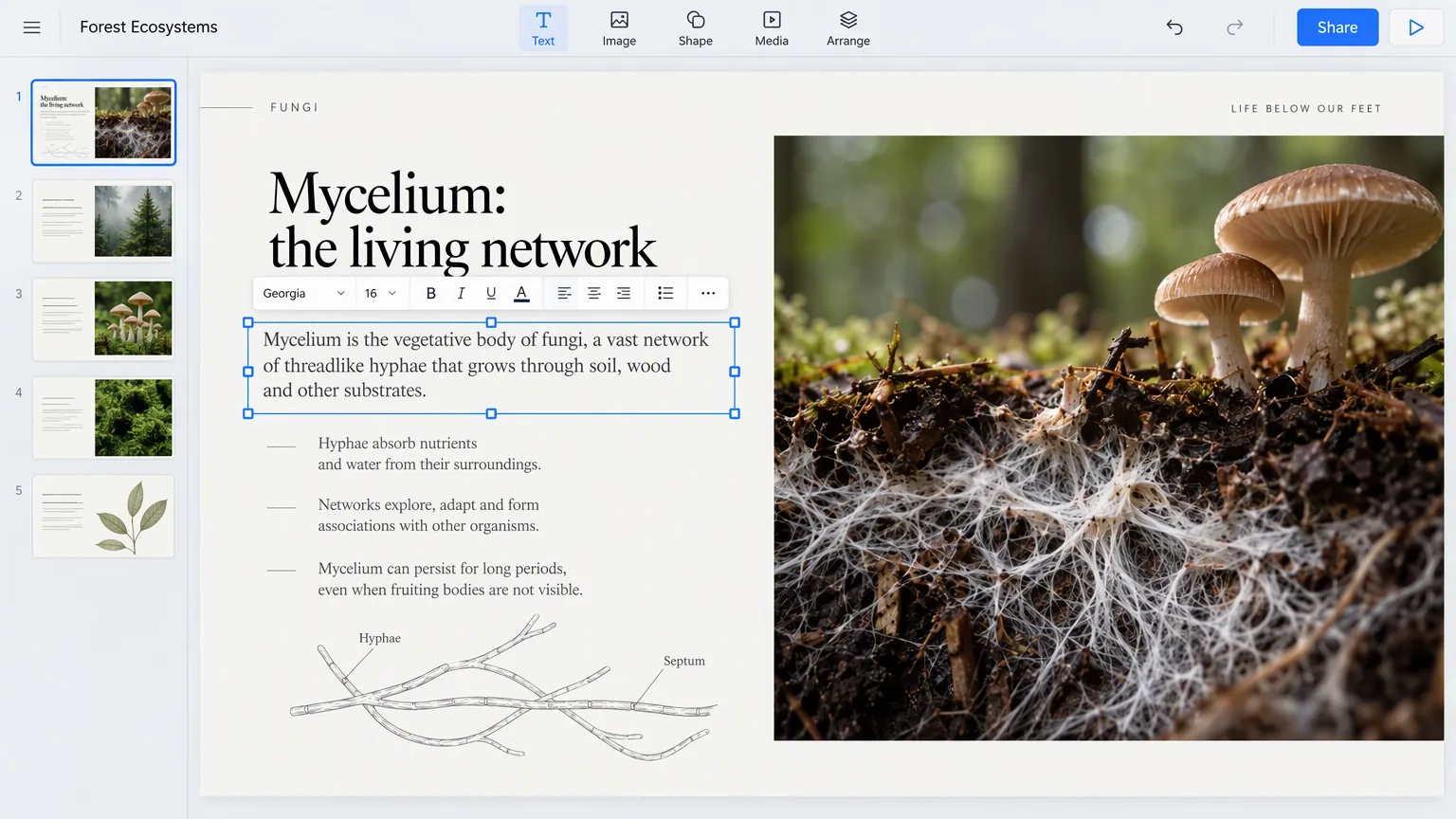
An outline you can argue with
The order and the point of each slide, before you worry about how it looks. Rearrange it and the slides follow.
Slides you can edit
Each slide is a slide: text you can select, blocks you can move, colours you can change. Not a flat picture of a slide.
A file that leaves
Export PPTX for PowerPoint, or PDF to send on. Both open outside Felo.
Then the room
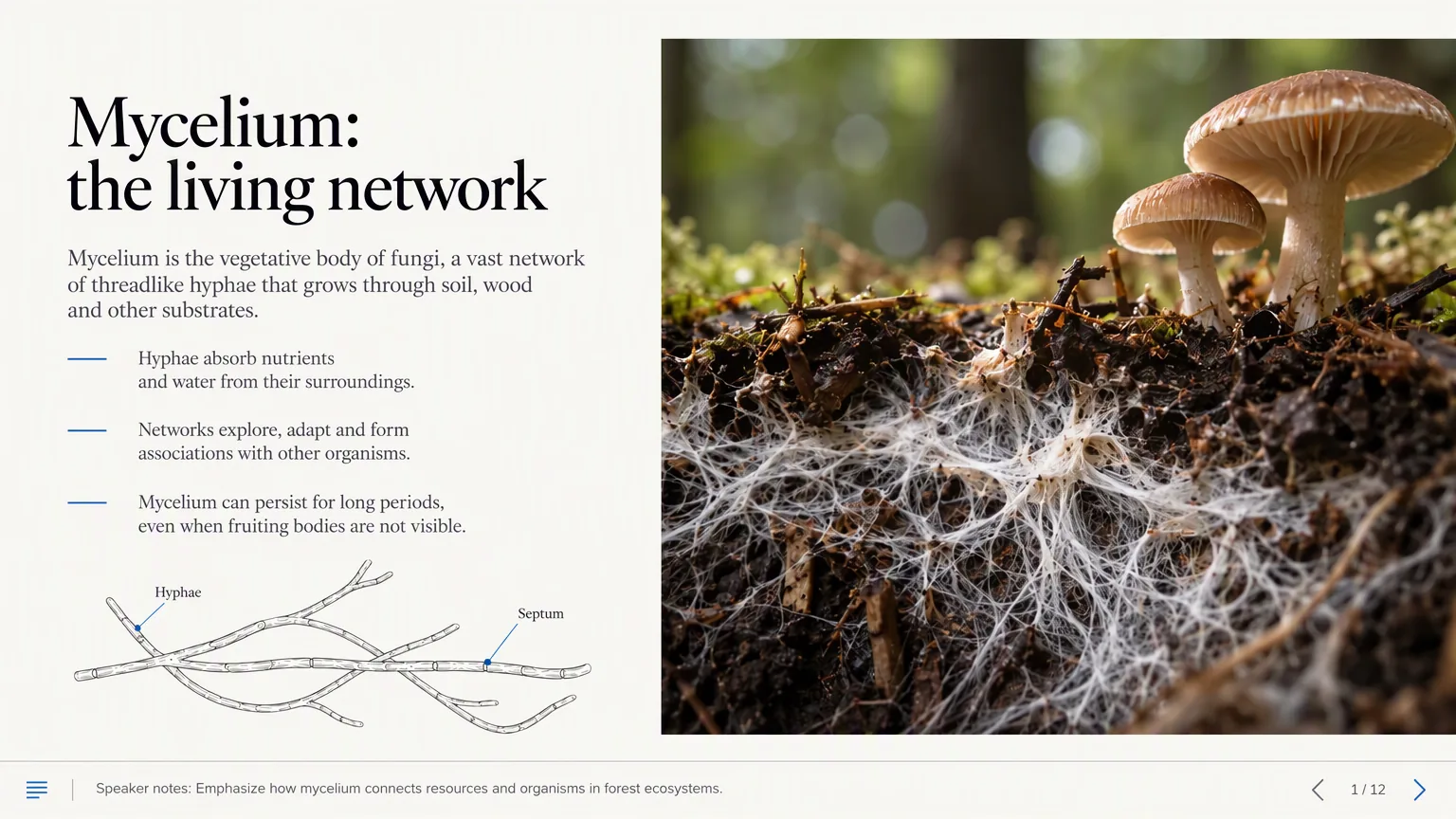
Present it without leaving the tab
The file is not the whole job. Most tools stop the moment the download finishes.
- Full screen, from the browser
- Present the slides you just made. Nothing to install, and no need to open PowerPoint first.
- Your notes in front of you
- Speaker notes stay on your screen and off theirs.
- Let the room follow along
- Share a link and everyone sees the slide you are on, on their own screen.
Same slides, from the brief to the room.
By room
The room changes the slides
The same topic becomes four different presentations, depending on who is sitting there.
The update
People who already know the project. What moved, what did not, and what you need from them.
The pitch
People deciding. The problem, the number, and the ask.
The class
People hearing it for the first time. One idea per slide, one example each.
The review
People checking your work. The evidence, and where it came from.
Before you pick one
Three questions worth asking any of them
Whichever tool you end up using, these are the three things an AI presentation maker has to hand you.
- Does it write the outline, or wait for yours?
- A maker that only lays out text you already organised has skipped the part most people are stuck on.
- Do you get a file you can edit somewhere else?
- If the slides only live inside the tool, you have borrowed them. Ask what you can export, and check it opens.
- Can you present from it, or only download?
- Some tools end at the download. If you want to stand up and present the same slides, find out before the meeting, not during it.
Felo does all three. That is the whole claim.
AI presentation maker questions
More ways to start
If you already have the material, one of these is a shorter path.
- PDF to PPTYou have the document already. Turn its pages into slides.
- Image to PPTA picture of a layout, a whiteboard, a screenshot. It rebuilds it as slides you can edit.
- URL to PPTPoint it at a page. The article becomes a presentation.
- Outline to PPTYou know the order already. Let it do the designing.
Start here
Write the brief. See the presentation.
One paragraph in, an editable presentation out, and a full-screen way to give it.
Build my presentation