
Free AI PPT maker
AI PPT Maker
Turn one sentence into a finished presentation. Felo writes the slides, keeps the look consistent, and gives you an editable PPTX.
20 million decks made with Felo, by 10,000+ teams.




A few of the covers people start from.
Five steps
How the AI PPT maker works
Start from a sentence, your notes, or a document.
One line is enough: who it's for and what it should cover. Notes or a document work too.
Choose the theme once. Every page follows it.
Titles, body text, and layout come out of what you described.
Change the wording, cut a page, move things around. Slides stay editable.
Save as PPTX for PowerPoint, or present straight from the browser.
What the maker does
Four things it handles on the way in, and the pages you get back.
One sentence is enough
Say who the deck is for and what it should cover. Felo writes the pages from that.
Start from your own files
Paste your notes or upload a document, and the maker builds the deck from what is in it.
Editable and exportable
Every deck opens in PowerPoint and exports as PPTX, so later edits stay cheap.
One look across every page
Pick a theme once. Type, color, and spacing hold from the cover to the last slide.
See what comes out
A cover and title page, the key points, one simple visual, and a page that is ready for your edits.
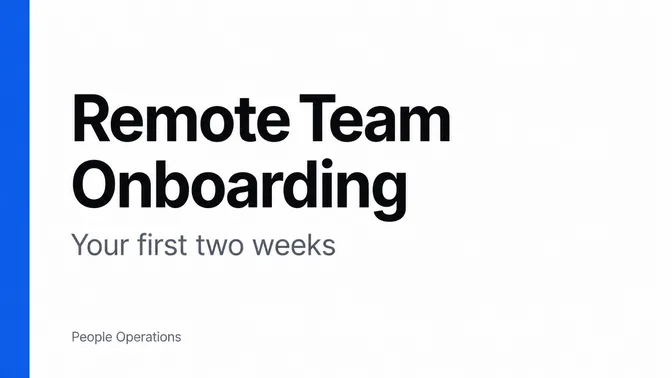
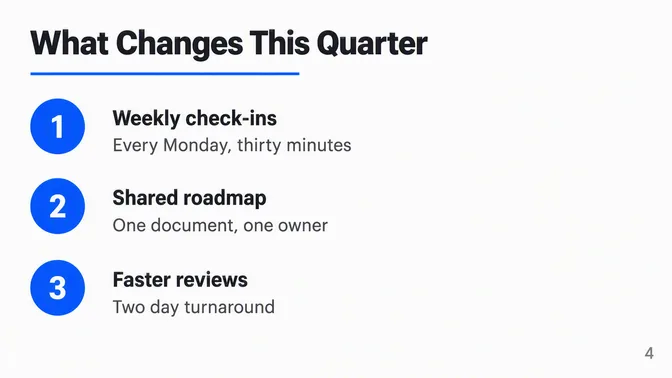
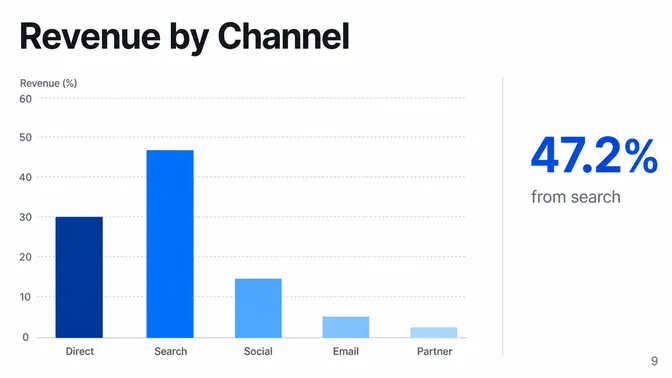
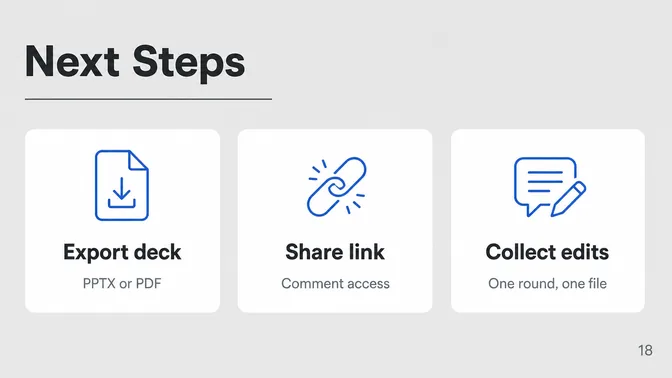
Deck images are generated with GPT-Image 2.5 and Nano Banana.
Pick a starting point
What you can make with an AI PPT maker
Choose a tab, then choose a deck. It drops into the box at the top of the page, and you can change every slide afterwards.
Why use an AI PPT maker?
Speed is why people try one. Consistency is why they keep using it.
It won't decide what your deck should say. It removes the parts that are identical every time, so the time you spend goes into the part that isn't.
AI PPT maker FAQ
An AI PPT maker builds presentation slides from something you already have: a sentence, a set of notes, a document, or a link. You describe the deck and the tool returns pages with titles, body text, and a layout that holds together across all of them. The saving is not mainly typing. It is not having to decide the shape of a deck from nothing, every single time. What stays with you is the judgment: which points matter, how much room each one gets, and what your audience already knows. Felo gets you to a draft worth editing. It does not decide what the deck is for.
One sentence is usually enough to get a full draft, and Felo returns the first pages in seconds. You never have to write an outline first. When Lifehacker Japan tested Felo in October 2024, they measured a first draft at around 10 seconds.
Yes. The free tier covers about 7 slides a day with no watermark, and you can present straight from the browser. Free tiers are where AI PPT makers differ most: some cap how many decks you get, some add a watermark, some stop you after a couple of tries. What matters is whether a draft comes back good enough to edit rather than rewrite, and the only honest way to find that out is to run your own topic through it. A demo deck about a made-up subject tells you nothing. If you make decks every week you will notice the daily limit. If you make one every few weeks, you probably will not.
Yes. Paste your notes into the box or upload a document, and the maker builds the deck from it. If the content isn't written yet, describe it in one line instead.
Yes. Every deck exports to PPTX, so you can open it, present it, or keep editing in PowerPoint. Which export options you get depends on your Felo plan.
Yes. Write the request in your own language and the deck comes back in it. Felo supports 50+ languages, including English, Japanese, Korean, Chinese, Spanish, French, German, and Portuguese.
Yes. A lesson deck takes one sentence: name the topic and the grade level. The maker keeps the wording short, and you can edit any page before class.
The generator is for decks that need research and a structured argument. The maker is for decks you already have in your head and need on screen quickly. If you want sources and citations, start from the AI PowerPoint generator instead.
Three things do most of the work: who the deck is for, what it should cover, and how many slides you want. Everything else is optional. 1. A weekly update for [team]. Cover what shipped, what is blocked, and what happens next week. One line per point. 2. A lesson on [topic] for [grade level]. Define the key terms, give two examples, and finish with three questions to discuss. 3. A pitch for [product] to [role] at [type of company]. Cover the problem, what we do differently, and what happens next. Replace what is in the brackets and paste the rest.
Most of the quality comes from the input. Six things are worth putting in the prompt. 1. The audience, in a phrase. It sets how much background the deck assumes. 2. The purpose, in one sentence. It keeps pages from drifting into background material. 3. A slide count. Decks of 5 to 12 pages read best off a screen. 4. Takeaway titles instead of topic labels. It is the difference between a deck that argues and one that lists. 5. A bullet cap of three to five per page. That is what people actually read. 6. One concrete detail, such as an example, a number, or a comparison.
More ways to build a deck
Eight other starting points, one for each kind of material you already have.