
Google Slides to PowerPoint
Google Slides to PowerPoint: export it once, then keep editing
Google Slides and Keynote both write a .pptx in one menu. What comes out is a file you can only change back at the source. Bring it here and the slides stay editable — then go back out as .pptx.
Export once. Keep editing after.
Open your .pptx in FeloWhere it starts
The export itself takes one menu
Both apps write a PowerPoint file on their own. If that is all you need, you are done — here is where it is.
Google Slides
Open the presentation. The download options sit in the first menu at the top left, and the PowerPoint file is one of them.
File → Download → Microsoft PowerPoint (.pptx)Keynote
Open the presentation in Keynote. The export options sit in the first menu at the top left, and one of them writes a PowerPoint file.
File → Export To → PowerPointThe path shown is the one in the English interface. In a translated app the menu sits in the same place under a different name.
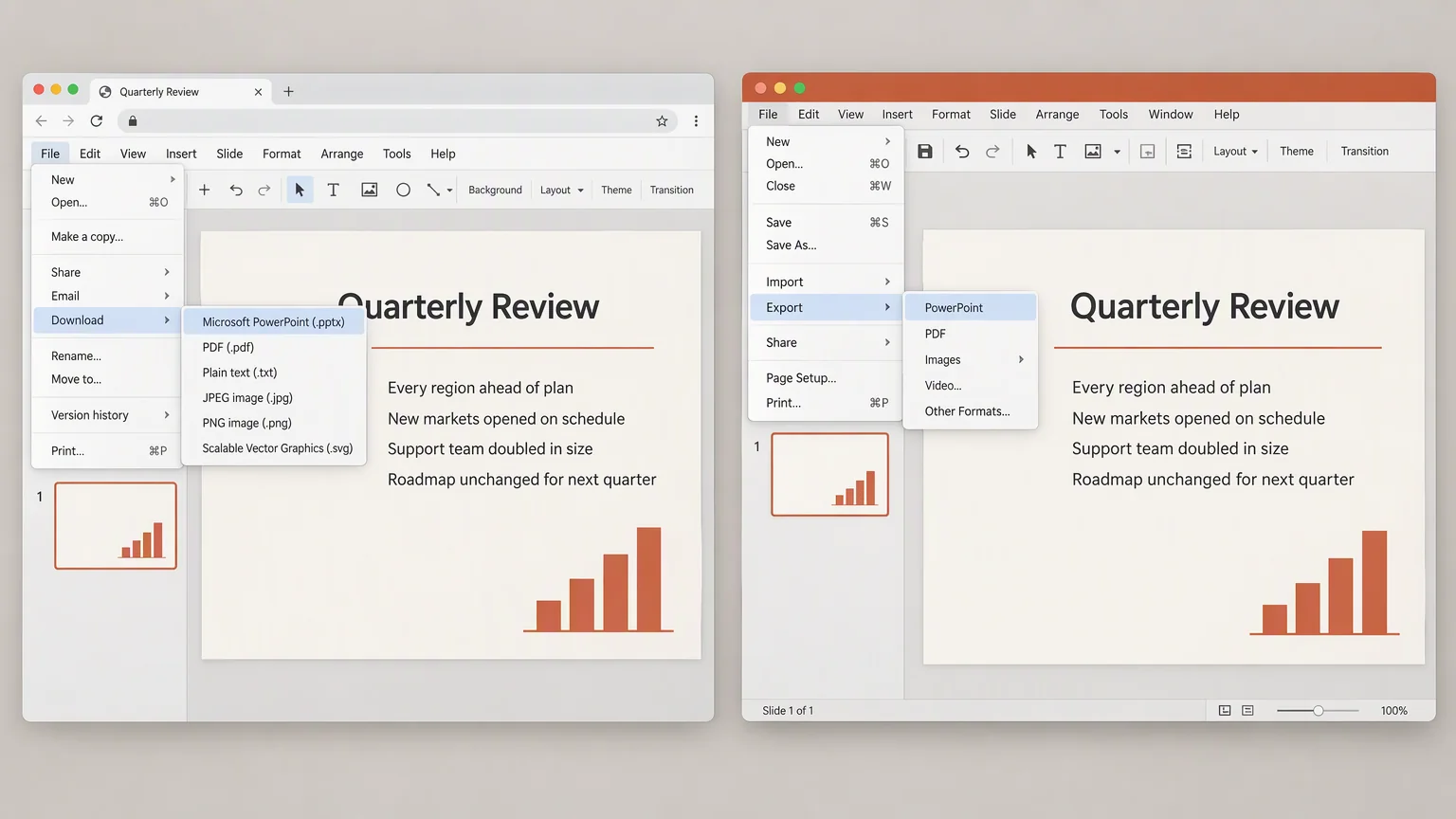
The crossing
What the crossing costs your file
An export is a translation between two programs, and translations lose things. Four are worth a look before you send the file on.
The typefaces
Text set in a font the other program does not have comes back in a substitute.
The colours
Theme colours can shift a shade or two, and the palette stops matching.
Charts and diagrams
A live chart can arrive as a flat picture you can no longer edit.
Where the lines end
Text that fit the box in one app can spill past it in the other.
On the canvas
Bring the file over and it opens as slides
Upload the .pptx you exported. On the canvas it is a presentation again, not a picture of one.
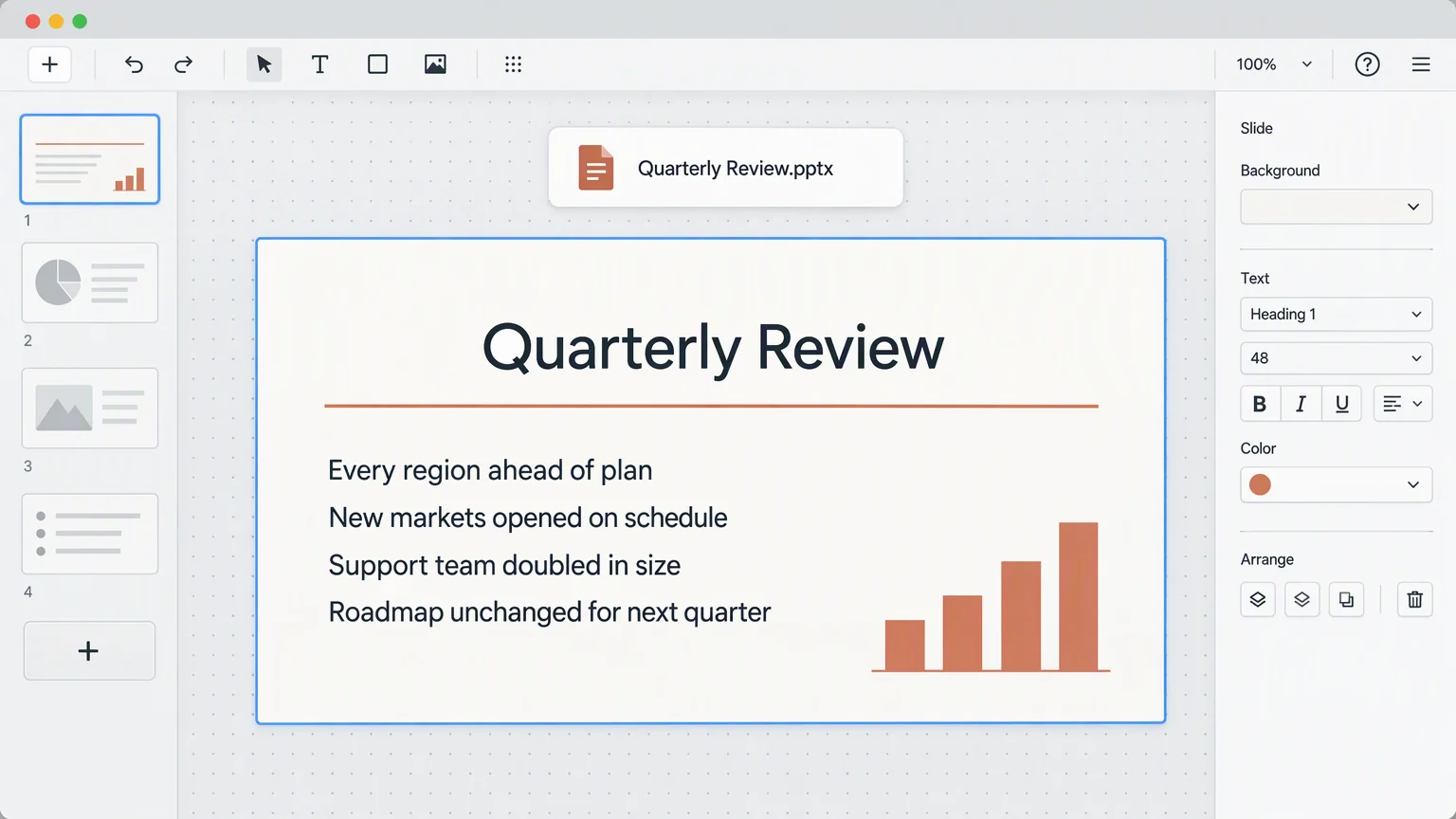
- It arrives editable
- Text stays text and shapes stay shapes, so anything on the slide can still be changed.
- Your exported file is only read
- Felo opens the copy you upload. The .pptx sitting in your downloads folder stays where it is.
- The same editor as everything else here
- The slide list, the toolbars, the menus — nothing is a special mode for imported files.
From there
What you can do once it is here
Three things the file could not do on its own.
- Change it in the browser
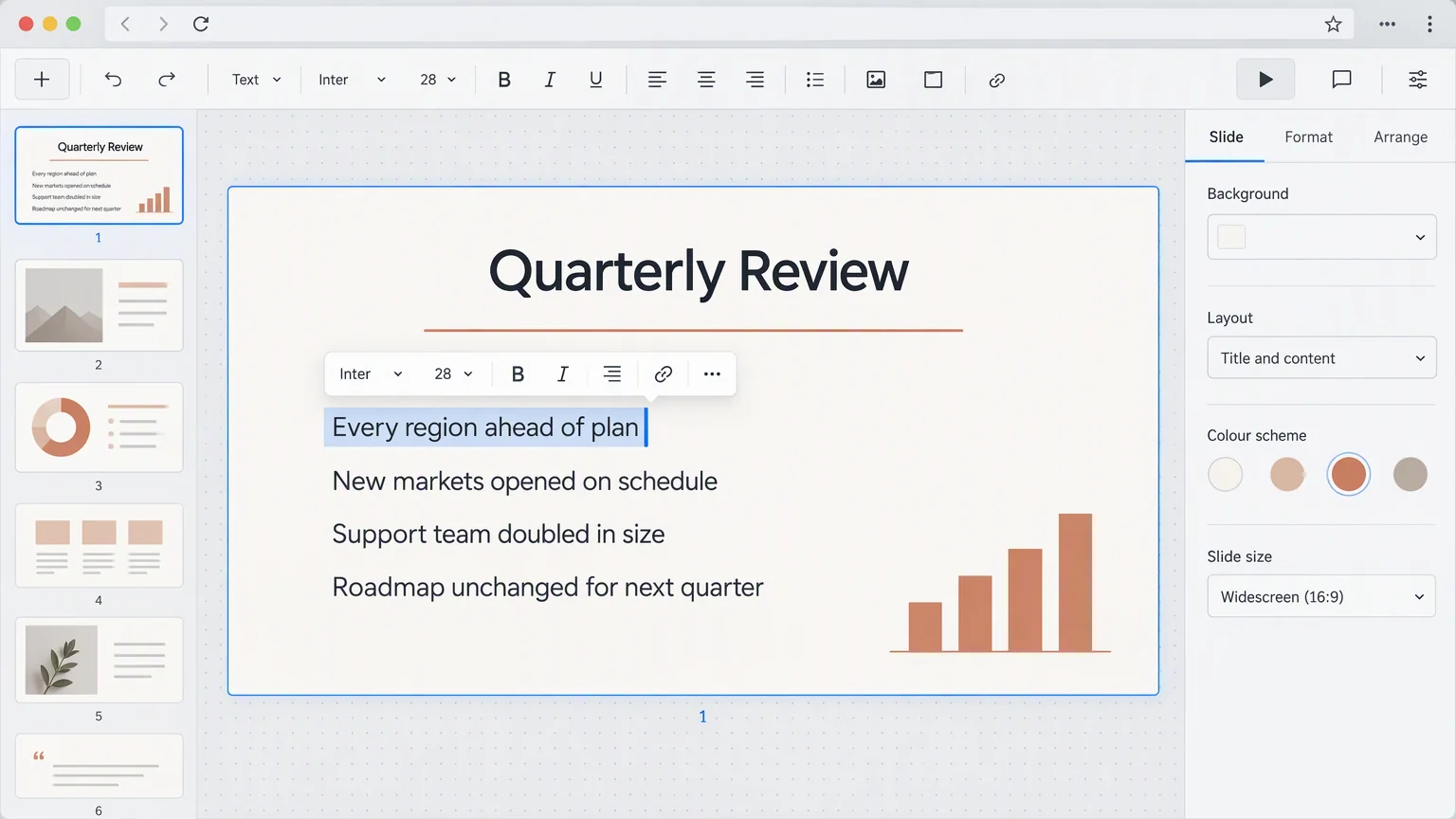
- Rewrite a line, move a picture, correct a number. No PowerPoint install and nothing to download first.
- Send it out again
- The file's menu on the canvas has Download PPTX and Export as PDF, so the next version leaves the same way.
- Or hand it to the AI
- Put the slides into another language, or have the design rebuilt around the words you kept.
Questions about the export
Where the same file can go next
Three pages that pick up where this one leaves off.
Bring it over
Export from Google Slides, then finish it here
One menu in Google Slides or Keynote gives you the .pptx. Felo keeps it editable from there.
Open your .pptx in Felo