
Presentation creator
Presentation Creator: build slides from what you already have
Hand Felo the notes, the document, the spreadsheet, the picture, or the link. It reads what you give it and returns slides you can edit.
Or start from one of these
Start from a file you already have.
The gap
The template was never the hard part
Most presentation creators open with a gallery. Pick a layout, and the slide is still empty, because the missing piece was never the design.
A gallery gives you a look
Choosing a theme takes a minute. It does not tell you what belongs on slide four.
The words are somewhere else
In a report, a spreadsheet, a document, a thread, your own head. Getting them onto slides is the work.
So that is where this starts
With whatever the presentation currently lives in.
Design is the part a machine should do. Deciding what to say is the part it should not.
Starting points
What you can hand it
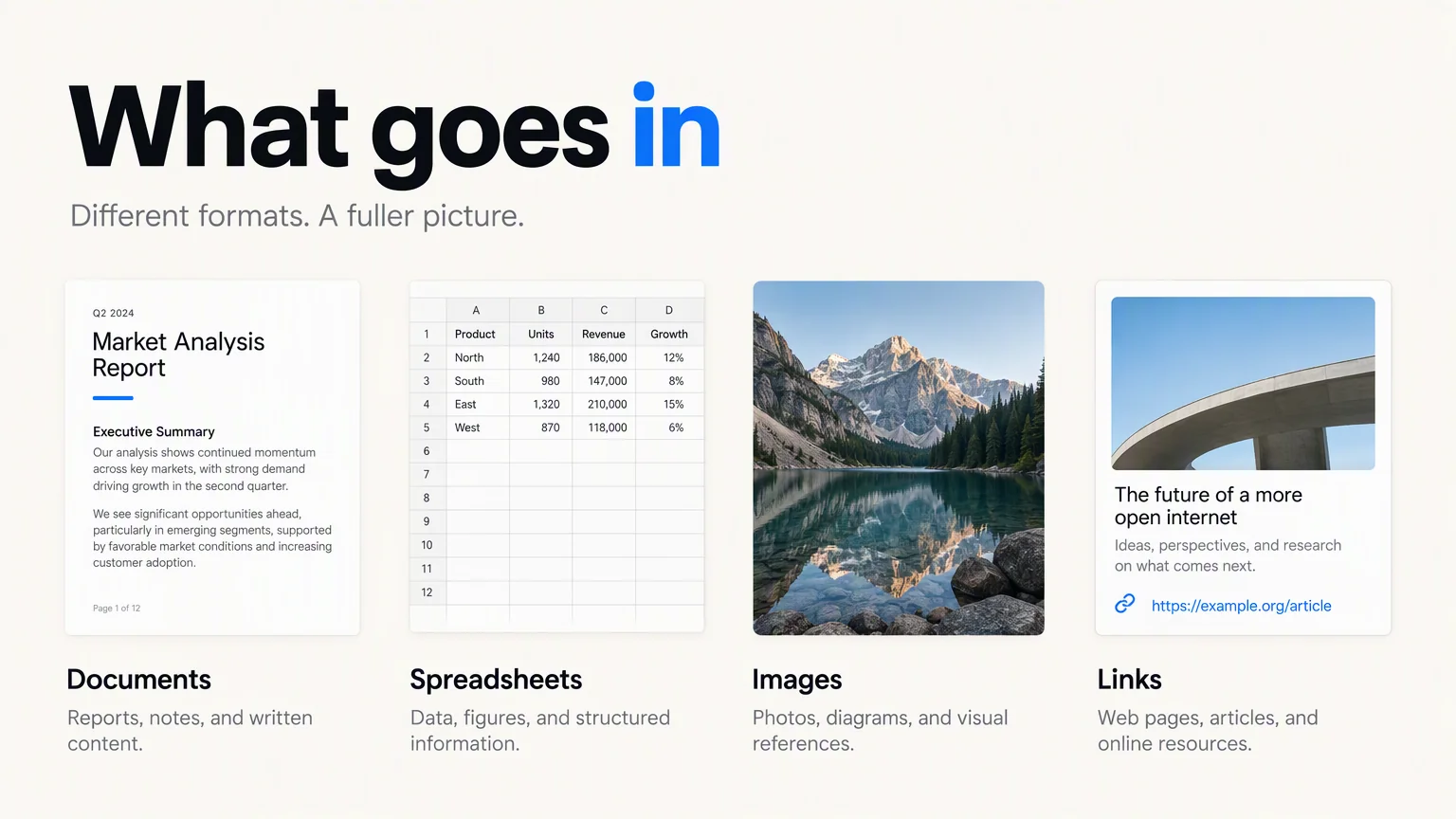
Each of these goes in as it is. Working out the structure is the part Felo does.
Loose notes
Paste the bullets you already wrote, in whatever order they came out. Order is what you are buying.
A document
PDF, Word, or Markdown. Its headings become your sections.
A spreadsheet
Excel or CSV. Rows and columns come back as tables and charts instead of a wall of numbers.
An image
A whiteboard photo, a chart screenshot, a scanned page. JPG, PNG, WebP, TIFF, or GIF.
A link you paste
Felo reads the public page. Anything behind a login will not open.
Text, documents, spreadsheets, and images all go in the same box.
What comes back
Slides you can still change your mind about
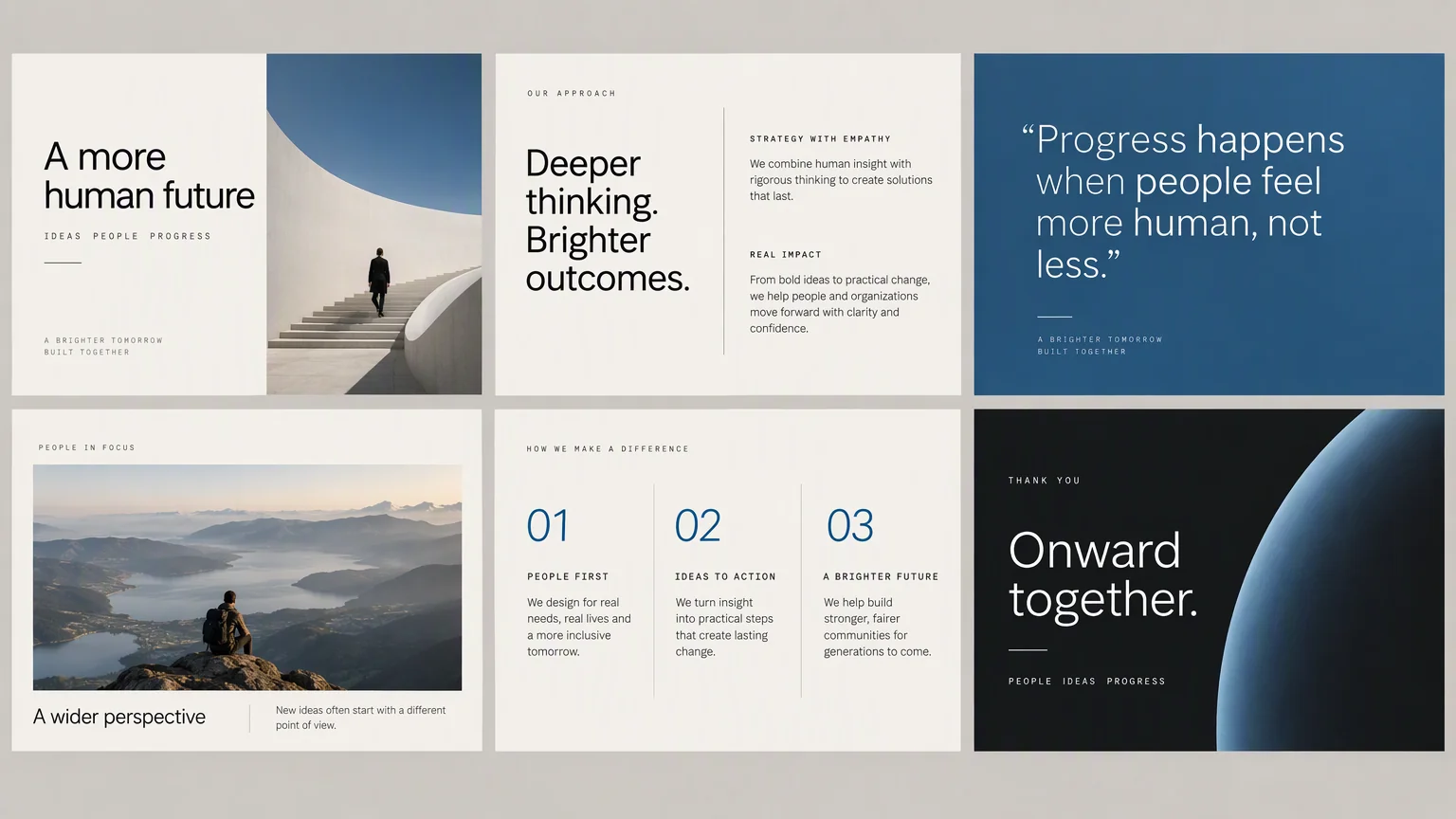
Not a picture of a presentation. The presentation.
- Sections, already in order
- The material comes back grouped and sequenced, with an opening and a closing it decided you needed.
- Every slide is editable
- Select the text, move the block, change the colour. Nothing is a screenshot of a slide.
- Out in one click
- PPTX for PowerPoint, PDF for everyone else. Both open outside Felo.
Three steps
From what you have to what you show
No blank slide, and no browsing a gallery first.
Hand over the material
Attach the files, paste the notes, drop in the picture, or paste the link.
Say what it is for
Topic, audience, length, language. A paragraph covers it.
Edit what comes back
Rewrite any slide, then export it or present it from the browser.
Your template
It can wear your company's template
If your team already has a PowerPoint template, the slides can come back inside it.

- Import the .pptx
- Import Template takes a PowerPoint file up to 50MB.
- Felo reads the style
- It picks out the colours, the fonts, and the logo, and saves the result as your personal template.
- Use it again
- Your templates sit next to the built-in themes, ready for the next presentation.
No template of your own? The built-in themes cover the usual cases.
Limits
Where it stops
Better to know now than halfway through.
- A .pptx is not source material
- The input box takes PDF, Word, text, Markdown, Excel, CSV, and images. PowerPoint files belong in the template panel, not the source panel.
- It does not check your figures
- Numbers come from what you supplied. Read them again before you present them.
- One source file at a time on the free plan
- A free account attaches one document per presentation, up to 25MB. Paid plans allow up to ten; enterprise accounts raise the ceiling to 50MB.
- Some links will not open
- Anything behind a login, and anything that blocks readers, comes back empty.
Presentation creator questions
Start from one particular kind of file
If the material is already in one format, these pages go straight at it.
Start now
Bring what you have
Attach a file, paste your notes, or start from a link. The slides come back editable.
Create a presentation free