
Slide creator
Slide Creator: what belongs on each slide, decided first
Say what the presentation is for. It works out what each slide carries, what gets cut, and what order the argument runs in.
Or start from one of these
Decide the content before the look.
The tell
You can spot a machine-made slide from the back of the room
Every slide is equally full. The same amount of text, the same shape, from the title to the last one — because nothing decided what each slide was for.
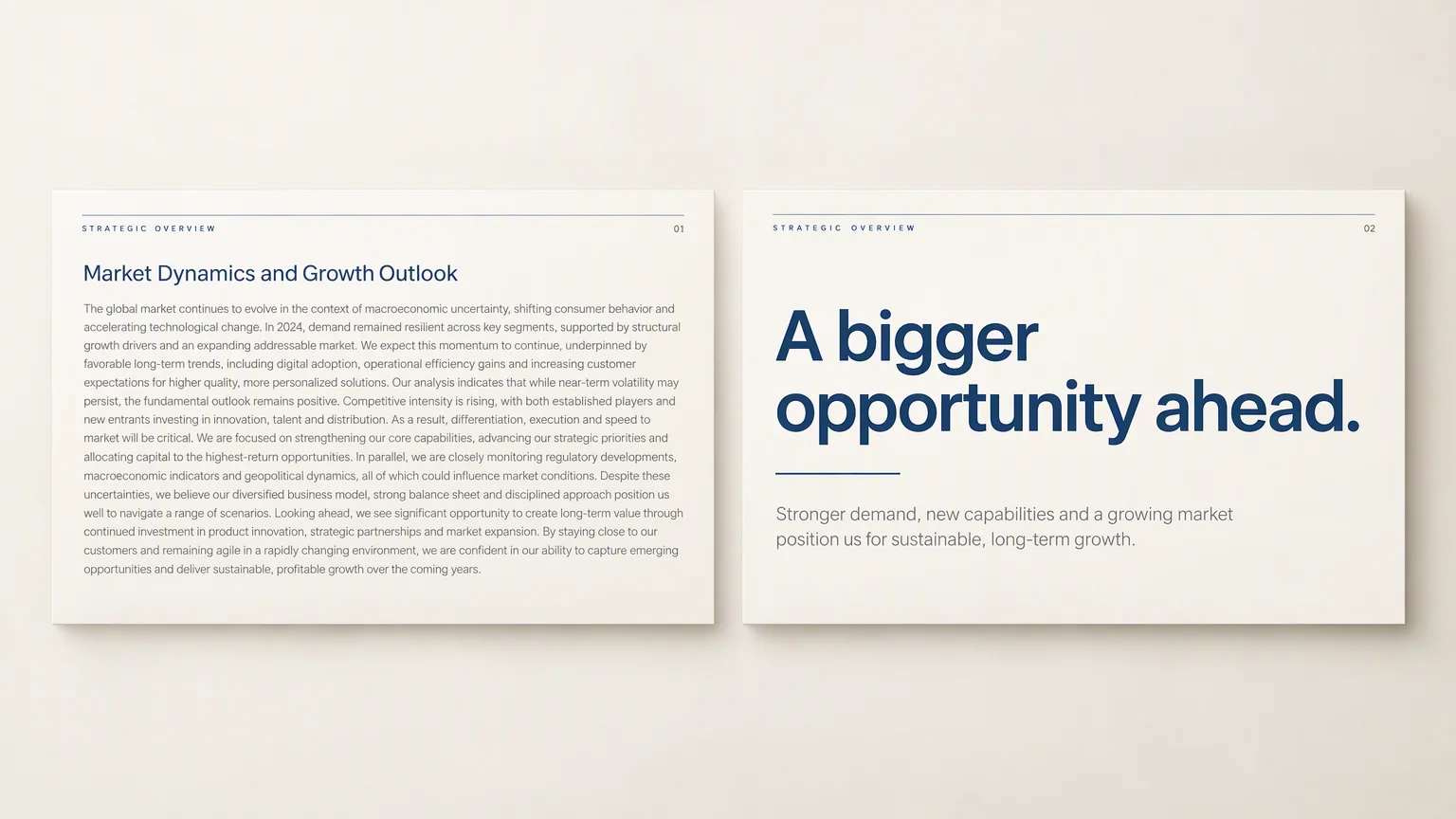
- Prose, spread across slides
- A document cut into rectangles. The breaks fall where the text ran long, not where the argument turns.
- Every slide weighs the same
- When the opener and the detail slide look alike, the room has no way to tell what matters.
- So they read instead of listen
- A slide of paragraph text turns an audience into readers, and they get there before you do.
Deciding what belongs on a slide is the work.
What gets decided
Three calls before anything gets designed
Styling can wait. These are the decisions that decide whether the presentation works.
- What earns its place
- Not everything in the source deserves a slide. Felo keeps what the room needs and drops the rest.
- What each slide carries
- One point per slide, sized to be read at a glance rather than a paragraph moved onto a rectangle.
- How it opens and how it ends
- The first slide sets up the question, the last says what to do about it, and the middle earns the distance between them.

Starting points
Start from whatever this presentation currently is
A thought, a file, a link, a page of notes. Any one of them is enough.
A topic you can state in one line
Give Felo the subject and who it is for. It researches and drafts from there.
A file someone already wrote
Reports, briefs, and specs. Felo reads them and pulls out what belongs on a slide.
A link you paste
An article, a product page, an announcement. Felo reads it and turns it into a draft.
The notes you took in the meeting
Paste the fragments and the bullets. Felo works out what they add up to.
Whichever you pick, the first draft comes back editable.
Where it gets used
Presentations people actually have to give
Not showcase slides. The ones with a date on them.
- The recommendation
- A market question, a brief, and a point of view that has to survive questions.
- The pitch
- Problem, proof, price, next step — with the objections already answered.
- The lesson
- A topic that has to land in fifty minutes, for a room at different levels.
- The update
- Progress, numbers, and what you are asking for, for people who read it before the meeting.
- The quarterly
- The same story every quarter, told so the numbers mean something.
- The handover
- What was decided, what changed, and what the next person needs to know.
Client work
Revenue
Teaching
Startups
Reporting
Internal
Compared
A template library gives you a look. A slide creator gives you the slides.
Both end in a file you open. They start somewhere different.
Where it starts
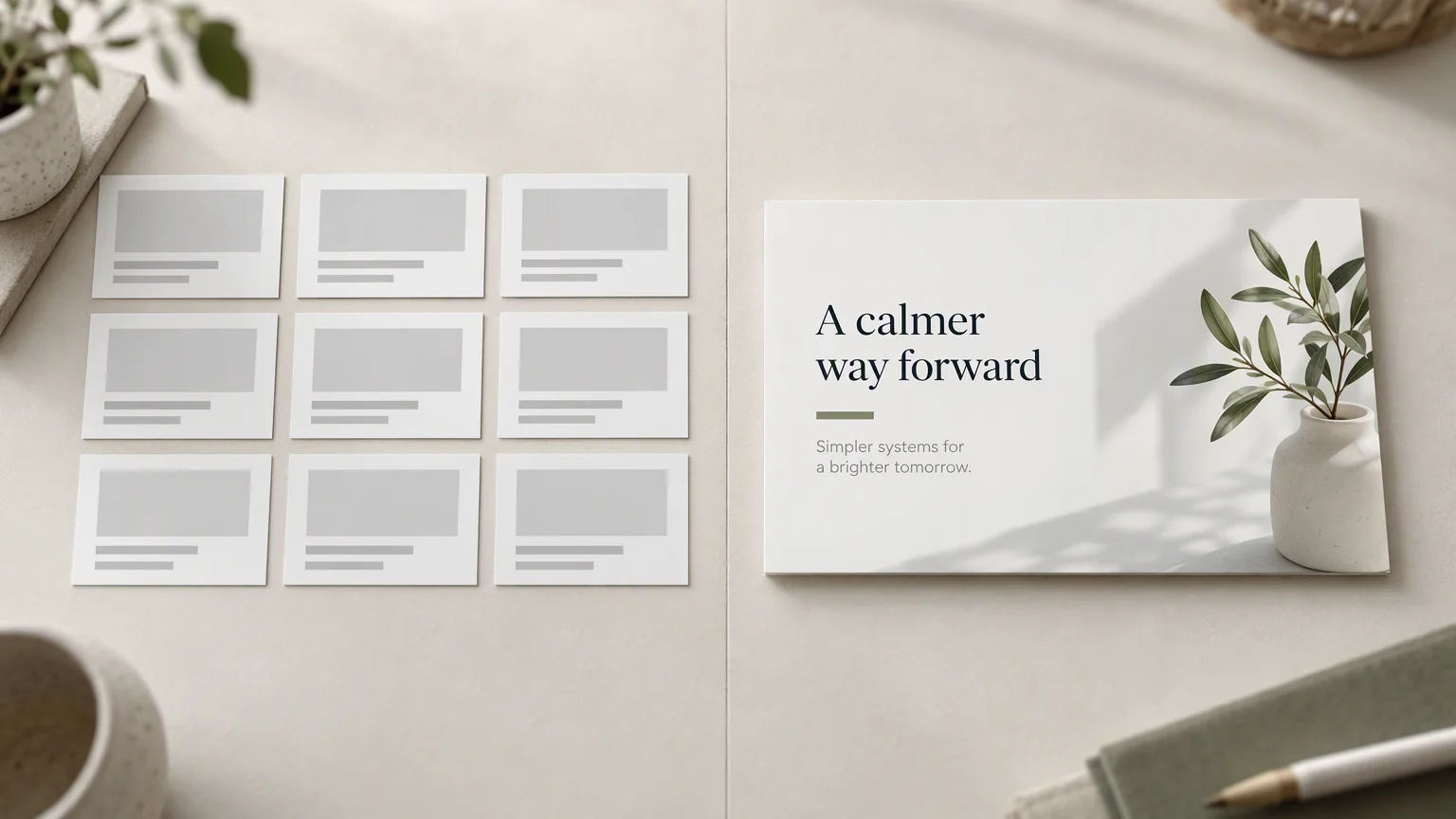
A template library opens with a gallery. You pick a look before you know what the slides say.
Felo starts with the brief, the source material, and who is in the room.
What is on slide one
A title placeholder with your name on it.
A first slide that sets up the question the rest of the presentation answers.
How the text lands
Whatever you paste becomes the slide, at whatever length.
Felo cuts it to what fits the slide and keeps the point.
What you do next
Replace the placeholder text, slide by slide.
Edit what came back, then export it or present it from the browser.
Slide creator questions
Start from one particular kind of file
If the presentation already exists in one format, these pages go straight at it.
Start
Say what the presentation is for
Felo works out what belongs on each slide. You decide whether it is right.
Create slides free