
Slideshow maker
Slideshow Maker: make a slideshow, play it online
Say what the slideshow is for. Felo writes the slides, puts them in order, and plays them in the browser one page at a time.
Or start from one of these
It plays in the browser. Nothing to render.
The name
Three things get called a slideshow
Two of them end in a video file. This one ends in slides.
- 01
A video that plays itself
Photos, music, an mp4. Nobody is talking over it.
- 02
A template waiting to be filled
A look, and a blank where your words go.
- 03
Slides you play online
Written, ordered, and played in the browser, one page at a time.
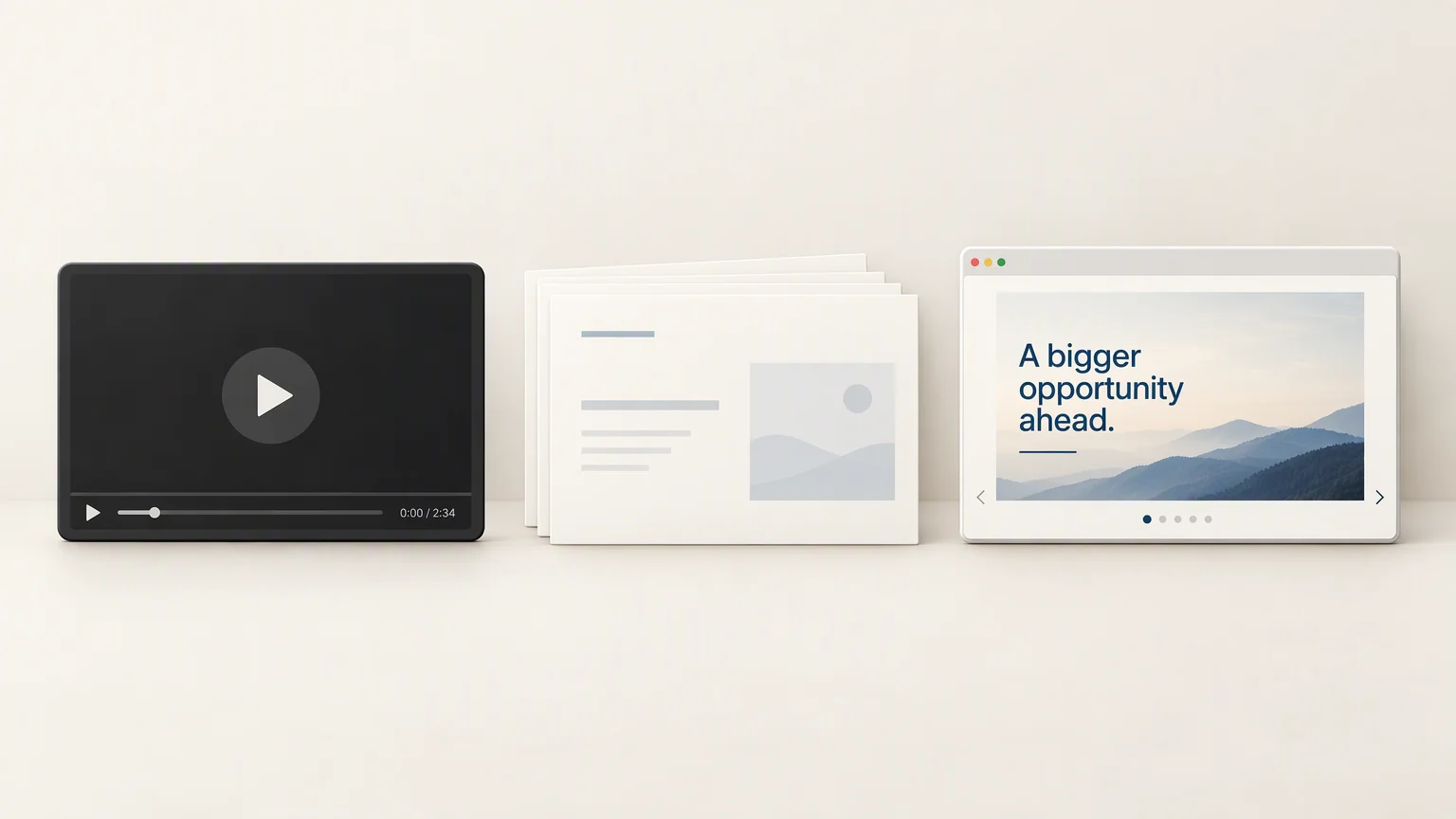
The third one is what this makes.

Playing it
It plays in the browser, one page at a time
No download, no render, no player. The slideshow opens and you move through it.
- Play it right there
- In the tab you are already in, or full screen. Esc to get out.
- Move page by page
- Forward, back, or straight to a slide. You are driving it.
- The room follows on their own screens
- Share a follow link and everyone moves to the page you are on.
Afterwards
Still a presentation you can change
Playing it online is not a locked view. The same slides stay editable.
Opens in PowerPoint, in the order you played it.
Opens anywhere, for anyone who wants a copy.
Change a slide and play it again. There is no video to rebuild.
What you bring
Say it, or bring the thing you already wrote
One line is enough. So is a document someone else wrote.
- A topic
- A document
- A web link
- Notes you pasted in
Side by side
Video slideshow tools make a video. This makes a slideshow.
Both get called a slideshow maker. They produce different things.
What you get
A rendered video file.
Slides you play in the browser, one page at a time.
Music
Usually the point.
Not part of it.
Changing one slide
Re-render the whole thing.
Edit the slide, play it again.
When someone asks a question
Pause it.
Answer, then carry on from where you were.

Slideshow maker questions
If the slides already exist somewhere
These pages go straight at one file type.
Start
Make the slideshow, then play it
Describe it once. Felo writes the slides and plays them in the browser.
Make a slideshow free