Codex 技能 · 影片字幕生成

Felo YouTube Subtitling Codex 技能

Felo YouTube Subtitling for Codex extracts subtitles, timestamps, and searchable transcript text from YouTube videos so your Codex agent can summarize talks, index tutorials, and feed video content into downstream research and writing workflows.

Codex Video to summary-ready text
felo youtube-subtitling -v "dQw4w9WgXcQ" --language en --with-time
Connecting the skill to live workflow context...
Processing the request and preparing usable output...
Result ready for the next step in your workflow.

Built for Codex users who need searchable transcripts, timestamps, and reusable text from YouTube videos without leaving the terminal.

Codex skill
YouTube transcript workflows
npm install
one-command setup
Timestamped
subtitle segments
Multilingual
subtitle language support

為什麼團隊需要的不只是一次性 YouTube 影片摘要

精彩演講、演示與產品更新很容易分享,但團隊仍然需要可靠的方法來總結、引用、搜尋、比較並持續複用影片內容。

摘要需要可回溯的證據

快速摘要還不夠,團隊往往還需要原句內容,以及它在影片中出現的具體時刻。

字幕擷取流程太零碎

團隊常在瀏覽器工具、播放器與筆記之間切換,只為拿到乾淨、可直接使用的文字。

摘要完成後複用就停住了

如果沒有可後續使用的逐字稿,就很難再把影片延伸成筆記、研究、多語覆核、部落格草稿或培訓文件。

Felo YouTube Subtitling 如何支援 YouTube 影片摘要工作流

felo-youtube-subtitling 先把字幕層抽出來,讓同一支影片能繼續進入摘要、儲存、翻譯、競品分析、文件整理或投影片生成流程。

  • 把它當成 YouTube 影片摘要工作流的輸入步驟,而不是只產出一次性的摘要結果。
  • 先擷取字幕與時間戳再做總結,讓每一份摘要都能回到原始證據。
  • 先取得支援語言的字幕,再把同一份逐字稿用於多語內容管線。
  • 一份逐字稿可以繼續變成筆記、文件、競品快照、部落格草稿、培訓材料或投影片來源文字。
1
InstallAdd the skill to the environment where the team already works
2
AskUse natural language or the matching CLI command
3
ProcessLet the skill perform the specialized task cleanly
4
ReusePass the result into the next workflow step

Install the Felo YouTube Subtitling skill in Codex

Use npm to install the full Felo skill pack, or copy felo-youtube-subtitling directly into your Codex skills directory.

How to install the Felo YouTube Subtitling skill in Codex

Codex

Run Felo YouTube Subtitling inside Codex to pull transcripts, timestamps, and subtitle text from videos directly in your terminal agent workflow.

# Install all Felo skills globally npm install -g felo-ai # Or install this skill manually git clone https://github.com/Felo-Inc/felo-skills.git cd felo-skills cp -r felo-youtube-subtitling ~/.codex/skills/
Read Felo API Docs

面向摘要、證據鏈與後續複用的核心能力

這些能力不是只為了做一次 YouTube 摘要,而是為了把字幕變成帶證據、帶時間戳、可持續複用的工作文字。

轉錄優先的影片輸入

支援完整 YouTube 連結或短影片 ID,先取得逐字稿,再繼續進入摘要、筆記或自動化流程。

多語言字幕擷取

先擷取支援語言的字幕,再把同一份文字用於多語覆核、本地化與跨市場研究。

帶時間戳的證據定位

保留帶時間戳的片段,讓摘要、競品筆記與內部文件都能回溯到影片中的原始時刻。

適合轉成 Markdown 的來源文字

一份逐字稿就能繼續變成 Markdown 筆記、研究簡報、競品快照、部落格草稿、培訓文件或投影片來源材料。

何時使用 Felo YouTube Subtitling,而不只是做一次影片摘要

最適合快速整理影片摘要、教學索引、競品研究、多語內容複核,以及任何在摘要完成後仍需持續使用逐字稿的工作流。

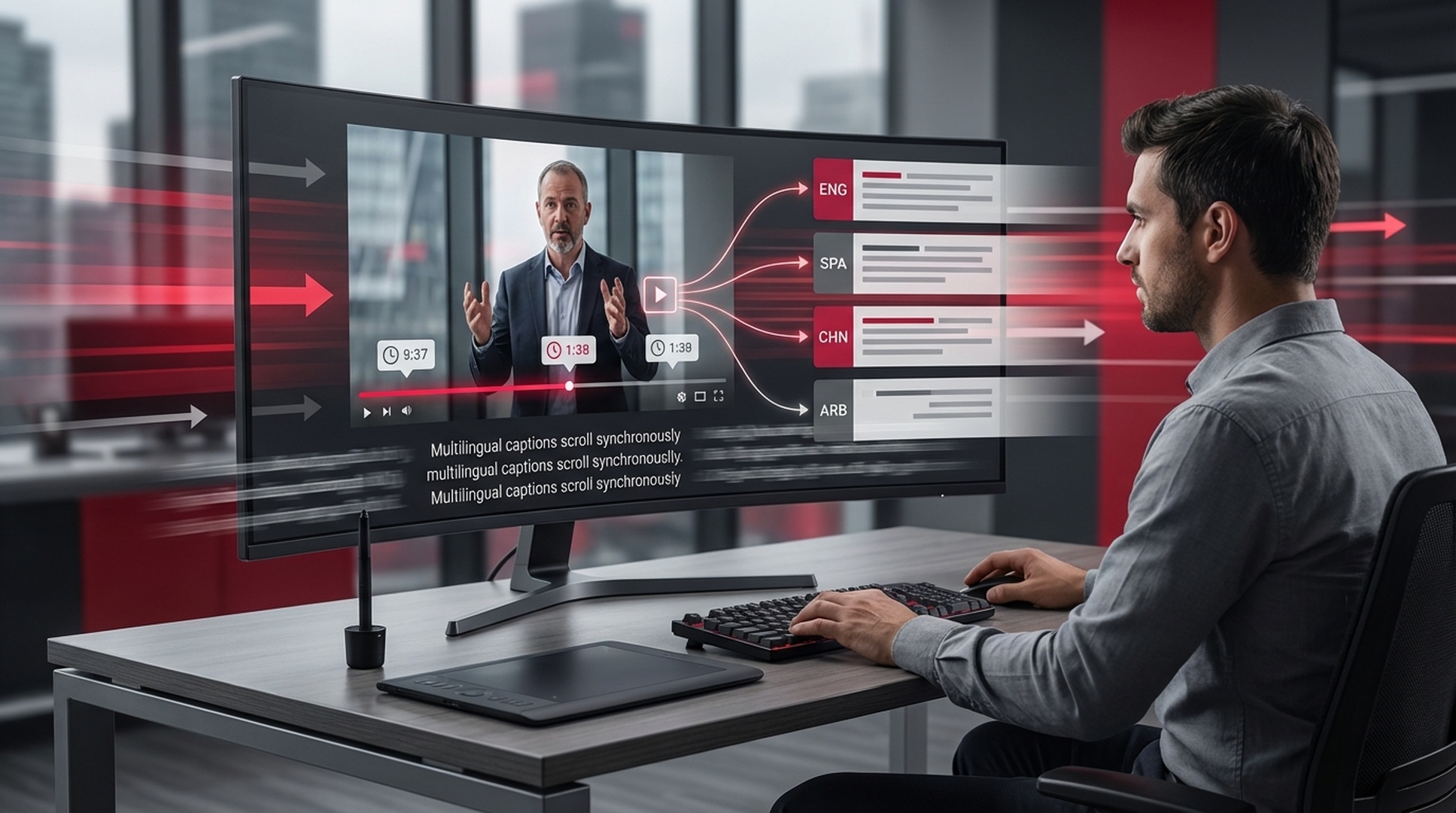
Summary-ready keynote recap with felo-youtube-subtitling

快速整理影片重點

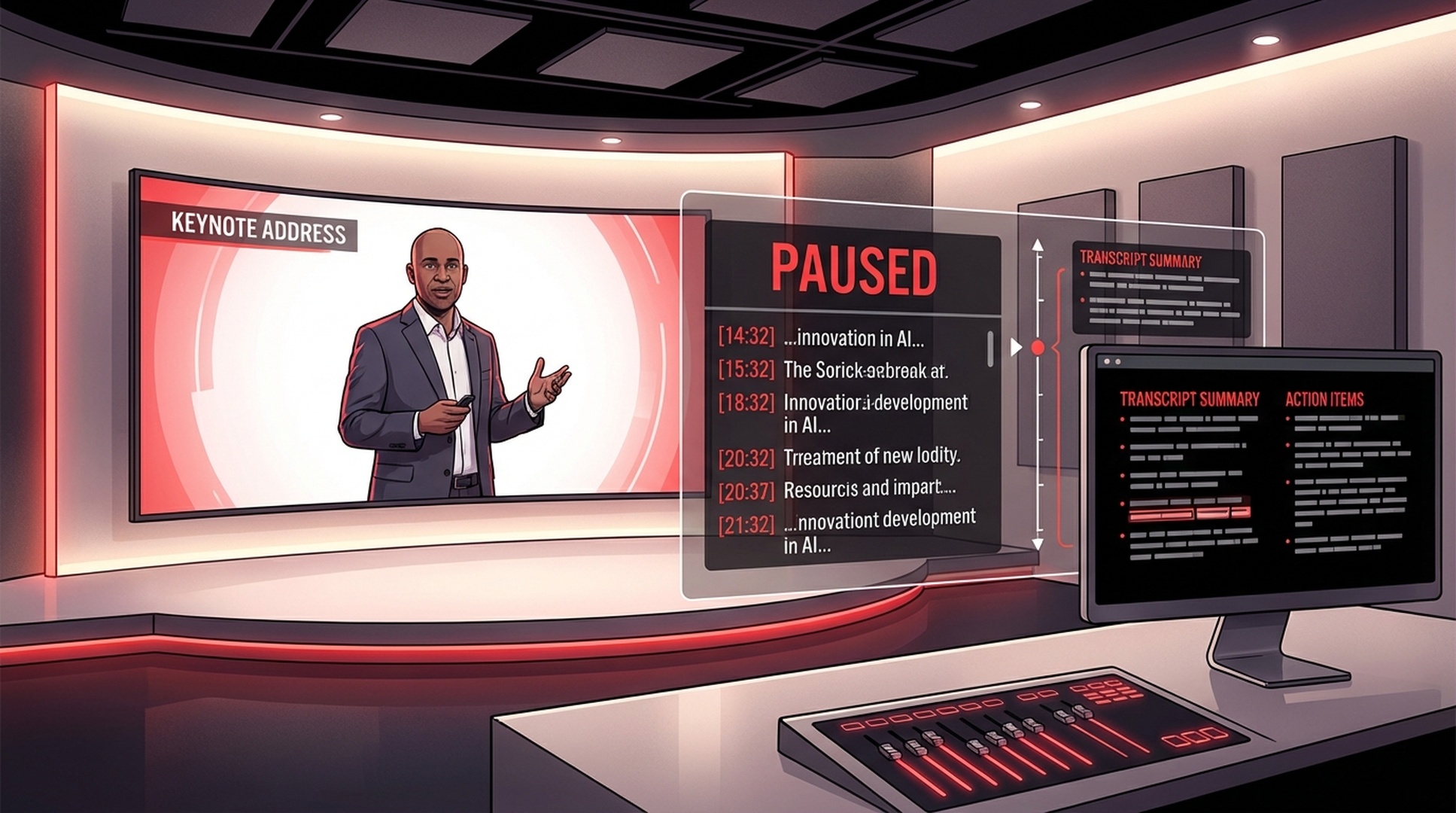
場景背景: 先抽出逐字稿,再在不重看整段錄影的情況下整理 keynote 或產品發布重點。
擷取這場 keynote 的字幕與時間戳,讓我生成一份帶引用依據的精簡摘要。
Competitor research snapshot powered by felo-youtube-subtitling

競品研究快照

場景背景: 把 demo 與發布影片整理成結構化筆記,方便團隊比對功能、訊息與定位。
擷取這支競品 demo 的字幕並保留時間戳,方便我比較功能說法與市場定位。
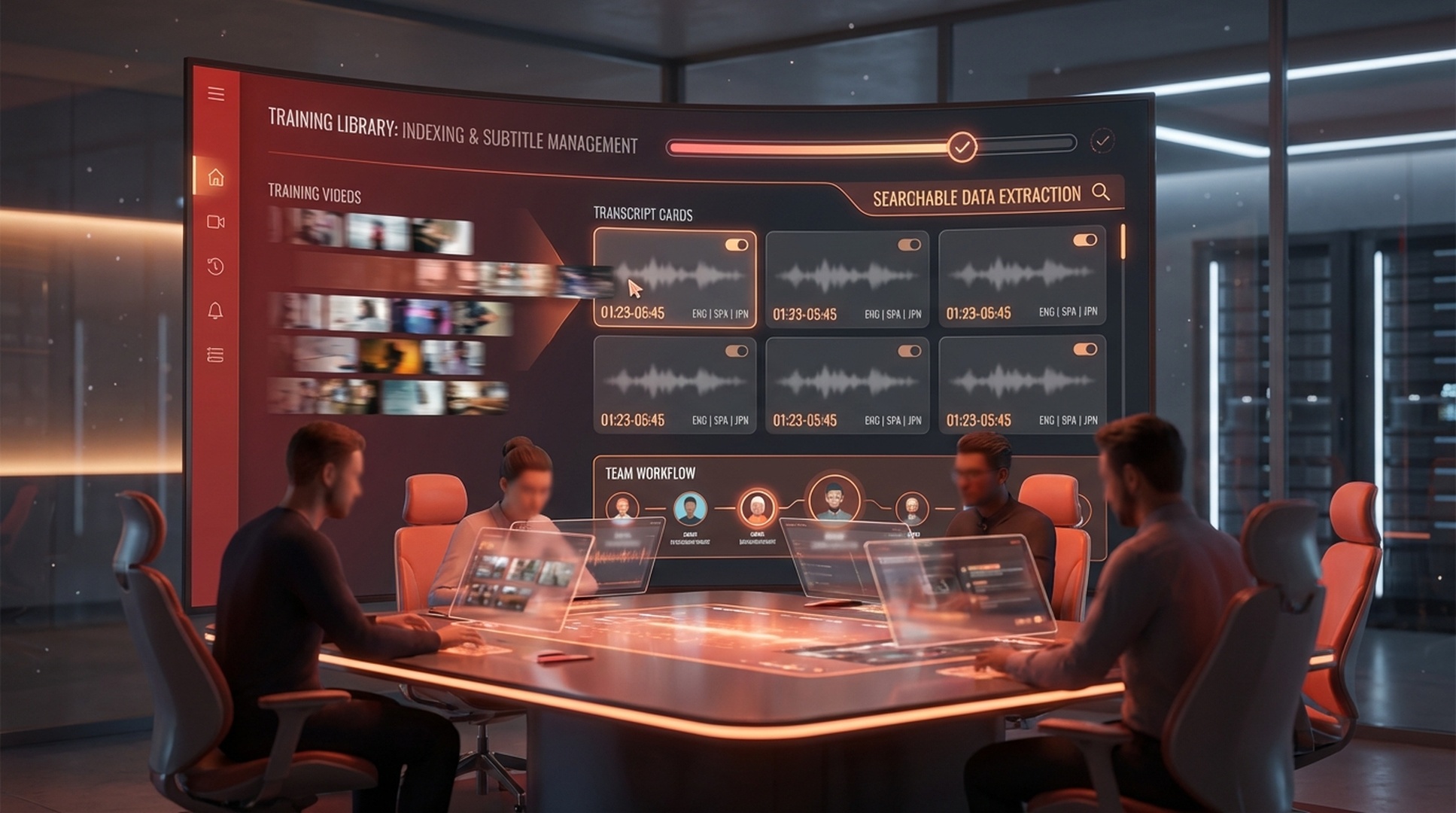
Webinar transcript turned into a markdown brief with felo-youtube-subtitling

Webinar 轉成可複用資產

場景背景: 把一場 webinar 延伸成筆記、部落格輸入、內部文件、翻譯稿與投影片來源。
取得這場 webinar 的逐字稿,並整理成適合做筆記、部落格草稿與後續培訓材料的格式。

Get the Felo YouTube Subtitling skill running in Codex in 3 steps

Install the skill, configure your API key, and extract your first transcript from a YouTube video.

1

Install via npm or copy the skill folder

Run npm install -g felo-ai for the full skill pack, or copy felo-youtube-subtitling into ~/.codex/skills/ from the cloned repo.

2

Set the API key

Export your Felo API key so the skill can connect to the subtitle extraction backend.

3

Extract your first transcript

Ask Codex to pull subtitles and timestamps from a YouTube URL and verify the output is ready for summaries, notes, or research.

為什麼團隊會持續使用 Felo YouTube Subtitling 技能

團隊會持續使用它,是因為一旦影片被轉成可搜尋的字幕、時間戳與總結,價值就會高得多。

★★★★★
培訓影片終於變成了可搜尋資產,而不再是沒人願意再拖一遍進度條的連結。
Haruka Tanaka
Haruka Tanaka
★★★★★
在寫覆核備忘或 newsletter 之前,我們會先用它從大會演講裡拉出準確引語與時間戳。
Jin Lee
Jin Lee
★★★★★
對我們的內容團隊來說,這是把 webinar 與 demo 快速變成筆記、剪輯與後續素材的最快方式之一。
Rachel Morgan
Rachel Morgan

Felo YouTube Subtitling 技能的關鍵結果指標

1 次執行
從影片到文字
帶時間
片段可引用
2 種輸入
URL 或 ID
可複用
用於後續工作的文字

Felo YouTube Subtitling Codex skill FAQ

How do I install the Felo YouTube Subtitling skill in Codex?
Run npm install -g felo-ai for all Felo skills at once, or clone the repo and copy felo-youtube-subtitling into ~/.codex/skills/. Then set your FELO_API_KEY environment variable.
Can the Codex skill extract subtitles in multiple languages?
Yes. The skill can request available subtitle languages for a video and extract transcripts in whichever supported language you need.
What outputs can I get from the extracted transcript?
You get raw subtitle text, timestamped segments, and markdown-ready transcript content that can feed into summaries, research notes, blog drafts, or competitor analysis.
Can I combine this with other Felo skills in Codex?
Yes. Felo YouTube Subtitling pairs well with felo-content-to-slides for turning video transcripts into presentations, or with felo-search for cross-referencing video claims with live web data.

Turn YouTube videos into searchable text inside Codex

Install felo-youtube-subtitling and extract transcripts, timestamps, and subtitle text from any YouTube video directly in your Codex workflow.

One API key covers every Felo skill in Codex. Extract transcripts, summarize videos, and repurpose content from a single terminal session.