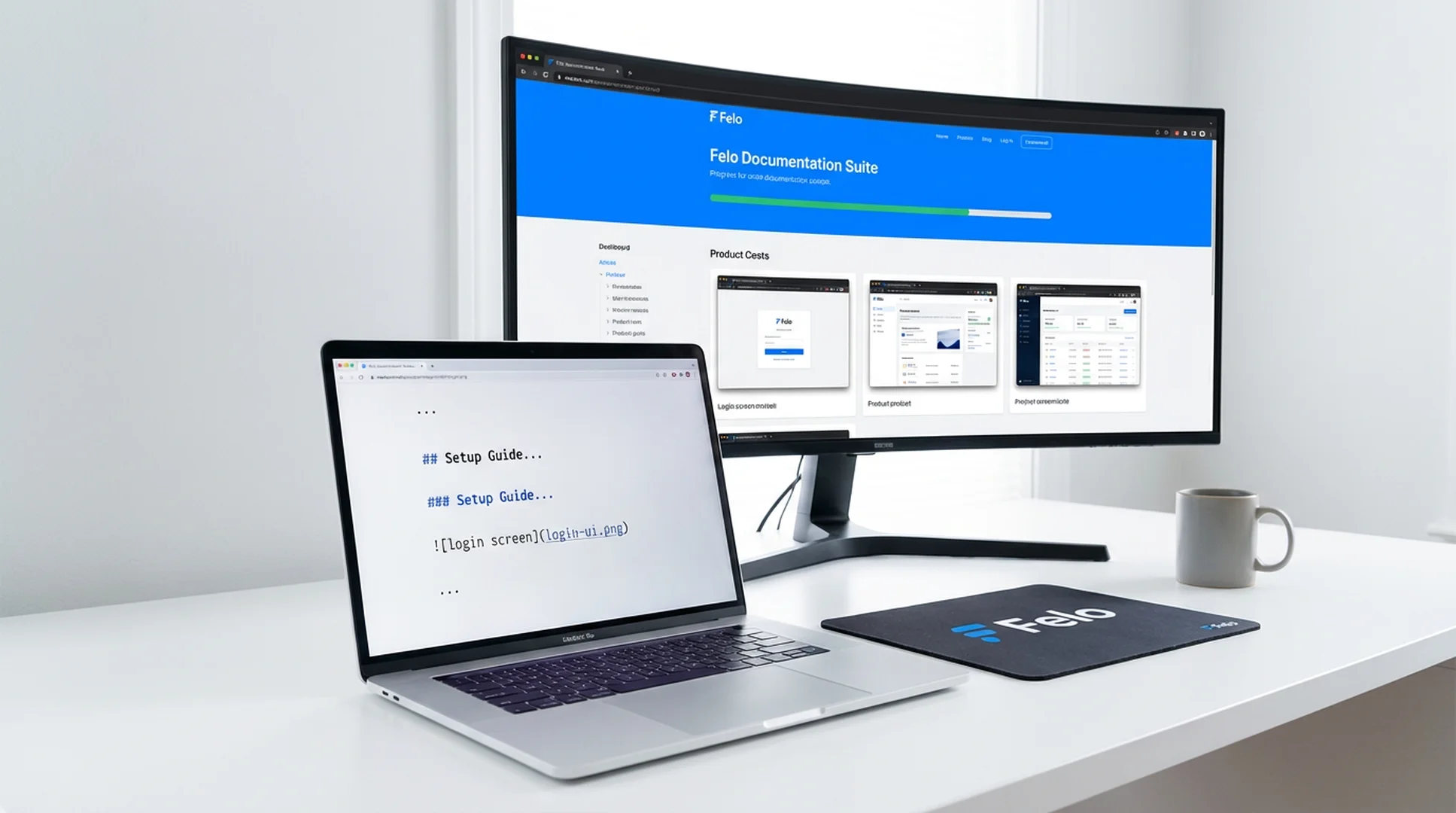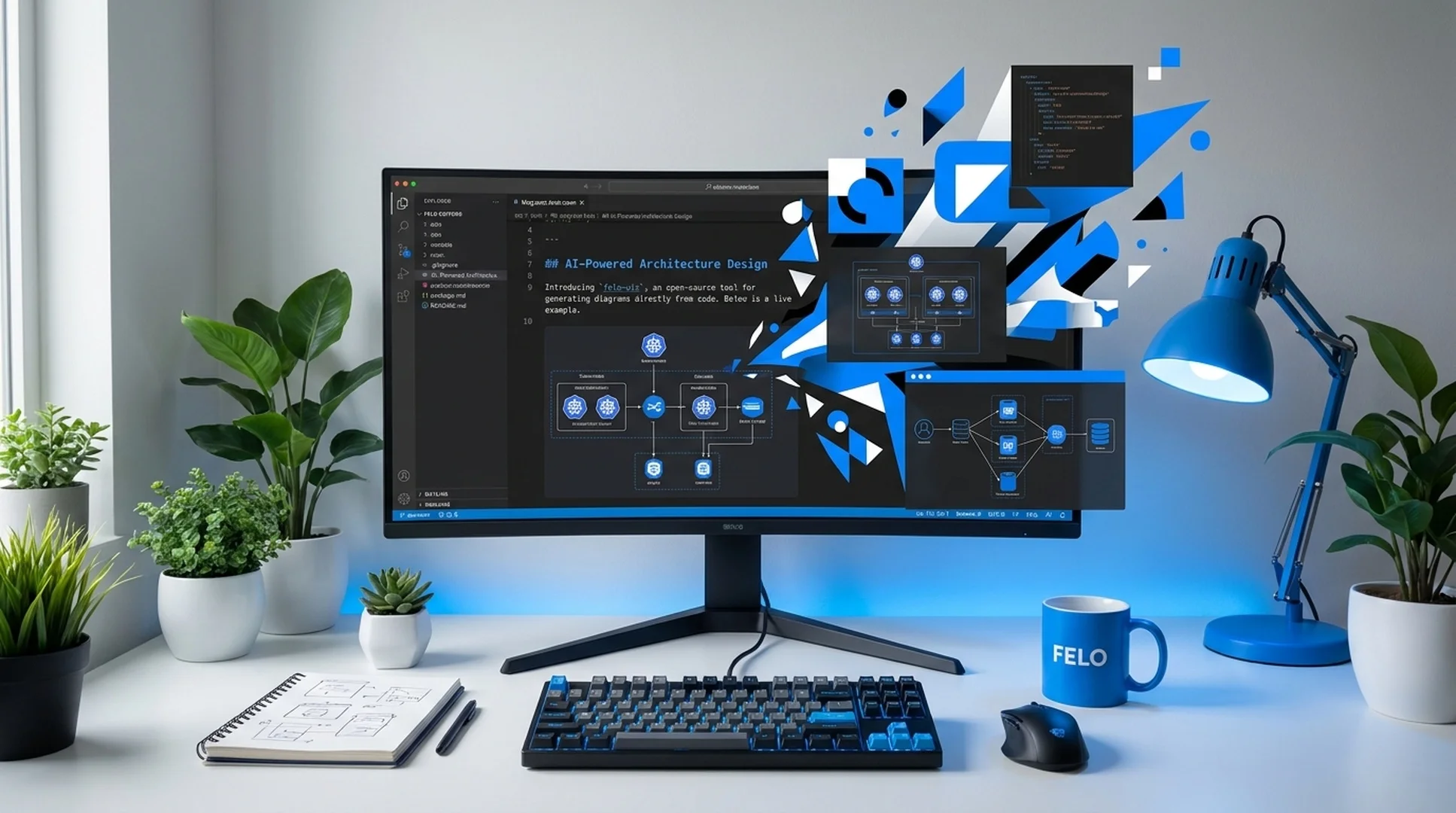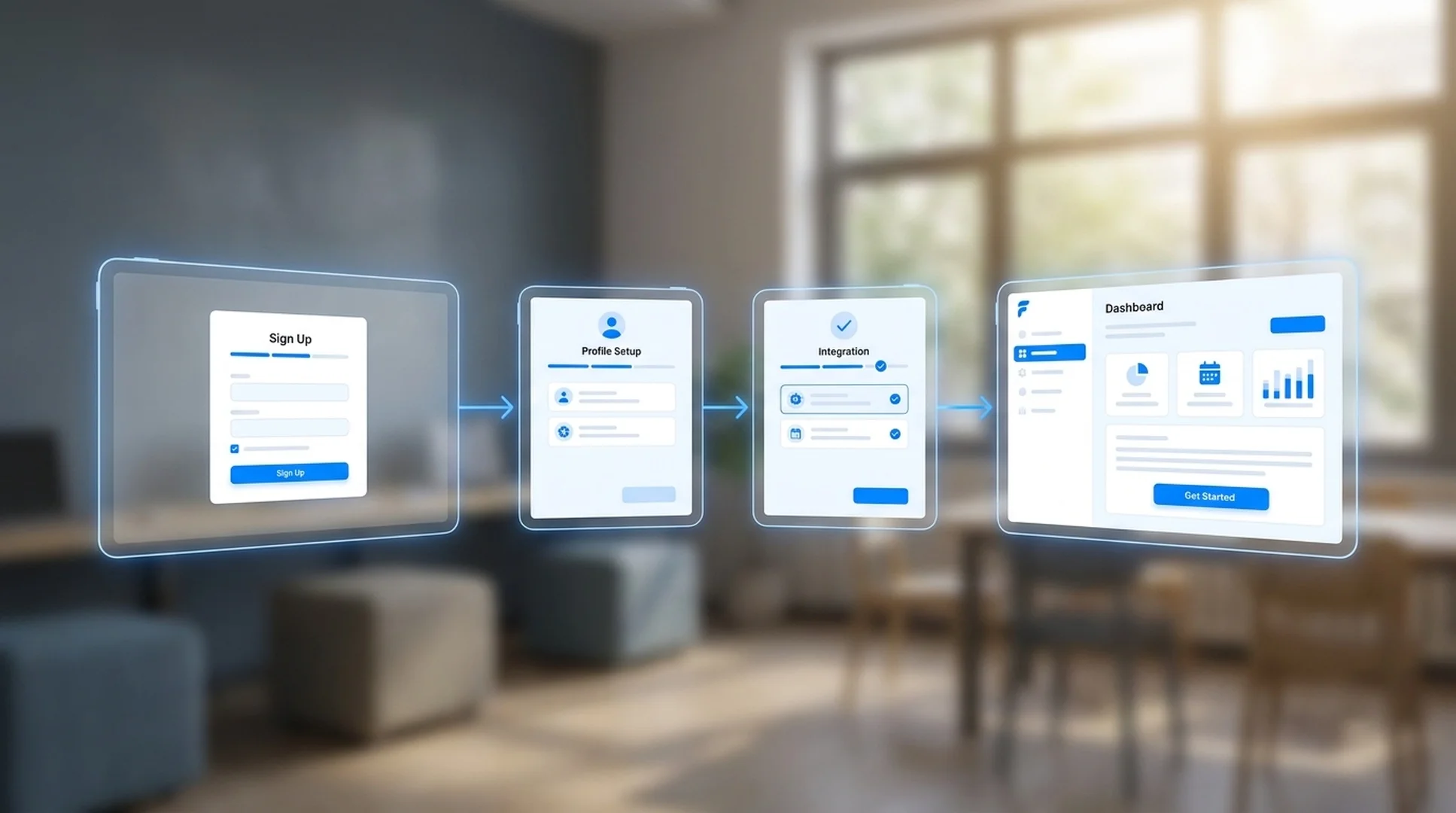


Codex スキル · ページキャプチャ

Website Screenshot Agent Codex スキル

Website Screenshot Agent for Codex automates website capture, competitor page monitoring, and Markdown report generation from your terminal. Use it when your team needs repeatable snapshots and structured evidence instead of ad-hoc browser screenshots.

Codex Automated page capture
doc-screenshot-agent process cases/competitor-monitoring.md
Reading capture plan and preparing browser sessions...
Capturing websites and writing the Markdown report...
Markdown report written to output/reports/competitor-monitoring.md

Built for Codex users who need repeatable website snapshots and Markdown-ready reports without leaving the terminal.

Codex skill
website screenshot automation
npm install
one-command setup
Batch
multi-page capture workflows
Markdown
report-ready output

調査対象が増えると、手作業のサイトスクリーンショットはすぐ破綻する

競合調査、サイト監視、監査記録を行うチームは同じ問題に直面します。手動でページを取得する作業は遅く、不揃いで、対象サイトが増えるほど維持できなくなります。

競合ページを見終える前に、スクリーンショットが古くなる

価格表、ファーストビューのコピー、CTA、機能ページは数日で変わることがあります。手作業でスクリーンショットレポートをまとめ終える頃には、証拠の一部がすでに古くなっています。

20、50、200 件の URL を手作業で回すのは無理がある

ページを開き、ブラウザを調整し、目的の位置までスクロールし、スクリーンショットを撮り、ファイル名を付け直して、正しいフォルダへ移す。対象サイトが増えるほど、この流れはすぐに破綻します。

構造のない生スクリーンショットは、最終的に使えない証拠になる

スクリーンショットが大量に入ったフォルダだけでは調査成果物になりません。チームに必要なのは、何を取得したのか、出典は何か、なぜ重要なのかが読める Markdown レポートです。

エージェントがサイトを取得し、Markdown レポートまでまとめてくれる

Website Screenshot Agent は、Markdown の収集指示書を読み取り、サイトスクリーンショットを取得し、ログイン後ページを処理し、素材を整理したうえで、チームがレビュー・共有・コミットしやすい構造化 Markdown レポートを出力します。

  • Markdown、見出しメモ、一覧表から収集指示を読み取る
  • ランディングページ、価格ページ、ドキュメント、ダッシュボードなどを自動で取得する
  • 競合調査、サイト監視、定期スナップショットに使える
  • 認証情報を設定すればログインが必要なページも取得できる
  • スクリーンショットを適切な章に整理した Markdown レポートを出力する
1
PlanList the pages, URLs, and sections you want to capture in Markdown
2
CaptureThe agent opens each site, handles auth, and captures screenshots
3
CompileScreenshots are inserted into a structured Markdown report
4
ShareExport the report for research reviews, audits, or recurring monitoring

Install the Website Screenshot Agent skill in Codex

Use npm to install the full Felo skill pack, or copy doc-snapshot-agent directly into your Codex skills directory.

How to install the Website Screenshot Agent skill in Codex

Codex

Capture website screenshots, monitor competitor pages, and compile Markdown reports from your Codex terminal without switching to a browser.

# Install all Felo skills globally npm install -g felo-ai # Or install this skill manually git clone https://github.com/Felo-Inc/felo-skills.git cd felo-skills cp -r doc-snapshot-agent ~/.codex/skills/


Read Felo API Docs

Website Screenshot Agent でできること

使い捨ての手作業スクリーンショットではなく、再現可能なサイトスナップショットと Markdown 成果物を必要とするチーム向けの 6 つの機能です。

サイトスクリーンショットの自動収集

製品ページ、ランディングページ、価格ページ、ドキュメント、ダッシュボードなどの対象ページを自動で開き、適切なビューポートと解像度で整ったスクリーンショットを生成します。

競合・市場ページの監視

同じ収集プランを再利用して、競合コピー、価格ページ、公開ページ、市場変化を継続的に追跡できます。毎回ワークフローを作り直す必要はありません。

Markdown レポート生成

画像を書き出すだけでは終わりません。スクリーンショットを読みやすい Markdown レポートへ整理するため、非同期レビュー、ナレッジ蓄積、バージョン管理、調査の引き継ぎにそのまま使えます。

差分更新と再実行

大半のページをすでに取得済みなら、ワークフローを再実行して変更部分だけを更新できます。最初から全部取り直す必要はありません。

ログイン後ページの取得

認証情報を一度設定すれば、保護ページ、内部ツール、SaaS ダッシュボードなどのログイン後コンテンツも同じ自動化フロー内で取得できます。

チーム運用向けの構造化出力

生のスクリーンショット、処理済み素材、最終 Markdown レポートを予測しやすいディレクトリ構成に保存するので、レビュー、コミット、比較、定期運用に載せやすくなります。

Website Screenshot Agent が特に向いている場面

ここで必要なのは散発的なスクリーンショットではなく、素早く再現可能なサイトスナップショットです。

Competitor landing page research with automated website screenshots

競合ランディングページ調査

背景: プロダクトマーケティングチームがポジショニング検討前に、競合のトップページ、価格ページ、機能ページ、登録導線の最新スクリーンショットを必要とするケースです。
選定した競合の対象 URL を取得し、会社別・ページ種別ごとに整理した Markdown 調査レポートを出力してください。
Website monitoring snapshot report with structured Markdown output

サイト変更の監視とスナップショット保管

背景: 自社サイト、パートナーサイト、競合ページを週次で取得し、コピー、デザイン、構造の変化を記録したいケースです。
定期収集プランを実行し、対象ページを再取得して、今回の監視分の Markdown スナップショットレポートを新しく生成してください。
Audit pack with public and authenticated website captures

プロダクト・コンテンツ・営業チーム向け監査パック

背景: リリースレビューや バトルカード(競合比較資料)プロジェクトで、公開ページとログイン後ページのスクリーンショットを 1 本のレビュー用レポートにまとめたいケースです。
必要な公開ページとログイン後ページを取得し、証拠を構造化 Markdown の監査ドキュメントとして整理してください。

Get the Website Screenshot Agent skill running in Codex in 3 steps

Install the skill, describe the pages you need to capture, and generate your first Markdown screenshot report.

1

Install via npm or copy the skill folder

Run npm install -g felo-ai for the full skill pack, or copy doc-snapshot-agent into ~/.codex/skills/ from the cloned repo.

2

Write a capture brief

List the URLs, page sections, and evidence you need in a Markdown file or describe them directly to Codex.

3

Run the capture workflow

Ask Codex to execute Website Screenshot Agent on your brief and review the generated Markdown report with organized screenshots.

Website Screenshot Agent を使ったチームの声

初期ユーザーは、場当たり的なスクリーンショット作業を、再現可能なサイト収集と Markdown レポートに置き換えています。

★★★★★
以前は競合レビューの前に、スクリーンショットを集めるだけで半日かかっていました。今は 1 つの収集指示から、証拠が正しい順序で並んだ Markdown レポートが出てきます。
Daniel Park
Daniel Park
SaaS プラットフォーム / 競合インテリジェンス責任者
★★★★★
一番大きいのは一貫性です。今ではランディングページレビューのたびに同じサイトスナップショットフローを使うので、抜け漏れの議論ではなく発見そのものに集中できます。
Rachel Morgan
Rachel Morgan
プロダクトマーケティングマネージャー
★★★★★
定期的なサイト監査や社内レポートに使っています。ログイン後ページの取得と Markdown 出力の組み合わせが、今のチームの進め方にぴったり合っています。
Vik Patel
Vik Patel
オペレーションアナリスト

Website Screenshot Agent がもたらす主要成果

1 本のフロー
収集計画からレポートまで
0 手作業
ブラウザ撮影の手順
Markdown
成果物として出せるレポート
再現可能
監視・監査の実行

Website Screenshot Agent Codex skill FAQ

How do I install the Website Screenshot Agent skill in Codex?
Run npm install -g felo-ai for all Felo skills at once, or clone the repo and copy doc-snapshot-agent into ~/.codex/skills/. The skill is ready to use once the files are in place.
Can the Codex skill capture login-protected pages?
Yes. Configure credentials through environment variables and the skill will handle authentication before capturing dashboards, internal tools, or other protected pages.
What output format does the skill produce?
It generates a structured Markdown report with screenshots placed in the right sections, plus organized raw and processed image assets in predictable folders.
Can I use it for recurring competitor monitoring in Codex?
Yes. Reuse the same capture brief to collect fresh screenshots on a regular schedule and produce updated Markdown reports each time.

Automate website screenshots from your Codex terminal

Install doc-snapshot-agent and turn manual screenshot tasks into repeatable capture workflows with Markdown report output.

One install covers the full Felo skill set in Codex. Capture websites, organize evidence, and ship reports from a single terminal session.