
Automated website screenshots · Markdown reports

Website Screenshot Agent — Turn Website Snapshots into Markdown Reports

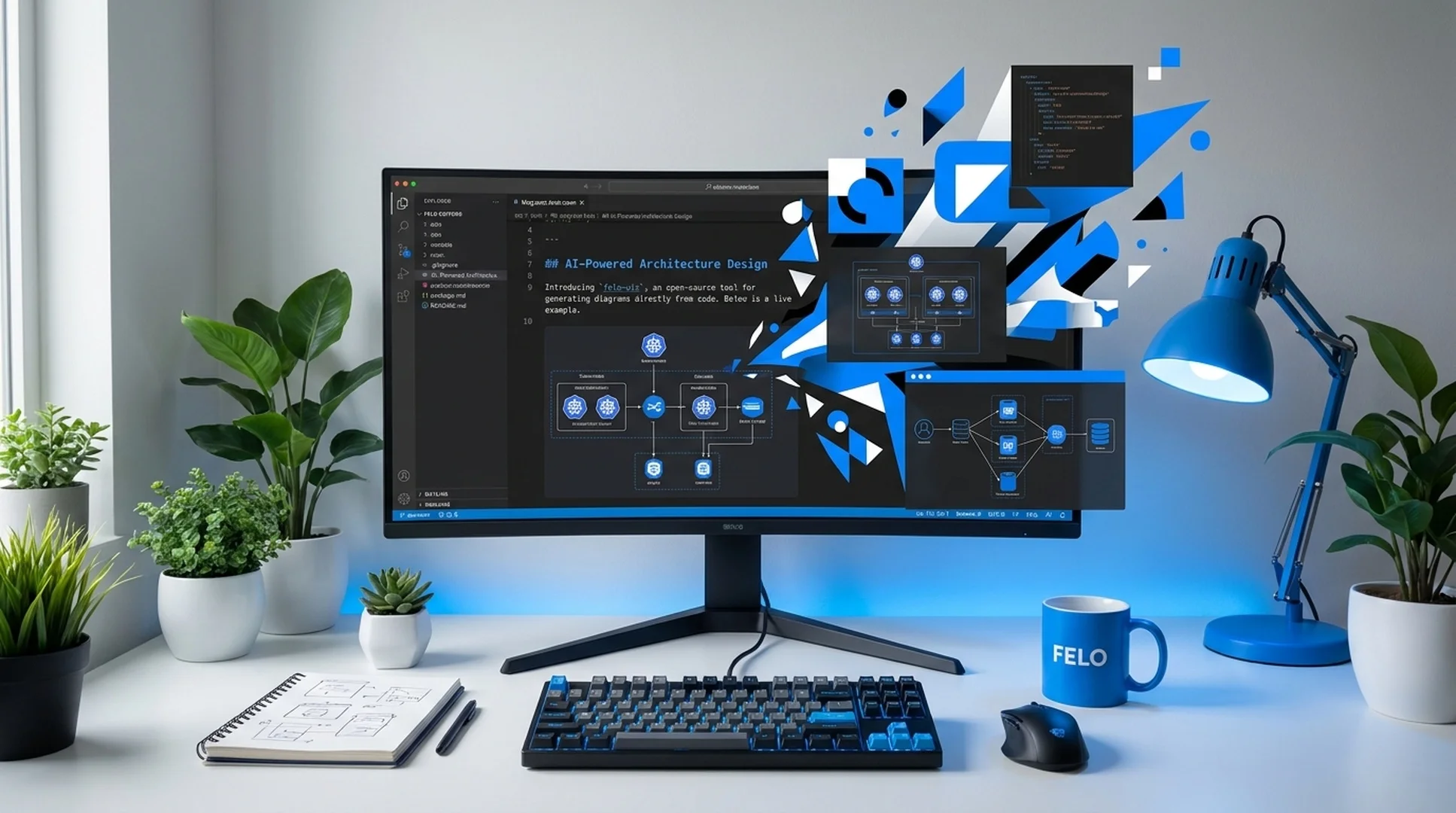
Capture websites at scale, monitor competitor pages, and export clean Markdown reports from a single workflow. Website Screenshot Agent automates website screenshots, authenticated page capture, and structured report output for research, audits, monitoring, and recurring snapshot tasks.

Claude Code OpenClaw
doc-screenshot-agent process cases/competitor-monitoring.md
Reading capture plan and preparing browser sessions...
Capturing websites and writing the Markdown report...
Markdown report written to output/reports/competitor-monitoring.md

Used by research, marketing, product, and operations teams that need repeatable website screenshots and Markdown-ready reports.

Batch
capture workflows
Auth
protected page support
Markdown
report-ready output

Manual website screenshot work breaks the moment research needs to scale

Teams doing competitor research, website monitoring, or audit documentation hit the same wall: capturing pages by hand is slow, inconsistent, and impossible to maintain across dozens of sites.

Competitor pages change before the report is finished

Pricing tables, hero headlines, CTA copy, and feature pages can change in days. By the time a manual screenshot deck is assembled, part of the evidence is already stale.

Manual capture does not scale across 20, 50, or 200 URLs

Open the page, resize the browser, scroll to the right section, capture the screen, rename the file, and move it into the right folder. Repeat that process across every site you need to review.

Raw screenshots without structure become unusable evidence

A folder full of screenshots is not a research deliverable. Teams still need a readable Markdown report that explains what was captured, where it came from, and why it matters.

One agent captures websites and writes the Markdown report for you

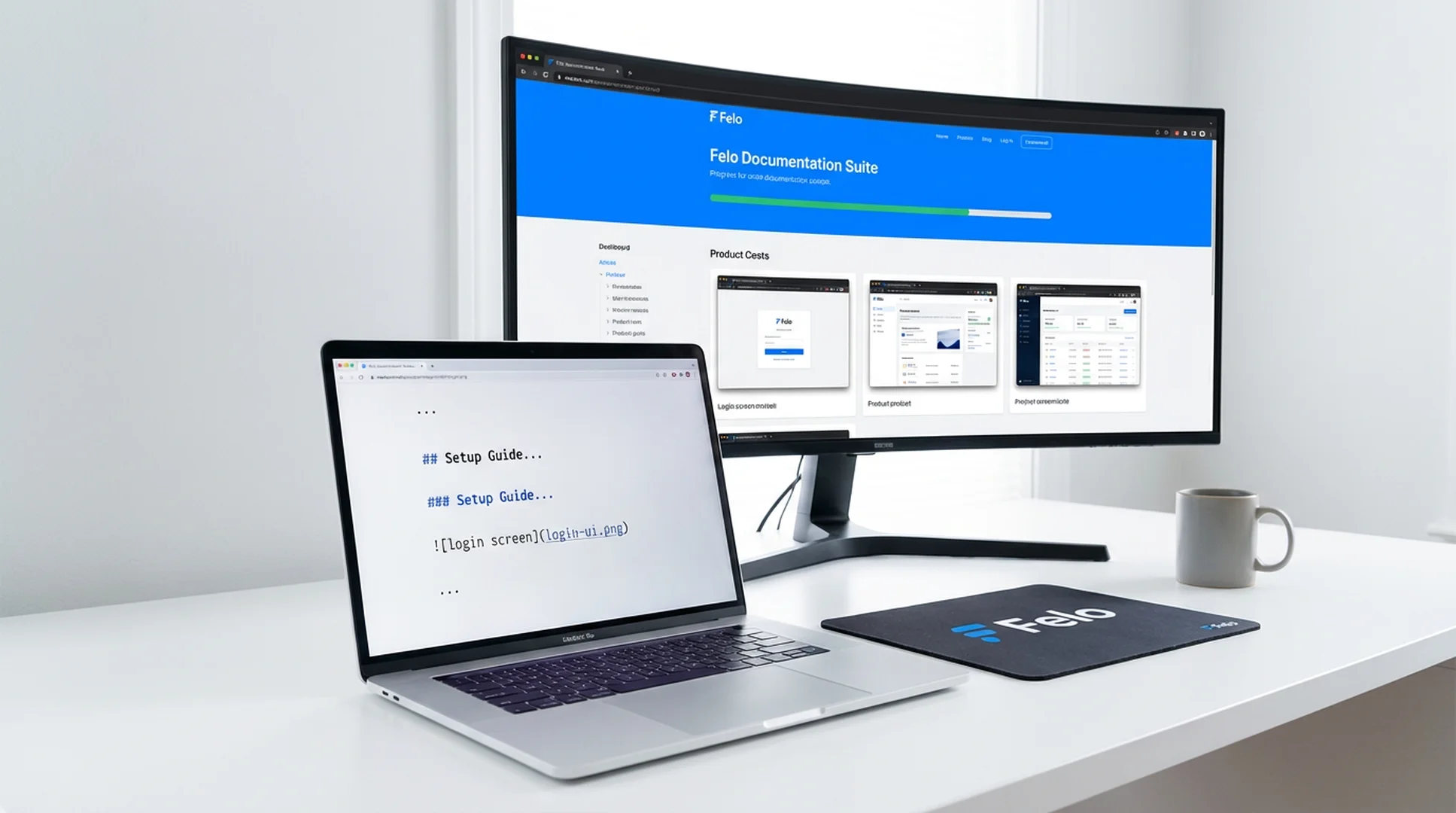
Website Screenshot Agent reads your Markdown capture brief, takes website screenshots, handles authenticated pages, organizes assets, and writes a structured Markdown report your team can review, share, or commit.

  • Parse capture instructions from Markdown, headings, or summary tables
  • Automate website screenshots across landing pages, pricing pages, docs, dashboards, and more
  • Support competitor research, website monitoring, and recurring snapshot runs
  • Capture login-protected pages with configured credentials
  • Export a clean Markdown report with screenshots placed in the right sections
1
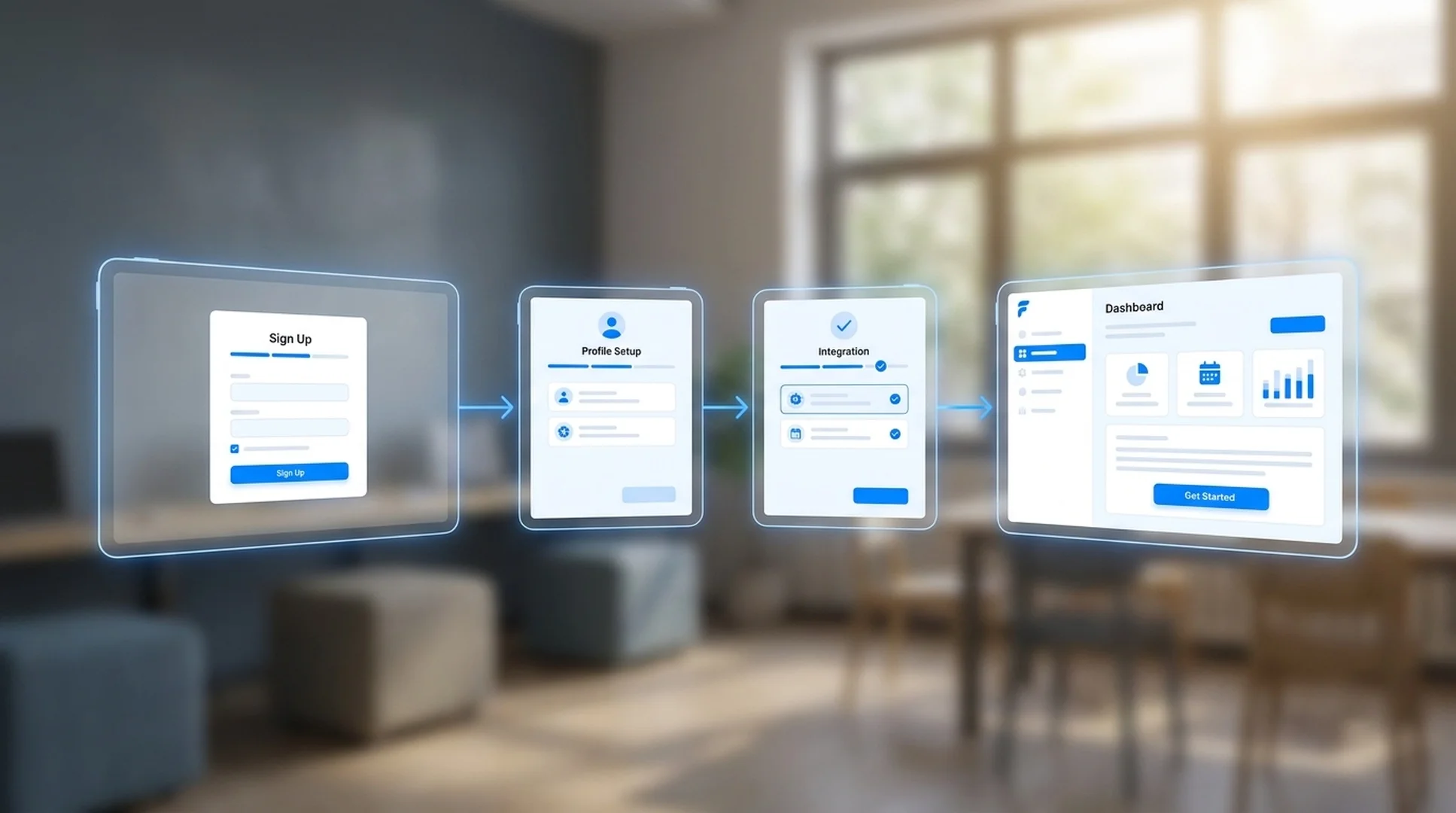
PlanList the pages, URLs, and sections you want to capture in Markdown
2
CaptureThe agent opens each site, handles auth, and captures screenshots
3
CompileScreenshots are inserted into a structured Markdown report
4
ShareExport the report for research reviews, audits, or recurring monitoring

Install Website Screenshot Agent on your platform

Both supported platforms run the same website screenshot automation pipeline, so your team can capture websites and ship Markdown-ready reports inside the workflow they already use.

How to install Website Screenshot Agent on your platform

Claude Code

Run automated website screenshots, authenticated page capture, and Markdown report generation from Claude Code for competitor research, audits, and recurring snapshot workflows.

# Install from Plugin Marketplace (package id: doc-image-agent)
/plugin marketplace add Felo-Inc/felo-skills
/plugin install doc-image-agent@felo-ai

View Claude Code Guide

OpenClaw

Install in OpenClaw to capture websites, organize evidence, and output Markdown reports for monitoring, market research, and site review workflows.

# Install via ClawHub
clawhub install felo/doc-screenshot-agent

# Or use the installer script
curl -fsSL https://skills.felo.ai/install.sh | sh -s -- doc-screenshot-agent
View OpenClaw Guide

What Website Screenshot Agent does

Six capabilities for teams that need repeatable website snapshots and Markdown-ready output instead of one-off manual screenshots.

Automated website screenshot capture

Open product pages, landing pages, pricing pages, docs, dashboards, and other targets automatically, then capture clean screenshots at the right viewport and resolution.

Competitor and market page monitoring

Reuse the same capture plan to keep an eye on competitor messaging, pricing pages, launch pages, and market changes without re-building the workflow every time.

Markdown report generation

The skill does not stop at images. It organizes screenshots into a readable Markdown report, so the output is ready for async reviews, repos, docs, or research handoff.

Incremental reruns and refreshes

Already captured most of the report? Re-run the workflow and update only what changed instead of repeating the whole capture job from scratch.

Authenticated page capture

Set credentials once and capture protected pages, internal tools, SaaS dashboards, or other authenticated states as part of the same automated workflow.

Structured outputs for team workflows

Store raw screenshots, processed assets, and the final Markdown report in predictable folders that are easy to review, commit, diff, or plug into recurring ops workflows.

Where Website Screenshot Agent is most useful

High-value workflows where teams need fast, repeatable website snapshots instead of one-off screenshots.

Competitor landing page research with automated website screenshots

Competitor landing page research

Context: A product marketing team needs fresh screenshots of competitor homepages, pricing pages, feature pages, and signup flows before a positioning review.
Capture the selected competitor URLs and output a Markdown research report with one section per company and page type.
Website monitoring snapshot report with structured Markdown output

Website change monitoring and snapshot archives

Context: A team wants weekly snapshots of their own site, partner sites, or competitor pages to document messaging, design, and structural changes over time.
Run the recurring capture plan, grab the target pages again, and write a new Markdown snapshot report for this monitoring cycle.
Audit pack with public and authenticated website captures

Audit packs for product, content, or sales teams

Context: A launch review or battlecard project needs screenshots from public pages and authenticated product states, all organized in a single report the team can review asynchronously.
Capture the required public pages and logged-in states, then compile the evidence into a structured Markdown audit document.

From capture brief to Markdown report in 4 steps

The workflow is built for repeatable website capture, not ad-hoc screenshot collection.

1

List the pages to capture in Markdown

Write down the URLs, sections, or evidence you want in the report using inline markers, headings, or a summary table.

2

Run the skill

Execute Website Screenshot Agent from Claude Code or OpenClaw. It reads the capture plan, prepares the browser environment, and starts the workflow.

3

Websites are captured and organized

The skill opens each page, handles authentication if needed, captures the screenshots, and stores the raw and processed assets in a clean output structure.

4

A Markdown report is written

The final output is a structured Markdown report with screenshots placed in the right sections, ready for research reviews, audits, async sharing, or repository commits.

What teams say about Website Screenshot Agent

Early users replacing ad-hoc screenshot work with repeatable website capture and Markdown reporting.

★★★★★
We used to spend half a day gathering screenshots before every competitor review. Now one capture brief gives us a Markdown report with all the evidence in the right order.
Daniel Park
Daniel Park
Competitive Intelligence Lead, SaaS Platform
★★★★★
The biggest win is consistency. Every landing page review now uses the same website snapshot workflow, so our team stops arguing about missing screenshots and starts discussing the findings.
Rachel Morgan
Rachel Morgan
Product Marketing Manager
★★★★★
We use it for recurring site audits and internal reporting. The combination of authenticated page capture and Markdown output fits perfectly with the way our team already works.
Vik Patel
Vik Patel
Operations Analyst

Website Screenshot Agent outcomes that matter

1 workflow
from capture plan to report
0 manual
browser screenshot steps
Markdown
report-ready output
Repeatable
monitoring and audit runs

Website Screenshot Agent FAQ

How is this different from a screenshot API like ScreenshotOne?
A screenshot API gives you a single URL-to-image endpoint. Website Screenshot Agent is a workflow tool: it reads your Markdown capture brief, opens multiple websites, handles authentication, captures screenshots, organizes assets, and writes the final Markdown report.
What kind of input does Website Screenshot Agent need?
It needs a Markdown capture brief. You can list URLs, page groups, evidence requirements, or report sections using inline markers, heading-based instructions, or an Image Summary table.
Can it capture login-protected or authenticated pages?
Yes. Configure credentials through environment variables and the skill will log in before capturing dashboards, internal tools, or other protected pages.
Is it useful for competitor research and recurring website monitoring?
Yes. That is one of the best-fit workflows. Teams use the same Markdown capture plan to collect fresh competitor screenshots, produce recurring website snapshot reports, and keep audit evidence organized over time.

Stop taking website screenshots by hand

Capture websites, archive snapshots, and ship Markdown research reports from one repeatable workflow. Install Website Screenshot Agent and turn manual screenshot tasks into one command.

Free to install. Works with Claude Code and OpenClaw. Ideal for competitor research, website monitoring, and audit documentation.