Good fit: high-volume 1K drafts
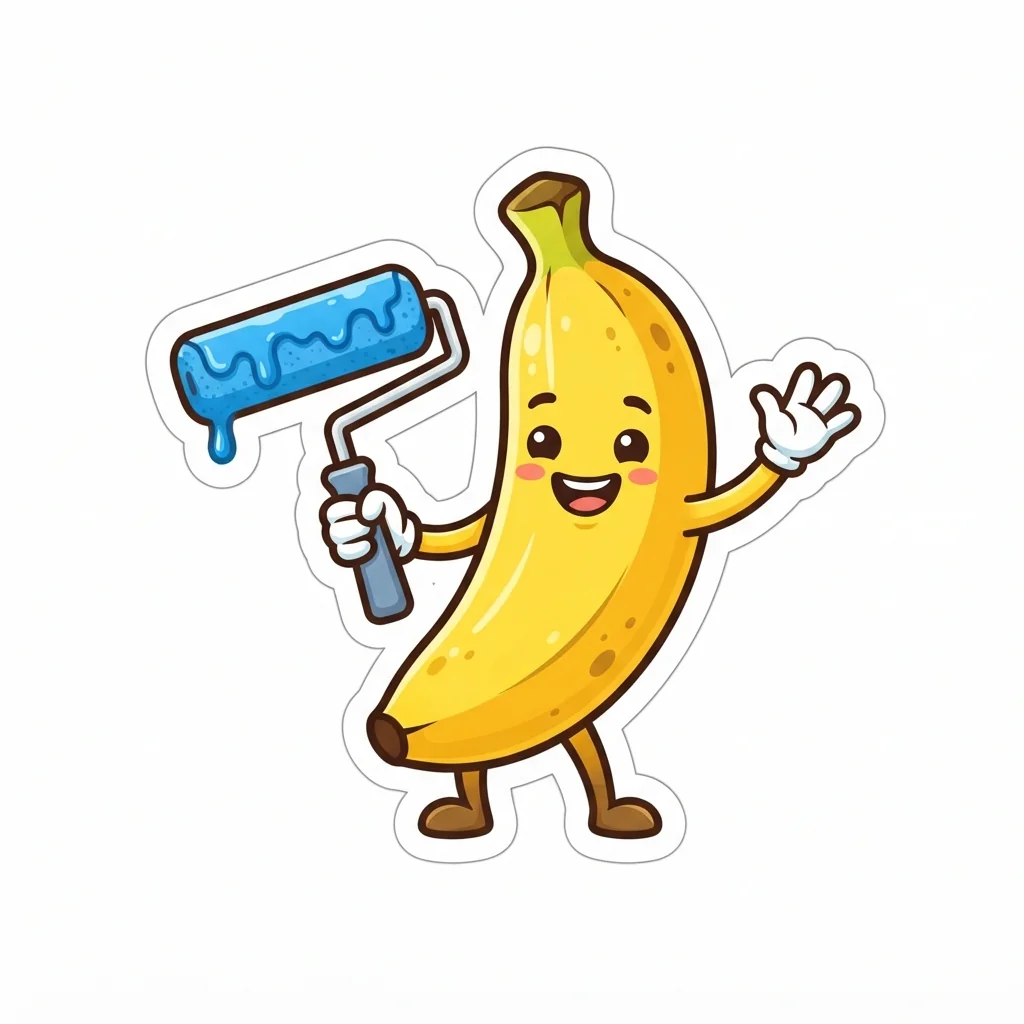
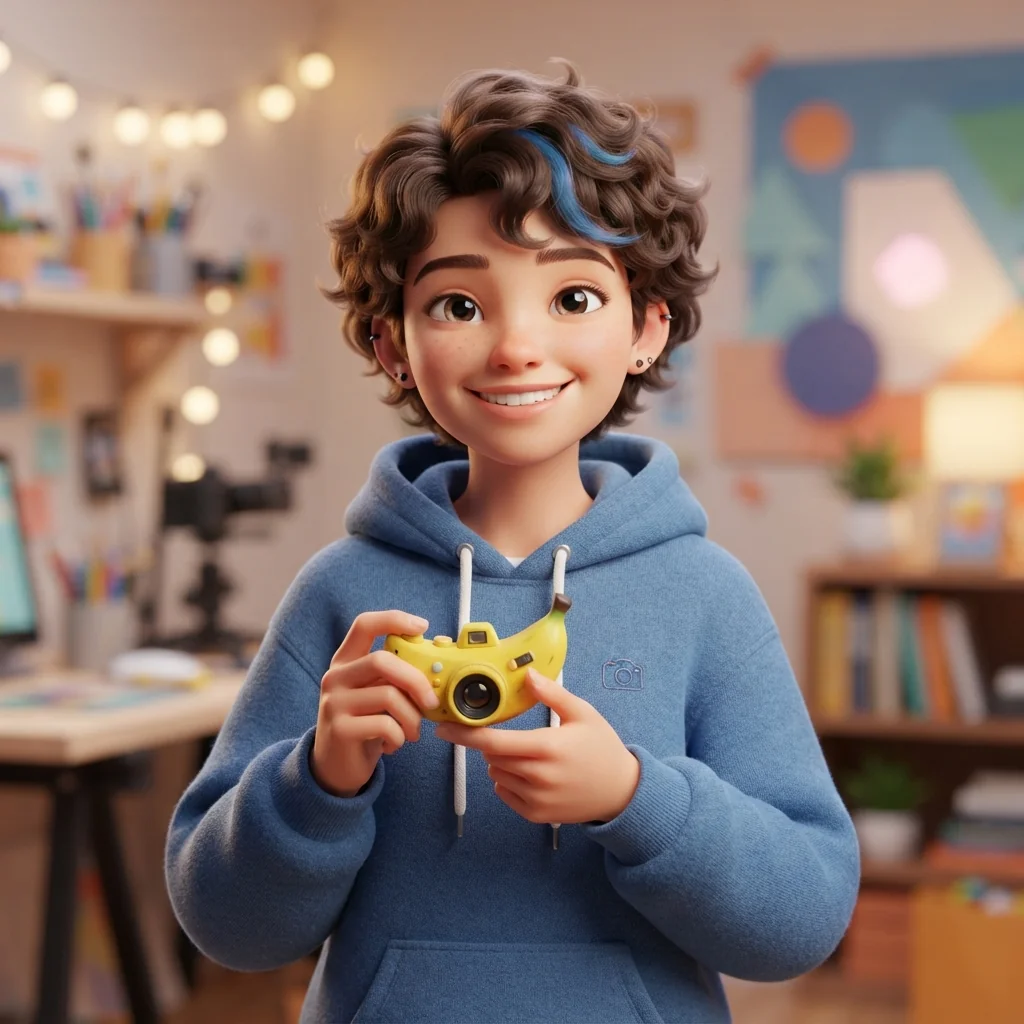
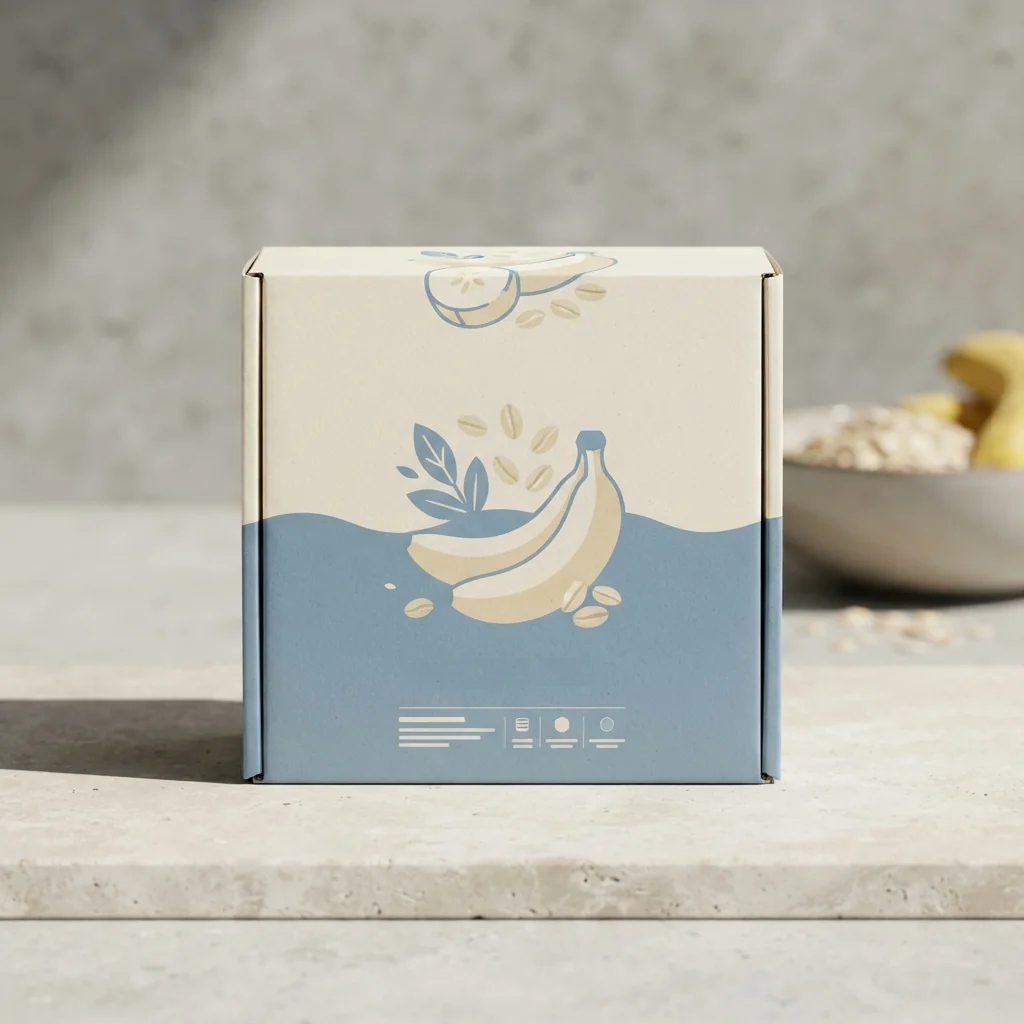
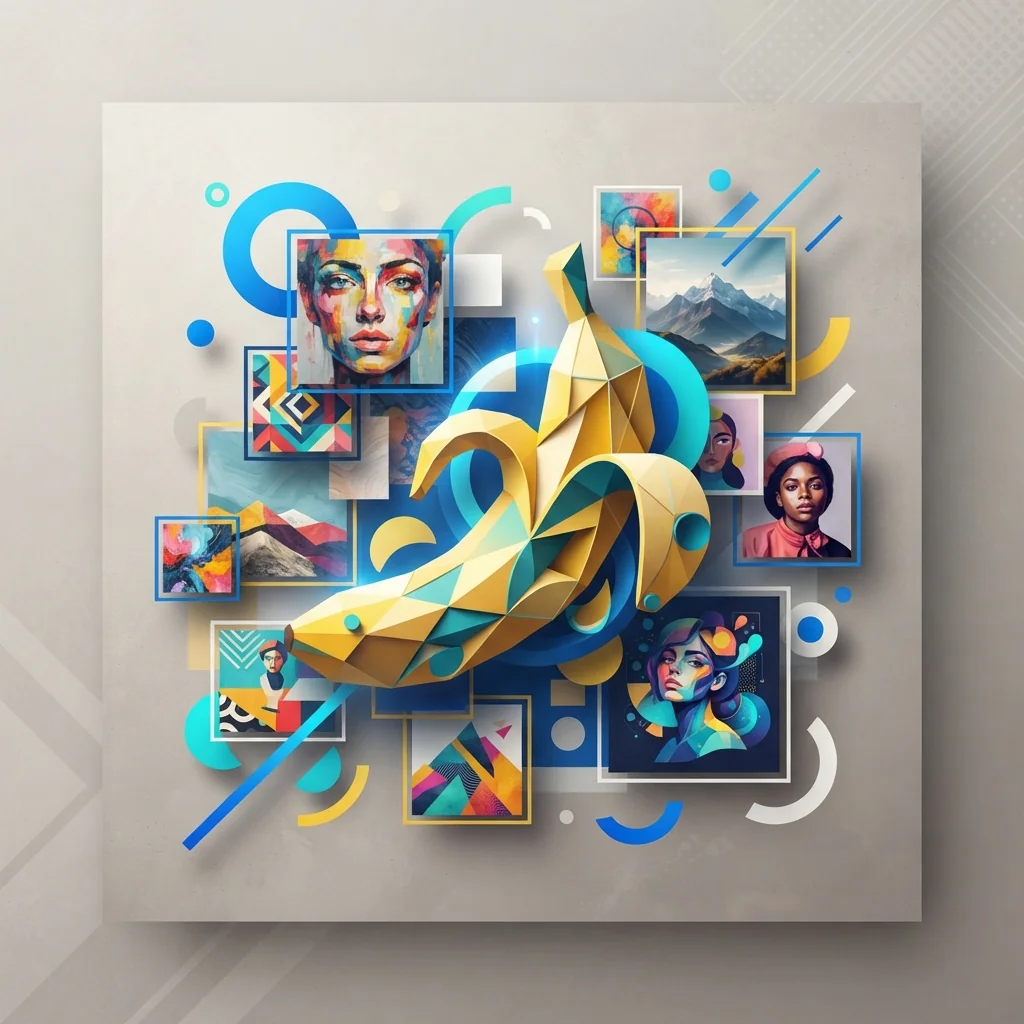
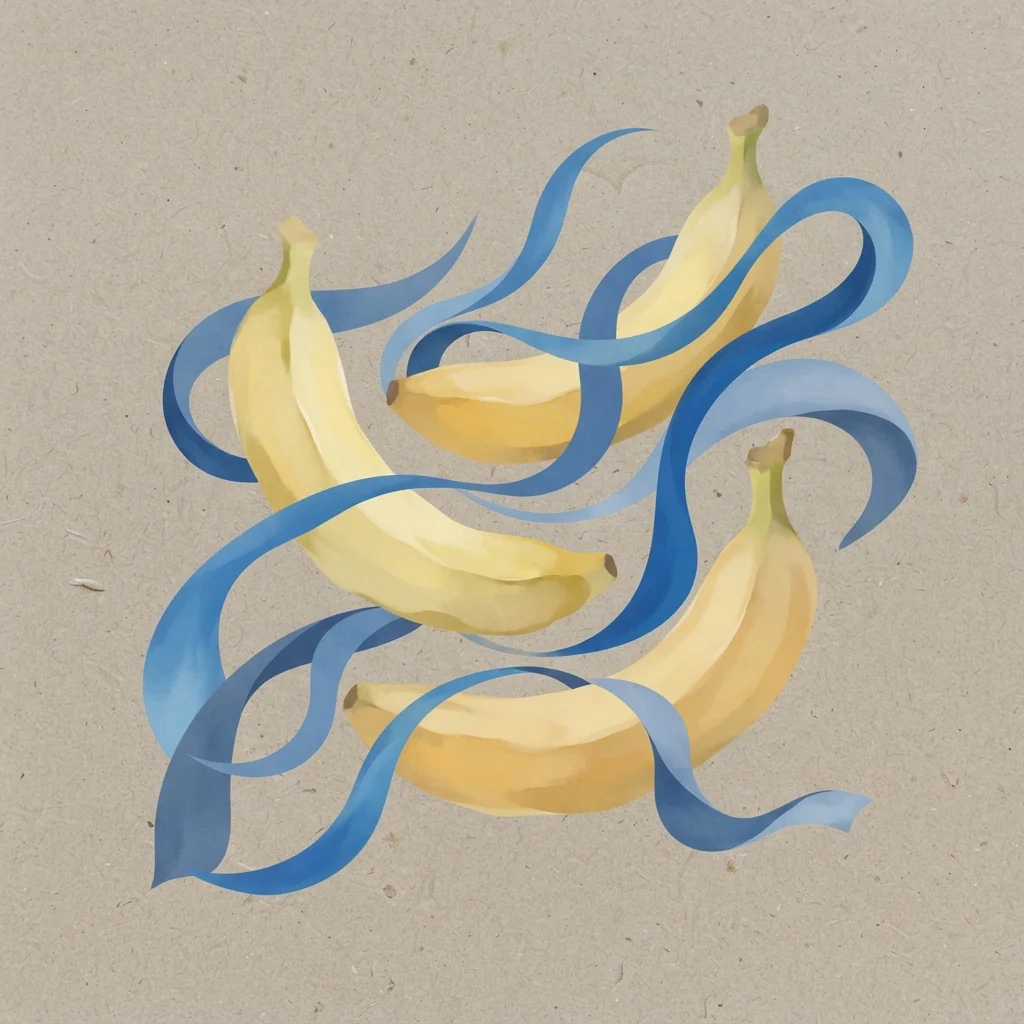
Use it for social thumbnails, blog covers, ad variants, icons, stickers, and early creative directions where speed and repeatability matter.
Create quick 1K images and focused edits with Google's Gemini 3.1 Flash Lite Image model, built for fast drafts that can produce an image in about 4 seconds.
Best for draft images, stickers, thumbnails, simple product visuals, and fast creative variants.
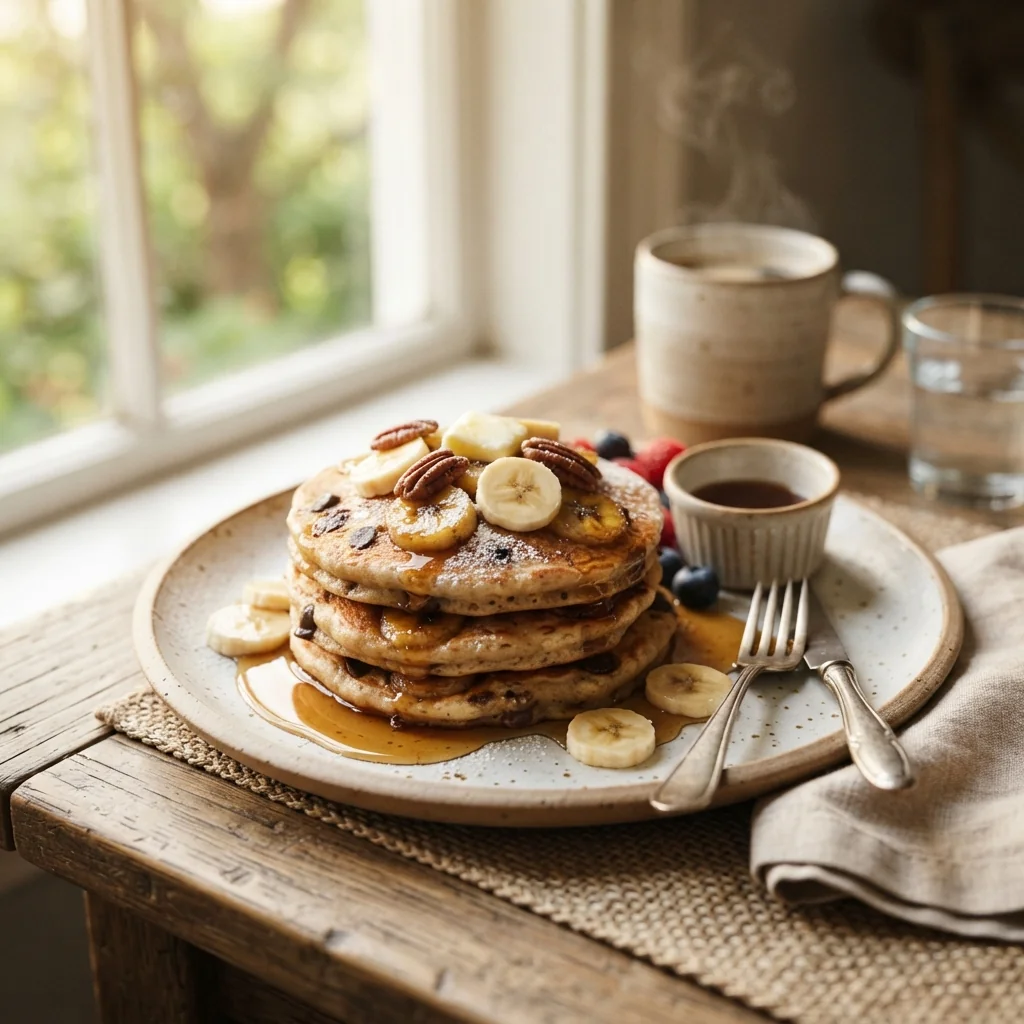
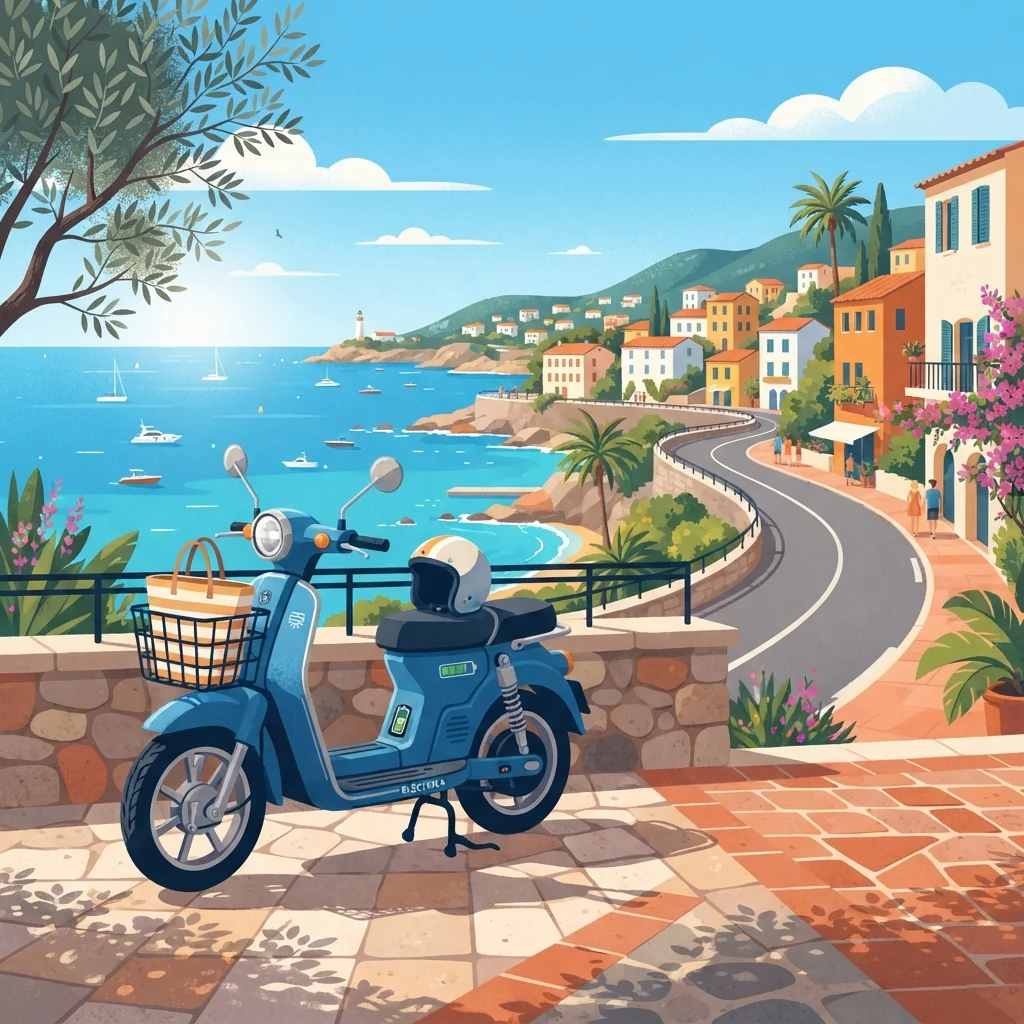

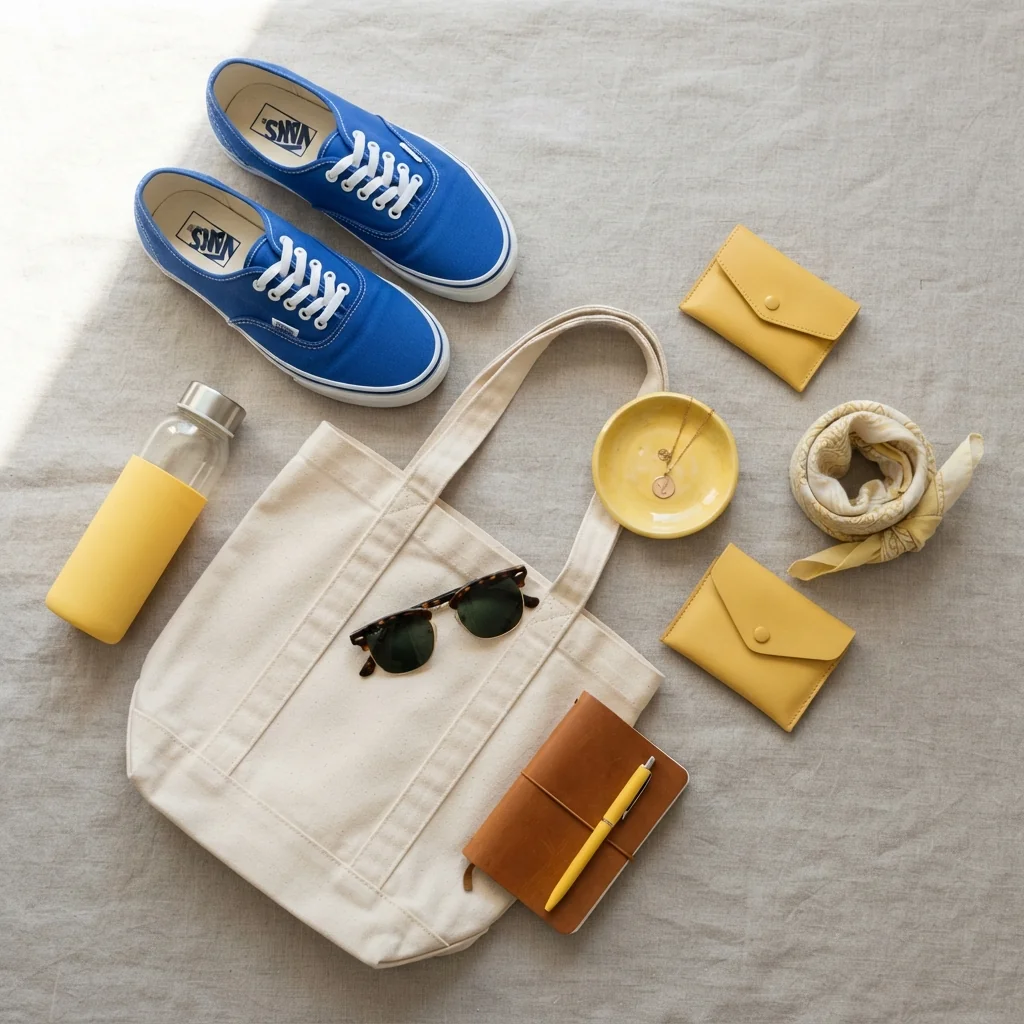
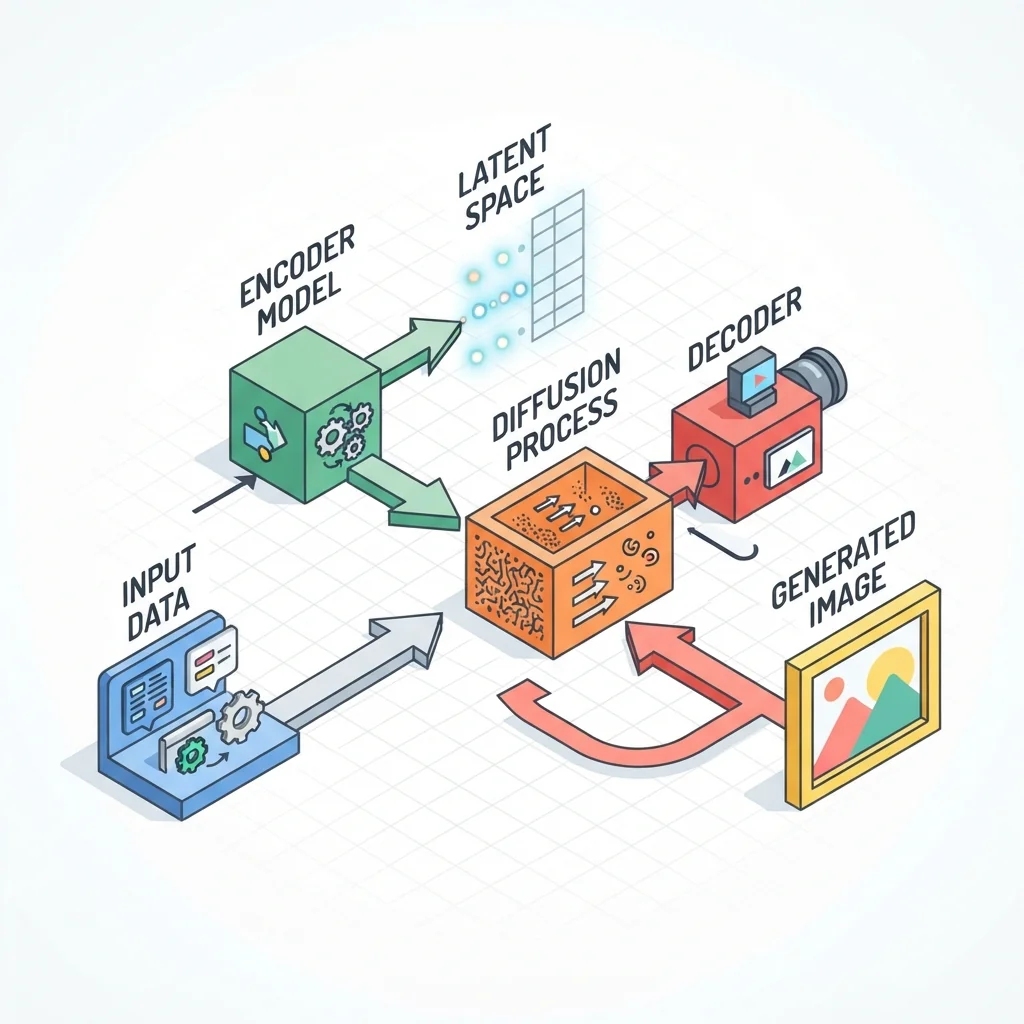





Quick decision
Nano Banana 2 Lite is the compact lane in the Gemini image family. It works best when you know the subject, need a quick draft, and do not need large files or long edit chains.
Use it for social thumbnails, blog covers, ad variants, icons, stickers, and early creative directions where speed and repeatability matter.
Upload an image when the request is narrow: change a background, adjust colors, simplify a product shot, or turn a subject into a sticker.
Move to Nano Banana 2 or Nano Banana Pro when you need 2K or 4K output, many references, strict brand consistency, or search-grounded factual visuals.
Why Lite exists
Nano Banana 2 Lite is not the largest image model in the family. It is the practical model for quick, predictable outputs when 1024px is enough.

Google describes Lite as aiming for under two seconds end-to-end latency, which suits interactive image tools and rapid prompt exploration.

Lite supports 1024px output. It does not support 2K or 4K, so it is better for lightweight assets than final high-resolution production files.

The model accepts text and images as input and can return text plus images, so it can generate from prompts or make simple edits to uploaded visuals.

Images generated by Gemini image models include SynthID watermarking. The DeepMind model page also notes C2PA support for Lite.
The key facts below are compiled from Google DeepMind and Gemini API documentation updated in June 2026.
Official name: Gemini 3.1 Flash Lite Image, also marketed as Nano Banana 2 Lite.
Google positions Lite as the fastest Gemini image model for high-volume developer and consumer use cases.
The supported image_size value is 1024px. 2K and 4K output are not supported by Lite.
Documented ratios include 1:1, 3:2, 2:3, 3:4, 4:3, 4:5, 5:4, 9:16, 16:9, and 21:9, plus standard formats exposed by the API.
The model supports text and image inputs, with image and text outputs. Knowledge cutoff is listed as January 2025.
It supports image generation and editing, Batch API, function calling, and thinking mode. It does not support caching, Live API, URL context, structured output, or search grounding.
Google says Lite is not the right choice for multiple reference inputs or long multi-turn editing sequences.
Use the prompt box when you need a fast draft or lightweight edit. For larger or more complex work, compare the related models below.
Mention the subject, style, background, aspect ratio, and what should be excluded. Lite responds best to direct, compact instructions.
Use it for thumbnails, stickers, social variants, simple illustrations, and draft concepts where 1024px is enough.
Ask for color swaps, background adjustments, simple cleanup, or sticker-style conversions. Keep edits focused.
Check text, small faces, fine detail, data in charts, and localization. Use a higher-tier model when precision matters.
Prompting notes
Lite works best when the prompt removes ambiguity. Treat it like a fast production assistant: give it a narrow brief, one visual direction, and a clear success check.
Write the intended use first, such as square sticker, 16:9 thumbnail, or vertical story image. Add the ratio even when the interface lets you choose one.
Use one main subject, one background, and a short style phrase. Crowded scenes and many small objects make 1K results harder to review.
For uploaded images, ask for one or two changes at a time. Background swaps, color adjustments, and cleanup requests are easier than full scene rebuilds.
If the image needs labels, logos, or chart data, keep the text large and verify it after generation. For typography-heavy work, compare with another image model.
Model choice
Nano Banana 2 Lite is the fast 1K lane. Nano Banana 2 is the general-purpose lane. Nano Banana Pro is for complex professional visual work.
| Need | Nano Banana 2 Lite | Nano Banana 2 | Nano Banana Pro |
|---|---|---|---|
| Fast 1K drafts | Best fit | Good but heavier | Usually unnecessary |
| 2K or 4K output | Not supported | Supports up to 4K | Supports pro-grade output |
| Many reference images | Avoid | Stronger fit | Best for complex references |
| Search-grounded images | Not supported | Supports web and image grounding | Supports advanced grounding |
| Simple uploaded-image edits | Best fit | Good fit | Use for strict detail control |
Lite is useful because it is focused. These limits help you decide when to move a task to Nano Banana 2 or Pro.
If you need large posters, print assets, or high-resolution product images, use Nano Banana 2 or Nano Banana Pro instead.
Major lighting changes, heavy image blending, and long edit chains may introduce artifacts or mismatched details.
Google notes that Gemini image models can still struggle with tiny faces, spelling, and fine visual detail.
Lite does not support search grounding, so factual graphics and current-event visuals should be checked or generated with a model that can ground results.
The specifications and tradeoffs on this page are summarized from Google DeepMind and Gemini API documentation. Open the original pages when you need implementation-level details.
Nano Banana 2 Lite is Google's Gemini 3.1 Flash Lite Image model. It is designed for very fast 1K image generation and lightweight image editing.
Start with a simple prompt, generate a quick draft, then move to a heavier model only when the job needs more resolution or precision.
Create with Nano Banana 2 LiteCompare Lite with other Felo AI image tools before choosing a model.
General-purpose Gemini 3.1 Flash Image with higher resolutions and stronger reference handling.
Use for professional visuals, brand control, advanced edits, and the hardest creative tasks.

Create strong text rendering, clean details, and polished AI image outputs.

Access multiple image models and editing workflows from one image-generation tool.