I2V · Felo AI

I2V AI. Your image, in motion.

Turn a photo, portrait or diagram into video. Upload one image and describe the movement.

Make your image move

JPG, PNG or WebP · up to 20 MB

Your image and prompt open in a Felo video conversation, where the video is generated.

Sign-in and account credits apply. Check your plan before generating.

Generated videoMore examples
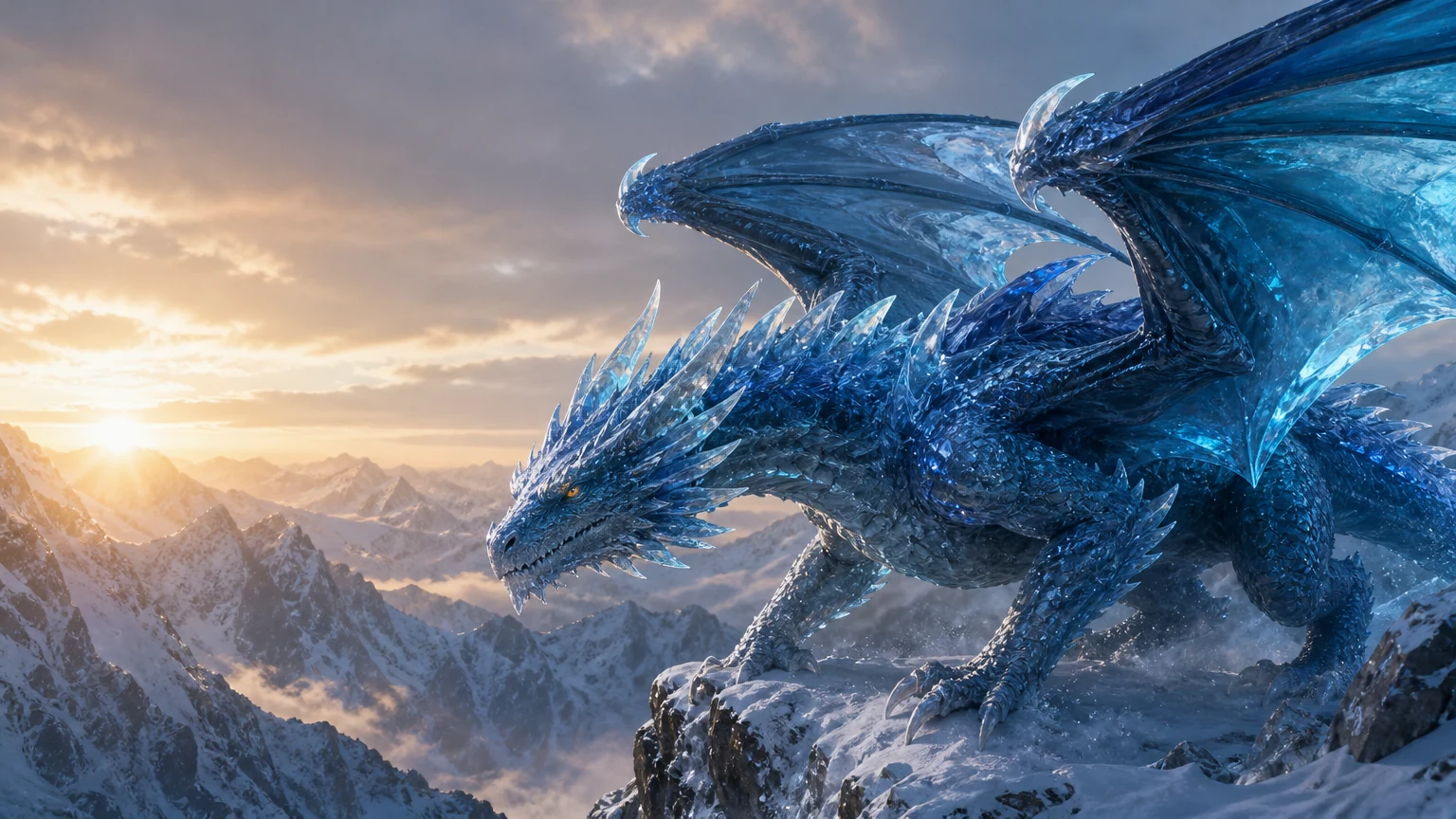
Crystal-blue dragon poised on a snowy cliff above a mountain canyon, the starting frame of an I2V demonstrationStarting image

One still frame becomes a dragon in flight. Wingbeats, flying snow and a moving camera bring depth to the scene.

8 s · 768P

Bring your photos to life.

Start with a family photo or a pet portrait. Small gestures keep the original image recognizable.

Animate a portrait photo

A portrait gains a blink, a smile and a small head turn.

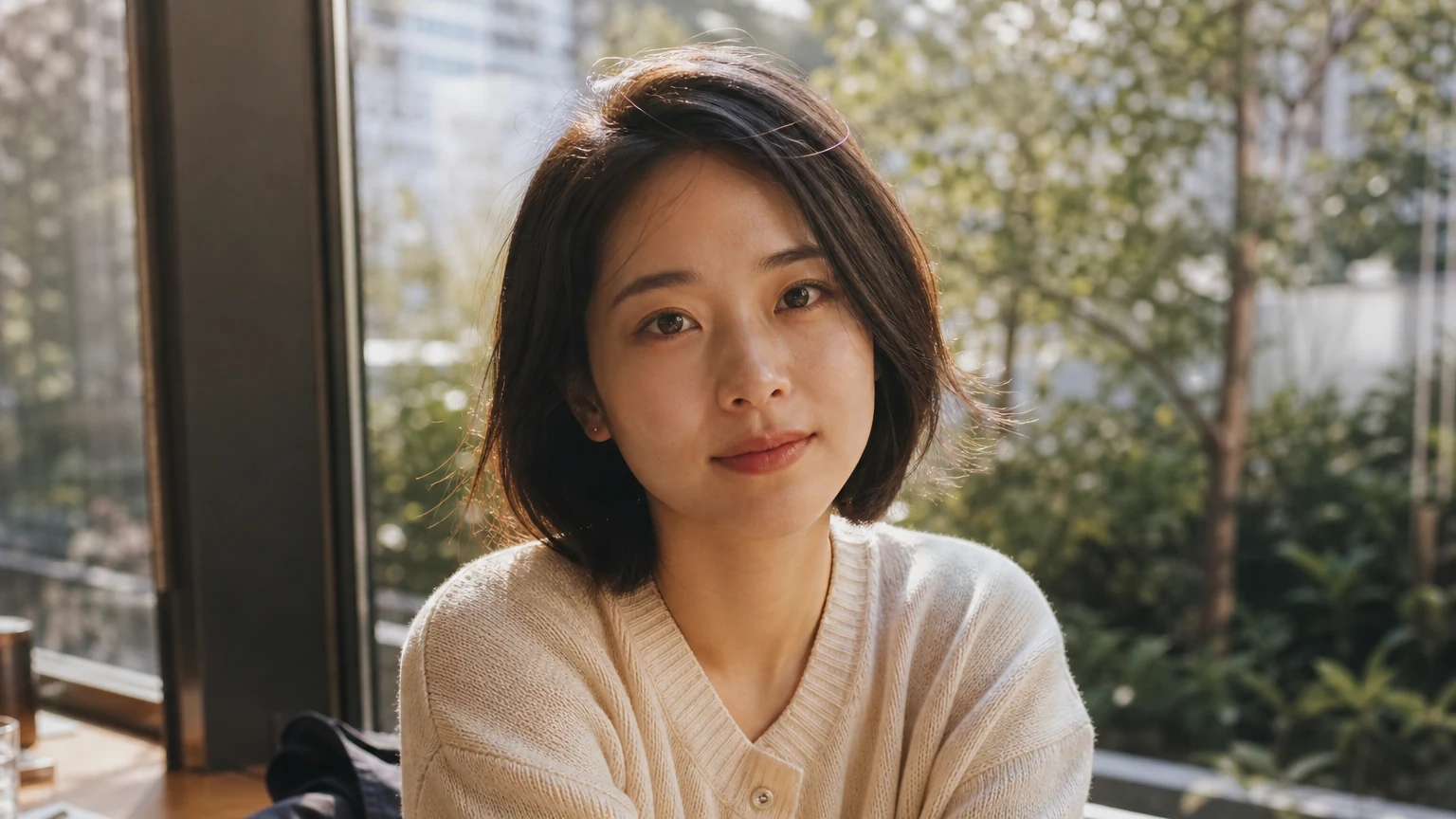
Woman beside a café window, starting image for photo animation.
Starting image → Generated video6 s · 768P
Motion to try

Blink once, smile gently and turn slightly toward the window. Preserve the face and clothes; keep the camera fixed.

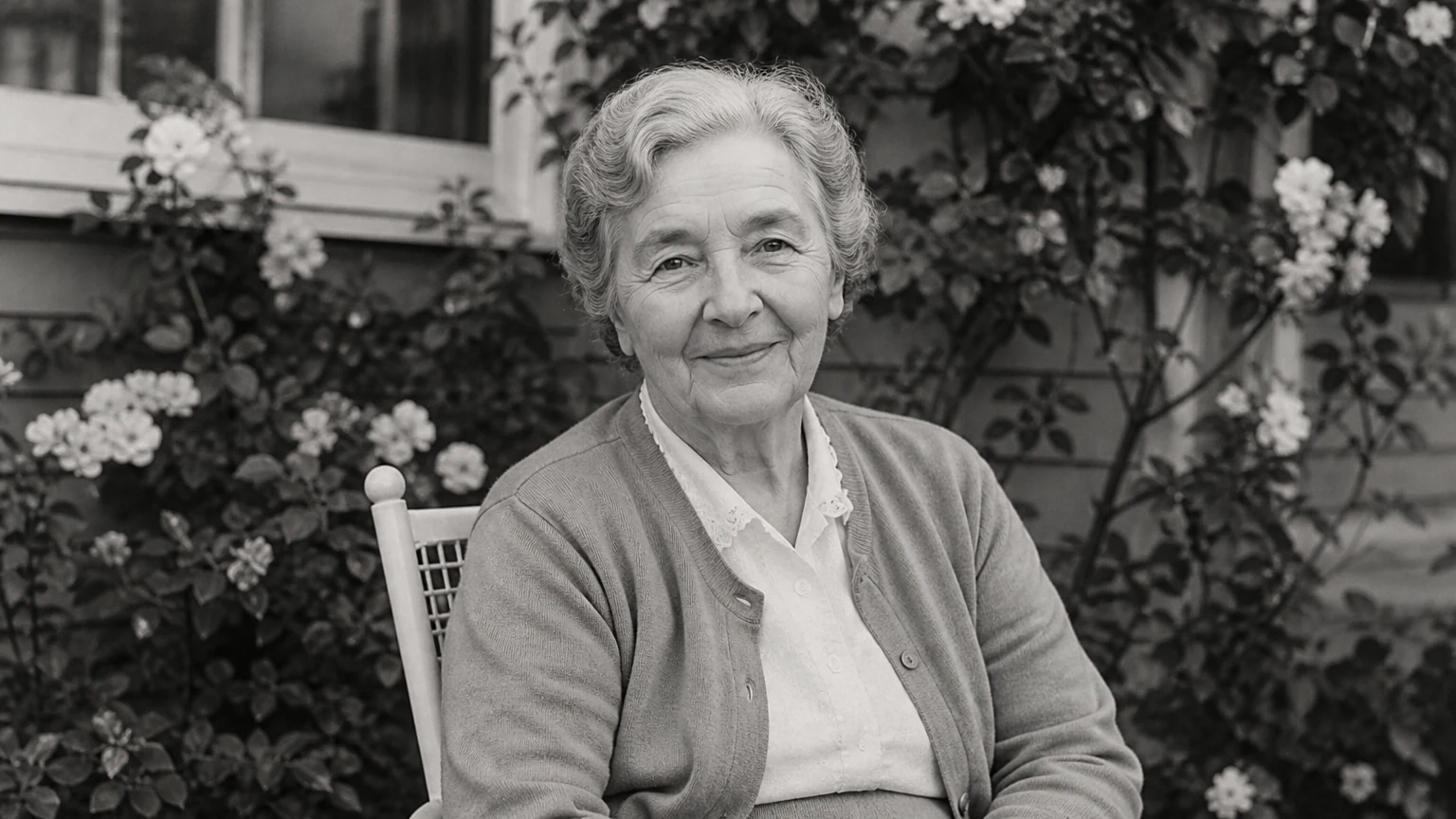
Animate old photos

An old photo moves while keeping its monochrome character.

Black-and-white portrait of a grandmother in a garden.
Starting image → Generated video6 s · 768P
Motion to try

Blink, turn the head slightly and smile warmly. Preserve the face, black-and-white tones and photo grain. Camera fixed.

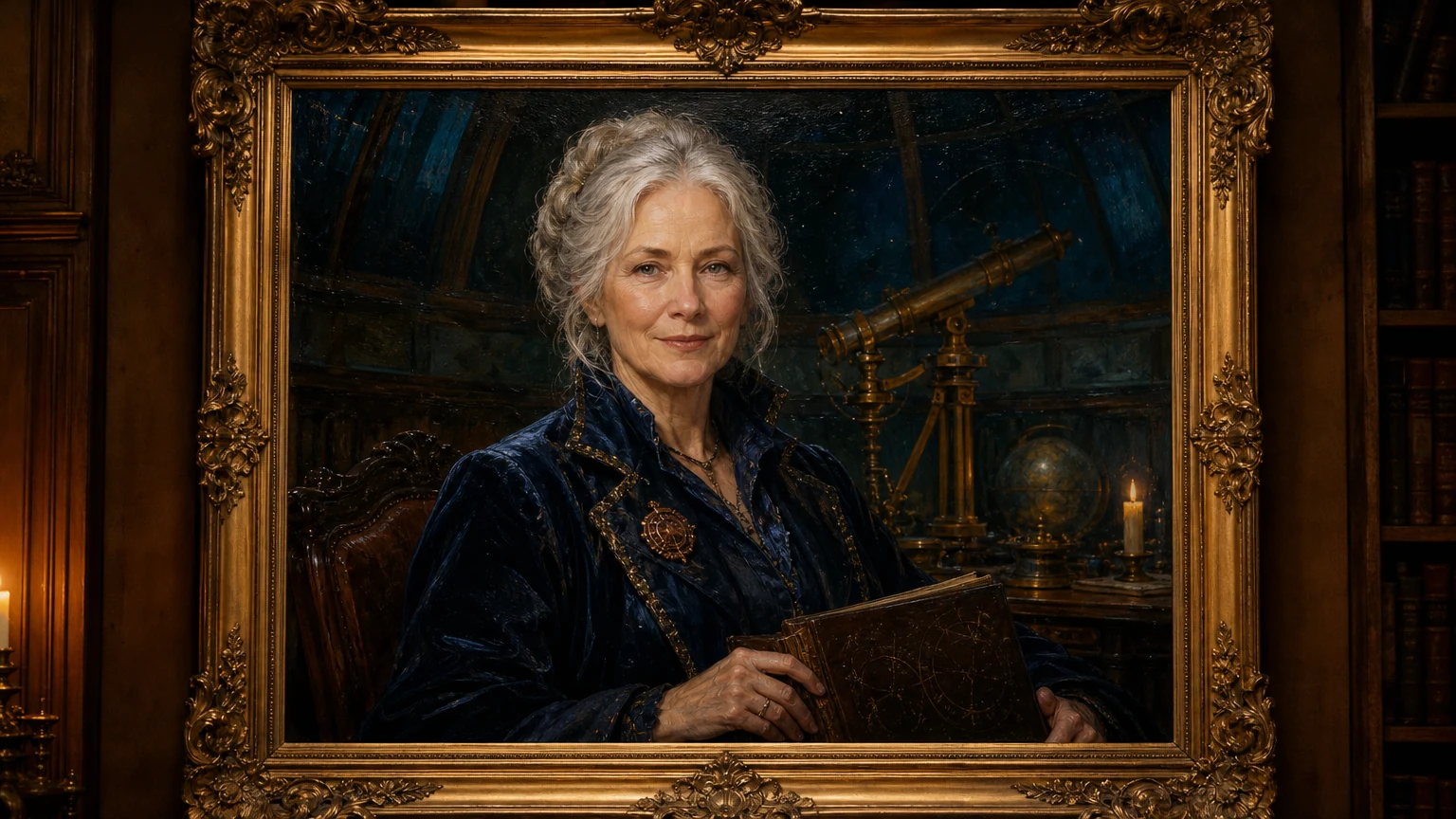
Create a living portrait

An oil portrait responds while its frame stays still.

Painted astronomer inside an antique gold frame.
Starting image → Generated video6 s · 768P
Motion to try

Let the painted figure blink, raise her eyebrows and smile. Keep the brushstrokes and frame unchanged. Camera fixed.

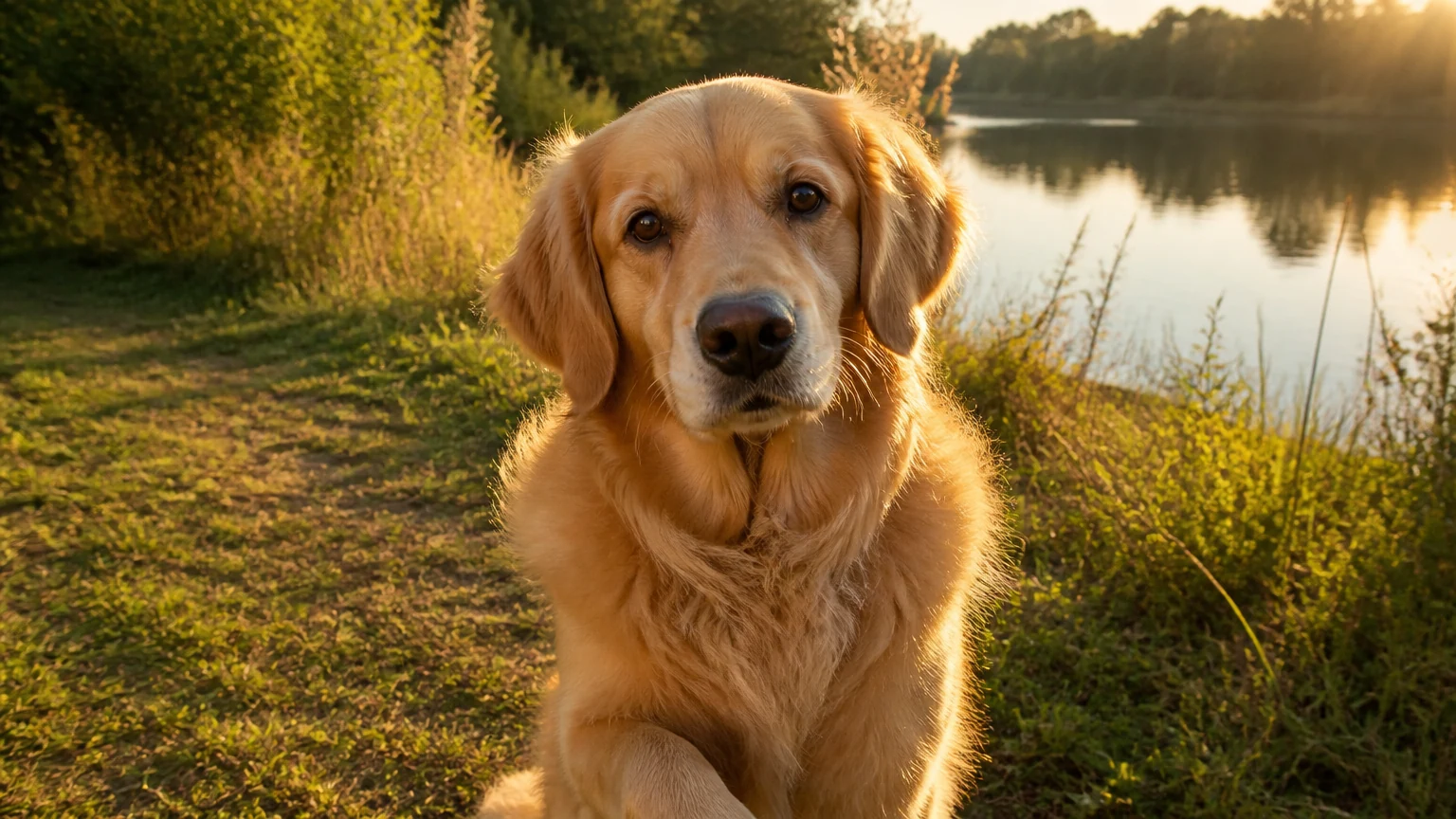
Animate a pet photo

Give a pet photo a head tilt and a friendly paw.

Golden retriever beside a lake, starting image for pet animation.
Starting image → Generated video6 s · 768P
Motion to try

The dog blinks, tilts its head and raises one paw. Keep the same dog and background. Camera fixed.

These demos use AI-created subjects. Try the same motion with a photo you own or have permission to use.

Turn geometry and formulas into visual steps.

Turn a checked diagram into a short teaching clip. Use motion to draw attention to each step.

Checked example

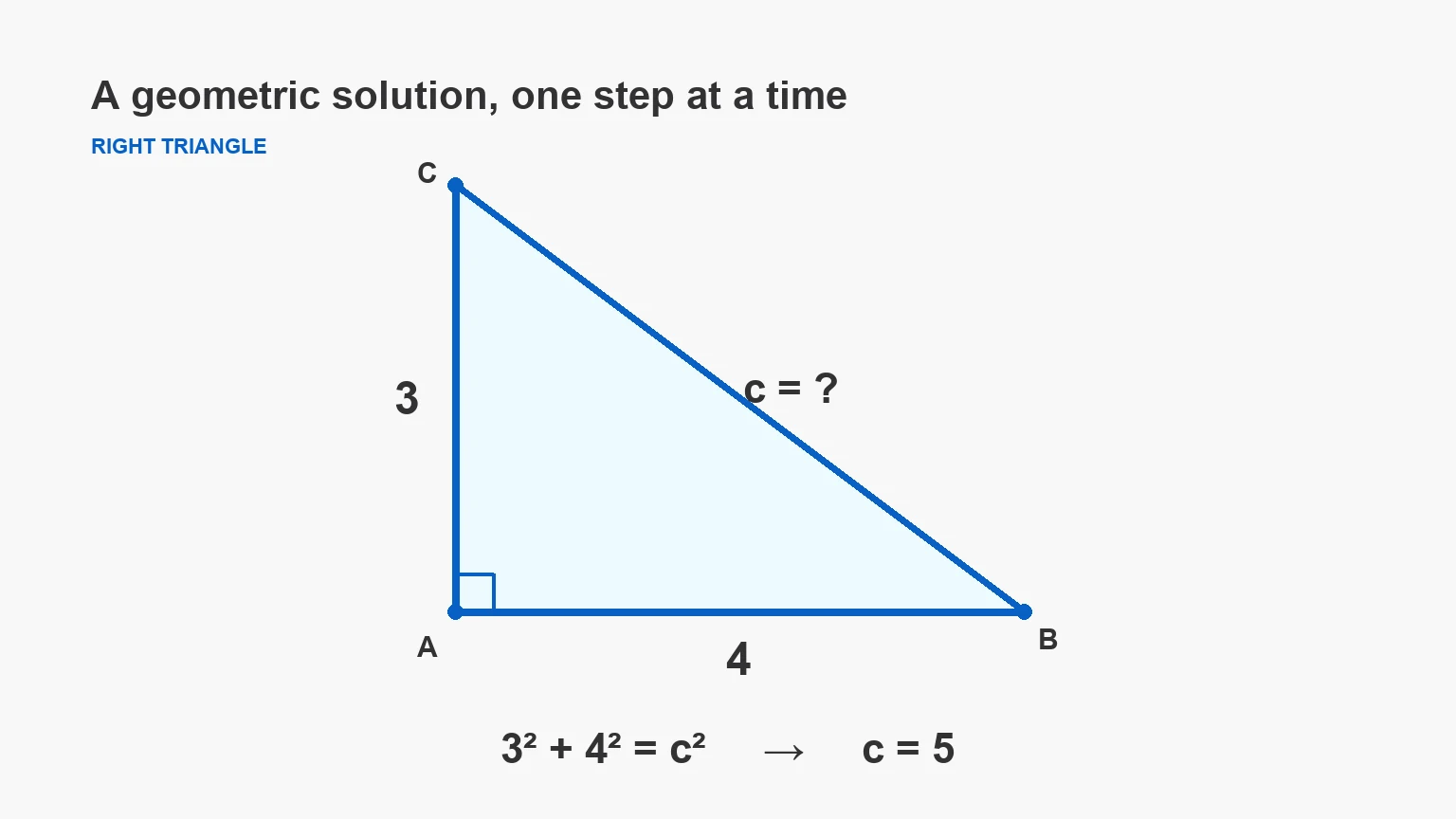
A right triangle has legs of length 3 and 4.

Square the legs, add the results and take the positive square root.

3² + 4² = c²9 + 16 = 25c = √25 = 5

Animate a geometry solution

Highlight the known sides before following the missing hypotenuse.

c = √(3² + 4²) = 5

Right triangle with legs 3 and 4 and the checked answer c = 5.
Starting image → Generated video6 s · 768P
Motion to try

Keep the diagram and labels fixed. Highlight side 3, then side 4, then the hypotenuse and c = 5. Add no symbols.

Visualize a math formula

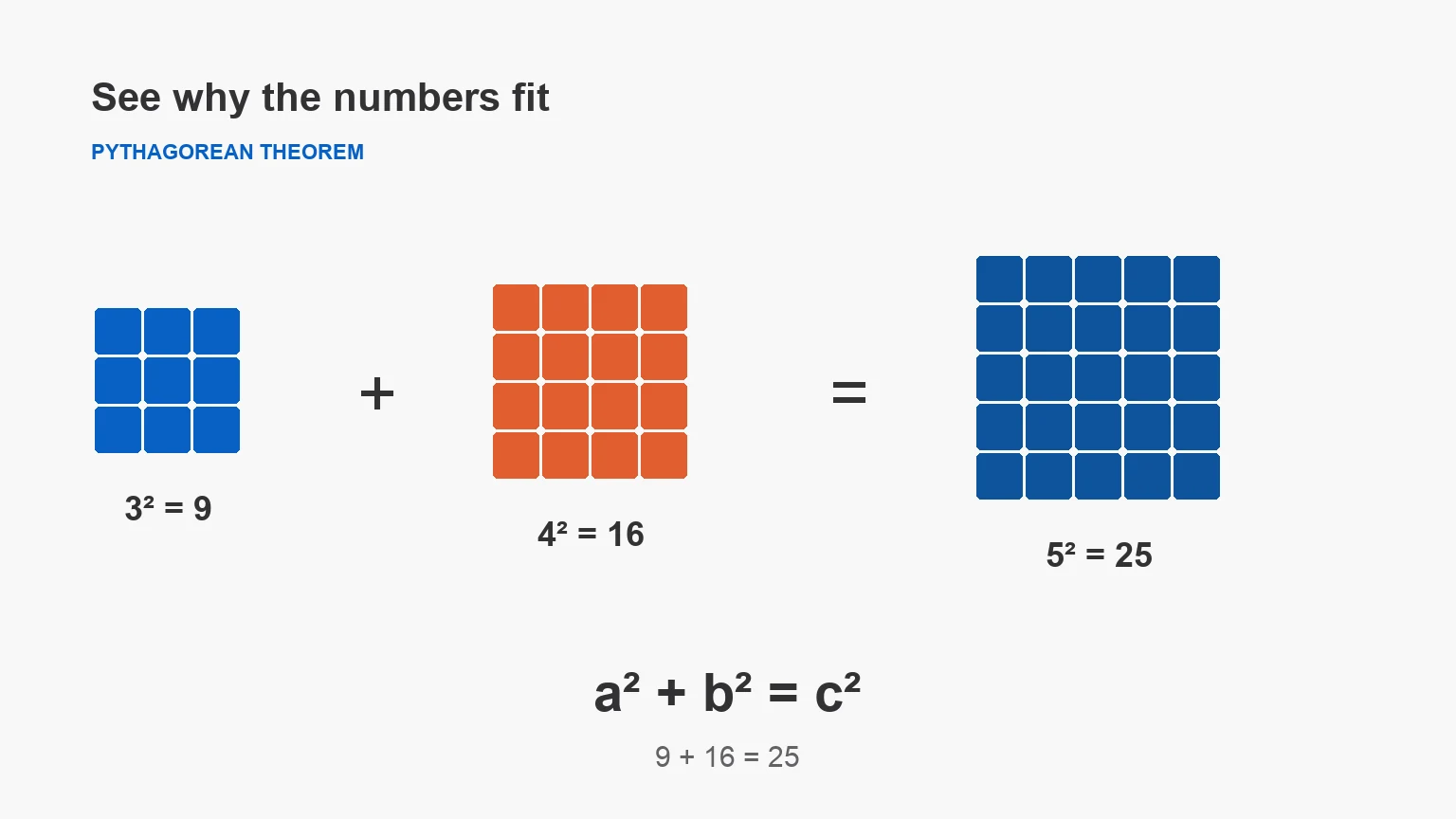
Connect squared values to countable areas: 9 + 16 = 25.

a² + b² = c²

Pythagorean formula with 9-cell, 16-cell and 25-cell square grids.
Starting image → Generated video6 s · 768P
Motion to try

Keep the formula and grids unchanged. Highlight the 9-cell, 16-cell and 25-cell squares in sequence. Add no writing.

The solution is supplied in the source image. Review mathematical labels and reasoning before teaching.

Three images. Three moving scenes.

Explore original image-to-video examples. Each case includes its starting image, generated clip and motion instructions.

Starting image
Cobalt ceramic espresso cup on a sunlit stone table, used as an I2V starting image

One ceramic cup, a linen curtain and morning light.

Generated video6 s · 768P

Give a product photo a little atmosphere.

Steam, fabric and a slow camera move create a short product scene.

Motion prompt

Slowly push the camera toward the espresso cup. Let a thin curl of steam drift upward while the linen curtain moves gently. Keep the cup, handle and tabletop unchanged. One continuous shot, no cuts.

Review faces, product details, logos and text before publishing. Use images you own or have permission to use.

Keep the picture. Direct the movement.

Your image already explains what the scene looks like. Use the prompt to explain what changes over time.

Starting image
Defines the subject, composition, colors and starting frame.
Camera direction
Sets how the viewer moves through the scene.
Scene movement
Adds an action, atmosphere or small environmental change.

Build a motion prompt

Camera direction
Scene movement
Your motion instructions

Use the uploaded image as the opening frame. Push the camera in slowly. Let a light breeze move loose fabric or foliage. Keep the main subject's shape and visual details consistent.

Three steps from photo to video

A clear starting frame and one focused action make the result easier to assess and refine.

  1. Start with a clear image

    Use a sharp photo with a defined subject and room for movement.

  2. Describe one focused action

    Set the motion, camera direction, duration and output format.

  3. Generate in your Felo conversation

    Sign in, send your image and prompt, then review and refine the video in Felo.

I2V questions, answered

What does I2V mean in AI video?

I2V means image to video. It uses a still image as the visual starting point and a text prompt to direct movement.

How do I turn an image into a video with Felo AI?

Upload one image, describe the motion and choose the video settings. Generate video opens a Felo video conversation with your image and instructions.

Is the I2V tool free?

Video generation requires sign-in and is subject to your Felo plan and available credits. Check your account for current access and costs.

How can I keep the subject consistent in an I2V video?

Use a clear source image and request limited, specific movement. Name the details that must stay unchanged and review the generated result for distortions.

Where will my generated video appear?

The video is generated in your Felo video conversation. You can review the result and request changes there; this page prepares the image and instructions.

What kind of image works best for I2V?

Use a sharp JPG, PNG or WebP with a clear main subject. Avoid tiny text, crowded compositions and crops that leave no room for the requested movement.
Your next shot starts with one image.

Upload a frame, write the movement and continue in your Felo video conversation.

Start with your image