Follow detailed instructions
Describe a dense visual brief with subject, hierarchy, material, scene, and layout details instead of simplifying the idea first.
Generate a first image, then change exactly what needs changing while preserving the rest. Build usable product, campaign, identity, and game assets in one visual workflow.
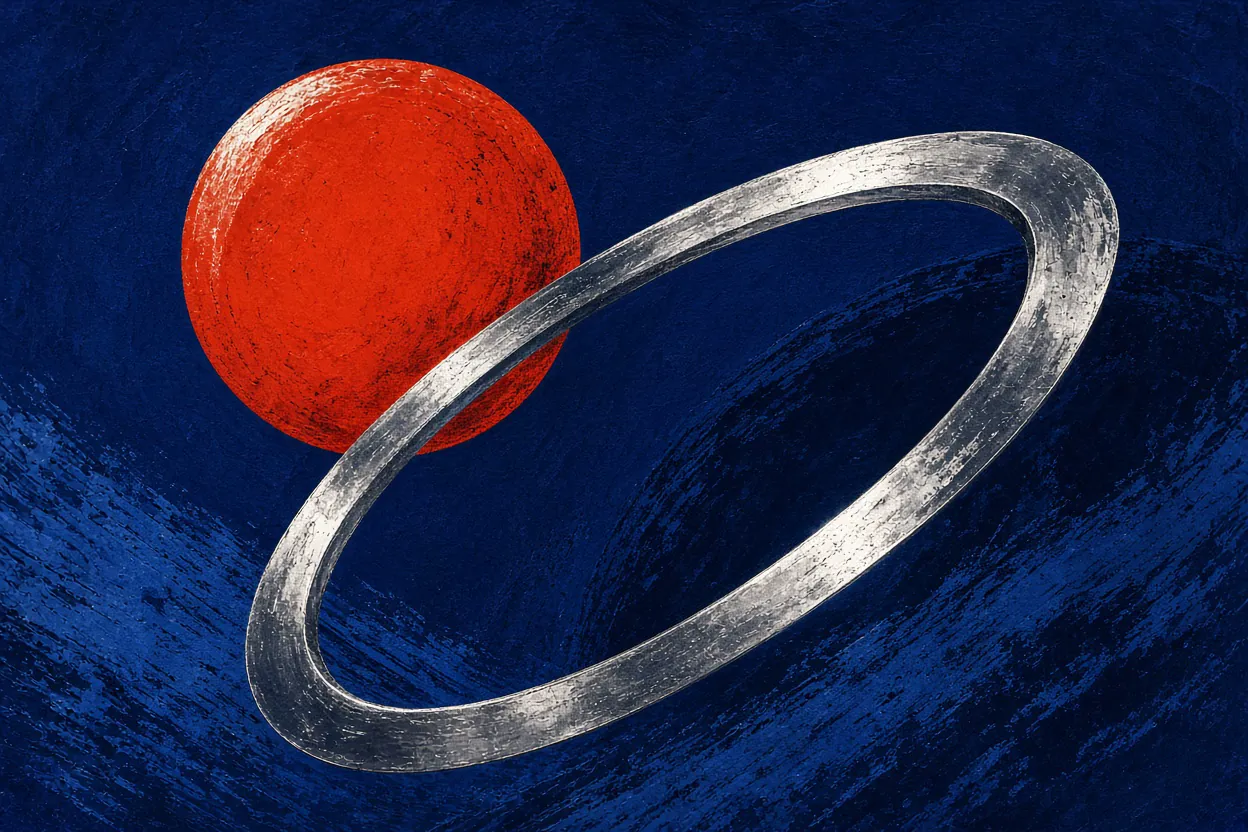
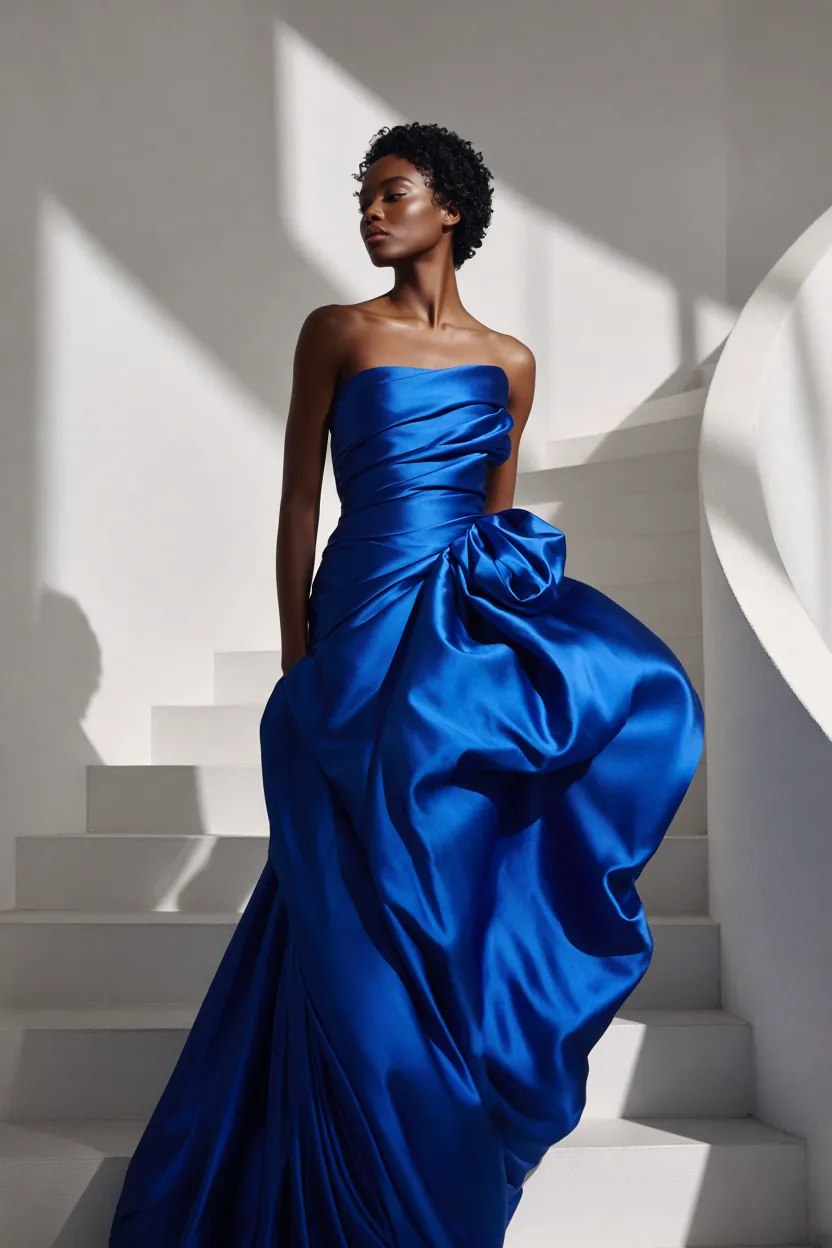
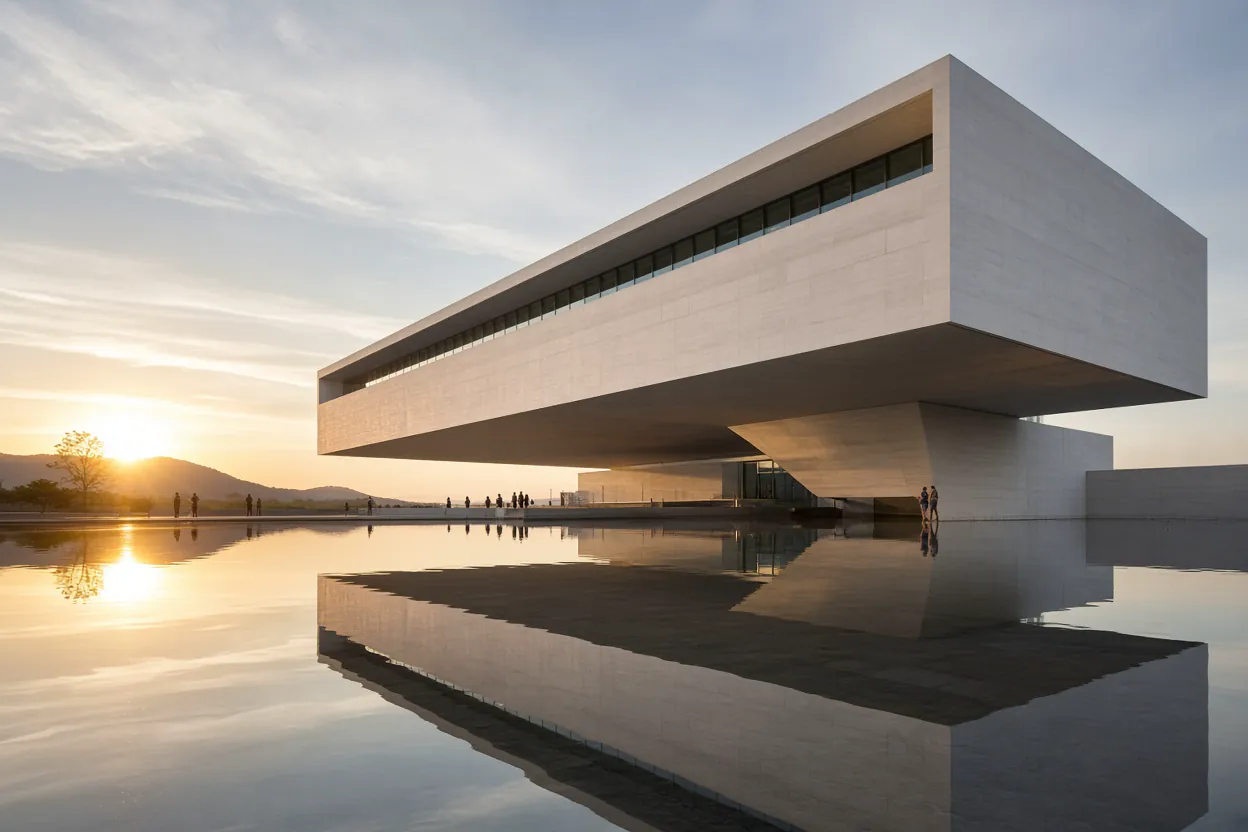
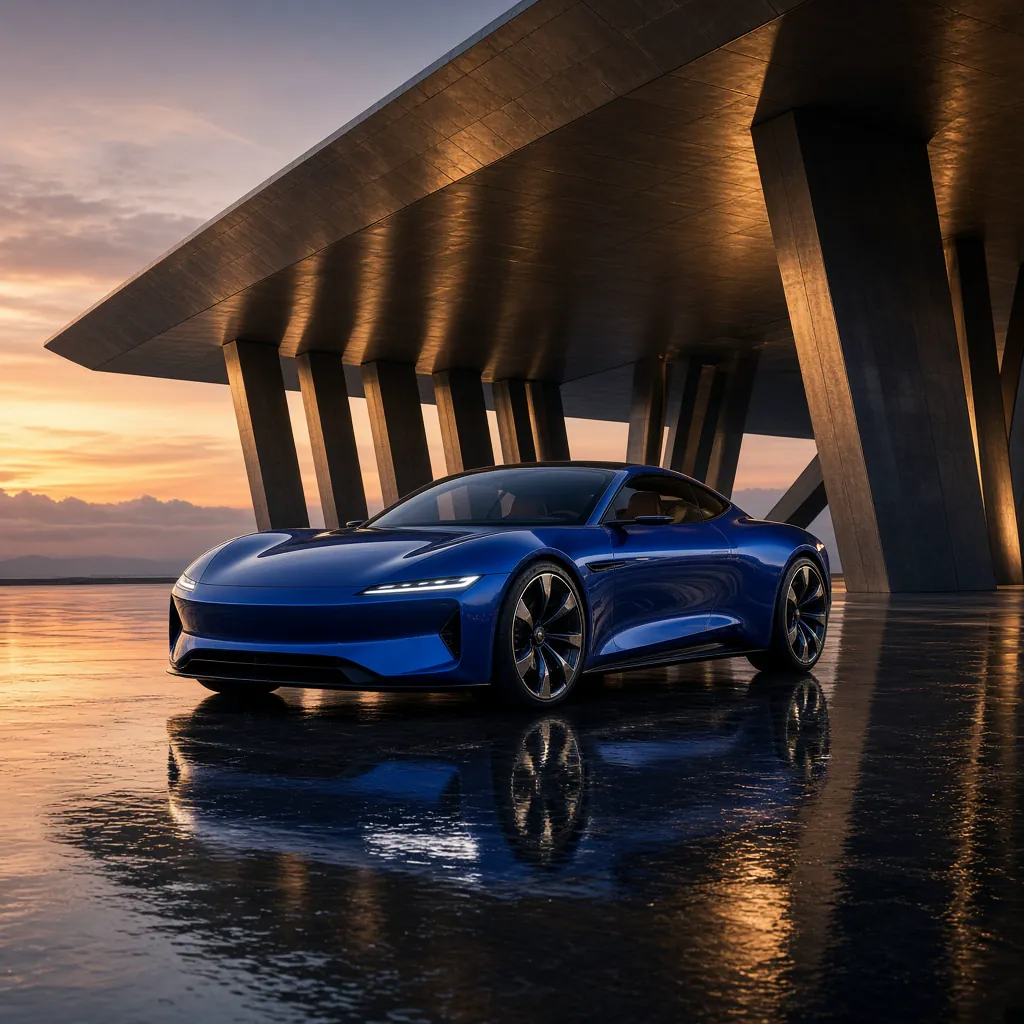
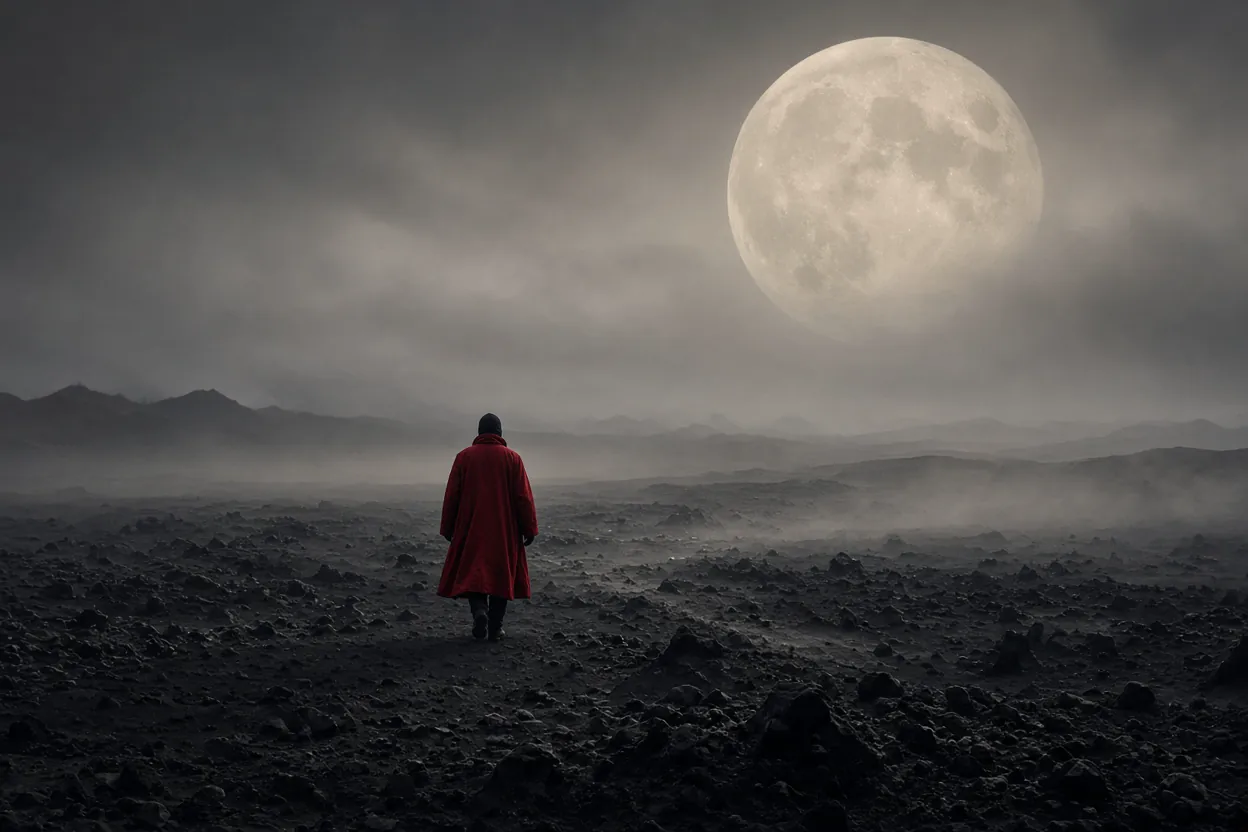
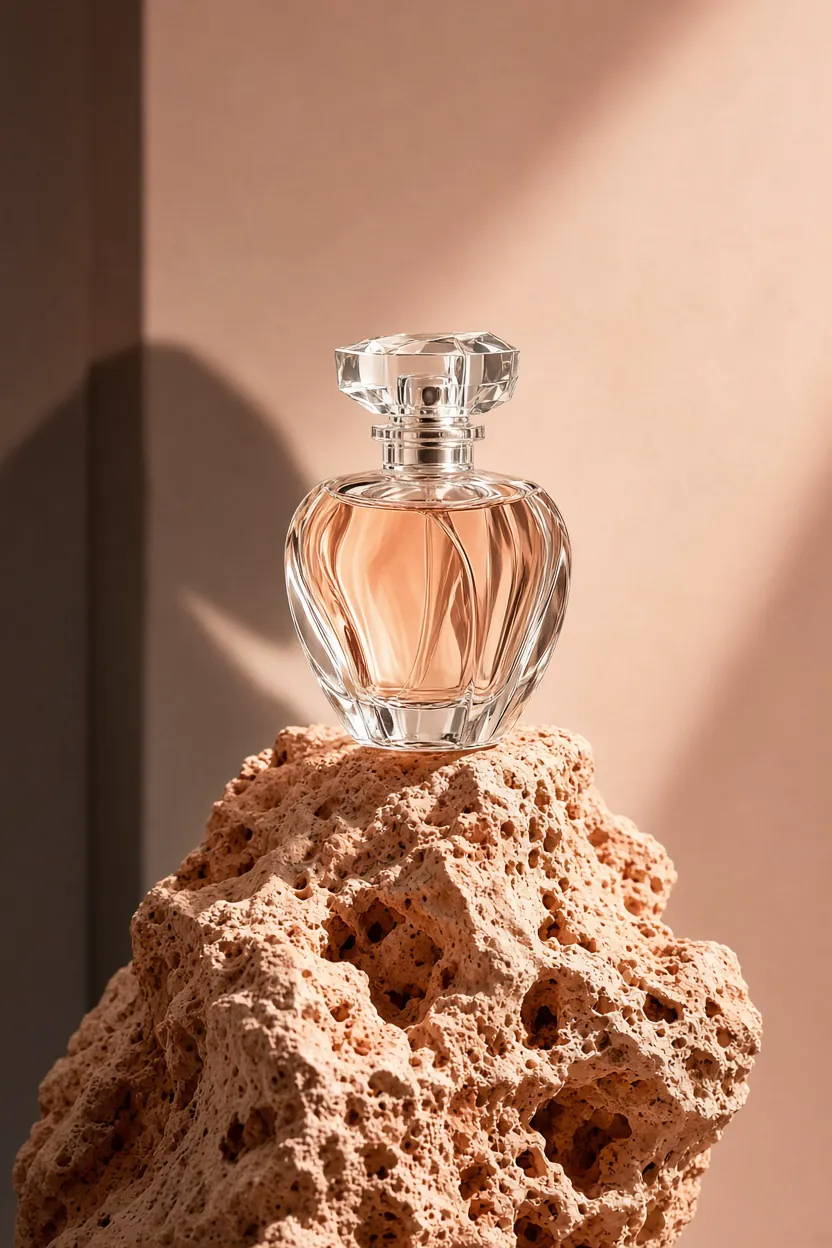
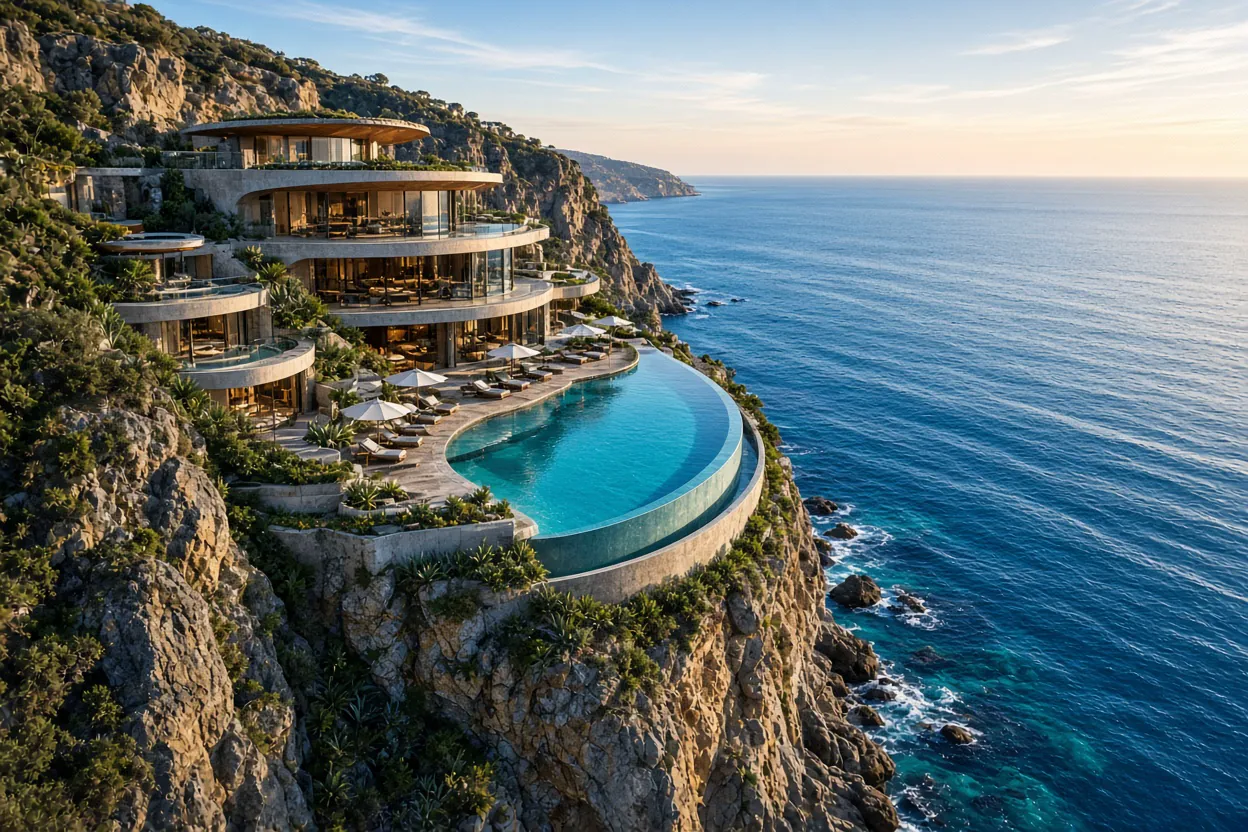
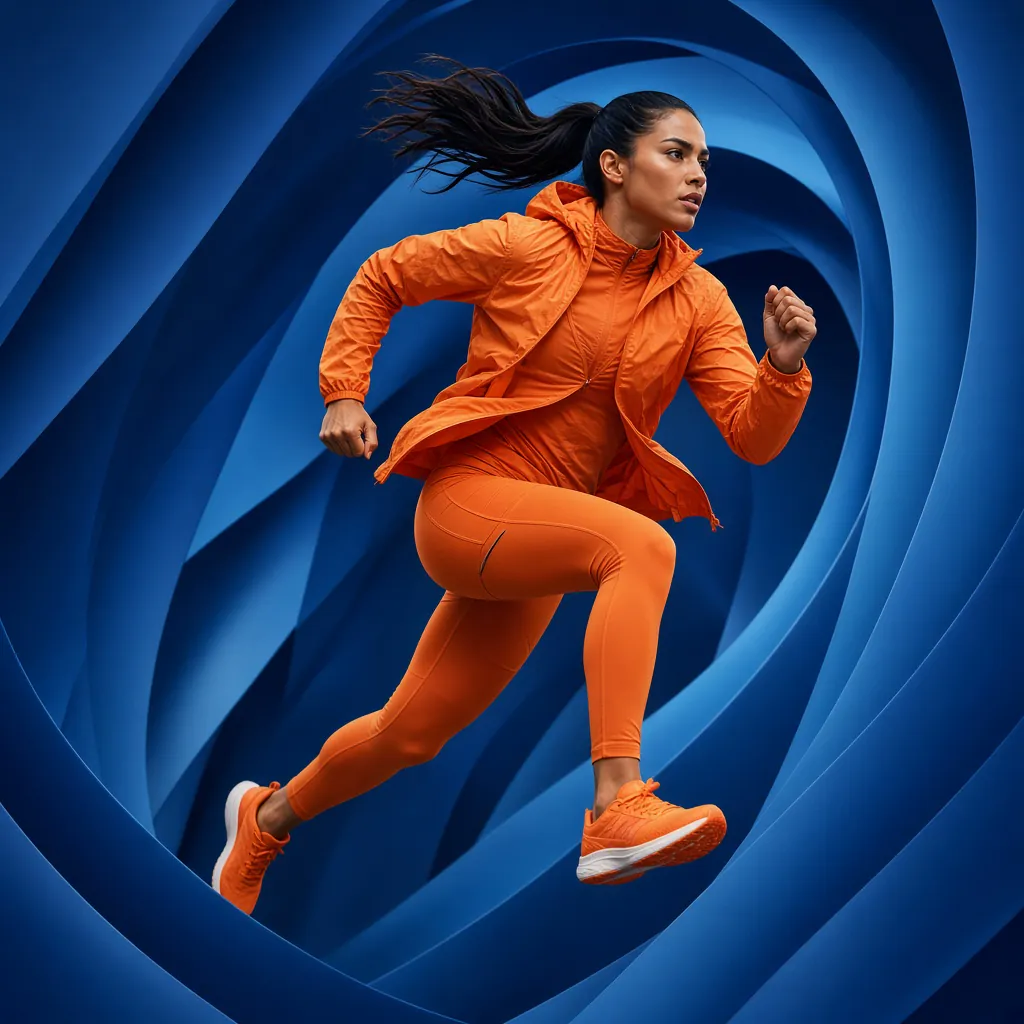
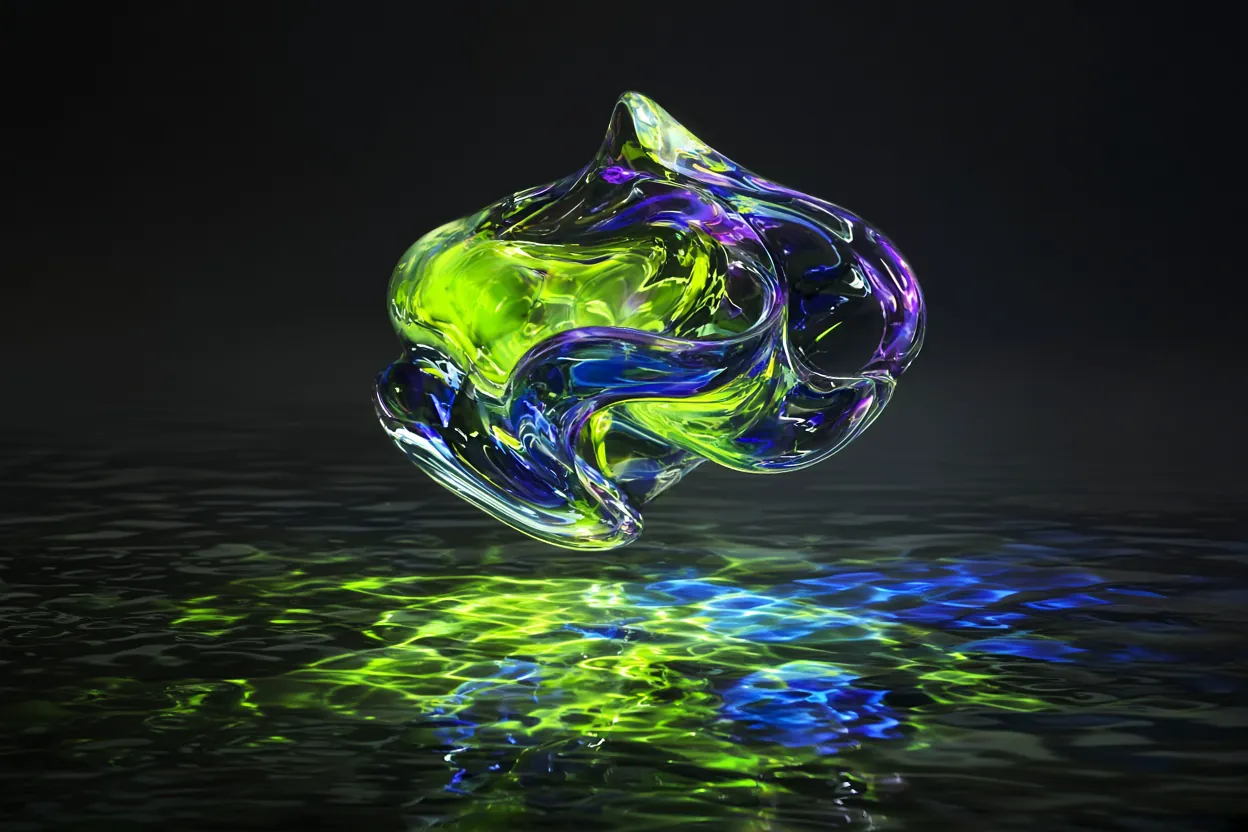
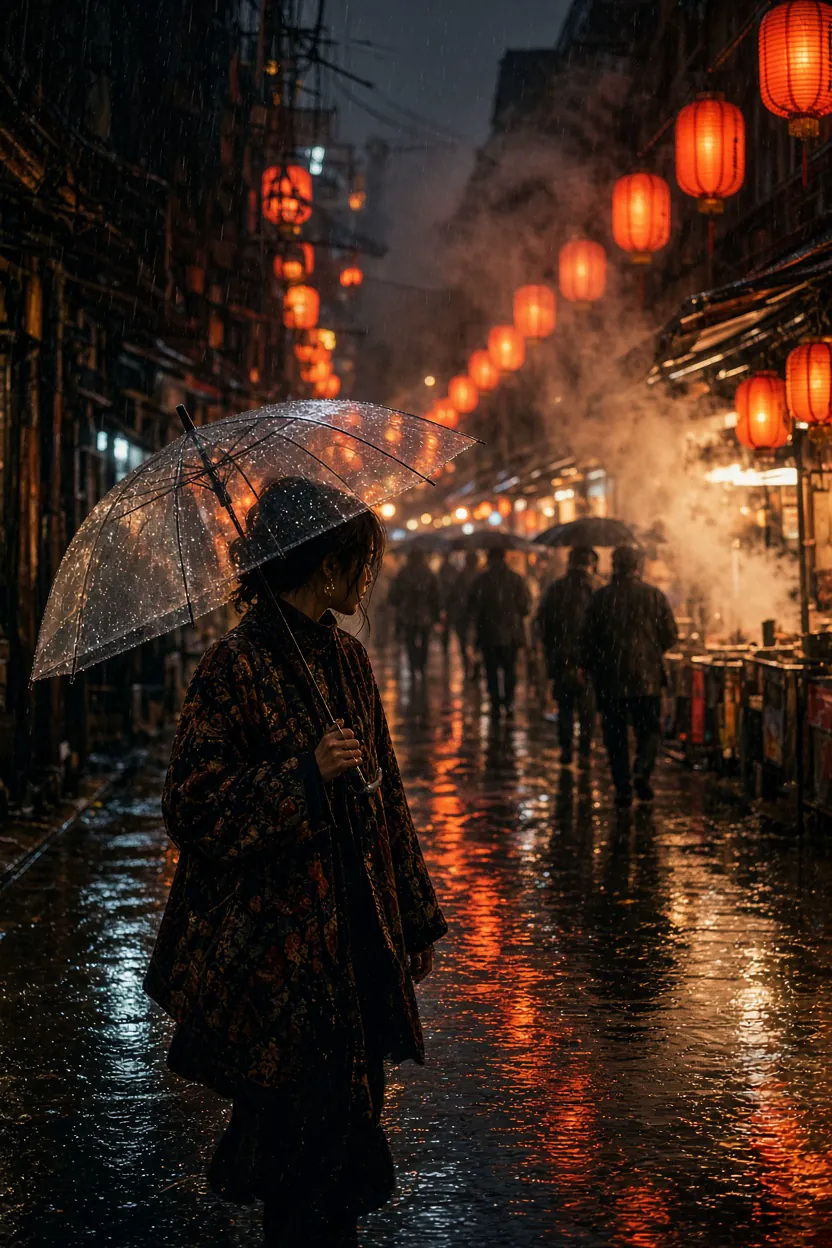
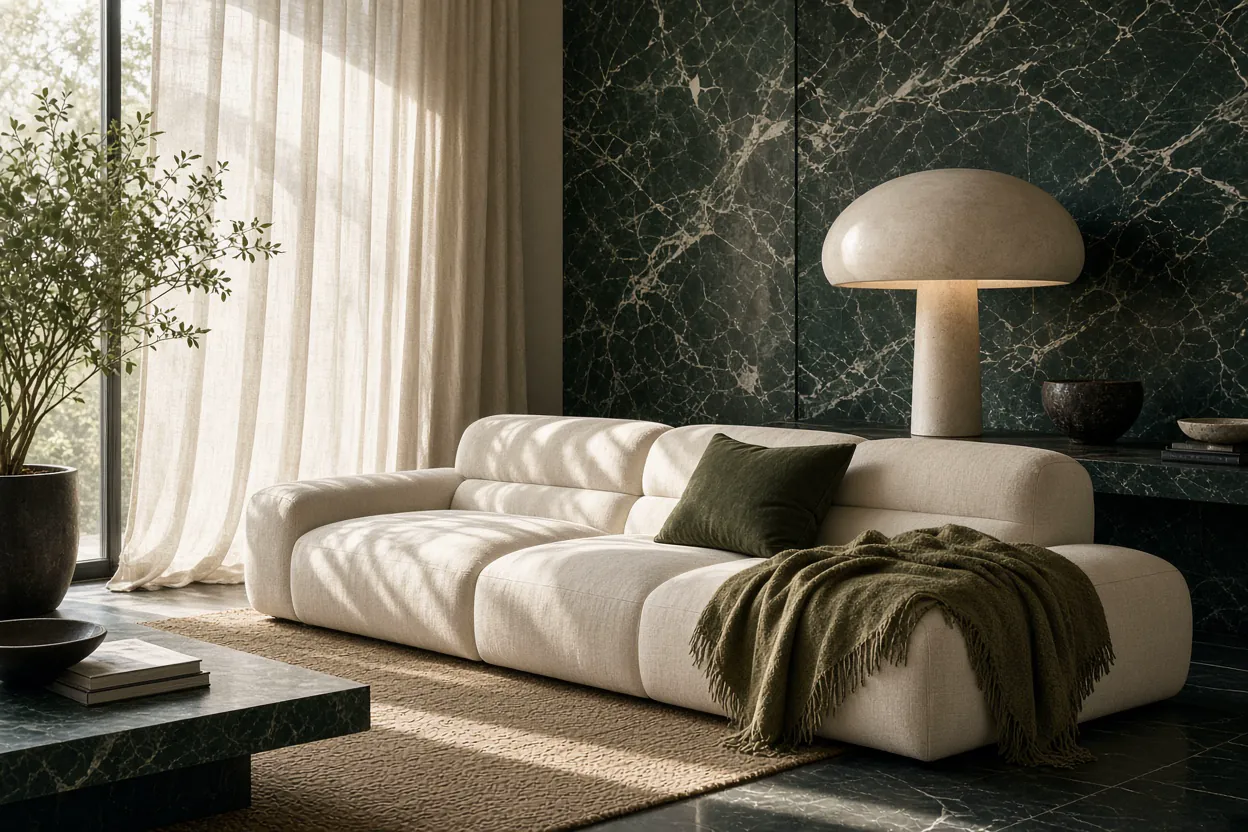
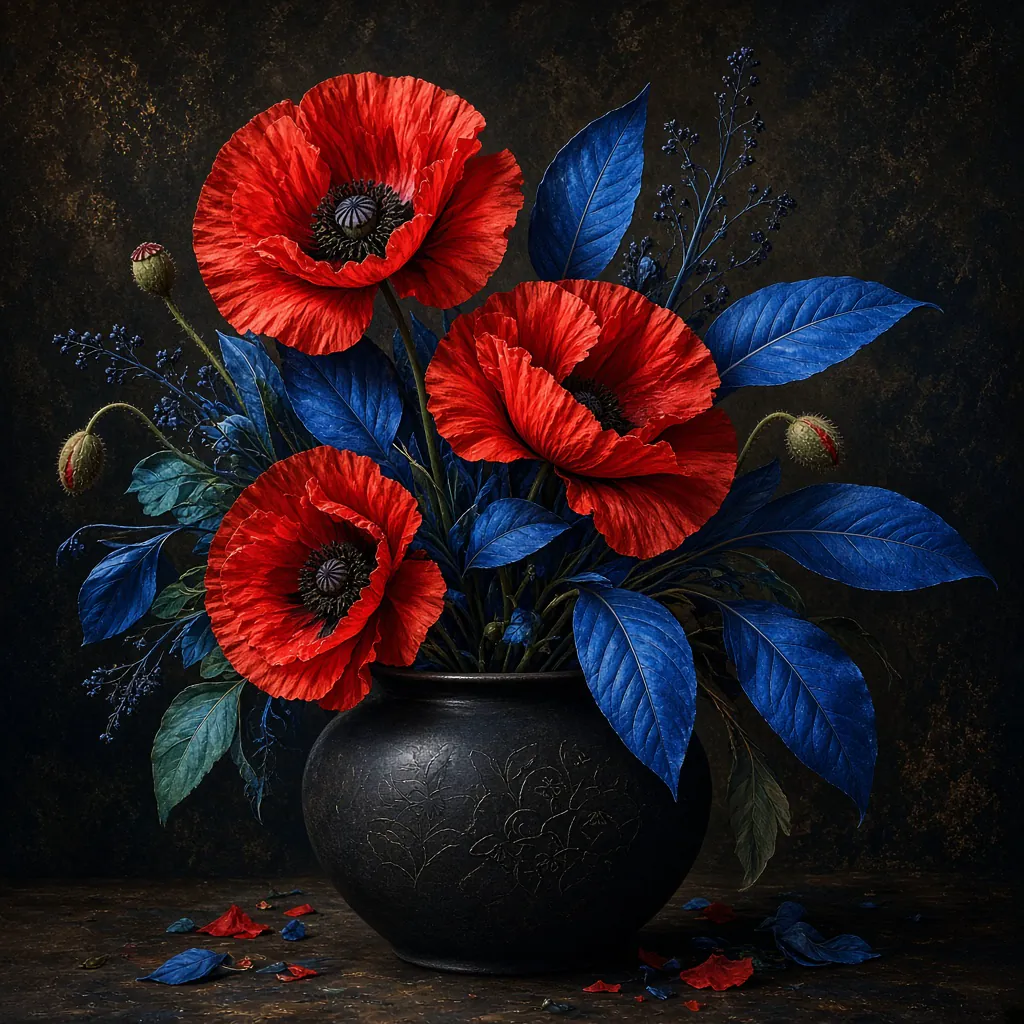
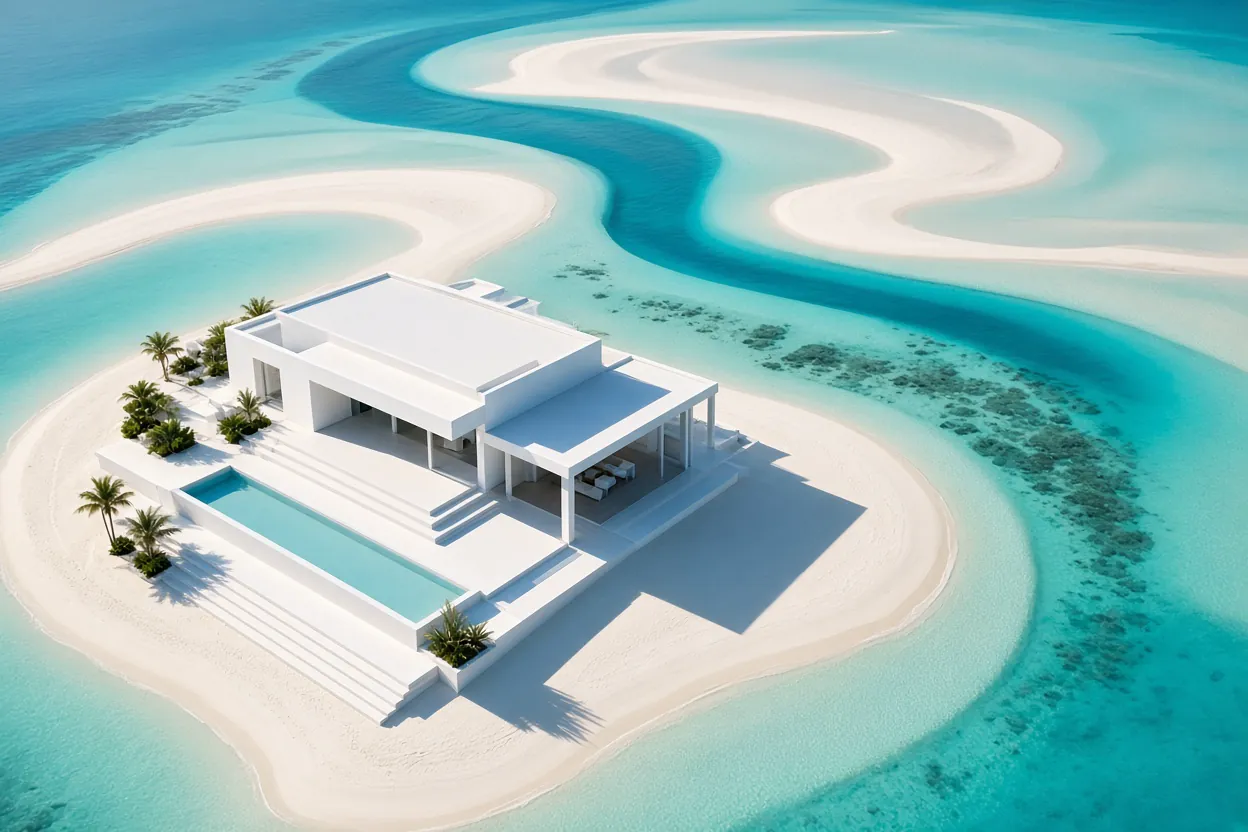
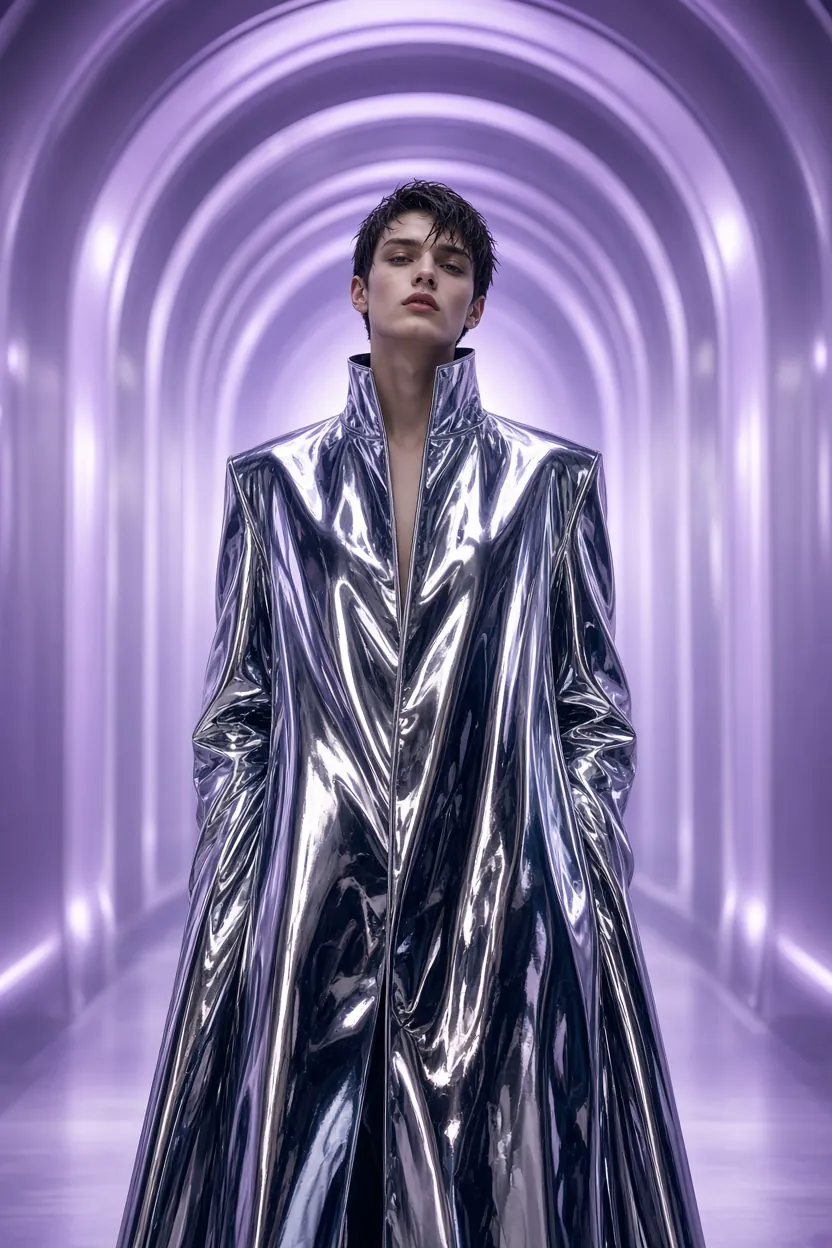
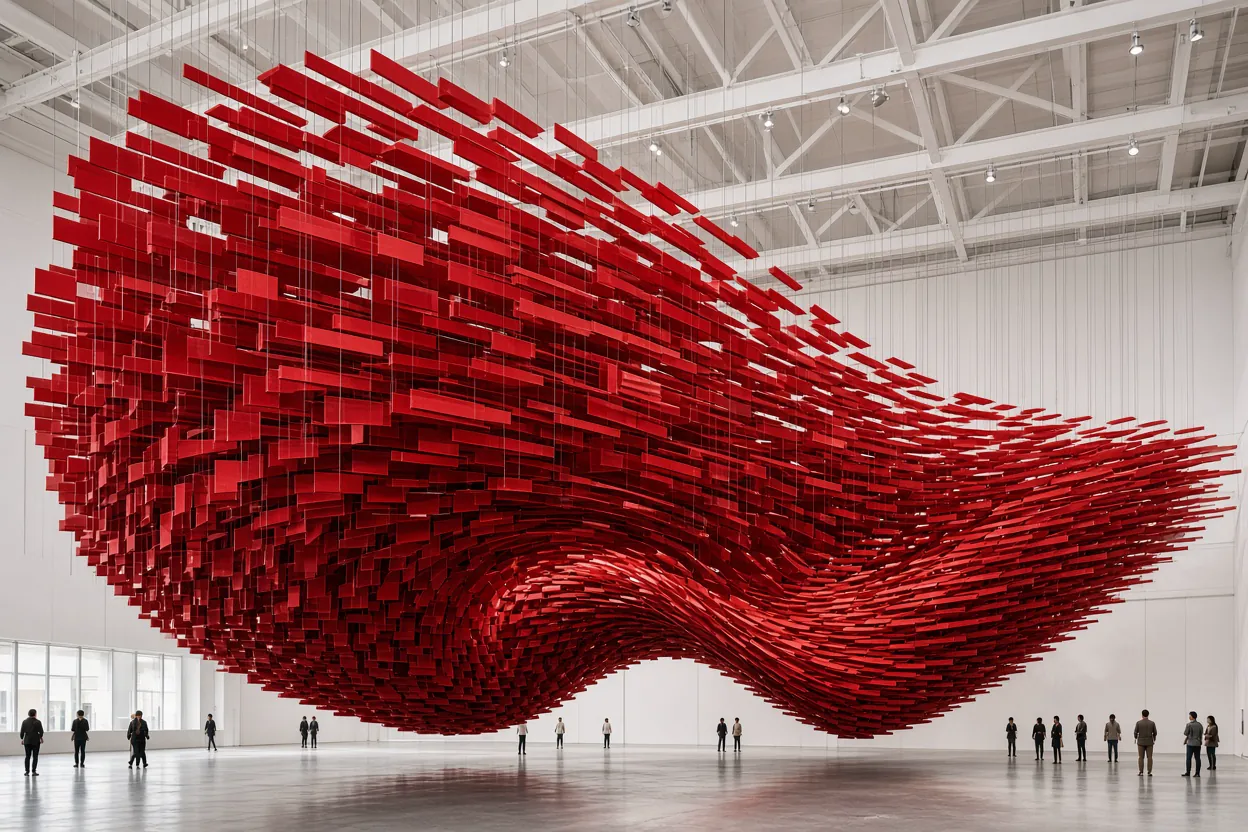
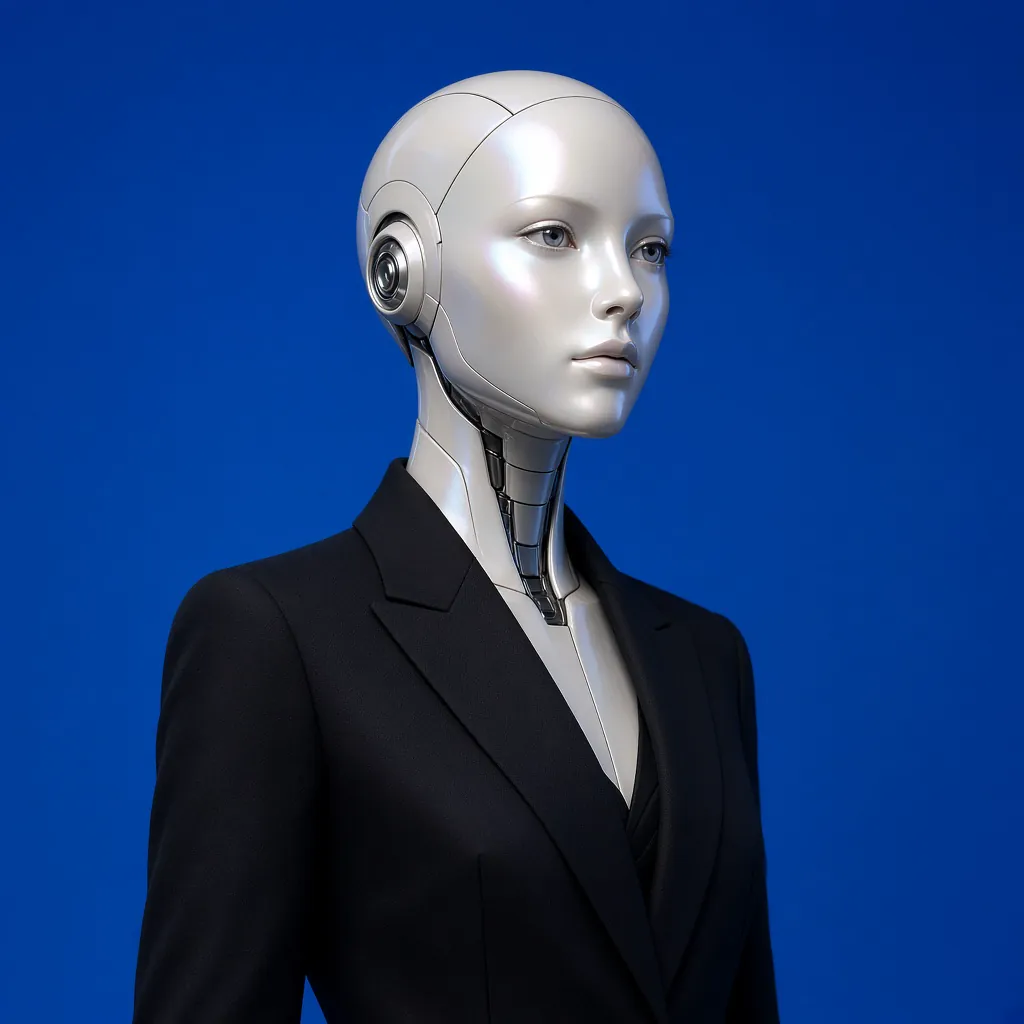
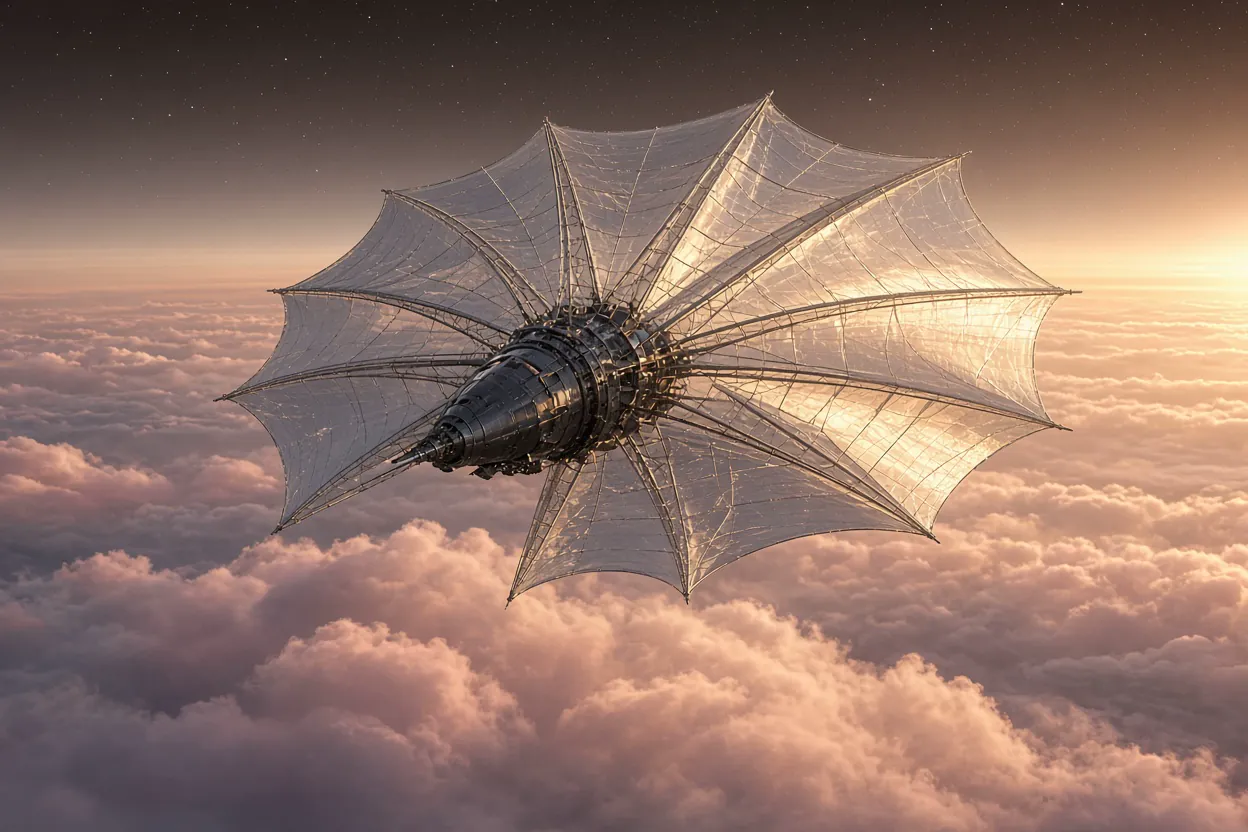
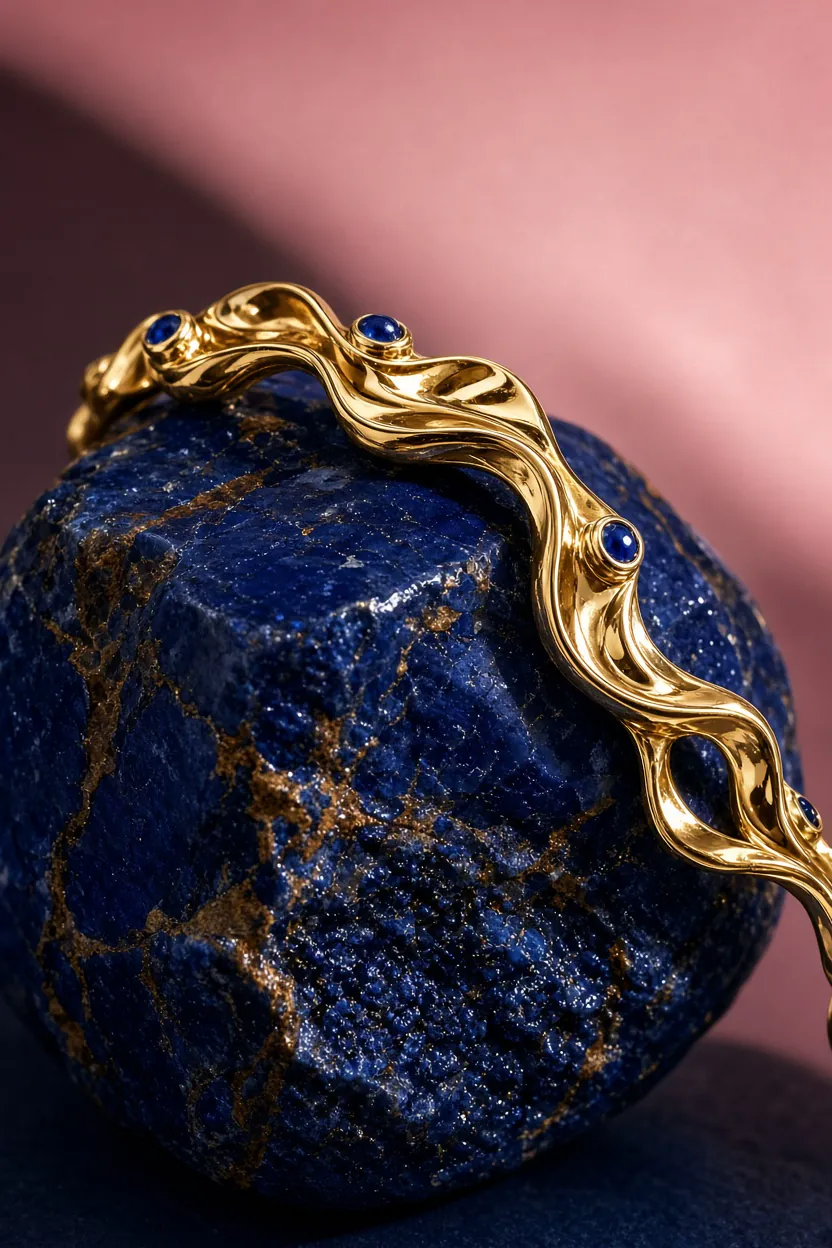
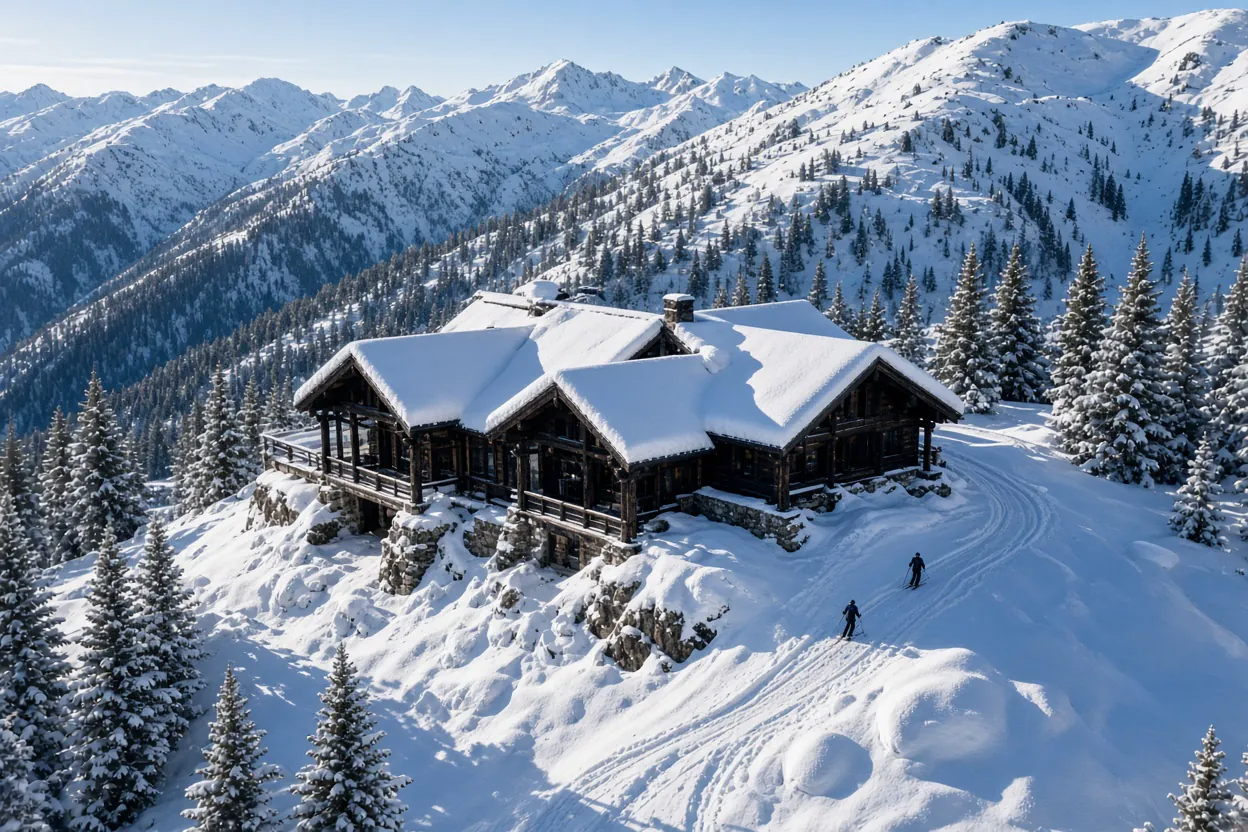
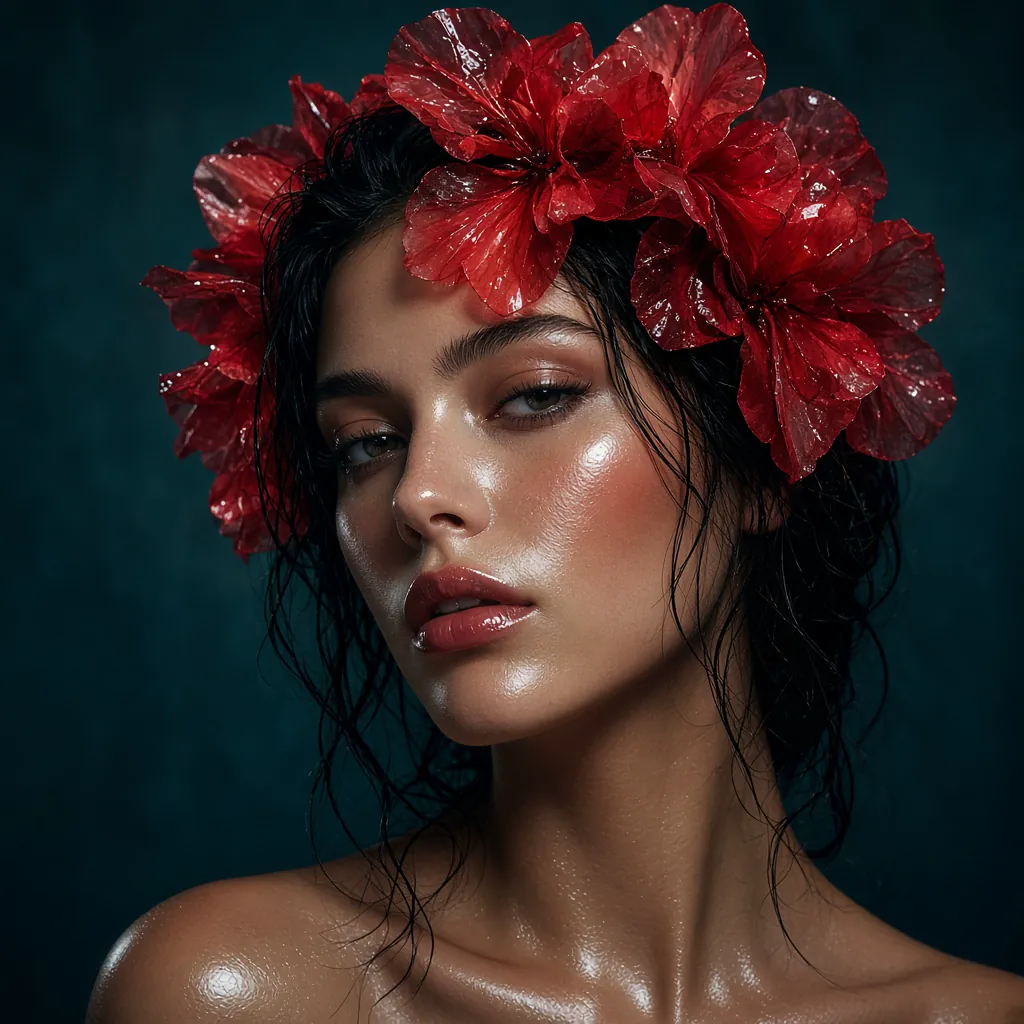
Use targeted changes when the cost of rebuilding an otherwise good image is too high.
| What stays under control | Guide the direction | Change the exact area |
|---|---|---|
| What stays under controlFollow detailed instructions | Guide the directionDescribe a dense visual brief with subject, hierarchy, material, scene, and layout details instead of simplifying the idea first. | Change the exact areaUse a clear instruction and up to five reference images to establish subject, style, layout, or material. |
| What stays under controlPlan text and layout | Guide the directionCreate typography-led images with readable small text and a deliberate layout for posters, product cards, and social graphics. | Change the exact areaBuild a focused campaign visual where product, headline, and spacing work together. |
| What stays under controlEdit only the intended region | Guide the directionPoint to the area that needs attention so an object, color, or detail can change without discarding the surrounding image. | Change the exact areaTest a new product color, material, setting, or crop while holding the useful parts of the original shot steady. |
| What stays under controlSelect, separate, and export | Guide the directionUse precise selection and background removal when a product, portrait, or character needs to move into another design. | Change the exact areaResize the composition for the format you need and export a finished visual, including transparent-background subjects. |
| What stays under controlWork from up to five references | Guide the directionBring together visual cues for a product, character, material, location, or style without manual compositing. | Change the exact areaUse a clear instruction and up to five reference images to establish subject, style, layout, or material. |
| What stays under controlKeep a world consistent | Guide the directionCarry a subject, look, and visual logic across generations and edits as an image moves toward the final asset. | Change the exact areaKeep a character, prop set, or world style coherent while exploring individual scenes and assets. |
Use the model as an editing partner: direct the detail that changes, preserve the detail that should remain.
Describe a dense visual brief with subject, hierarchy, material, scene, and layout details instead of simplifying the idea first.
Create typography-led images with readable small text and a deliberate layout for posters, product cards, and social graphics.
Point to the area that needs attention so an object, color, or detail can change without discarding the surrounding image.
Use precise selection and background removal when a product, portrait, or character needs to move into another design.
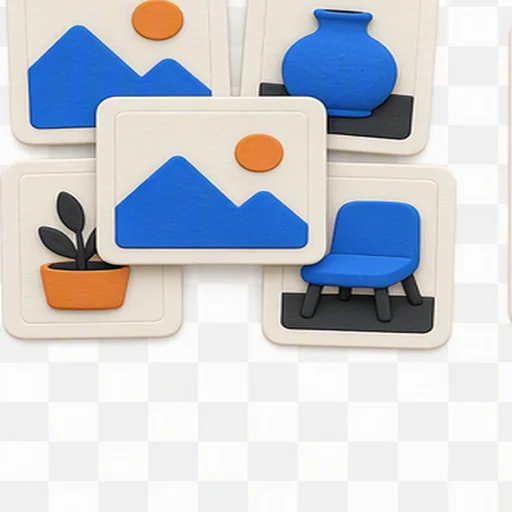
Bring together visual cues for a product, character, material, location, or style without manual compositing.
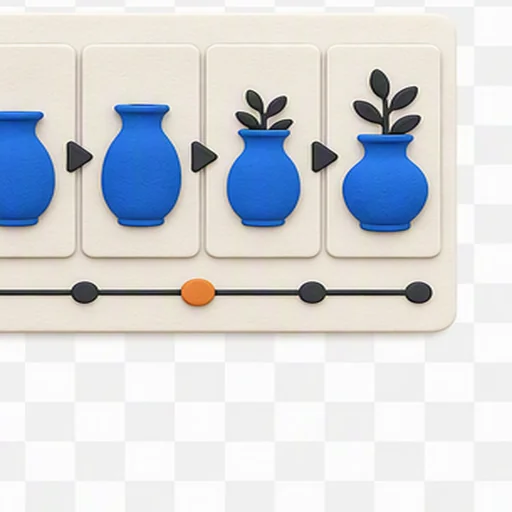
Carry a subject, look, and visual logic across generations and edits as an image moves toward the final asset.
Move from an idea to a usable visual by setting the brief, adding references, refining the image, and choosing the final format.
Describe the subject, scene, style, and the channel where the image will appear. Start from a prompt or upload an image you want to improve.
Use up to five images when product details, a character, material, or art direction need to carry through to the result.
Review the first image and state the change precisely: update one object, preserve the composition, or restyle the scene without losing the subject.
Use 1K for quick exploration or 2K when detail matters. Select an aspect ratio that matches the placement before you export.
Use a ready-made creative starting point, then make it specific to your asset, audience, and channel.
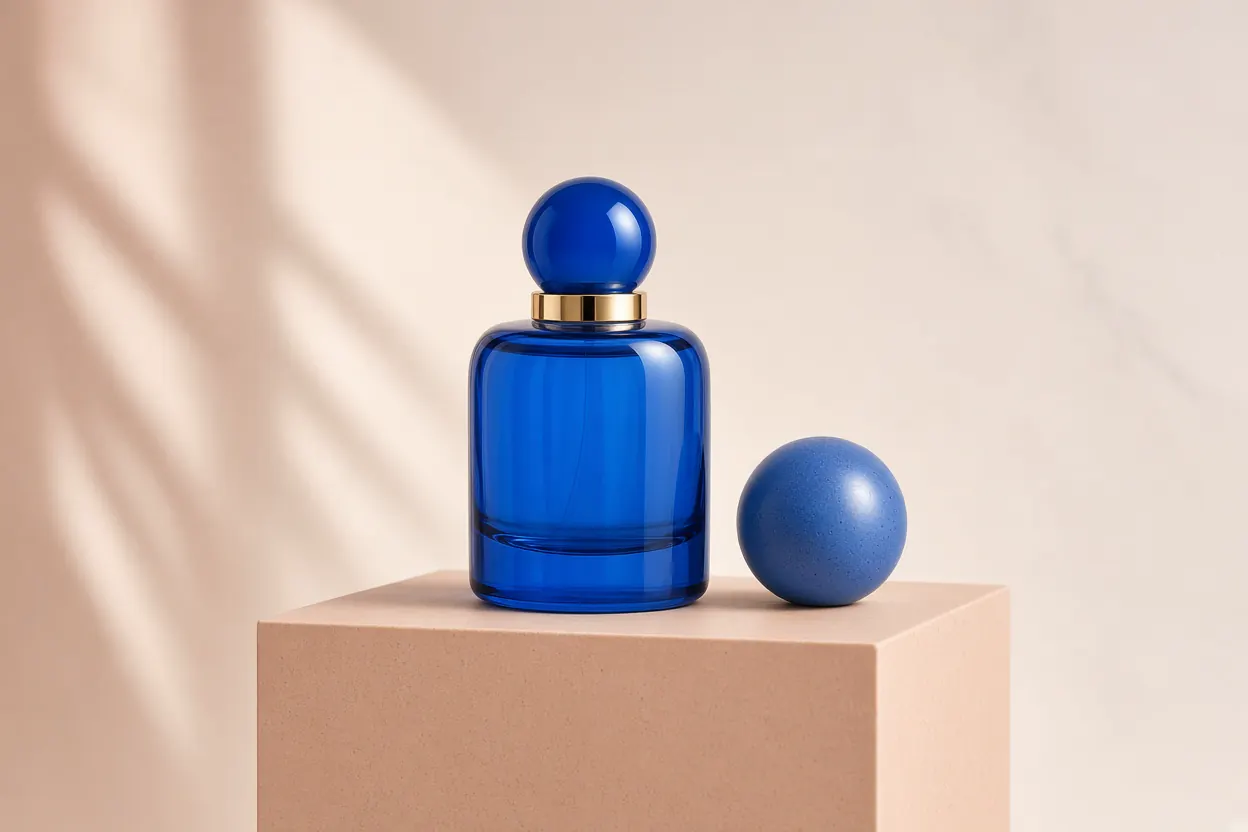
Try a color direction without reshooting the product or changing the rest of the scene.
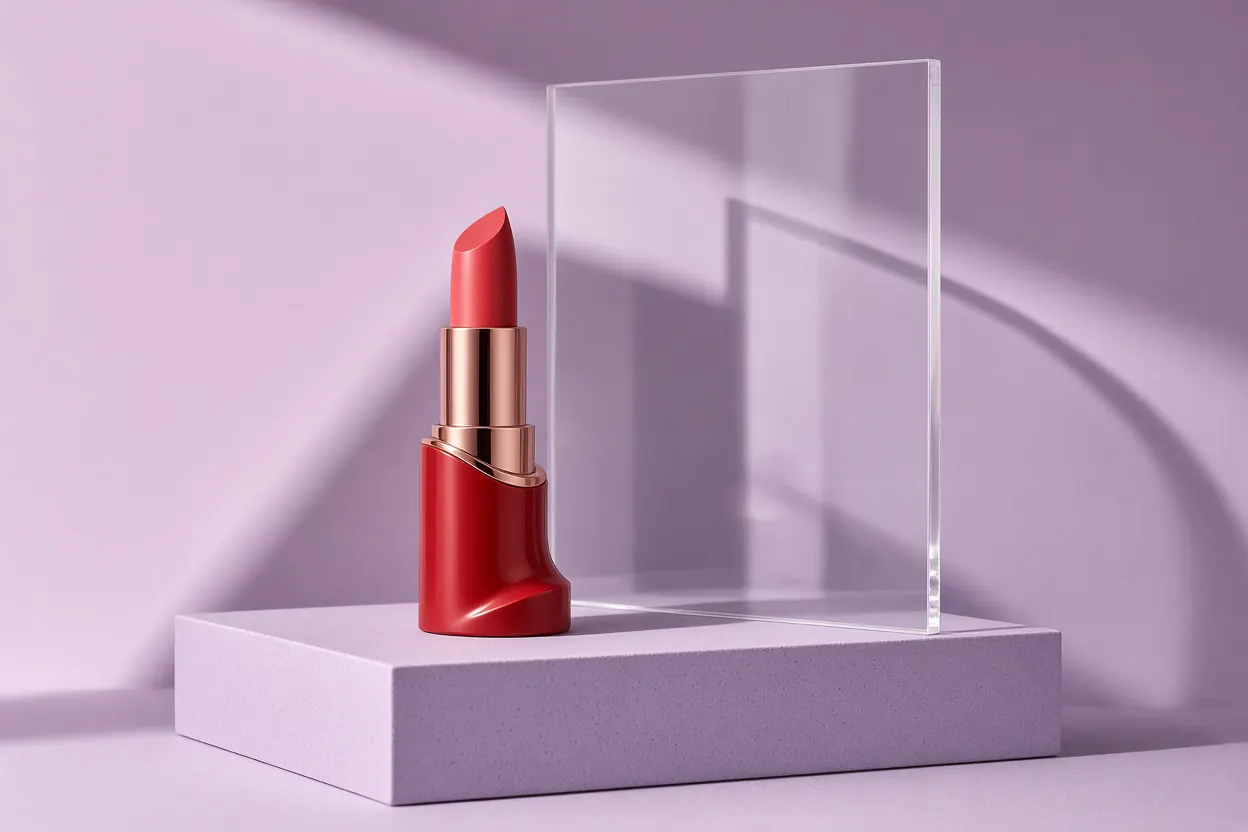
Build a focused campaign visual where product, headline, and spacing work together.
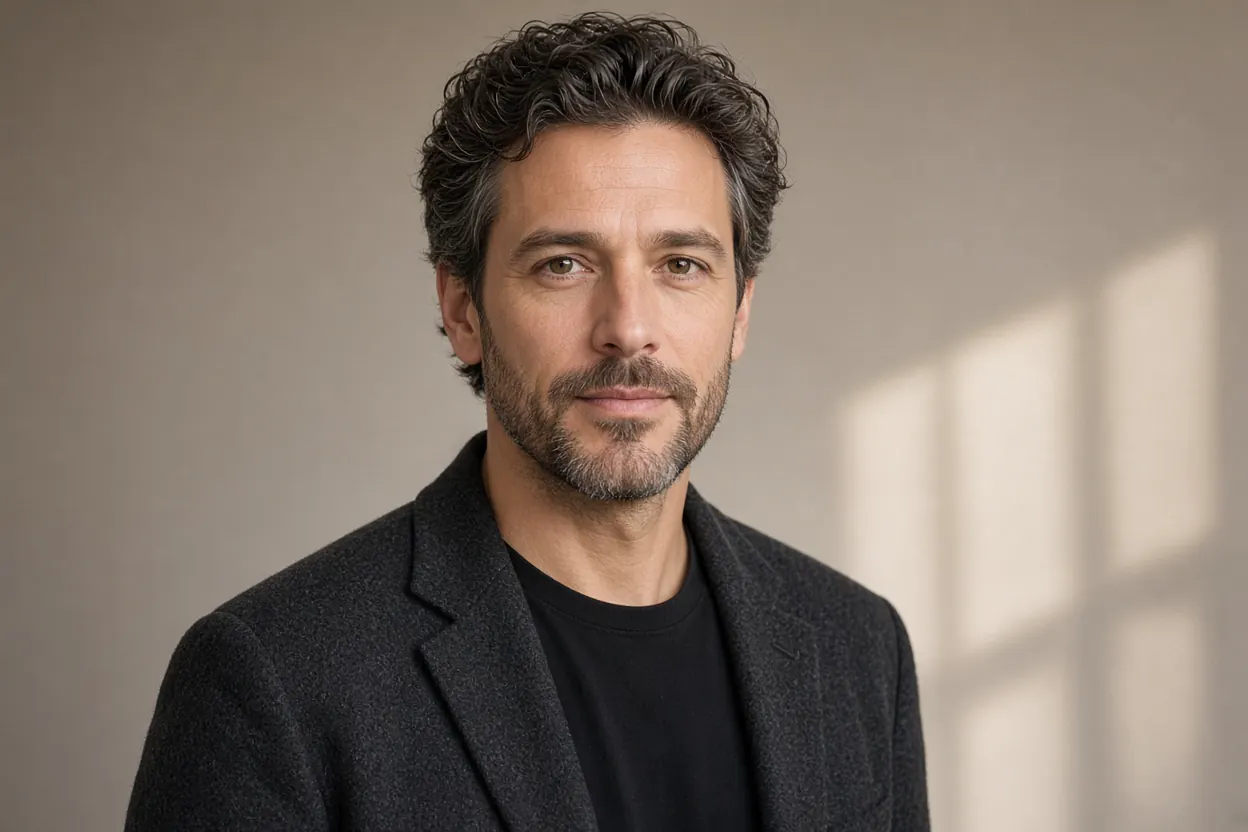
Refine a portrait into a clean, useful profile image while preserving the person and their expression.
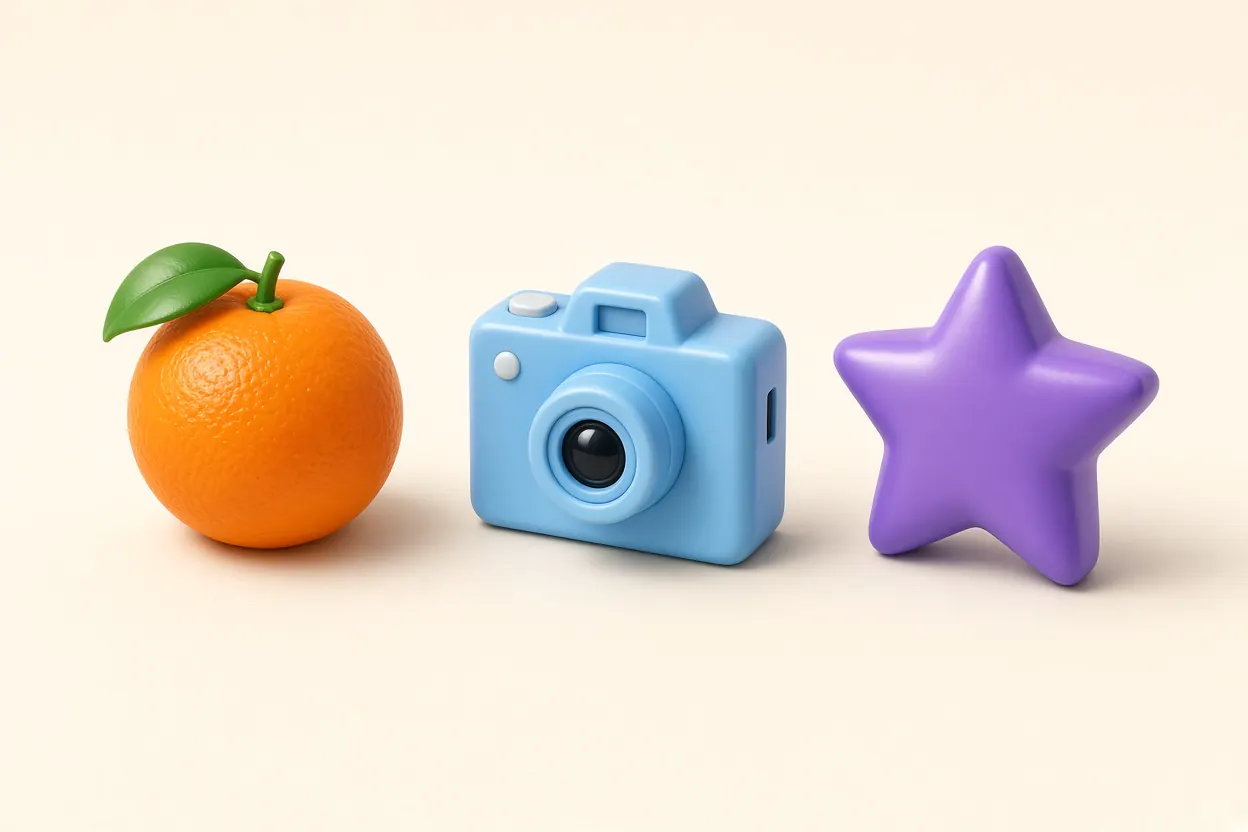
Explore compact icon concepts with a defined shape, material, color palette, and use context.
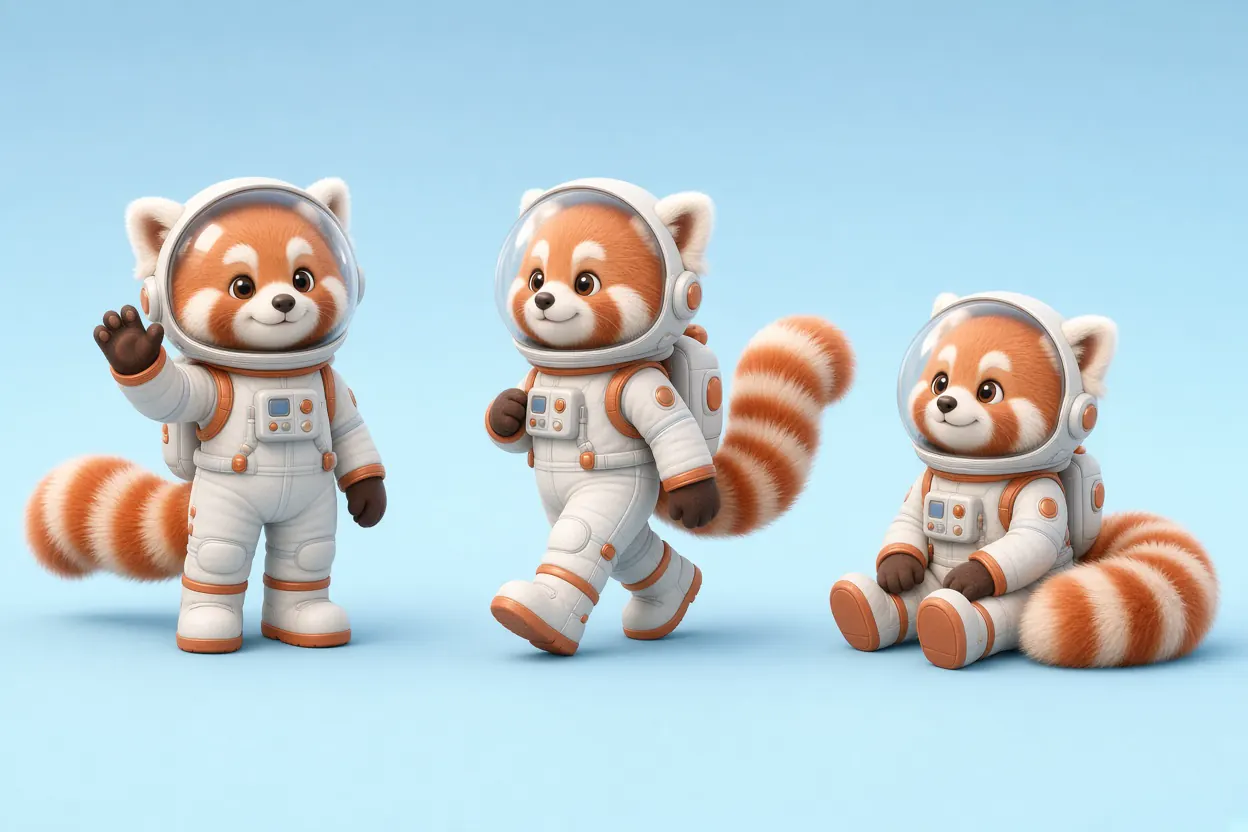
Make a character and its variations feel like one set, from costume details to color and silhouette.
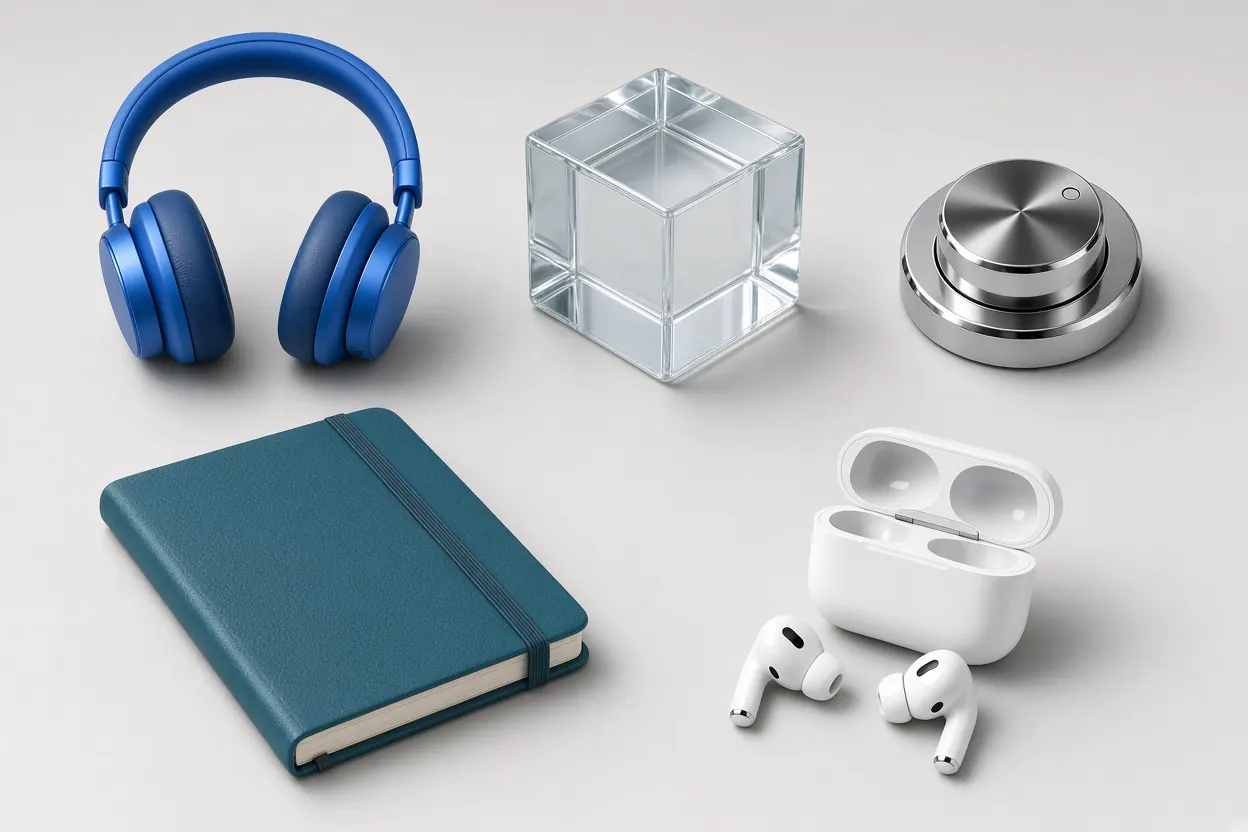
Create game-world objects and interface elements that share the same visual rules.
Choose a ratio and extend the canvas around the composition. Keep the creative direction instead of restarting every time a channel changes.
1:1Grok Imagine Image 2.0 is free to try on Felo. When a generation uses credits, the amount depends on the resolution and quality you choose.
Start creating with your Felo account. The selected generation setting shows its credit cost before you submit.
Credit cost is charged per generated image and is based on the selected output setting.
Create with Grok Imagine Image 2.0Practical creative directions that make use of Image 2.0's detailed prompting, multi-reference editing, and targeted revisions.
Test a new product color, material, setting, or crop while holding the useful parts of the original shot steady.
Develop a poster or social concept, then correct the headline, focal point, or one visual detail before review.
Adapt a strong visual for a thumbnail, story, feed post, header, or banner without losing its direction.
Create portraits, icons, mascots, and merchandise concepts that need consistency across multiple versions.
Keep a character, prop set, or world style coherent while exploring individual scenes and assets.
Target a region or selected subject instead of rebuilding the full composition for a small correction.
Public impressions from creators and builders who have tested the model in real image workflows.
“The realism is already impressive enough to pass as a real photo at a glance.”
Pierrick Chevallier | IA
@CharaspowerAI
“Every detail can be edited, and the interface feels approachable even without graphics-editor experience.”
Eva FoX
@EvaFox
“Infographics are a standout use case: the quality jump and text rendering are genuinely strong.”
Mark Kretschmann
@mark_k
“Sharper text and more precise edits make it feel like a practical production tool, not just a way to make pretty pictures.”
BTA Labs
@BTA_labs
“The ability to separate a generated or existing image into editable layers, then download an individual layer, is especially useful.”
Tomohiko Ikeda
@CEO_Spovisor
“After trying several generations, the image-editing controls stood out as a real strength.”
Route@Aiart
@3501Route
“Text can be changed while keeping its font, and extracted objects stay consistent instead of being redrawn or pixelated.”
Midori Tatsuta
@midori_tatsuta
“Automatic segmentation makes it easier to isolate text and photo areas for precise selection and editing.”
Kogiso
@kgsi
“Inpainting and exporting individual parts open up useful workflows for illustration and Live2D asset production.”
kinoko-senpai
@sin5d
Keep exploring with image and video tools built for the next step in your creative workflow.

Generate polished AI images with strong text rendering and fast iteration.
Explore tool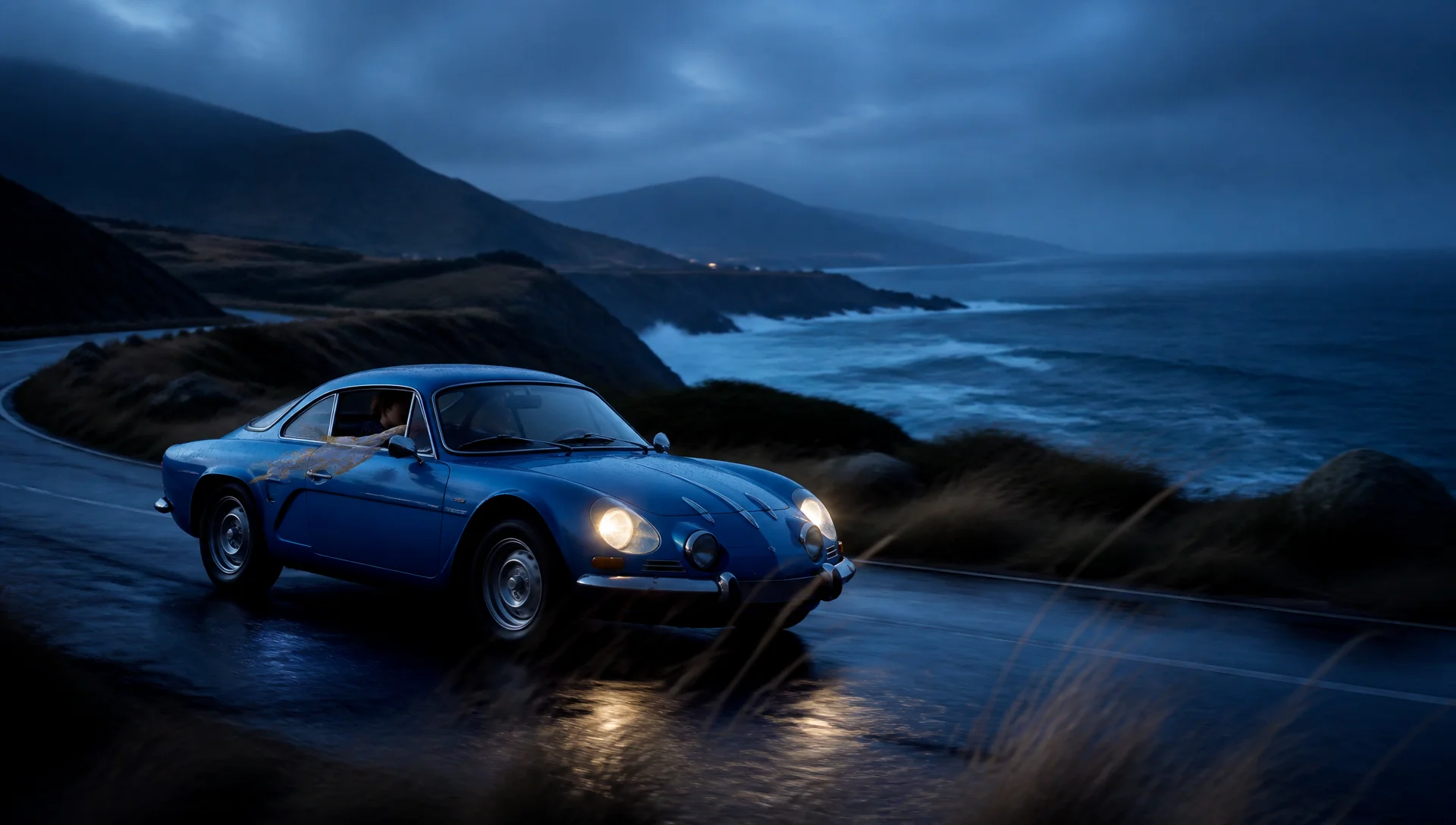
Turn a still image into a moving scene with directed motion and camera control.
Explore tool
Create and edit AI images with reference-driven controls and high-resolution output.
Explore tool
Create cinematic video concepts and commercial-style clips from a written idea.
Explore toolDescribe the direction, make the first visual, then guide the changes that turn it into something ready to use.
Create with Grok Imagine Image 2.0


