01
Describe the idea
Write the scene, subject, action, and visual style in plain language.
Text to Video AI
Create cinematic short videos and commercial-style ads from a written idea. Describe the scene, subject, movement, camera, and style, then create your video.
AI video generation is available to Pro users.
Text prompt
A cinematic product moment, directed from a written idea.
From Idea to Video
A clear creative brief gives an AI video generator something useful to work with. Describe what viewers should see, how it should move, and what the moment should feel like.
Scene
Where does the video take place?
Subject
What should the viewer notice first?
Motion
What changes or moves?
Camera
How should the shot be framed?
Style
What visual language should it use?
Mood
What should the moment feel like?
Example Video Prompt
A paper boat drifts through a flooded city street at dawn. Gentle forward tracking shot, soft reflections on the water, muted colors, quiet and hopeful mood.
How to Create a Video from Text
01
Write the scene, subject, action, and visual style in plain language.
02
Use motion, camera, composition, and mood details to make the brief more specific.
03
Generate a video, review the direction, and adjust the prompt for the next version.
What Can You Create?
Use text-to-video generation to explore a visual direction before you invest in a full production workflow.
Product Concepts
Visualize a launch idea, product moment, or campaign direction for early review.
Social Video Ideas
Explore an opening scene, visual hook, or short-form concept before production.
Commercial Ad Films
Create a polished product commercial with a clear hero shot, a real-world setting, and cinematic brand storytelling.
Trend prompts
Short prompts for the video trends of the moment. Copy one straight into the generator.
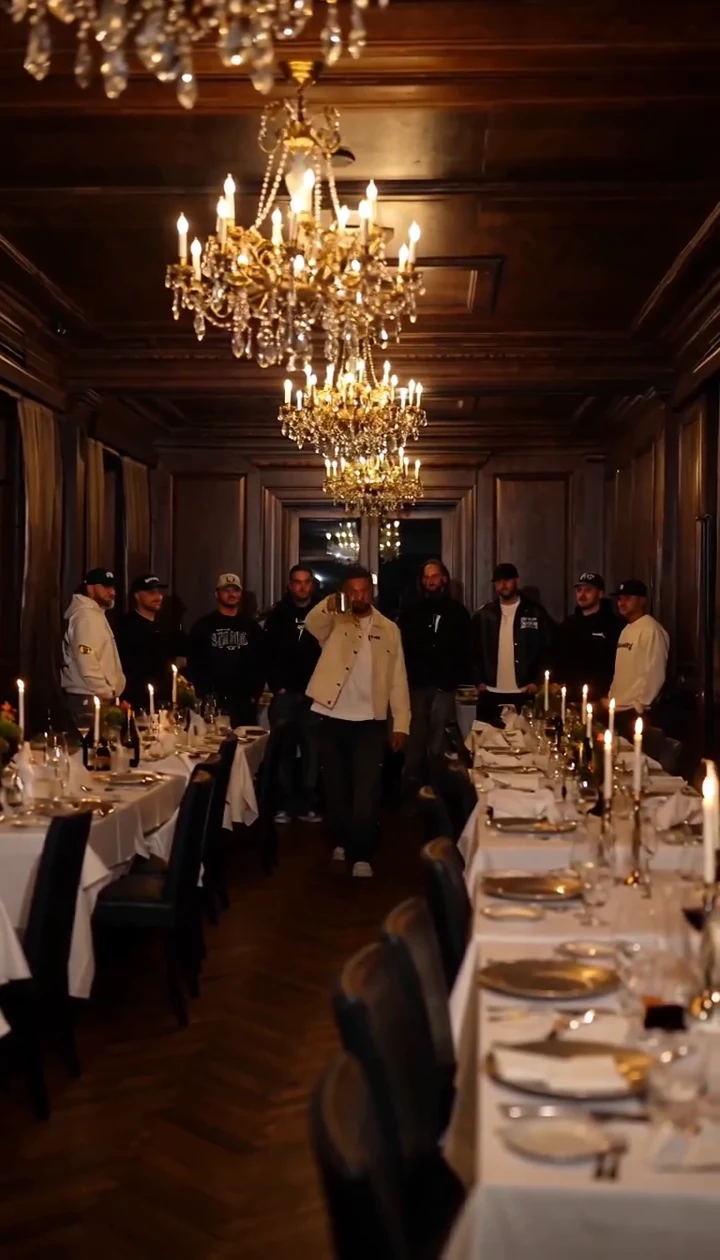
The Sopranos, Spider-Man, Formula 1: everyone is recasting this scene. Felo's image-to-video drops your own cast into that room.
Open scene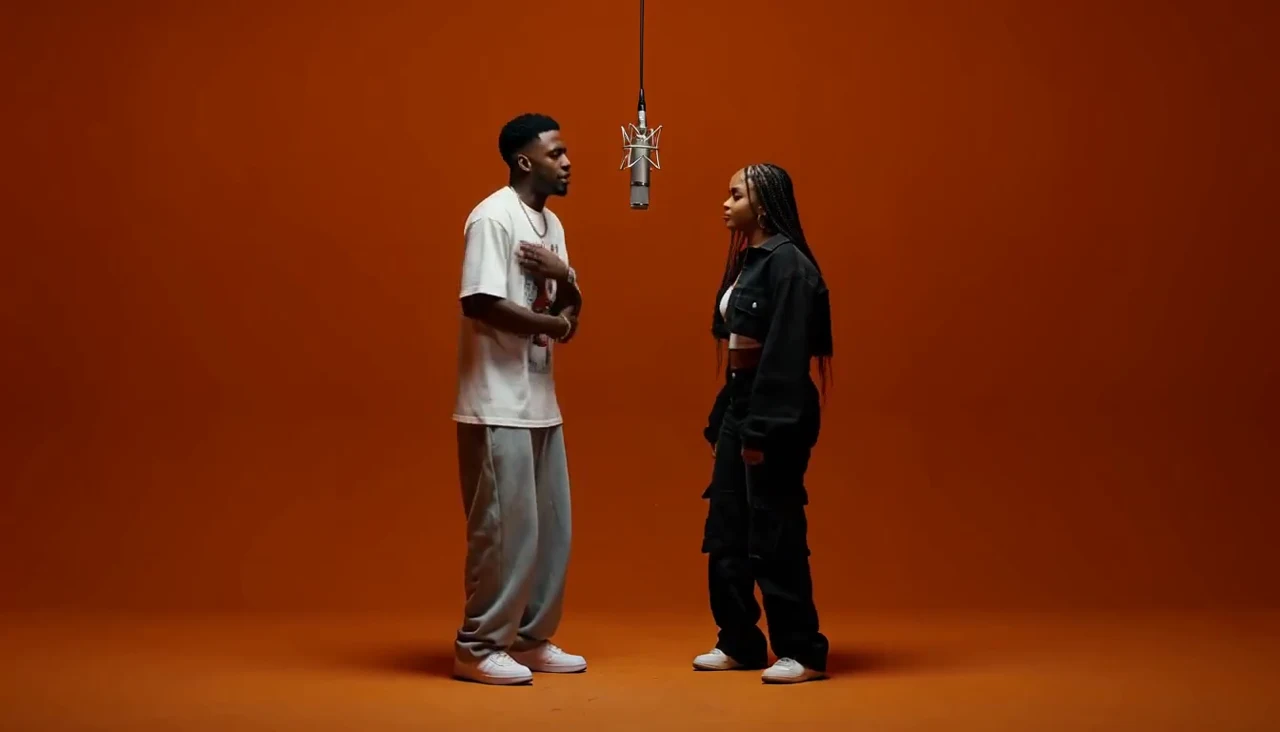
Two people in a burnt-orange booth, no cuts — and none of it filmed. Felo's image-to-video seats your photos in the booth.
Open sceneWhy Use This Workflow
Keep the creative brief visible: what is happening, what moves, how the camera behaves, and what the scene should feel like. This makes it easier to explain an idea, compare directions, and refine the next iteration.
Organize the details that shape a useful video prompt.
Keep your creative direction, prompt, and next iteration in one place.
Keep video generation as a focused tool or add it to a repeatable Agent workflow.
For Repeatable Workflows
If video creation is part of a larger process, create a custom Agent and add the video_generation tool. Use your own instructions, context, and workflow around the generation step.
Need help turning a rough idea into a detailed scene, camera, and style brief? Use the AI Video Prompt Generator first.
Recommended Prompt Tool
Turn a simple idea into a more detailed video prompt with scene, subject, motion, camera, lighting, style, and mood directions. Then bring the finished prompt back to the video generator.
Credits and estimated cost
Rates shown are limited-time offers. Estimated USD values use roughly 1,000 credits ≈ US$1 and may change.
2K video
138 credits per second
About $0.14 per second
768P video
86 credits per second
About $0.09 per second
| Video length | 2K | 768P |
|---|---|---|
| 5 seconds | 690 credits · about $0.69 | 430 credits · about $0.43 |
| 10 seconds | 1,380 credits · about $1.38 | 860 credits · about $0.86 |
| 15 seconds | 2,070 credits · about $2.07 | 1,290 credits · about $1.29 |
Actual credit use and availability may change. Check your workspace for current options.
Access
Video generation is available to Pro users. Check your workspace for the options currently available to you.
AI Video Generator FAQ
Write the moment you want to explore and turn the brief into a video you can review.
Create an AI VideoAvailable to Pro users.
Need stills for the same concept? Explore Felo AI Image.