Nano Banana 2.1 One sentence to generate, one sentence to edit — both accurate.
Describe what you want and it generates the image. Say what to change and it changes only that part — even text on a poster. Images up to 4K.
What people actually make with it
Photoreal portraits, wildlife, film posters, infographics, product concepts, precise edits. Every image below came from one text prompt, with no retouching afterwards.
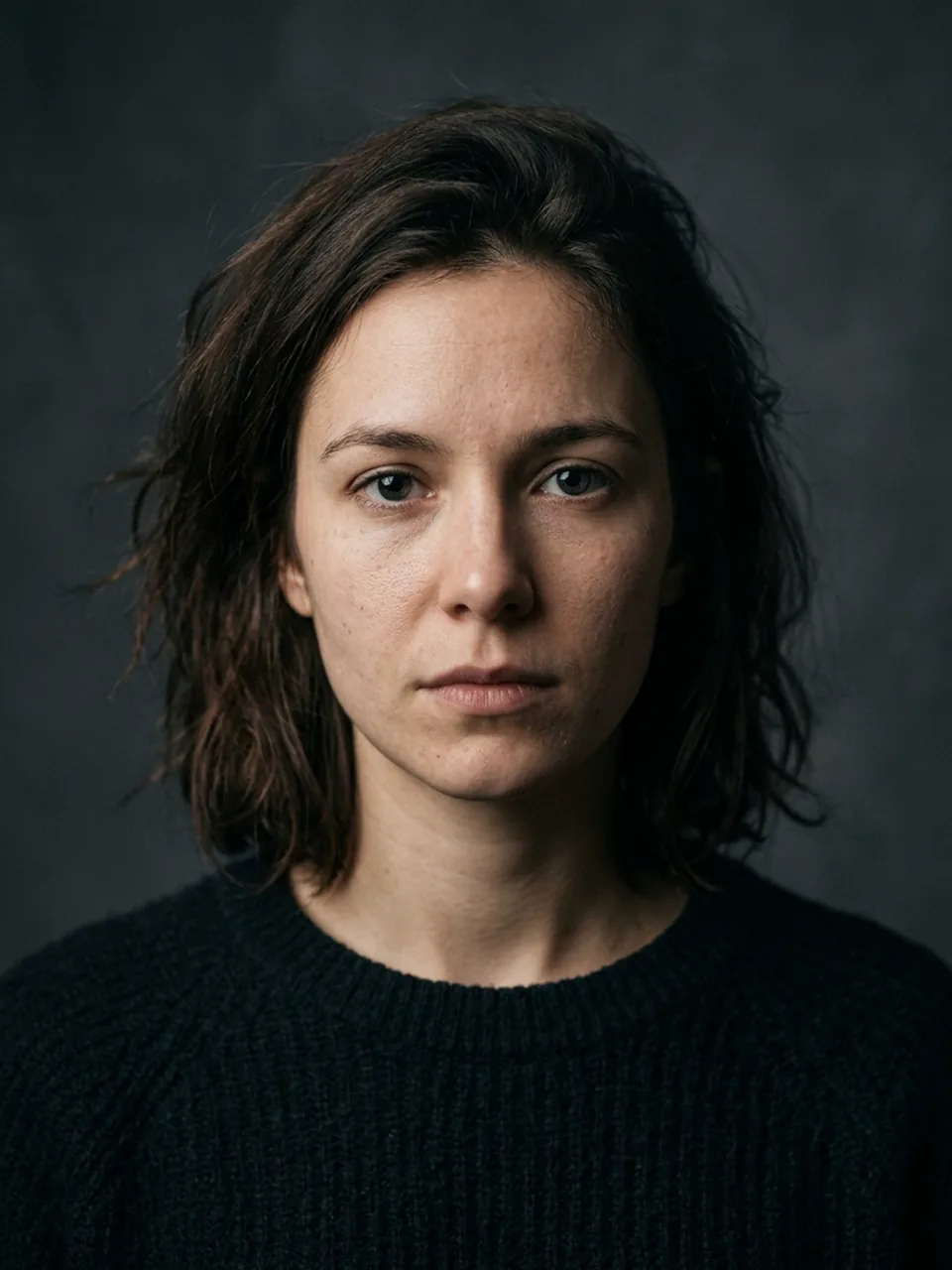 Portrait
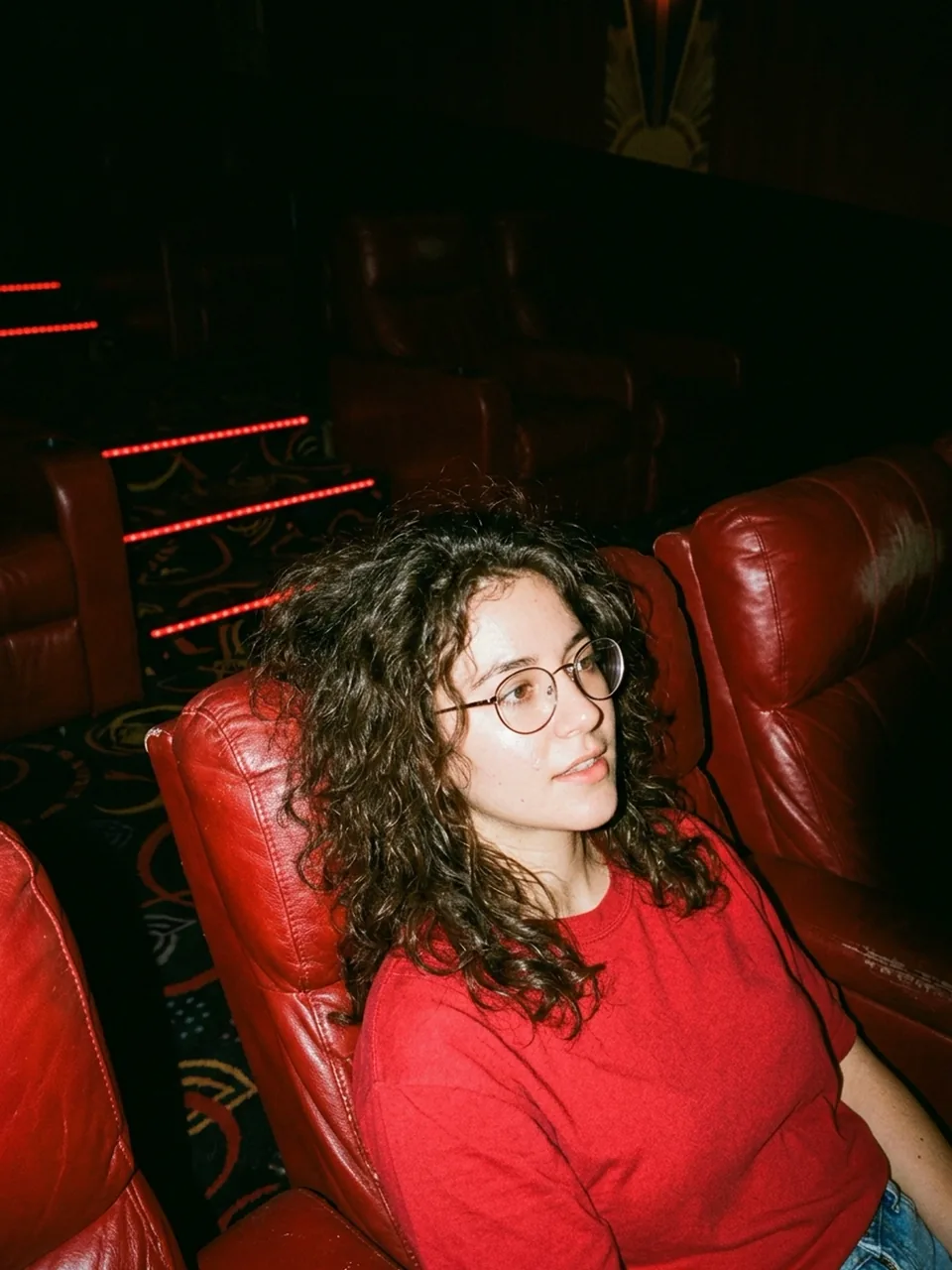 Flash photo
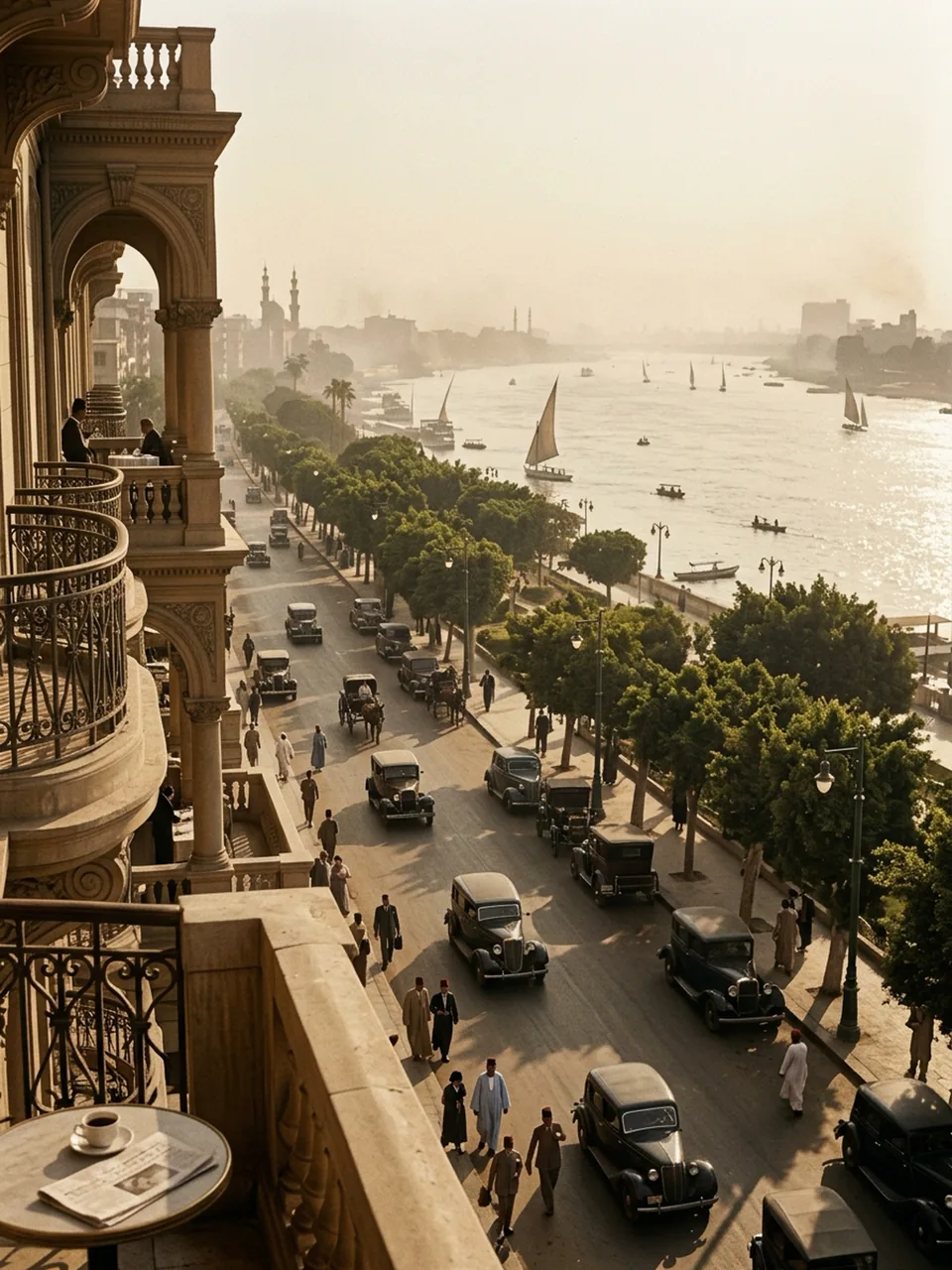 Period scene
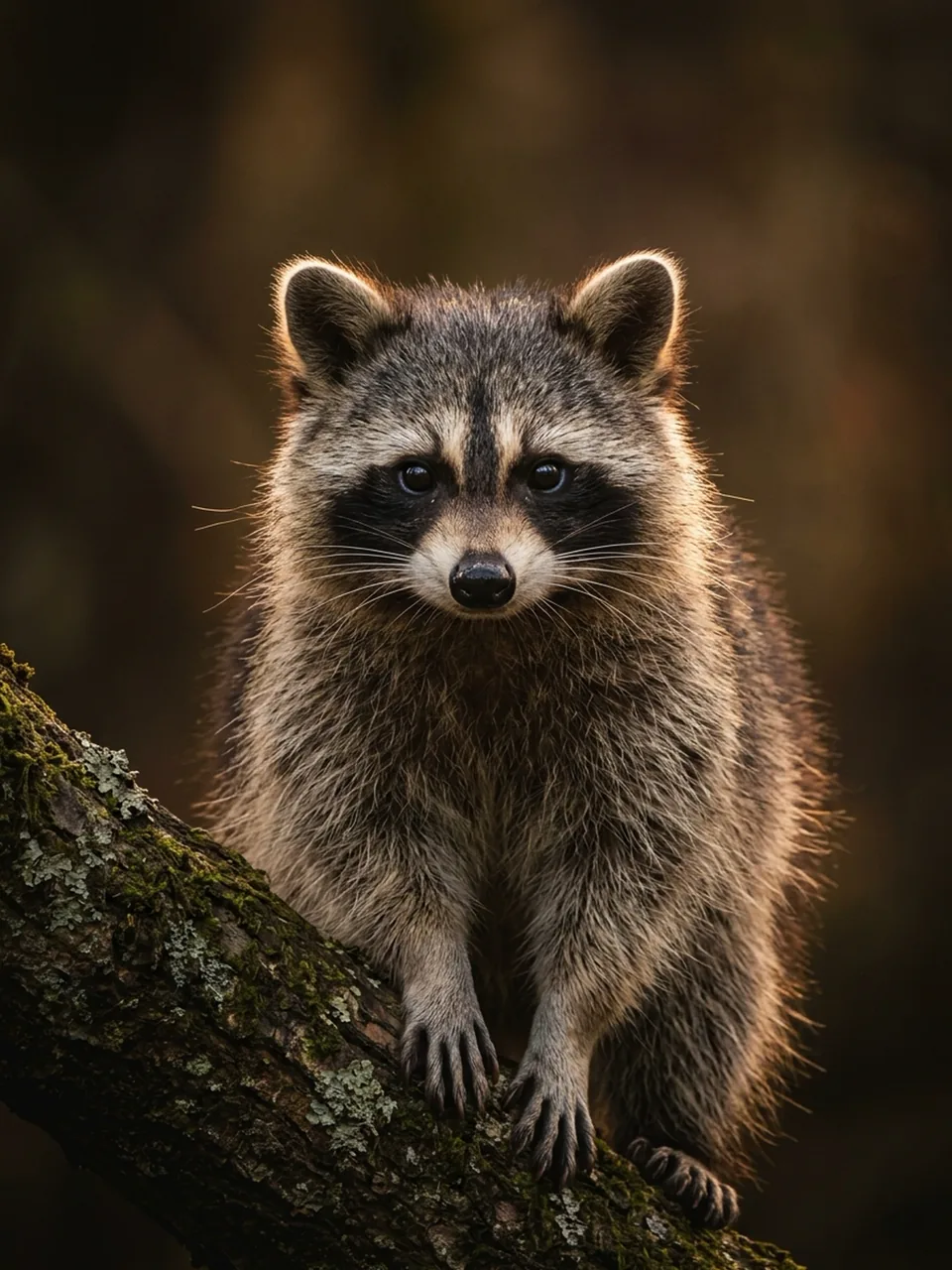 Wildlife
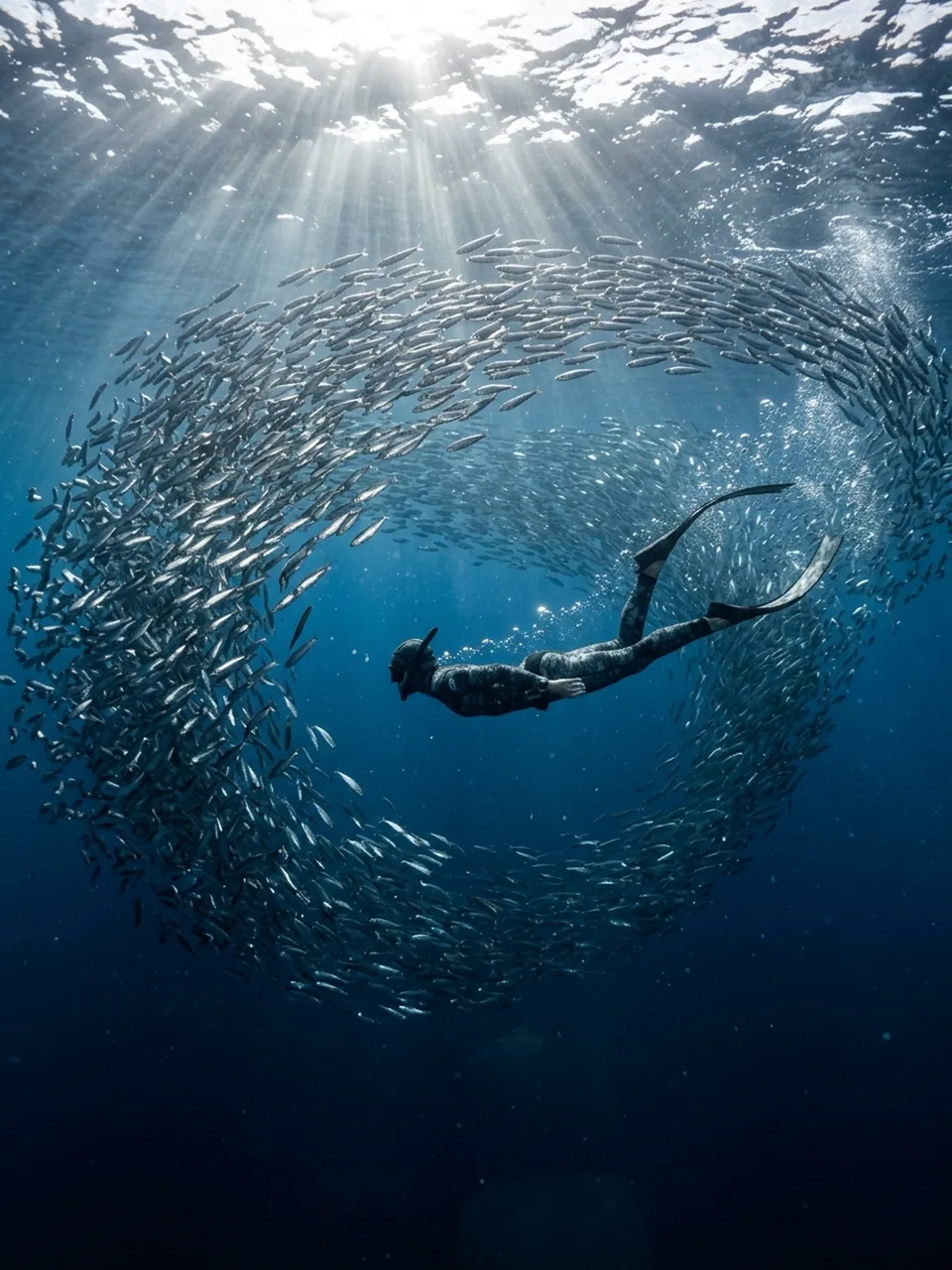 Underwater
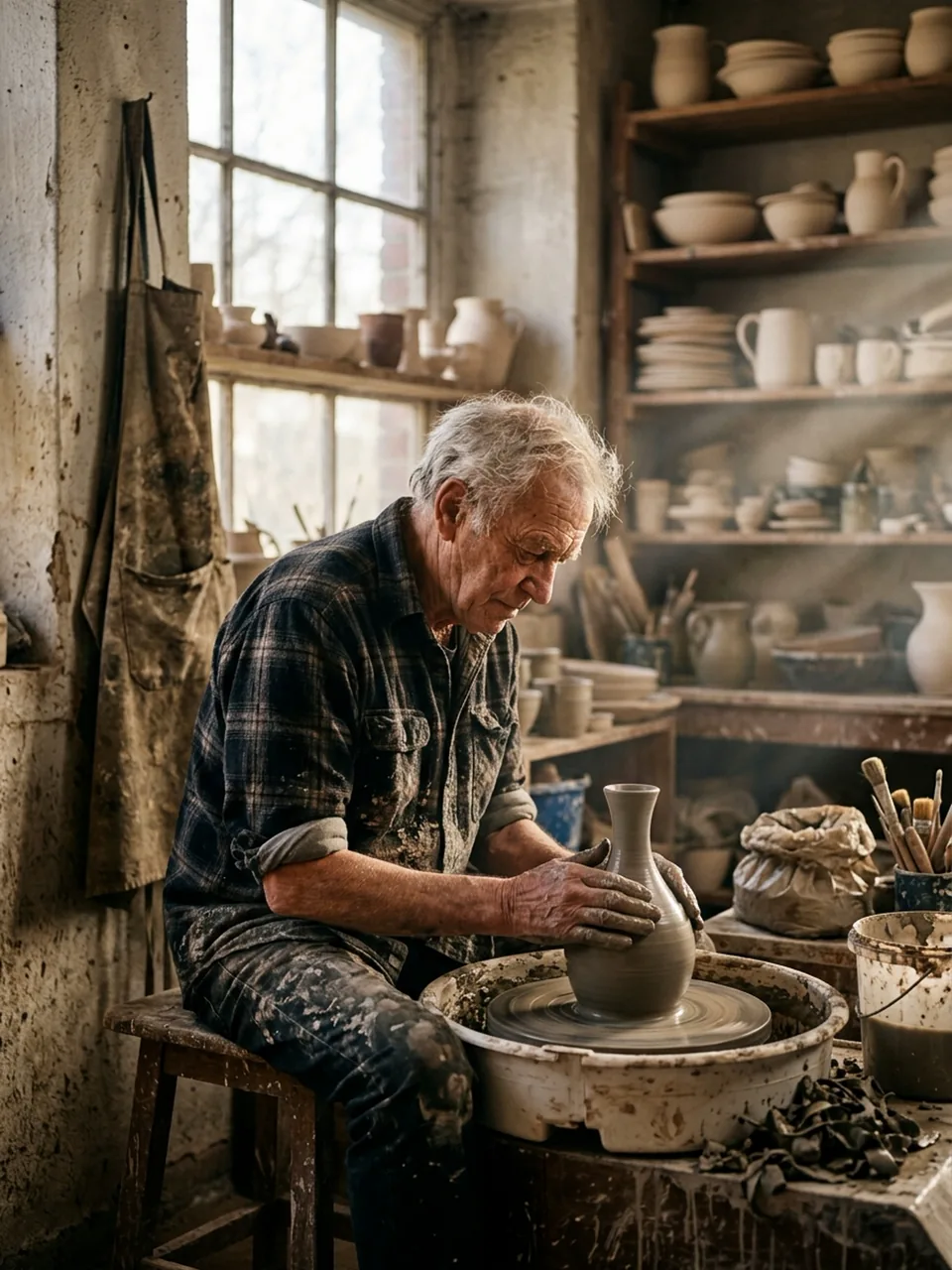 DocumentaryPortraitFlash photoPeriod sceneWildlifeUnderwaterDocumentary
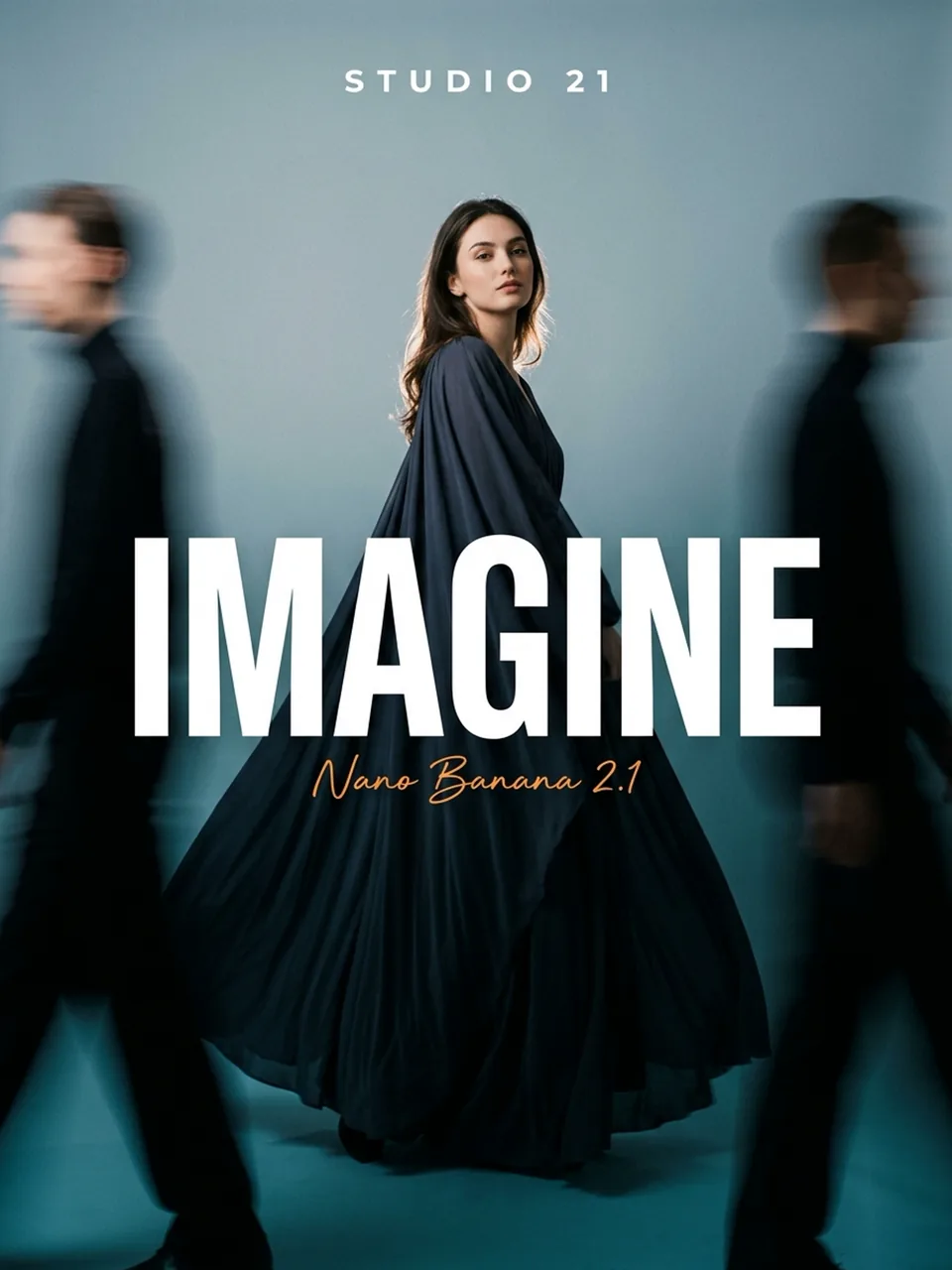 Magazine cover
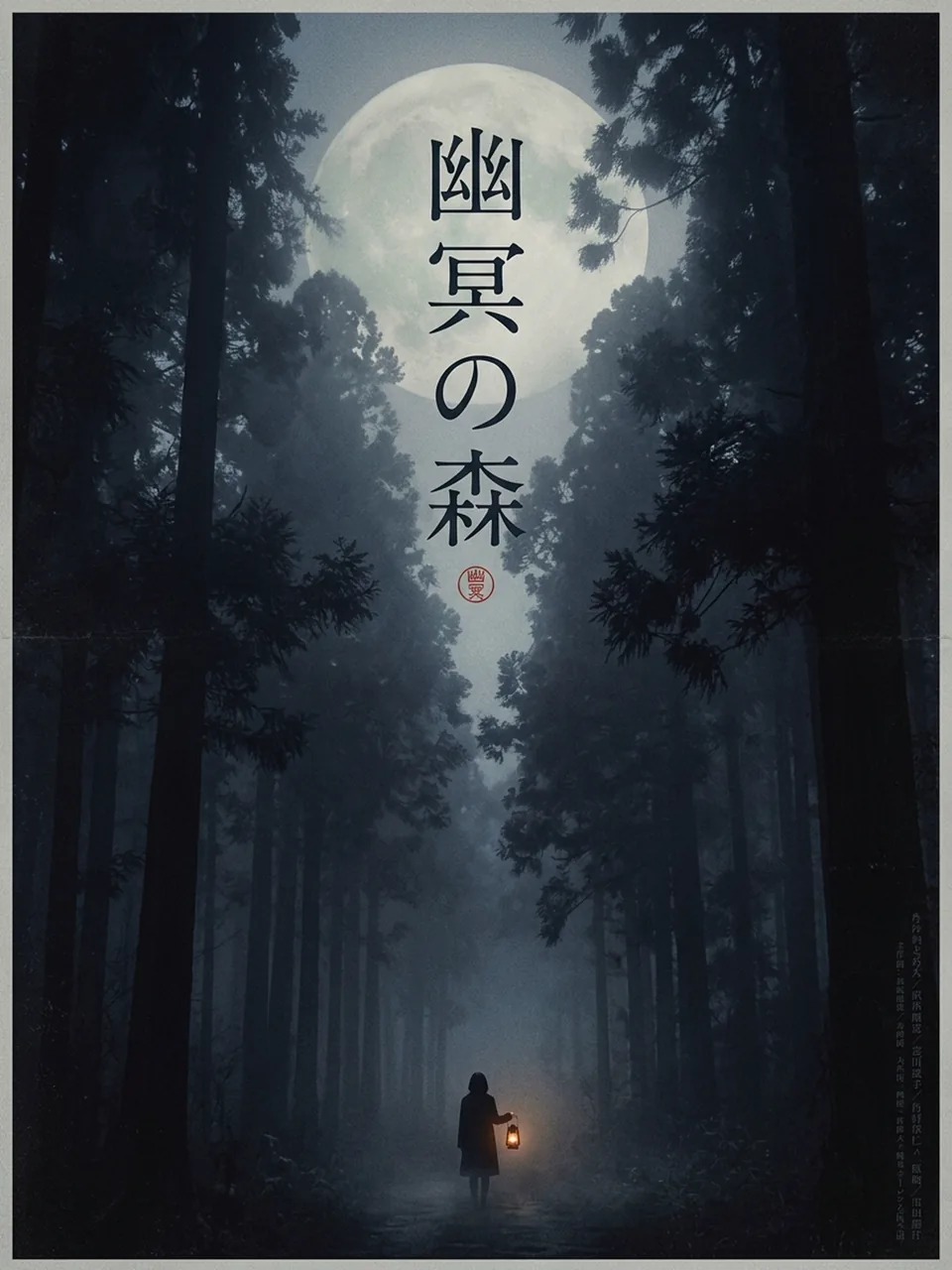 Film poster
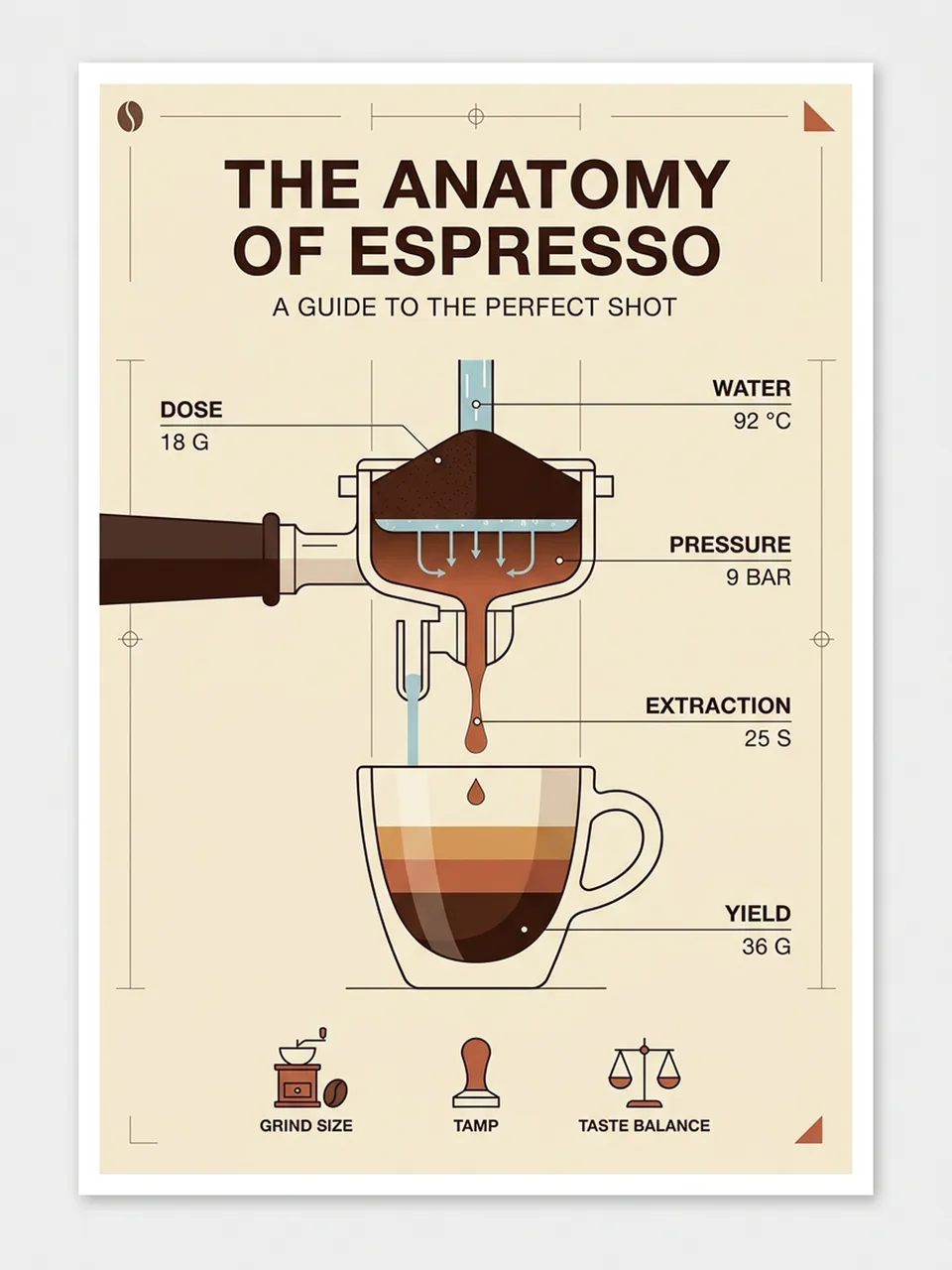 Infographic
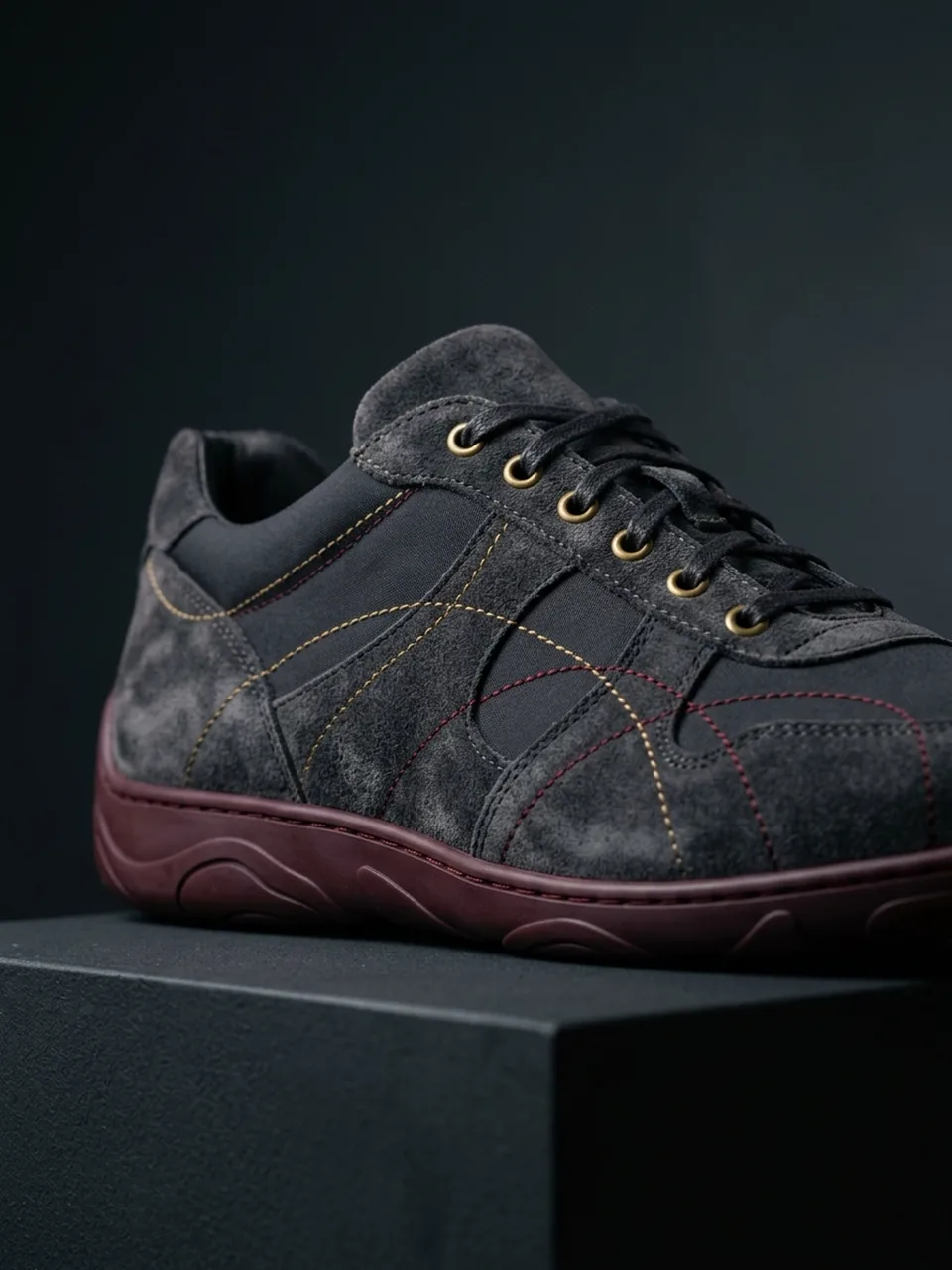 Concept design
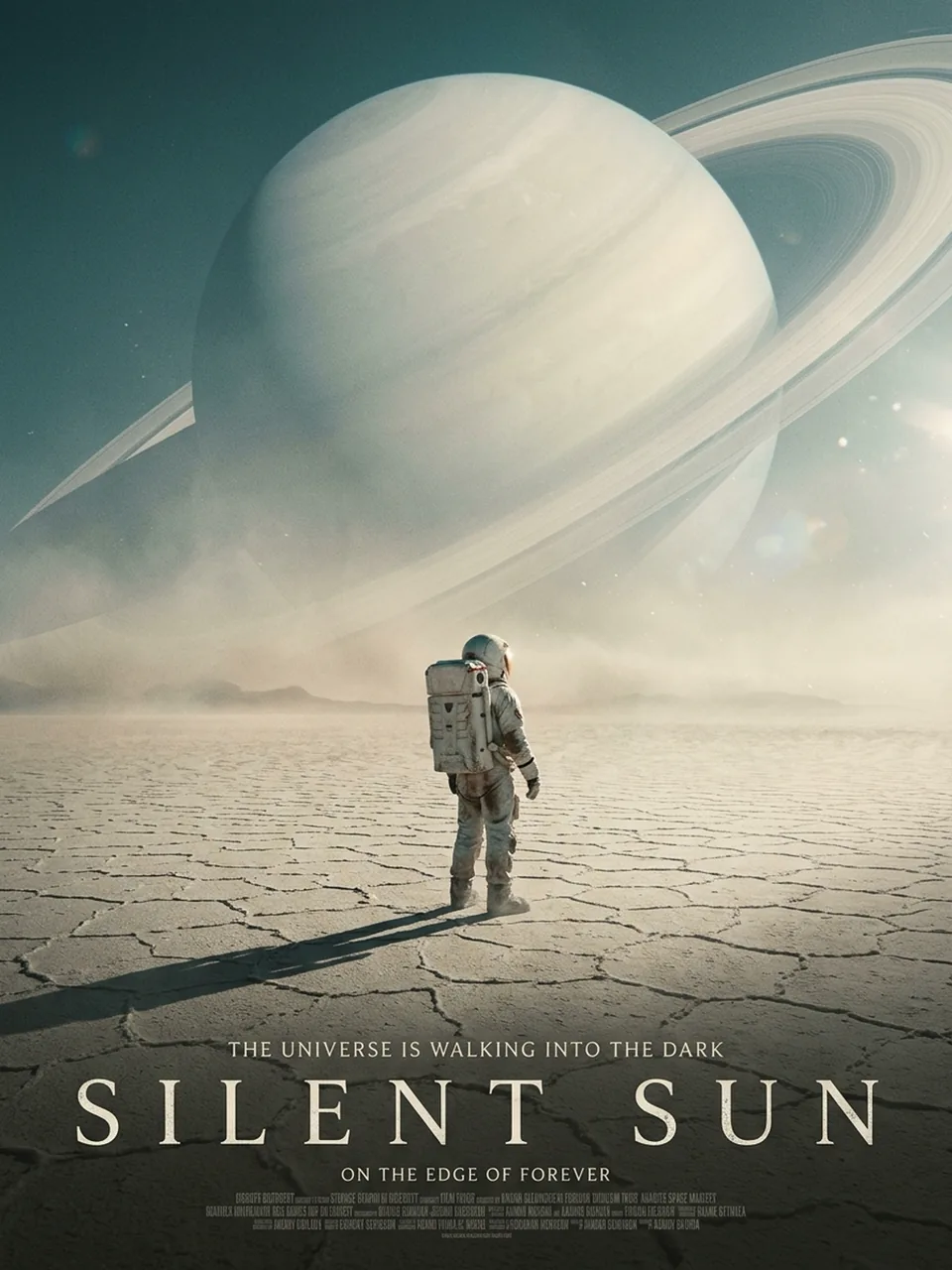 Sci-fi poster
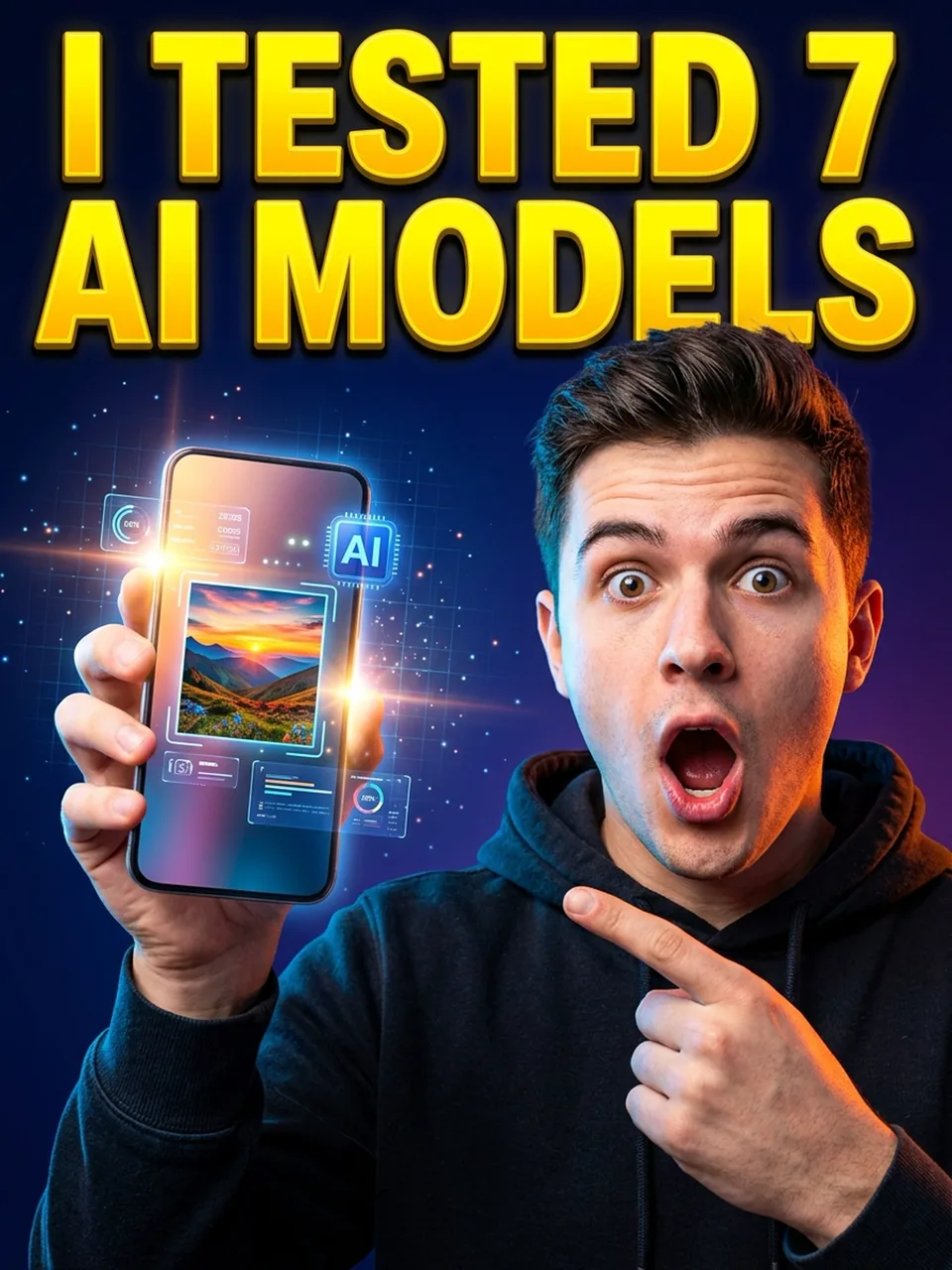 ThumbnailMagazine coverFilm posterInfographicConcept designSci-fi posterThumbnail
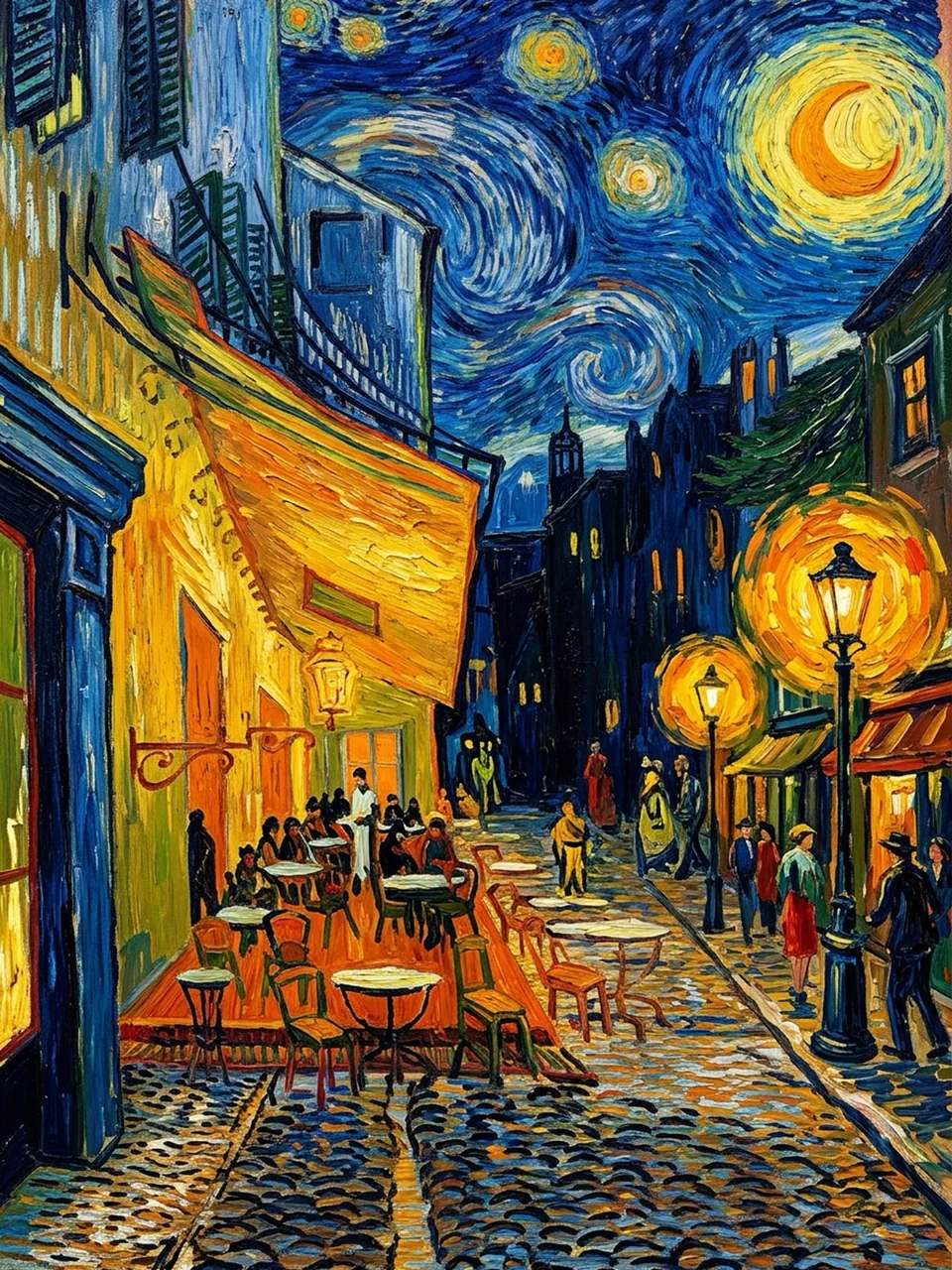 Oil painting
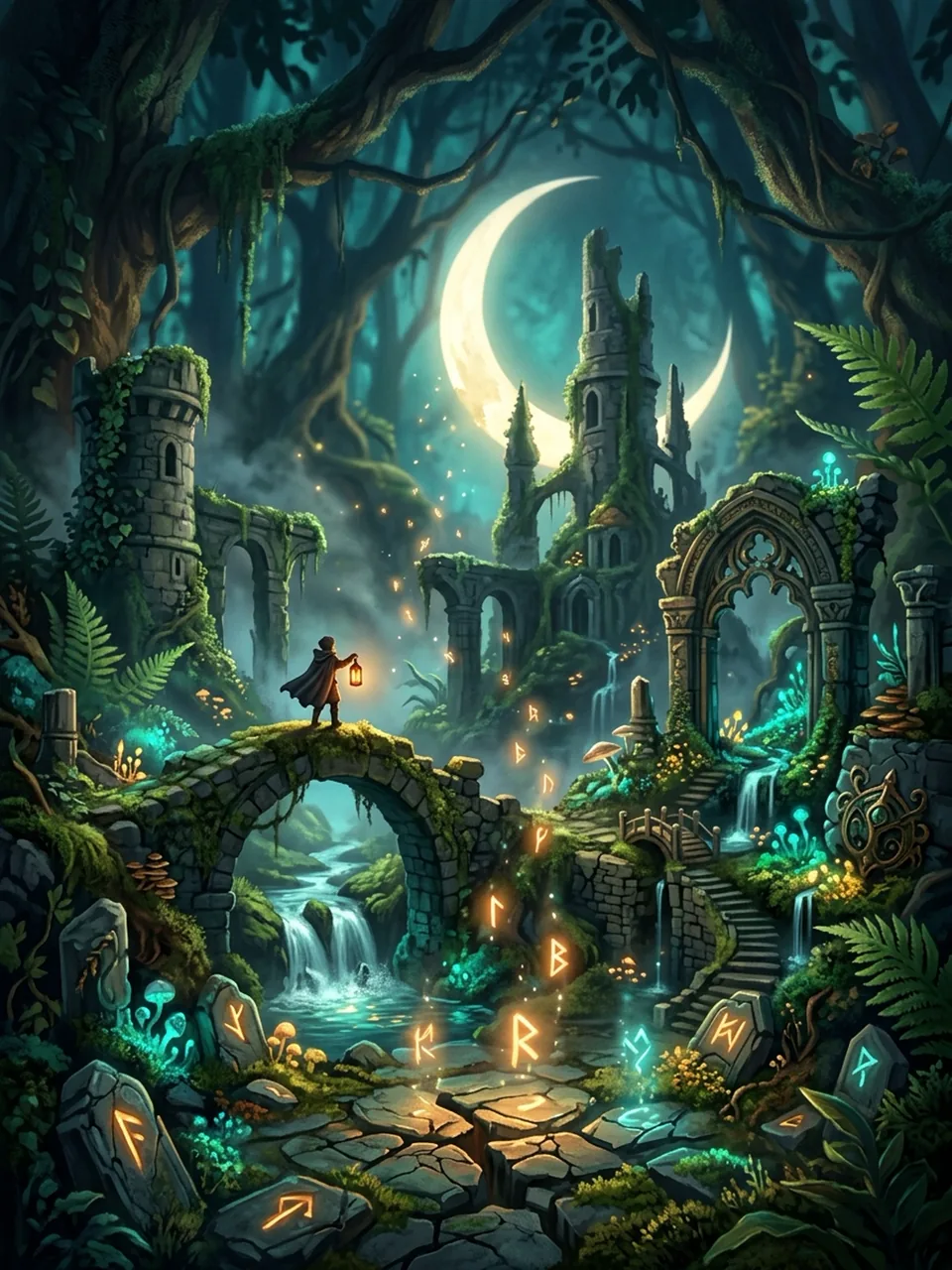 Fantasy world
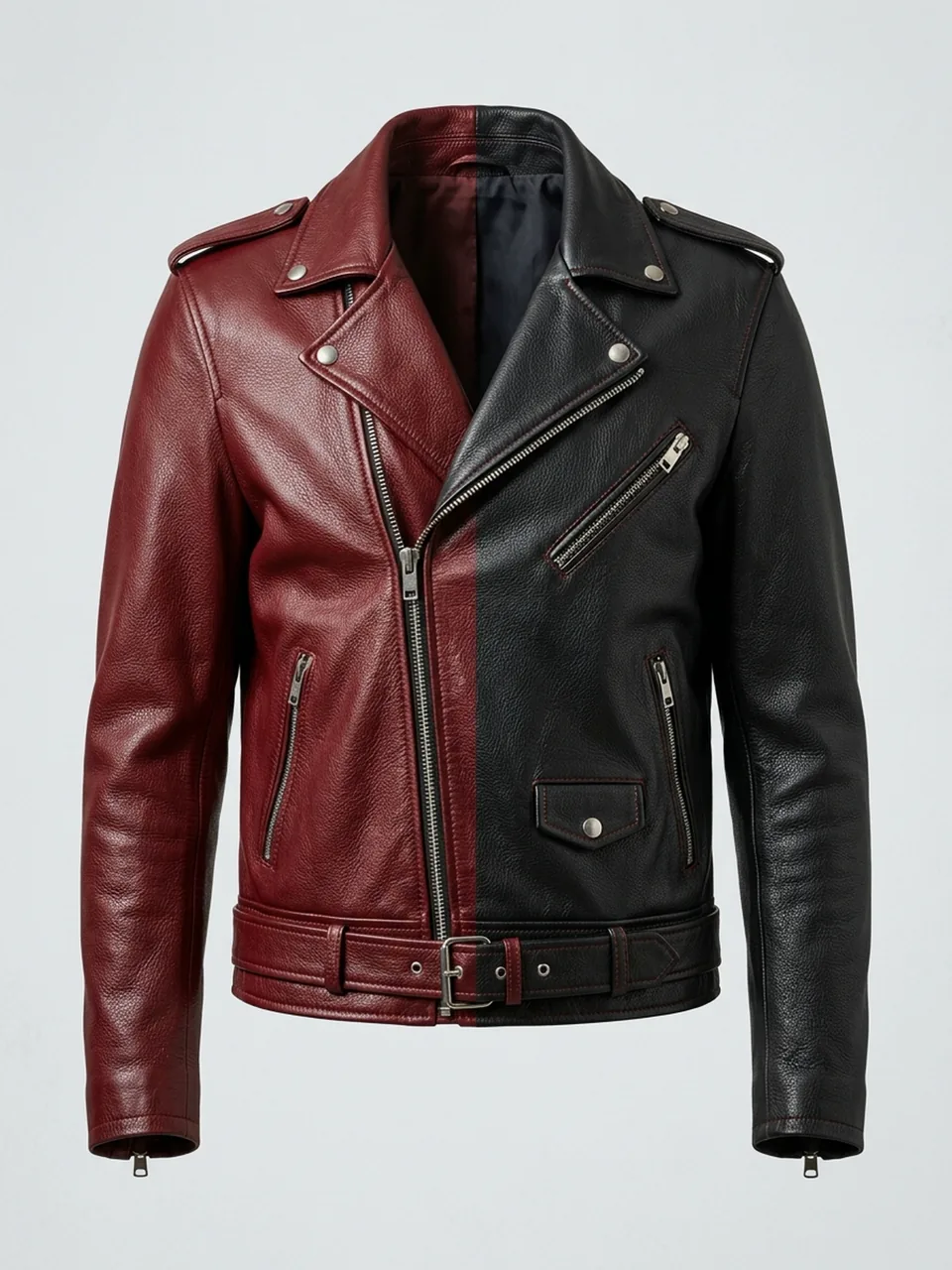 Region edit
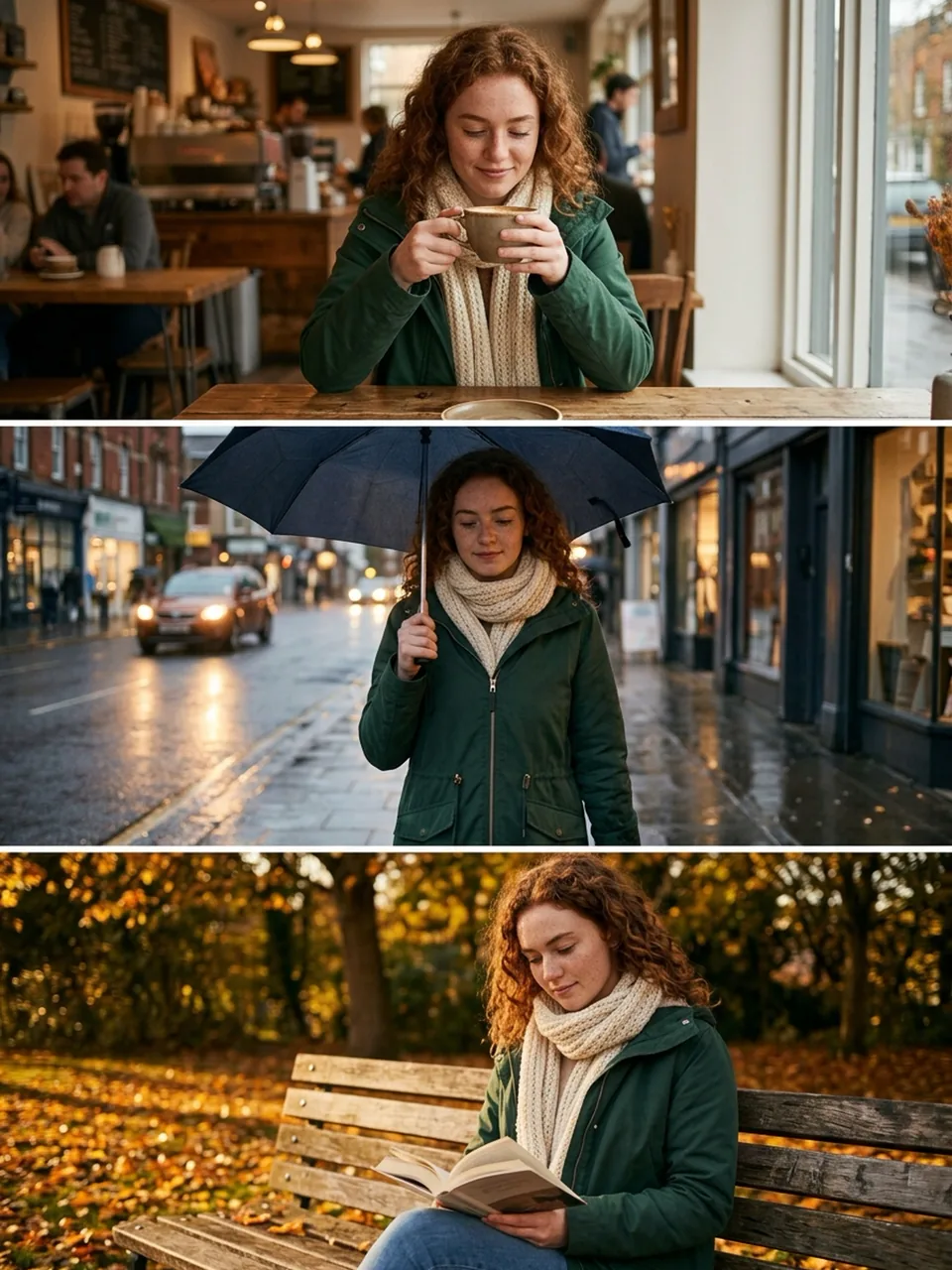 Character consistency
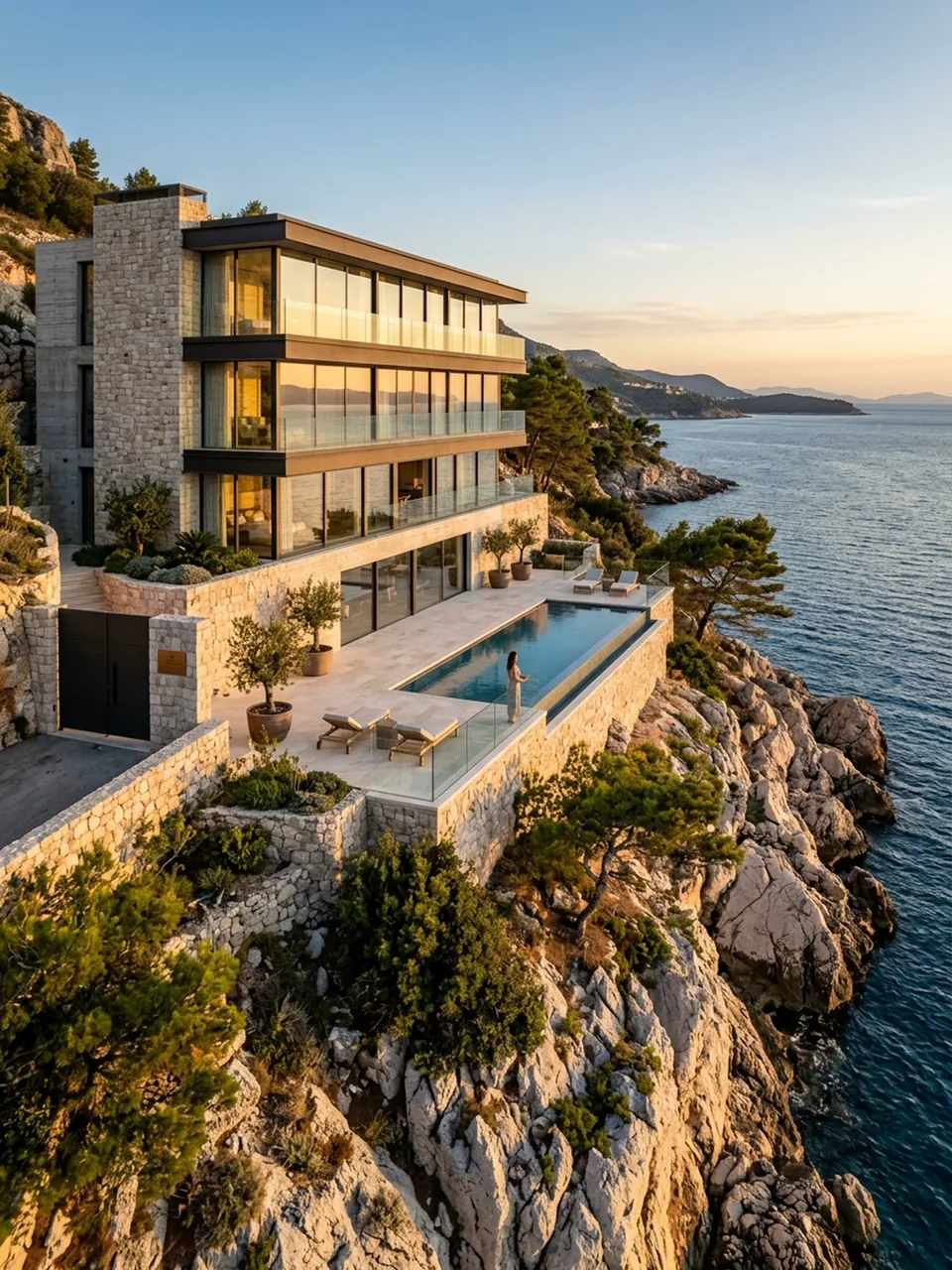 Real estate
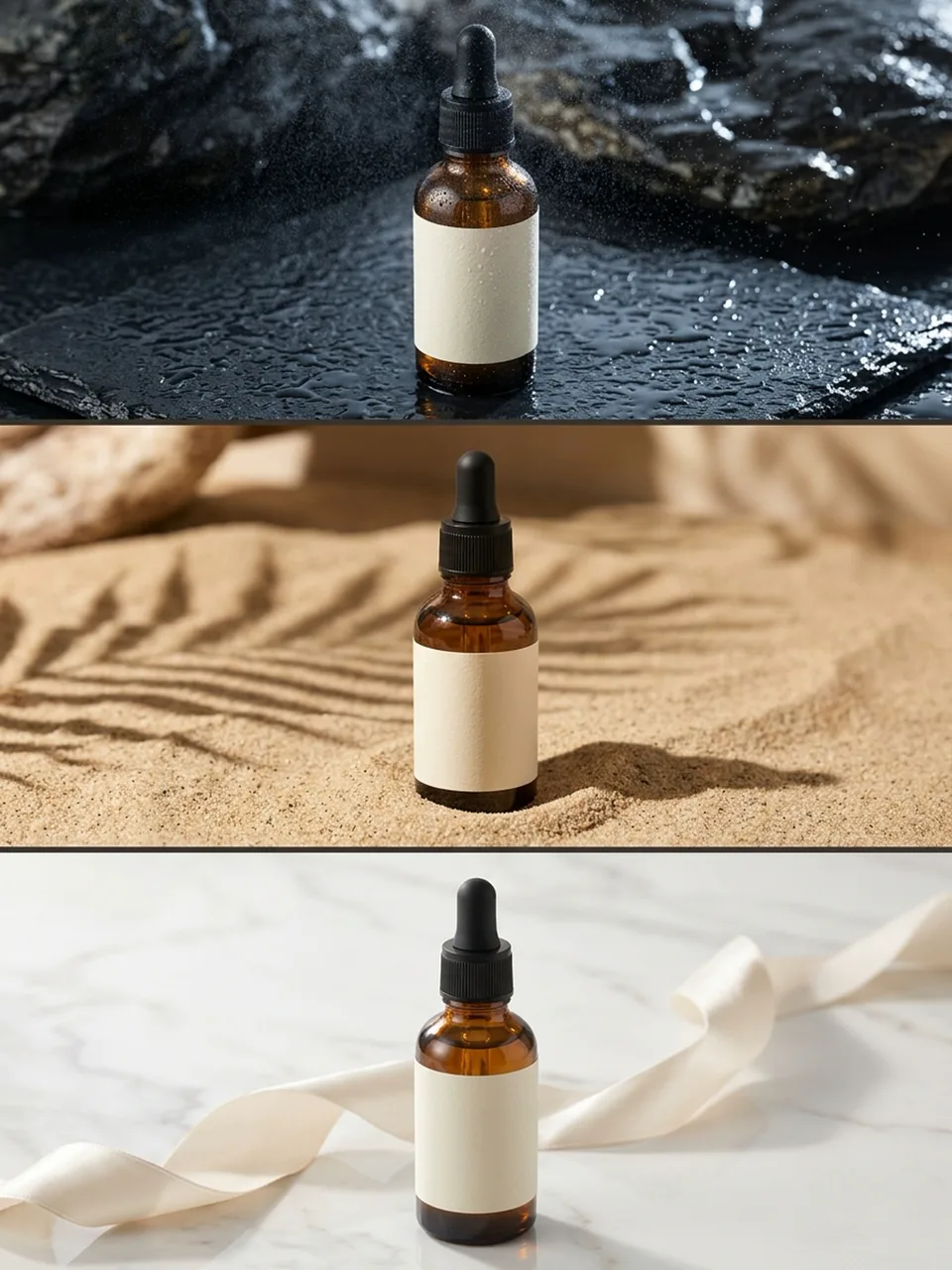 Product scenesOil paintingFantasy worldRegion editCharacter consistencyReal estateProduct scenes
Two things 2.1 does that the previous model could not
Both come back to the same idea: change less of the picture. Nano Banana 2.1 is built to preserve what you did not ask it to touch.
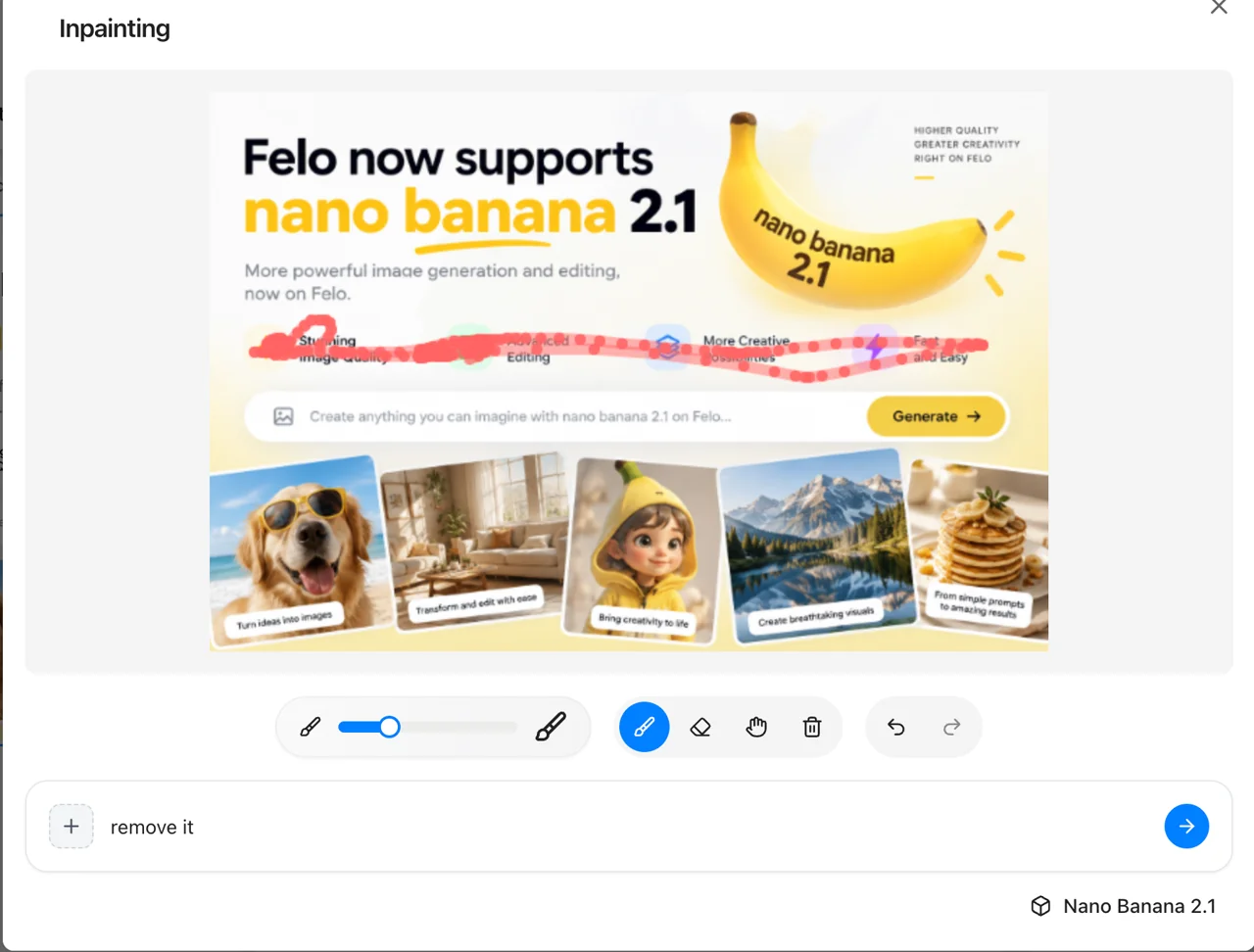
Edit a masked region and leave the rest alone
Select an area — a jacket, a road sign, a passer-by at the edge of frame — and only that area changes. Pixels outside the selection stay where they were, so you can restyle a garment or replace a background without the rest of the image quietly drifting.
- Mask and ink-based editing, scored 1049 against Nano Banana Pro's 927
- Useful for repeat edits on a product line where the lighting has to stay identical
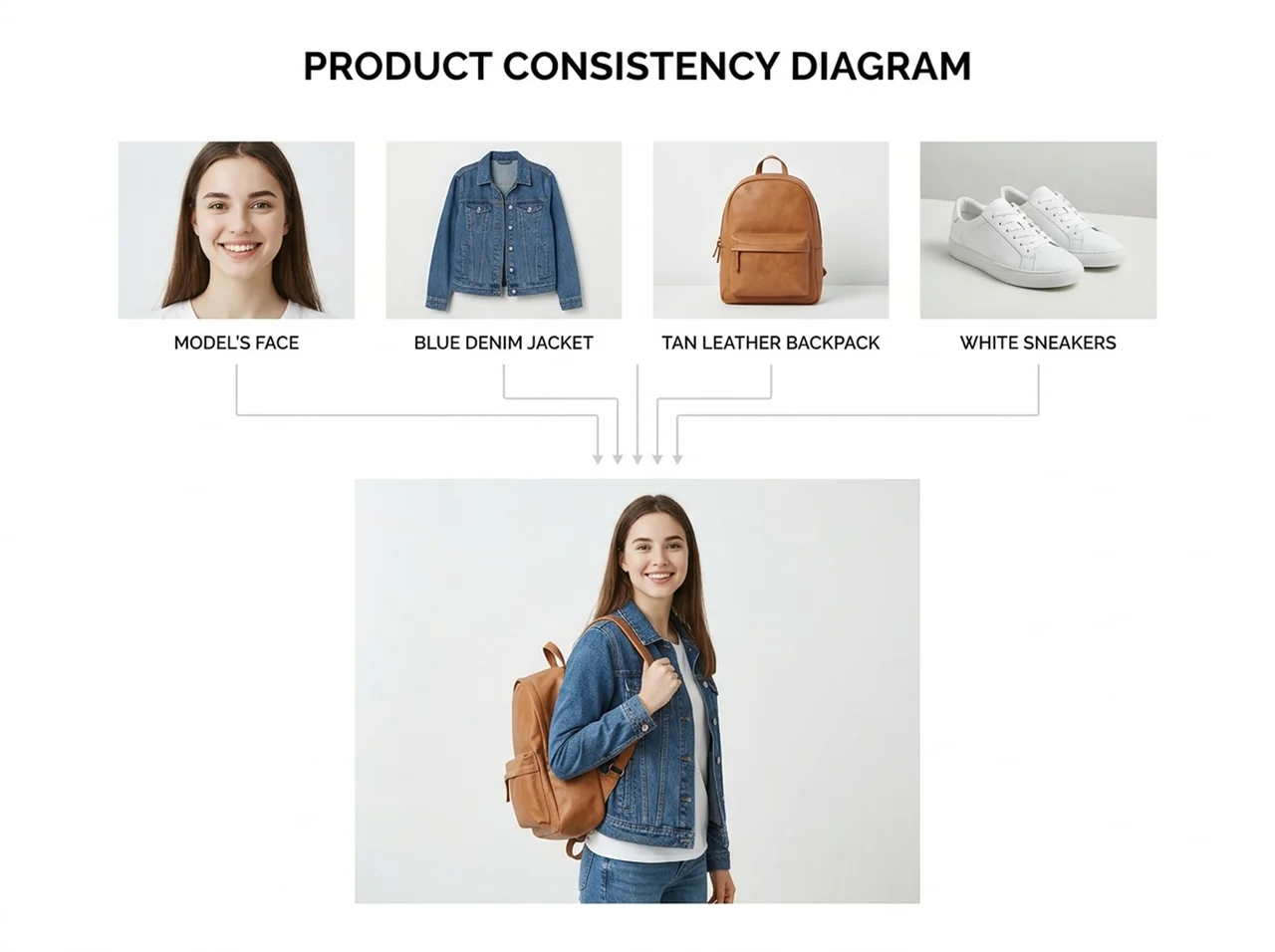

Tell it which four faces and ten objects to keep
A single prompt takes up to 14 reference images. Across a multi-turn edit, up to four characters and ten objects stay recognisable rather than dissolving into something similar-looking. That is the difference between a mood board and a product catalogue.
- 1106 on multi-character consistency, against 1011 for Nano Banana Pro
- Product consistency holds at 1024, so a bottle stays the same bottle across shots
- Multi-reference editing at 1066, for prompts built from several source images at once
What the benchmarks say
Side-by-side human preference scores from Google's October 2026 evaluation, where 1000 is the baseline. Nano Banana 2.1 leads every row.
Benchmark
2.1 thinking
2.1 no thinking
Nano Banana 2
Nano Banana Pro
Overall preference
Infographic design
General editing
Single-character consistency
Multi-character consistency
Mask and ink editing
Product consistency
Stylization
Multi-reference editing
Elo scores from Google's side-by-side human evaluation. Higher is better. Google has not published independent third-party results for this model.
The independent signal
Blind Arena leaderboard votes place Nano Banana 2.1 fourth in multi-image editing, fifth in text-to-image and sixth in single-image editing. The model it replaces ranked seventh, eleventh and fourteenth in the same three categories.
What is new in 2.1
Six changes that matter if you generate images for a living rather than for fun.
Three thinking levels
Minimal, medium and high. Medium is the default; high spends longer on layout and legible text, minimal returns fastest for simple subjects.
Text that survives the render
Headlines, labels and signage come out spelled correctly and shaped properly, which is what makes the poster and packaging work usable without a retouch pass.
Infographics that hold their layout
Multiple labelled panels in one image, scored 1048 on design and 0.521 on factual accuracy against 912 and 0.265 for Nano Banana Pro.

Grounding through Google Search
The model can check Web Search and Image Search before drawing a real-world subject, so a landmark or a product is depicted as it actually is.

1K, 2K and 4K output
Three sizes, defaulting to 1K. Extreme aspect ratios up to 8:1 are supported, and the stitching artefacts that used to show at the panoramic end are fixed.
SynthID on every image
Google embeds an invisible SynthID watermark in all output. It does not change how the image looks, and it does not restrict how you use it.
Generic image tools against Nano Banana 2.1 on Felo
Where a general-purpose image generator stops being enough.
| What matters | Typical image tools | Nano Banana 2.1 on Felo |
|---|---|---|
| Editing one region | Reprompts the whole image and hopes the rest survives | Mask the area; everything outside it stays pixel-identical |
| Reference images | One or two, and the subject drifts between turns | Up to 14, holding four characters and ten objects |
| Text in the image | Misspelled or malformed past a few words | Headlines and labels render correctly and legibly |
| Output size | Usually a single fixed resolution | 1K, 2K or 4K, with aspect ratios out to 8:1 |
| Cost | Subscription tiers that cap how many images you get | Free daily credits on Felo, and $0.0336 per 1K image through Google's API |
| Rights | Commercial use often gated behind a paid plan | Commercial licence included, no separate fee |
Why run it on Felo
The model is Google's. Everything around it is ours.
Nothing to install
No API key, no SDK, no account with a cloud provider. Type a prompt in the box at the top of this page and the image comes back in the same tab.
Start on free credits
The first generations come out of a free daily credit allowance, no card needed. Paid plans raise the resolution ceiling and add priority queuing.
Commercial licence included
Images you generate are yours to use commercially. There is no extra licensing step and no per-seat fee.
Every image model in one place
Nano Banana 2.1 sits beside Nano Banana 2, Nano Banana Pro and GPT-Image 2 in the same workspace, so you can compare them on your own prompt instead of reading benchmarks.
Edit on the canvas
Take the result straight into an editing view for crops, inpainting and upscaling, without exporting to another application.
No prompt engineering
Write the sentence you would say to a designer. The model handles composition and lighting rather than requiring weighted syntax.
Ask for the shot you want
Specific framing and lighting instructions — overhead, 85mm, late afternoon — land close to what you asked for on the first or second attempt.
Iterate in the same thread
Follow-up prompts keep the subject and lighting from the previous turn, so a session builds one coherent set rather than unrelated images.

Runs in your language
The interface is available in 21 languages, and the model renders text inside images in the language you ask for.

Wired into agents
Image generation is available as a tool inside Felo agents, so a workflow can produce its own visuals without a separate step.
How to generate in four steps
Open the prompt box
Use the input at the top of this page. No signup wall before you can see what the model does.
Describe the image
Say what is in frame, how it is lit and what it is for. For example: a matte kraft coffee bag on a pale grey surface, soft light from the right, product catalogue shot.
Generate and adjust
If the framing is close but not right, ask for the change in a follow-up rather than starting over. That is where the consistency improvements show.
Download or keep editing
Export at the resolution you need, or open the result on the canvas to crop, inpaint or upscale before you download.
Where it earns its place
Six jobs where mask editing and accurate text stop being nice-to-haves.
Product catalogues
Generate a listing photo, then swap the colourway by masking the product instead of reshooting the set.
Posters and flyers
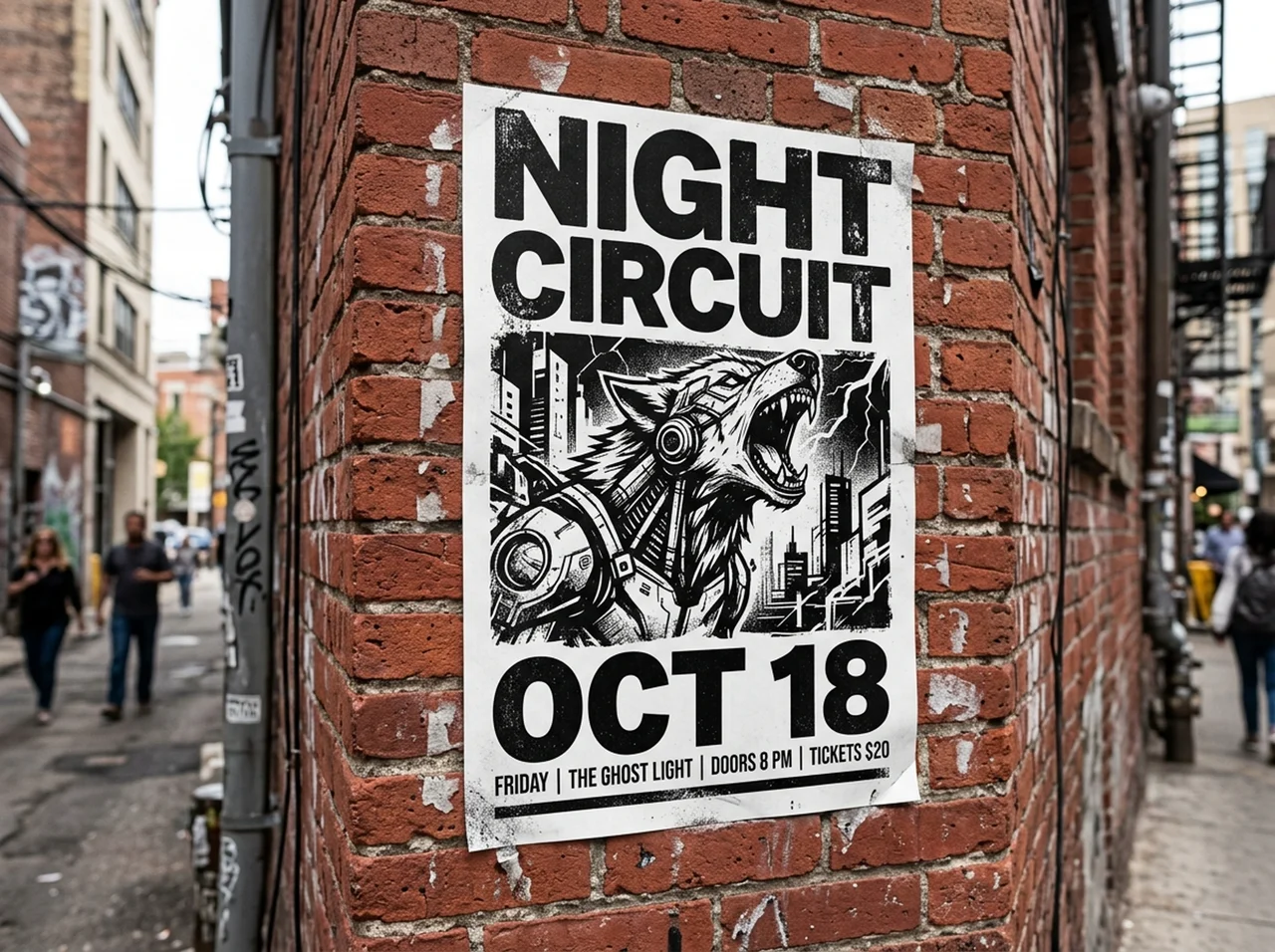
Headlines and dates render legibly, so a first draft is close enough to take into layout.
Infographics
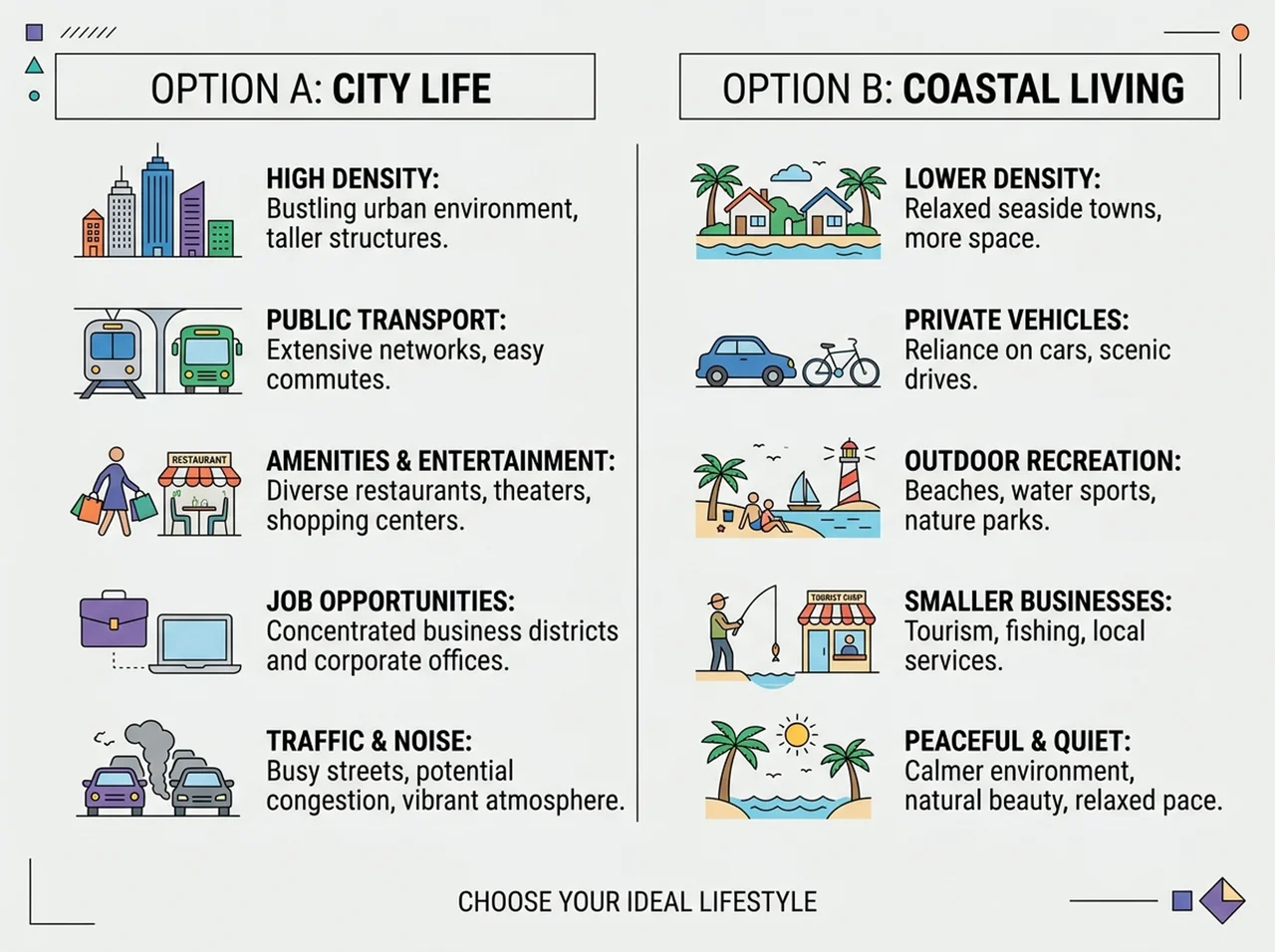
Multi-panel explanatory graphics with labels that hold their layout and their facts.
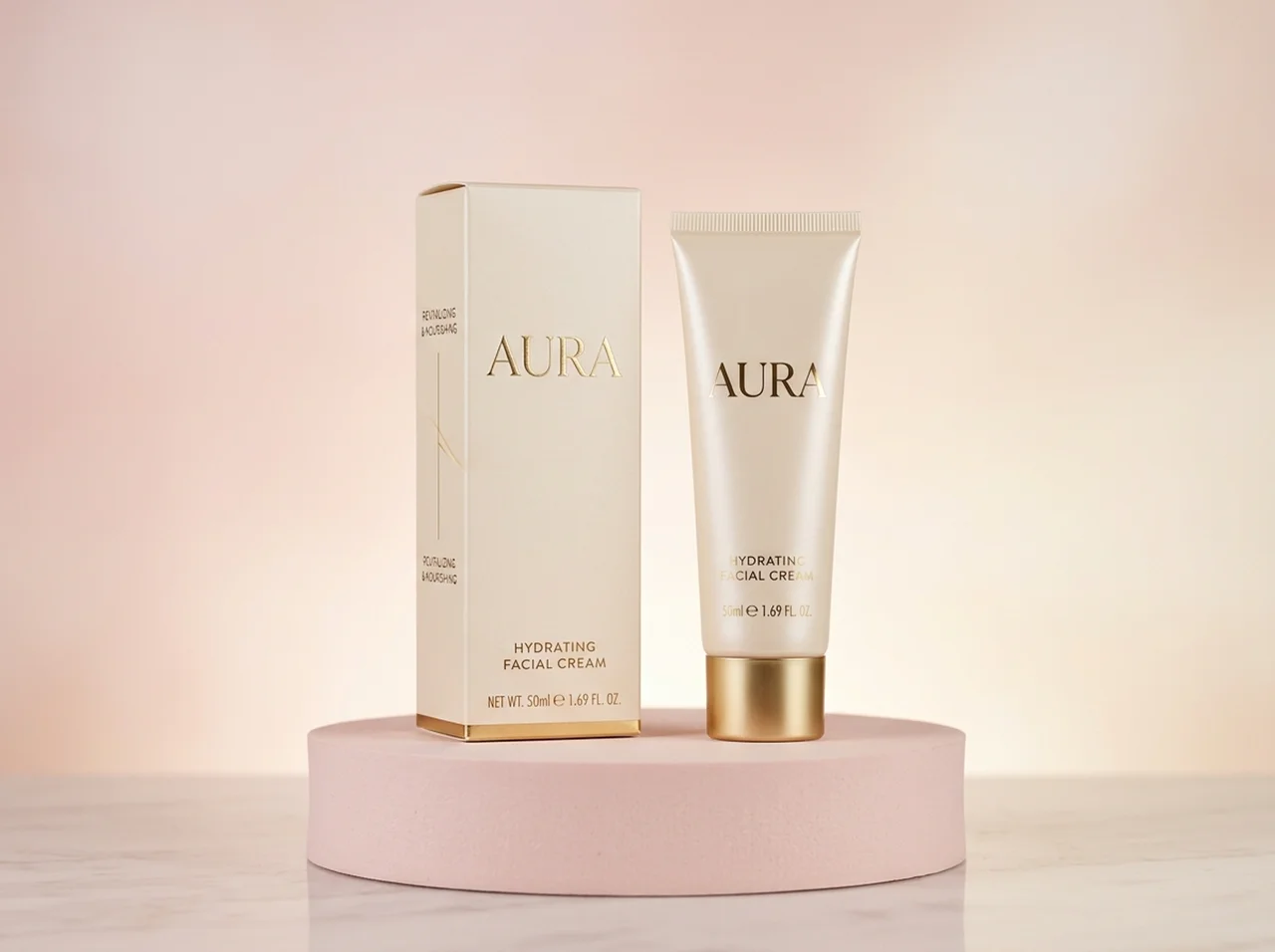
Packaging
Mock a carton, a label or a bag with the product name spelled right, before committing to print.
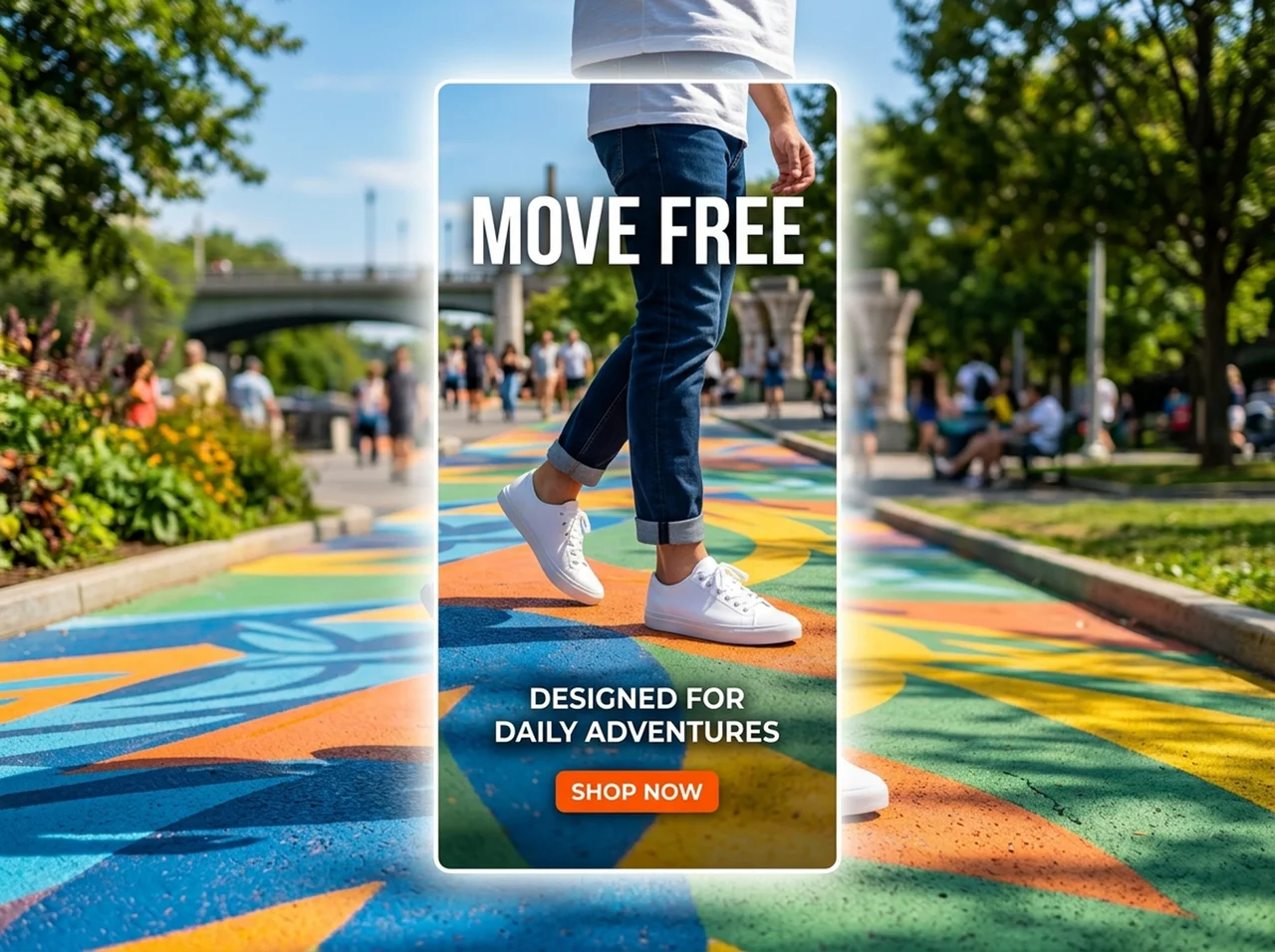
Paid social
Produce ad variations at the sizes each placement needs, from a single concept and one round of references.
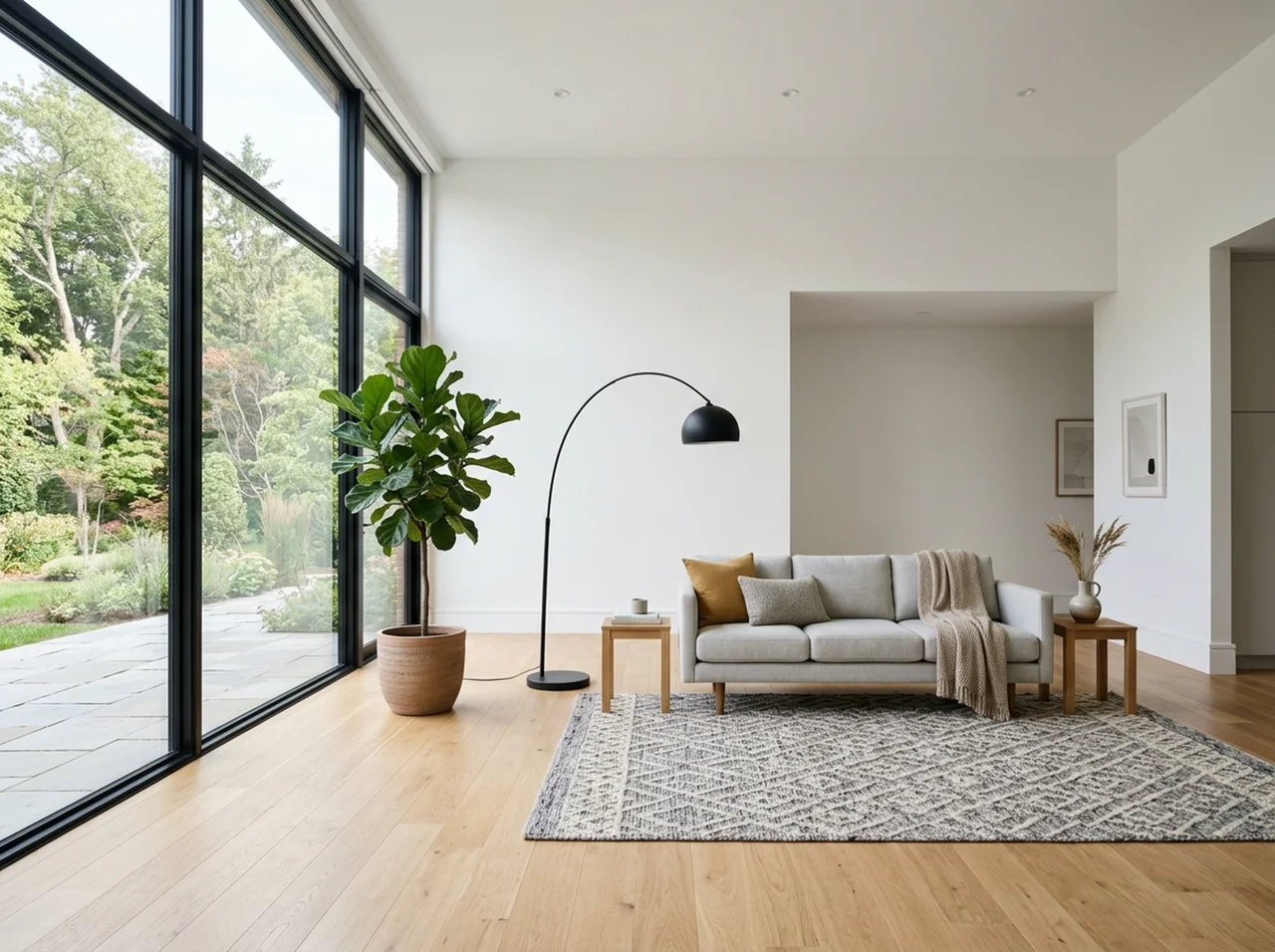
Property and interiors
Stage an empty room, or restyle a finished shot for a different market, without booking a second shoot.
Runs on your Felo credits
The prompt box needs no card. Each generation spends from the free daily credit allowance on your Felo account; paid plans raise the resolution ceiling and move you into the priority queue.
Nano Banana 2 shuts down on October 29, 2026
Google has deprecated the previous model (gemini-3.1-flash-image) with a shutdown date three weeks after 2.1 launched. If anything you run still calls it, this is the replacement, and it costs roughly half as much per image.
What people use it for
“The masked edit is the part I use daily. I can change a jacket colour on forty product shots without the lighting shifting between them.”
“Text rendering was the blocker for us. Generating a poster where the headline is spelled correctly is what made this usable for client work.”
“I put four reference images in one prompt and the model keeps them straight. That used to be an afternoon in Photoshop.”
“The 4K output is sharp enough to go into print without upscaling, which saves me a whole export step.”
“I describe the mood in plain language and get something usable on the first or second try. No weighted prompt syntax anywhere.”
“Having this beside the other image models in one workspace means I stop paying for three separate subscriptions.”
Nano Banana 2.1 questions
Generate your first image
Masked edits, 14 reference images, 1K to 4K output.
Free daily credits on Felo · Commercial licence included
No card required to try it
More AI image tools
Other models you can run in the same workspace.

AI Image Generator
Every image model Felo offers, in one prompt box.
Nano Banana 2
The art-focused predecessor, still the pick for anime and fantasy styles.
Nano Banana 2.5
What is confirmed about Google's next image model and when it lands.
Nano Banana Pro
Google's premium image model, for work that needs maximum fidelity.