Scenario 01
Research to board deck
Agent has completed a research task and the output needs to be a presentation.
Turn this competitive analysis into a 10-slide deck for the board.
Antigravity's Agent Manager can plan, research, and execute complex tasks end-to-end. Felo Slides closes the last mile: when the agent finishes gathering findings, it generates a real .pptx deck from the results — structured, titled, and ready to share — without you ever opening PowerPoint.
These are the prompts where Antigravity's Agent Manager routes to felo-slides — when the task output is a presentation, not a document.
Agent has completed a research task and the output needs to be a presentation.
Agent task involves presenting a technical recommendation to stakeholders.
Agent needs to summarize sprint work into a stakeholder-ready deck.
Six capabilities that turn agent research into a finished deck without leaving the IDE.
Agent passes research output directly to felo-slides — no copy-paste, no context switch.
Outputs a properly structured deck with title, body, and speaker notes per slide.
Applies your team's color and font settings automatically.
Returns a downloadable PPTX or Google Slides link the agent can pass to you.
Agent can request slide revisions in the same task without restarting.
Activated when the agent task involves creating a presentation or summarizing research visually.
How developers use this skill inside Antigravity — from quick lookups to complex multi-step workflows.
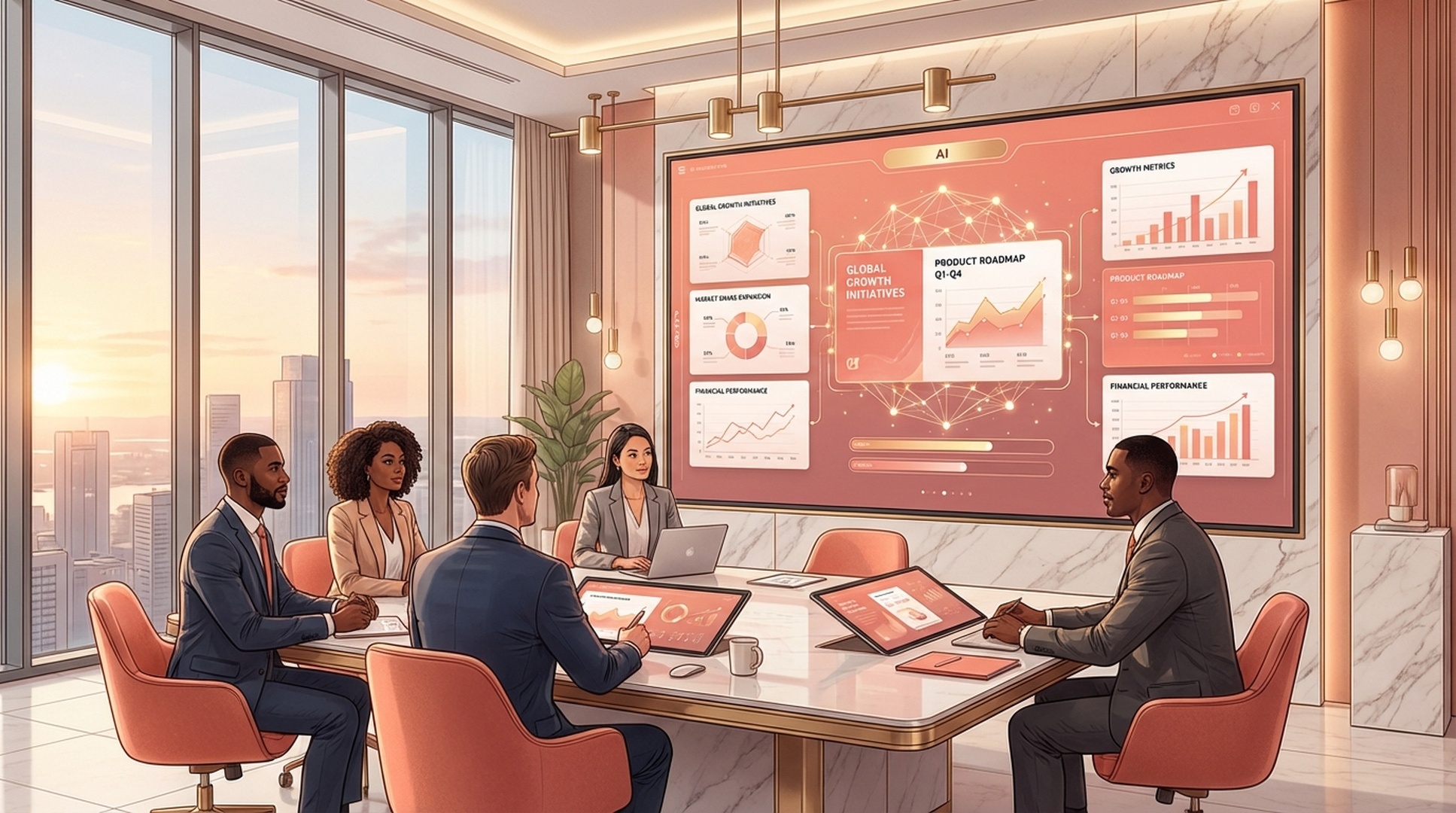
Agent has completed a research task and the output needs to be a presentation.

Agent task involves presenting a technical recommendation to stakeholders.

Agent needs to summarize sprint work into a stakeholder-ready deck.
Once installed, felo-slides becomes the output layer for any Antigravity research task — the agent generates the deck as the final step, not a separate manual process.
Clone the Felo skills repo and copy the skill into your global Antigravity skills directory.
# Clone the Felo skills repository
git clone https://github.com/Felo-Inc/felo-skills.git

# Copy this skill to your global Antigravity skills folder
cp -r felo-skills/felo-slides ~/.gemini/antigravity/skills/Paste this prompt directly into Antigravity. The agent clones the repo and copies the skill automatically.
Clone the Felo skills repo and copy felo-slides into .agent/skills/ for team-wide access via Git. The SKILL.md description tells the Agent Manager to activate it when a task needs a presentation output.
Add FELO_API_KEY to your environment. The skill handles slide structure, layout, and .pptx generation — you describe the deck you need, the agent builds it.
Ask Antigravity to research a topic and produce a deck. The Agent Manager runs felo-search or felo-livedoc to gather material, then chains felo-slides to generate the presentation — the whole workflow runs without you switching tools.
No configuration needed. The SKILL.md file inside the skill folder tells Antigravity's Agent Manager when to activate it. Once the folder is in place, the agent routes to the skill automatically based on your prompt.
Install felo-slides in .agent/skills/ and every research task can end with a shareable .pptx, generated automatically by the Agent Manager.