Scenario 01
Documentation extraction
Agent needs to read a specific docs page to answer a technical question.
What are the rate limits for the OpenAI Embeddings API?
Antigravity's Browser Subagent can control a full Chrome window — but that's overkill when you just need the content of a documentation page or a pricing table. Felo Web Fetch extracts any URL as clean markdown, giving the Agent Manager structured input it can read, summarize, and act on in a fraction of the time.
These are the prompts where Antigravity's Agent Manager routes to felo-web-fetch — when the task needs clean page content, not a browser session.
Agent needs to read a specific docs page to answer a technical question.
Agent task requires current release notes that Gemini 3 may not have.
Agent needs to extract and analyze a competitor's pricing or feature page.
Six gaps the Browser Subagent can't close efficiently — felo-web-fetch fills them with structured, agent-ready content.
Strips nav, ads, and boilerplate. Returns only the content the agent needs to reason over.
No browser launch overhead. Structured content in under a second.
Returns markdown or JSON — not raw HTML the agent has to parse.
Fetch and extract multiple URLs in a single agent step.
Returns available content with a clear signal when a page is gated.
Activated automatically when the agent task involves reading a URL.
How developers use this skill inside Antigravity — from quick lookups to complex multi-step workflows.
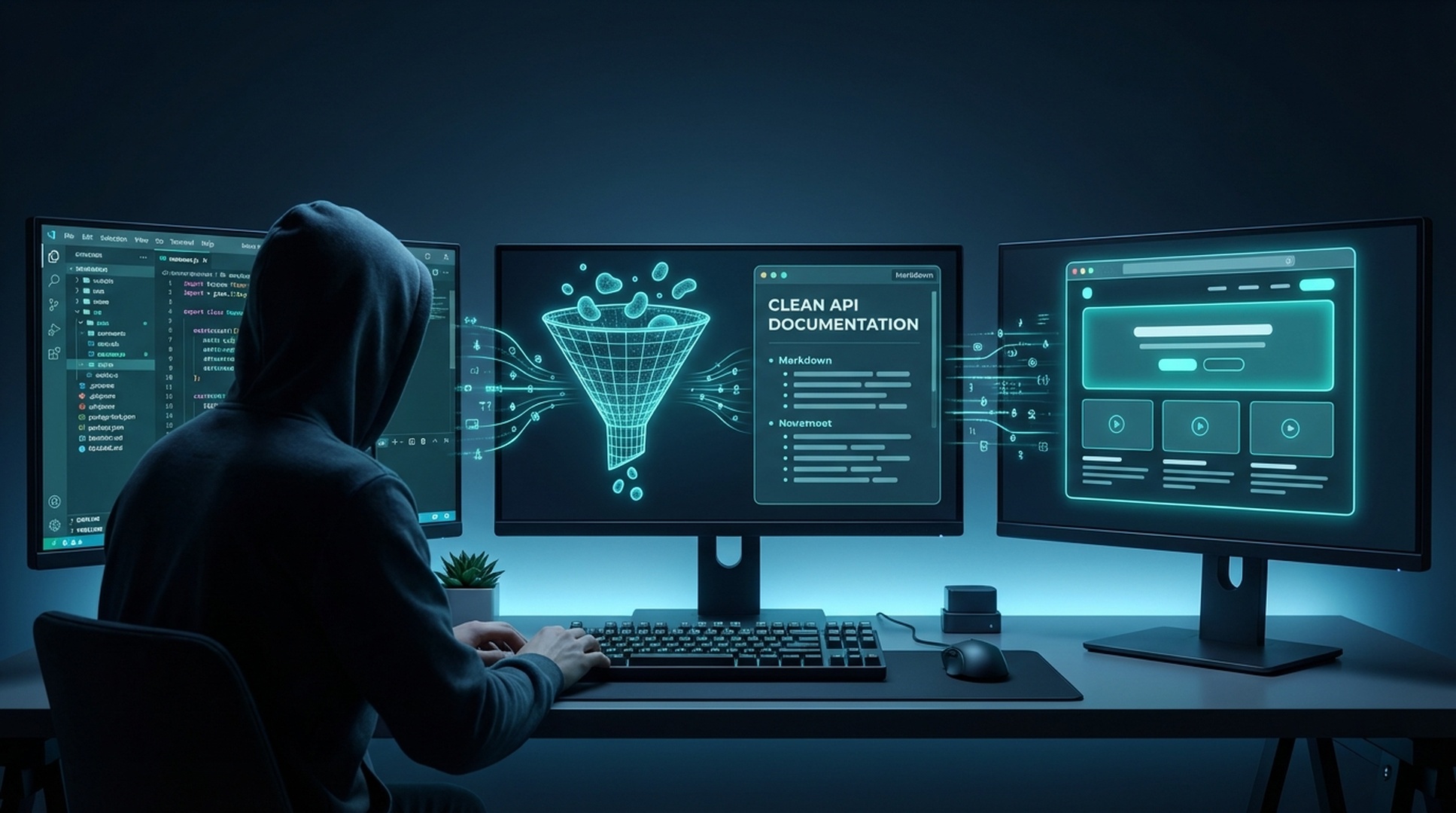
Agent needs to read a specific docs page to answer a technical question.
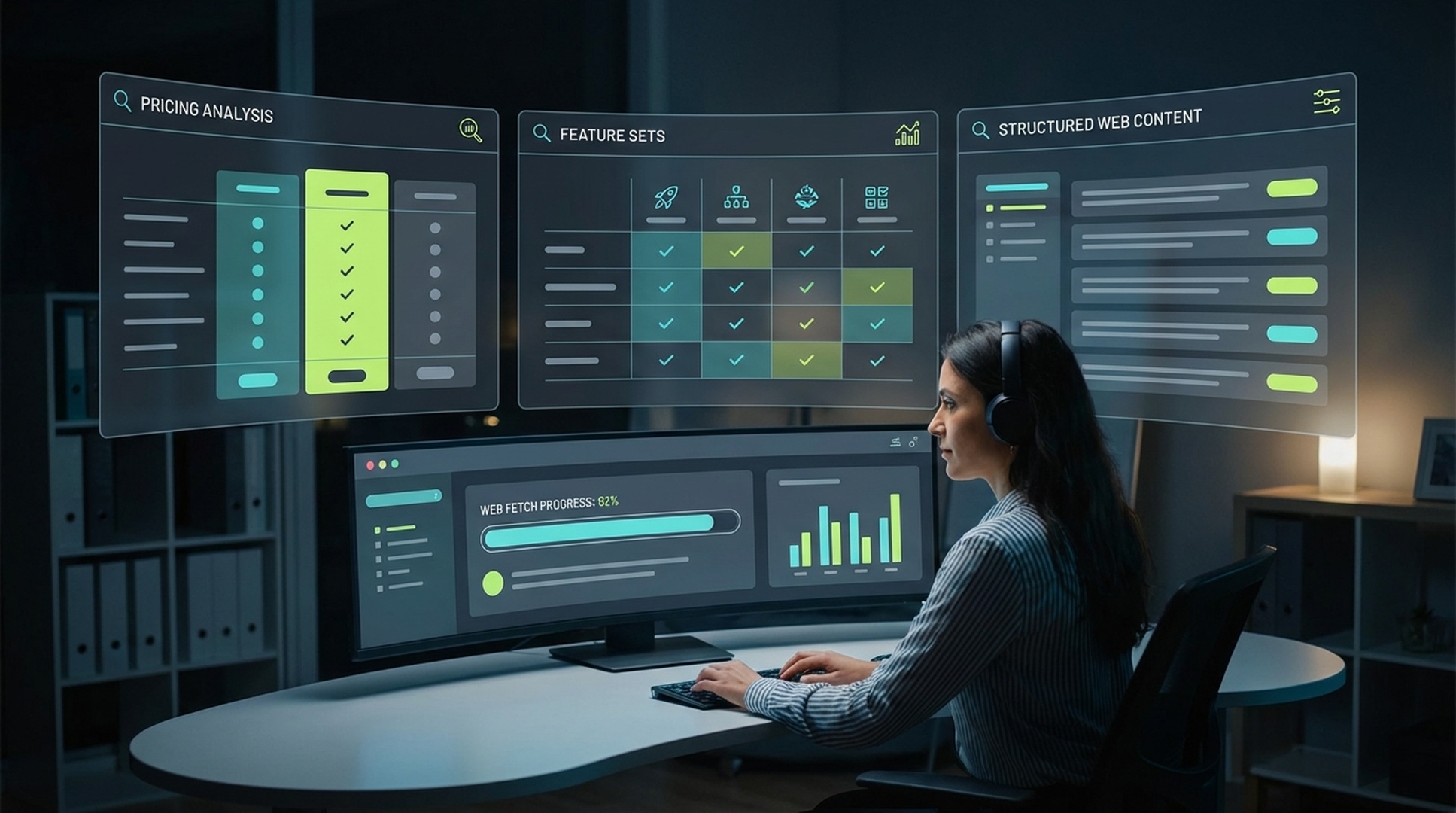
Agent task requires current release notes that Gemini 3 may not have.
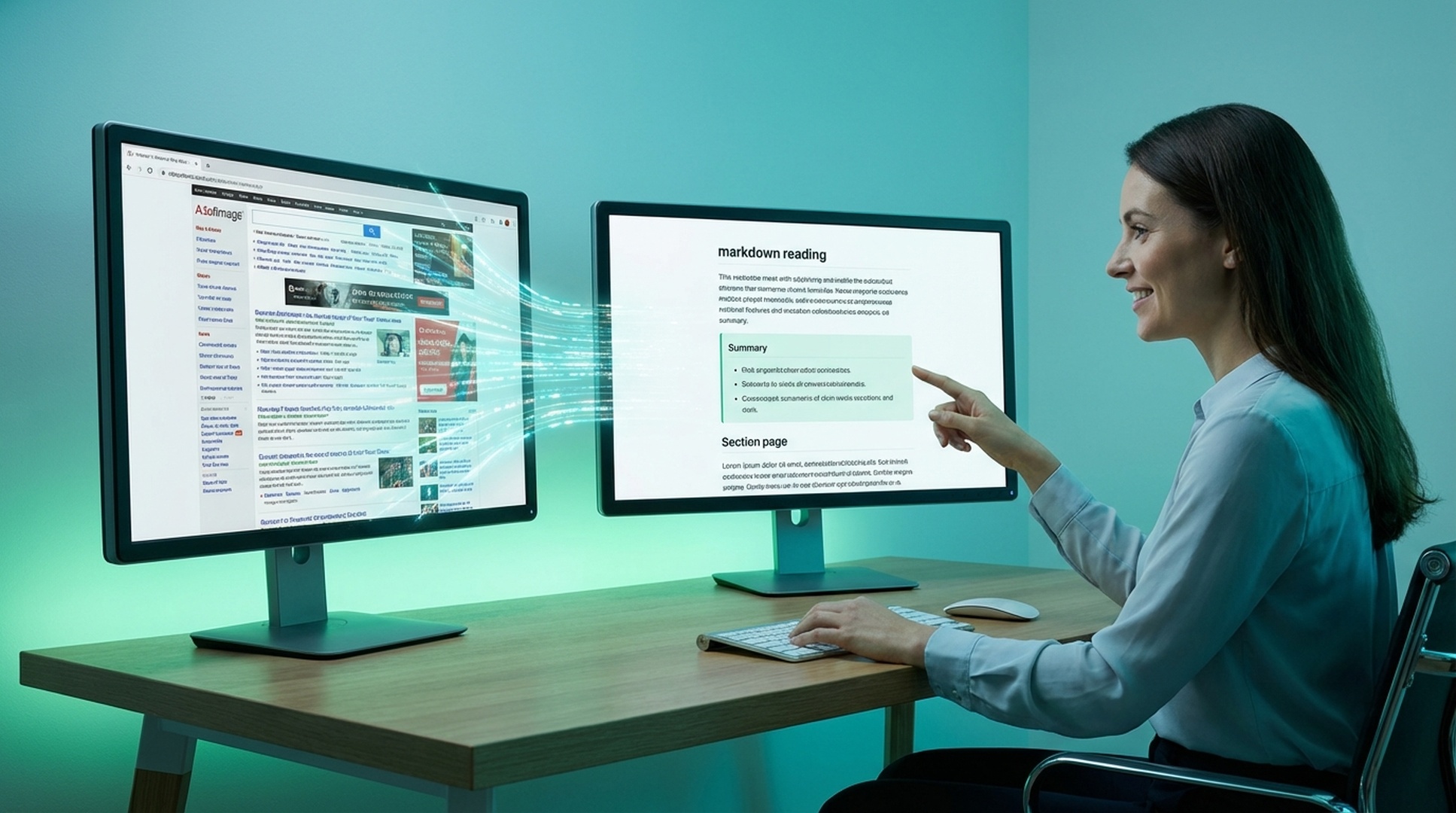
Agent needs to extract and analyze a competitor's pricing or feature page.
Once installed, the Agent Manager triggers felo-web-fetch when a task involves reading a known URL — faster and lighter than the Browser Subagent for content-only extraction.
Clone the Felo skills repo and copy the skill into your global Antigravity skills directory.
# Clone the Felo skills repository
git clone https://github.com/Felo-Inc/felo-skills.git

# Copy this skill to your global Antigravity skills folder
cp -r felo-skills/felo-web-fetch ~/.gemini/antigravity/skills/Paste this prompt directly into Antigravity. The agent clones the repo and copies the skill automatically.
Clone the Felo skills repo and copy felo-web-fetch into .agent/skills/ for team-wide access via Git, or into ~/.gemini/antigravity/skills/ for personal use. The SKILL.md description tells the Agent Manager when to activate it.
Add FELO_API_KEY to your environment. The skill handles readability parsing, JavaScript rendering, and markdown conversion — no additional configuration needed.
When an agent task involves a specific URL — a changelog, a pricing page, a competitor's feature list — felo-web-fetch extracts it as clean, structured content the agent can immediately summarize, compare, or feed into the next step.
No configuration needed. The SKILL.md file inside the skill folder tells Antigravity's Agent Manager when to activate it. Once the folder is in place, the agent routes to the skill automatically based on your prompt.
Install felo-web-fetch in .agent/skills/ and let the Agent Manager extract documentation, pricing pages, and reference content as structured markdown.