Scenario 01
Internal policy lookup
Agent task references internal documentation the team has indexed.
What's our current API rate limit policy for enterprise customers?
Antigravity's Agent Manager is powerful at planning and executing — but it starts each task with only what's in the context window. Felo LiveDoc adds a persistent retrieval layer: index your runbooks, internal APIs, and architecture docs once, and every agent task that touches those topics gets grounded answers from your actual source material, not Gemini 3's training memory.
These are the prompts where Antigravity's Agent Manager routes to felo-livedoc — when the task needs internal team knowledge, not public web data.
Agent task references internal documentation the team has indexed.
Agent needs to check internal architecture docs before making a recommendation.
Agent task involves a recurring process that's documented in the team's runbooks.
Six capabilities that give every agent task a persistent, grounded knowledge layer.
Team knowledge persists across agent sessions — not lost when context resets.
Agent retrieves the most relevant knowledge chunk, not a keyword match.
One LiveDoc, shared across all team members' Antigravity instances.
Knowledge base updates propagate to all agents without reinstalling.
Every retrieved chunk includes its source document for agent verification.
Activated when the agent task references internal docs, specs, or team knowledge.
How developers use this skill inside Antigravity — from quick lookups to complex multi-step workflows.

Agent task references internal documentation the team has indexed.
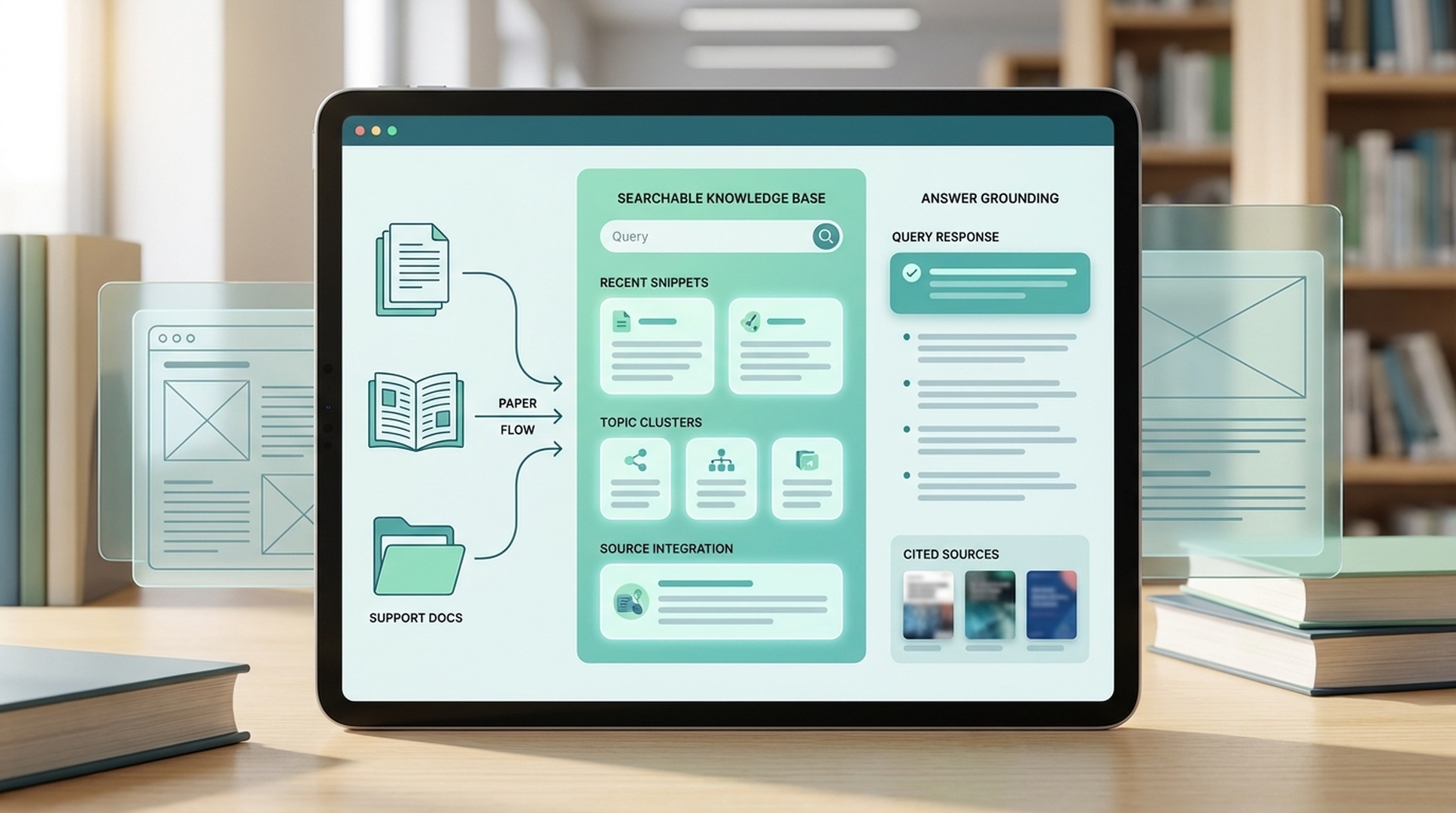
Agent needs to check internal architecture docs before making a recommendation.
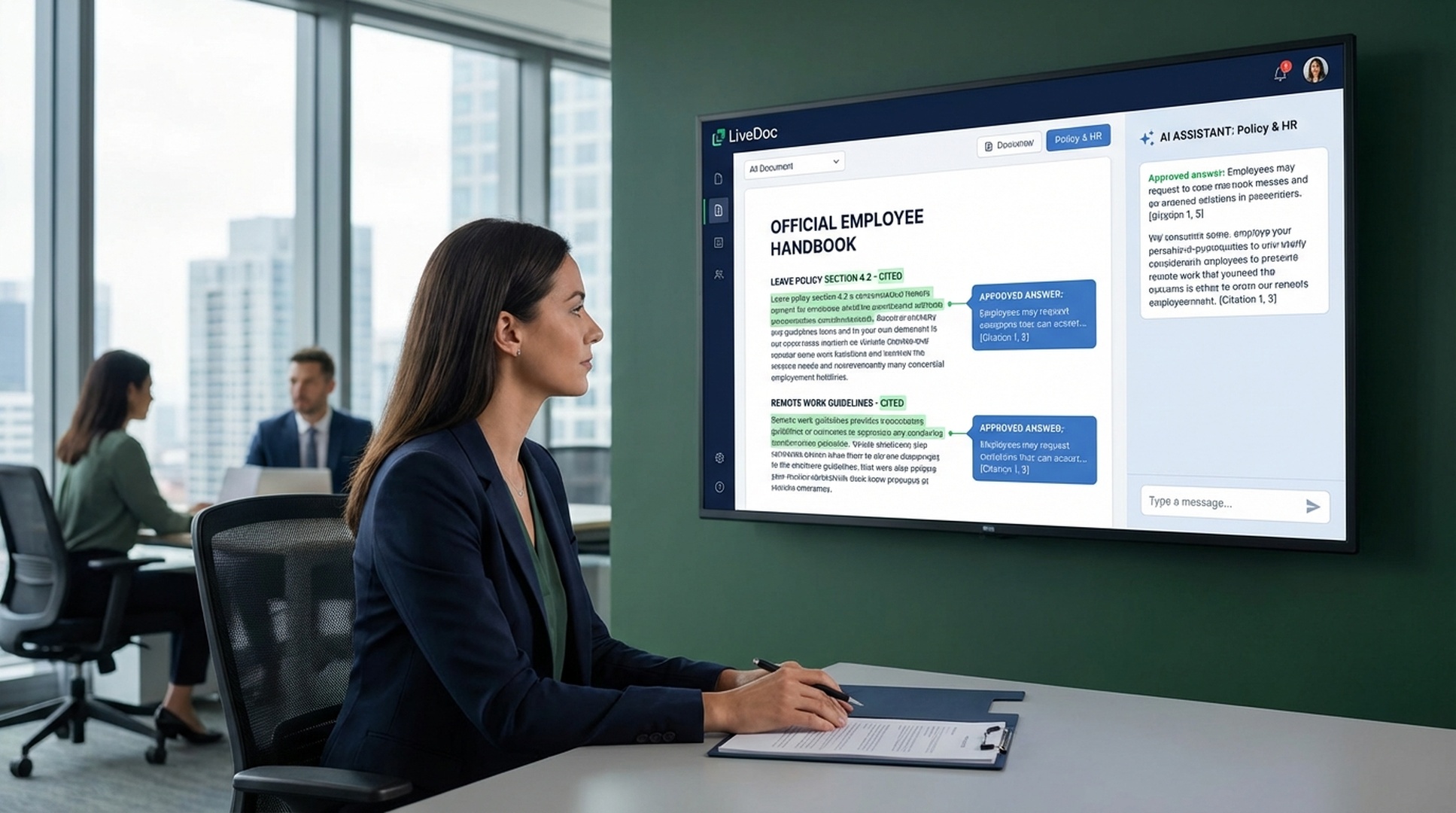
Agent task involves a recurring process that's documented in the team's runbooks.
Once installed, the Agent Manager triggers felo-livedoc automatically when a task needs retrieval from your indexed documents — no slash commands, no copy-paste.
Clone the Felo skills repo and copy the skill into your global Antigravity skills directory.
# Clone the Felo skills repository
git clone https://github.com/Felo-Inc/felo-skills.git

# Copy this skill to your global Antigravity skills folder
cp -r felo-skills/felo-livedoc ~/.gemini/antigravity/skills/Paste this prompt directly into Antigravity. The agent clones the repo and copies the skill automatically.
Clone the Felo skills repo and copy felo-livedoc into .agent/skills/ to share it with your team via Git, or into ~/.gemini/antigravity/skills/ for personal use. The SKILL.md description tells the Agent Manager when to activate it.
Point felo-livedoc at your runbooks, internal API docs, architecture decision records, or any reference material the team's agents should know. Indexing happens once; retrieval is available in every subsequent session.
When an Antigravity agent task touches a topic covered in your LiveDoc, it retrieves the relevant passage and cites the source — instead of guessing from Gemini 3's training data.
No configuration needed. The SKILL.md file inside the skill folder tells Antigravity's Agent Manager when to activate it. Once the folder is in place, the agent routes to the skill automatically based on your prompt.
Install felo-livedoc in .agent/skills/ and let the Agent Manager retrieve from your indexed knowledge base instead of guessing.