ทักษะ Codex · ดึงข้อมูลหน้าเว็บ

Felo Web Fetch ทักษะ Codex

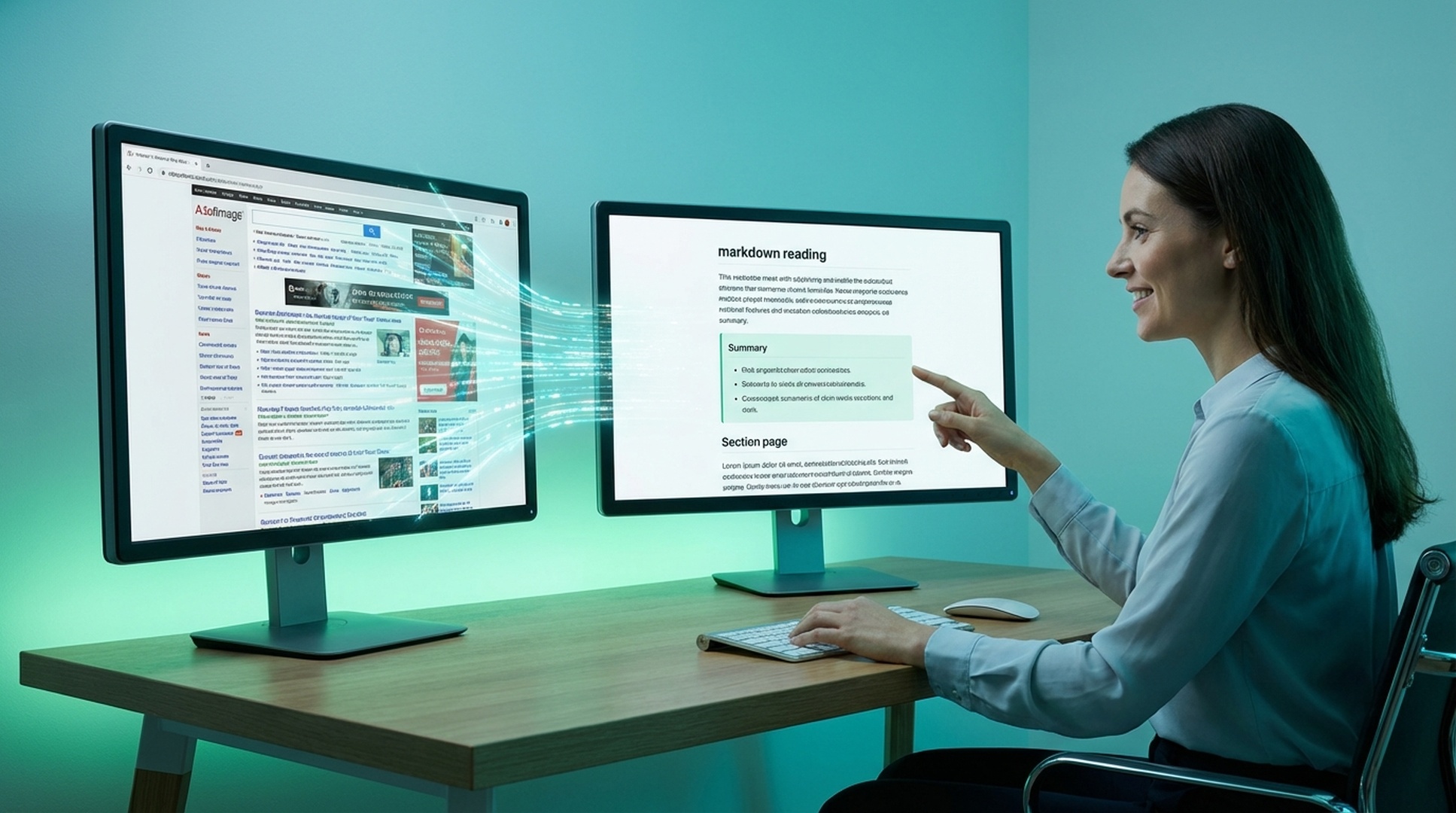
Felo Web Fetch lets Codex extract any URL as clean markdown, plain text, or HTML so documentation pages, product specs, and reference content flow straight into your terminal workflow without manual copy-paste.

Codex Web page extraction
felo web-fetch --url "https://example.com/pricing" --format markdown --readability
Connecting the skill to live workflow context...
Processing the request and preparing usable output...
Result ready for the next step in your workflow.

Built for Codex users who need the actual page content, not a noisy browser snapshot or manual copy-paste.

Codex skill
web page extraction
npm install
one-command setup
3 formats
markdown, text, HTML
Readability
strips ads and navigation

ทำไมทีมถึงต้องการ Felo Web Fetch skill สำหรับการดึงเนื้อหาเว็บ

หน้าเว็บส่วนใหญ่มีสิ่งรบกวน เป็นไดนามิก และมีรูปแบบที่ไม่เหมาะสำหรับการสรุป การเปรียบเทียบ การจัดเก็บ หรือการใช้งานขั้นถัดไปแบบมีโครงสร้าง

หน้าเว็บเต็มไปด้วยสิ่งรบกวน

การนำทาง โฆษณา และเลย์เอาต์ตกแต่งฝังส่วนของหน้าเว็บที่เอเจนต์ของคุณต้องการจริงๆ

หน้าไดนามิกต่อต้านการดึงข้อมูล

เนื้อหาสำคัญมักต้องรอ ใช้ตัวเลือก หรือตรรกะการรวบรวมข้อมูลทางเลือกก่อนที่จะปรากฏ

การทำความสะอาดด้วยมือไม่สามารถขยายขนาดได้

ไปป์ไลน์การวิจัยช้าลงอย่างรวดเร็วเมื่อทุกหน้าเว็บที่มีประโยชน์ต้องทำความสะอาดด้วยมือก่อน

Felo Web Fetch skill ปรับปรุงการดึงเนื้อหาเว็บอย่างไร

felo-web-fetch แปลงหน้าเว็บที่รกเป็น Markdown ข้อความ หรือ HTML ที่อ่านได้ เพื่อให้ขั้นตอน AI ถัดไปเริ่มจากเนื้อหาที่ถูกต้องแทนที่จะเป็นสิ่งรบกวนจาก DOM

  • รูปแบบเอาต์พุตหลายแบบ: ส่งคืนเนื้อหาเป็น Markdown ข้อความธรรมดา หรือ HTML ดิบขึ้นอยู่กับเวิร์กโฟลว์
  • โหมดอ่านง่าย: ตัดการนำทาง โฆษณา และแถบด้านข้างออกเพื่อให้เอเจนต์เห็นเฉพาะเนื้อหาหลัก
  • การกำหนดเป้าหมายด้วย CSS selector: ดึงส่วนเฉพาะเมื่อคุณต้องการเพียงตารางราคา เนื้อหาบทความ หรือรายการสินค้าเดียว
  • การควบคุมหน้าไดนามิก: รอองค์ประกอบ ตั้งค่าไทม์เอาต์ และสลับโหมดการรวบรวมข้อมูลสำหรับหน้าที่ใช้ JavaScript มาก
1
InstallAdd the skill to the environment where the team already works
2
AskUse natural language or the matching CLI command
3
ProcessLet the skill perform the specialized task cleanly
4
ReusePass the result into the next workflow step

Install the Felo Web Fetch skill in Codex

Use npm to install the full Felo skill pack, or copy just felo-web-fetch into your Codex skills directory for a targeted setup.

How to install the Felo Web Fetch skill in Codex

Codex

Let Codex fetch and parse any URL into clean markdown, text, or HTML so documentation, pricing pages, and reference content flow straight into your terminal workflow.

# Install all Felo skills globally npm install -g felo-ai # Or install this skill manually git clone https://github.com/Felo-Inc/felo-skills.git cd felo-skills cp -r felo-web-fetch ~/.codex/skills/


Read Felo API Docs

ความสามารถหลักของ Felo Web Fetch skill

ความสามารถเหล่านี้สร้างขึ้นสำหรับการจับภาพระดับหน้า การดึงข้อมูลแบบมีโครงสร้าง และอินพุตขั้นถัดไปที่สะอาดขึ้นในงานวิจัยและเอกสาร

รูปแบบเอาต์พุตหลายแบบ

ส่งคืนเนื้อหาเป็น Markdown ข้อความธรรมดา หรือ HTML ดิบขึ้นอยู่กับเวิร์กโฟลว์

โหมดอ่านง่าย

ตัดการนำทาง โฆษณา และแถบด้านข้างออกเพื่อให้เอเจนต์เห็นเฉพาะเนื้อหาหลัก

การกำหนดเป้าหมายด้วย CSS selector

ดึงส่วนเฉพาะเมื่อคุณต้องการเพียงตารางราคา เนื้อหาบทความ หรือรายการสินค้าเดียว

การควบคุมหน้าไดนามิก

รอองค์ประกอบ ตั้งค่าไทม์เอาต์ และสลับโหมดการรวบรวมข้อมูลสำหรับหน้าที่ใช้ JavaScript มาก

เมื่อไหร่ควรใช้ Felo Web Fetch skill

ใช้เมื่อหน้าเว็บสำคัญกว่าผลการค้นหาและเนื้อหาที่แน่นอนต้องถูกจับภาพอย่างสะอาดสำหรับขั้นตอนถัดไป

Read docs while coding with felo-web-fetch

อ่านเอกสารขณะเขียนโค้ด

บริบท: ดึงเอกสาร API ล่าสุดเข้าสู่เวิร์กโฟลว์การเขียนโค้ดของคุณโดยตรง
ดึงหน้าราคานี้เป็น Markdown และเก็บเฉพาะส่วนราคา
Competitor research with felo-web-fetch

วิจัยคู่แข่ง

บริบท: ดึงเนื้อหาหน้าราคาหรือฟีเจอร์แบบมีโครงสร้างเพื่อเปรียบเทียบ
ดึงหน้าเอกสาร API ล่าสุดและลบสิ่งรบกวนจากการนำทาง
Article summarization with felo-web-fetch

สรุปบทความ

บริบท: ดึงเนื้อหาแบบยาวเป็น Markdown ก่อนสรุปหรือทำบรีฟ
ดึงเนื้อหาบทความจากรายงานนี้เพื่อให้ฉันสรุปได้อย่างสะอาด

Get the Felo Web Fetch skill running in Codex in 3 steps

Install the skill, set your API key, and start pulling clean page content into Codex sessions.

1

Install via npm or copy the folder

Run npm install -g felo-ai for the complete skill set, or clone the repo and copy felo-web-fetch into ~/.codex/skills/ for a standalone install.

2

Export your Felo API key

Set FELO_API_KEY in your shell environment so the skill can connect to the extraction and rendering backend.

3

Fetch your first page

Ask Codex to extract a URL as markdown with readability mode enabled and use the clean output for summaries, comparisons, or downstream analysis.

ทำไมทีมถึงเก็บ Felo Web Fetch skill ไว้ในสแต็ก

ทีมเก็บไว้เพราะเนื้อหาเว็บที่สะอาดทำให้ทุกเวิร์กโฟลว์การสรุป การเปรียบเทียบ และเอกสารขั้นถัดไปดีขึ้น

★★★★★
เราใช้มันเพื่อตัดเลย์เอาต์ที่รกออกจากหน้าราคาและเอกสารก่อนที่จะส่งไปยังไปป์ไลน์ที่เหลือ
Vik Patel
Vik Patel
★★★★★
การวิเคราะห์คู่แข่งเร็วขึ้นมากเมื่อเราสามารถดึงเนื้อหาเว็บแบบมีโครงสร้างแทนที่จะคัดลอกชิ้นส่วนด้วยมือ
Daniel Park
Daniel Park
★★★★★
สำหรับงานเนื้อหา เอาต์พุต Markdown คือชัยชนะที่แท้จริง มันแปลงหน้าเว็บที่รกเป็นสิ่งที่ทั้งทีมนำกลับมาใช้ได้
Mia Chen
Mia Chen

ผลลัพธ์ของ Felo Web Fetch skill ที่สำคัญ

3 เอาต์พุต
สำหรับงานขั้นถัดไป
1 selector
เพื่อแยกเนื้อหา
อ่านง่าย
เนื้อหาเหนือสิ่งรบกวน
ไดนามิก
รวมการควบคุมหน้า

Felo Web Fetch Codex skill FAQ

How do I install the Felo Web Fetch skill in Codex?
Run npm install -g felo-ai to get all Felo skills at once, or copy the felo-web-fetch folder to ~/.codex/skills/. Then export your FELO_API_KEY environment variable.
What output formats does the Codex skill support?
It can return markdown, plain text, or raw HTML depending on how you want to summarize, compare, or feed the content into another step.
Can it handle JavaScript-heavy pages?
Yes. The skill supports dynamic page controls including wait-for-element, custom timeouts, and alternate crawl modes for single-page apps and JS-rendered content.
When should I use Web Fetch instead of Felo Search in Codex?
Use Felo Web Fetch when you already know which page you need and want its content extracted cleanly. Use Felo Search when you need to discover information across the open web first.

Give Codex clean web page extraction with Felo Web Fetch

Install felo-web-fetch so Codex can turn any URL into clean markdown, text, or HTML for documentation lookups, competitor research, and content pipelines.

One API key covers every Felo skill in Codex. Extract pages cleanly and feed the output into summaries, reports, or knowledge pipelines.