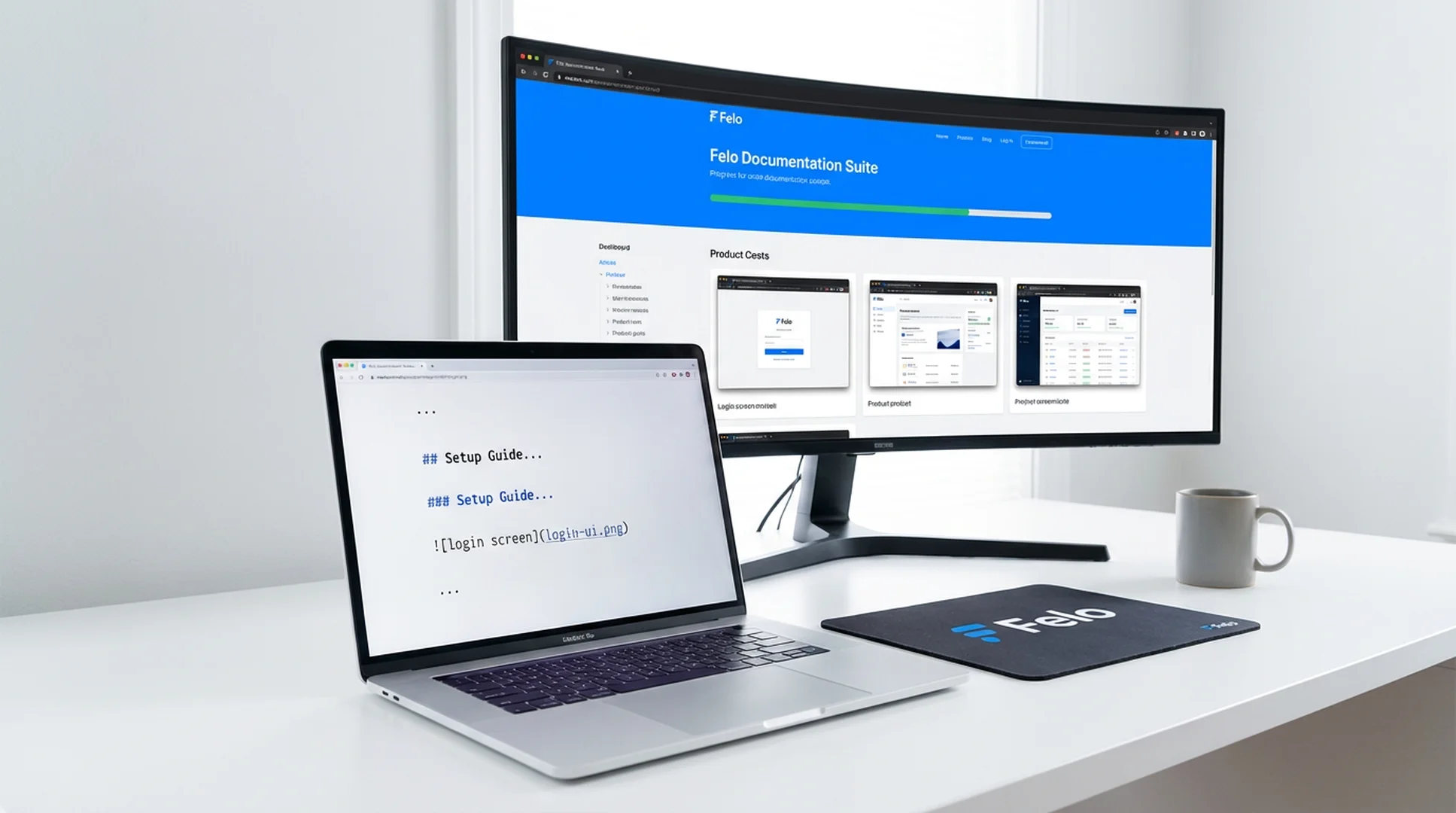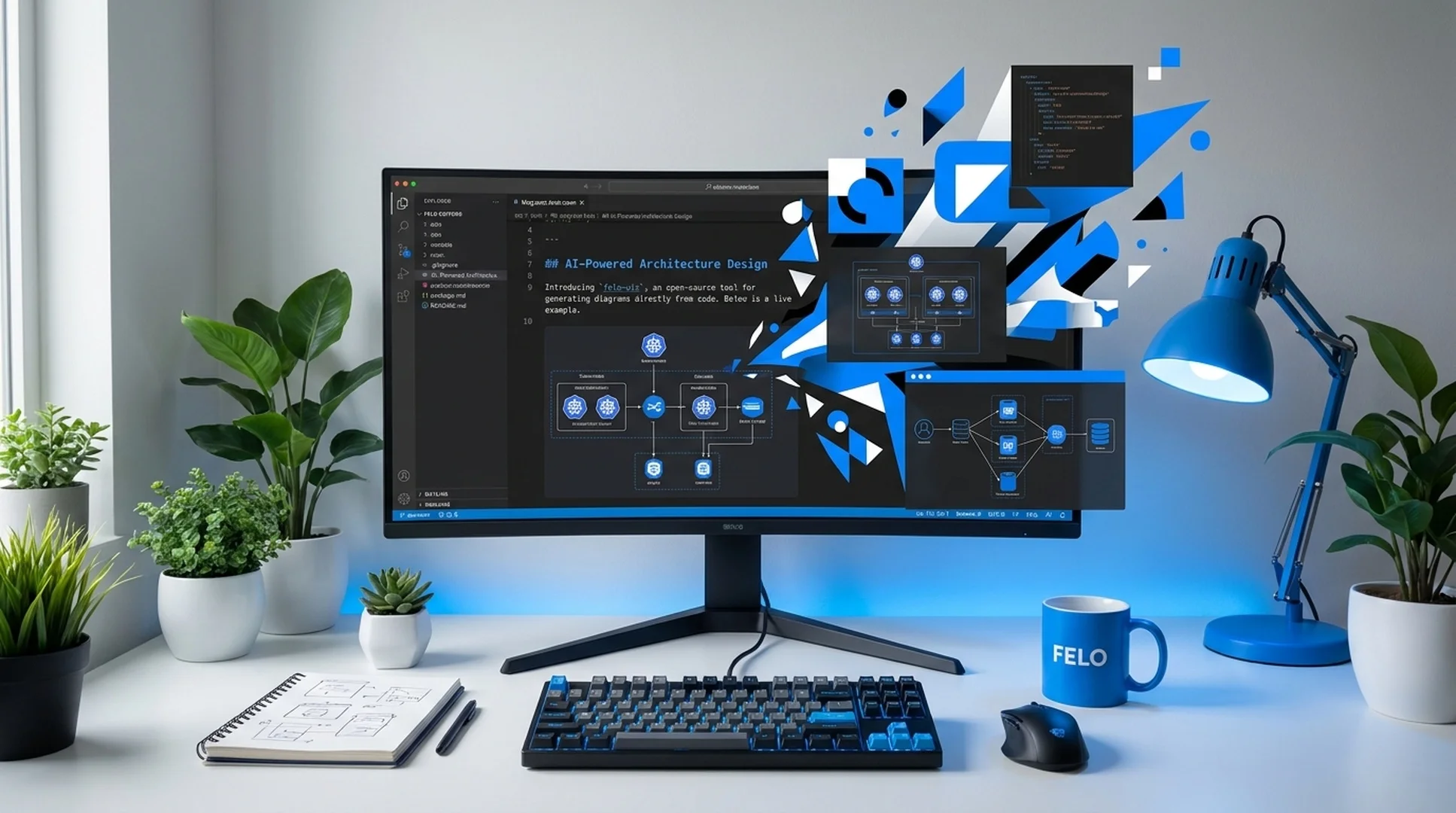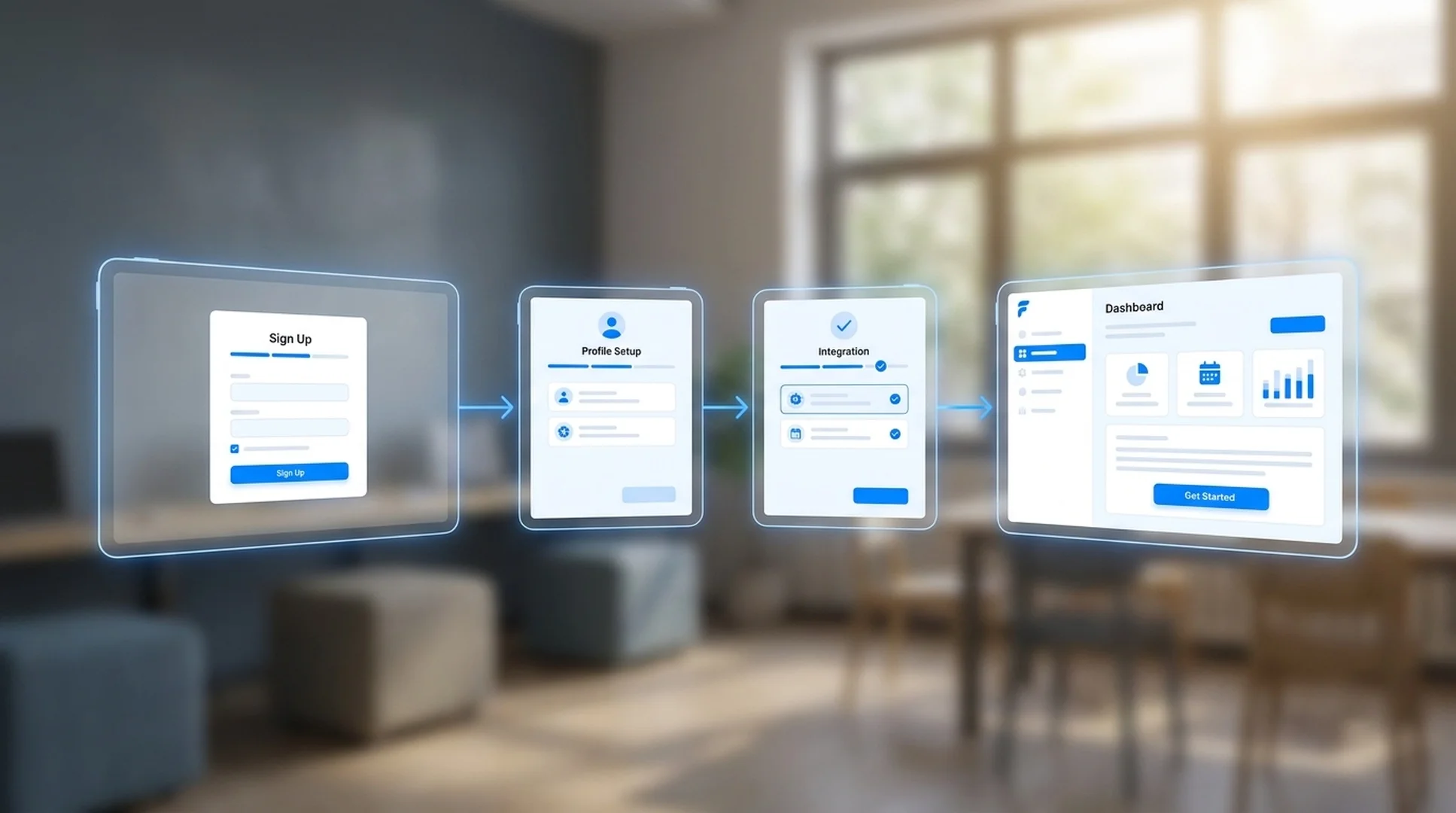


Codex 스킬 · 페이지 캡처 및 문서화

Website Screenshot Agent Codex 스킬

Website Screenshot Agent for Codex automates website capture, competitor page monitoring, and Markdown report generation from your terminal. Use it when your team needs repeatable snapshots and structured evidence instead of ad-hoc browser screenshots.

Codex Automated page capture
doc-screenshot-agent process cases/competitor-monitoring.md
Reading capture plan and preparing browser sessions...
Capturing websites and writing the Markdown report...
Markdown report written to output/reports/competitor-monitoring.md

Built for Codex users who need repeatable website snapshots and Markdown-ready reports without leaving the terminal.

Codex skill
website screenshot automation
npm install
one-command setup
Batch
multi-page capture workflows
Markdown
report-ready output

수동 웹사이트 스크린샷 작업으로 인해 연구가 확장되어야 하는 순간이 중단됩니다.

경쟁사 조사, 웹사이트 모니터링 또는 감사 문서를 수행하는 팀도 같은 벽에 부딪혔습니다. 페이지를 수동으로 캡처하는 것은 느리고 일관성이 없으며 수십 개의 사이트에서 유지 관리하는 것이 불가능합니다.

보고서가 완료되기 전에 경쟁업체 페이지가 변경됨

가격표, 주요 헤드라인, CTA 사본 및 기능 페이지는 며칠 내에 변경될 수 있습니다. 수동 스크린샷 데크가 구성될 때쯤에는 증거의 일부가 이미 오래되었습니다.

수동 캡처는 20개, 50개 또는 200개 URL에 걸쳐 확장되지 않습니다.

페이지를 열고, 브라우저 크기를 조정하고, 오른쪽 섹션으로 스크롤하고, 화면을 캡처하고, 파일 이름을 바꾸고, 올바른 폴더로 이동합니다. 검토해야 하는 모든 사이트에서 해당 프로세스를 반복합니다.

구조가 없는 원시 스크린샷은 사용할 수 없는 증거가 됩니다.

스크린샷으로 가득 찬 폴더는 연구 결과물이 아닙니다. 팀에는 캡처된 내용, 출처, 중요성을 설명하는 읽기 가능한 Markdown 보고서가 여전히 필요합니다.

한 명의 에이전트가 웹사이트를 캡처하고 Markdown 보고서를 작성합니다.

Website Screenshot Agent는 Markdown 캡처 개요를 읽고, 웹사이트 스크린샷을 찍고, 인증된 페이지를 처리하고, 자산을 구성하고, 팀이 검토, 공유 또는 커밋할 수 있는 구조화된 Markdown 보고서를 작성합니다.

  • Markdown, 제목 또는 요약 테이블에서 캡처 지침을 구문 분석합니다.
  • 랜딩 페이지, 가격 페이지, 문서, 대시보드 등에서 웹사이트 스크린샷을 자동화하세요.
  • 경쟁업체 조사, 웹사이트 모니터링, 반복적인 스냅샷 실행 지원
  • 구성된 자격 증명으로 로그인 보호 페이지 캡처
  • 올바른 섹션에 스크린샷을 배치하여 깨끗한 Markdown 보고서를 내보냅니다.
1
PlanList the pages, URLs, and sections you want to capture in Markdown
2
CaptureThe agent opens each site, handles auth, and captures screenshots
3
CompileScreenshots are inserted into a structured Markdown report
4
ShareExport the report for research reviews, audits, or recurring monitoring

Install the Website Screenshot Agent skill in Codex

Use npm to install the full Felo skill pack, or copy doc-snapshot-agent directly into your Codex skills directory.

How to install the Website Screenshot Agent skill in Codex

Codex

Capture website screenshots, monitor competitor pages, and compile Markdown reports from your Codex terminal without switching to a browser.

# Install all Felo skills globally npm install -g felo-ai # Or install this skill manually git clone https://github.com/Felo-Inc/felo-skills.git cd felo-skills cp -r doc-snapshot-agent ~/.codex/skills/


Read Felo API Docs

Website Screenshot Agent가 하는 일

일회성 수동 스크린샷 대신 반복 가능한 웹 사이트 스냅샷과 Markdown 지원 출력이 필요한 팀을 위한 6가지 기능입니다.

자동화된 웹사이트 스크린샷 캡처

제품 페이지, 랜딩 페이지, 가격 페이지, 문서, 대시보드 및 기타 대상을 자동으로 연 다음 올바른 뷰포트와 해상도에서 깨끗한 스크린샷을 캡처합니다.

경쟁사 및 시장 페이지 모니터링

매번 워크플로를 다시 구축하지 않고도 동일한 캡처 계획을 재사용하여 경쟁사 메시지, 가격 책정 페이지, 출시 페이지 및 시장 변화를 주시할 수 있습니다.

Markdown 보고서 생성

기술은 이미지에만 국한되지 않습니다. 스크린샷을 읽을 수 있는 Markdown 보고서로 구성하므로 출력을 비동기 검토, 저장소, 문서 또는 연구 전달에 사용할 수 있습니다.

증분 재실행 및 새로 고침

이미 대부분의 보고서를 캡처했습니까? 전체 캡처 작업을 처음부터 반복하는 대신 워크플로를 다시 실행하고 변경된 내용만 업데이트하세요.

인증된 페이지 캡처

자격 증명을 한 번 설정하면 보호된 페이지, 내부 도구, SaaS 대시보드 또는 기타 인증된 상태를 동일한 자동화된 워크플로의 일부로 캡처할 수 있습니다.

팀 워크플로우를 위한 구조화된 출력

원시 스크린샷, 처리된 자산 및 최종 Markdown 보고서를 쉽게 검토하고, 커밋하고, 비교하고, 반복 작업 워크플로에 연결할 수 있는 예측 가능한 폴더에 저장하세요.

Website Screenshot Agent가 가장 유용한 곳

팀이 일회성 스크린샷 대신 빠르고 반복 가능한 웹사이트 스냅샷을 필요로 하는 고가치 워크플로입니다.

Competitor landing page research with automated website screenshots

경쟁사 랜딩 페이지 조사

상황: 제품 마케팅 팀은 포지셔닝 검토 전에 경쟁사 홈페이지, 가격 페이지, 기능 페이지 및 가입 흐름에 대한 새로운 스크린샷이 필요합니다.
선택한 경쟁사 URL을 캡처하고 회사 및 페이지 유형별로 섹션이 하나씩 포함된 Markdown 연구 보고서를 출력합니다.
Website monitoring snapshot report with structured Markdown output

웹사이트 변경 모니터링 및 스냅샷 아카이브

상황: 팀에서는 시간 경과에 따른 메시징, 디자인 및 구조적 변경 사항을 문서화하기 위해 자체 사이트, 파트너 사이트 또는 경쟁사 페이지의 주간 스냅샷을 원합니다.
반복 캡처 계획을 실행하고, 대상 페이지를 다시 잡고, 이 모니터링 주기에 대한 새로운 Markdown 스냅샷 보고서를 작성합니다.
Audit pack with public and authenticated website captures

제품, 콘텐츠 또는 영업팀을 위한 감사 팩

상황: 출시 검토 또는 배틀카드 프로젝트에는 공개 페이지 및 인증된 제품 상태의 스크린샷이 필요하며, 모두 팀이 비동기적으로 검토할 수 있는 단일 보고서로 구성되어 있습니다.
필요한 공개 페이지와 로그인 상태를 캡처한 다음 증거를 구조화된 Markdown 감사 문서로 컴파일합니다.

Get the Website Screenshot Agent skill running in Codex in 3 steps

Install the skill, describe the pages you need to capture, and generate your first Markdown screenshot report.

1

Install via npm or copy the skill folder

Run npm install -g felo-ai for the full skill pack, or copy doc-snapshot-agent into ~/.codex/skills/ from the cloned repo.

2

Write a capture brief

List the URLs, page sections, and evidence you need in a Markdown file or describe them directly to Codex.

3

Run the capture workflow

Ask Codex to execute Website Screenshot Agent on your brief and review the generated Markdown report with organized screenshots.

Website Screenshot Agent에 대해 팀이 말하는 것

임시 스크린샷을 대체하는 초기 사용자는 반복 가능한 웹 사이트 캡처 및 Markdown 보고를 사용합니다.

★★★★★
우리는 모든 경쟁사 리뷰 전에 스크린샷을 수집하는 데 반나절을 소비했습니다. 이제 하나의 캡처 브리핑은 모든 증거가 올바른 순서로 포함된 Markdown 보고서를 제공합니다.
Daniel Park
다니엘 박
경쟁 정보 리드, SaaS 플랫폼
★★★★★
가장 큰 승리는 일관성입니다. 이제 모든 랜딩 페이지 검토는 동일한 웹사이트 스냅샷 작업 흐름을 사용하므로 우리 팀은 누락된 스크린샷에 대한 논쟁을 멈추고 결과에 대해 논의하기 시작합니다.
Rachel Morgan
레이첼 모건
제품 마케팅 관리자
★★★★★
우리는 이를 반복적인 현장 감사 및 내부 보고에 사용합니다. 인증된 페이지 캡처와 Markdown 출력의 조합은 우리 팀이 이미 작업하는 방식과 완벽하게 들어맞습니다.
Vik Patel
빅 파텔
운영 분석가

중요한 Website Screenshot Agent 결과

워크플로 1개
포획 계획부터 보고까지
수동 0개
브라우저 스크린샷 단계
Markdown
보고 준비가 완료된 출력
반복 가능
모니터링 및 감사 실행

Website Screenshot Agent Codex skill FAQ

How do I install the Website Screenshot Agent skill in Codex?
Run npm install -g felo-ai for all Felo skills at once, or clone the repo and copy doc-snapshot-agent into ~/.codex/skills/. The skill is ready to use once the files are in place.
Can the Codex skill capture login-protected pages?
Yes. Configure credentials through environment variables and the skill will handle authentication before capturing dashboards, internal tools, or other protected pages.
What output format does the skill produce?
It generates a structured Markdown report with screenshots placed in the right sections, plus organized raw and processed image assets in predictable folders.
Can I use it for recurring competitor monitoring in Codex?
Yes. Reuse the same capture brief to collect fresh screenshots on a regular schedule and produce updated Markdown reports each time.

Automate website screenshots from your Codex terminal

Install doc-snapshot-agent and turn manual screenshot tasks into repeatable capture workflows with Markdown report output.

One install covers the full Felo skill set in Codex. Capture websites, organize evidence, and ship reports from a single terminal session.