Scenario 01
QA डॉक्यूमेंटेशन
Agent task में QA report के लिए UI flow की current state capture करनी है।
QA report के लिए हमारे checkout flow की current state capture करें।
Antigravity का Browser Subagent Chrome control कर सकता है — लेकिन screenshots को capture, annotate और structured report में organize करना एक अलग काम है। Website Screenshot Agent एक Markdown capture plan पढ़ता है, हर URL visit करता है, screenshots लेता है, authenticated pages handle करता है, और एक documented report assemble करता है जिसे team review और share कर सके।
ये वो prompts हैं जहाँ Antigravity का Agent Manager doc-screenshot-agent को route करता है — जब task को सिर्फ text नहीं बल्कि visual evidence चाहिए।
Agent task में QA report के लिए UI flow की current state capture करनी है।
Agent को visual evidence के साथ UI change document करनी है।
Agent task में design review के लिए competitor का UI capture और analyze करना है।
छह capabilities जो एजेंट्स को IDE छोड़े बिना visual evidence capture करने और उस पर reason करने देती हैं।
एजेंट किसी documentation या QA task के हिस्से के रूप में किसी भी URL के screenshots कैप्चर करता है।
विशिष्ट UI elements या page sections को target करता है — सिर्फ़ full-page screenshots नहीं।
Capture किए गए screenshots से एजेंट के आगे के reasoning के लिए readable text निकालता है।

Visual diff documentation के लिए एजेंट किसी change से पहले और बाद की states capture करता है।
Screenshots store होते हैं और एजेंट के output में URL के ज़रिए reference किए जाते हैं।

तब सक्रिय होता है जब एजेंट टास्क में visual documentation, QA या UI verification शामिल हो।
डेवलपर्स इस स्किल का उपयोग Antigravity के अंदर कैसे करते हैं — त्वरित खोज से लेकर जटिल बहु-चरण वर्कफ़्लो तक।
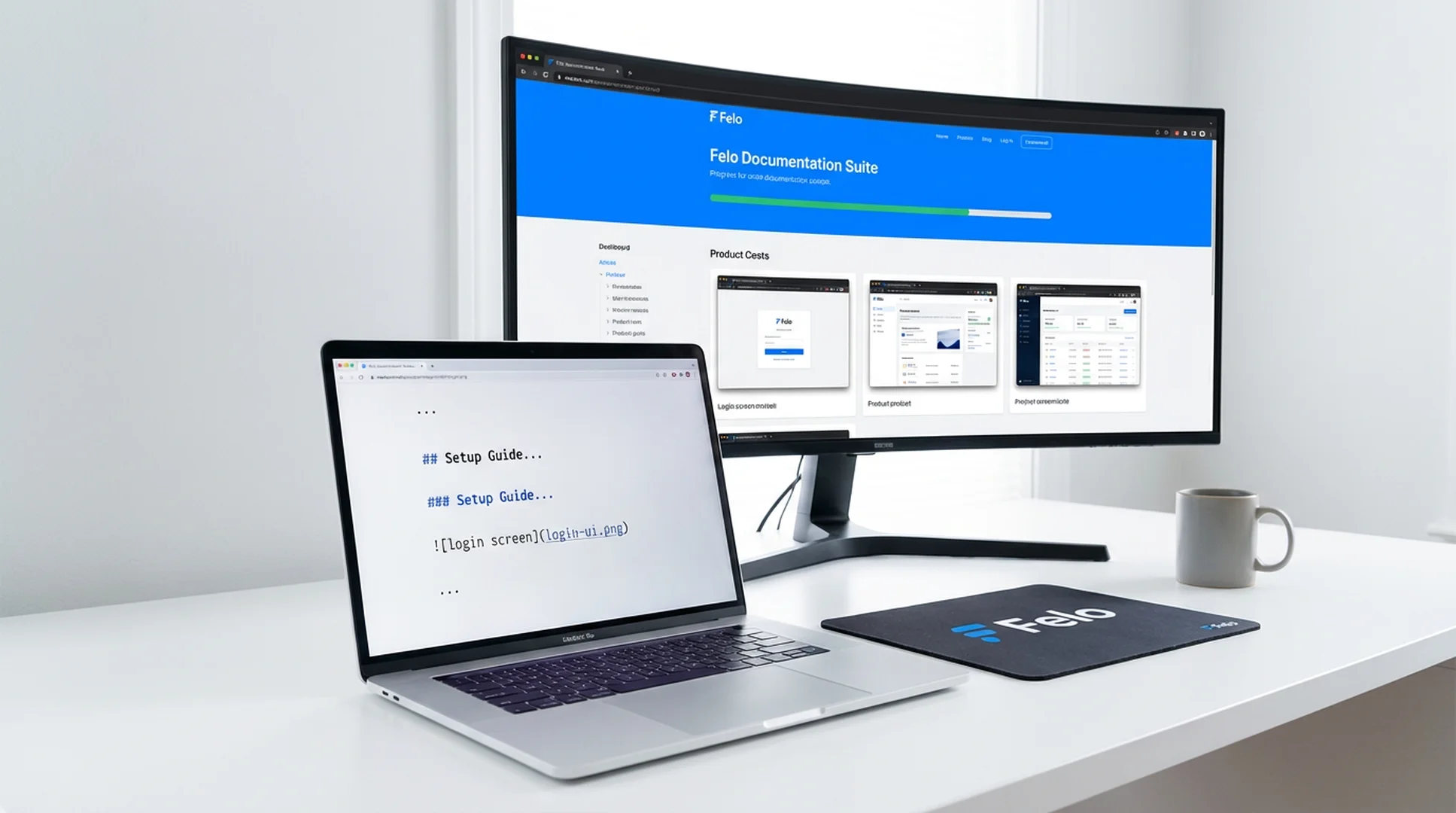
Agent task में QA report के लिए UI flow की current state capture करनी है।
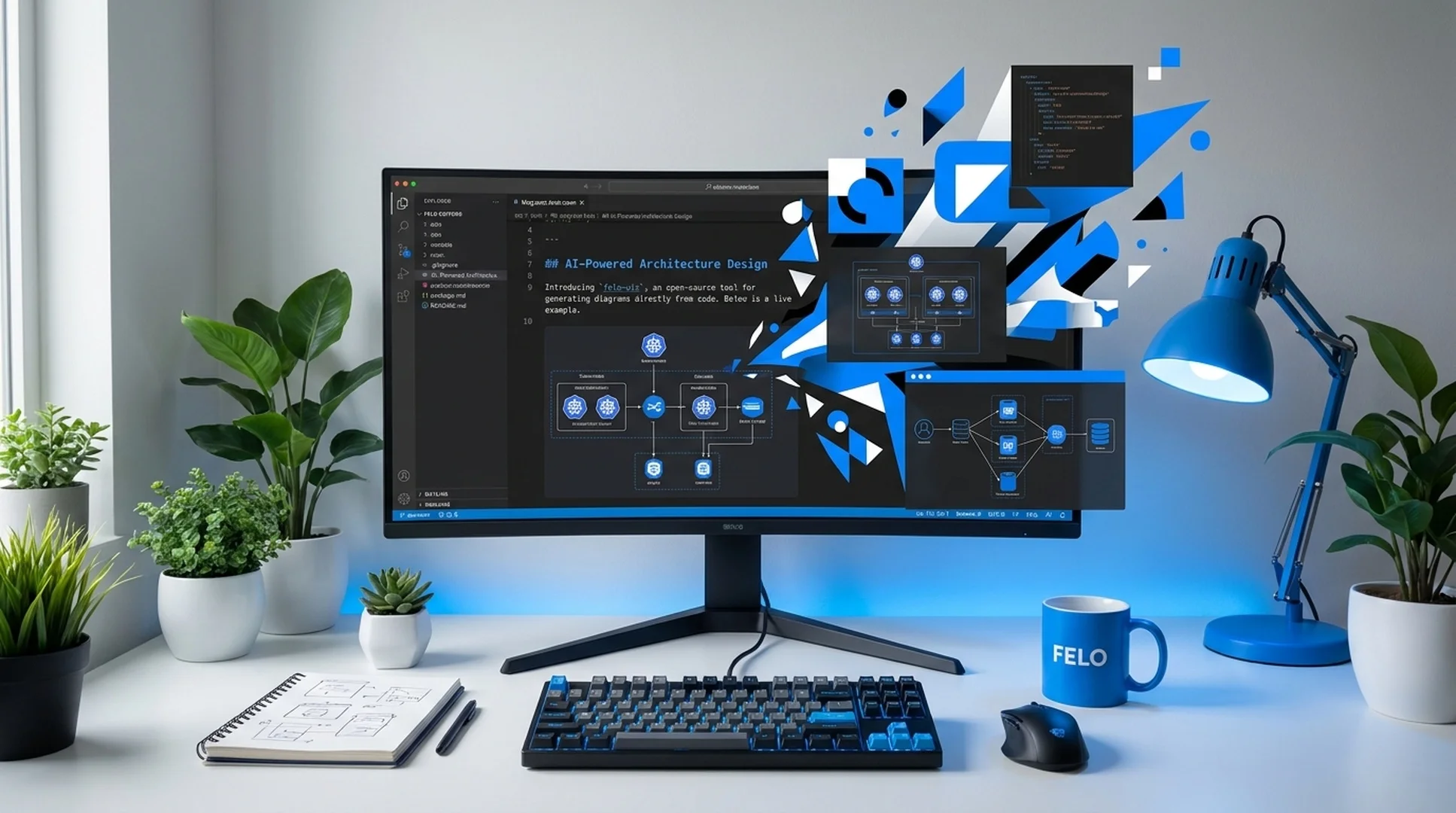
Agent को visual evidence के साथ UI change document करनी है।
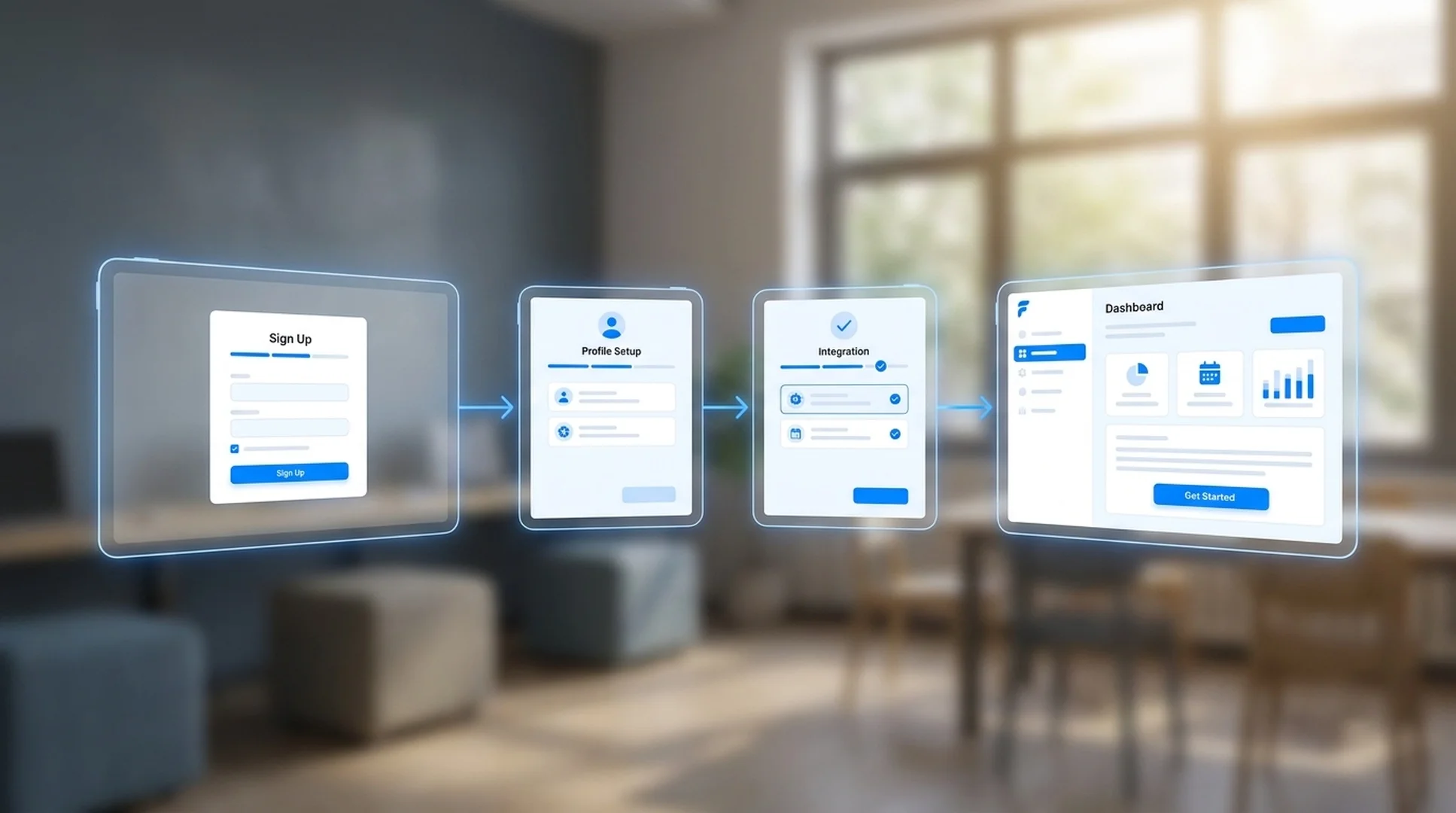
Agent task में design review के लिए competitor का UI capture और analyze करना है।
एक बार install होने के बाद, Agent Manager doc-screenshot-agent को तब trigger करता है जब task को visual evidence चाहिए — एजेंट capture plan पढ़ता है और automatically documented report produce करता है।
Felo स्किल्स रेपो क्लोन करें और स्किल को अपनी ग्लोबल Antigravity स्किल्स डायरेक्टरी में कॉपी करें।
# Clone the Felo skills repository
git clone https://github.com/Felo-Inc/felo-skills.git

# Copy this skill to your global Antigravity skills folder
cp -r felo-skills/doc-screenshot-agent ~/.gemini/antigravity/skills/इस प्रॉम्प्ट को सीधे Antigravity में पेस्ट करें। एजेंट रेपो क्लोन करेगा और स्किल को अपने आप कॉपी करेगा।
Felo skills repo clone करें और doc-screenshot-agent को .agent/skills/ में copy करें ताकि Git के ज़रिए team-wide access हो। SKILL.md description इसे उन tasks के लिए activate करता है जिनमें visual page capture या UI documentation की ज़रूरत हो।
एक .md file बनाएं जिसमें वे URLs, sections और evidence listed हों जो आप capture करना चाहते हैं। स्किल plan पढ़ती है, हर page को order में visit करती है, और आपके instructions के अनुसार screenshots organize करती है — authenticated pages भी, जब credentials set हों।
स्किल एक Markdown report produce करती है जिसमें आपके capture plan के अनुसार organized embedded screenshots होते हैं। Agent Manager इस report को एक larger deliverable में include कर सकता है — competitive analysis, QA summary, design review — बिना किसी manual screenshot work के।
कोई कॉन्फ़िगरेशन नहीं चाहिए। स्किल फ़ोल्डर के अंदर SKILL.md फ़ाइल Antigravity के Agent Manager को बताती है कि इसे कब सक्रिय करना है। एक बार फ़ोल्डर सही जगह पर होने के बाद, एजेंट आपके प्रॉम्प्ट के आधार पर स्वचालित रूप से स्किल पर रूट करता है।
doc-screenshot-agent को .agent/skills/ में install करें और Agent Manager को किसी भी research या QA workflow के हिस्से के रूप में web pages capture, annotate और report करने दें।