角色
32、64 或 128 像素的主角、NPC 與敵人,正面或側面,純色背景方便去背。
像素圖產生器
描述一個角色、道具、圖塊集或關卡,就能得到邊緣俐落、色數受限的像素畫。先選一個預設,改掉方括號裡的內容,再按送出。
預設提示詞以英文撰寫,因為圖像模型對網格、色盤與邊緣這類英文指令執行得更穩定。方括號裡的內容可以用中文寫。
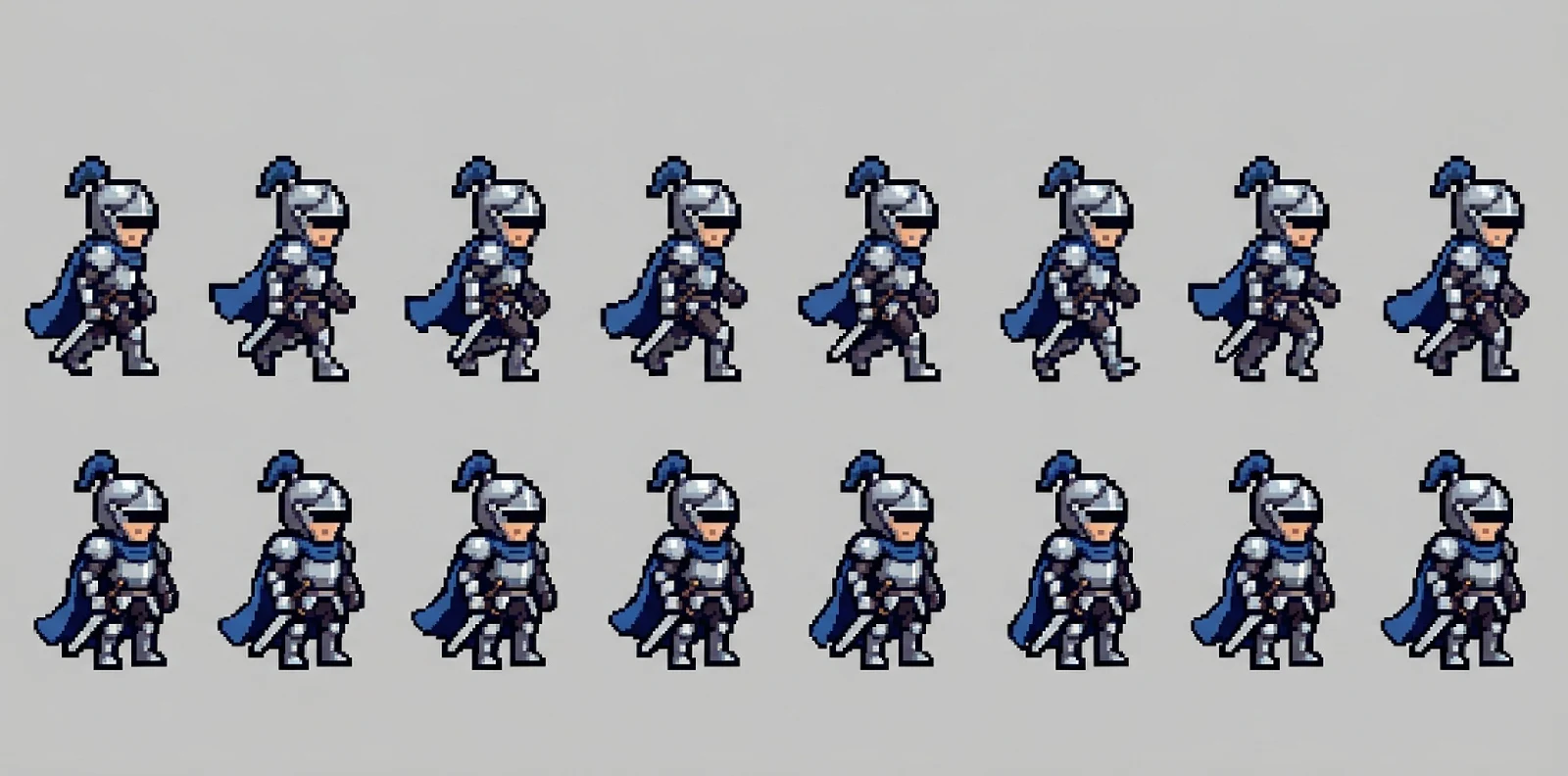
產生範例
下面每張圖都來自圖下方的提示詞。點一下載入產生器,換個主角就能用。
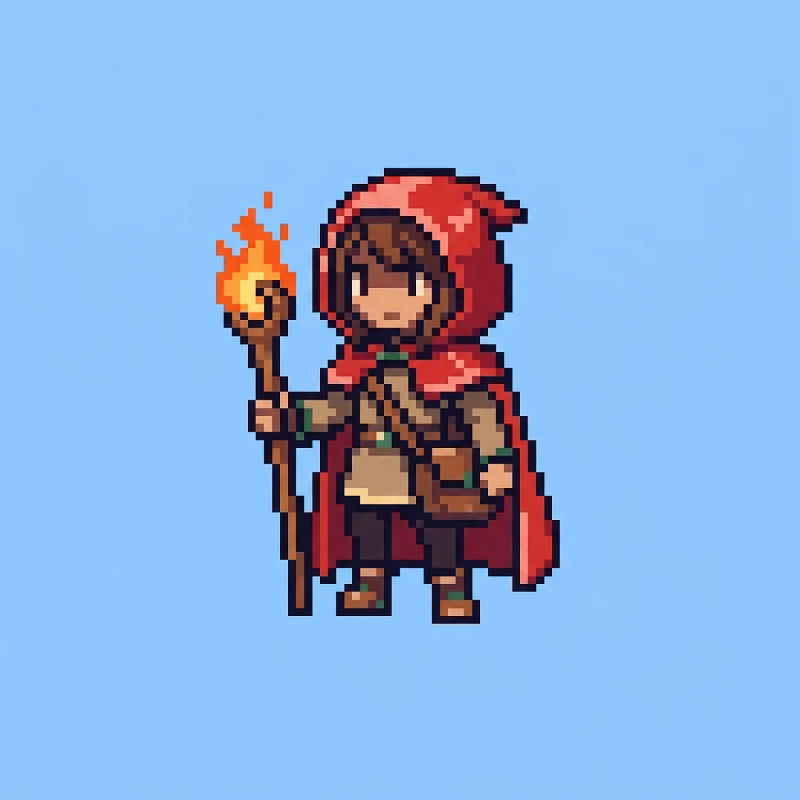
Pixel art character, 64x64 pixel sprite scaled up with nearest-neighbor, a young fire mage with a red hood, brown satchel and a glowing wooden staff, front three-quarter view, full body centered, retro 16-bit JRPG style, limited 16-color palette, crisp hard pixel edges, no anti-aliasing, flat solid pale blue background
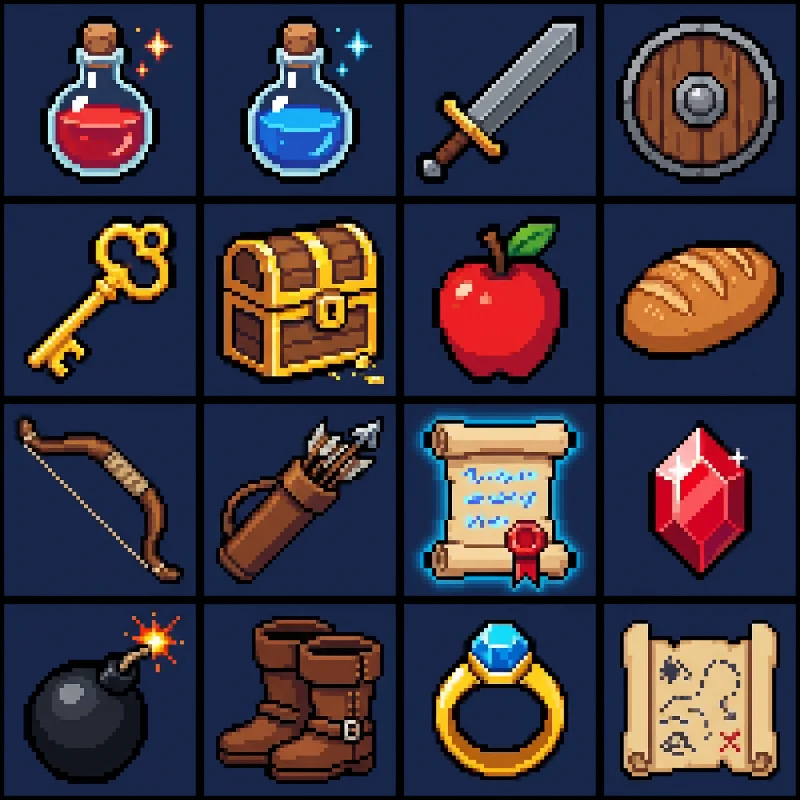
Pixel art game item icon set, 4 by 4 grid of 32x32 pixel icons: health potion, mana potion, iron sword, wooden shield, gold key, treasure chest, apple, bread, bow, arrows, magic scroll, ruby gem, bomb, leather boots, ring, map. Each icon centered in its cell with equal spacing, consistent 1-pixel dark outline, limited 32-color palette, crisp hard pixel edges, no anti-aliasing, flat solid dark navy background
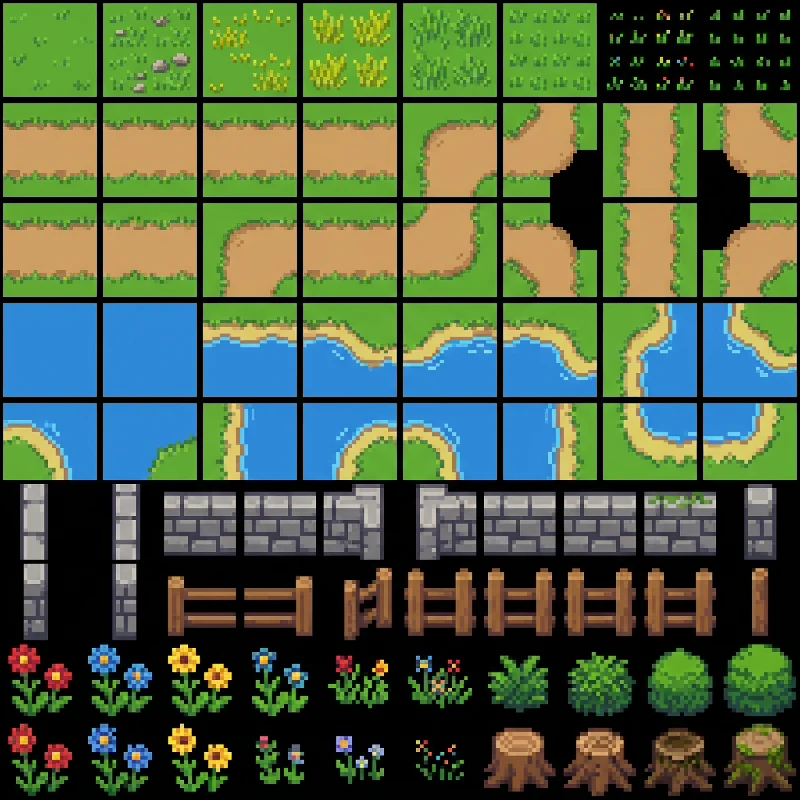
Top-down pixel art RPG tileset sheet, 16x16 pixel tiles arranged in a clean grid: grass variations, dirt path straights and corners, water with shoreline edges, stone wall pieces, wooden fence, flowers, small bushes, tree stumps. Seamless tile edges, consistent top-left light, limited 24-color palette, crisp hard pixel edges, no anti-aliasing, flat black background between tiles
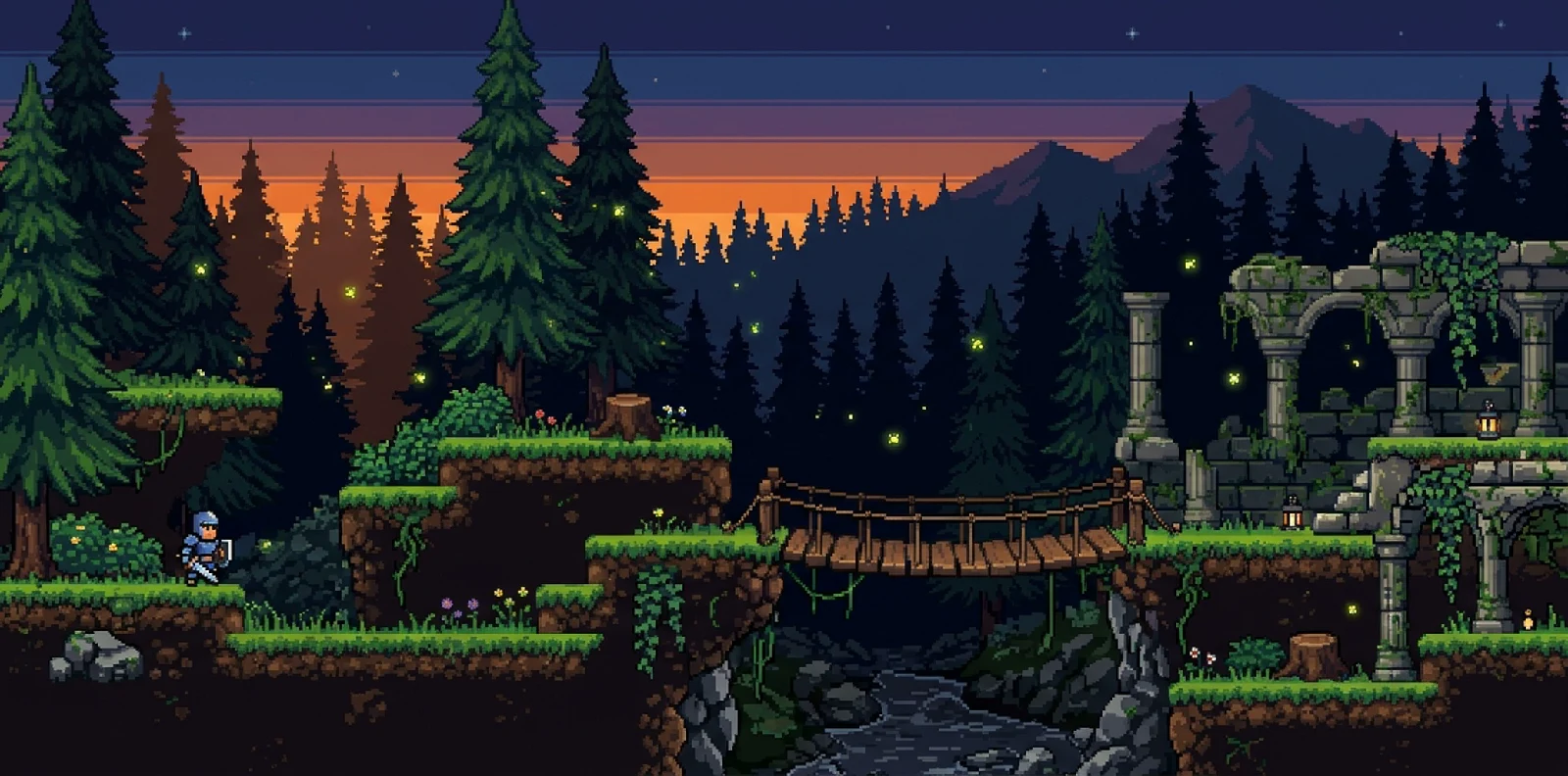
Side-scrolling pixel art platformer level, forest at dusk, grass-topped dirt platforms at three heights, wooden bridge over a gap, mossy stone ruins, pine trees in two parallax background layers, fireflies, 16x16 pixel tile grid, 16-bit console style, limited 32-color palette, crisp hard pixel edges, no anti-aliasing, wide landscape composition
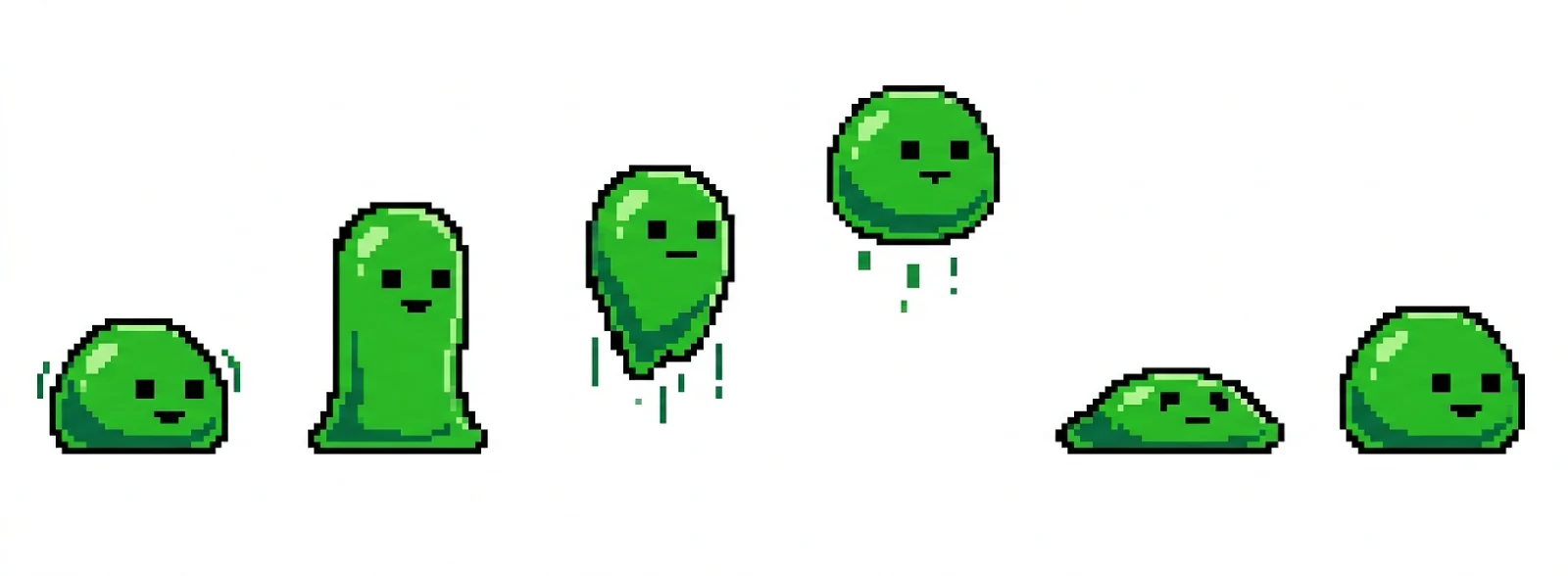
Pixel art sprite sheet of a green slime enemy, 32x32 pixel frames, one row of 6 frames: idle squish, stretch up, jump, mid-air, land squash, recover. Same size and palette in every frame, evenly spaced, side view, limited 12-color palette, crisp hard pixel edges, no anti-aliasing, flat solid white background
圖片轉像素畫
上傳照片、草圖或完成的插畫,選好網格與色盤,圖片會依原本的主體與構圖重新畫成像素畫。
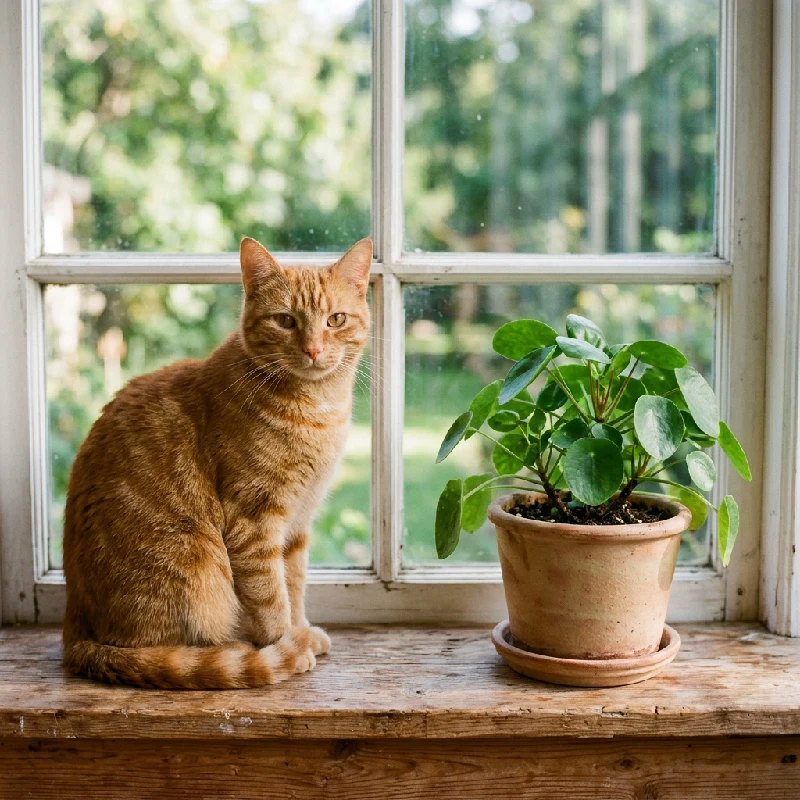 照片
照片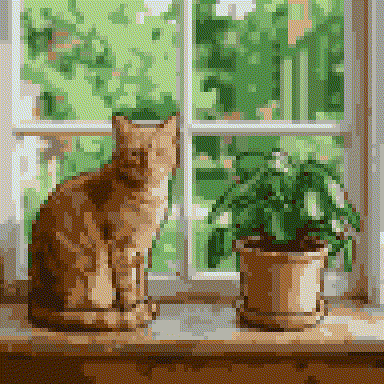 像素畫
像素畫六類遊戲素材,每一類都有自己的預設提示詞。
32、64 或 128 像素的主角、NPC 與敵人,正面或側面,純色背景方便去背。
一張圖就產出整套背包圖示,每格的描邊與配色一致。
平台高度分明、帶視差背景層的橫向關卡,適合做氛圍圖與關卡草稿。
16 像素網格上的俯視草地、小路、水岸與牆面,光源方向統一。
行走、待機、跳躍或攻擊影格按列排好,可直接在 Aseprite、Unity 或 Godot 裡切圖。
照片、草圖與大頭照重畫成像素畫,還能下載對齊網格的 PNG。
像素畫模型對幾個特定說法很敏感,每則提示詞都保留它們。
寫明精靈尺寸:32x32 像 Game Boy 時代,64x64 像 16 位元主機,128x128 像現代獨立遊戲。
「limited 16-color palette」能避免柔和漸層。顏色越少,復古感越強。
「crisp hard pixel edges, no anti-aliasing」讓輪廓不會糊進背景。
「flat solid background」只用一種底色,用魔術棒就能把角色去背。
選角色、道具、地圖、圖塊集或精靈圖,提示詞會載入產生器。
把方括號裡的內容換成你的點子,網格、色盤與邊緣相關的詞保留不動。
按送出,再在編輯器裡用最近鄰縮放把 PNG 縮到目標網格尺寸,得到精確像素。
產生結果是靜態 PNG,不是 GIF 動圖,也不是引擎專案檔。精靈圖各格的尺寸與細節可能略有偏差,切圖前請檢查。輸出是高解析度的像素風圖片;用網格對齊或最近鄰縮小,就能得到真正的 32、64 或 128 像素精靈。
在上方選一個預設,把方括號裡的主角換成你的點子,然後按送出。提示詞中的網格尺寸、色數限制與「no anti-aliasing」要保留,像素感主要靠它們。
可以。在圖片轉像素畫工具上傳不超過 20 MB 的 JPG、PNG 或 WebP,選 32、64 或 128 像素網格與色盤後轉換。還能下載每個像素大小一致的對齊網格 PNG。
可以。精靈圖預設會要求行走與待機影格按等距的列排列。確認每格尺寸與比例一致後,在 Aseprite、Unity、Godot 或 GameMaker 裡切圖即可。
Felo 帳戶附有免費點數,可以先試用。每次產生與轉換都會使用點數,付費方案提供更多點數。
不能,產生的是靜態圖片。要做動畫,可以先產生精靈圖,再在遊戲引擎或 Aseprite 這類編輯器裡播放各格。
產生的內容可用於你的專案,但須遵守 Felo 的使用條款。上線前請確認結果與既有角色不會過於相似。