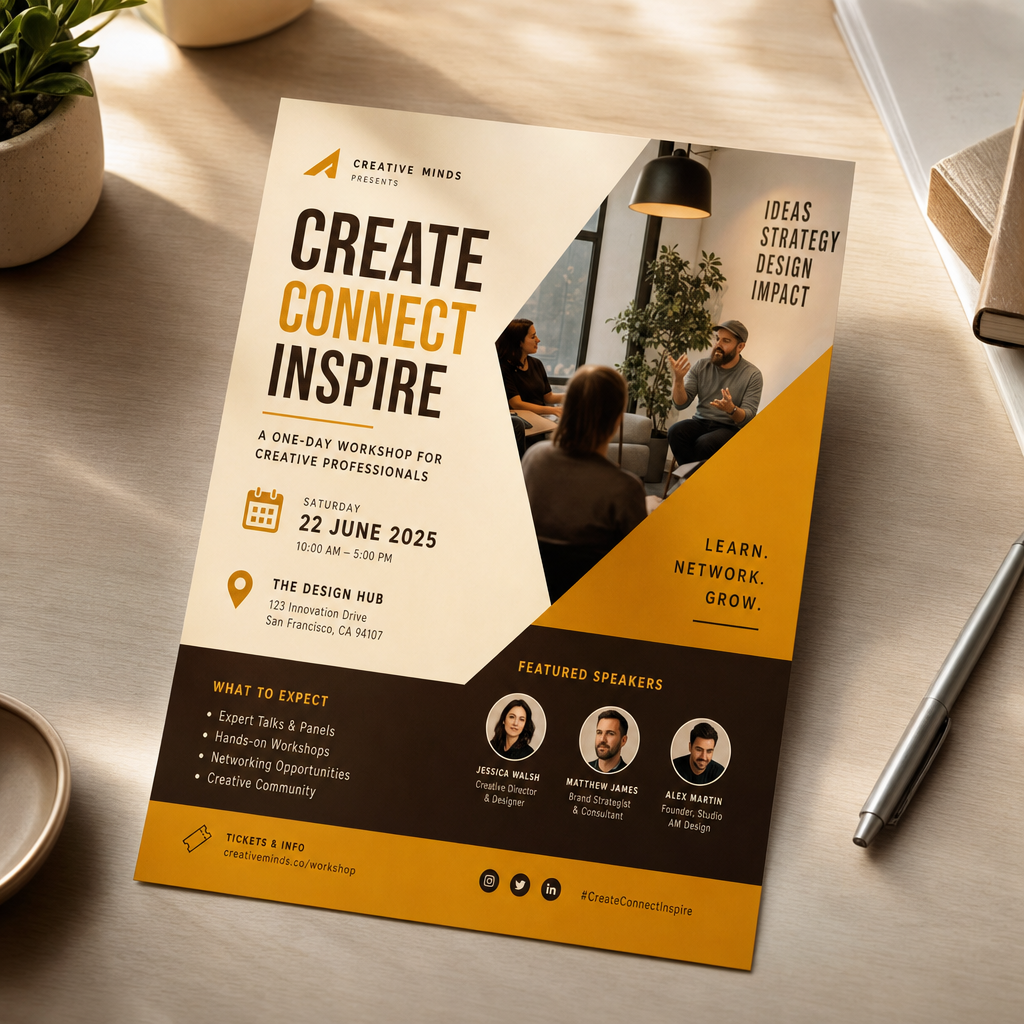
Event flyers that make the details easy to spot
For workshops, shows, pop-ups, webinars, and local events, generate flyer concepts that keep the date, place, audience, and headline clear.
Prompt-first flyer workflow
Create flyers from text online for events, offers, recruiting, and community announcements. Start with a short brief, generate a strong flyer direction, then adapt it for print handouts, web pages, and social posts.
Start with the job the flyer needs to do. The sections below focus on common flyer routes, prompt angles, and where the design usually gets reused.
Flyer routes
A useful flyer is not just a nice image. It needs the right message hierarchy, format, and call to action for the place where people will see it.
How to use this section
Pick the route closest to your task first. Once the job is clear, the prompt can define the headline, details, visual mood, and output format with less guesswork.
For workshops, shows, pop-ups, webinars, and local events, generate flyer concepts that keep the date, place, audience, and headline clear.
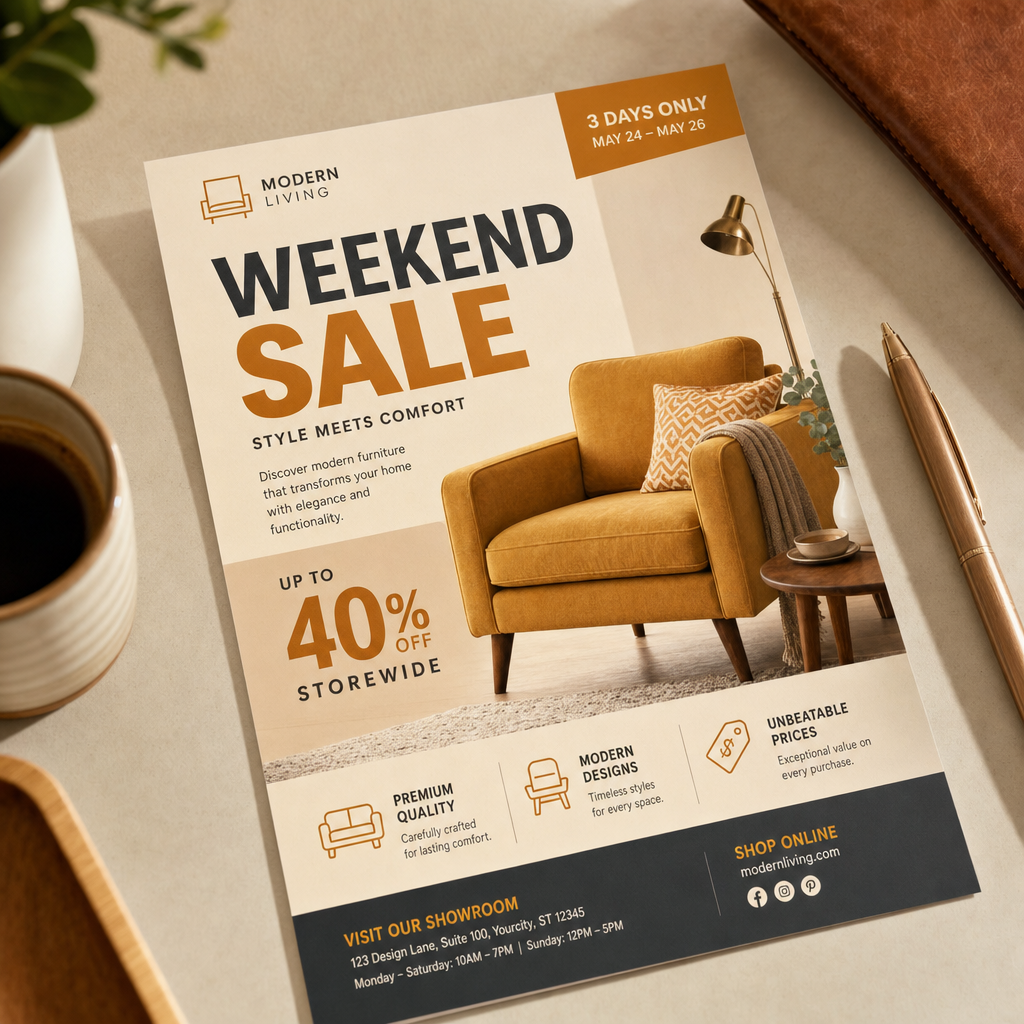

For sales, menu updates, launch offers, and retail campaigns, create flyer directions where the product, discount, and next step are easy to understand.
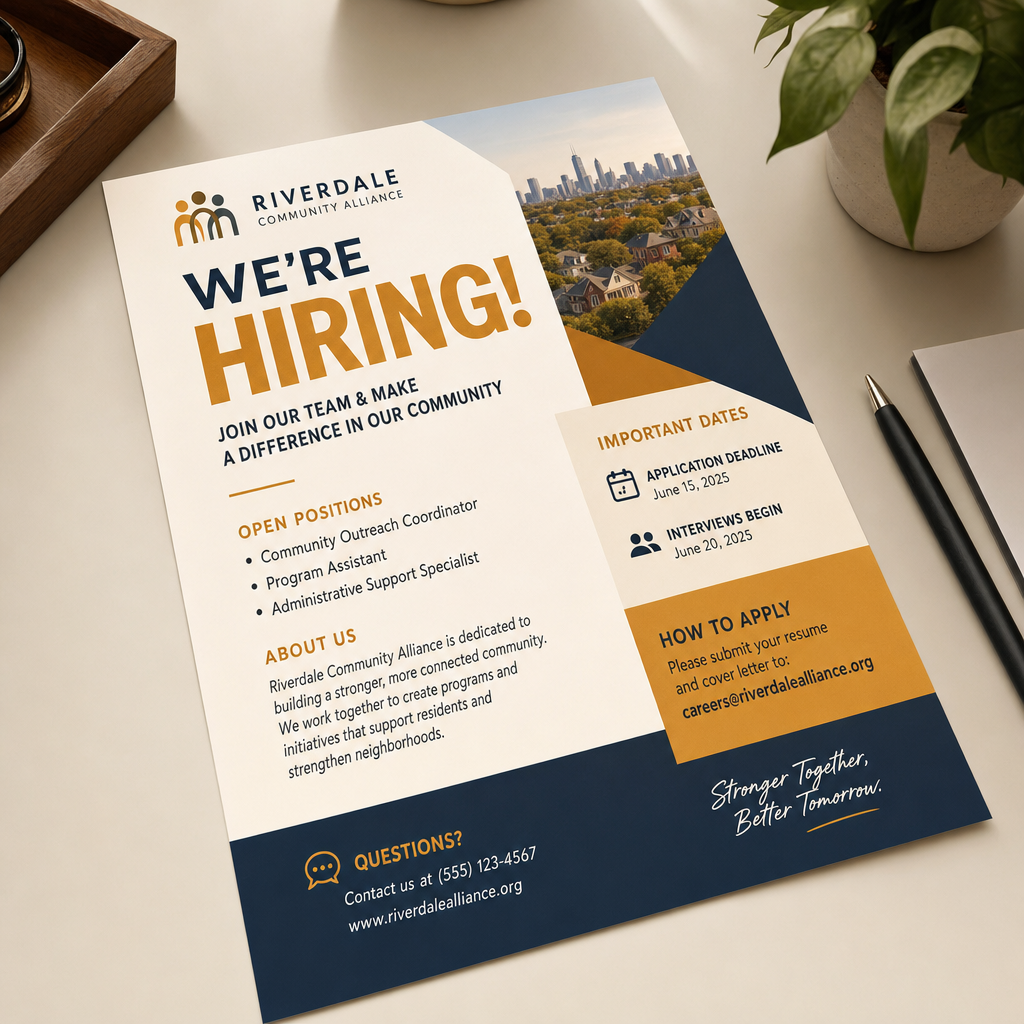

For hiring posts, school notices, nonprofit drives, and community updates, create a flyer-led visual that works as a handout, post, banner, or email header.
Brief-first planning
This section turns common flyer requests into prompt-ready briefs, so the first result starts closer to the real task instead of a generic layout.
Event handout
Prompt angle
Clear event name, date and time hierarchy, location, audience, mood, readable headline, and room for signup or ticket details.
Need to ship
A workshop, club night, campus event, webinar, market stall, class, or local meetup needs a flyer people can scan quickly.
Usually becomes
Printed flyer, story post, event listing hero, email header, lobby screen, or signup graphic.
Offer push
Prompt angle
Hero product focus, one strong offer, short supporting copy, campaign color direction, visible price or benefit, and social crop planning.
Need to ship
A store sale, restaurant special, service package, product launch, seasonal discount, or neighborhood promo needs a visual today.
Usually becomes
Promo flyer, storefront printout, paid-social creative, menu insert, marketplace banner, or web campaign asset.
Community notice
Prompt angle
Direct message, friendly tone, simple icon or photo direction, readable details, contact line, and format options for print and social.
Need to ship
A hiring notice, school update, volunteer drive, nonprofit request, club announcement, or neighborhood information sheet needs a polished first version.
Usually becomes
Announcement flyer, bulletin board print, WhatsApp image, Facebook post, newsletter graphic, or poster draft.
This page focuses on the flyer jobs teams and small businesses handle every week: events, offers, notices, recruiting, and fast campaign handoffs.
 01
01Start with a short brief and turn the message into flyer concepts without arranging every block by hand.
 02
02Try clean, bold, editorial, local, retail, or community-focused directions while the message is still taking shape.
 03
03Guide the AI toward flyers where headline, details, offer, date, and call to action stay clear.
 04
04Generate concepts you can adapt for handouts, posters, web banners, email graphics, and social posts.
 05
05Move through several visual directions quickly before spending time polishing the final flyer.
 06
06Include your tone, audience, colors, product angle, and format needs so outputs fit the campaign better.
Workflow
The process should feel like briefing a fast design partner. Give the job, add the important details, then refine the strongest flyer direction.
Enter the event, offer, notice, audience, format, and any details that must appear in the flyer.
Add style, color, tone, image references, print needs, or social size requirements so the result fits the channel.
Create variations, compare the message hierarchy, and adapt the strongest version for print, web, or social sharing.
You can create flyers for events, sales, product launches, recruiting, community notices, school updates, nonprofit drives, and local business announcements. Start with the message and use case, then refine the visual direction.
Yes. A short text brief with the purpose, audience, headline, details, tone, and format is enough to generate a first flyer concept. Reference images can help when you need a specific product or brand look.
This page is positioned as a free AI flyer generator experience built on Felo's shared AI image workflow. It is designed for fast concept exploration before you decide which version to refine.
Yes. The goal is to create a strong flyer concept that can be adapted for handouts, posters, web graphics, email headers, Instagram posts, Facebook posts, and other social formats.
Include the flyer goal, audience, headline, key details, offer or date, brand tone, color direction, format, and where the flyer will be used. The clearer the job, the easier it is to get a useful first result.
A flyer usually carries more practical information and may be used as a handout, announcement, email graphic, or social post. A poster often focuses more on one bold visual idea. This page is tuned for flyer-style briefs with clear details and reuse across channels.
Describe the event, offer, notice, or announcement you need to promote and generate flyer directions online in seconds.
Try AI Flyer GeneratorPowered by Felo's shared AI image workflow.