 Free AI Photo Editor — No subscription needed
Edit Photos with AI. Free, Online, No App Required.
Remove backgrounds, expand frames, repaint any area, upscale to 4K — or just type what you want changed. Felo AI Image is a free online photo editor powered by AI that works in your browser.
Edit Photos Free →Free to start — no credit card required
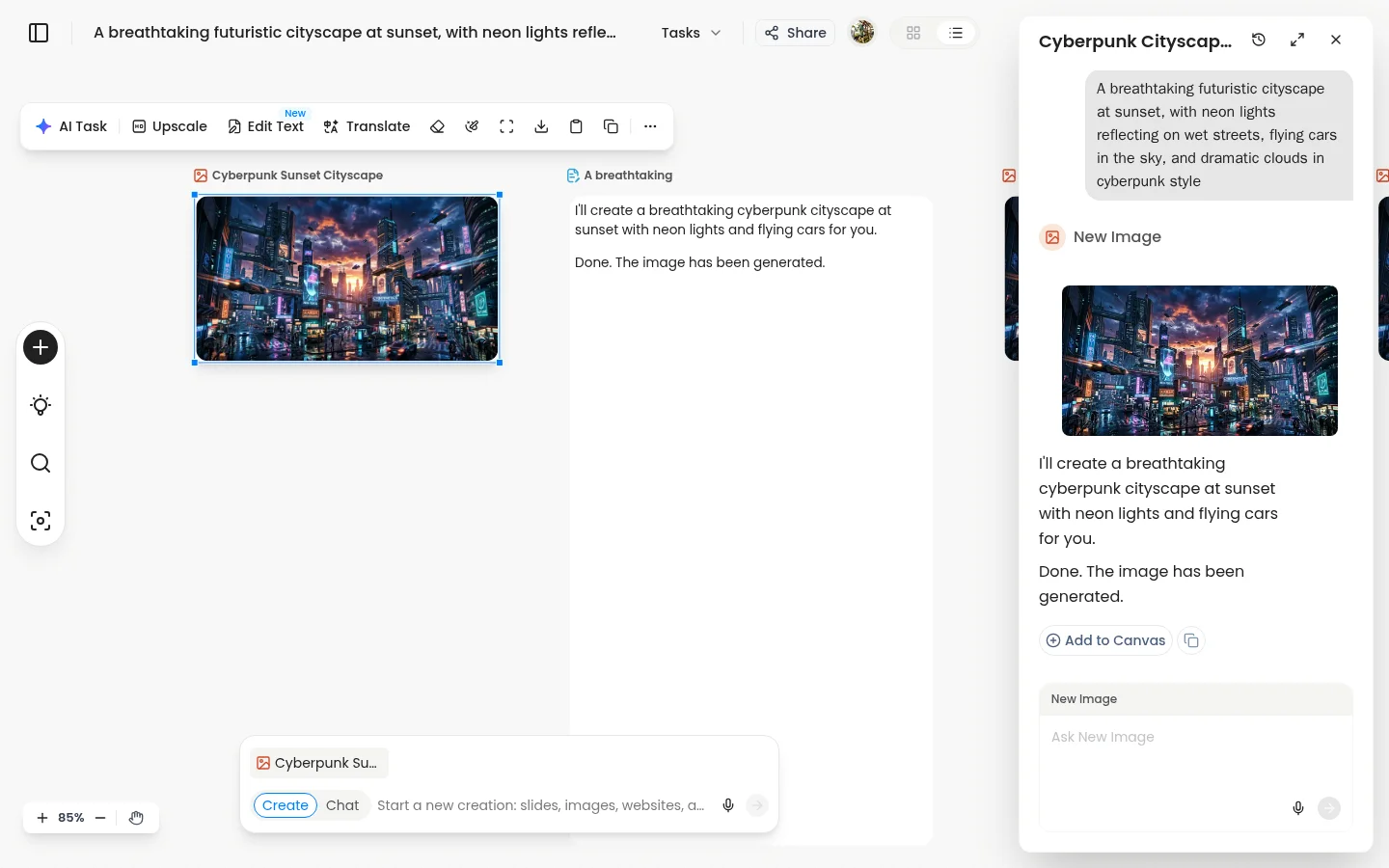
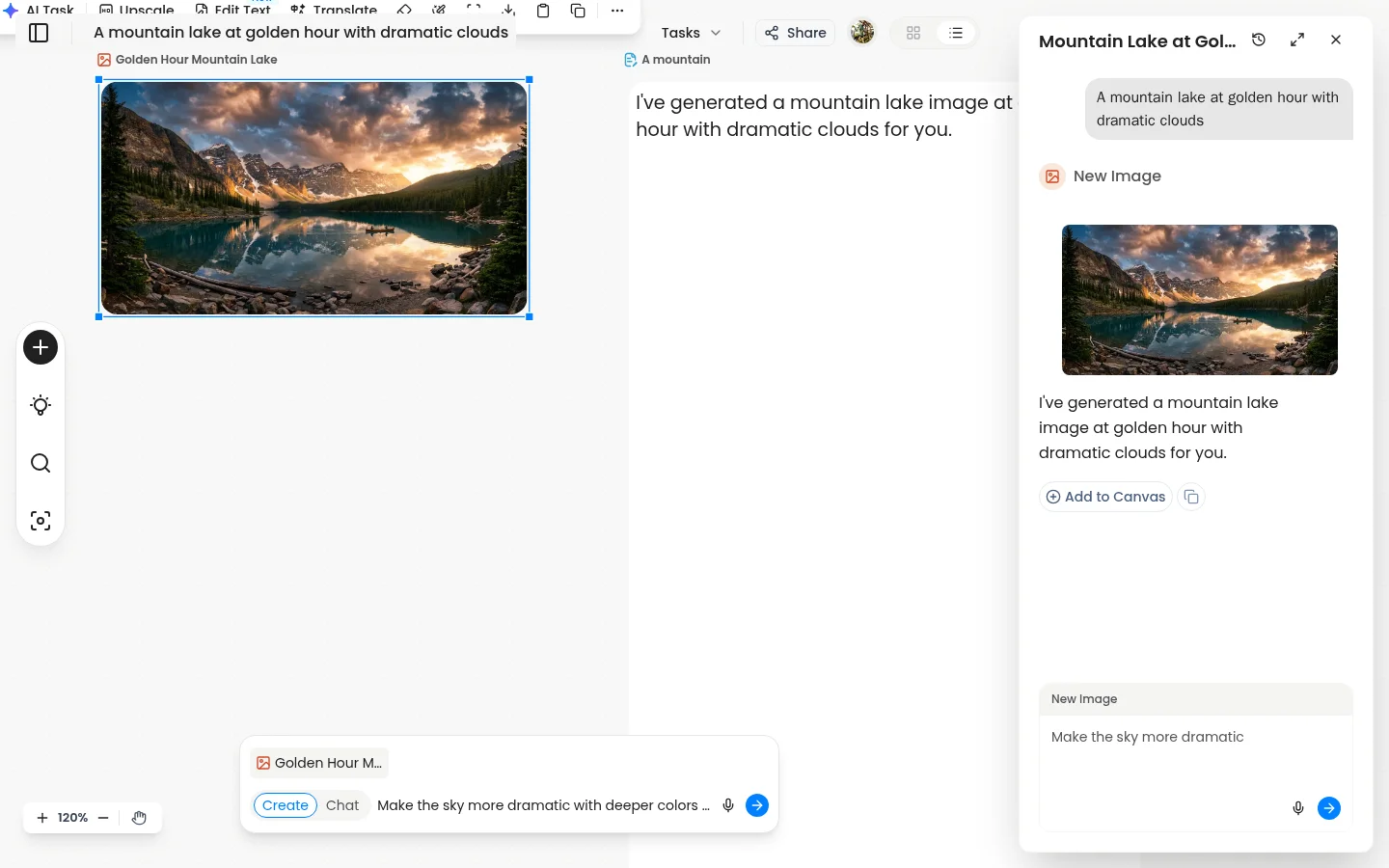
Just Describe What You Want Changed
No sliders, no layers, no manual selections. Type a plain-language instruction and the AI edits the photo exactly where you point. Point anywhere, describe anything.
- →"Make the sky more dramatic and add storm clouds"
- →"Remove the person on the left and fill in the background"
- →"Change the jacket color to deep red"
Every Editing Tool on One Canvas
Generate or upload a photo, then edit it without switching tools. Inpaint, remove backgrounds, expand the frame, upscale to 4K — all in one workspace.
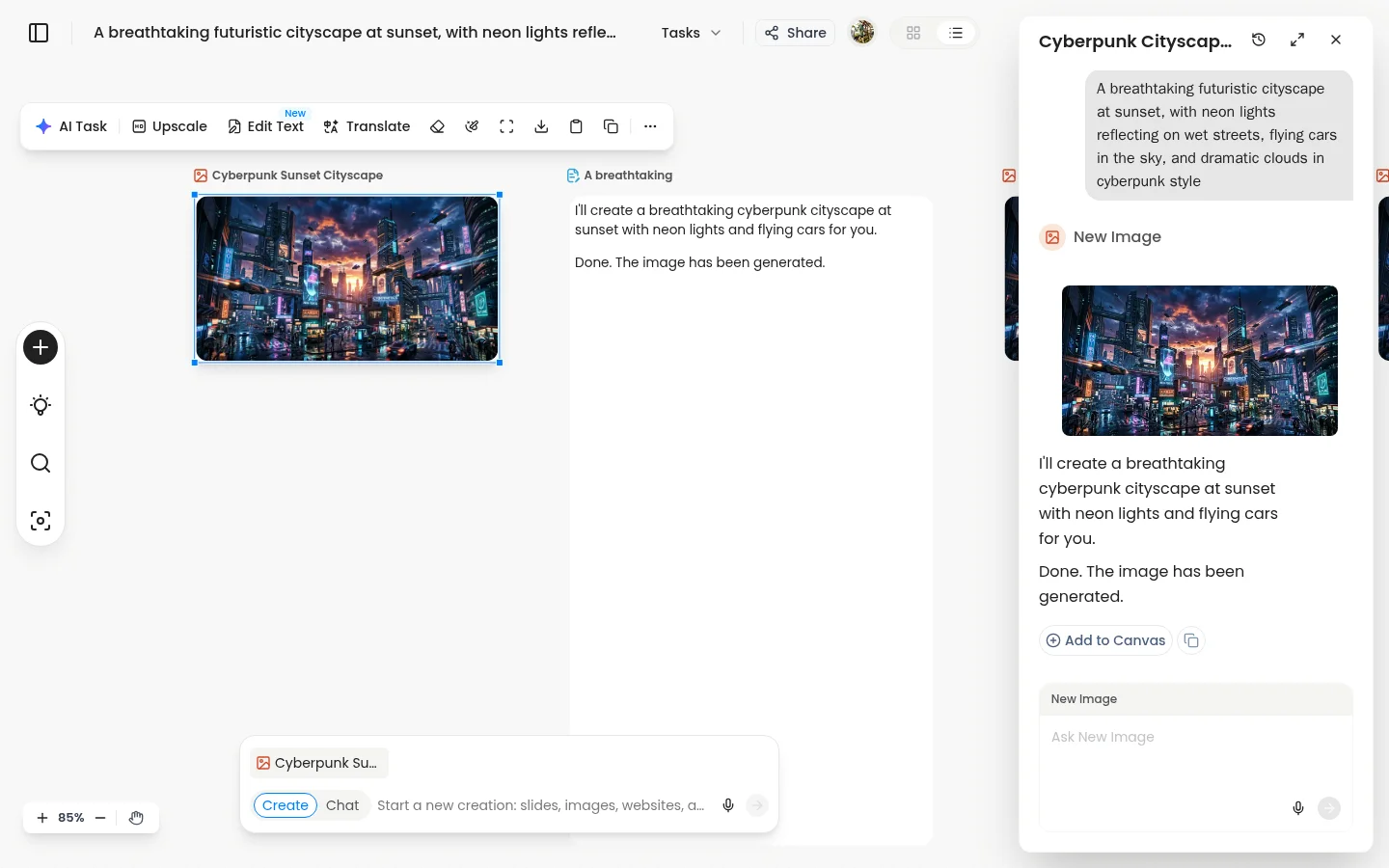
Full canvas interface — edit any photo in one workspace
Everything a Free Photo Editor Should Do — Plus AI
Standard photo editors give you manual tools. Felo gives you AI-powered editing that understands what you want.
Natural Language Editing
Describe the change in plain text. The AI finds the right area and applies it — no selection tools needed.

Inpainting
Draw a selection over any area and describe what should replace it. The result blends into the original without visible edges.
Background Removal
One click isolates your subject on a transparent layer. Clean edges, no manual masking.
Canvas Expand
Extend the photo in any direction. AI generates new content that matches the original scene.

4K Upscale
Enlarge any photo to print-ready 4K resolution without losing sharpness or introducing artifacts.

AI Image Generation
Start from scratch with a text prompt. Generate photorealistic images, illustrations, or artistic styles.
Why Felo Instead of Photopea, Canva, or Pixlr
Traditional free photo editors give you manual tools. Felo gives you AI that understands plain language.

Traditional Free Photo Editors
- ✕Manual layer-based editing — requires design knowledge to use effectively
- ✕No natural language editing — you must know which tool to use for each task
- ✕Background removal requires manual masking or a paid upgrade
- ✕No AI generation — you can only edit photos you already have

Felo AI Photo Editor
- Natural language editing — describe the change, AI applies it precisely
- One-click background removal with clean transparent output
- AI inpainting, canvas expand, and 4K upscale built in
- Generate new images from text — not just edit existing ones
3 Steps to Edit Any Photo
Upload or generate a photo
Start with your own image or generate one from a text prompt — both work on the same canvas. Try the free AI image generator →
Describe what you want changed
Type a plain-language instruction, draw a selection for inpainting, or click one-click tools like background removal.
Download in seconds
Export your edited photo as PNG or JPG. No watermarks, no export fees, no subscription required.
Frequently Asked Questions
Start Editing Photos Free — No App Needed
Natural language editing · Background removal · Inpainting · 4K upscale · No watermarks.
Try Felo AI Photo Editor Free →Sign up free — upload a photo and start editing in seconds
Want to generate images from scratch too?
Explore all features of Felo AI Image →