Characters
Heroes, NPCs and enemies at 32, 64 or 128 px, front or side view, on a flat background you can key out.
Pixel art generator
Describe a character, item, tileset or level and get pixel art with hard edges and a limited palette. Start from a preset below, change the bracketed part, and press send.
Prompts are in English because image models follow grid, palette and edge instructions more reliably in English. You can write the bracketed part in any language.
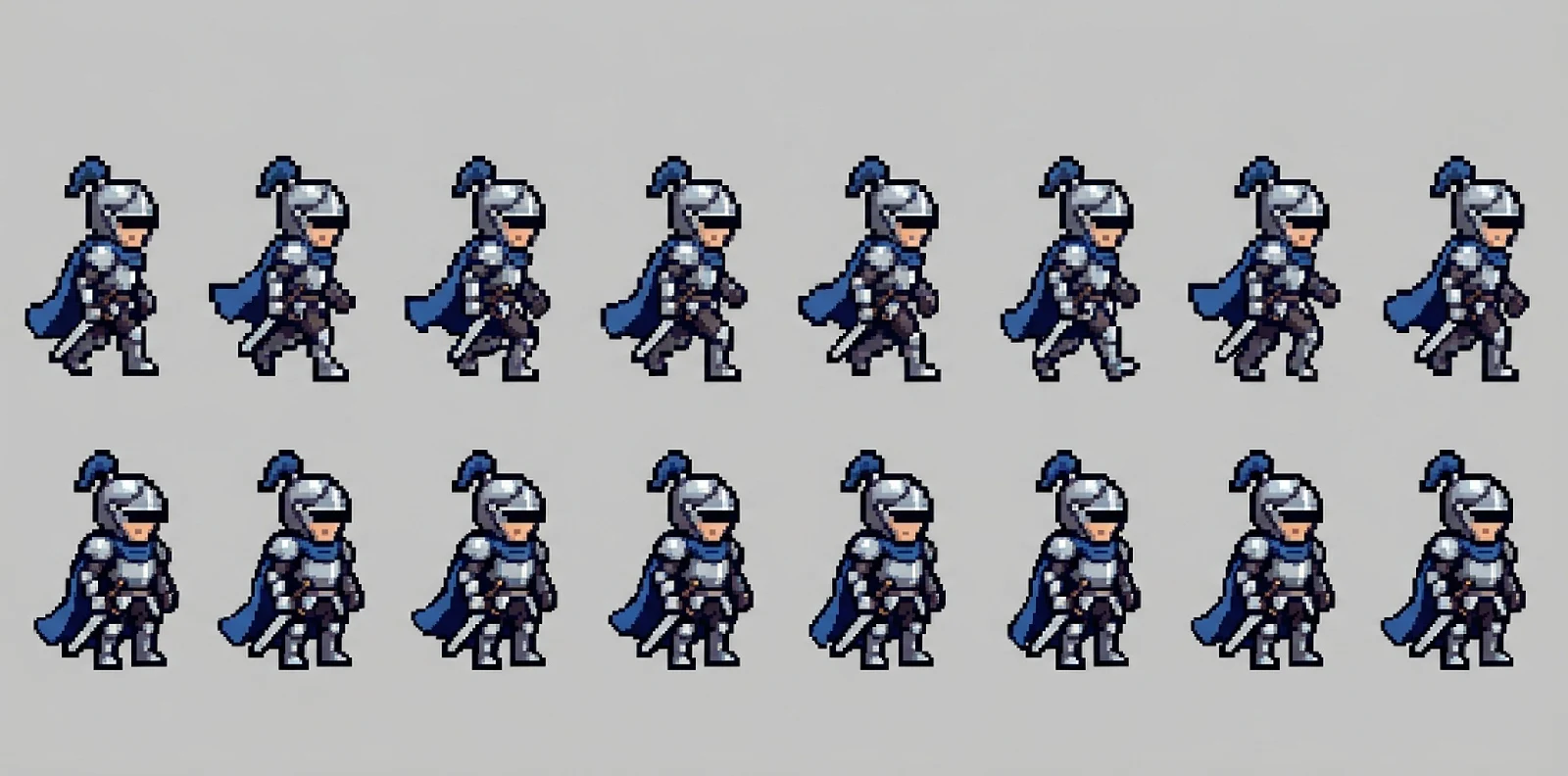
Sample output
Each image below came from the prompt under it. Load one into the generator and change the subject.
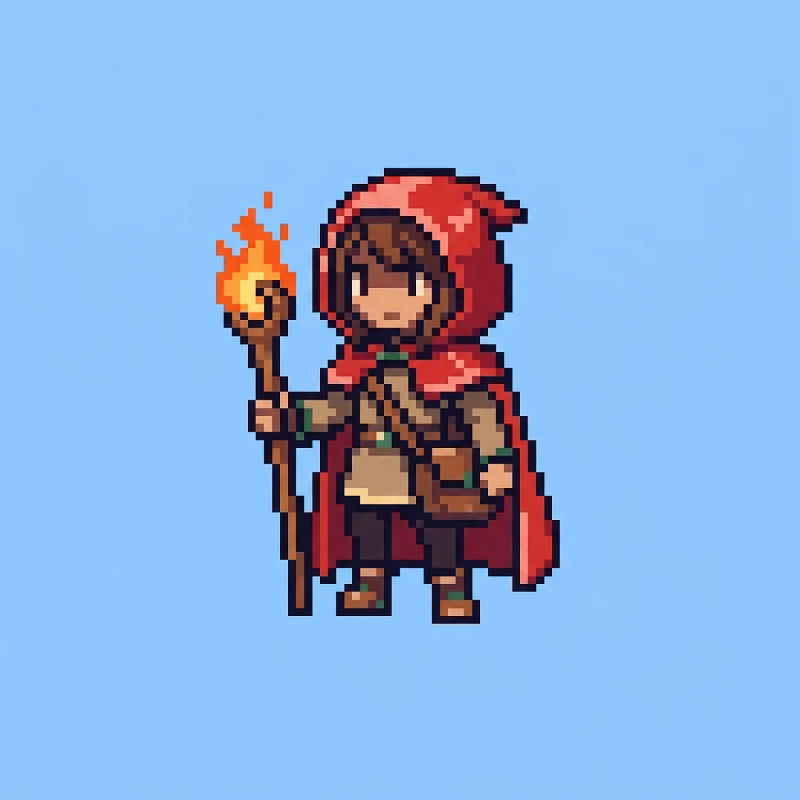
Pixel art character, 64x64 pixel sprite scaled up with nearest-neighbor, a young fire mage with a red hood, brown satchel and a glowing wooden staff, front three-quarter view, full body centered, retro 16-bit JRPG style, limited 16-color palette, crisp hard pixel edges, no anti-aliasing, flat solid pale blue background
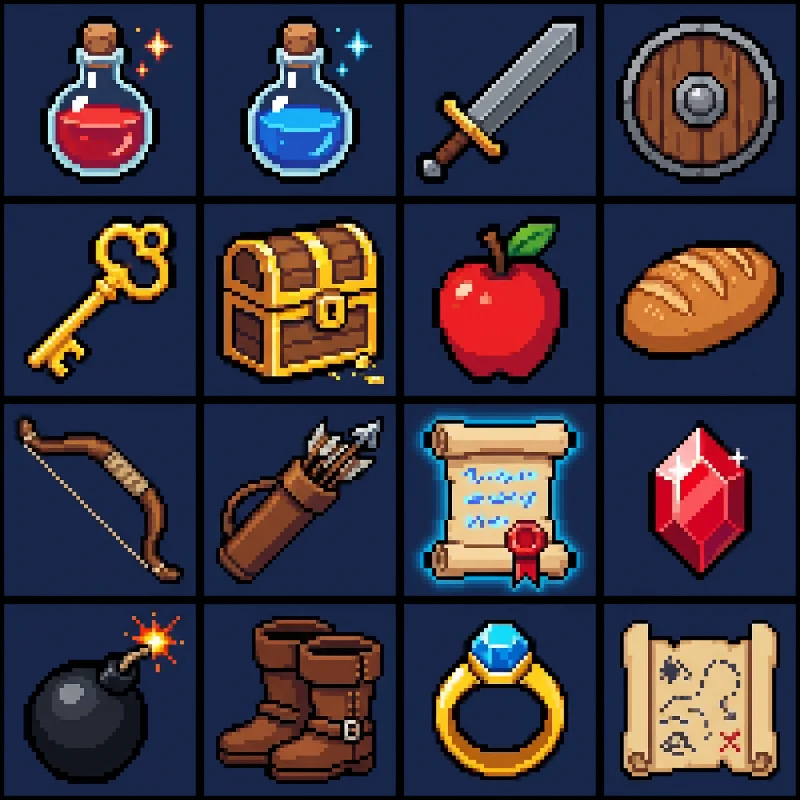
Pixel art game item icon set, 4 by 4 grid of 32x32 pixel icons: health potion, mana potion, iron sword, wooden shield, gold key, treasure chest, apple, bread, bow, arrows, magic scroll, ruby gem, bomb, leather boots, ring, map. Each icon centered in its cell with equal spacing, consistent 1-pixel dark outline, limited 32-color palette, crisp hard pixel edges, no anti-aliasing, flat solid dark navy background
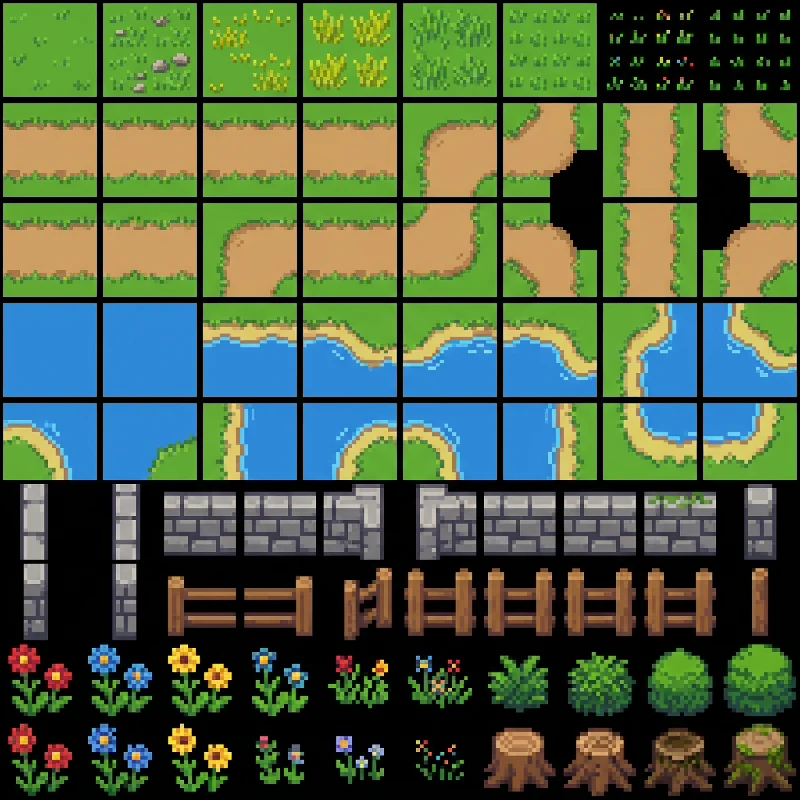
Top-down pixel art RPG tileset sheet, 16x16 pixel tiles arranged in a clean grid: grass variations, dirt path straights and corners, water with shoreline edges, stone wall pieces, wooden fence, flowers, small bushes, tree stumps. Seamless tile edges, consistent top-left light, limited 24-color palette, crisp hard pixel edges, no anti-aliasing, flat black background between tiles
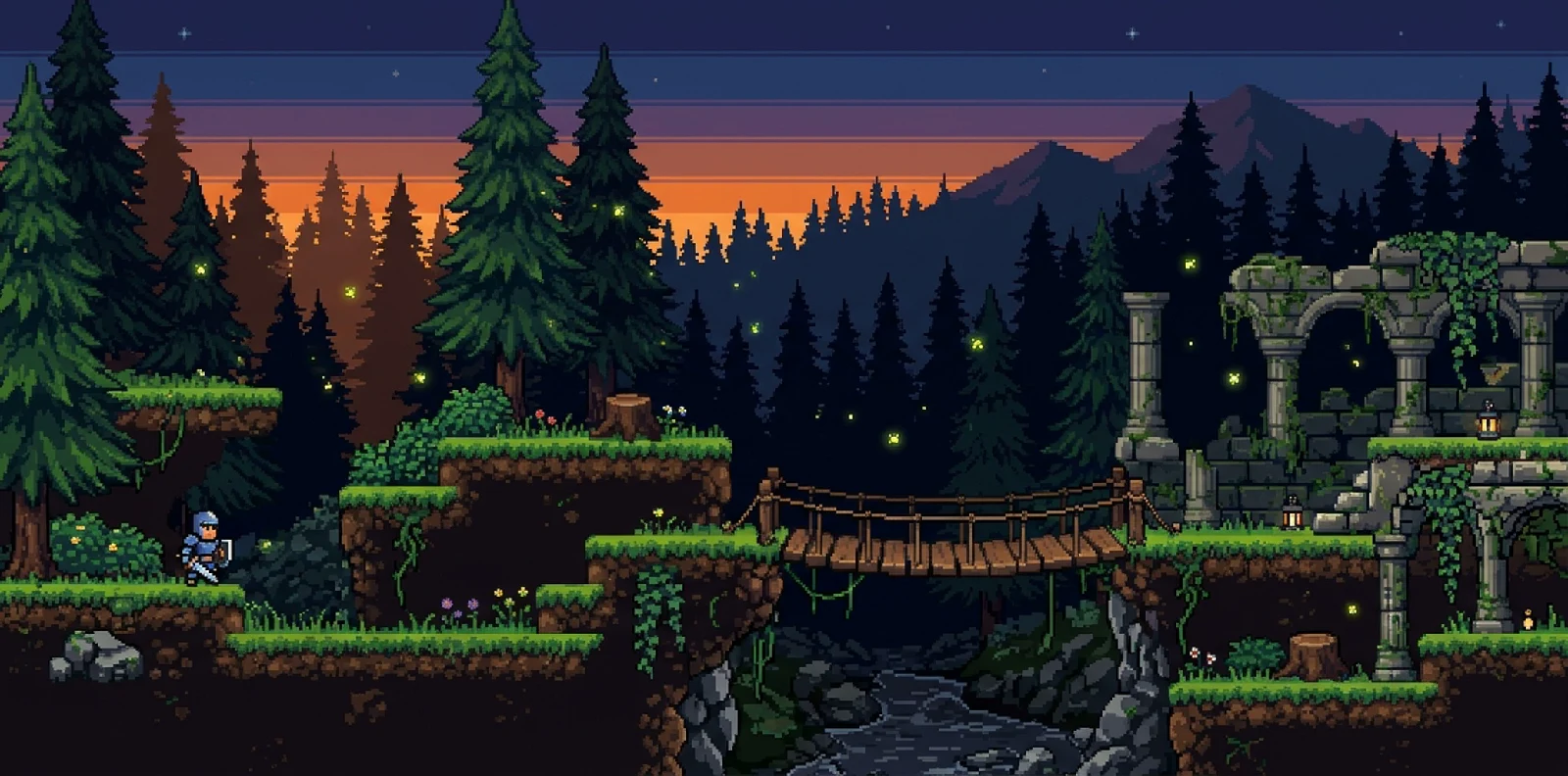
Side-scrolling pixel art platformer level, forest at dusk, grass-topped dirt platforms at three heights, wooden bridge over a gap, mossy stone ruins, pine trees in two parallax background layers, fireflies, 16x16 pixel tile grid, 16-bit console style, limited 32-color palette, crisp hard pixel edges, no anti-aliasing, wide landscape composition
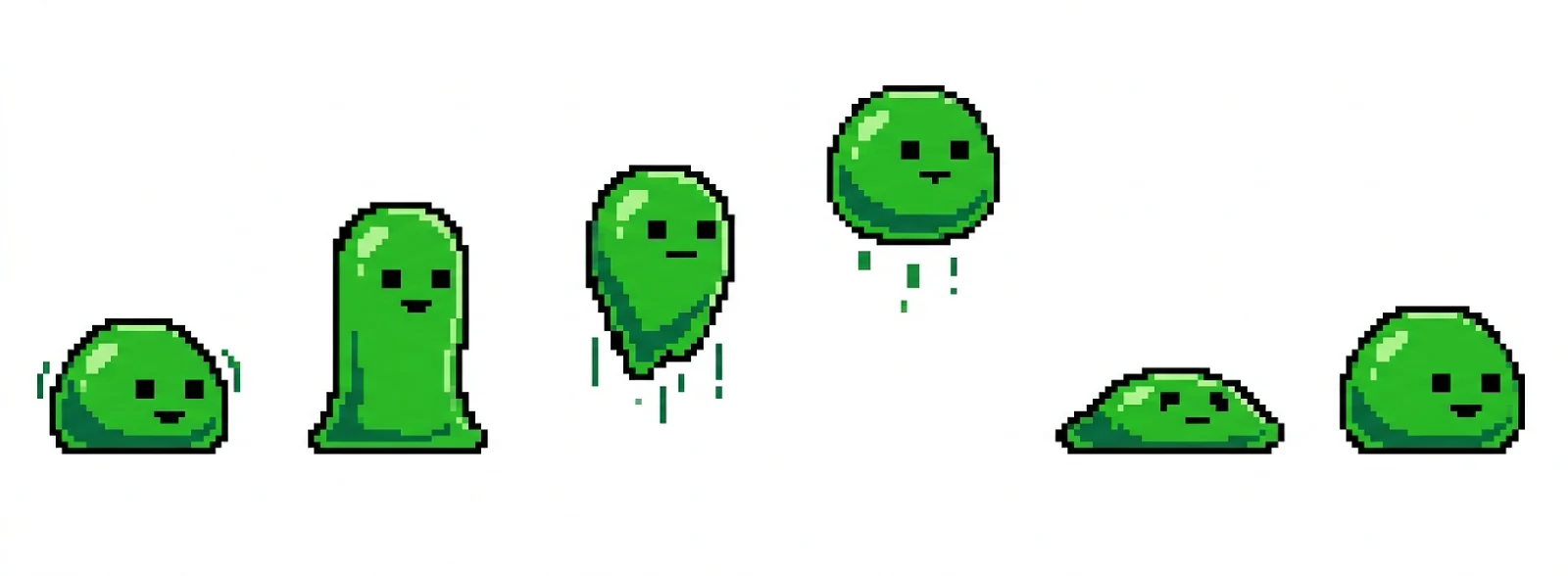
Pixel art sprite sheet of a green slime enemy, 32x32 pixel frames, one row of 6 frames: idle squish, stretch up, jump, mid-air, land squash, recover. Same size and palette in every frame, evenly spaced, side view, limited 12-color palette, crisp hard pixel edges, no anti-aliasing, flat solid white background
Image to pixel art
Upload a photo, sketch or finished illustration. Choose the grid and palette, and the image is redrawn as pixel art with the same subject and framing.
Your image
The prompt updates with each option until you edit it.
Your image is uploaded to Felo when you convert it. Privacy policy
Sign-in required. Each conversion uses credits from your Felo plan.
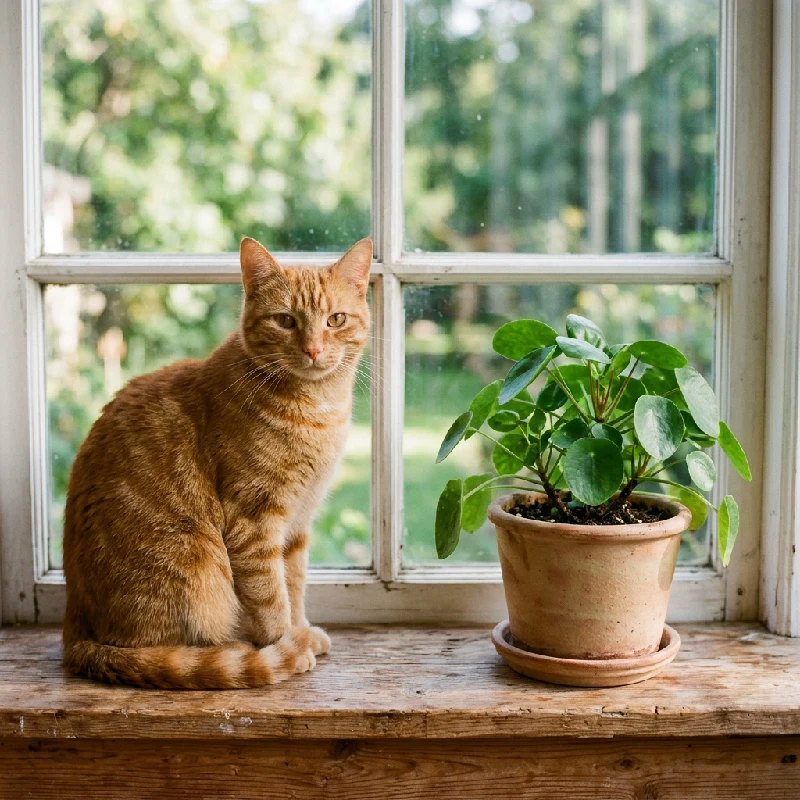 Photo
Photo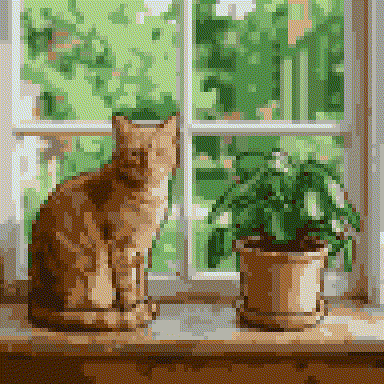 Pixel art
Six kinds of game art, each with its own preset prompt.
Heroes, NPCs and enemies at 32, 64 or 128 px, front or side view, on a flat background you can key out.
A full grid of inventory icons in one image, with the same outline and palette across every cell.
Side-scrolling levels with platforms at set heights and parallax layers, for mood boards and level blockouts.
Top-down grass, paths, water edges and walls on a 16 px grid, lit from one direction.
Walk, idle, jump or attack frames laid out in rows, ready to slice in Aseprite, Unity or Godot.
Photos, sketches and portraits redrawn as pixel art, with a grid-snapped PNG download.
Pixel art models listen to a few specific terms. Keep these in every prompt.
Name the sprite size: 32x32 reads as Game Boy era, 64x64 as 16-bit, 128x128 as modern indie.
"Limited 16-color palette" stops soft gradients. Fewer colors give a more retro look.
"Crisp hard pixel edges, no anti-aliasing" keeps outlines from blurring into the background.
"Flat solid background" in one color makes the sprite easy to cut out with a magic wand.
Choose character, items, map, tileset or sprite sheet. The prompt loads into the generator.
Replace the text in brackets with your own idea. Keep the grid, palette and edge terms.
Press send, then shrink the PNG to the grid size with nearest-neighbor in your editor for exact pixels.
Results are still PNG images, not animated GIFs or engine files. Frames in a sprite sheet can drift slightly in size or detail, so check them before slicing. Output is rendered at high resolution in pixel style; the grid snap or a nearest-neighbor downscale gives you true 32, 64 or 128 px sprites.
Pick a preset above, replace the bracketed subject with your idea and press send. Keep the grid size, palette limit and "no anti-aliasing" terms in the prompt, because those are what make the result read as pixel art.
Yes. Upload a JPG, PNG or WebP up to 20 MB in the image to pixel art converter, choose a 32, 64 or 128 px grid and a palette, then convert. You can download a grid-snapped PNG where every pixel is the same size.
Yes. The sprite sheet preset asks for walk and idle frames in evenly spaced rows. Check that each frame has the same size and proportions, then slice the sheet in Aseprite, Unity, Godot or GameMaker.
You can try it with the free credits included in a Felo account. Every generation and conversion uses credits, and paid plans add more.
No. It creates still images. For animation, generate a sprite sheet and play the frames in your game engine or an editor such as Aseprite.
You can use what you generate in your projects, subject to Felo's terms of use. Review the result for resemblance to existing characters before you ship it.
Pick a preset, change one line, and get pixel art you can drop into your game.
Generate pixel artFree credits to try. Sign in with a Felo account.