AI Voice Recorderwith Real-Time Transcription
Record audio, see live captions, and ask AI questions during the session. No download, no setup. Summaries and answers the moment you stop.
Record voice note
Great for brainstorming, meetings & classes, or when your hands are busy.
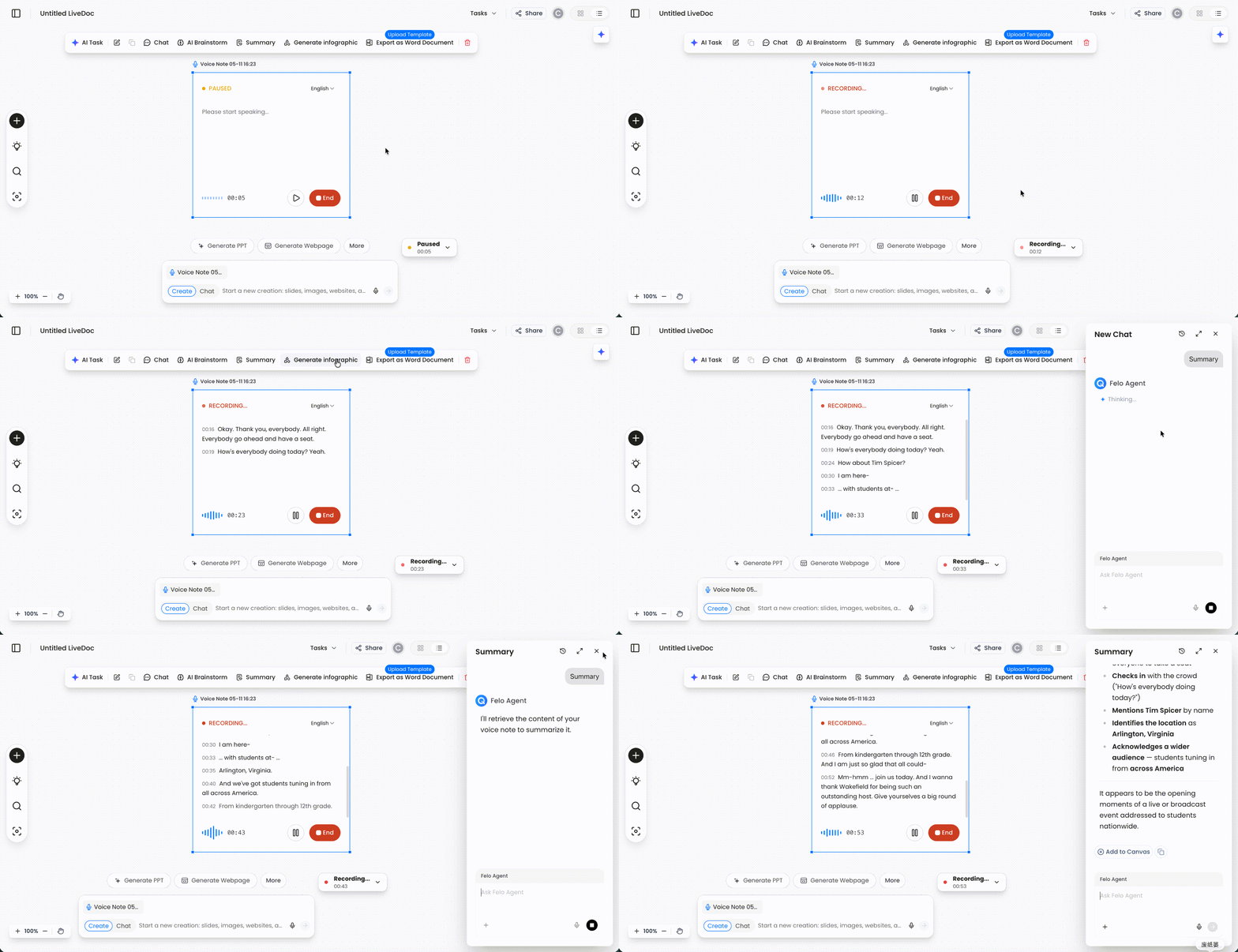
See how a recording becomes a working LiveDoc
Record your voice, pause or resume the session, then turn the captured audio into a summary, PPT, webpage, or infographic from the same canvas.
The Voice Recorder That Transcribes, Summarizes, and Answers Questions
Sound Familiar?
Unsearchable Recordings
You record a meeting, then two weeks later you need to find "the deadline Sarah agreed to." Scrubbing through audio to find one sentence. A voice recorder should give you answers, not just a file.
Black Box After Recording
An hour of captured audio, zero organization. You have raw sound, not structured notes. Someone needs to listen again, someone needs to summarize - and action items get lost in the process.
Setup Friction Delays Everything
Find the recorder app, wait for it to launch, check available storage, hit record. By the time you're ready, the conversation moved on. You need something already open - a browser tab, not another app.
What if your recorder could answer questions, summarize in real time, and give you structured output the moment you stop?
3 Ways Felo Changes How You Record
Not raw audio. Not text-only transcripts. A recorder that shows words, answers questions, and delivers structured output.
Live Captions as You Speak
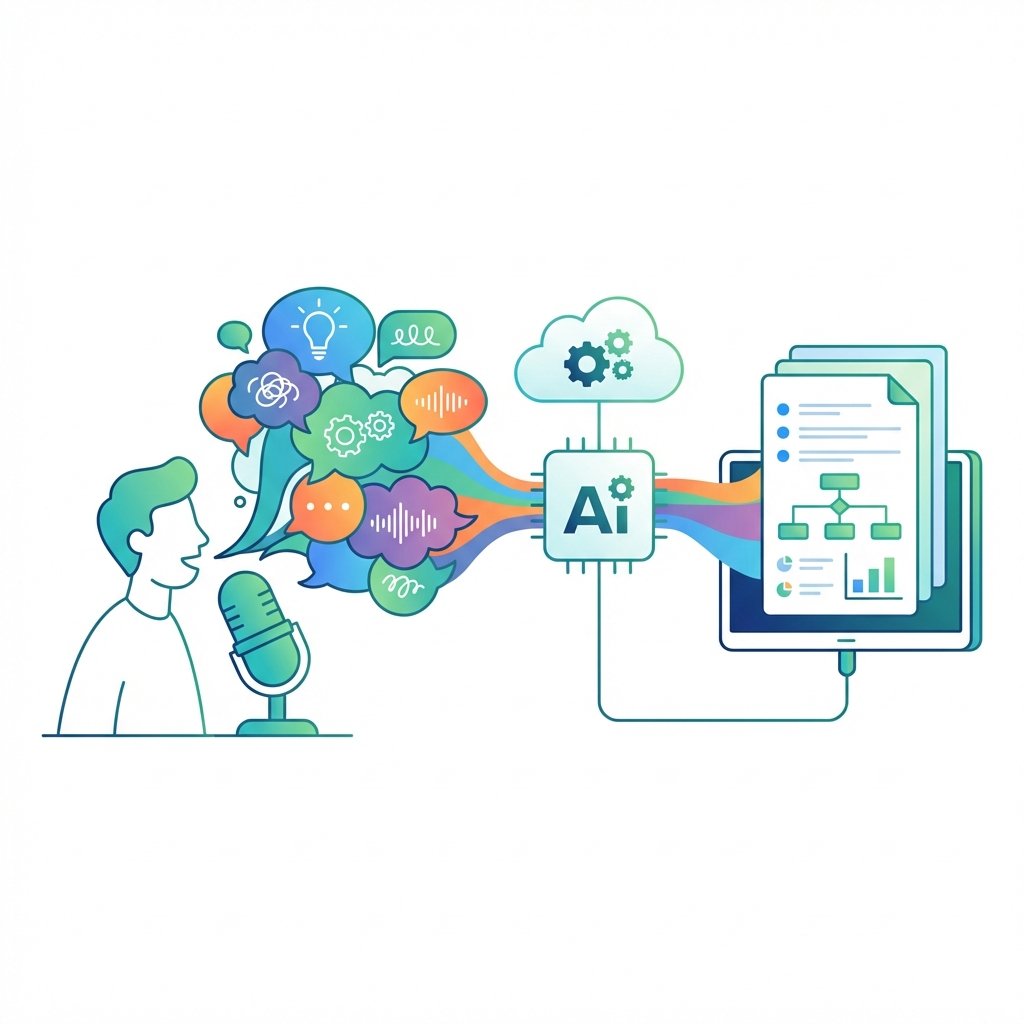
Words appear on screen while you talk - no waiting for post-processing. See the transcript build in real time so everyone in the room knows what's being captured. Works in conference rooms with background noise and across multiple speakers.
I see the words before I even finish the sentence. Everyone in the meeting can follow along.
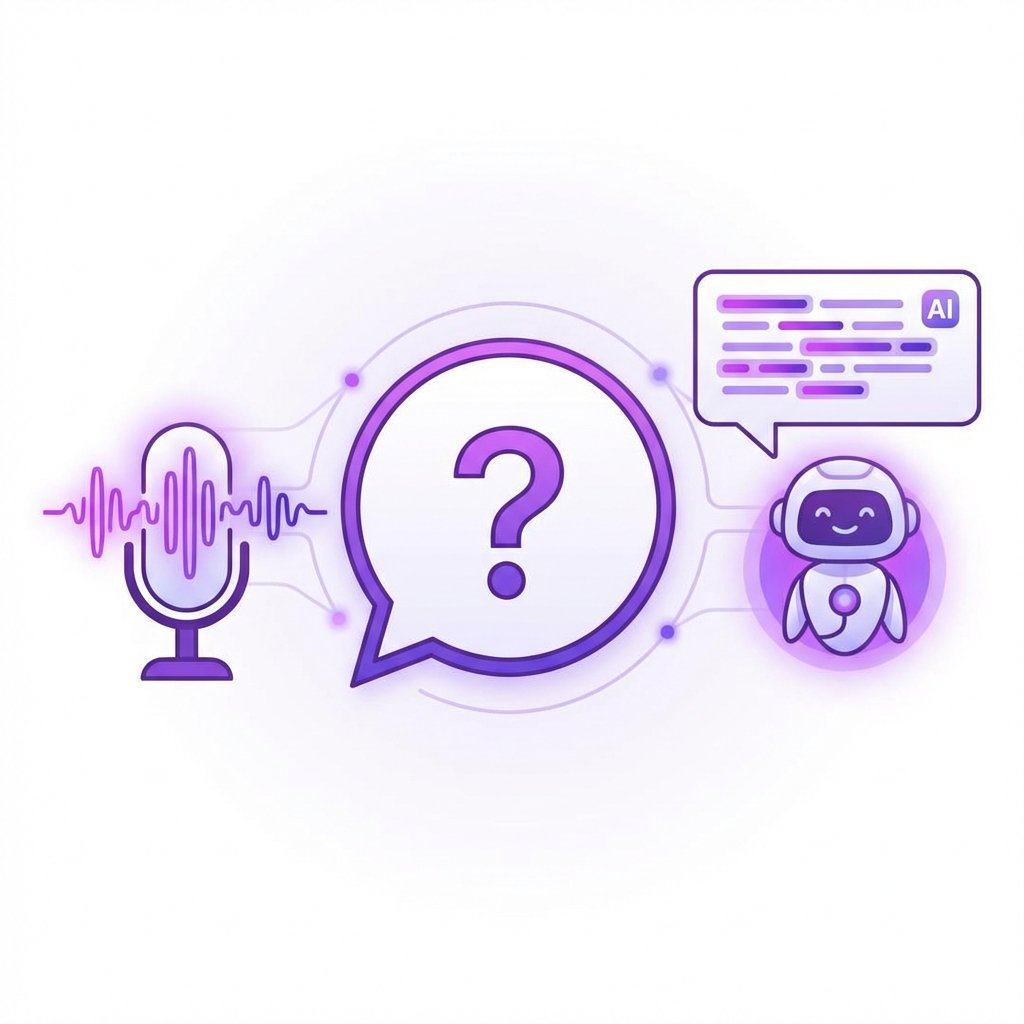
Ask AI During Your Recording
Mid-session, type a question: "What budget did they mention?" AI finds the answer from the live session without waiting for it to end and process. Your recorder becomes a research assistant - you get answers while the conversation is still fresh.
I asked Felo what number was mentioned during a 45-minute call and got the answer in two seconds.
Instant Summary When You Stop
One click when the session ends generates a structured summary with key decisions, action items, and deadlines. No two-hour post-meeting cleanup. Share structured notes before the team even leaves the room.
Meeting over, summary done. I send notes before anyone asks for them.

Browser-Based, Any Device
No app to download, no plugin to install. Open the page on your laptop or phone and start recording. Works on Chrome, Safari, Firefox, and Edge - Mac, Windows, iOS, Android.

14 Languages Supported
English, French, German, Indonesian, Italian, Japanese, Korean, Thai, Chinese, Portuguese, Russian, Spanish, Vietnamese, Czech. Switch languages mid-session for mixed-language conversations.
Free Daily Quota
Every day you get recording time on the house. No credit card, no trial expiration, no feature gating. Use it daily for meetings, interviews, lectures, or personal notes.

Built for In-Person Meetings
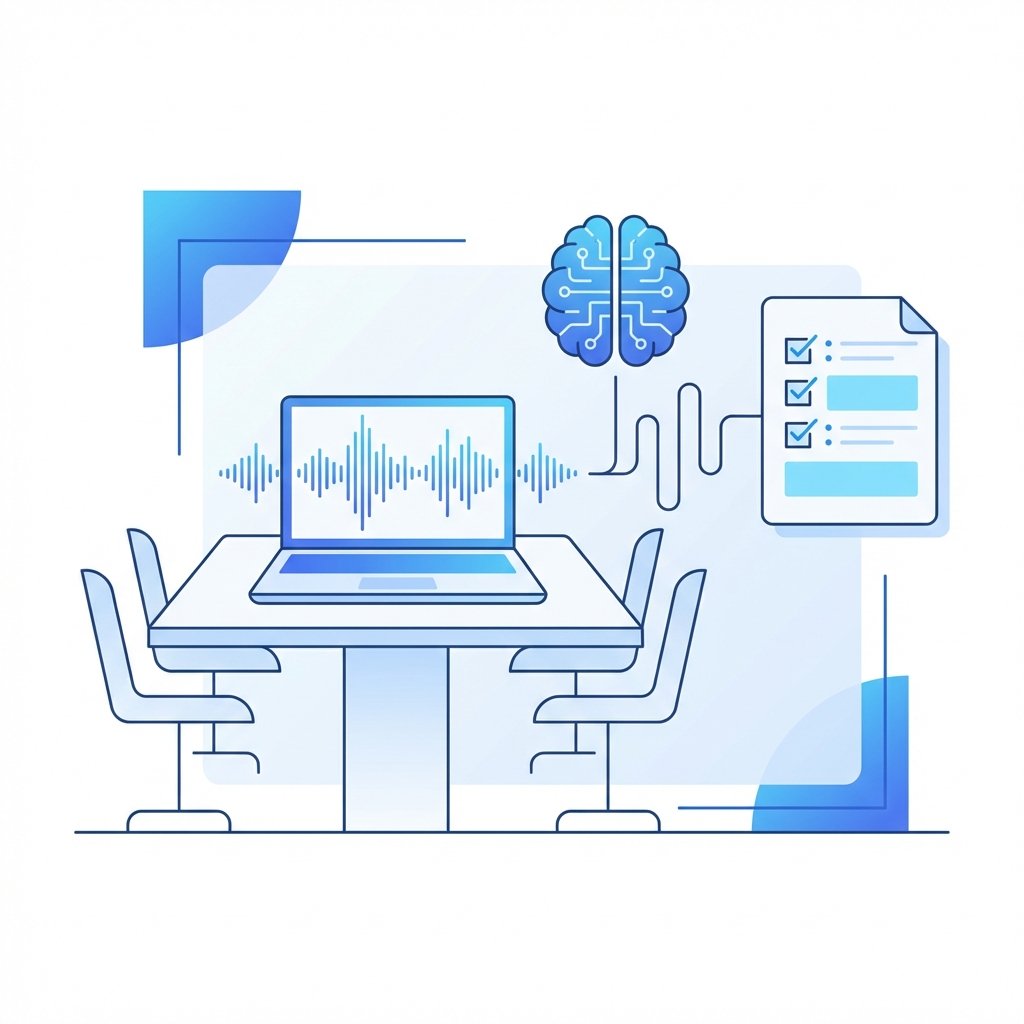
Place your laptop on the table and let the mic pick up the room. Live captions appear on screen so attendees can verify accuracy. Designed for conference rooms, not just one-on-one calls.
3 Steps to Structured Output from Voice
Open the Page
Navigate to Felo in your browser. The recording interface loads instantly - no download, no account required to start.
Start Recording
Click the record button and start talking, or let the room conversation flow. Live captions appear on screen in real time.
Ask, Summarize, Share
During the session, ask AI questions about what's been said. When finished, one click generates a structured summary with key decisions and action items.
Felo vs. Traditional Voice Recorders
Built for Every Recording Scenario
Whatever the context, Felo turns your voice recorder into a real-time workspace - captions, Q&A, and structured output in one tool.

In-Person Meetings
Laptop on the table, hit record, watch the captions build. Ask AI about decisions mid-session, walk out with structured notes. No install, no hardware to carry.

Lectures and Training
Record a lecture, follow along with live captions on screen. After class, get a summary with key concepts and study points. Focus on understanding, not frantic note-taking.
Journalist Interviews
Record the interview, ask AI to pinpoint specific quotes or data points while you're still in the room. Zero time wasted scrubbing through audio later.

Research and User Testing
Record user interviews and usability sessions. AI captures key observations as they happen - structured output instead of hours of raw audio you'll rewatch next week.

Brainstorming Sessions
Voice ideas freely. AI organizes the chaos into structured proposals and action points. Your best thinking happens when you talk, not type - now it doesn't get lost.
Multilingual Teams
Mixed-language meetings? Switch between English, Chinese, Japanese, or any of 14 supported languages. AI handles multilingual conversations where most recorders fail.
What Users Say About Felo Voice Recorder
“Our weekly standup runs 30 minutes. Felo gives us a summary with action items before we close our laptops. Used to take someone 20 minutes to write this up from a recording.”

“I record client calls, ask Felo questions like "What was the budget?" during the call, and have structured notes by the time I walk out. This saves me hours every week.”

“During a 2-hour interview I asked Felo "Did he mention the timeline?" and got the exact answer with context instantly. No more scrubbing audio files. The live captions alone are worth using it.”

“I use it for lectures when slides move too fast. Live captions help me stay focused, and the recap turns each class into clean study notes.”

“On customer calls, I can ask Felo to pull out blockers, owners, and next steps before I write the follow-up. It keeps the conversation moving.”

“For user research, the biggest win is asking questions while the recording is still running. I can catch missing details before the participant leaves.”

“I start voice memos in the browser, think out loud, and get a first draft with decisions and risks. It turns messy thinking into something my team can act on.”

“I used to replay calls to find one sentence. Now I search the transcript, ask the AI, and send a sharper recap the same day.”

“Our team uses it for handoffs across time zones. People who missed the meeting can skim the summary, then ask follow-up questions in context.”

Frequently Asked Questions
Record, Transcribe, and Query - All in Your Browser
Open the page. Start talking.
Live captions appear instantly. AI summarizes when you're done.
Free daily quota · No download · No credit card required