Convert Excel spreadsheets to PowerPoint with AI
Upload spreadsheet content or paste a table. Felo AI reads the numbers, groups the key points, and turns them into an editable presentation your audience can follow.
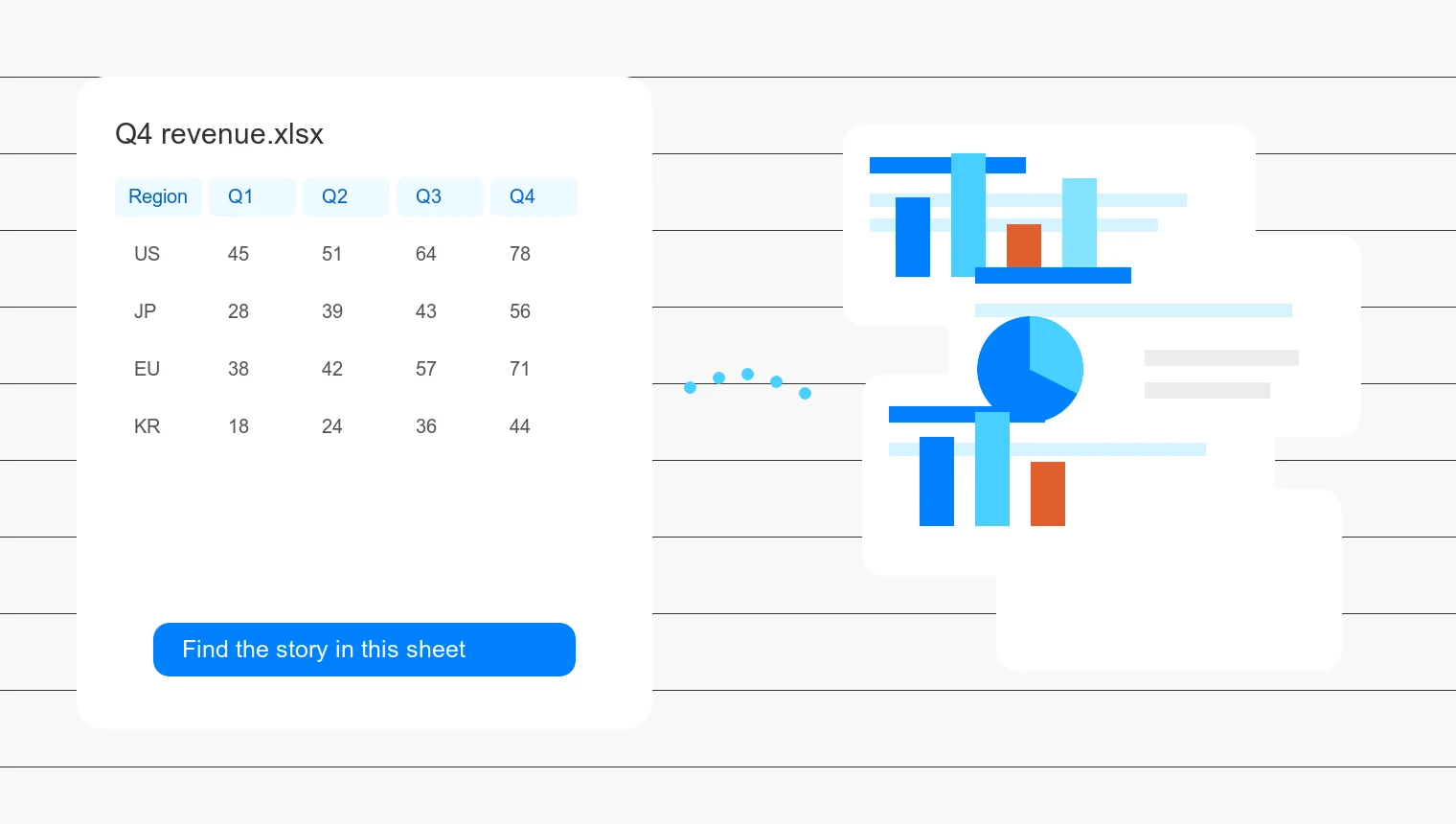
Raw spreadsheets are hard to present
Rows, columns, and tabs may be useful for analysis, but they are difficult to read during a meeting.
Manual table copying creates crowded slides
Pasting cells and screenshots into PowerPoint often leaves tiny text, mismatched charts, and too much detail on one slide.
Numbers need a narrative
A workbook rarely explains what changed, why it matters, and which takeaway belongs on the next slide.
Workflow
From Excel to PPT in three steps
Keep the spreadsheet as your source, then let Felo help shape it into a presentation structure.
Add spreadsheet content
Start with spreadsheet data, pasted tables, CSV text, or notes from a workbook. Add the audience, slide count, and language if you already know them.
Shape the slide outline
Felo groups related rows, highlights trends, and drafts a presentation flow so you can check the story before generation.
Generate editable slides
Create the deck, revise the wording and charts, then use the presentation output options available in your account.
Features for turning Excel into PPT
Use Felo when the spreadsheet contains the facts, but the meeting needs a clear slide story.
Spreadsheet-aware structure
Turn sheet tabs, table sections, and notes into slide sections without rebuilding the deck from a blank canvas.
Chart and table storytelling
Ask Felo to explain trends, compare groups, and place the right level of detail on each slide.
Slides you can revise afterward
Adjust titles, takeaway lines, section order, and visual emphasis after the deck is generated.
Instructions in your language
Write the prompt in Japanese, Korean, Spanish, or another language and specify the tone for your audience.
When Excel-to-PPT conversion helps
Use it when your spreadsheet is ready, but the audience needs a deck instead of a workbook.
Monthly KPI and finance reviews
Turn performance tables, budgets, and forecasts into concise slides for leadership reviews.
Sales and operations dashboards
Convert pipeline, inventory, campaign, or regional data into charts and talking points for team updates.
Research and classroom datasets
Explain survey results, lab data, or class exercises as slides with sections, observations, and takeaways.
Excel to PPT AI FAQ
Yes. Felo AI Slides can use spreadsheet content, pasted tables, CSV text, and workbook notes as source material for an editable presentation.
Turn spreadsheet data into a presentation
Start with the Excel content you already have and create a deck that explains the numbers clearly.
Create PPT from Excel