Free Online Grok Imagine AI Image GeneratorText-to-image for X posts, memes, and thumbnails
Try the new Grok Imagine Image 2.0 →
Use Felo’s free online Grok Imagine AI image generator to turn text prompts into feed-ready visuals. Create X post art, memes, thumbnails, cinematic characters, surreal product scenes, and campaign concepts with a stronger hook than a stock-image prompt.


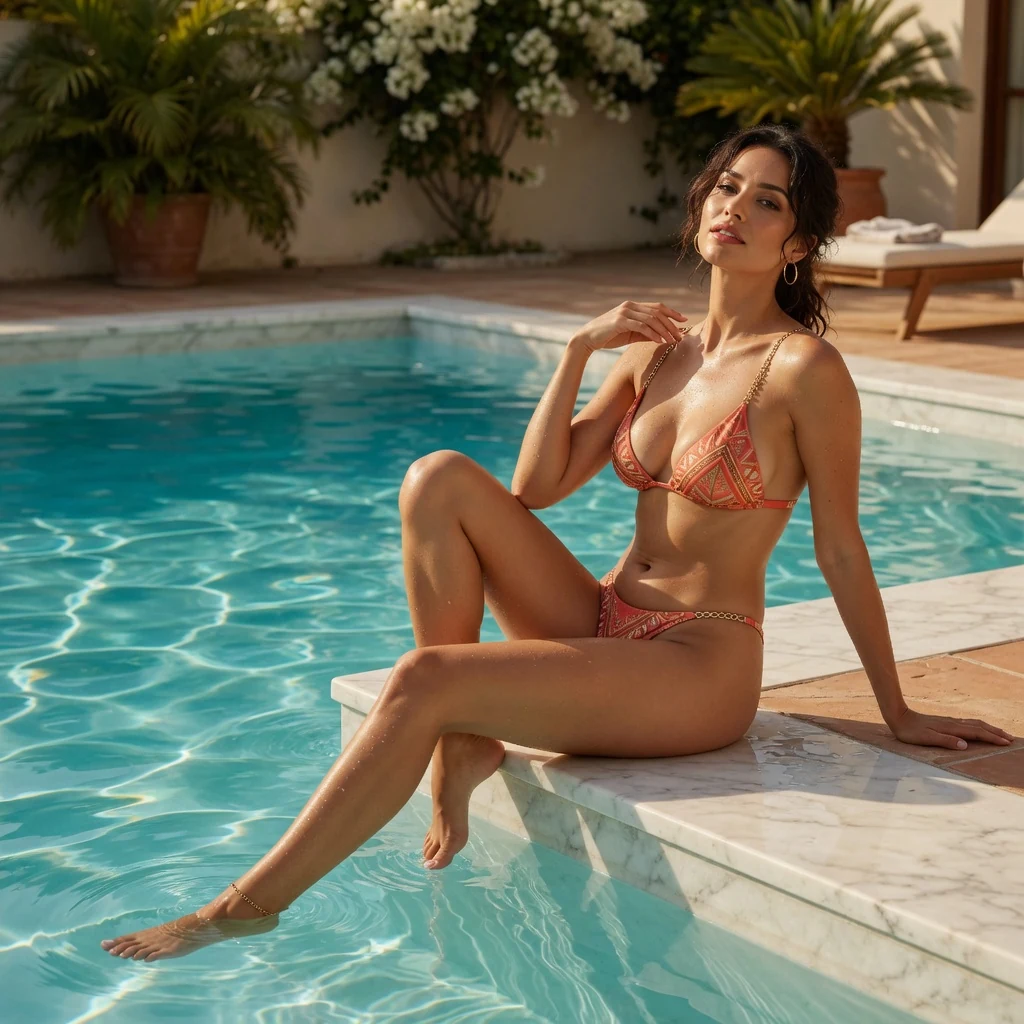
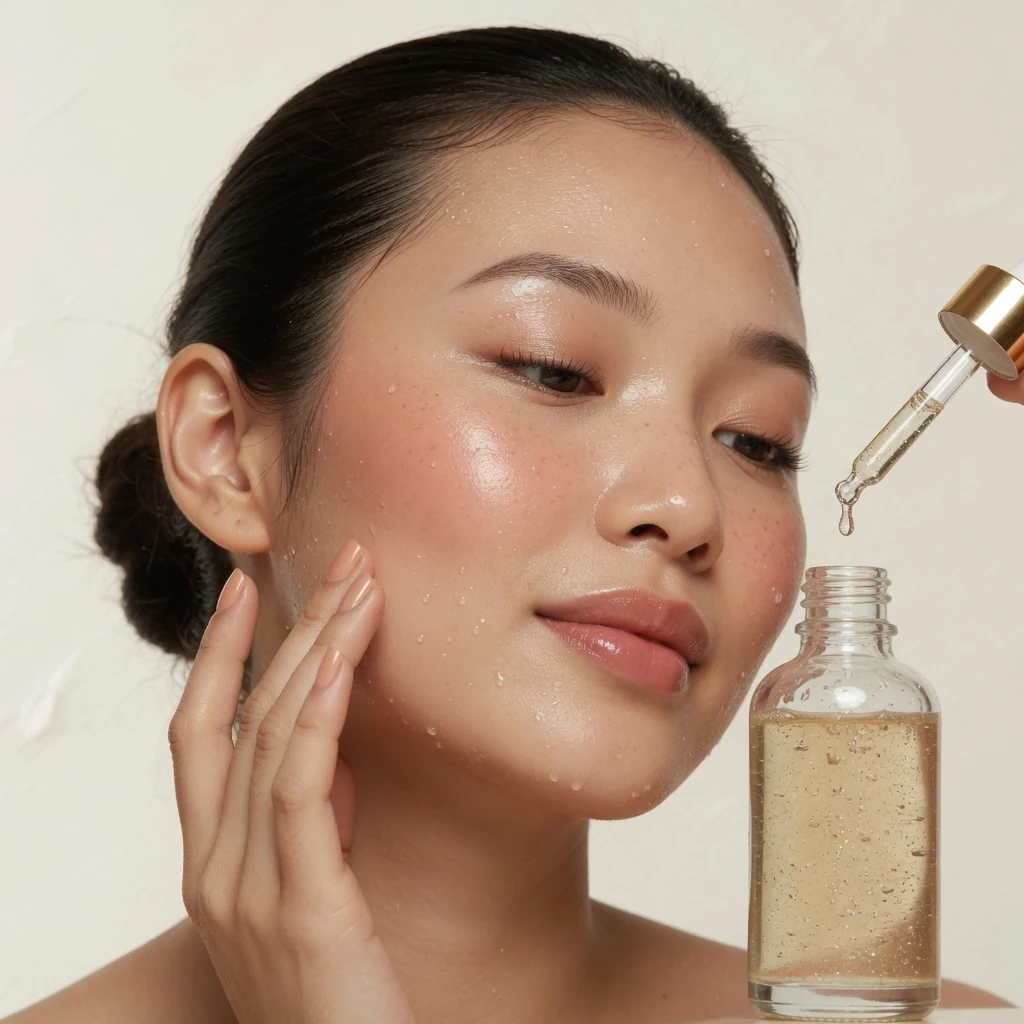
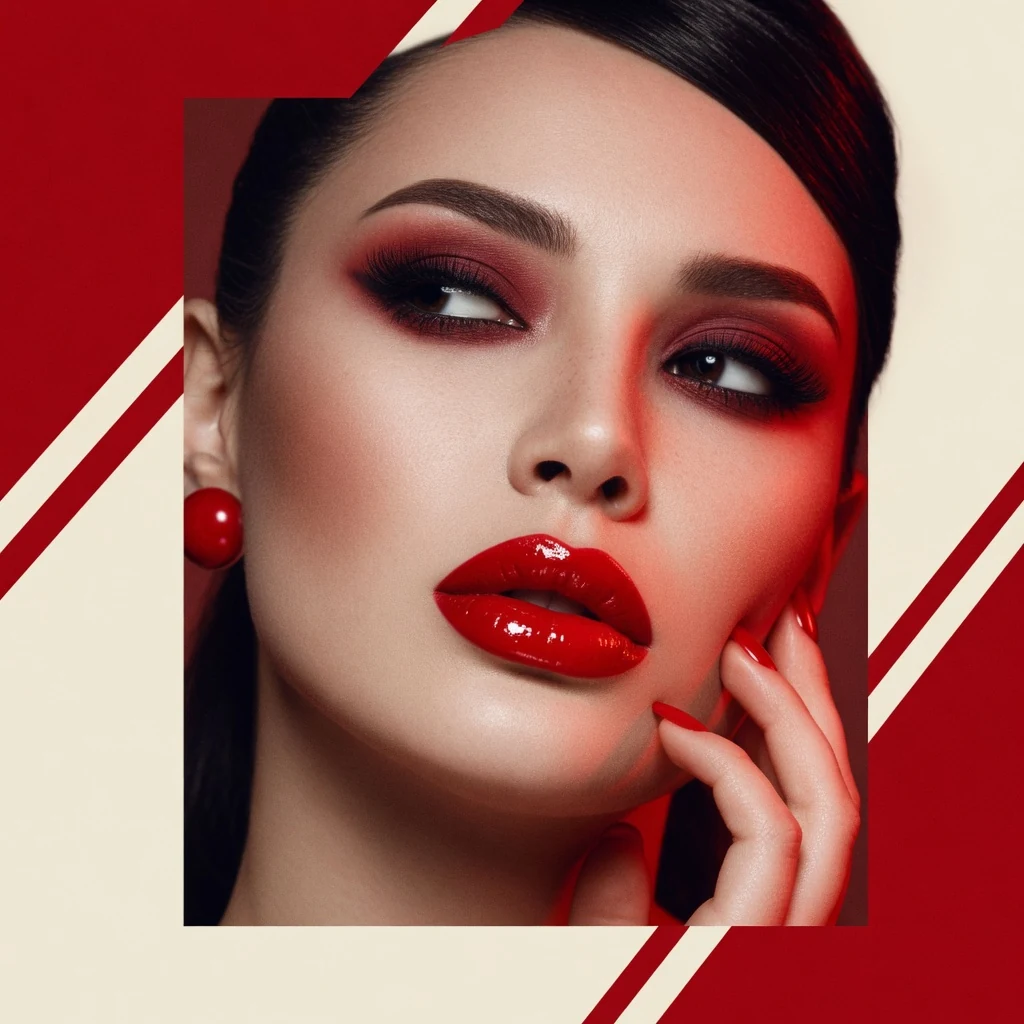
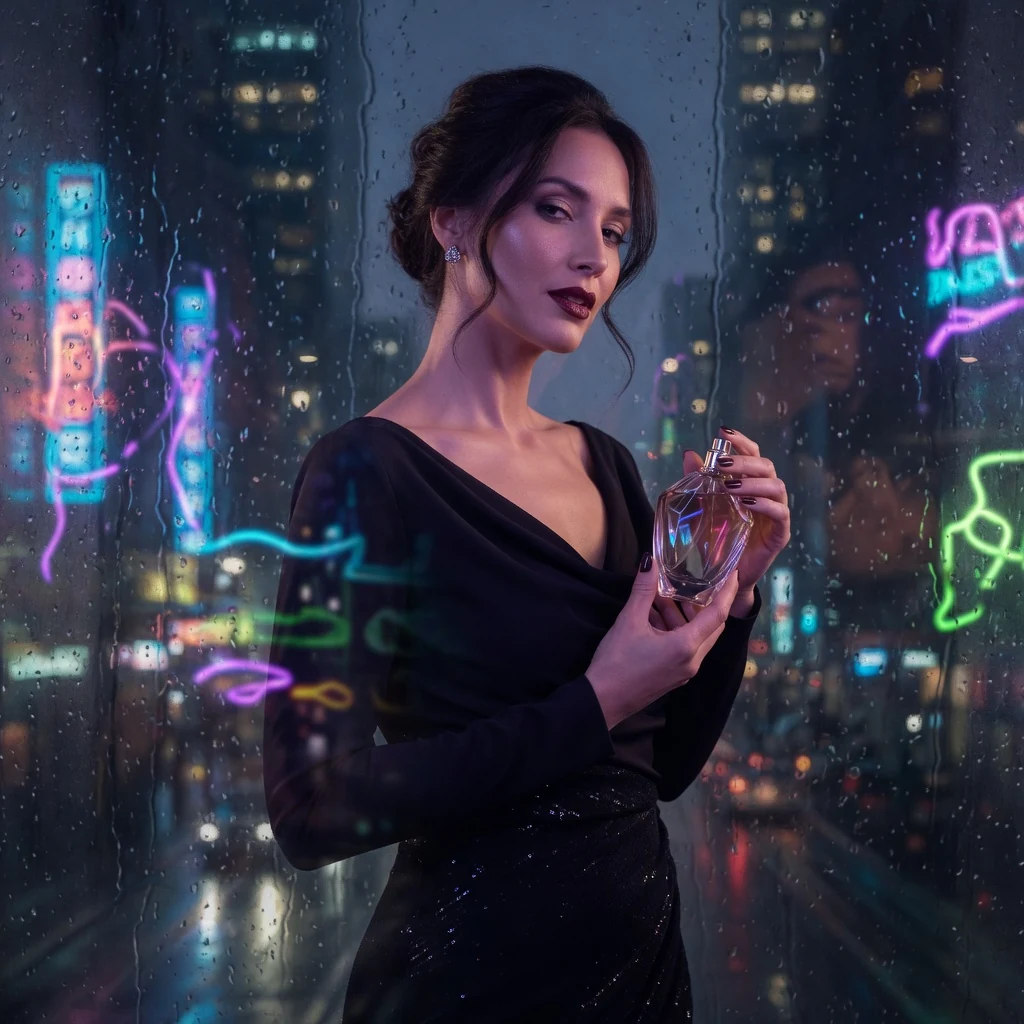
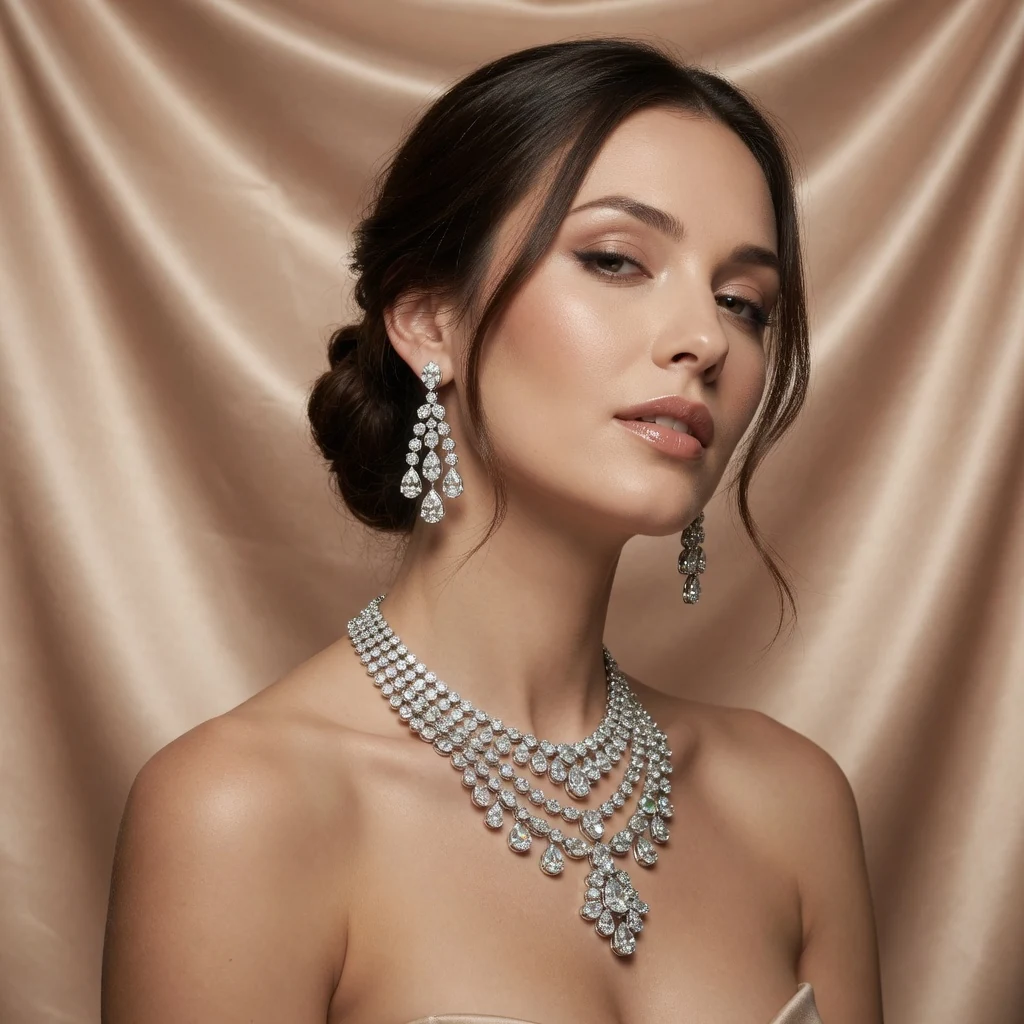
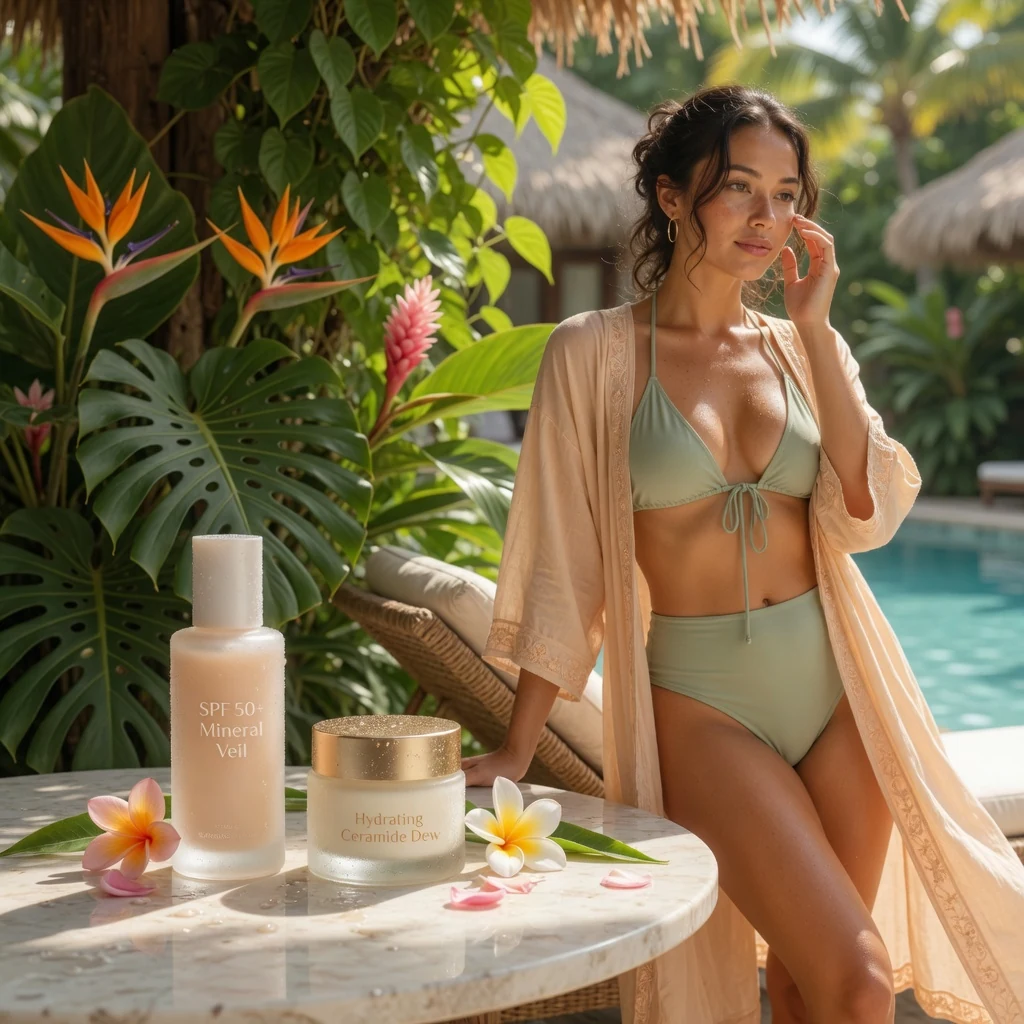
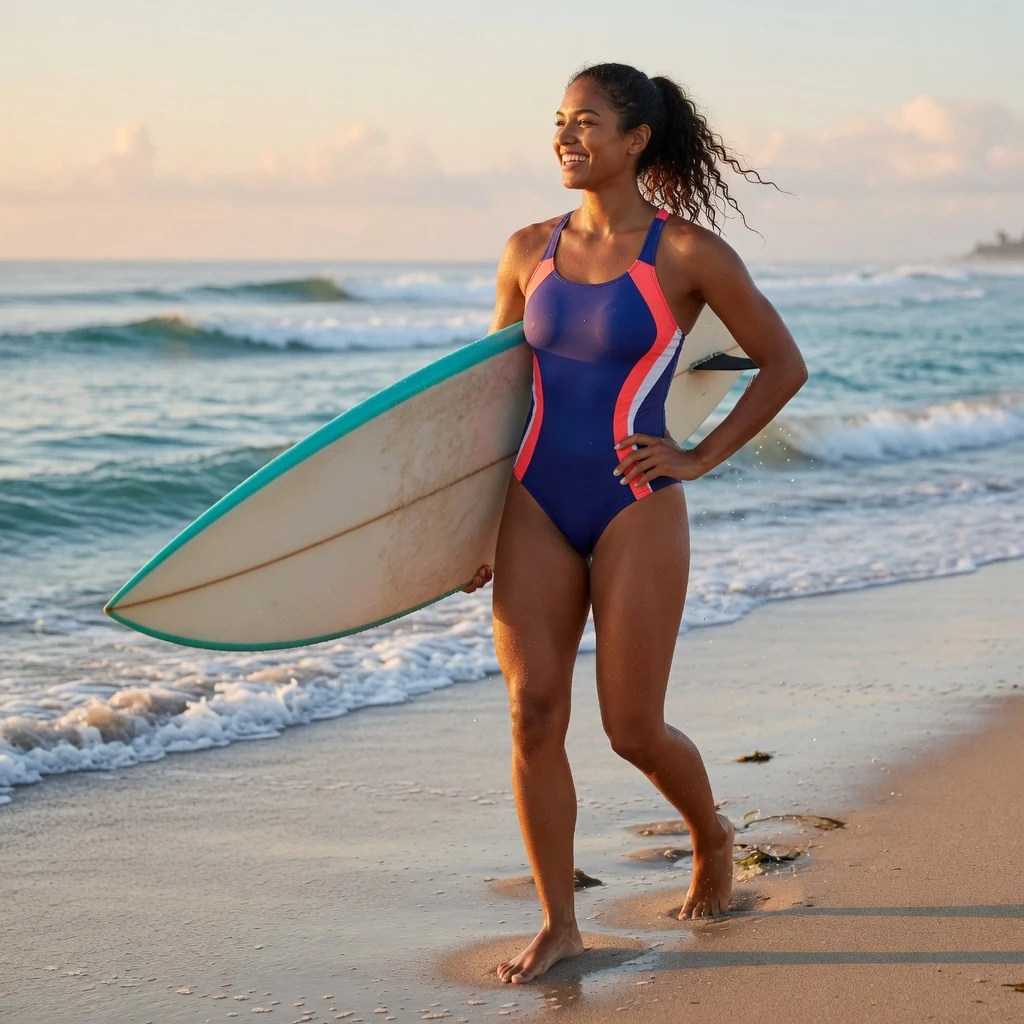
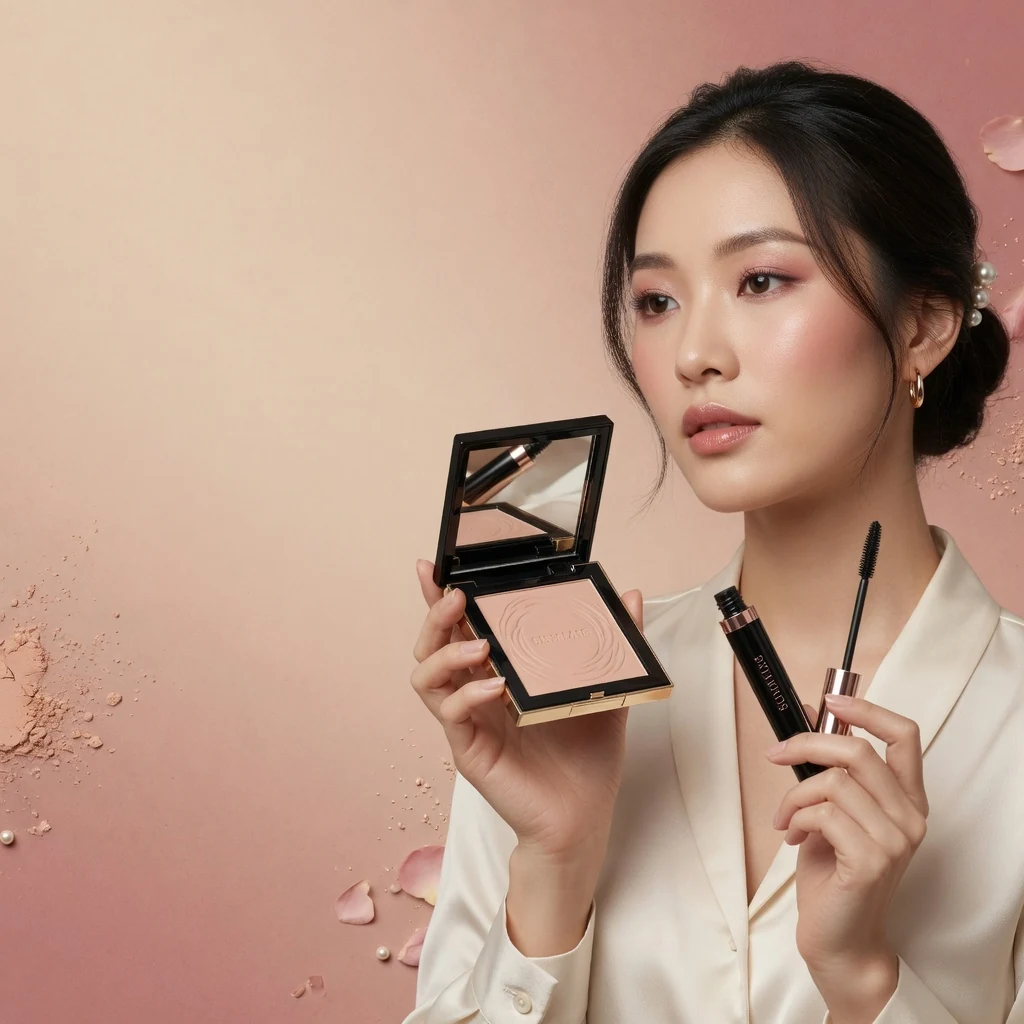
From Plain Prompt to Shareable Image
Grok Imagine is useful when the image has to carry the idea by itself: a funny reaction, an impossible scene, a dramatic character, or a product visual with a clear twist. Felo keeps the path short: write the brief, choose ratio and 1K/2K resolution, generate, then sharpen the best direction.
| Creative need | Generic image generator | Grok Image Generator on Felo AI |
|---|---|---|
| Visual hook | Often returns polished images that look fine but say very little | Helps you ask for a clear subject, contrast, emotion, and one memorable twist |
| Prompt speed | May push you into long prompt recipes before you see a useful direction | Starts from normal briefs like a meme scene, launch teaser, product angle, or character moment |
| Social formats | Usually starts from square images and leaves platform fit to later editing | Fits X posts, stories, thumbnails, banners, and campaign mockups before you crop later |
| Creative range | Tends to settle on generic photos, soft illustrations, or neutral concept art | Works well for surreal scenes, expressive characters, reaction graphics, cinematic shots, and bold product moodboards |
| Model fit | May hide the image model behind a generic create button | Starts on Grok Imagine for image generation, with model switching only when you want to compare looks |
| Resolution and ratio | Makes you fix crop and size after generation | Choose Grok-friendly aspect ratios and 1K or 2K output before generation |
| Next step | Leaves you with a file and no clear path to use it | Move the strongest image into a post, ad concept, slide, landing page, or creative review |
Why Use Grok Imagine for Images
Use Grok Imagine when you need visual ideas with personality, speed, and a clear reason to share. It is strong for social-native concepts, cinematic scenes, surreal prompts, and early creative directions that should feel alive quickly.

Built around Grok Imagine
The image form starts with Grok Imagine so the page matches the job: generating Grok-style images from text prompts, not a generic image workflow.
Plain-language prompting
Write the subject, mood, setting, platform, and twist the way you would explain it to a creative partner. No prompt formula is required to start.

Designed for visual hooks
Ask for contrast, a joke, a strange object, an expressive face, or a visual metaphor when the image needs to make someone pause.

Natural fit for X and social posts
Create visuals for X posts, memes, reaction cards, hot takes, launch teasers, creator campaigns, and short-form thumbnails.

Cinematic characters and scenes
Explore mascots, heroes, villains, NPCs, comic panels, surreal environments, dramatic portraits, and story moments before picking a final art direction.

Aspect ratio and 1K/2K control
Choose the shape before generating. Use 1K for quick exploration and 2K when you want a cleaner image for sharing or further editing.

Reference-aware creative work
When reference images are available in the workflow, use them to guide product shape, character details, composition, or brand mood while still changing the scene with text.

Campaign ideas in multiple directions
Turn one message into several visual routes: funny, cinematic, surreal, product-led, editorial, or character-driven. Keep the one with the strongest hook.

Clear model choice
The model picker shows Grok Imagine clearly, so you know what you are generating with and can switch only when comparison helps.

Ready for real creative review
Use outputs as the first visual direction for posts, thumbnails, ads, pitch decks, storyboards, landing pages, and brand reviews.
How to Prompt Grok Imagine
A strong Grok prompt gives the model something to dramatize: the subject, setting, mood, conflict, format, and one detail that makes the image worth remembering.
Lead with the hook
Say why the image should feel interesting: funny, tense, luxurious, chaotic, futuristic, nostalgic, absurd, or cinematic.
Name the publishing format
Tell Grok where the image will be used: X post, meme panel, YouTube thumbnail, product teaser, poster, story frame, ad mockup, or campaign moodboard.
Set ratio and resolution
Keep Auto while exploring, or pick a platform-ready ratio. Use 1K for speed and 2K when the result needs more polish.
Tighten the strongest idea
After the first result, make one thing sharper: emotion, camera angle, lighting, composition, punchline, product focus, or character expression.
Where Grok Image Generator Works Best
Use Grok Imagine when the image needs to be fast to understand, easy to share, and more memorable than a neutral illustration.
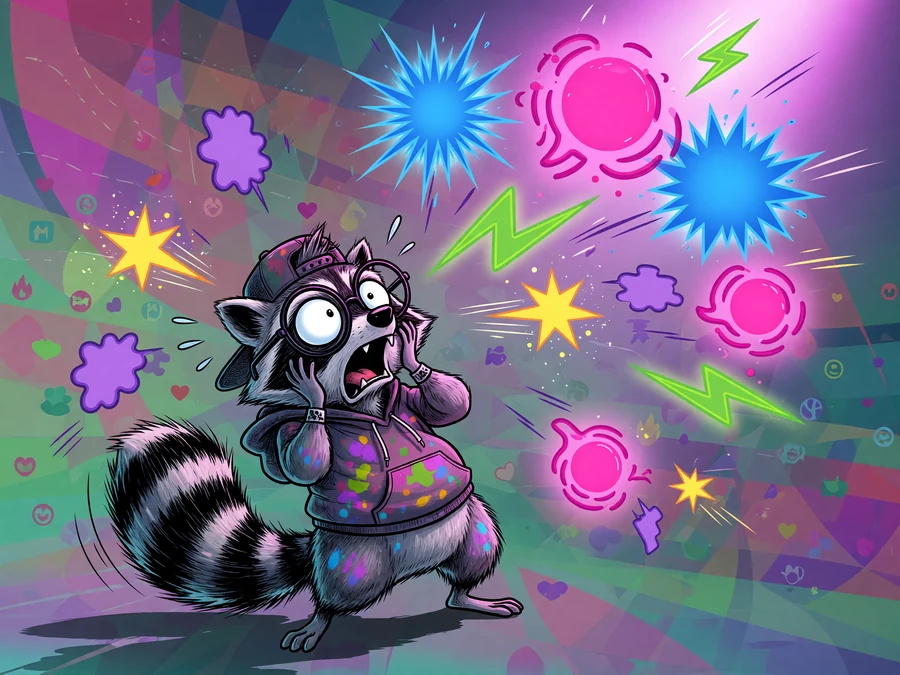

Meme and X post images
Create reaction graphics, joke setups, cultural references, launch visuals, and opinion images that feel native to fast-moving feeds.
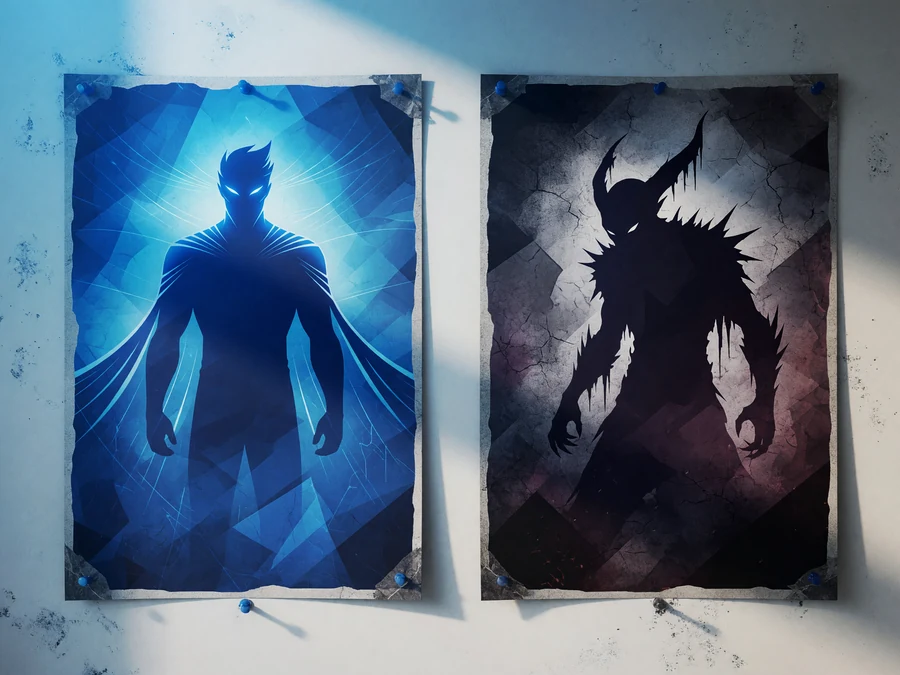

Cinematic characters
Generate mascots, villains, heroes, comic frames, game NPCs, and expressive portraits with stronger story energy.


Thumbnail hooks
Turn a topic into a bold visual angle for videos, newsletters, reports, blog headers, and social previews.


Surreal concept scenes
Explore impossible architecture, strange objects, alternate futures, dreamlike worlds, and visual metaphors.
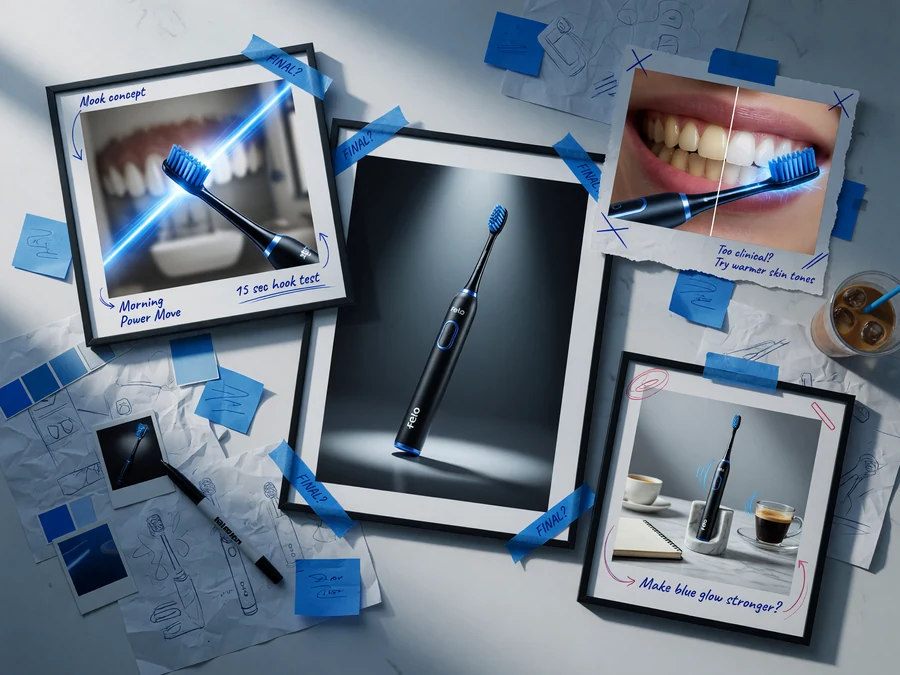

Ad and campaign drafts
Test multiple creative directions before spending time on final copy, design layout, or production assets.
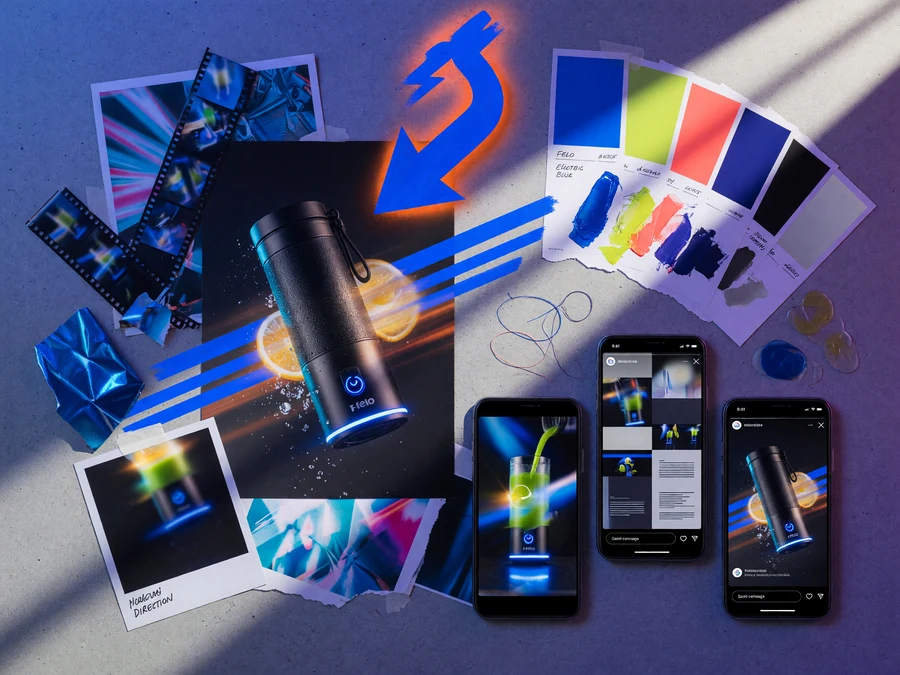
Product and brand moodboards
Find energetic visual directions for launches, product shots, event graphics, packaging ideas, and creative reviews.
Use the Free Online Grok Imagine AI Image Generator
Write a prompt, pick the visual shape, choose 1K or 2K, and generate a Grok text-to-image result free online from the browser.
Prompt Ideas That Show Grok Imagine’s Strength
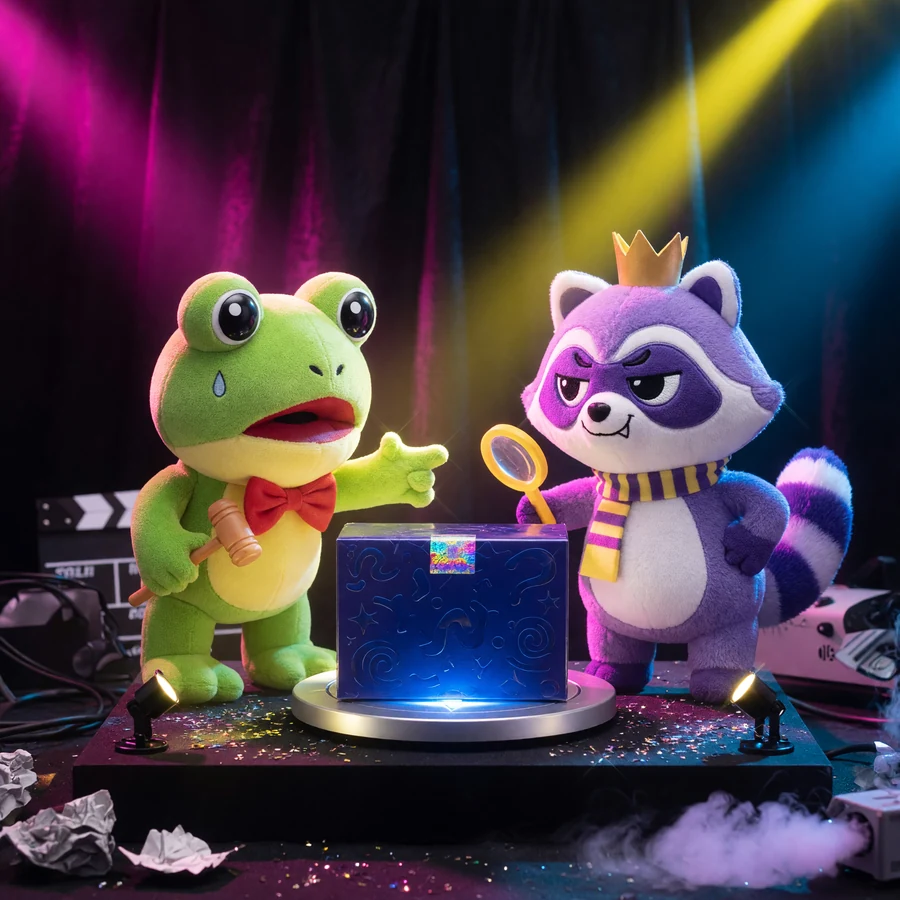
A mascot arguing with its own product packaging in a dramatic movie poster style, made for an X launch post.
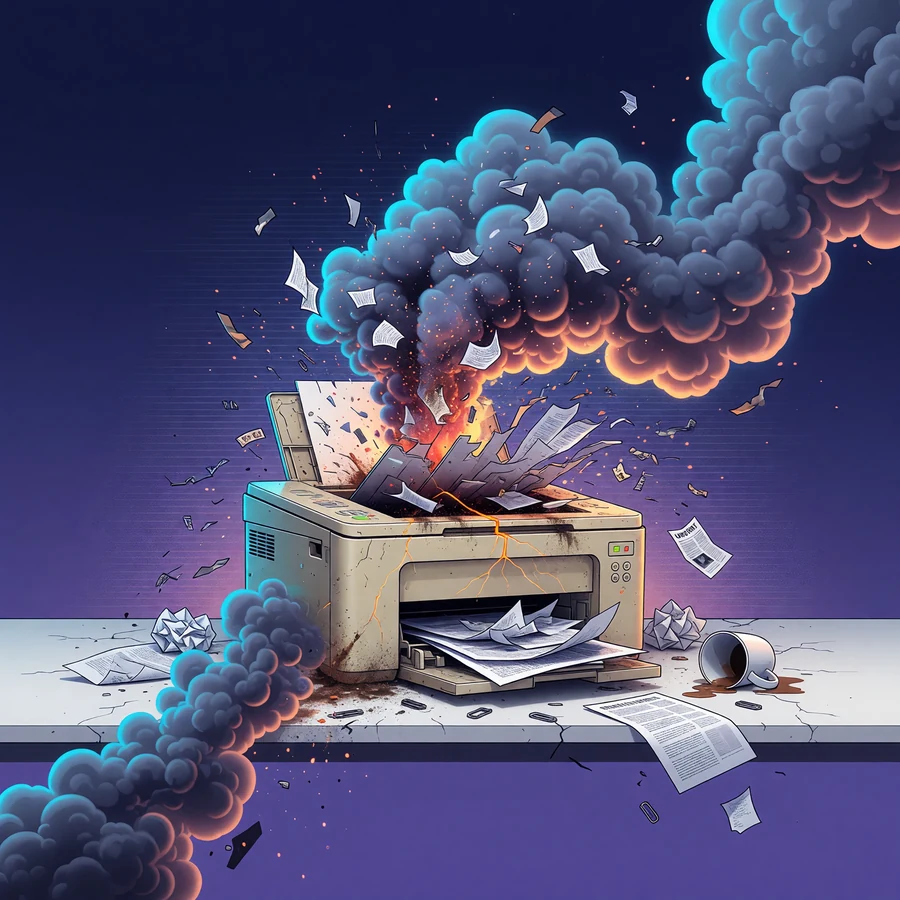
A chaotic office printer becomes a tiny volcano, rendered as a meme panel with strong facial expressions.
A founder standing before a wall of floating app icons, cinematic lighting, high contrast, thumbnail composition.
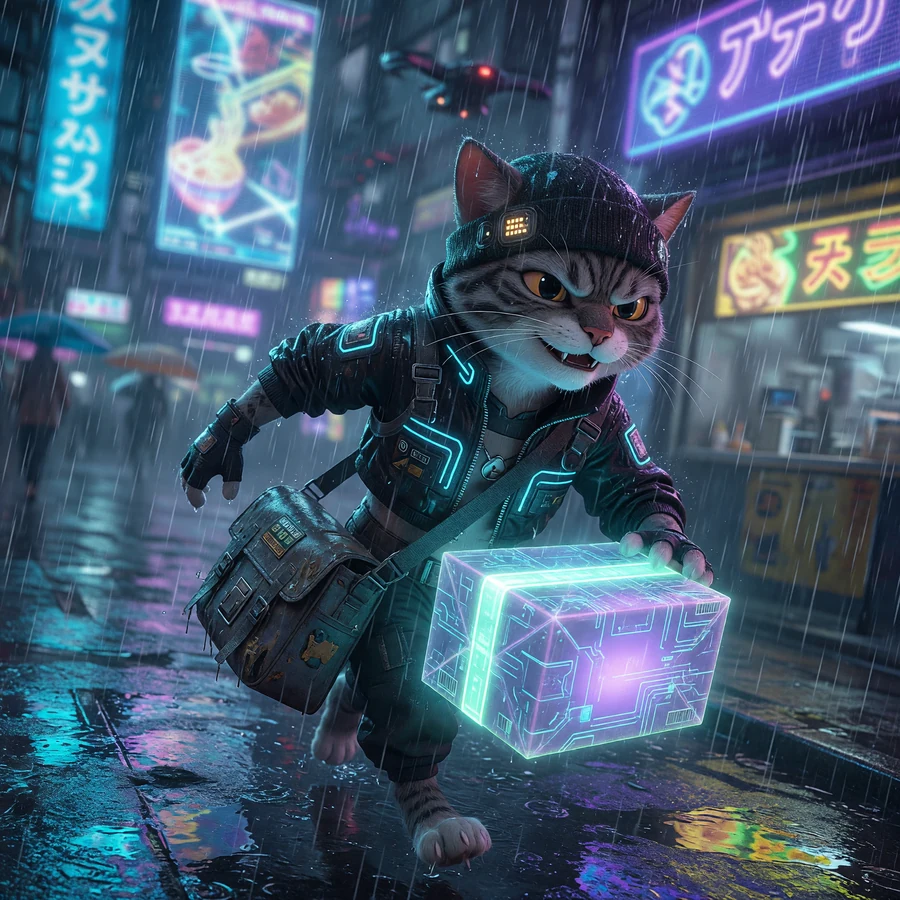
A cyberpunk courier cat delivering a glowing package through rainy streets, expressive character design.
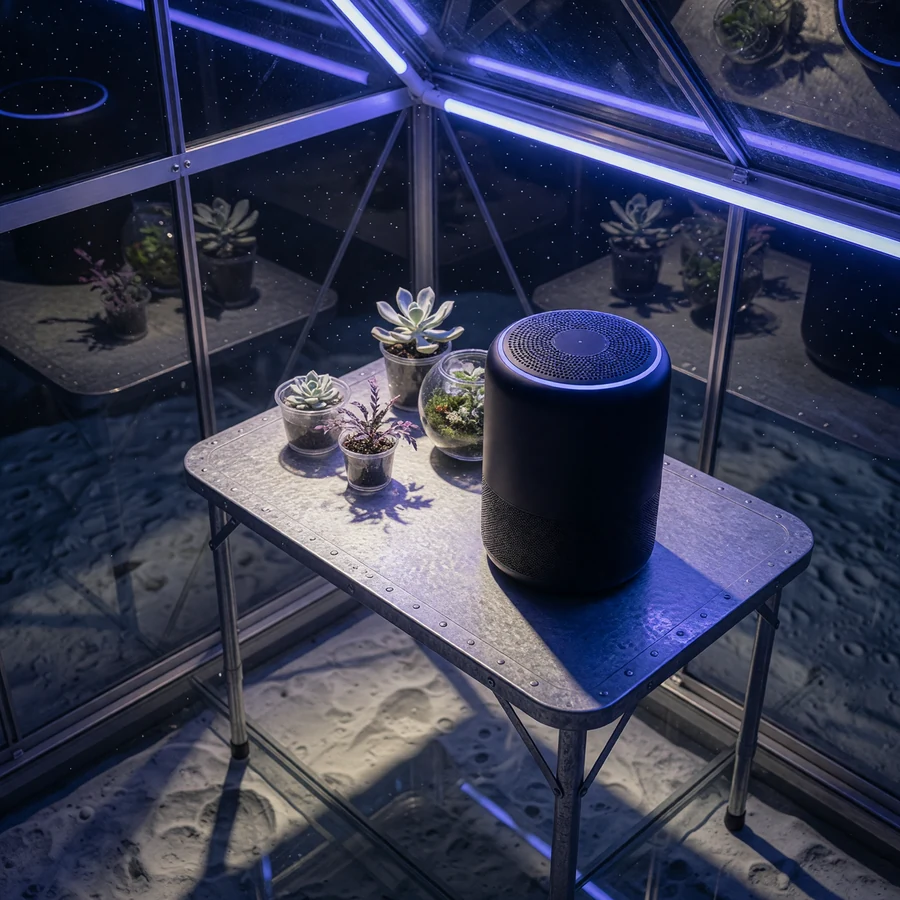
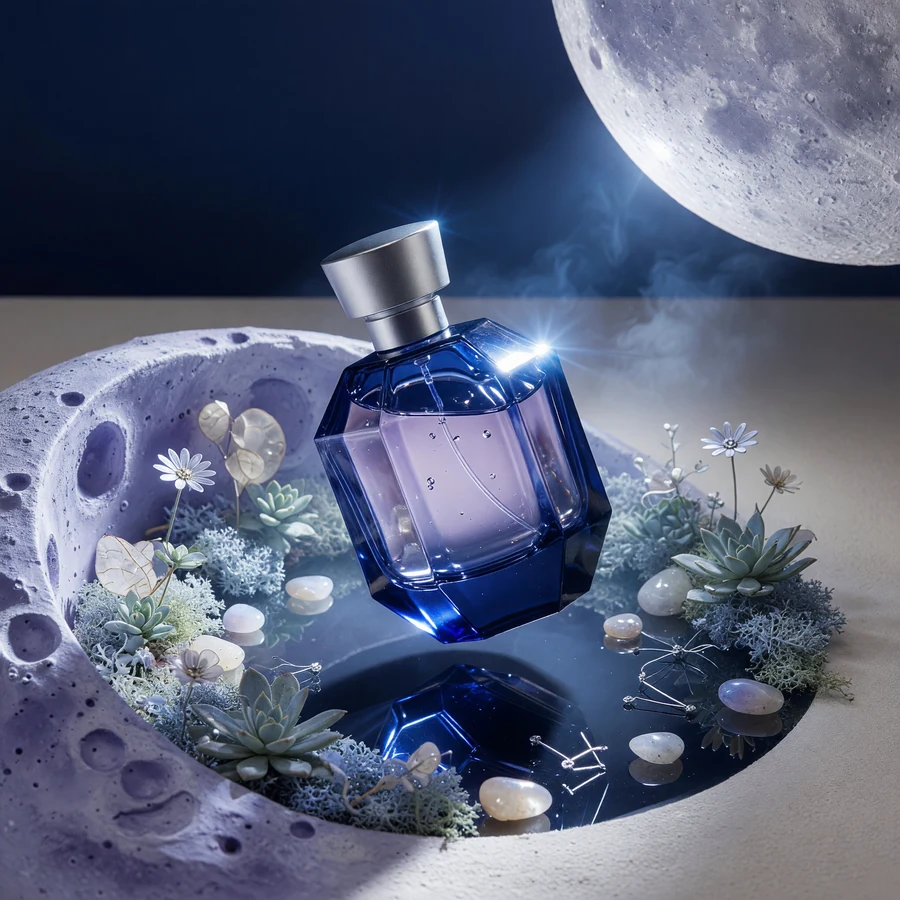
A perfume bottle inside a miniature lunar greenhouse, surreal luxury product photography, sharp reflections.
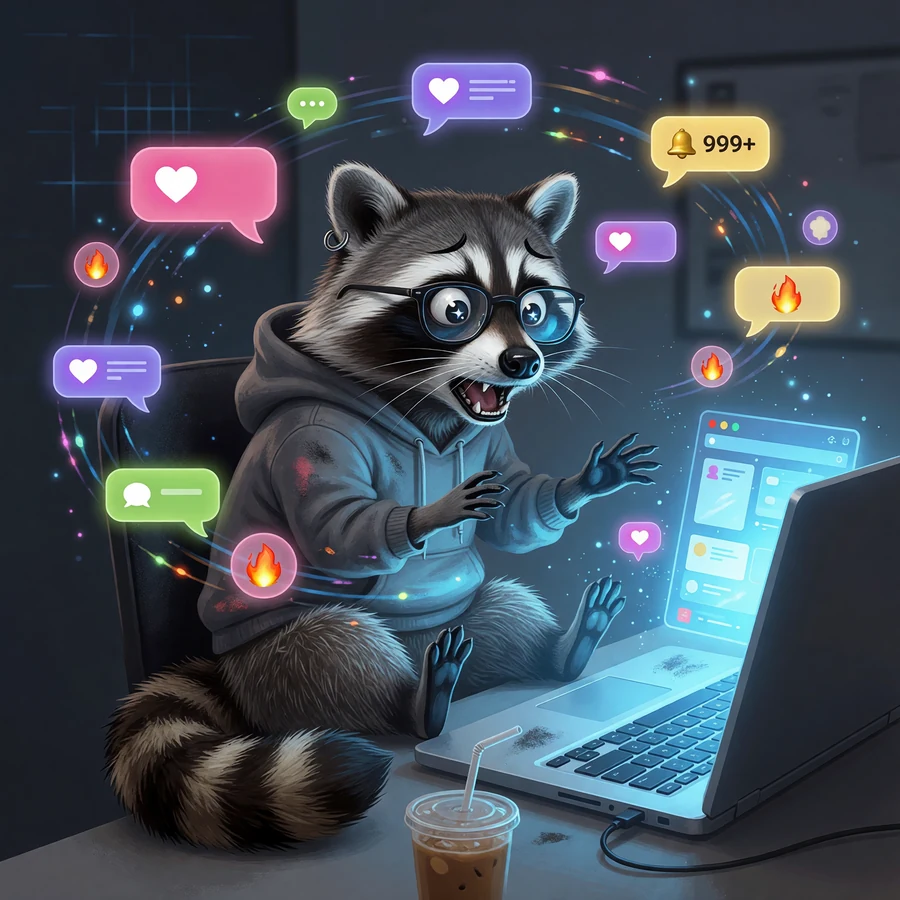
A city skyline made from browser tabs and notification bubbles, editorial illustration for attention overload.
Free Online Grok Imagine AI Image Generator FAQ
Make a Free Grok Image Worth Sharing Online
Try a text-to-image prompt for a meme setup, product teaser, thumbnail hook, surreal scene, or cinematic character.
Grok Imagine is ready in the model picker.
Felo workflow using Grok image generation where available — not the official xAI app