Readable slide text
Plan title slides, labels, captions, and callouts that stay legible instead of becoming decorative filler.
Nano Banana Pro Slides maker
Build a presentation that looks visual from the first draft. Felo AI Slides turns your topic, sources, and image direction into an editable deck with crisp slide text, infographics, and brand-ready visual structure.
Use nano-banana-pro-slides when you need an AI slide maker for visual decks, not a plain outline pasted into a template.
Readable titles, charts, product visuals, and speaker-ready structure.
Why this page
Nano Banana Pro is useful when slide visuals must carry real information. Felo adds the presentation workflow around those visuals so the result is easier to edit, review, and present.
Plan title slides, labels, captions, and callouts that stay legible instead of becoming decorative filler.
Ask for framework visuals, process diagrams, comparison tables, and data-summary pages that fit the deck story.
Keep colors, image mood, product framing, and slide hierarchy aligned across the deck instead of generating one-off images.
Use the output as a slide draft your team can revise, reorder, and hand off for PowerPoint-style presentation work.
Model fit
A slide deck is not only a set of pretty images. It needs readable text, consistent visual logic, and a sequence your audience can follow.
How it works
Give Felo the topic, audience, slide count, visual tone, and any source material that should guide the story.
Use Nano Banana Pro style instructions for diagrams, product shots, scene visuals, icons, and section covers.
Check the generated structure, refine text and visuals, then prepare the deck for meetings, lessons, reports, or launches.
Visual directions
Use the same image language across cover slides, section dividers, charts, and examples so the deck feels designed as a whole.

Use product visuals, market scenes, and credible environments for business and launch decks.

Use bold lighting and futuristic scenes for AI, gaming, event, or campaign concepts.

Use clear illustration styles for lesson slides, explainers, and internal training.
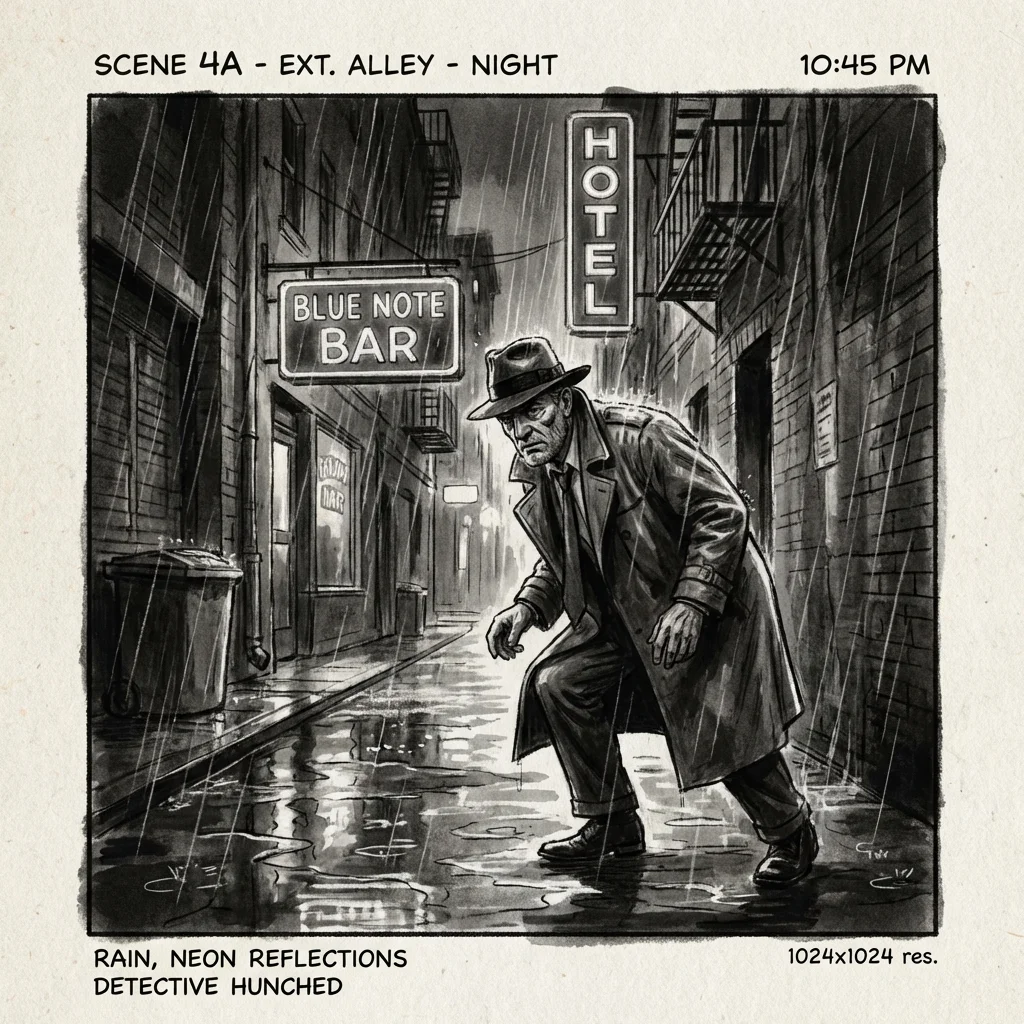
Use cinematic frames for pitch stories, creative treatments, and strategic narratives.
Use cases

Turn problem, market, product, traction, and ask into visual slides that feel polished before design handoff.

Explain complex ideas with diagrams, examples, and readable labels that students can follow.

Create brand-consistent visuals for positioning, audience, channels, assets, and campaign timeline.
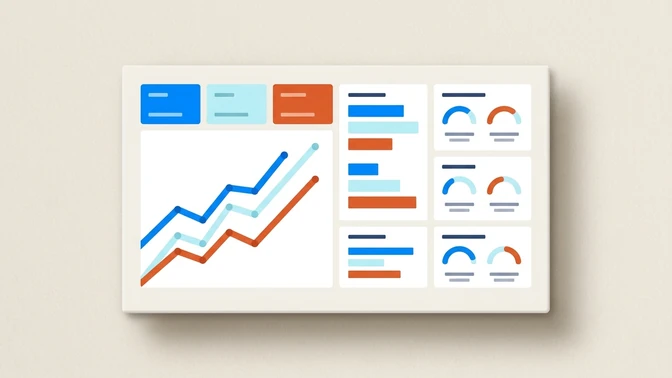
Convert findings into charts, comparison pages, visual takeaways, and an executive-ready narrative.
FAQ
Answers about creating visual AI presentation decks with Felo and Nano Banana Pro style prompts.
Nano-banana-pro-slides are presentation drafts that use Nano Banana Pro style visual generation ideas inside a slide workflow. The goal is a deck with readable text, diagrams, and visual consistency, not isolated images.
Start now
Describe the story, audience, and visual direction. Felo will help turn it into an editable presentation draft.