Convert an outline to PowerPoint with AI
Paste your bullet outline, agenda, or lesson plan, add the audience and slide goal, and let Felo AI turn the structure into an editable presentation draft.
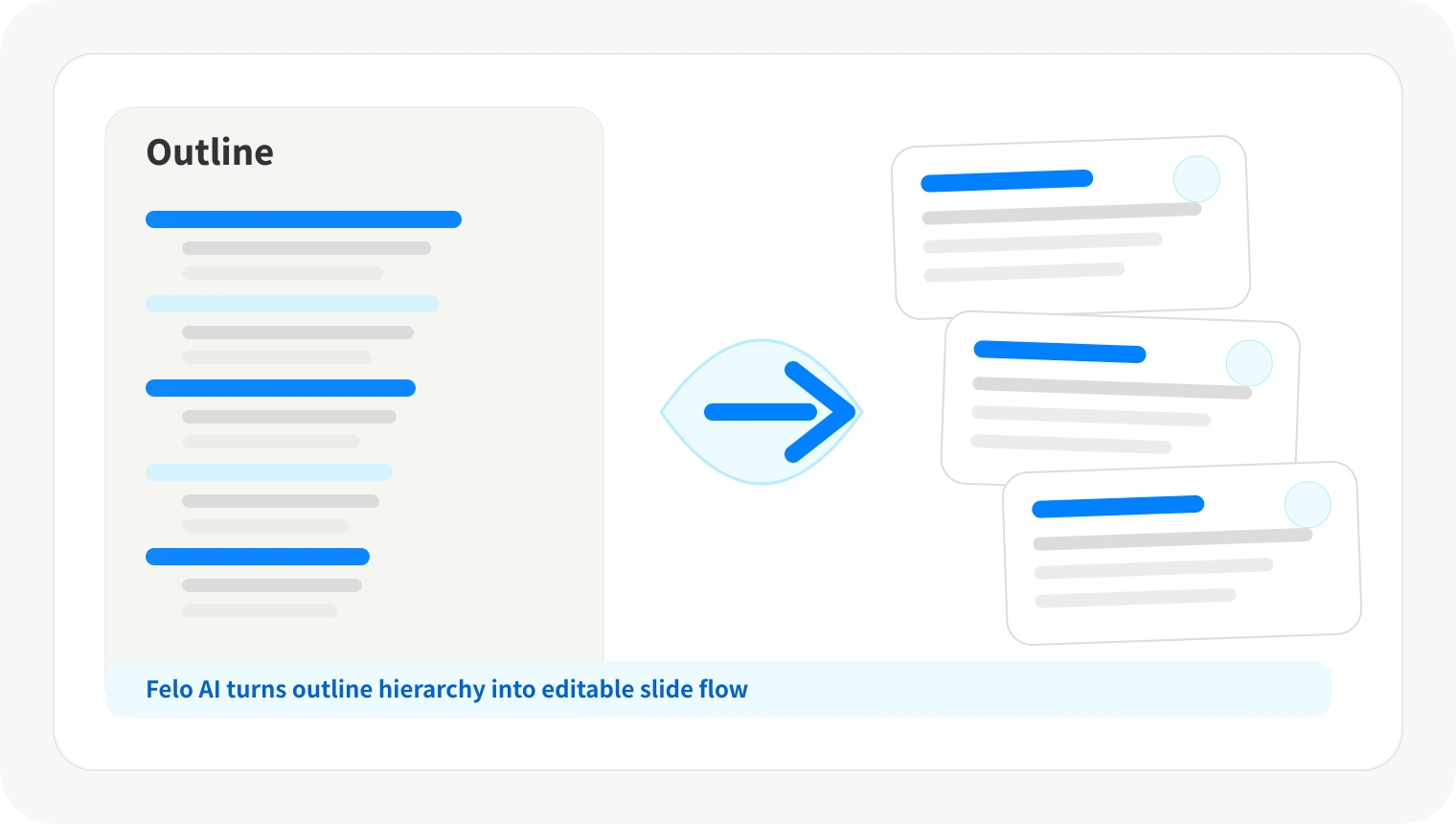
Outlines are not slide decks yet
A good outline captures the thinking, but it still needs slide titles, transitions, and the right level of detail for the room.
Manual slide building flattens hierarchy
Copying bullets into PowerPoint can bury sections, mix supporting points with takeaways, and make the story harder to follow.
The same outline needs different framing
Leadership, students, clients, and event audiences each need a different pace, tone, and slide count from the same source.
Workflow
From outline to presentation in three steps
Keep your original structure as the source, then let Felo help turn it into a slide-ready flow.
Paste the outline
Start with bullets, numbered notes, an agenda, a syllabus, or a talk plan. Add the audience and target slide count if you know them.
Shape the slide flow
Felo reads the hierarchy, groups related points, and drafts sections, slide titles, and takeaways you can review.
Generate editable slides
Create the deck, adjust the order or wording, and refine the presentation output options available in your account.
Features for turning outlines into slides
Use Felo when the plan is already written, but the presentation still needs structure, pacing, and audience context.
Hierarchy-aware slide structure
Turn headings, subpoints, and supporting bullets into sections and slide cards without losing the logic of the outline.
Audience-ready framing
Ask Felo to adapt the same outline for an executive update, classroom lesson, client pitch, or conference talk.
Slide count and tone prompts
Specify the length, language, formality, and meeting goal so the deck matches the time you have.
Slides you can revise afterward
Change section order, sharpen titles, shorten bullets, and refine the deck after Felo creates the first draft.
When outline-to-PowerPoint conversion helps
Use it whenever you have a structured plan and need a deck that people can follow quickly.
Executive and team briefings
Turn strategy notes, project plans, and weekly agendas into concise decks for leadership reviews and team updates.
Lessons, workshops, and training
Convert a syllabus, lesson outline, or workshop run-of-show into teaching slides with clear sections and pacing.
Pitches, proposals, and talks
Start from proposal bullets, speaker notes, or a pitch outline and create a presentation draft for the next conversation.
Outline to presentation AI FAQ
Yes. Felo AI Slides can use a structured outline as source material and help generate an editable presentation draft.
Turn your outline into a presentation
Start with the structure you already wrote and create slides that are easier to present.
Create presentation from outline