Convert text to presentation slides with AI
Paste your report, meeting notes, article, or long-form text, set the audience and pacing, and let Felo AI structure it into an editable slide deck.
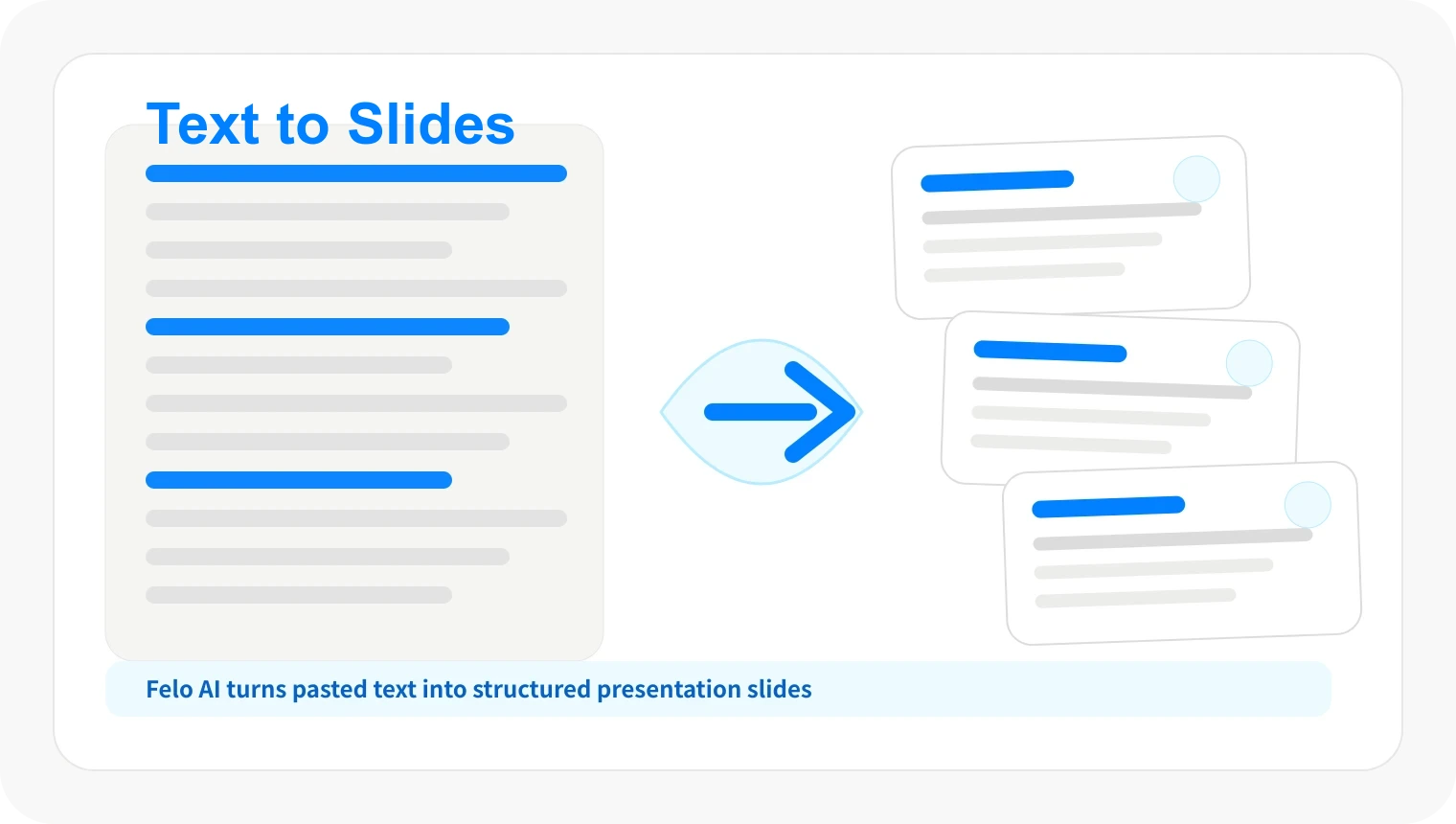
Long text is not slide-ready
Reports, articles, and notes are built for reading line by line — not for a room that needs clear sections and concise takeaways.
Manual trimming loses important context
Cutting long text into slides by hand often drops supporting evidence, mixes key points with details, and creates uneven pacing.
The same text needs different framing
Leadership, students, clients, and internal teams each need a different depth, tone, and slide count from the same source text.
Workflow
From text to slides in three steps
Keep your original text as the source, then let Felo help turn it into a slide-ready outline.
Paste the text
Add your report, notes, article, or draft. Include the target audience and slide count if you know them.
Generate the slide outline
Felo extracts the key sections, removes repeated content, and drafts a presentation flow you can review.
Refine and create slides
Adjust the order, tone, or depth, then generate the editable deck using the presentation options in your account.
Features for turning text into slides
Use Felo when the text already exists but the presentation still needs structure, pacing, and audience context.
Key section extraction
Turn headings, body paragraphs, and supporting details into slide sections without starting from scratch.
Audience-ready summaries
Ask Felo to shorten a long report into the points that matter for leadership, sales, class, or research review.
Slide count and tone prompts
Specify the length, language, formality, and meeting goal so the deck matches the time you have.
Slides you can revise afterward
Change section order, sharpen titles, shorten takeaways, and refine the deck after Felo creates the first draft.
When text-to-slides conversion helps
Use it whenever you have written content and need a deck that people can follow quickly.
Reports and executive summaries
Turn quarterly reports, research summaries, and analysis drafts into concise decks for leadership reviews and team updates.
Meeting notes and agendas
Convert meeting notes, decision logs, and action items into structured presentation decks for follow-up and alignment.
Articles and teaching materials
Summarize blog posts, documentation pages, or lecture notes into teaching slides with clear pacing and sections.
Text to slides AI FAQ
Yes. Felo AI Slides can use your text as source material and help generate a structured outline and editable presentation draft.
Turn your text into a presentation
Start with the content you already wrote and create slides that are easier to present.
Create presentation from text