Convert any webpage URL to PowerPoint with AI
Paste a public link, add the audience and slide goal, and let Felo AI turn the page into an editable presentation outline and deck draft.
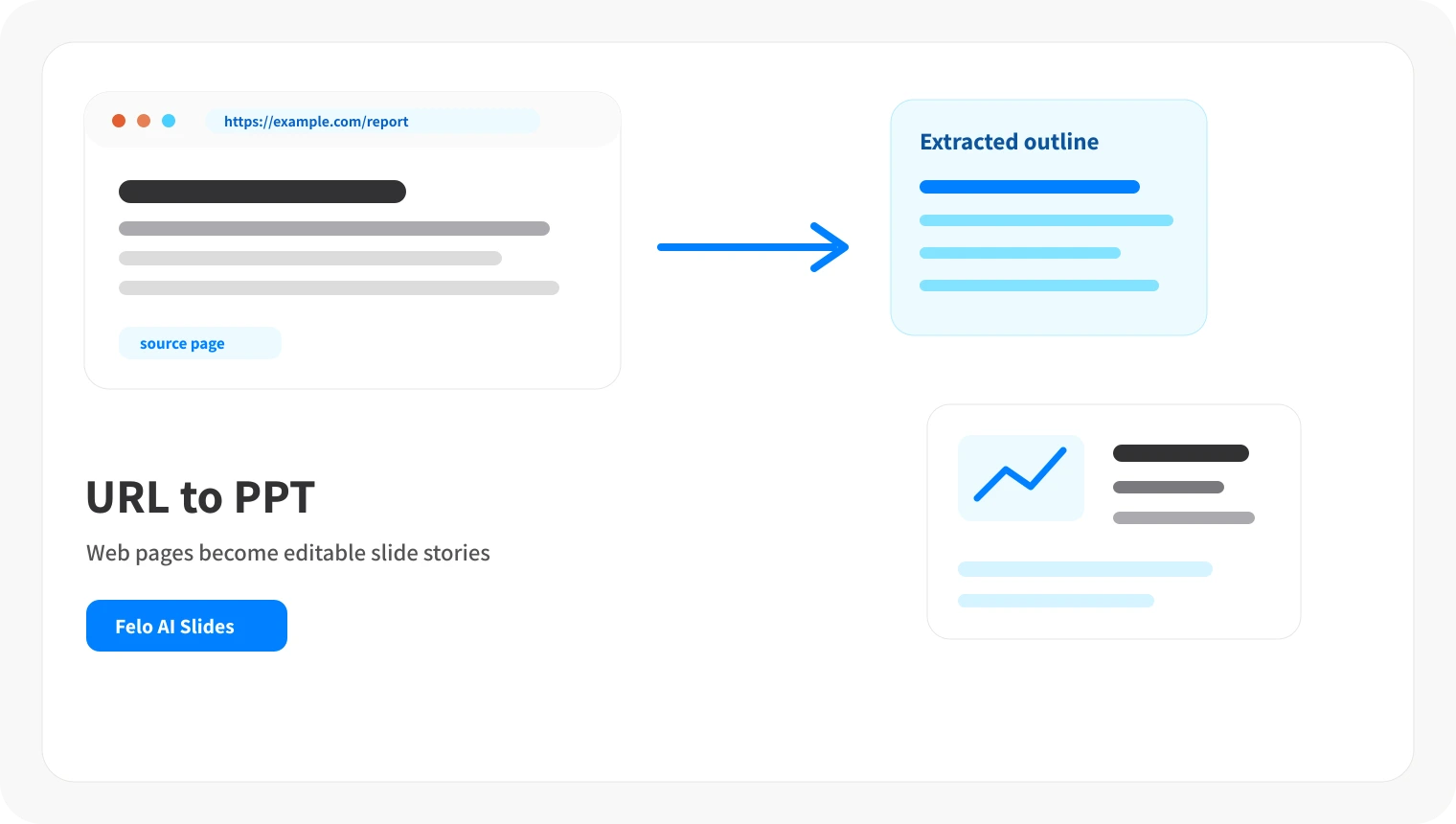
Web pages are not meeting decks
Articles, docs, and product pages are built for scrolling, not for a room that needs a clear sequence of slides.
Manual copy-paste loses structure
Moving web sections into PowerPoint by hand often leaves mixed formatting, missing context, and too many details.
Links need audience framing
A URL rarely tells you which points matter for leadership, sales, students, or a project team.
Workflow
From URL to presentation in three steps
Keep the webpage as the source, then let Felo help shape the structure before the slides are created.
Paste the webpage URL
Start with a public article, report, documentation page, landing page, or product page. Add the audience and slide count if you know them.
Shape the slide outline
Felo extracts the important sections, removes repeated web navigation, and drafts a presentation flow you can check.
Generate editable slides
Create the deck, refine titles and takeaways, then use the presentation output options available in your account.
Features for turning URLs into slides
Use Felo when the source is already online, but your audience needs a deck instead of a browser tab.
Webpage-aware extraction
Turn headings, body sections, tables, and notes from a public page into slide sections without starting from a blank deck.
Audience-ready summaries
Ask Felo to shorten a long page into the points that matter for leadership, sales, class, or research review.
Slide count and tone prompts
Specify the slide count, language, tone, and meeting goal so the outline matches the room.
Slides you can revise afterward
Adjust section order, titles, summaries, and visual emphasis after the presentation is generated.
When URL-to-PowerPoint conversion helps
Use it when a webpage contains the source material, but your audience needs a concise presentation.
Article and report briefings
Turn long posts, research reports, and public analysis pages into executive or classroom briefings.
Product and landing page pitches
Convert product pages, feature pages, or campaign pages into sales decks, partner updates, and launch notes.
Documentation and training explainers
Summarize help docs, policy pages, or tutorials as slides for onboarding, workshops, and team updates.
URL to presentation AI FAQ
Yes. Felo AI Slides can use a public webpage URL as source material and help generate an editable presentation draft.
Turn a webpage into a presentation
Start with the link you already have and create slides that explain the page clearly.
Create presentation from URL