

Codex 技能 · 页面截图与文档化

Website Screenshot Agent Codex 技能

Website Screenshot Agent for Codex automates website capture, competitor page monitoring, and Markdown report generation from your terminal. Use it when your team needs repeatable snapshots and structured evidence instead of ad-hoc browser screenshots.

Codex Automated page capture
doc-screenshot-agent process cases/competitor-monitoring.md
Reading capture plan and preparing browser sessions...
Capturing websites and writing the Markdown report...
Markdown report written to output/reports/competitor-monitoring.md

Built for Codex users who need repeatable website snapshots and Markdown-ready reports without leaving the terminal.

Codex skill
website screenshot automation
npm install
one-command setup
Batch
multi-page capture workflows
Markdown
report-ready output

一旦调研规模变大,手动网站截图就会立刻失控

竞品调研、网站监控和审计记录团队都会遇到同样的问题:手动抓取页面太慢、不一致,而且一旦站点数量增加就难以维护。

竞品页面还没分析完,截图就已经过时了

价格表、首屏文案、CTA 和功能页可能几天内就变化。等手动整理完一份截图报告时,部分证据已经不再准确。

手动采集无法覆盖 20、50 或 200 个 URL

打开页面、调整浏览器、滚动到目标区域、截图、重命名文件、移动到正确文件夹。只要站点一多,这个流程就会迅速失控。

没有结构的原始截图最终只会变成废弃证据

一个装满截图的文件夹并不是调研交付物。团队真正需要的是一份可阅读的 Markdown 报告,说明抓了什么、来源在哪里、结论为何重要。

一个智能体替你抓网站,并把 Markdown 报告写好

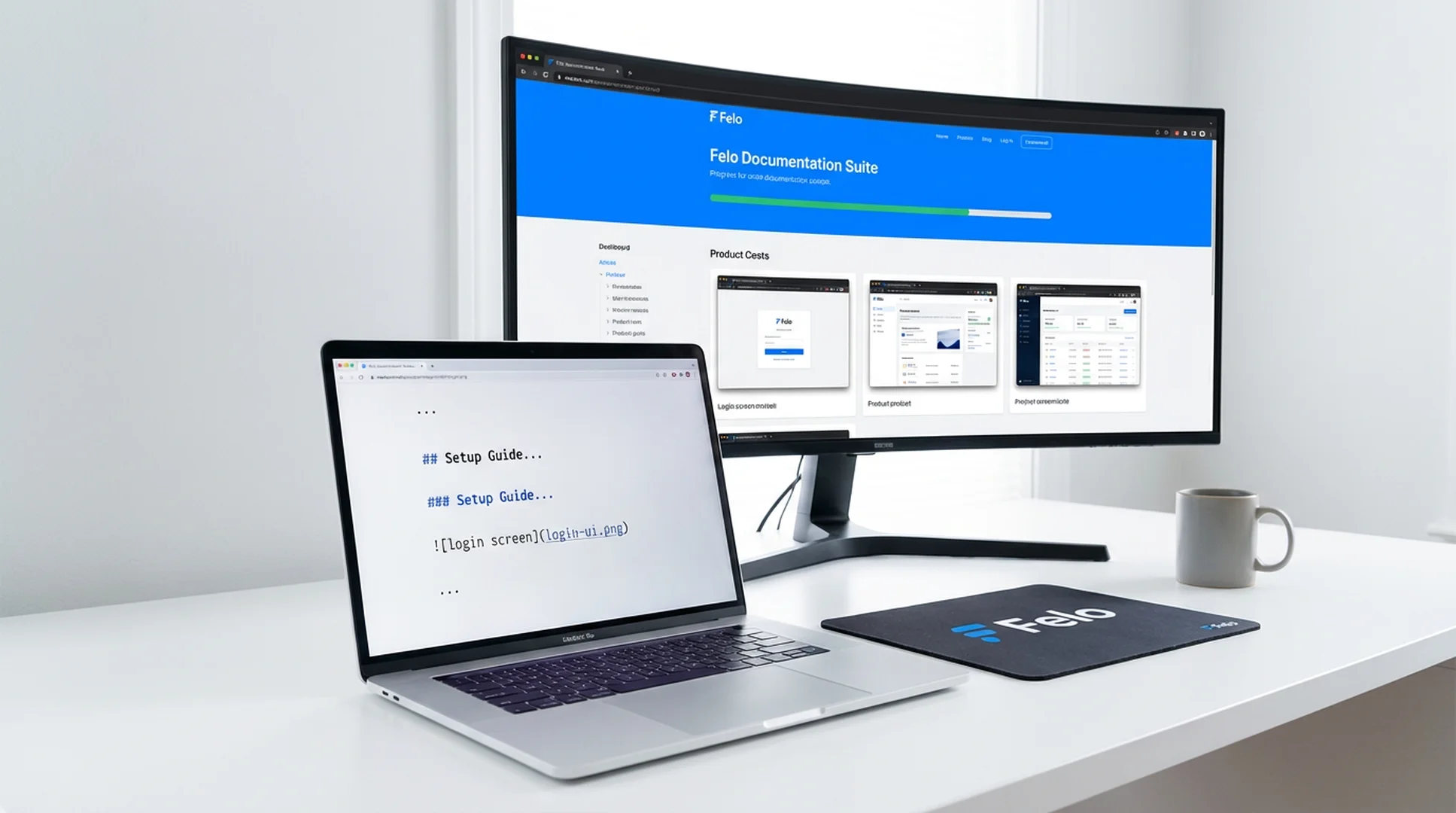
Website Screenshot Agent 读取你的 Markdown 采集说明,自动抓取网站截图、处理登录态页面、整理素材,并输出团队可审阅、可分享、可提交版本库的结构化 Markdown 报告。

  • 从 Markdown、标题说明或汇总表中解析采集指令
  • 自动抓取落地页、价格页、文档页、仪表盘等网站页面
  • 适用于竞品调研、网站监控和周期性快照任务
  • 通过配置凭据采集需要登录的页面
  • 输出截图已放入正确章节的 Markdown 报告
1
PlanList the pages, URLs, and sections you want to capture in Markdown
2
CaptureThe agent opens each site, handles auth, and captures screenshots
3
CompileScreenshots are inserted into a structured Markdown report
4
ShareExport the report for research reviews, audits, or recurring monitoring

Install the Website Screenshot Agent skill in Codex

Use npm to install the full Felo skill pack, or copy doc-snapshot-agent directly into your Codex skills directory.

How to install the Website Screenshot Agent skill in Codex

Codex

Capture website screenshots, monitor competitor pages, and compile Markdown reports from your Codex terminal without switching to a browser.

# Install all Felo skills globally npm install -g felo-ai # Or install this skill manually git clone https://github.com/Felo-Inc/felo-skills.git cd felo-skills cp -r doc-snapshot-agent ~/.codex/skills/


Read Felo API Docs

Website Screenshot Agent 能做什么

六项能力,帮助团队获得可重复的网站快照和 Markdown 交付物,而不是一次性的手动截图。

自动网站截图采集

自动打开产品页、落地页、价格页、文档页、仪表盘等目标页面,并在合适的视口与分辨率下生成整洁截图。

竞品与市场页面监控

复用同一份采集计划,持续跟踪竞品文案、价格页、发布页和市场变化,而无需每次从头搭建流程。

Markdown 报告生成

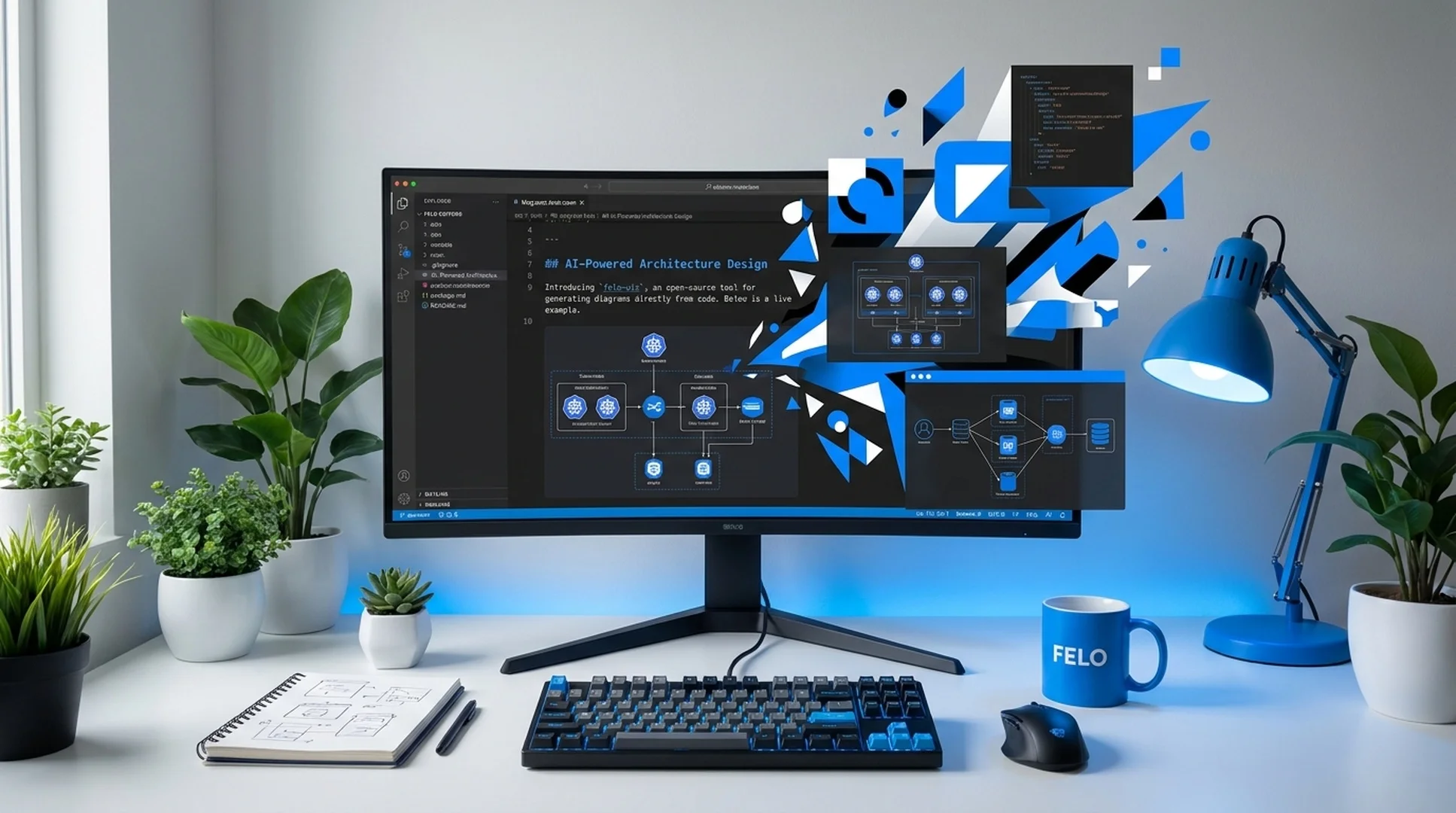
它不只是输出图片,还会把截图整理成可阅读的 Markdown 报告,方便异步评审、知识库沉淀、版本管理和调研交接。

增量刷新与重复执行

当大部分页面已经采集完成时,你可以重新运行工作流,只更新变化内容,而不必从头再抓一遍。

登录态页面采集

只需配置一次凭据,就可以在同一条自动化流程中采集受保护页面、内部工具、SaaS 仪表盘等登录态内容。

适合团队协作的结构化输出

原始截图、处理后素材和最终 Markdown 报告都存放在可预期的目录中,方便审阅、提交、比对和接入周期性运营流程。

Website Screenshot Agent 最适合这些场景

下面这些高价值工作流需要的不是零散截图,而是快速、可重复的网站快照。

Competitor landing page research with automated website screenshots

竞品落地页调研

场景背景: 产品市场团队在定位评审前,需要最新的竞品首页、价格页、功能页和注册流程截图。
抓取选定竞品的目标 URL,并输出一份按公司和页面类型组织的 Markdown 调研报告。
Website monitoring snapshot report with structured Markdown output

网站变化监控与快照归档

场景背景: 团队希望按周抓取自家网站、合作伙伴网站或竞品页面,用于记录文案、设计和结构变化。
运行周期性采集计划,重新抓取目标页面,并为本次监控生成一份新的 Markdown 快照报告。
Audit pack with public and authenticated website captures

产品、内容或销售团队审计包

场景背景: 发布评审或 battlecard 项目需要公开页面和登录态页面的截图,并统一整理到一份可异步审阅的报告中。
抓取所需的公开页面和登录态页面,然后把证据整理成结构化 Markdown 审计文档。

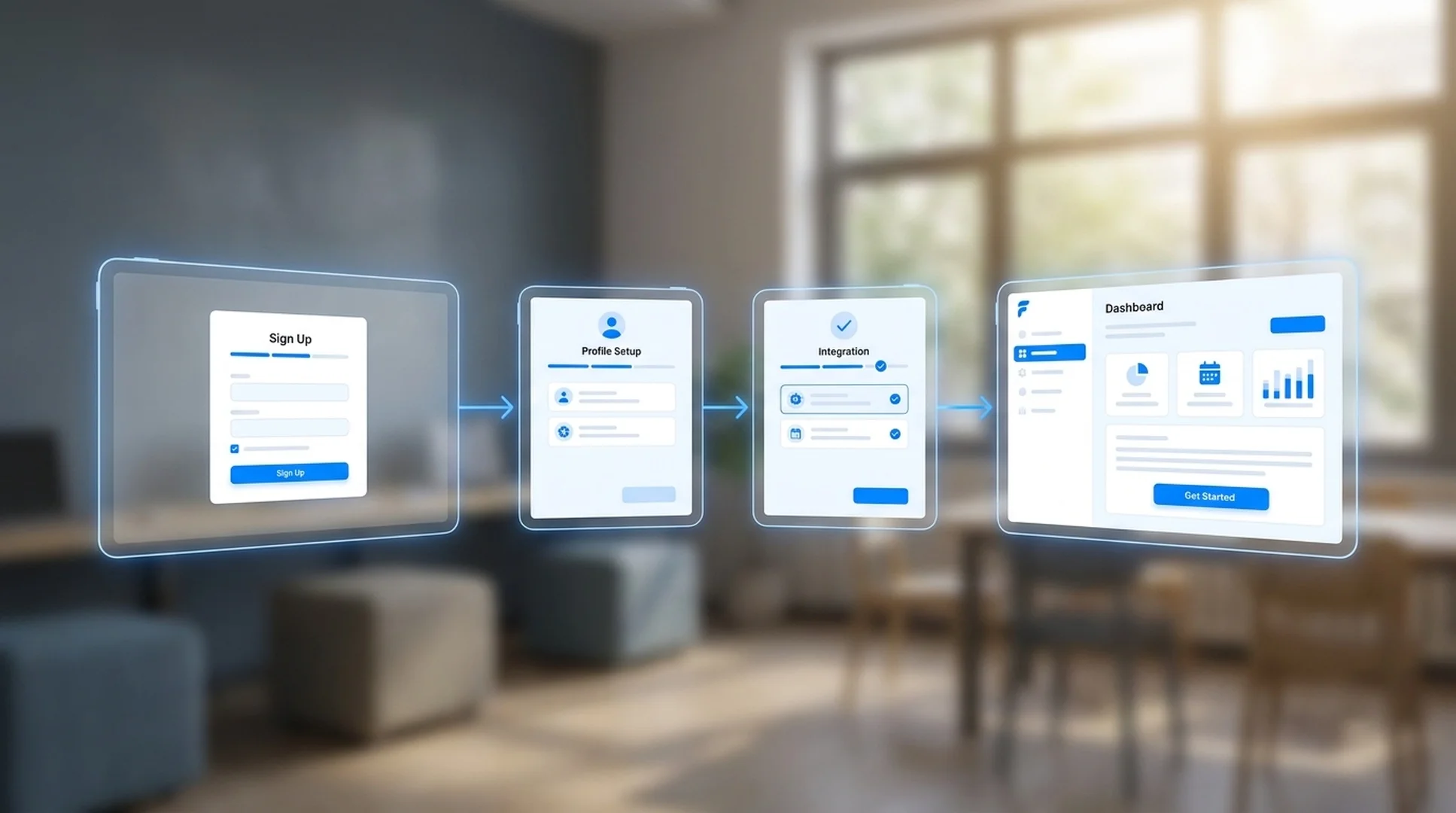
Get the Website Screenshot Agent skill running in Codex in 3 steps

Install the skill, describe the pages you need to capture, and generate your first Markdown screenshot report.

1

Install via npm or copy the skill folder

Run npm install -g felo-ai for the full skill pack, or copy doc-snapshot-agent into ~/.codex/skills/ from the cloned repo.

2

Write a capture brief

List the URLs, page sections, and evidence you need in a Markdown file or describe them directly to Codex.

3

Run the capture workflow

Ask Codex to execute Website Screenshot Agent on your brief and review the generated Markdown report with organized screenshots.

团队如何评价 Website Screenshot Agent

这些早期用户正在用可重复的网站采集与 Markdown 报告替代零散截图工作。

★★★★★
过去每次做竞品评审前,我们都要花半天收集截图。现在一份采集说明就能输出有条理的 Markdown 报告,证据顺序也完全正确。
Daniel Park
Daniel Park
竞品情报负责人,SaaS 平台
★★★★★
最大的提升是统一性。现在每次落地页评审都复用同一套网站快照流程,团队不再争论“少了哪张图”,而是直接讨论发现本身。
Rachel Morgan
Rachel Morgan
产品市场经理
★★★★★
我们用它做周期性站点审计和内部汇报。登录态页面采集加上 Markdown 输出,和团队现有的工作方式非常契合。
Vik Patel
Vik Patel
运营分析师

Website Screenshot Agent 带来的关键结果

1 条流程
从采集计划到报告
0 手动
浏览器截图步骤
Markdown
可交付报告输出
可重复
监控与审计运行

Website Screenshot Agent Codex skill FAQ

How do I install the Website Screenshot Agent skill in Codex?
Run npm install -g felo-ai for all Felo skills at once, or clone the repo and copy doc-snapshot-agent into ~/.codex/skills/. The skill is ready to use once the files are in place.
Can the Codex skill capture login-protected pages?
Yes. Configure credentials through environment variables and the skill will handle authentication before capturing dashboards, internal tools, or other protected pages.
What output format does the skill produce?
It generates a structured Markdown report with screenshots placed in the right sections, plus organized raw and processed image assets in predictable folders.
Can I use it for recurring competitor monitoring in Codex?
Yes. Reuse the same capture brief to collect fresh screenshots on a regular schedule and produce updated Markdown reports each time.

Automate website screenshots from your Codex terminal

Install doc-snapshot-agent and turn manual screenshot tasks into repeatable capture workflows with Markdown report output.

One install covers the full Felo skill set in Codex. Capture websites, organize evidence, and ship reports from a single terminal session.