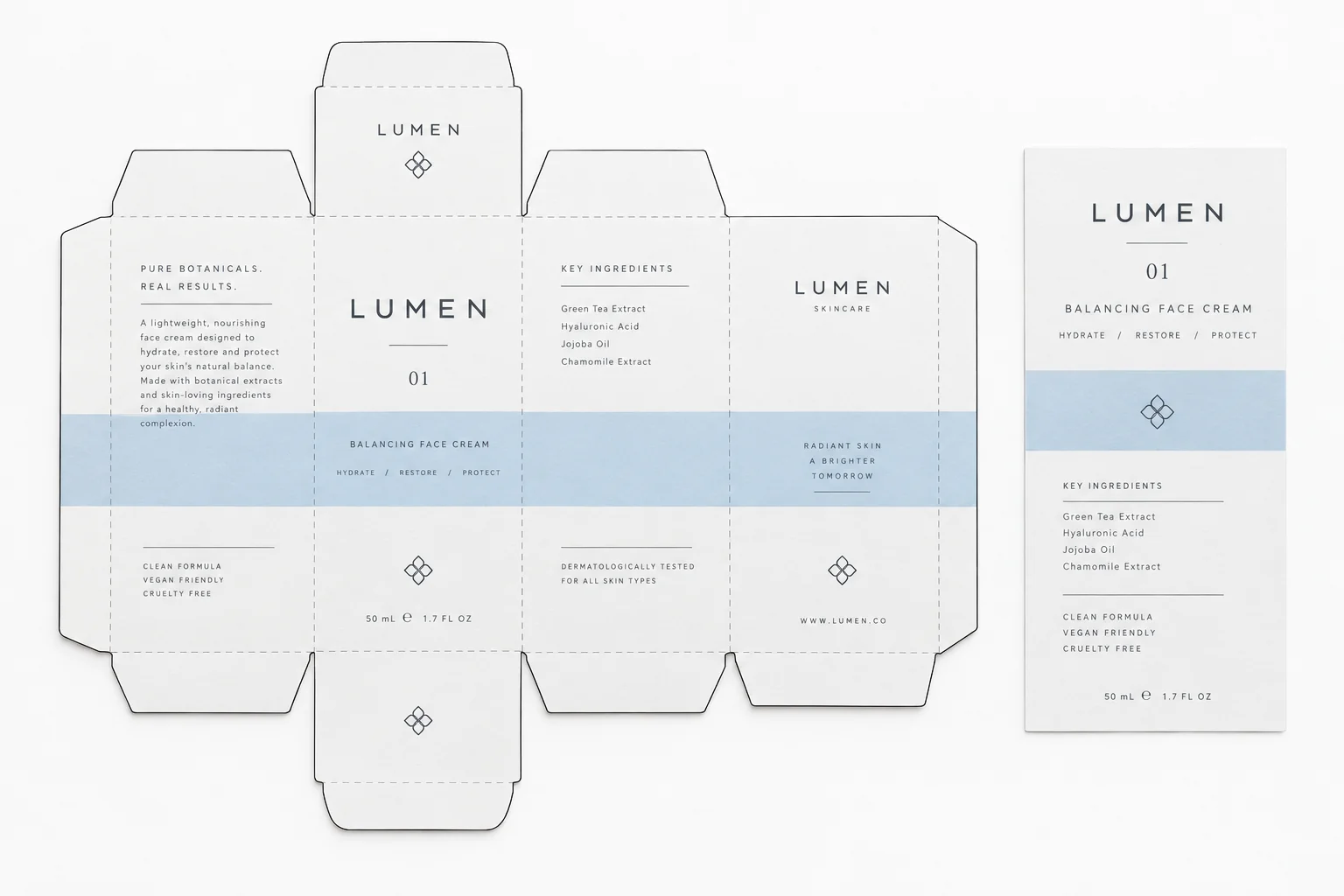
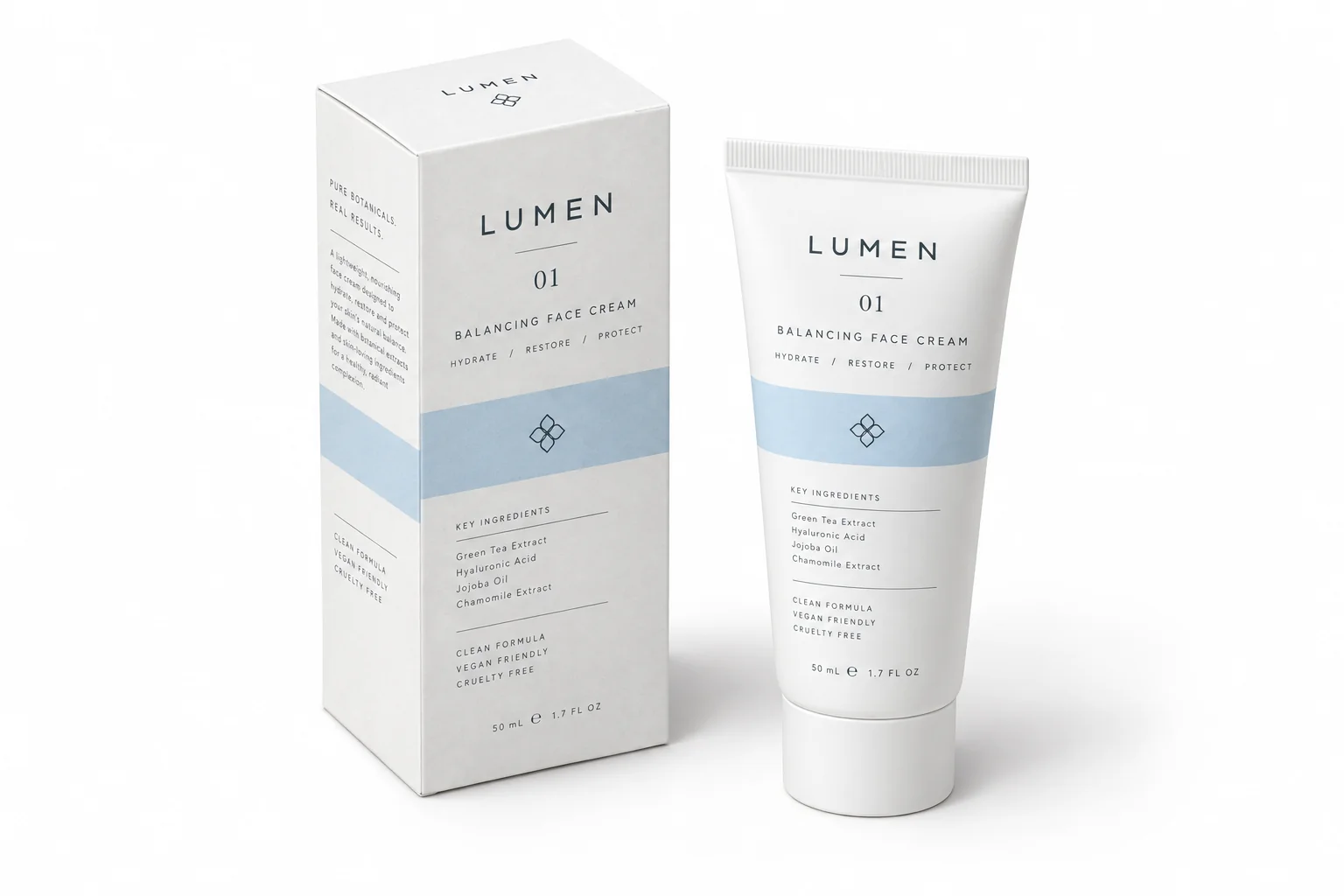
Packaging mockup generator

AI packaging mockup generator for every pack format

Upload one flat label or dieline, choose the pack format, and generate a studio-lit mockup as a tube, bottle, tote or carton. Your artwork, type and colors stay exactly as designed.

One flat labelFive pack formatsNo 3D software
Generate a packaging mockup

Free to try. No 3D software needed.

Covers squeeze tubes, glass bottles, plastic bottles, canvas totes and folding cartons.

Flat artworkFlat artwork
Generated mockupGenerated mockup
One artwork, five finished packs

Flat artwork

Pack format
Camera angle
Background
Composition ratio

Prompts are written in English because image models follow material and lighting instructions more reliably in English.

Your artwork is uploaded to Felo when you generate.

Privacy policy

Sign-in required; account limits apply.

Packaging mockup prompts you can copy

The prompts the workbench builds, each written around one pack format and its material.

01

Convert the attached flat packaging label into a photorealistic squeeze tube mockup. Keep every pattern, word, logo and color identical to the artwork. The tube is soft plastic with a crimped seal and a glossy black cap, the label follows the curved barrel, white seamless studio background, even soft light with a natural highlight down one side, gentle shadow under the tube, sharp print edges, commercial product photography, 8K detail, no plastic 3D render look.
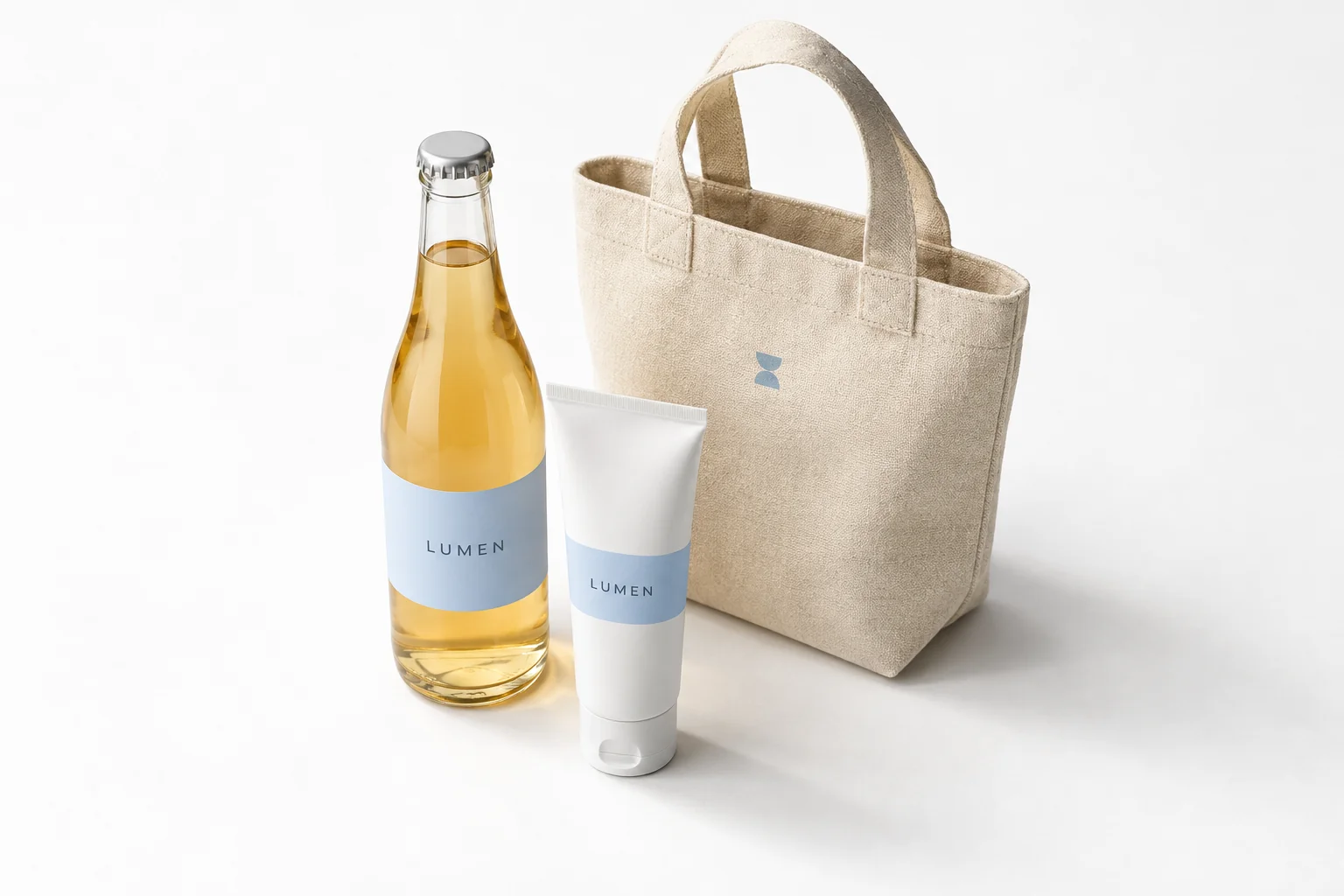
02

Turn the attached flat label design into a photorealistic clear glass bottle mockup. Keep the pattern, text, logo and colors exactly as supplied. Clear glass with a white screw cap, the bottle filled with the matching liquid, pure white background, the label wrapped tightly to the curved glass without floating or stretching, realistic refraction and a soft highlight along the bottle edge, natural shadow, commercial studio photography.

03

Render the attached flat tote bag design as a photorealistic canvas tote mockup. Keep the print, colors and proportions exactly as supplied. Heavy cotton canvas with a visible weave and fiber texture, two handles falling naturally, the bag standing upright and slightly full, pure white background, soft daylight from the upper left, clean commercial product photo, sharp print edges, no distortion.

Prompt workbench

Before and after

One artwork, five finished packs

The label you upload becomes a lit product photograph on the pack format you choose, with the material behaving the way it would on a shelf.

Squeeze tube in white studioFlat artwork
Squeeze tube in white studio
Glass bottle with liquid insideAI mockup
Glass bottle with liquid inside
Canvas tote on warm beigeAI mockup
Canvas tote on warm beige

Pack formats the prompt is tuned for

Each format has its own geometry, material and light behavior. The workbench writes the right instructions for the one you pick.

01

Squeeze tube

Soft plastic tube with a crimped seal and a glossy cap. The label wraps around the barrel and the highlight runs down one side.

02

Glass bottle

Clear glass with a screw cap and a liquid fill. The label follows the curved surface and light passes through the glass.

03

Plastic bottle

Straight-wall PET bottle with a colored cap and a matte label. Reads as a juice, tea or supplement pack.

04

Canvas tote

Heavy cotton tote with handles that fall naturally, a printed front panel and a visible weave texture.

05

Folding carton

Printed carton with matte stock, crisp fold lines and one side face in view, for retail shelf presentation.

How to mock up packaging

Three steps from a flat label to a shelf-ready render.

1

Upload the flat artwork

Send the label, dieline or front panel as PNG, JPG or WebP at print resolution.

2

Pick the pack format

Choose tube, bottle, tote or carton and set the angle and background. The prompt is rewritten for that format.

3

Copy the prompt and generate

Press generate. The artwork uploads to Felo AI and renders on the pack format you chose, with your label in place.

Where packaging mockups earn their keep

Every stage where a flat file has to stand in for a physical pack.

Brand launches

Present the whole range as finished packs in a deck, before tooling and sample rounds are signed off.

Marketplace listings

Amazon, Shopify and social ads want a product photo. Mockups give you one while the first production run is still in progress.

Agency handoff

Hand the client a rendering next to the flat artwork so there is no argument later about how the label wraps.

Packaging mockup questions

What is a packaging mockup generator?

It turns a flat label or dieline into a photograph of the finished pack, with the right material, lighting and shadow. You design the label once and see it on several pack formats.

Which packaging formats can I mock up?

Squeeze tubes, glass bottles, plastic bottles, canvas totes and folding cartons. Each format changes the geometry and material wording in the prompt.

Can it keep my label artwork unchanged?

The prompt asks for 100% artwork fidelity, and the label is wrapped to the surface rather than redrawn. Small type is the usual weak point on curved formats, so check the render at full size.

Is the packaging mockup generator free?

The workbench and prompt builder are free. Generation runs in Felo AI, where the free plan has a limited image allowance and paid plans increase it.

Can I mock up a bottle with liquid inside?

Yes. The bottle prompts describe the liquid fill and ask for glass refraction, so the render reads as a filled bottle instead of an empty shell.

Do I need a 3D model or a template?

No. Upload a flat artwork and copy the prompt. There is no model to build, no smart object to swap and no template pack to hunt down.

See your packaging as a finished product

Upload the label and generate the pack in front of a client this week.

Generate a packaging mockup

Free to try. Your artwork stays in this browser session until you send it.