No clear slide structure
You open a blank canvas and start typing. By slide 4 you have lost the thread. The cover does not match the CTA.
AI Instagram Carousel Maker
Instagram Carousel Maker researches your topic, confirms the slide style with you, then generates a complete 1080×1350 carousel — cover hook, body slides, caption, and hashtags — in one run.
The real problem
Most people start writing slides before they know what the carousel is supposed to do. The result is a deck that looks fine but gets no saves.
You open a blank canvas and start typing. By slide 4 you have lost the thread. The cover does not match the CTA.
Educational? Inspirational? Product showcase? You pick one and hope it fits the audience. There is no research behind the choice.
The slides take an hour. The caption takes two minutes. Then you wonder why the post gets scrolled past in the feed.
How it works
You type
5 habits that helped me ship faster without burning out.
Research complete
Found top-performing carousels on this topic. Two style directions ready: Educational list vs. Personal story arc.
Cover: '5 habits that cut my shipping time in half.' Each slide = one habit with a concrete action. CTA: Save for your next sprint.
Cover: 'I used to miss every deadline. Then I changed 5 things.' Slides build tension before the reveal. CTA: Comment your biggest blocker.
Three steps
Instagram Carousel Maker does not just slot your text into a layout. It researches what works, confirms the direction with you, then generates the full deck.
Step 1
The tool searches top-performing carousels in your niche and identifies which slide structures and styles are earning saves and shares right now.
Step 2
Two or three carousel directions come back — educational, story, product showcase, or contrast. You pick the one that fits your goal and audience.
Step 3
Cover hook, body slides, proof slide, CTA slide, caption, and hashtag pack — all in one output. Formatted for 1080×1350 vertical. No reformatting needed.
What makes it different
Views are passive. Saves mean someone found the carousel useful enough to come back to. Every structural decision in this tool is optimized for that outcome.

The cover slide has one job: make someone stop and swipe. The tool writes a hook that creates a gap between what the viewer expects and what the carousel delivers.

Carousels that try to say three things per slide get abandoned at slide 2. Each slide is structured around a single headline and one supporting line.

A result, stat, or before-and-after that makes the claim credible. Most carousels skip this. It is the slide that converts skeptics into followers.

Save, follow, comment, or link in bio — the CTA is chosen based on what the carousel is trying to do, not added as a generic afterthought.

The caption is written to complement the carousel, not repeat it. It adds context, asks a question, or opens a loop that pulls people into the comments.

A mix of niche, mid-size, and broad hashtags selected for the topic — not a generic list of 30 that signals spam to the algorithm.
When to use it
Instagram Carousel Maker is not for decorative content. It is for carousels where you need the deck to do something specific — earn saves, grow followers, or move product interest.

Break a skill, process, or framework into 5–8 slides. The tool structures it so each slide earns the next swipe and the last slide earns the save.

Show the problem, the solution, and the proof in a single carousel. The tool picks the slide order that builds desire before revealing the product.

A before-and-after, a mistake, or a turning point. The tool structures the arc so the tension builds across slides and the payoff lands on the last one.

A data reveal, industry insight, or contrarian take formatted as a carousel. The tool writes it to pull saves from people who want to reference it later.

Turn a blog post, thread, or video script into a carousel. The tool extracts the key points, restructures them for swipe format, and adds a caption.

Announce a sale, launch, or event without looking like an ad. The tool leads with value, builds context, and places the offer where it lands naturally.
What people say

Yuki Tanaka
Lifestyle creator, 38K followers on Instagram
“I used to spend two hours on a carousel and still feel like the structure was off. With Instagram Carousel Maker, I give it a topic, pick a direction, and the slide flow is already logical. Our save rate went up 40% in the first month.”

Kenji Watanabe
Founder, DTC skincare brand
“The proof slide concept changed how I think about carousels. I was always skipping it. Now every carousel I make has one, and it's consistently the most-saved slide in the deck.”

Hana Miyamoto
Independent creator, 52K followers
“I posted a carousel about my morning routine using the story arc direction. 8,400 saves in 48 hours. The cover hook was the difference — I would have written something generic without the tool.”

David Park
Social media lead at a fintech startup
“The caption output is what surprised me most. It actually complements the slides instead of repeating them. That alone saves me 20 minutes per post.”

Sakura Inoue
Brand manager at a lifestyle company
“We repurposed a 2,000-word blog post into a carousel in under 10 minutes. The tool extracted the key points, restructured them for swipe format, and the hashtag pack was actually relevant — not a generic list of 30.”

Ryo Nakamura
Content strategist, agency side
“The style confirmation step is what makes it different. I can see the educational vs. story arc direction before a single slide is written. That decision used to take me 30 minutes of second-guessing.”
FAQ
Ready to create
Give it a topic. Get a researched direction, a full slide deck, and a caption pack. Takes 60 seconds.
Create my carouselMore social tools
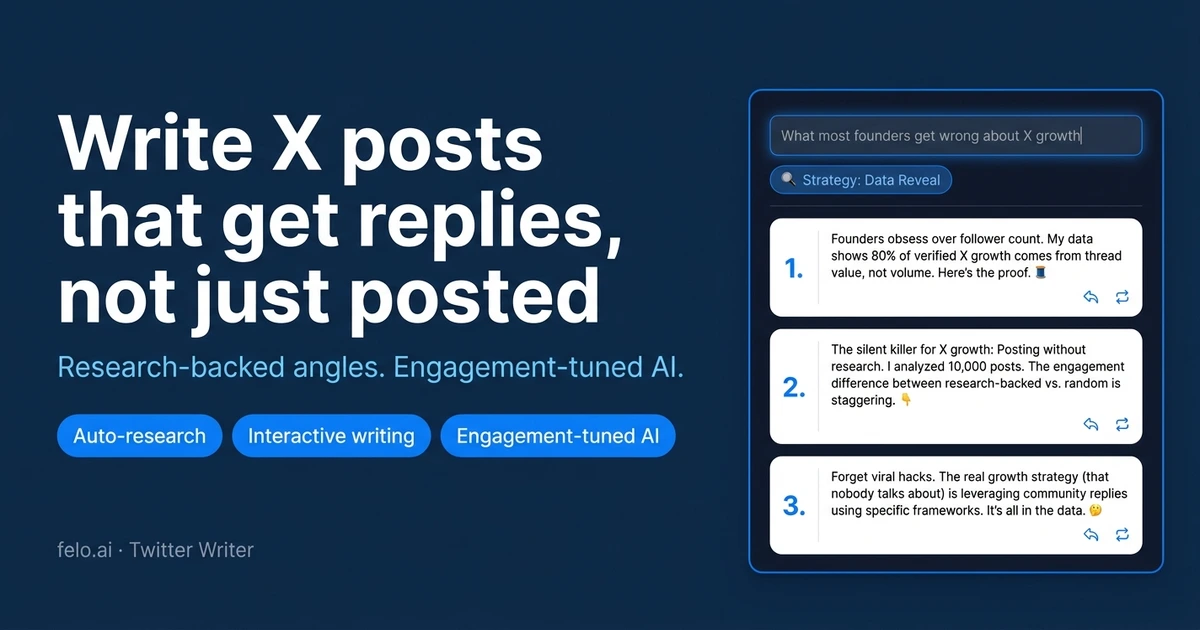
Research-backed angles, engagement-tuned drafts, and publish-risk check for X posts — in 60 seconds.
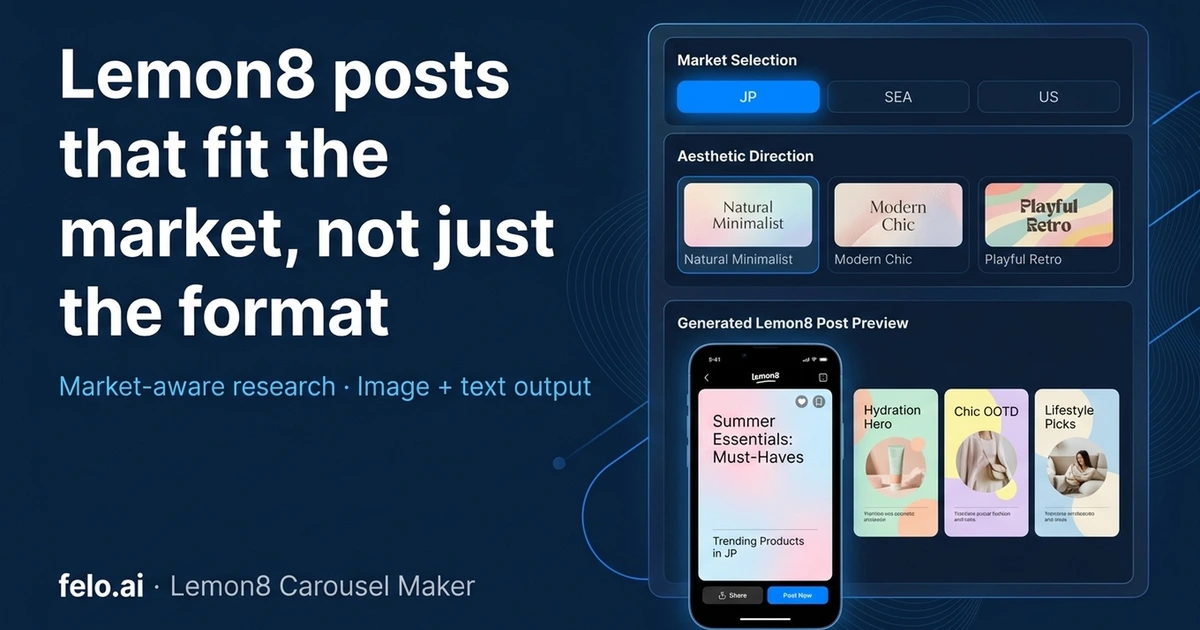
Plan and generate Lemon8 carousel images with the right aesthetic, slide count, and localized style.

Turn notes or rough ideas into note.com articles with outline approval and Japanese publishing style.