Scenario 01
Architecture doc to deck
Agent task involves converting an existing technical document into a presentation.
Convert this 3,000-word architecture doc into a presentation for the engineering all-hands.
When the source material already exists — a competitor's blog post, a research report, a YouTube conference talk, a documentation page — Antigravity's agents shouldn't start a deck from scratch. Felo Content to Slides extracts the structure and key points from any URL or transcript and generates a .pptx the team can review and refine.
These are the prompts where Antigravity's Agent Manager routes to felo-content-to-slides — when existing content needs to become a deck.
Agent task involves converting an existing technical document into a presentation.
Agent has a research report that needs to be presented to stakeholders.
Agent task involves repurposing a long-form article into a slide format.
Six capabilities that convert existing content into structured presentations without manual reformatting.
Converts docs, articles, or research into a structured slide deck automatically.
Detects natural section breaks and maps them to slides — no manual chunking.
Pulls key statements as slide titles, keeping body text as supporting detail.
Flags where charts or images would strengthen the narrative.
Returns PPTX or Google Slides link directly in the agent response.
Activated when the agent task involves converting existing content into a presentation.
How developers use this skill inside Antigravity — from quick lookups to complex multi-step workflows.

Agent task involves converting an existing technical document into a presentation.
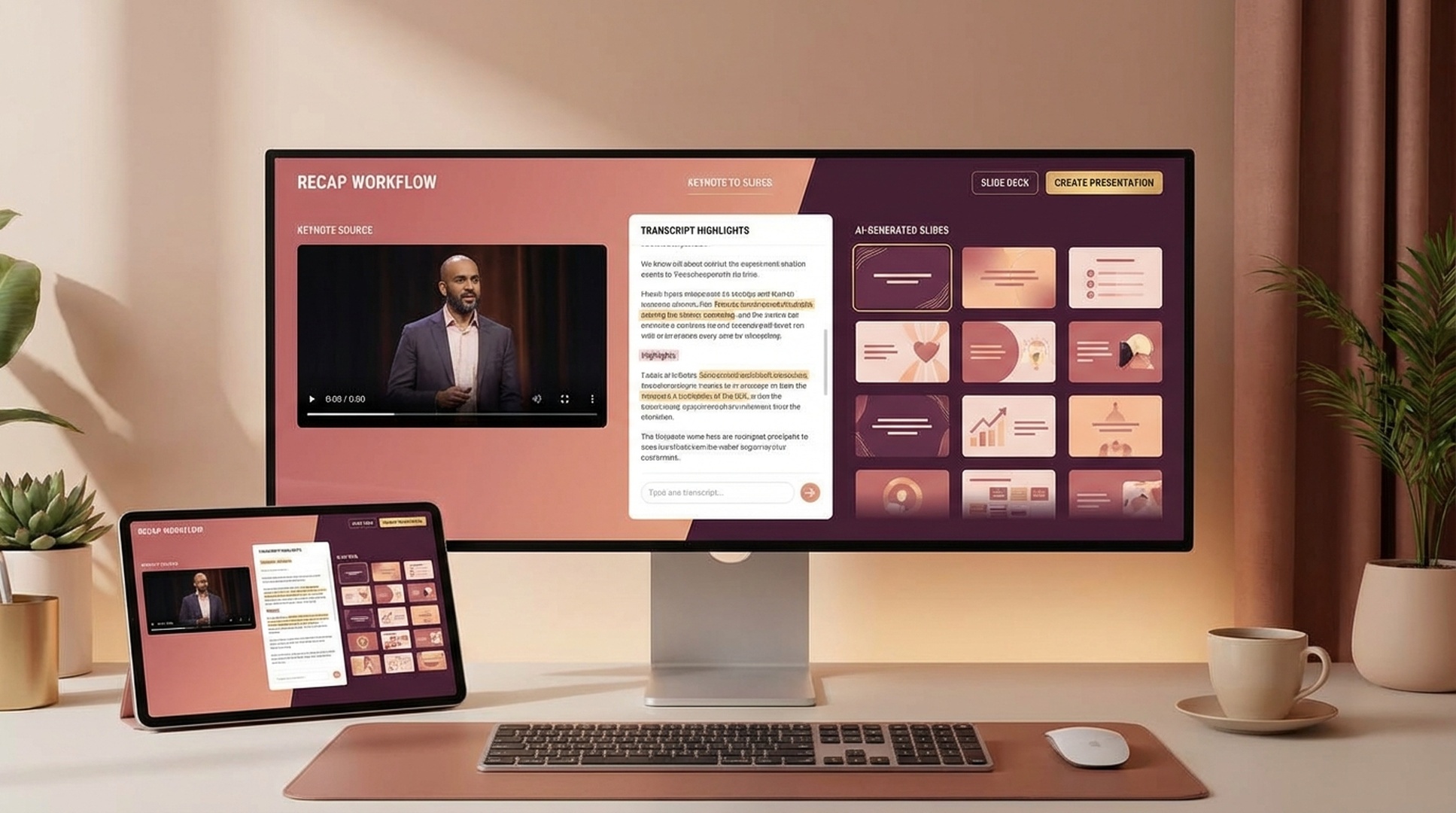
Agent has a research report that needs to be presented to stakeholders.
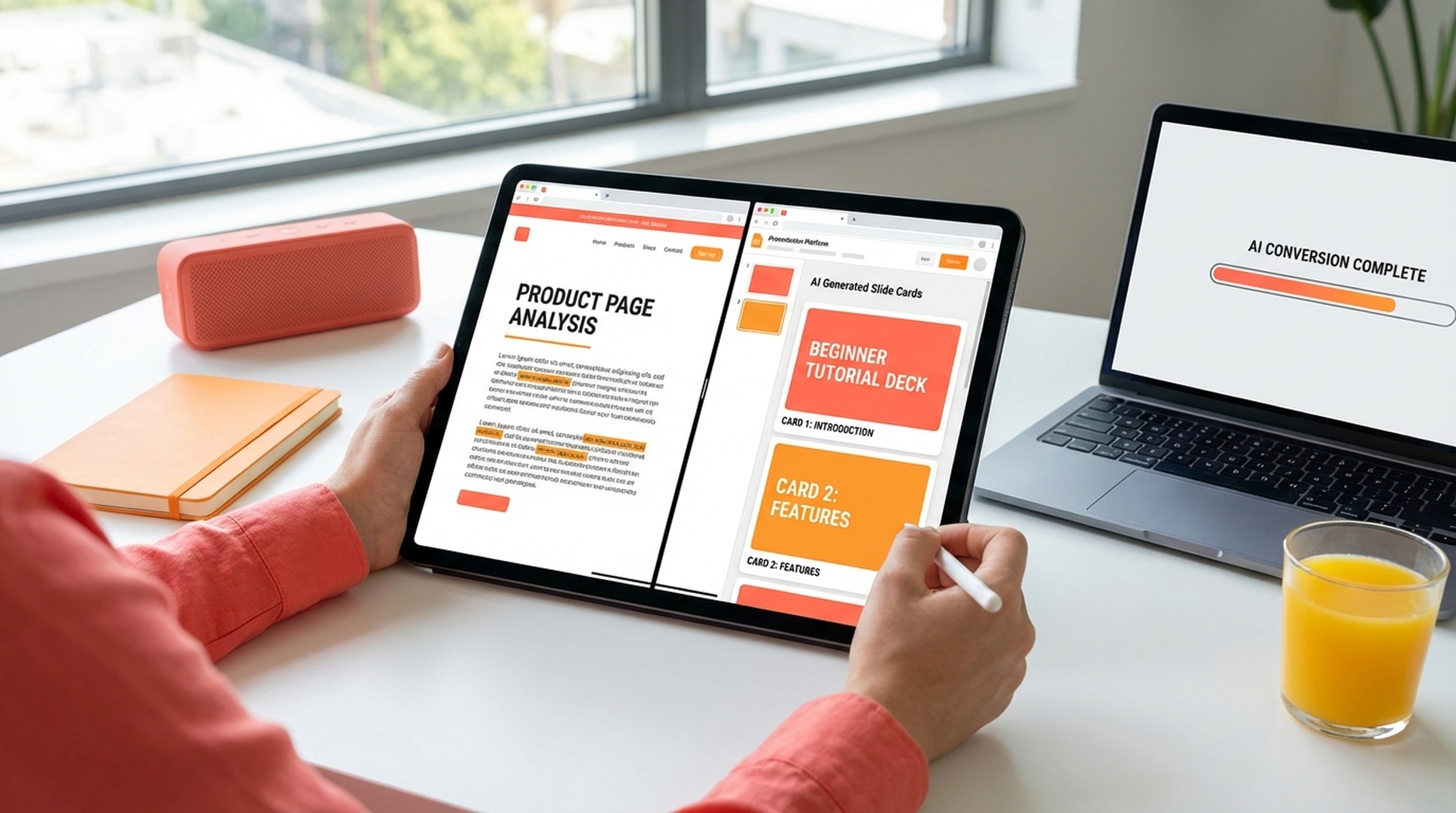
Agent task involves repurposing a long-form article into a slide format.
Once installed, felo-content-to-slides activates when an agent task involves converting a known source into a presentation — no blank-slate prompting needed.
Clone the Felo skills repo and copy the skill into your global Antigravity skills directory.
# Clone the Felo skills repository
git clone https://github.com/Felo-Inc/felo-skills.git

# Copy this skill to your global Antigravity skills folder
cp -r felo-skills/felo-content-to-slides ~/.gemini/antigravity/skills/Paste this prompt directly into Antigravity. The agent clones the repo and copies the skill automatically.
Clone the Felo skills repo and copy felo-content-to-slides into .agent/skills/ for team-wide access. The SKILL.md description activates it when a task involves converting existing content into a presentation.
Add FELO_API_KEY to your environment. The skill handles content extraction, structure inference, and .pptx generation — you point it at the source, it builds the deck.
The natural Antigravity workflow: one agent fetches a page or extracts a video transcript, another passes it to felo-content-to-slides to generate the deck. The Agent Manager chains these automatically — source to presentation in one task.
No configuration needed. The SKILL.md file inside the skill folder tells Antigravity's Agent Manager when to activate it. Once the folder is in place, the agent routes to the skill automatically based on your prompt.
Install felo-content-to-slides in .agent/skills/ and let the Agent Manager convert web pages, articles, and video transcripts into structured presentations automatically.