Scenario 01
QA documentation
Agent task involves capturing the current state of a UI flow for a QA report.
Capture the current state of our checkout flow for the QA report.
Antigravity's Browser Subagent can control Chrome — but capturing, annotating, and organizing screenshots into a structured report is a different job. Website Screenshot Agent reads a Markdown capture plan, visits each URL, takes screenshots, handles authenticated pages, and assembles a documented report the team can review and share.
These are the prompts where Antigravity's Agent Manager routes to doc-screenshot-agent — when the task needs visual evidence, not just text.
Agent task involves capturing the current state of a UI flow for a QA report.
Agent needs to document a UI change with visual evidence.
Agent task involves capturing and analyzing a competitor's UI for a design review.
Six capabilities that let agents capture and reason over visual evidence without leaving the IDE.
Agent captures screenshots of any URL as part of a documentation or QA task.
Targets specific UI elements or page sections — not just full-page screenshots.
Extracts readable text from captured screenshots for further agent reasoning.

Agent captures states before and after a change for visual diff documentation.
Screenshots are stored and referenced by URL in the agent's output.

Activated when the agent task involves visual documentation, QA, or UI verification.
How developers use this skill inside Antigravity — from quick lookups to complex multi-step workflows.
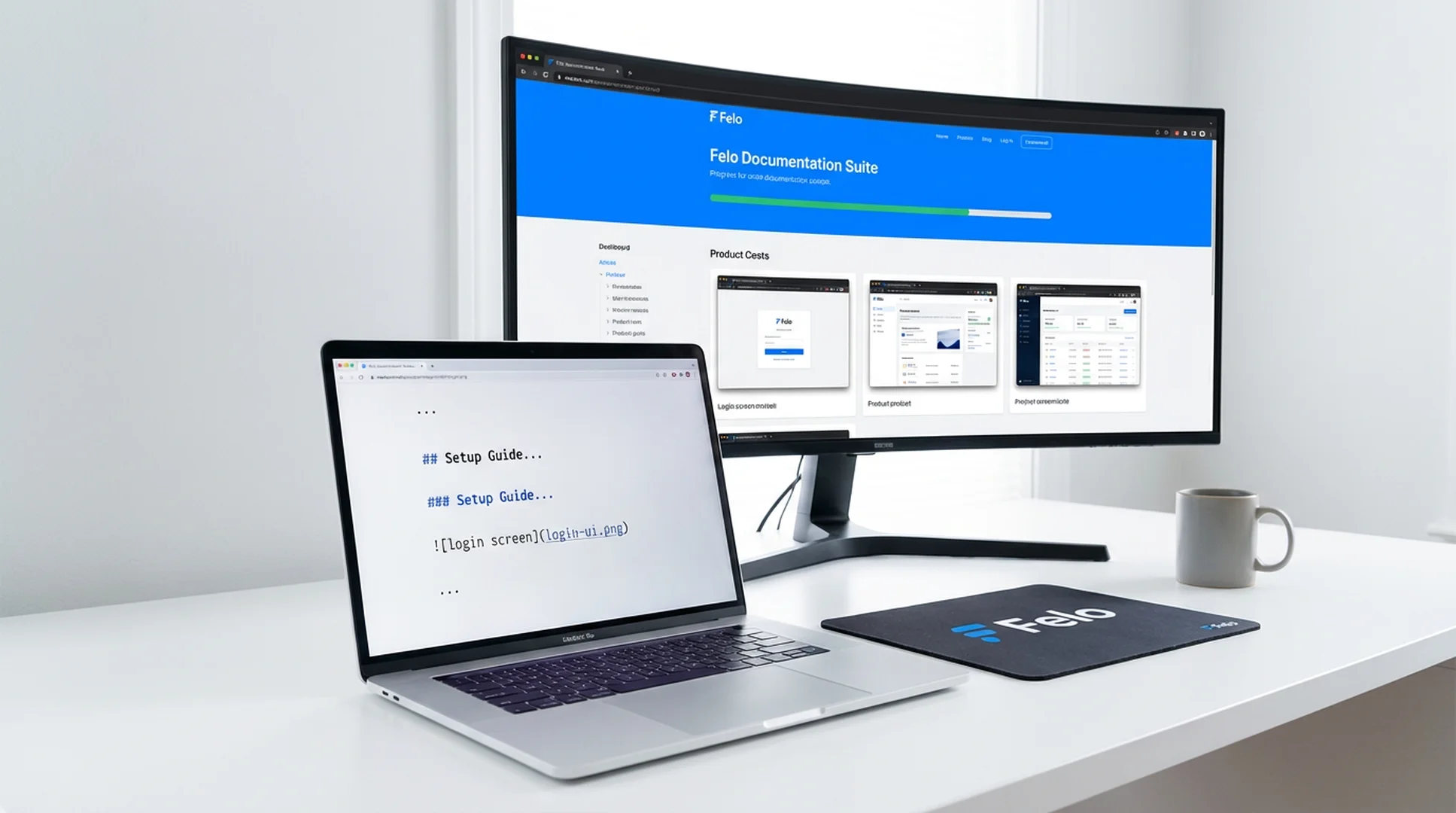
Agent task involves capturing the current state of a UI flow for a QA report.
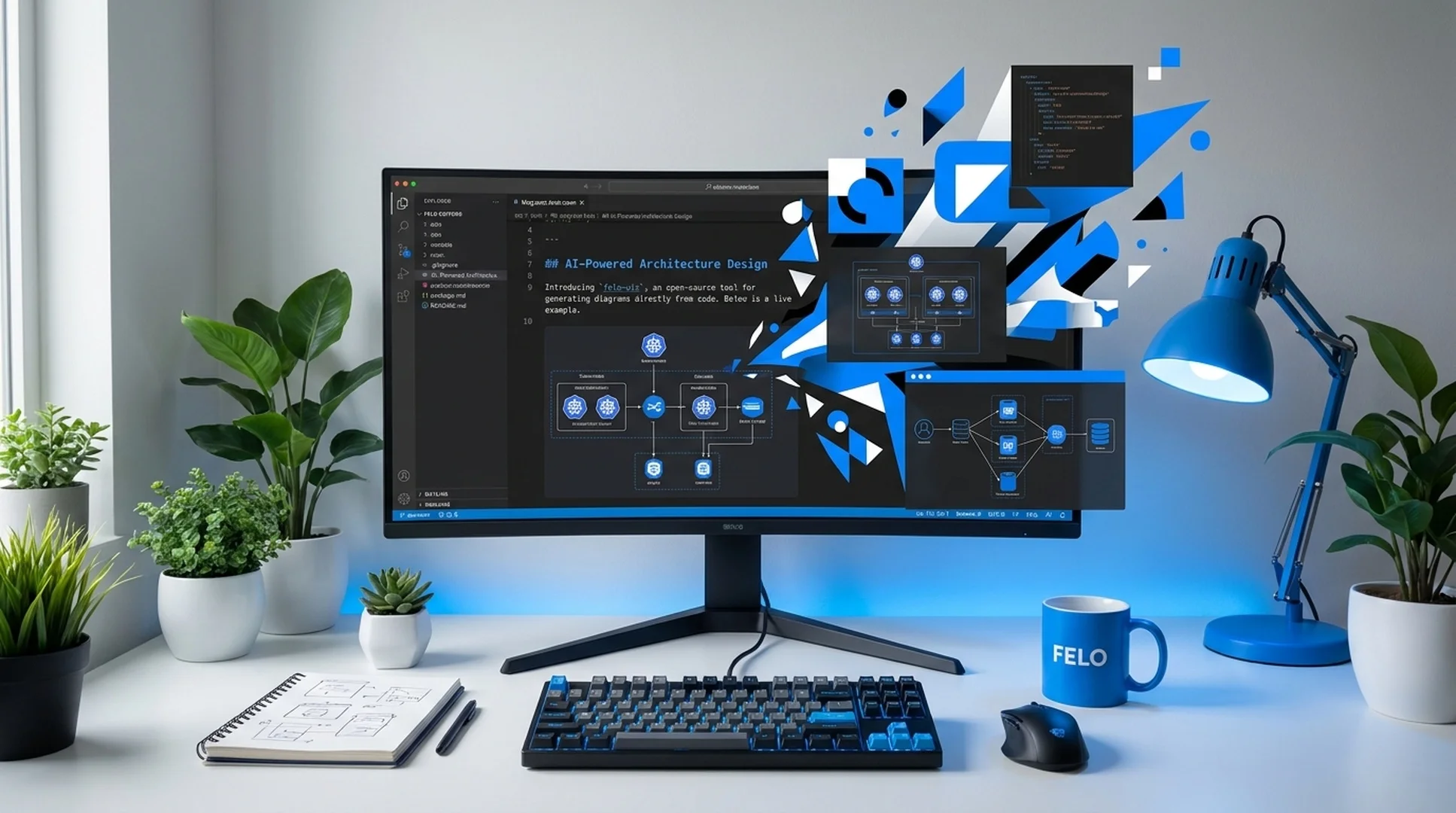
Agent needs to document a UI change with visual evidence.
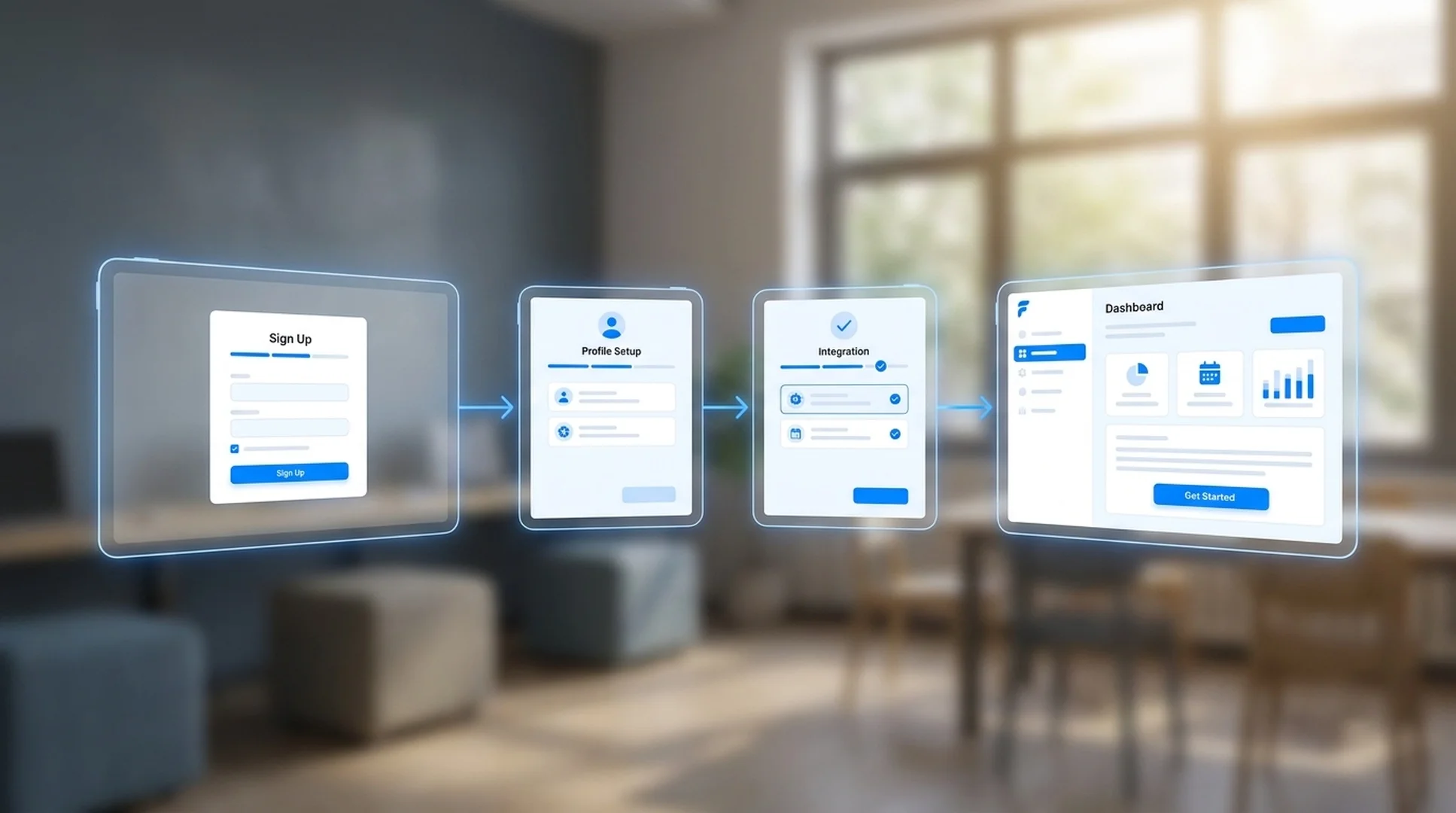
Agent task involves capturing and analyzing a competitor's UI for a design review.
Once installed, the Agent Manager triggers doc-screenshot-agent when a task requires visual evidence — the agent reads a capture plan and produces a documented report automatically.
Clone the Felo skills repo and copy the skill into your global Antigravity skills directory.
# Clone the Felo skills repository
git clone https://github.com/Felo-Inc/felo-skills.git

# Copy this skill to your global Antigravity skills folder
cp -r felo-skills/doc-screenshot-agent ~/.gemini/antigravity/skills/Paste this prompt directly into Antigravity. The agent clones the repo and copies the skill automatically.
Clone the Felo skills repo and copy doc-screenshot-agent into .agent/skills/ for team-wide access via Git. The SKILL.md description activates it for tasks that require visual page capture or UI documentation.
Create a .md file listing the URLs, sections, and evidence you want captured. The skill reads the plan, visits each page in order, and organizes screenshots according to your instructions — including authenticated pages when credentials are set.
The skill produces a Markdown report with embedded screenshots, organized by your capture plan. The Agent Manager can include this report in a larger deliverable — a competitive analysis, a QA summary, a design review — without any manual screenshot work.
No configuration needed. The SKILL.md file inside the skill folder tells Antigravity's Agent Manager when to activate it. Once the folder is in place, the agent routes to the skill automatically based on your prompt.
Install doc-screenshot-agent in .agent/skills/ and let the Agent Manager capture, annotate, and report on web pages as part of any research or QA workflow.