AI Image to GIF
AI Image to GIF: turn one photo into a moving GIF
Upload one photo, name a small movement, and get a moving GIF that keeps the subject recognizable. Works for avatars, product shots and profile banners.
- Free to start
- One photo is enough
- GIF output, no audio
Sign-in is required, and usage follows your Felo plan.
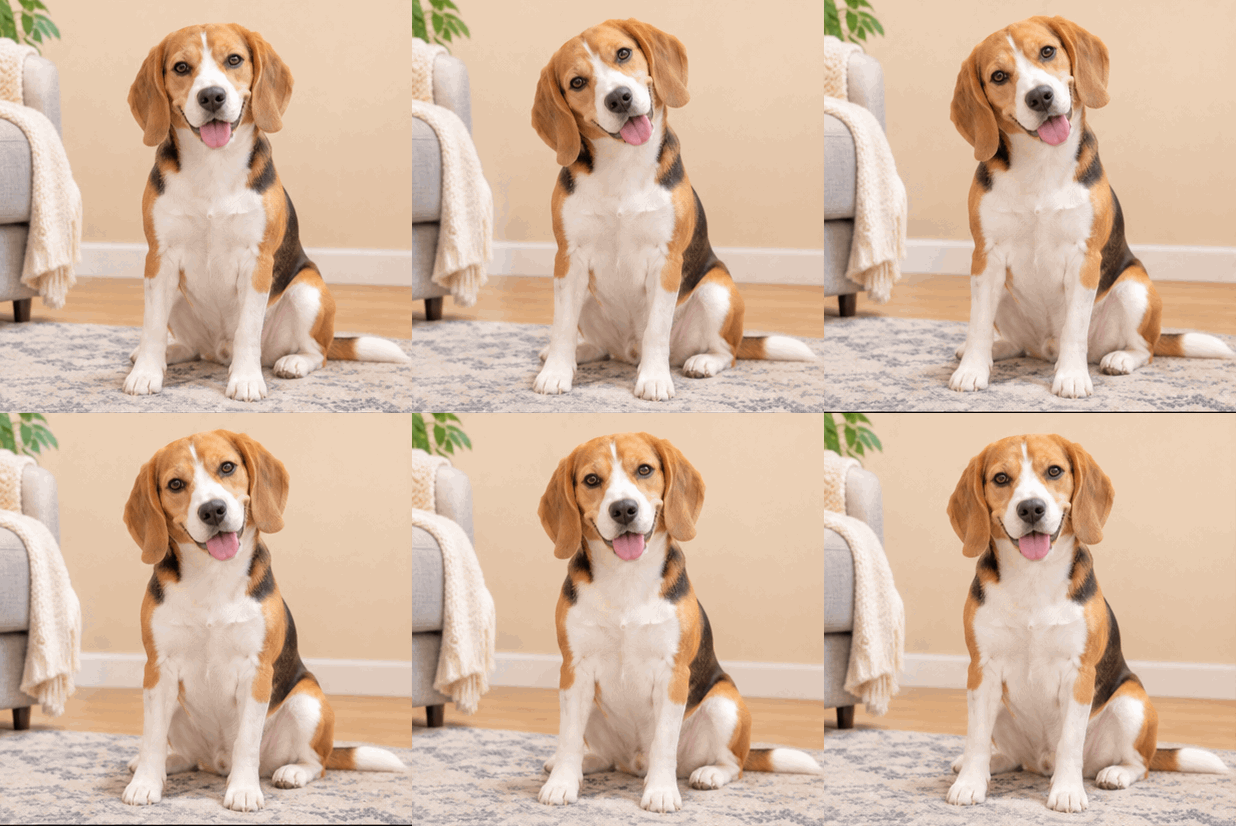 GIF
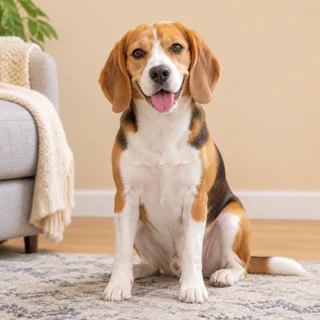
Real result, not retouched
Pet head tilt · Made with this tool from prompt 01 below.
At a glance
AI image to GIF is a tool that adds a short movement to one still photo and saves the result as an animated GIF. It works from the image you already have instead of asking for new footage.
- Input
- One PNG, JPEG or WebP photo
- Output
- Short looping GIF
- Model
- GPT Image 2.6 Flare
- Cost
- Free to start, then plan credits
How to turn a photo into a GIF
The shortest route from still photo to GIF is one upload, one sentence and one review.
 1
Upload the photo
Choose a single still image with a clear subject and space for the movement.
 2
Describe the movement
Say what should move and what must stay still, then generate.
 3
Download the GIF
Check the face and the framing, then save the file to share.
Photo to GIF prompts to try first
Three presets cover the usual photo subjects. Pick one to fill the prompt box, then attach your image.
- GIF01
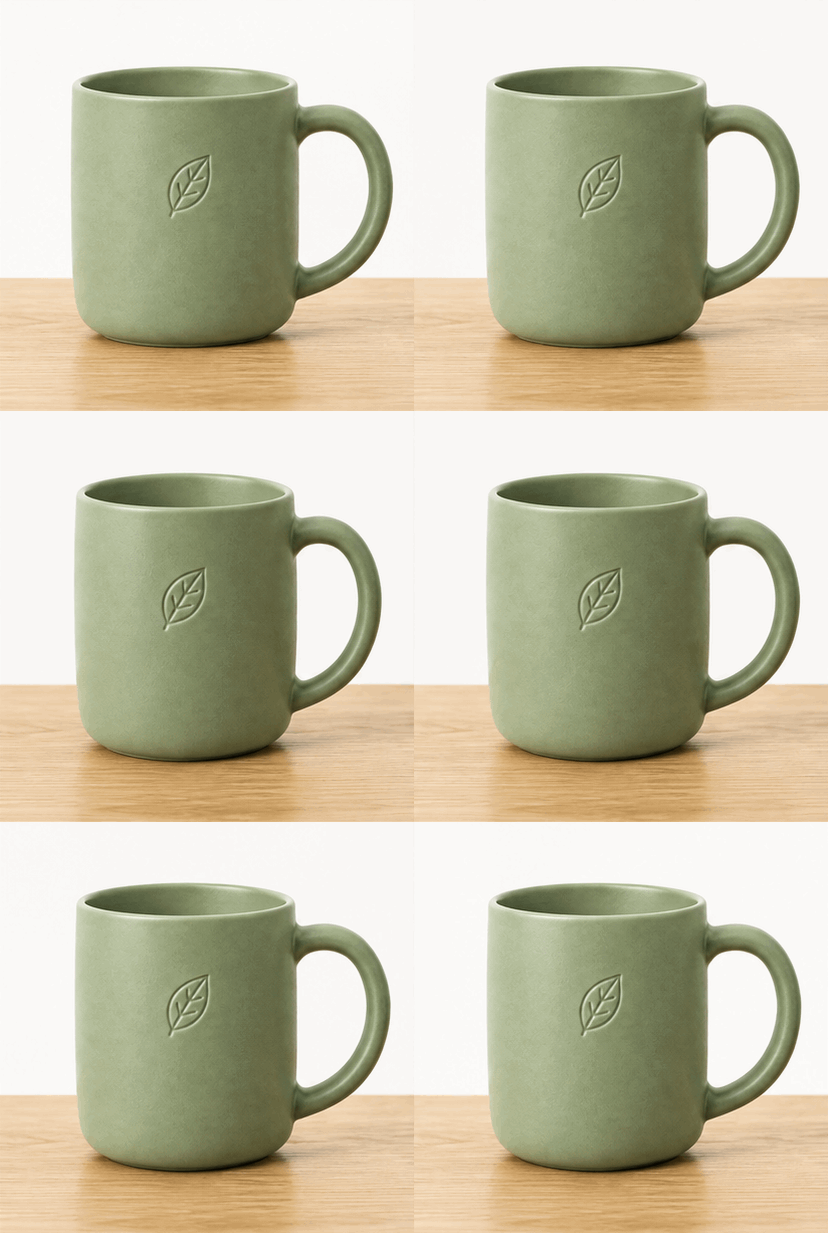
Pet head tilt
A small tilt that keeps the face recognizable.
PromptThe dog in the reference photo gently tilts its head to one side and returns to the starting pose. Keep the face, fur markings and background unchanged. Fixed camera, short looping GIF.
 GIF
 02
Product light turn
A slow rotation for a still product shot.
PromptThe product in the reference photo rotates slowly a few degrees and settles back to the front view. Keep the label text unchanged, fixed camera, plain background, short loop.
 GIF
 03
Portrait blink
A subtle blink for a headshot or avatar.
PromptThe person in the reference photo blinks once and smiles slightly, then returns to the original expression. Keep facial features and hair unchanged, fixed camera, short loop.
What you can make from one photo
A single still image plus one movement covers more formats than most people expect.
Avatars and profiles
A subtle head tilt or blink that makes a profile picture feel alive.
Product pages
A gentle turn or drifting steam that adds detail to a settled angle.
Illustration showcases
One wave or breathing loop that presents character art on a portfolio page.
Felo vs. a classic GIF editor
A classic editor rearranges frames you already have. Felo draws new frames from what you describe.
- Starting point
- Felo: One sentence, plus a photo or GIF when the tool asks for one
- Classic GIF editor: A video clip or a folder of frames
- Making the motion
- Felo: The model draws each frame from your description
- Classic GIF editor: You trim, crop and time frames by hand
- Changing the style
- Felo: Rewrite the prompt: pixel art, clay, line art or photo
- Classic GIF editor: Filters on the footage you already have
- Words in the loop
- Felo: Name the words in the prompt, then check spelling at full size
- Classic GIF editor: A typed overlay placed on top of the frames
- Setup
- Felo: Runs in the browser after sign-in
- Classic GIF editor: Often a desktop or phone app to install
Image to GIF quality checks
Most image-to-GIF problems start with the source, so review these four points.
- 1
The face
Compare eyes, mouth and hairline with the original photo. AI can shift them between frames.
- 2
Details that carry meaning
Check logos, labels and handwriting, which often break first in a redraw.
- 3
The frame edge
Confirm the movement stays inside the image; crops cut raised hands and turns.
- 4
File size
Longer, smoother motion means a heavier file. Trim the loop when the destination limits size.
Post it wherever GIFs play
A GIF needs no player or plug-in, so one file works in chat, docs and email.
- Discord
- Slack
- Telegram
- X
- Notion
- Google Slides
- Gmail
- iMessage
Free to try: credits and GIF limits
Cost and file limits are simple: starting is free, repeat runs use credits, and every GIF obeys the format.
Free to start
Animate a first photo without paying; later sessions follow your Felo plan.
Credits for more generations
Each extra generation counts as one use, so tune the prompt before you repeat.
GIF output limits
A GIF allows 256 colors per frame, carries no audio, and grows heavier with every added frame.
AI image to GIF questions
How do I convert an image to GIF?
Upload one still photo, describe a single movement and generate. The model animates the subject inside your image.
Which photos work best for image to GIF?
Sharp shots with one clear subject and room around it animate most reliably. Front-facing portraits keep faces steadier.
Will the face change in the GIF?
It can. The model redraws each frame, so features may drift slightly; compare the result with the original before posting.
Is AI image to GIF free?
Starting is free for the first runs. Repeat generations use the credits on your Felo plan.
What file format does it output?
The result is an animated GIF. The input is a still PNG, JPEG or WebP photo.
How long is the loop?
The loop is short by design, usually one action that returns to its starting pose. Shorter loops also keep the file small.
Every Felo GIF tool
All 12 tools run in your browser with the same prompt box. Pick the one that matches what you start with.
 AI GIF GeneratorTurn one written moment into a short looping GIF with GPT Image 2.6 Flare.
 Images to GIFTurn still photos into a looping GIF with AI from a reference image, or assemble exact frames yourself.
 GIF Meme MakerDescribe a reaction and get a looping meme GIF for chat, with exact captions when every word has to be right.
 Animated Text GIF GeneratorDescribe your words and motion and get a looping animated text GIF for titles, greetings and countdowns.
 Animated Sticker MakerMake an animated sticker GIF from a character, pet or photo, then send the loop in chat.
 Discord GIF MakerMake a Discord GIF for chat, a custom emoji or an avatar, then check it against the current upload limit.
 AI Logo GIF GeneratorGive an existing logo a short GIF animation with GPT Image 2.6 Flare.
 AI Pixel GIF GeneratorTurn one pixel character into an idle, walk or attack animation loop, then download the GIF as a preview.
 Reverse GIFTurn one reference frame into a GIF loop that plays forward and back.
 GIF Background RemoverGive a GIF a clean cut-out background from one reference frame.
 GIF UpscalerUpscale a small or blurry GIF with an AI redraw that adds detail at a larger size.
Turn a photo into a GIF
Upload one image, describe a small movement, and check the loop before you share it.
Animate a photo