AI GIF background remover
GIF Background Remover: clear the background from every frame
Remove the backdrop frame by frame and place the loop on a new color, a slide or a product page. No white box behind the subject.
- Free to start
- One reference image is enough
- GIF output
Generation runs on Felo after sign-in and uses your account quota. A subject on a plain backdrop gives the cleanest edge.
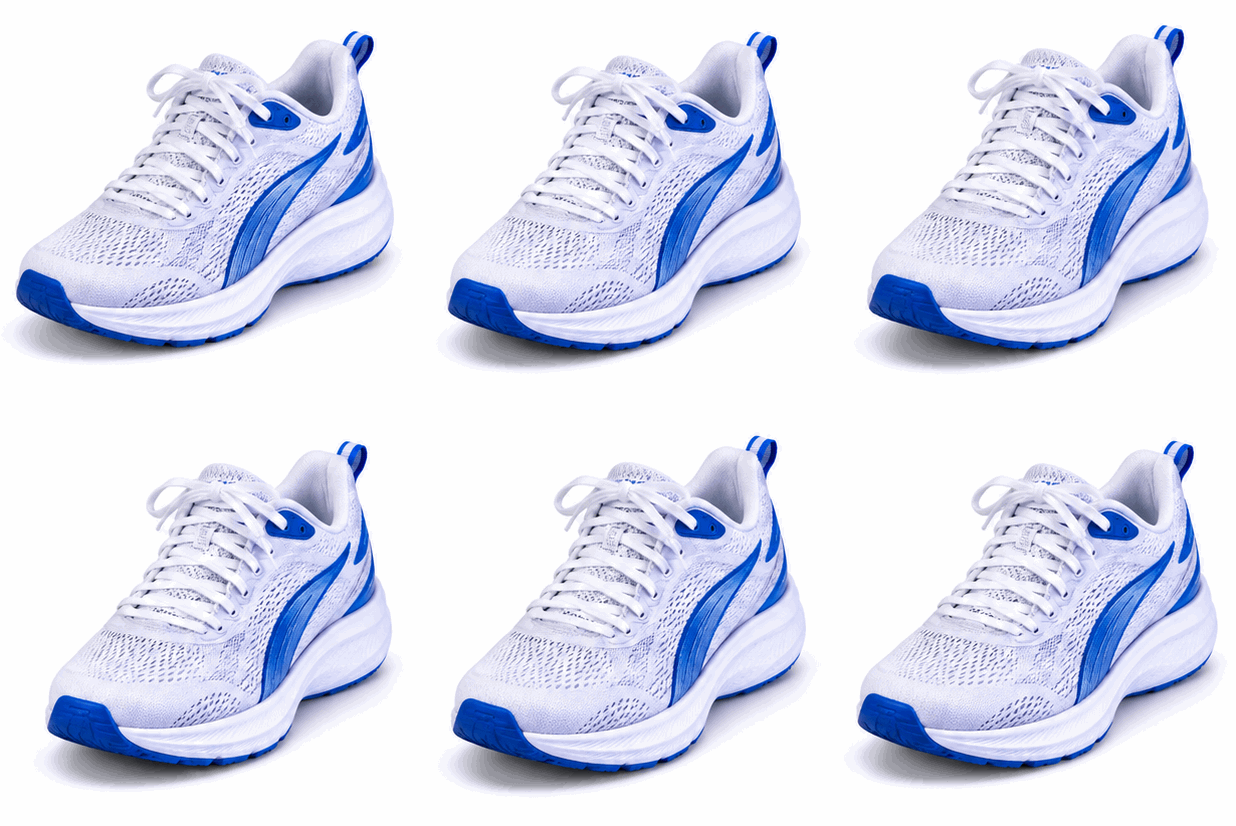 GIF
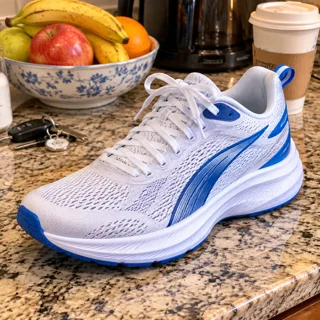
Real result, not retouched
White-background product · Made with this tool from prompt 01 below.
At a glance
A GIF background remover clears the backdrop from every frame while the subject keeps moving. The loop can then sit on a new color, a slide or a sticker sheet. The AI redraws a clean background from one reference frame, and the manual workspace keys a solid color out of an existing GIF. Transparency is not guaranteed, so check the edges before publishing.
- Input
- One reference frame plus a prompt
- Output
- GIF with a clean background
- Model
- GPT Image 2.6 Flare
- Cost
- Your Felo quota per run
How to remove a GIF background
Start with one frame, name the subject and the new backdrop, then generate the cut-out loop and download it.
 1
Add a reference frame
Choose one frame with the subject clearly separated from the backdrop.
 2
Describe the subject and the new backdrop
Name the subject, the background color or scene, and keep the framing the same.
 3
Generate and check the edges
Sign in to run the model, download the GIF and inspect hair, shadows and the loop seam.
GIF background remover prompts to try
Try a product, character or food backdrop prompt; each one fills in the subject and the background you want.
- GIF01
White-background product
A product cut cleanly onto plain white for a catalog page.
PromptUsing the uploaded frame as the reference, redraw the product on a plain white background with a soft contact shadow. Keep the product shape, label text, colors and camera angle unchanged, and make the product the only thing on the canvas. Then let the product turn slowly a few degrees and back so the GIF loops.
 GIF
 02
Brand-color character
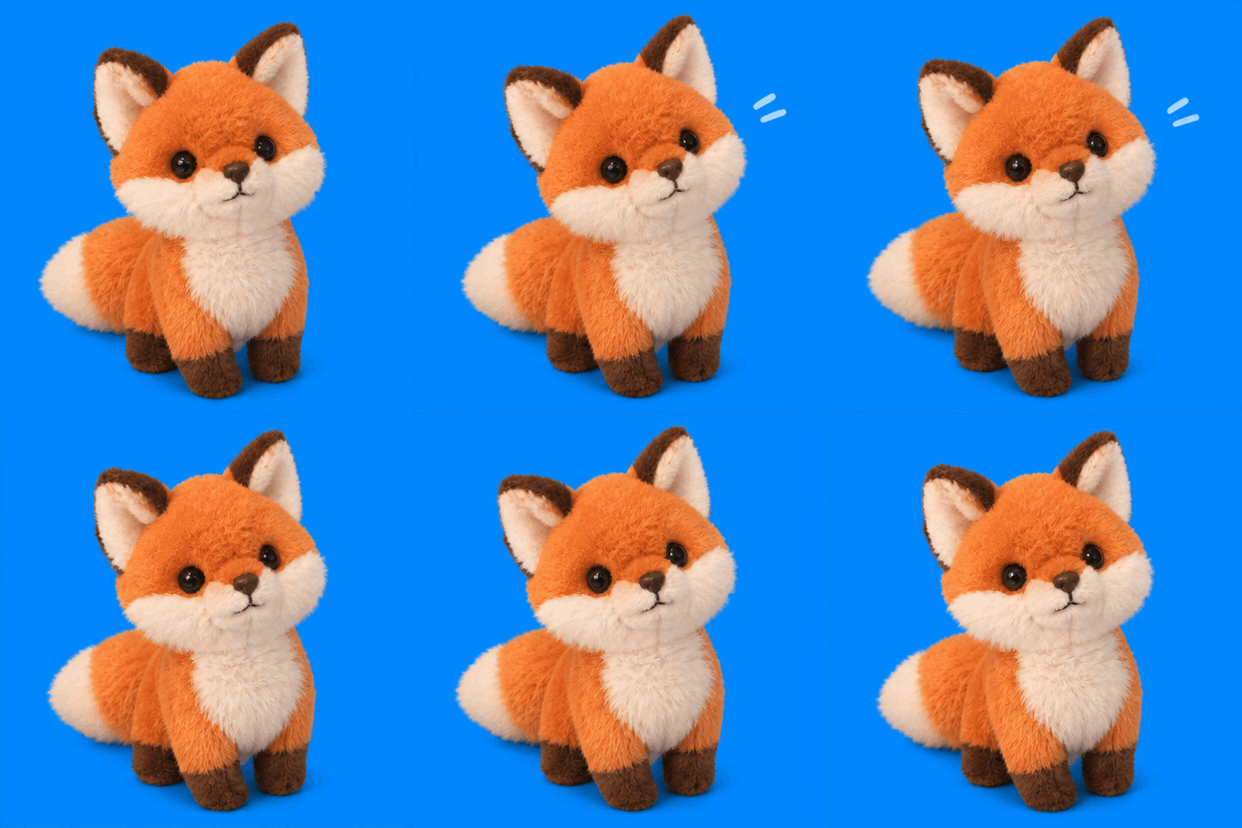
A mascot on one flat brand color that matches a slide deck.
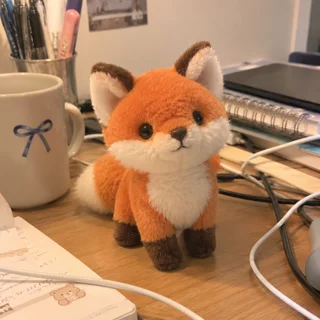
PromptUsing the uploaded character as the reference, place it on a flat brand-blue background (#0080FF) with a clean edge. Keep the character's pose, outfit and proportions the same, remove all other background objects, and leave no gradient or texture behind. Then let the character sway gently to one side and settle back so the GIF loops.
 GIF
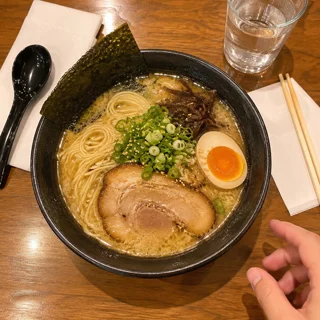 03
Food on a clean table
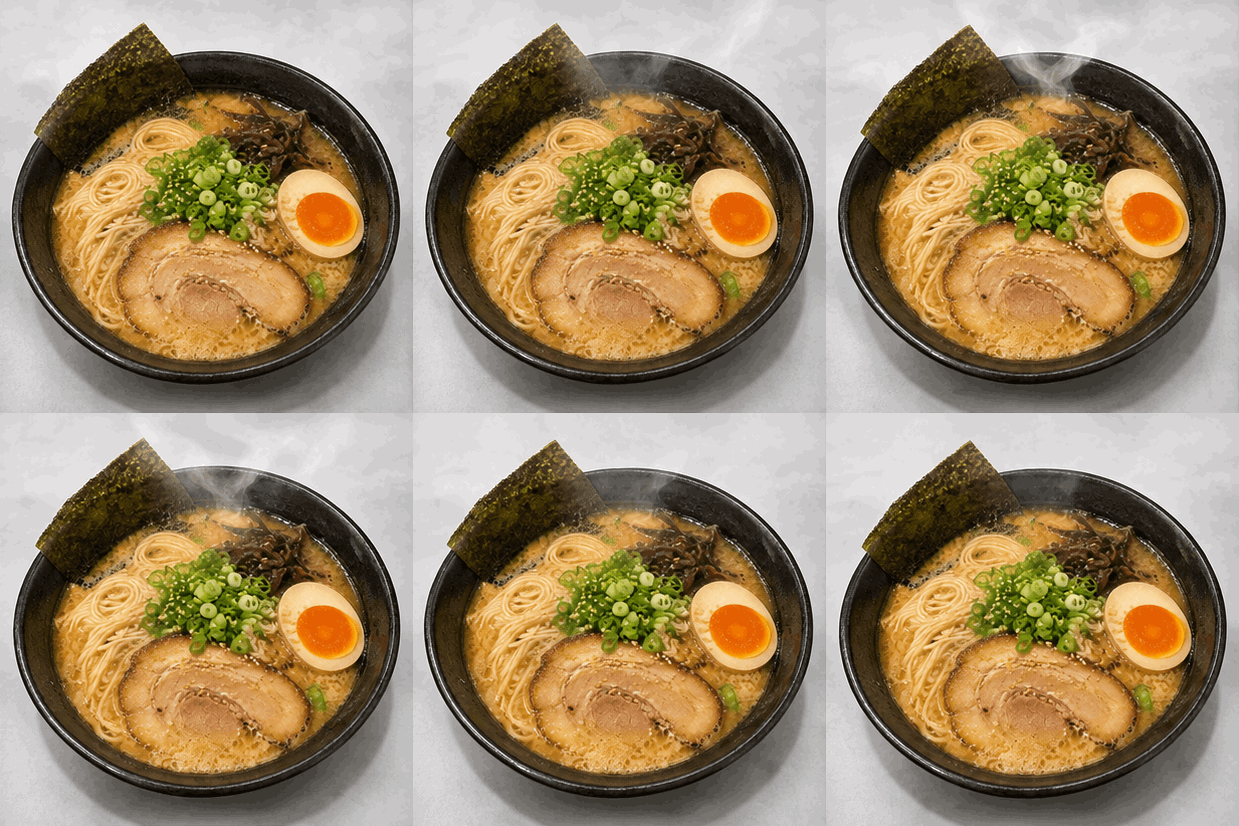
A dish cut out of a busy table into a clean product shot.
PromptUsing the uploaded frame as the reference, keep the dish and redraw the background as a clean light-gray surface. Add a soft shadow under the plate. Remove napkins, cutlery and hands, keep the food colors and portion size unchanged, and hold the same camera angle. Then let a thin wisp of steam rise from the food and fade so the GIF loops.
GIF background remover use cases
Use a cut-out loop on product pages, in chat, or in ad creative that changes background color.
Product pages
A product loop sits on a white catalog page or a colored promo banner without a visible box.
Chat stickers
A pet or a gesture loop drops into a chat theme with a clean edge and no square frame.
Ads and slide decks
The same loop reuses across a deck and a paid post by changing the color behind it.
Felo vs. a classic GIF editor
A classic editor rearranges frames you already have. Felo draws new frames from what you describe.
- Starting point
- Felo: One sentence, plus a photo or GIF when the tool asks for one
- Classic GIF editor: A video clip or a folder of frames
- Making the motion
- Felo: The model draws each frame from your description
- Classic GIF editor: You trim, crop and time frames by hand
- Changing the style
- Felo: Rewrite the prompt: pixel art, clay, line art or photo
- Classic GIF editor: Filters on the footage you already have
- Words in the loop
- Felo: Name the words in the prompt, then check spelling at full size
- Classic GIF editor: A typed overlay placed on top of the frames
- Setup
- Felo: Runs in the browser after sign-in
- Classic GIF editor: Often a desktop or phone app to install
Remove a solid background from an existing GIF
The manual workspace keys a solid color out of an existing file, frame by frame, and exports a GIF with transparent pixels.
How to check a transparent GIF
Play the loop on a dark and a light background, then check the edges before publishing.
- 1
Hair and fine edges
Fine strands redraw as a hard fringe because GIF transparency is one bit. Crop closer or pick a cleaner source.
- 2
Leftover background
Look for a white halo, a shadow edge or a strip of the original scene along the subject.
- 3
Transparency is not guaranteed
AI output can keep a solid or near-solid backdrop. The browser workspace keys a solid color out with tolerance when you need real transparency.
- 4
File size and format
GIF carries 256 colors and no audio, so gradients can band. Compare the download with the upload limit of the app you use.
Post it wherever GIFs play
A GIF needs no player or plug-in, so one file works in chat, docs and email.
- Discord
- Slack
- Telegram
- X
- Notion
- Google Slides
- Gmail
- iMessage
Free to start: credits and cut-out GIF limits
Drafting the prompt is free; a generated cut-out counts against your Felo quota.
Free to start
Start with a reference frame and a prompt before spending any quota.
What uses quota
Each generation is a new run on your Felo account, including retries for a cleaner edge.
File and format limits
Output is a GIF with 256 colors and no audio. Transparency and fine detail depend on the drawing.
GIF background remover questions and answers
How does a GIF background remover work?
Add one reference frame, describe the subject and the new background, then generate and download the GIF. Every frame is redrawn with the same framing.
Is the exported GIF transparent?
Not always. AI output can include a solid backdrop, and GIF transparency is one bit with no soft alpha. Check the edges on a dark background before posting.
Can I key a color out myself?
Yes. The browser workspace removes a chosen color with a tolerance setting from an existing GIF, frame by frame, and exports transparent pixels.
What happens to hair and fine edges?
Hair, fur and shadows become a hard fringe because GIF has no partial transparency. A cleaner source frame and a tighter crop reduce the problem.
Is it free?
Drafting a prompt costs nothing; each generation uses your Felo quota. The local color key costs no quota.
Which file do I get?
A GIF with a 256-color palette and no audio. Check the first and last frame and the file size before uploading.
Every Felo GIF tool
All 12 tools run in your browser with the same prompt box. Pick the one that matches what you start with.
 AI GIF GeneratorTurn one written moment into a short looping GIF with GPT Image 2.6 Flare.
 AI Image to GIFTurn one still photo into a short looping GIF by describing a single movement.
 Images to GIFTurn still photos into a looping GIF with AI from a reference image, or assemble exact frames yourself.
 GIF Meme MakerDescribe a reaction and get a looping meme GIF for chat, with exact captions when every word has to be right.
 Animated Text GIF GeneratorDescribe your words and motion and get a looping animated text GIF for titles, greetings and countdowns.
 Animated Sticker MakerMake an animated sticker GIF from a character, pet or photo, then send the loop in chat.
 Discord GIF MakerMake a Discord GIF for chat, a custom emoji or an avatar, then check it against the current upload limit.
 AI Logo GIF GeneratorGive an existing logo a short GIF animation with GPT Image 2.6 Flare.
 AI Pixel GIF GeneratorTurn one pixel character into an idle, walk or attack animation loop, then download the GIF as a preview.
 Reverse GIFTurn one reference frame into a GIF loop that plays forward and back.
 GIF UpscalerUpscale a small or blurry GIF with an AI redraw that adds detail at a larger size.
Make your cut-out GIF
Add one frame, describe the subject and the background you want, then generate.
Start generating